jupitrr logo
Features
Use Cases
Resources
Pricing
Log in
Try it for Free

Teleprompter & Camera Recorder

Read your script on screen while recording. No more memorizing.

Teleprompter & Camera Recorder
Loading teleprompter recorder…

How it works

1

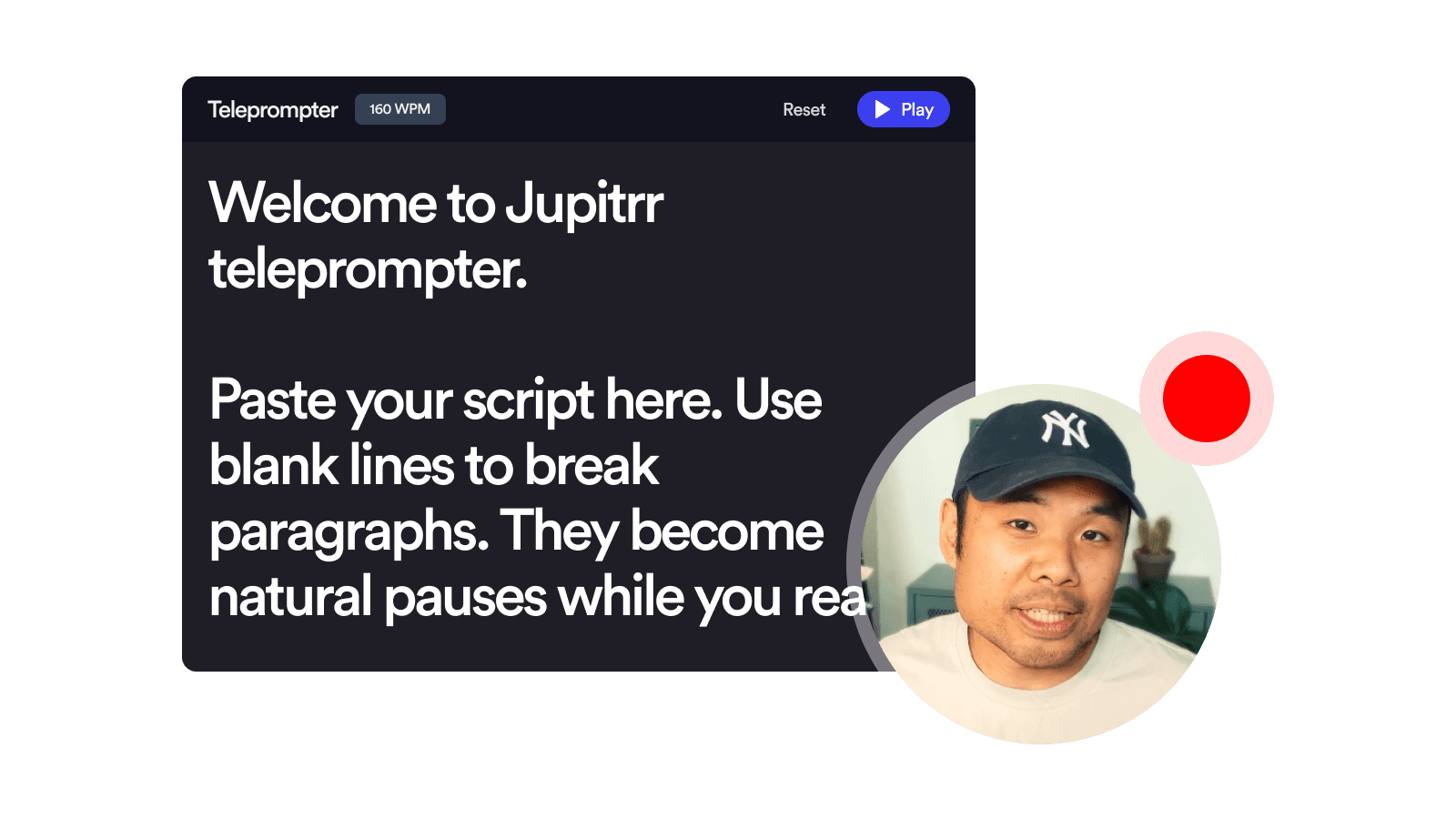
Show the teleprompter

Open the floating teleprompter window and paste your script. Drag it near your camera lens for a natural eye-line.

2

Enable camera & mic

Grant browser access once. Check your framing in the live preview before you hit record.

3

Record and download

Hit record, read at your pace, then stop. Download the file, or sign up to add subtitles and B-roll in Jupitrr.

Frequently asked questions

What is a Teleprompter & Camera Recorder?
A browser tool that shows a scrolling script on screen while it records you on camera. You read at your own pace, the prompter follows, and the recording captures only your webcam, not the script.
Why do I need a teleprompter?
A teleprompter lets you deliver a polished video without memorizing your script. You stay on message, sound natural, and finish in fewer takes, which makes filming weekly social content much easier. Creators, founders, and marketers use teleprompters for talking-head videos, YouTube Shorts, LinkedIn updates, sales walkthroughs, and explainer clips, anywhere the goal is to read smoothly without looking like you are reading.
Is it free to use Teleprompter & Camera Recorder?
Yes, 100% free. The Teleprompter & Camera Recorder is part of the Jupitrr Free Video Toolkit. We want to build quick and easy video tools that help you every step in creating content for your business.
Do I need to download or install anything?
No. The Teleprompter & Camera Recorder is fully browser-based, so there is nothing to download, install, or sign up for. It works on macOS, Windows, ChromeOS, and Linux as long as you can open the page. Your webcam, microphone, and the scrolling script all live inside the browser tab — no desktop app, no extension, no plugin.
Can I record vertical video on my phone?
For mobile or vertical recording (Reels, TikTok, Shorts), we recommend the Jupitrr Cut Teleprompter iOS app. Also completely free, with auto-trim and AI jumpcut that automatically remove silent gaps and filler words from your take. The browser version here is best on a laptop or desktop.
Can I change the speed and text size while reading?
Yes. The teleprompter window has inline controls for words-per-minute (WPM) and font size. Adjust them any time, before or during recording.
What is a good speed in WPM?
Most natural-sounding speech sits between 140 and 170 words per minute (WPM). Conversational delivery for social videos lands around 150 WPM. Faster pacing (180+ WPM) works for high-energy YouTube Shorts and TikTok, while slower pacing (120 to 140 WPM) suits tutorials and explainers. The right speed is whatever lets you read without rushing. Start at 150 and nudge it up or down with the inline speed control until the prompter matches your real pace.
Can I edit the script after I open the teleprompter?
Yes. Click into the teleprompter and edit the text directly. Changes save automatically in your browser so the next visit keeps the same script.
How long can I record?
There is no fixed time limit. The recorder will keep going as long as your browser tab stays open and your machine has memory to spare. In practice, individual clips under ten minutes work best, since they are easier to re-record, easier to edit, and faster to download. If you need a longer piece, record in segments and join them in Jupitrr or a stitch-and-trim tool.
The camera or teleprompter gets stuck, what do I do?
Try refreshing the page and granting browser permissions again. If the issue persists, try a different browser (Chrome, Edge, or the latest Safari work best).
What video file, resolution, and quality do I get?
You get an MP4 file in Full HD (1080p, 16:9) at 30 frames per second. The quality is high enough for YouTube, LinkedIn, and most client work, while still being small enough to download in seconds. MP4 plays everywhere and imports cleanly into Jupitrr or any other video editor.
What is Jupitrr AI?
Jupitrr is an all-in-one video operating system for businesses. Plan, script, record, edit, and publish your videos in one place, powered by the Jupitrr AI Video Editor and the Jupitrr Cut Teleprompter app. This free toolkit is a small slice of what the full product can do. When you are ready for subtitles, B-roll, filler-word removal, and one-click publishing across YouTube, LinkedIn, and TikTok, jump into the full editor.
Where does the recording go after I stop?
It loads into an in-page preview where the recorder was, so you can play it back, scrub through it, and decide whether to keep the take. Hit Download to save the MP4 to your computer, or hit Record again to retake. Nothing is uploaded or saved anywhere else, so the file disappears the moment you leave the page. When you are ready for subtitles, B-roll, and filler-word removal, sign up and continue in Jupitrr.

Unlock the full video workflow with Jupitrr AI

Jupitrr brings planning, scripting, recording, editing, and publishing into a single tool. Built for businesses shipping video consistently.

AI Talking Head Video Editor

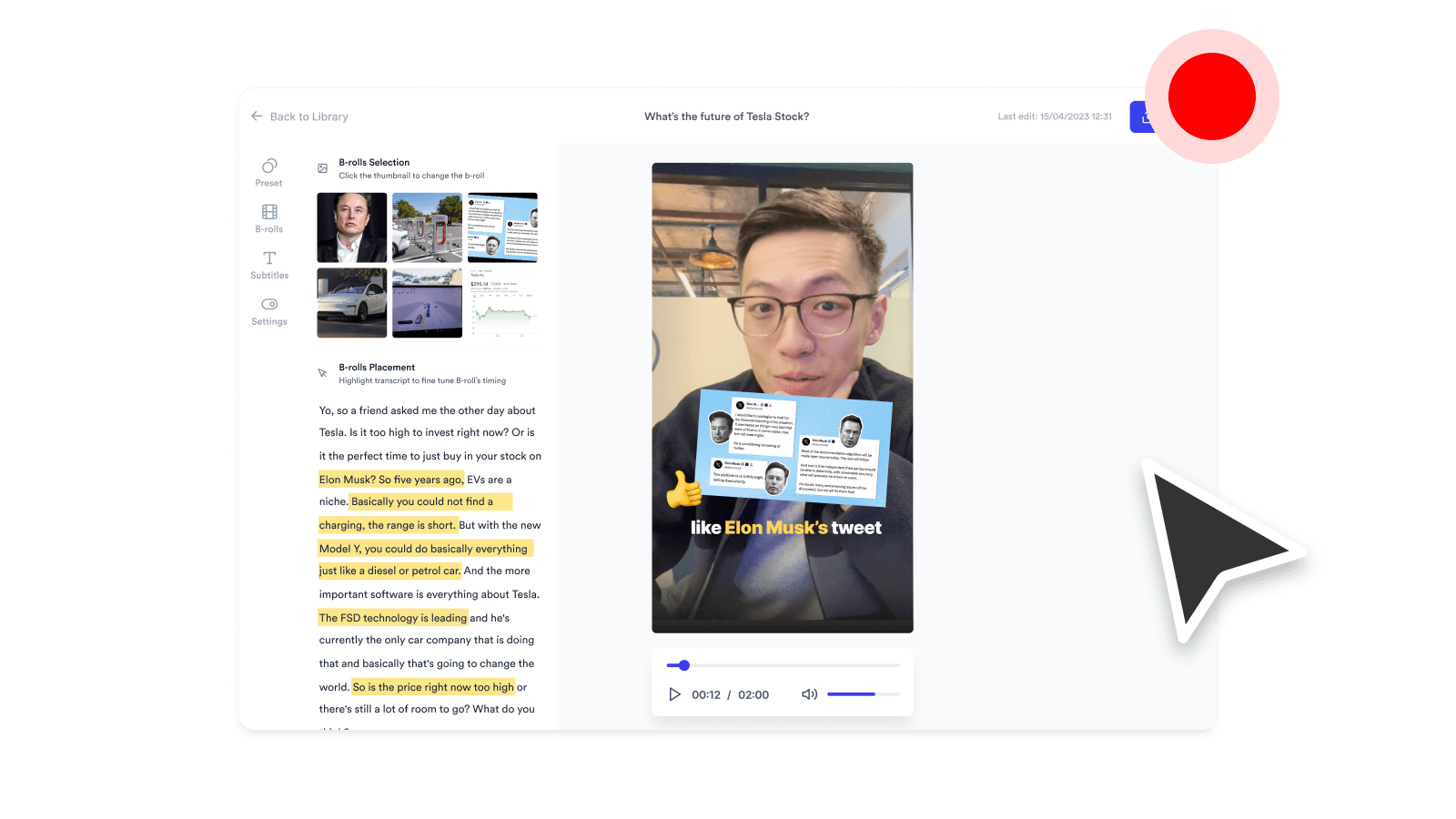
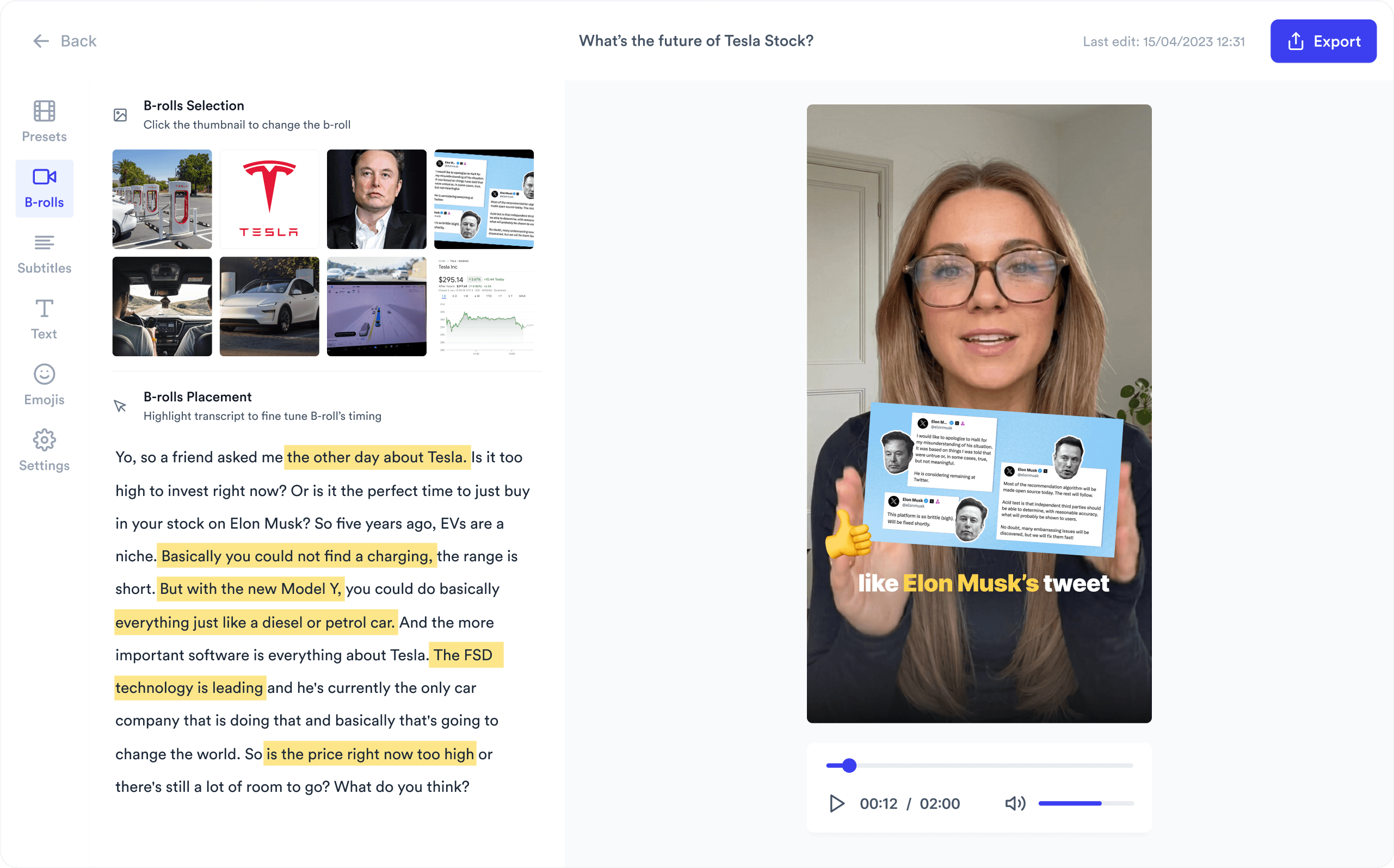
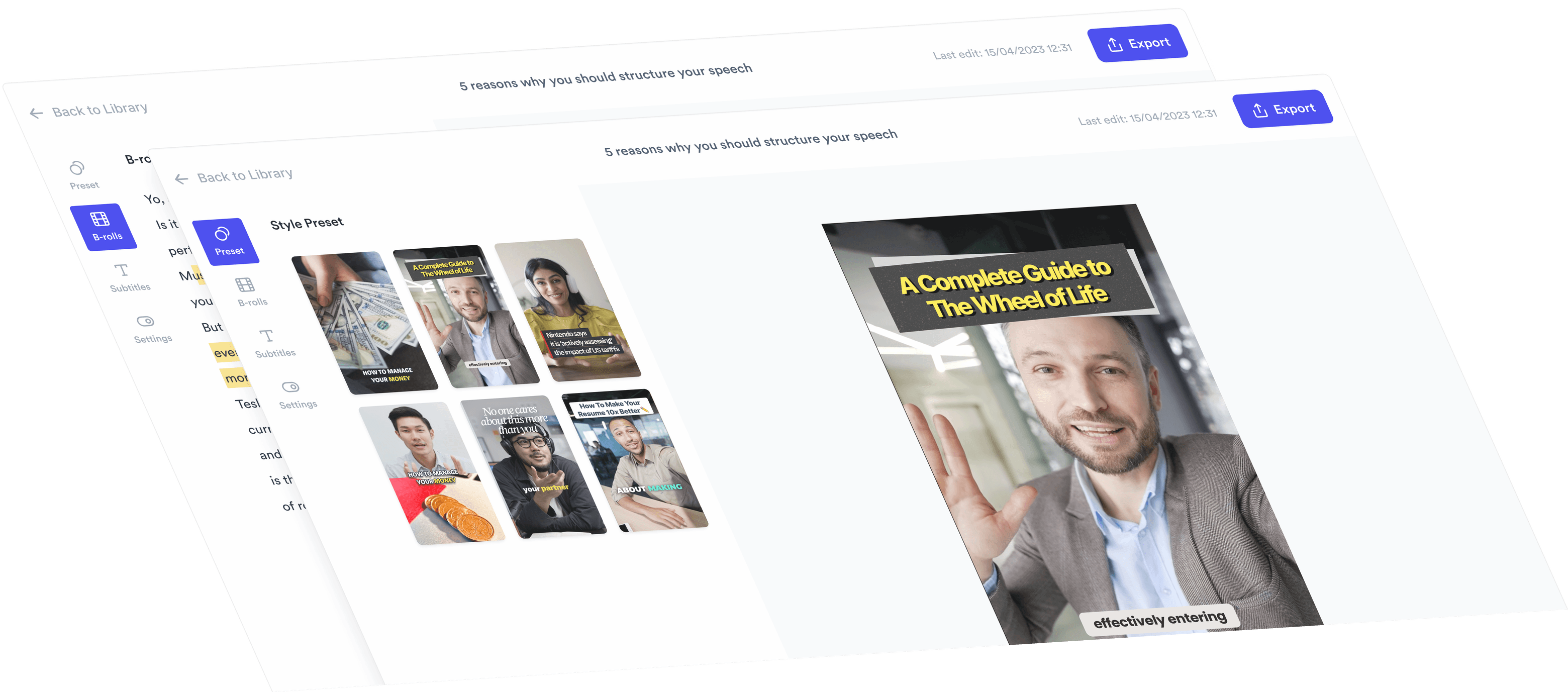
Automatically add B-roll & Subtitles

  • Unlimited Getty Images Stock Assets
  • Unlimited Google Images & GIFs
  • AI Generated Subtitles & Text Overlay
  • Support 54+ Languages
iStock by Getty ImagesGIPHYGoogle Images
AI Video Editor interface
Personalised AI Scriptwriter

Writes scripts in your tone

Trained on your scripts & viral scripting framework
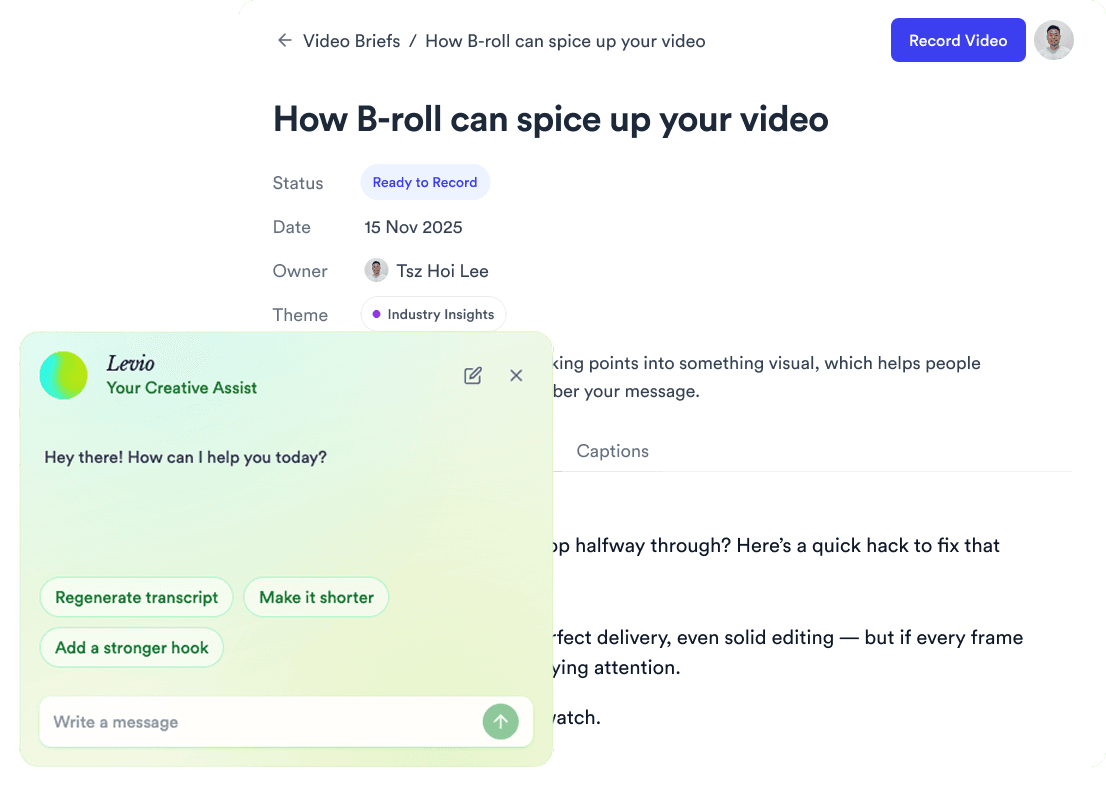
AI script writer interface
Teleprompter App

Record without bad takes

Auto Jump-Cut & Silence Removal

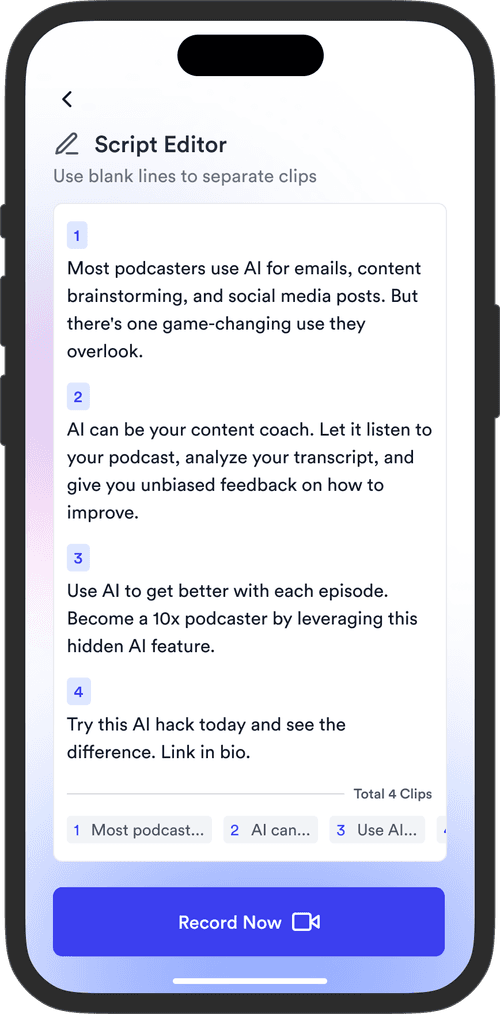
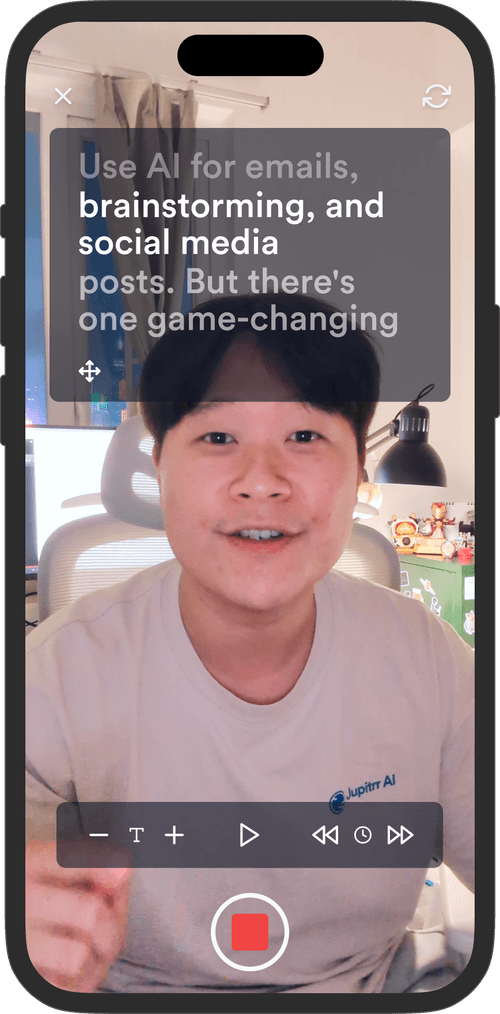
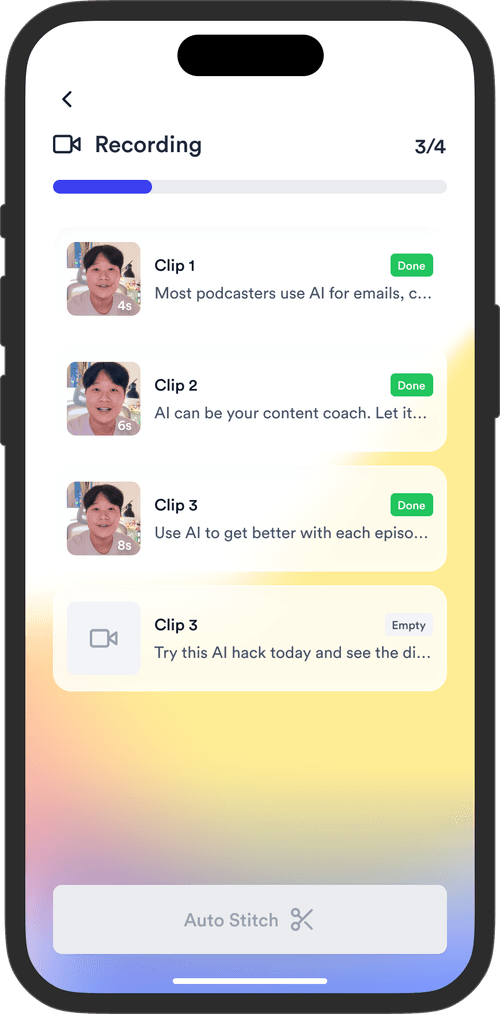
Teleprompter step 1Teleprompter step 2Teleprompter step 3
Social Media Publishing

Post to all your channels

YouTube, Instagram, LinkedIn, TikTok, all at once.

Social publishing scheduler
YouTube
Instagram
TikTok
LinkedIn
Viral Video Search

Find what's trending

Get inspired for your next videos
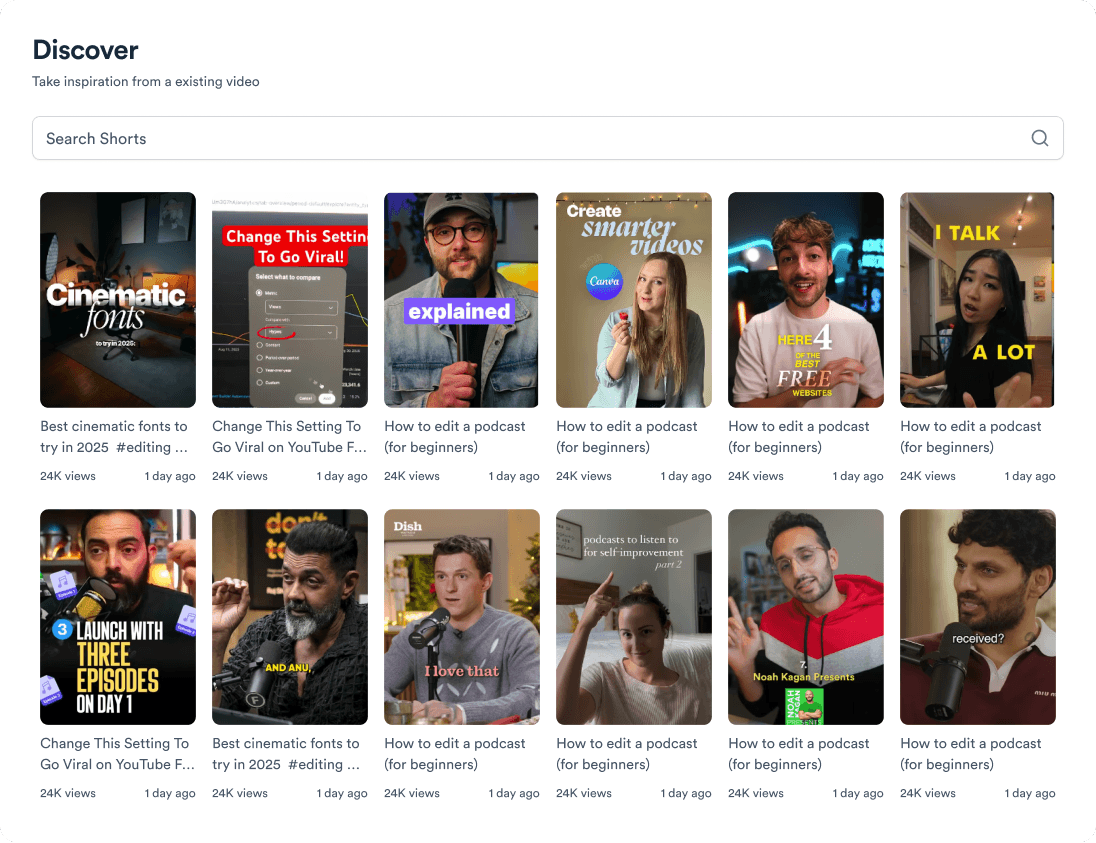
Trending topic search

and for the video team

Analytics dashboard
Video AnalyticsSee how your videos perform
Content calendar view
Content CalendarPlan your video ahead
Brand kit presets
Brand KitMake every video on brand
Team collaboration workspace
CollaborateManage videos with your team
Your all-in-one video workflow
Start creating videos consistently.
footer card