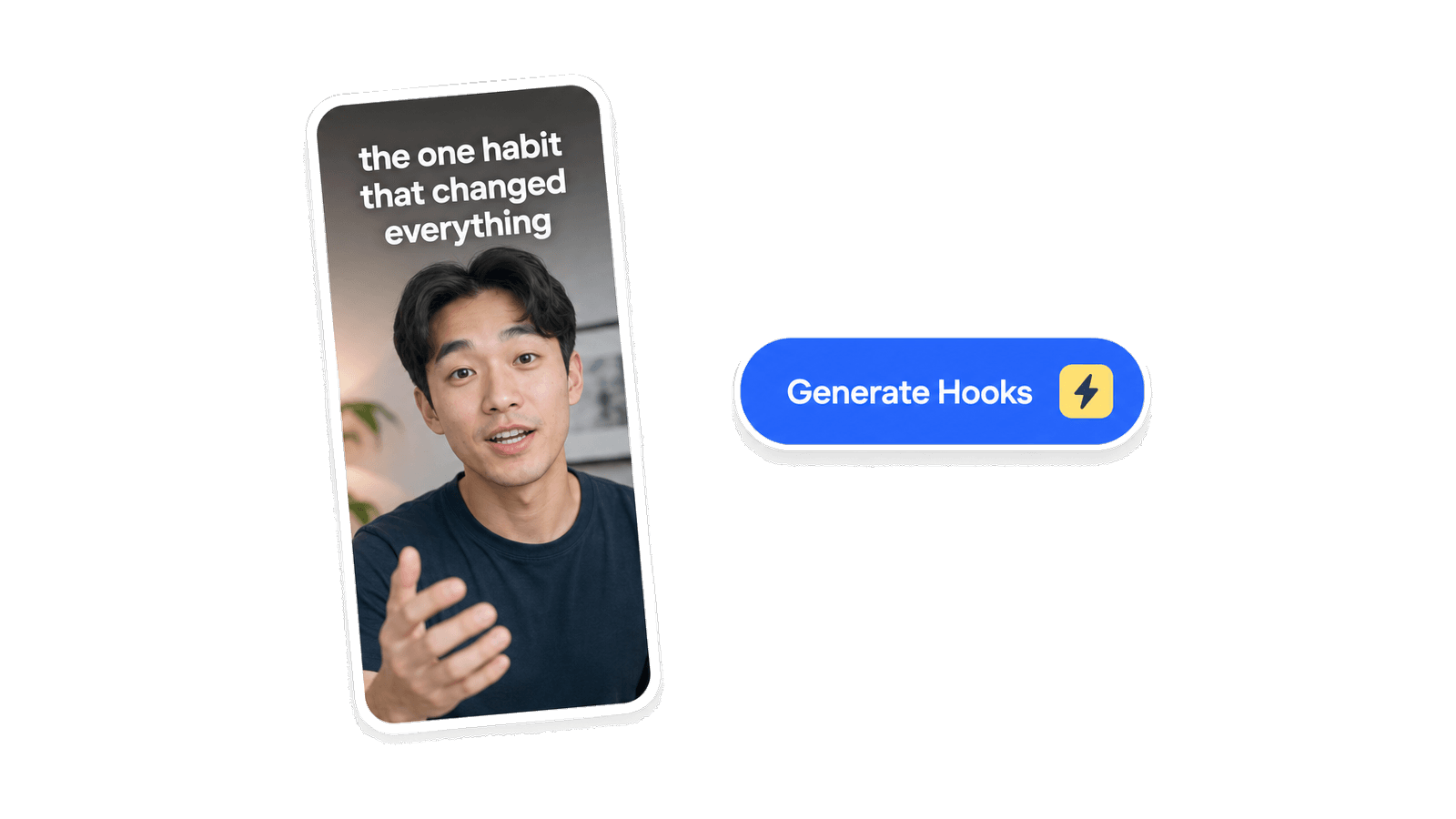
AI Hook Generator
Turns a topic or script into scroll-stopping hooks for short-form video.

Describe your YouTube topic. Get spoken openings for Shorts or talking-head videos you can read on camera without sounding like AI.
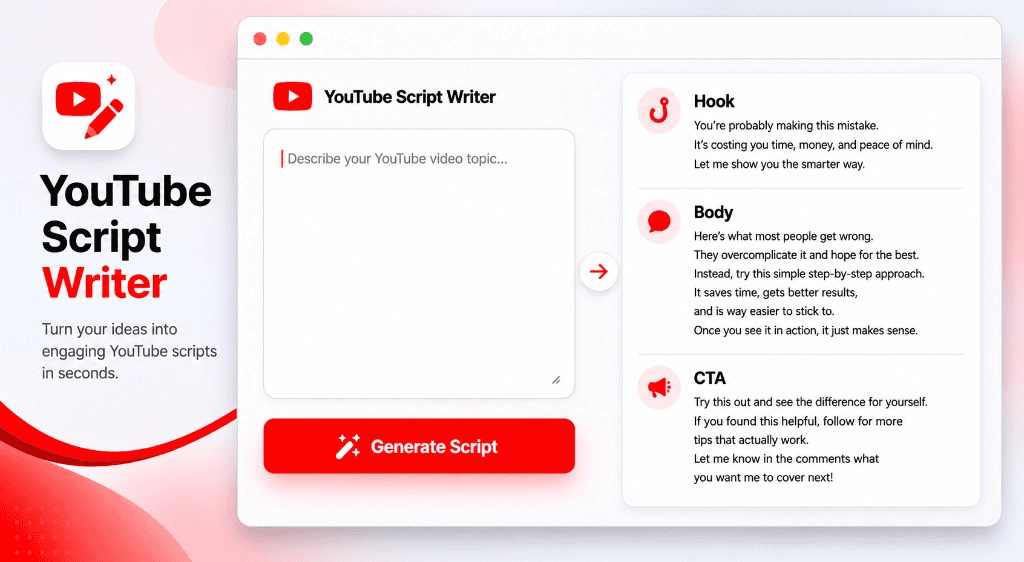
You get lines with spoken cadence you can read straight to camera, not essay paragraphs you have to rework before recording.
Openings state the payoff in the first five seconds, tuned for Shorts and talking-head videos rather than generic copy.
Scripts up to 3 minutes are free with no signup required, so you can go from topic to draft in one sitting.
Shorts hook, founder update, or tutorial angle. One clear sentence works.
Up to 3 minutes is free. Longer scripts open in AI Script Writer after a quick signup.
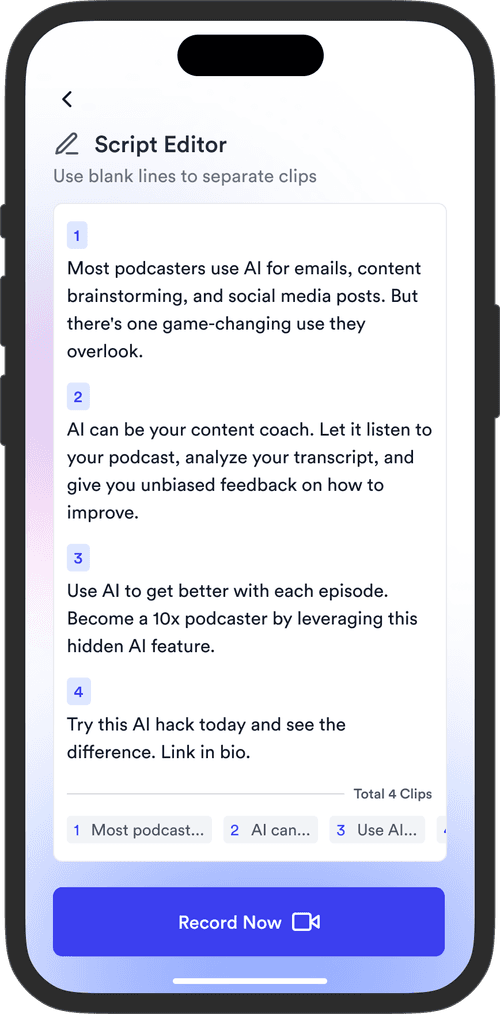
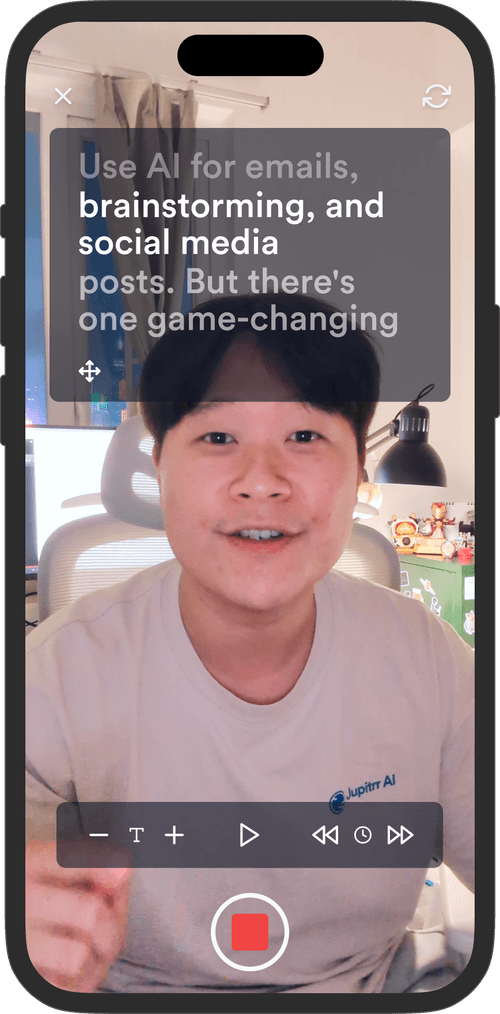
Paste the script into the free teleprompter recorder to film your take, or expand it into a full script in AI Script Writer.
A topic goes in, spoken openings come out, written for the camera.
A YouTube script writer is a browser tool that turns a video topic into spoken lines written for the camera. With Jupitrr's YouTube Script Writer, you describe your topic and get openings for Shorts or talking-head videos with spoken cadence, ready to read straight to camera rather than essay paragraphs you have to rework before recording.
Draft a hook that states the payoff in the first five seconds.
Get the regular video past the blank page and into a draft.
Turn a how-to angle into short spoken sentences with clear transitions.
Open a launch or business update with a line worth staying for.
Turns a topic or script into scroll-stopping hooks for short-form video.
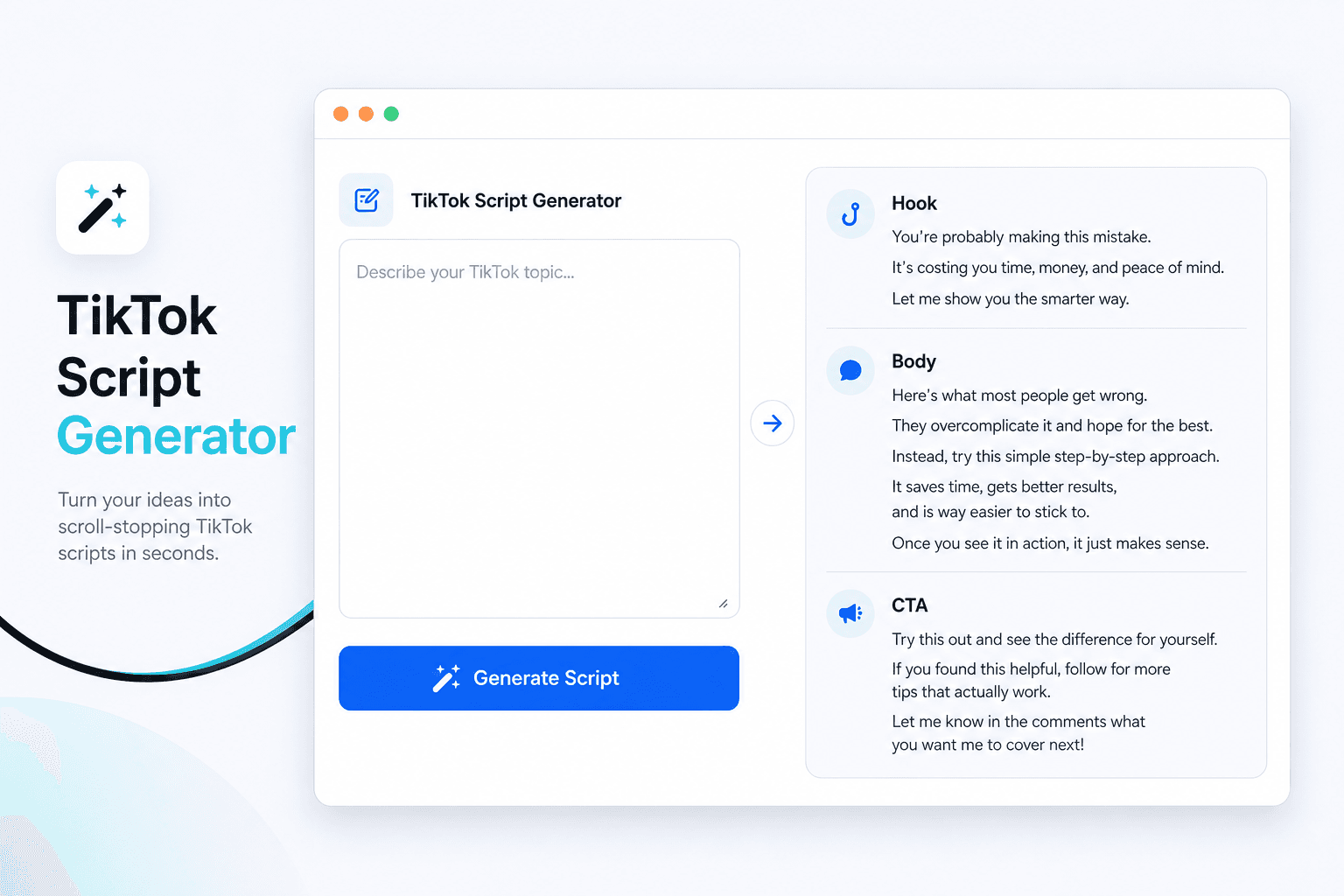
Writes spoken TikTok script openings and on-screen hooks from your topic.
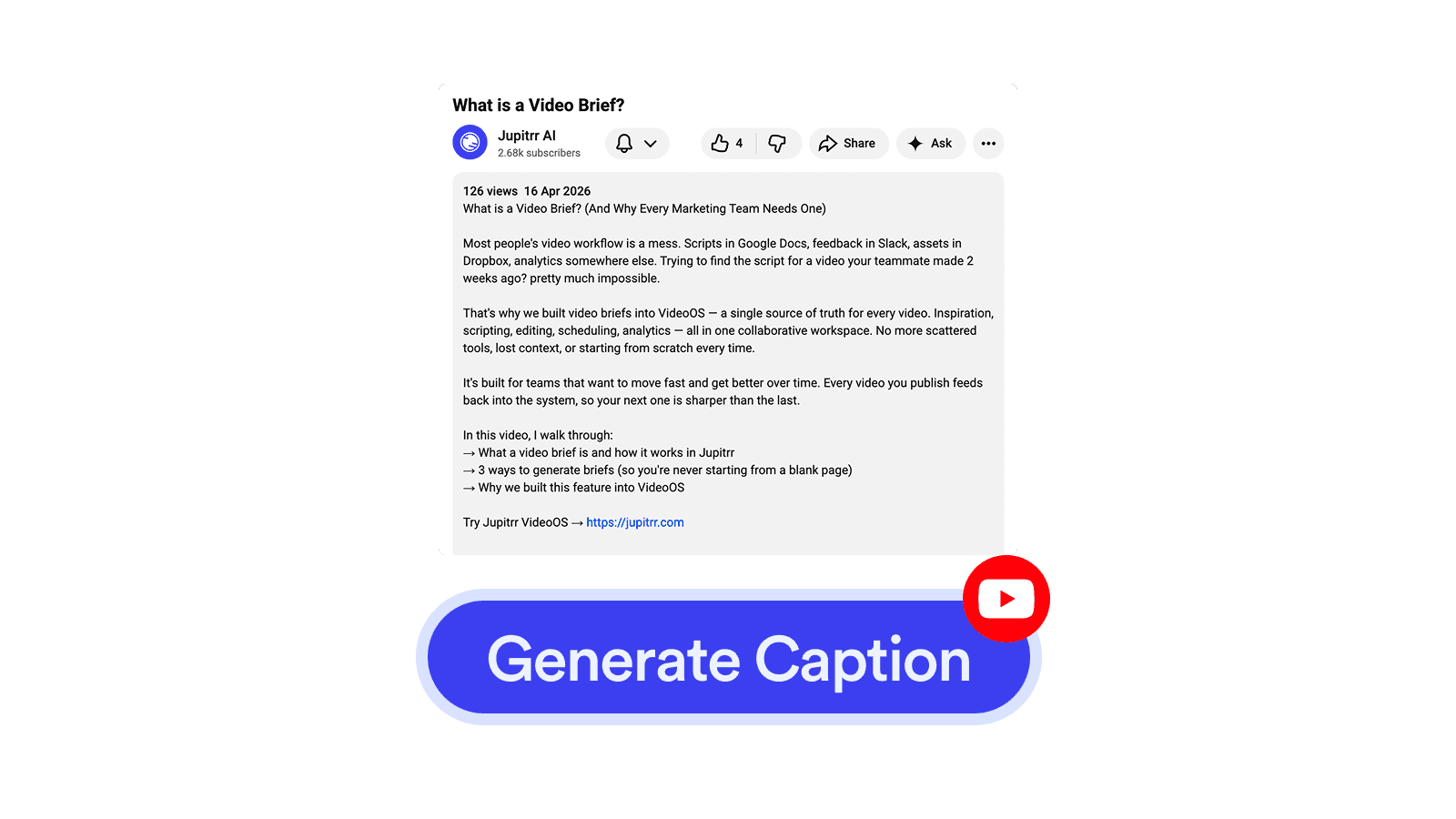
Writes a title, description, on-screen hook, and hashtags for a YouTube Short.
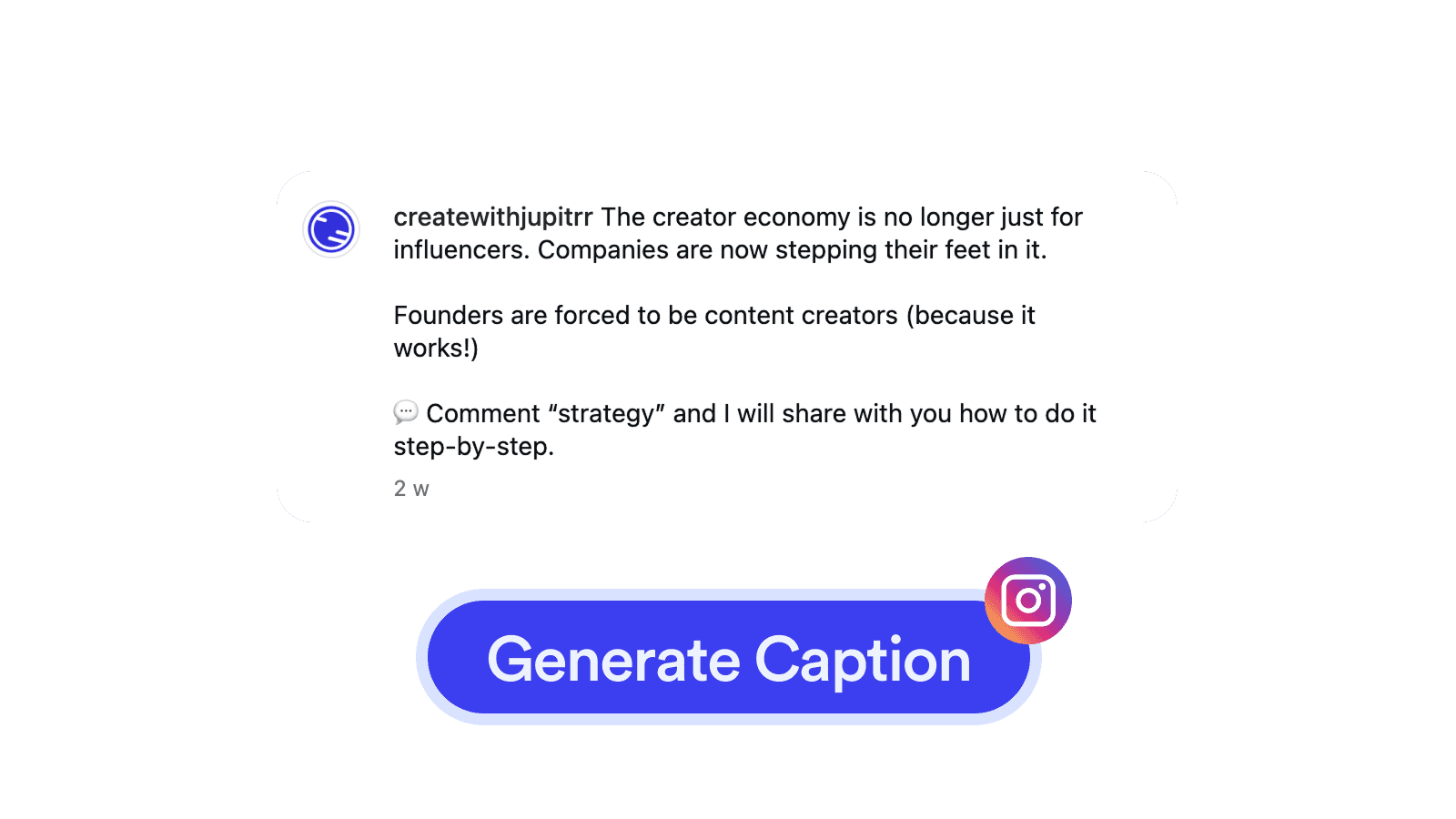
Writes a caption and hashtags for an Instagram Reel from your script.
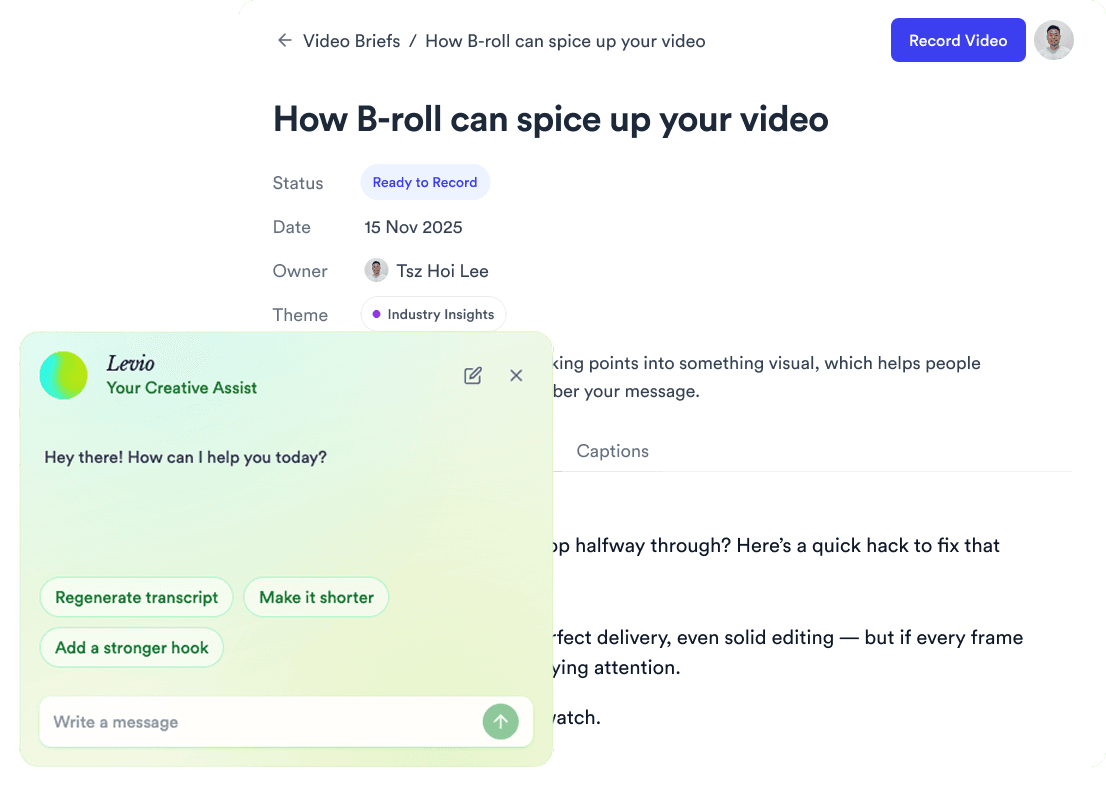
AI Script Writer drafts full scripts past 3 minutes, matches your voice, and opens them in the free Teleprompter app when you are ready to record.
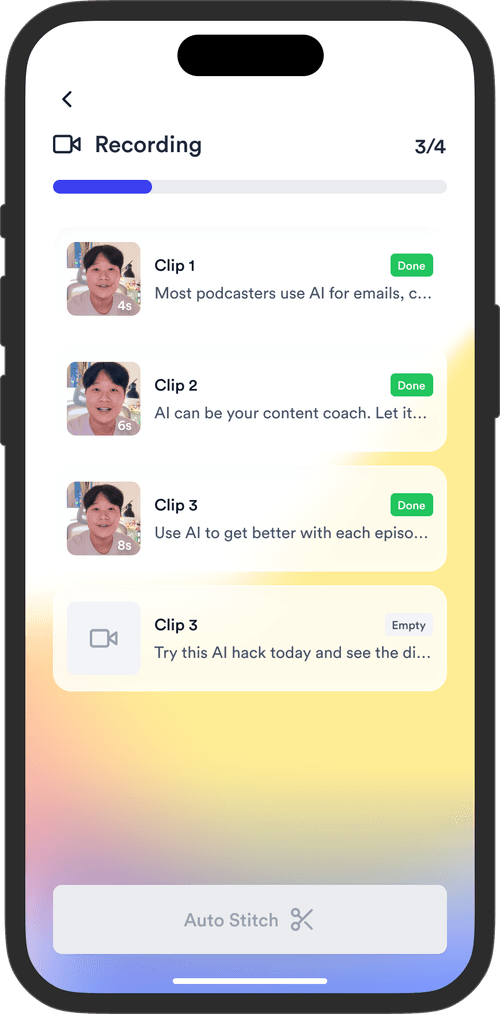
Jupitrr brings planning, scripting, recording, editing, and publishing into a single tool. Built for coaches and consultants shipping video consistently.



Trained on your scripts & viral scripting framework
Auto Jump-Cut & Silence Removal
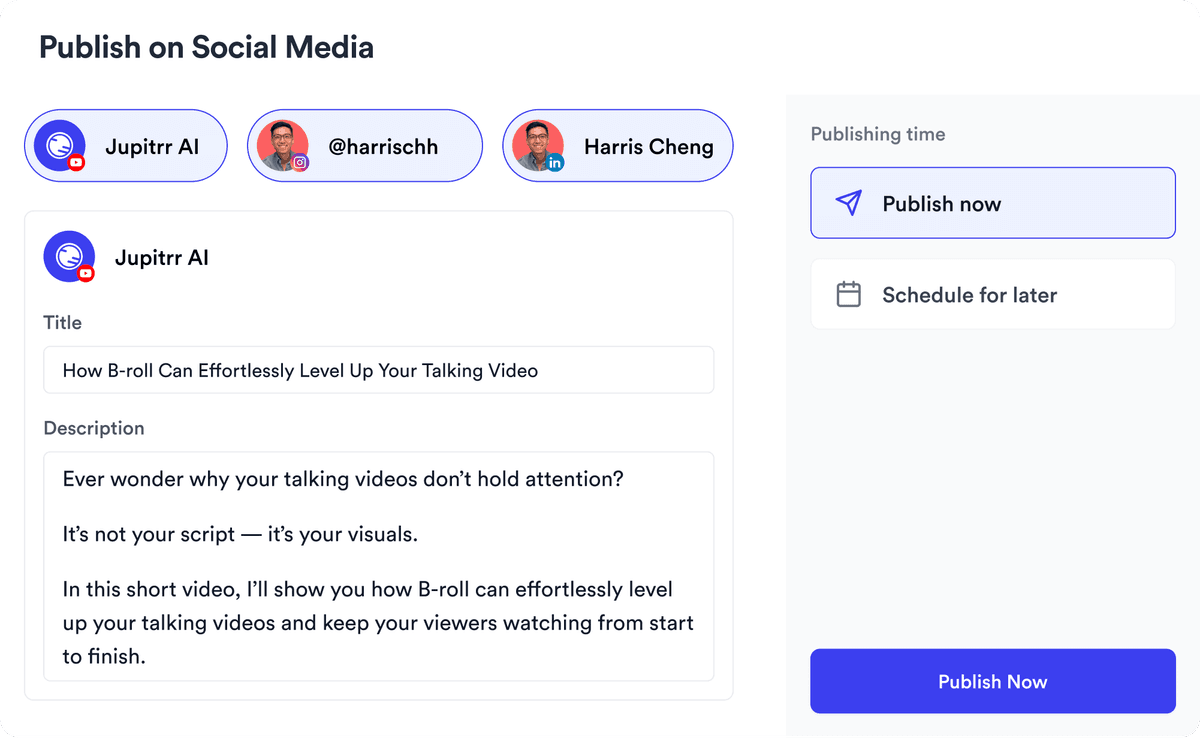
YouTube, Instagram, LinkedIn, TikTok, all at once.


Get inspired for your next videos