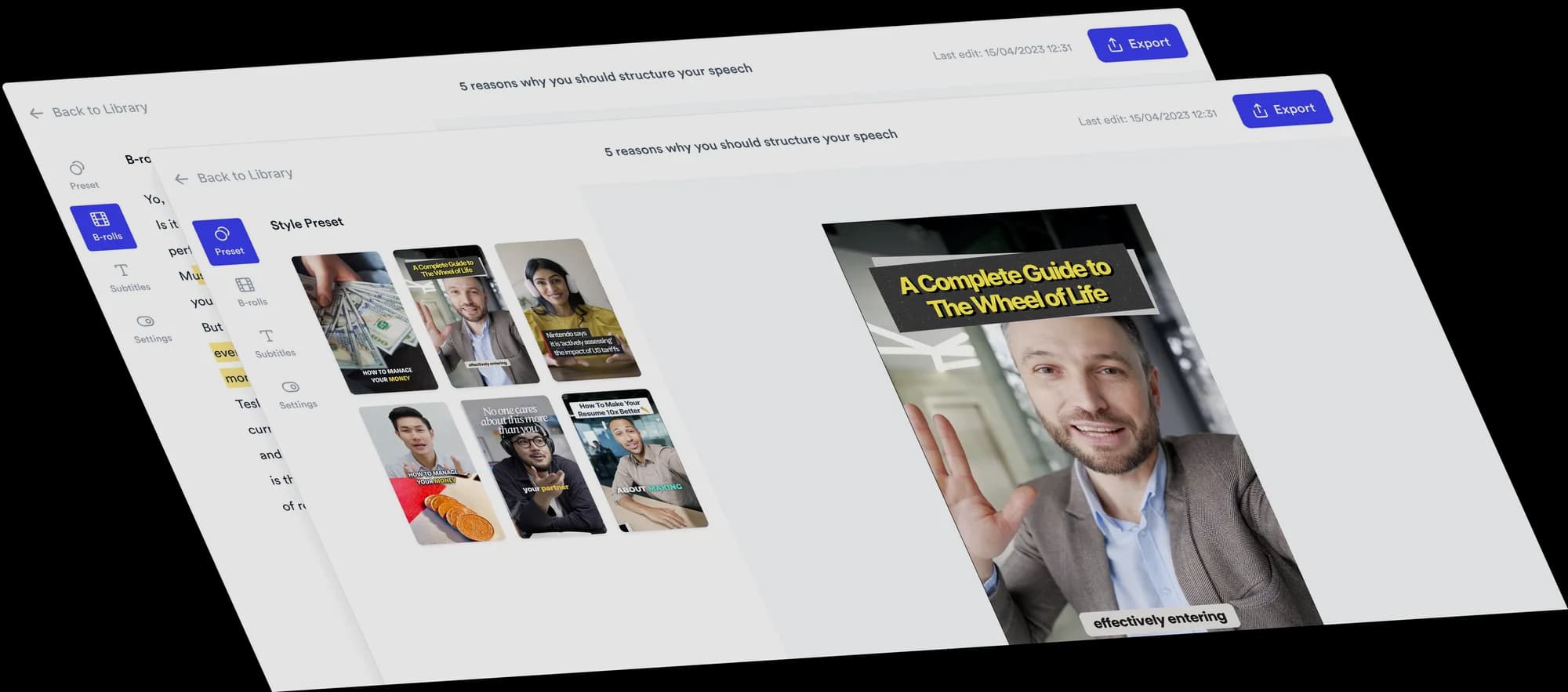
AI video editor for tax advisors and accountants
Turn the questions clients ask every year into short talking-head videos, with B-roll, subtitles and viral Formats added automatically.
 Trusted by 200K+ coaches and consultants






Your expertise. Automatically edited.
Record yourself walking through a process or answering a question, then upload it. Jupitrr adds stock B-roll and web images matched to what you say, subtitles, a hook, music and sound effects, laid out in a Format if you pick one. Upload your own checklist or a blank template where viewers need to see it. Change anything on the timeline, or ask Levio.
Three Formats to try
Pick a Format when you upload, and Jupitrr lays out your video around what you say. Each card has one idea to start from.
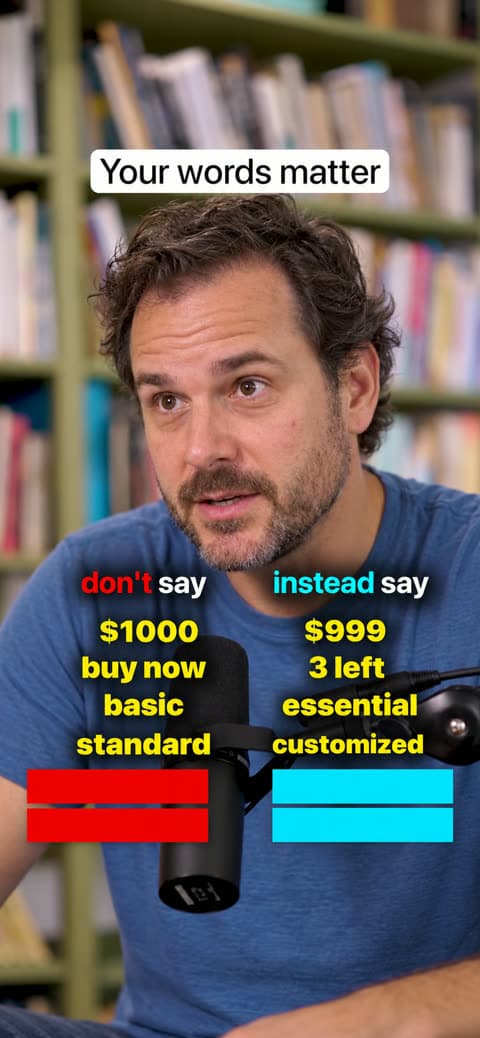
Do & Don't
Try this: common bookkeeping mistakes, each paired with the habit to use instead.
See the Do & Don't Format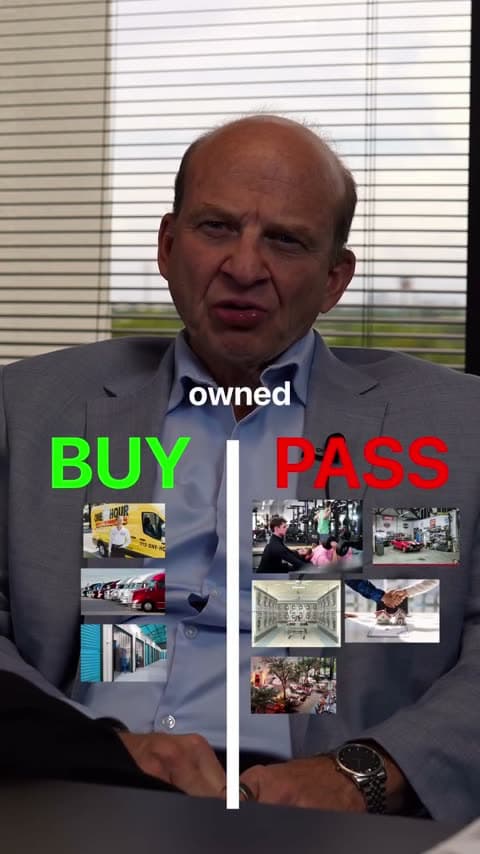
2 Column
Try this: a general explainer on telling personal and business expenses apart, sorted into two columns.
See the 2 Column Format
Green screen
Try this: put your own pre-meeting checklist behind you and walk through what clients should bring.
See the Green screen Format
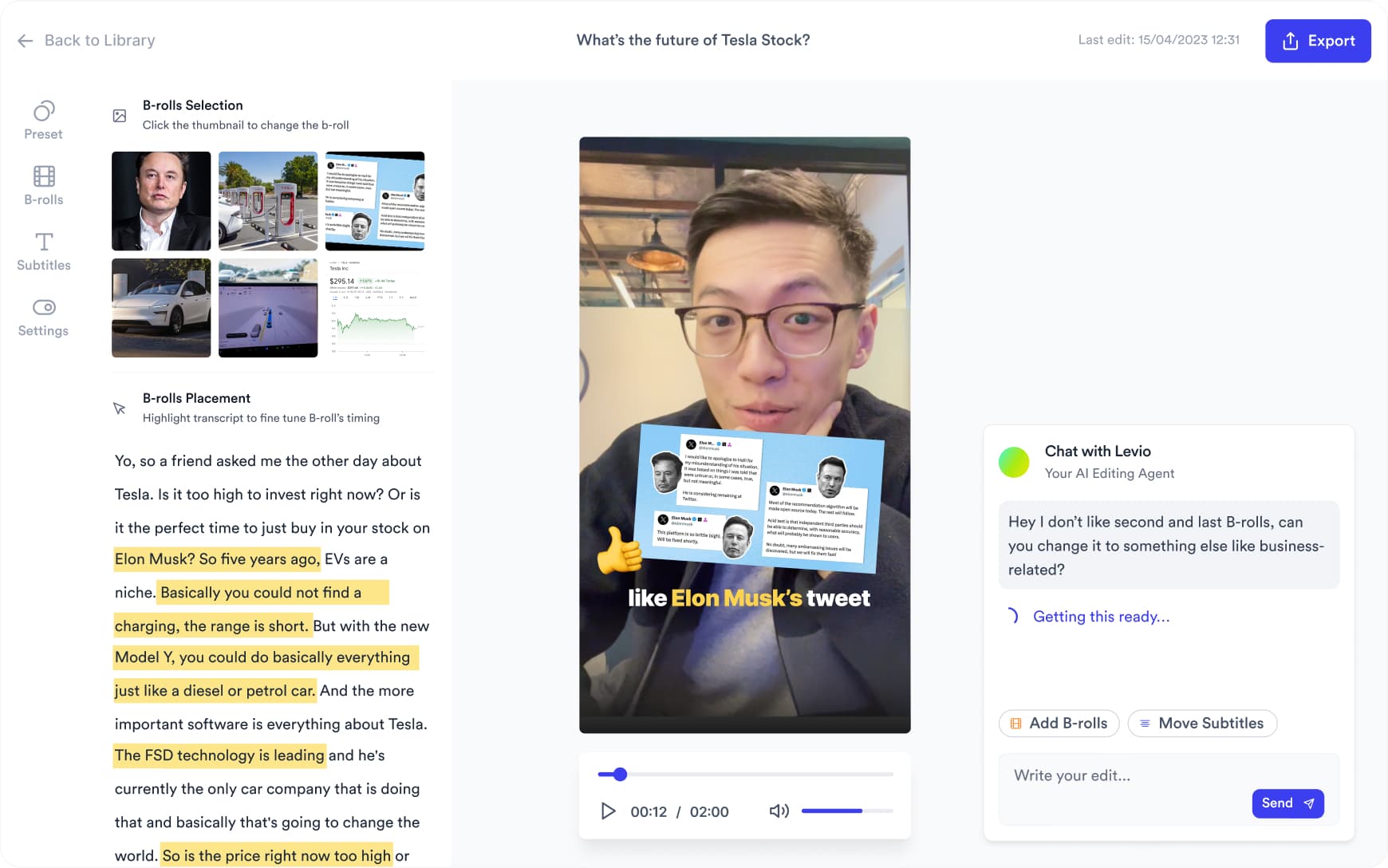
Want something changed? Ask Levio.
“Replace the B-roll at 0:14 with a stock video of someone sorting receipts.”
Levio, the editing agent in Jupitrr, shows the change as a draft on the preview, and you keep it or undo it. It handles B-roll, subtitles, the hook, music volume and other visual changes; the other editor tabs cover the rest. How Levio works
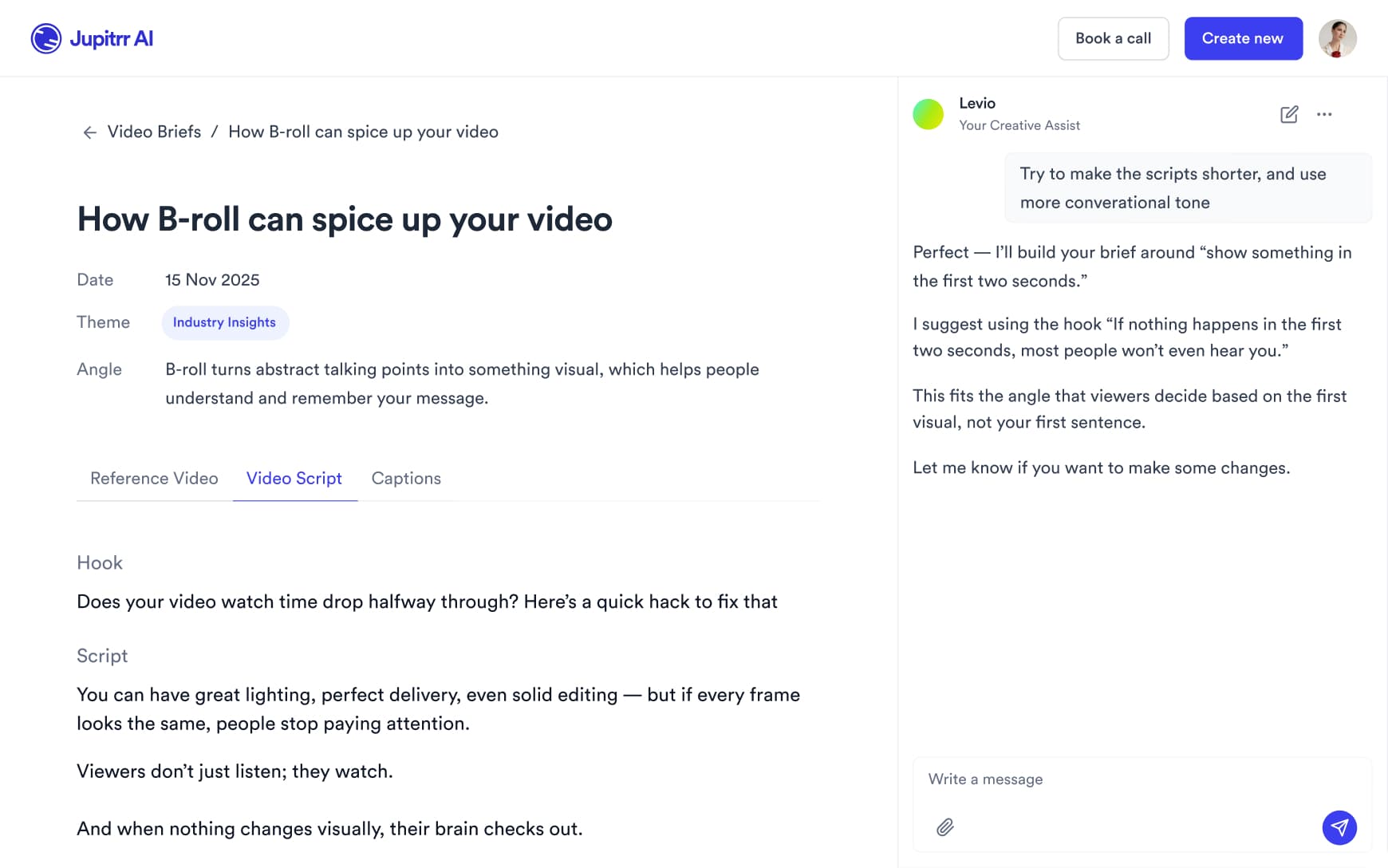
Plan what to say
Turn a common client question into a script with a hook, talking points and a caption, then edit it so the detail is right for the clients you serve.
Record a few at once
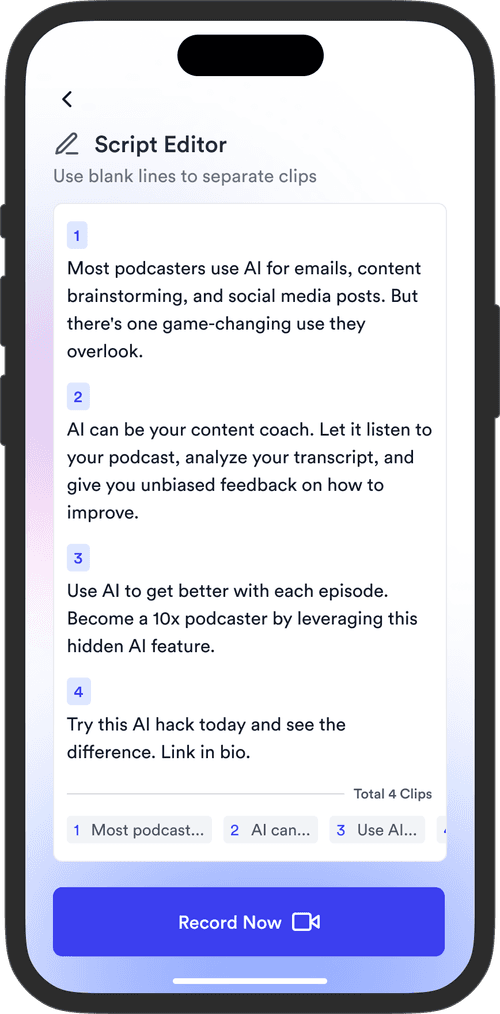
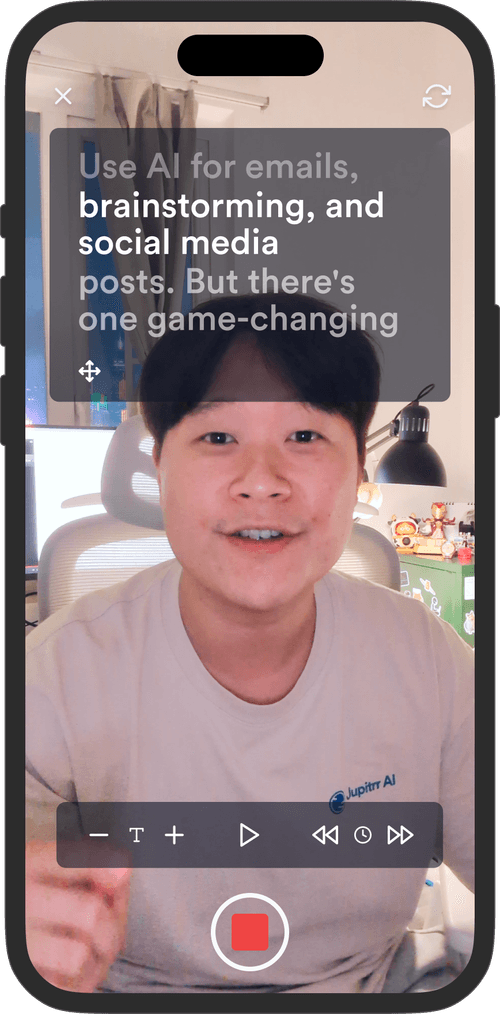
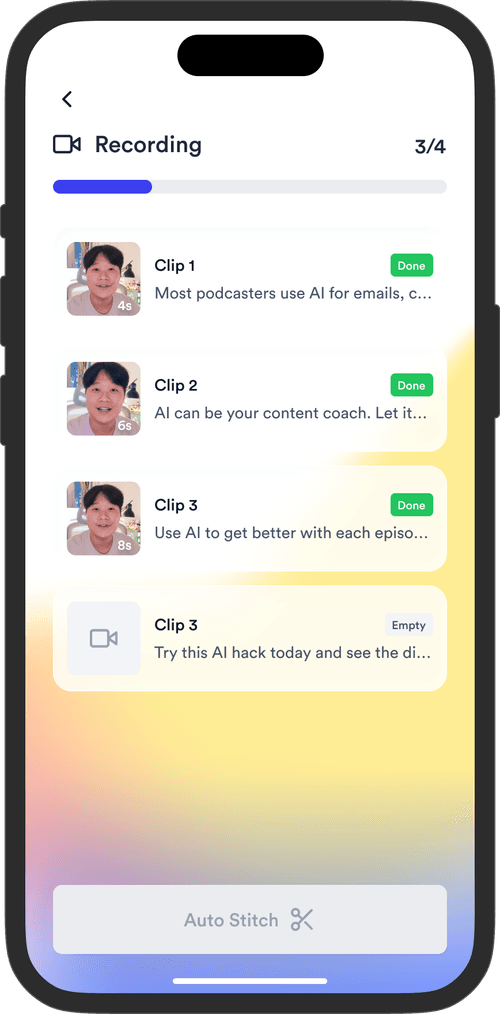
Read your scripts on the Jupitrr Cut teleprompter app in a quiet hour. Retake any scene, and it trims the silence around each take and stitches them into one video.
Post them when clients need them
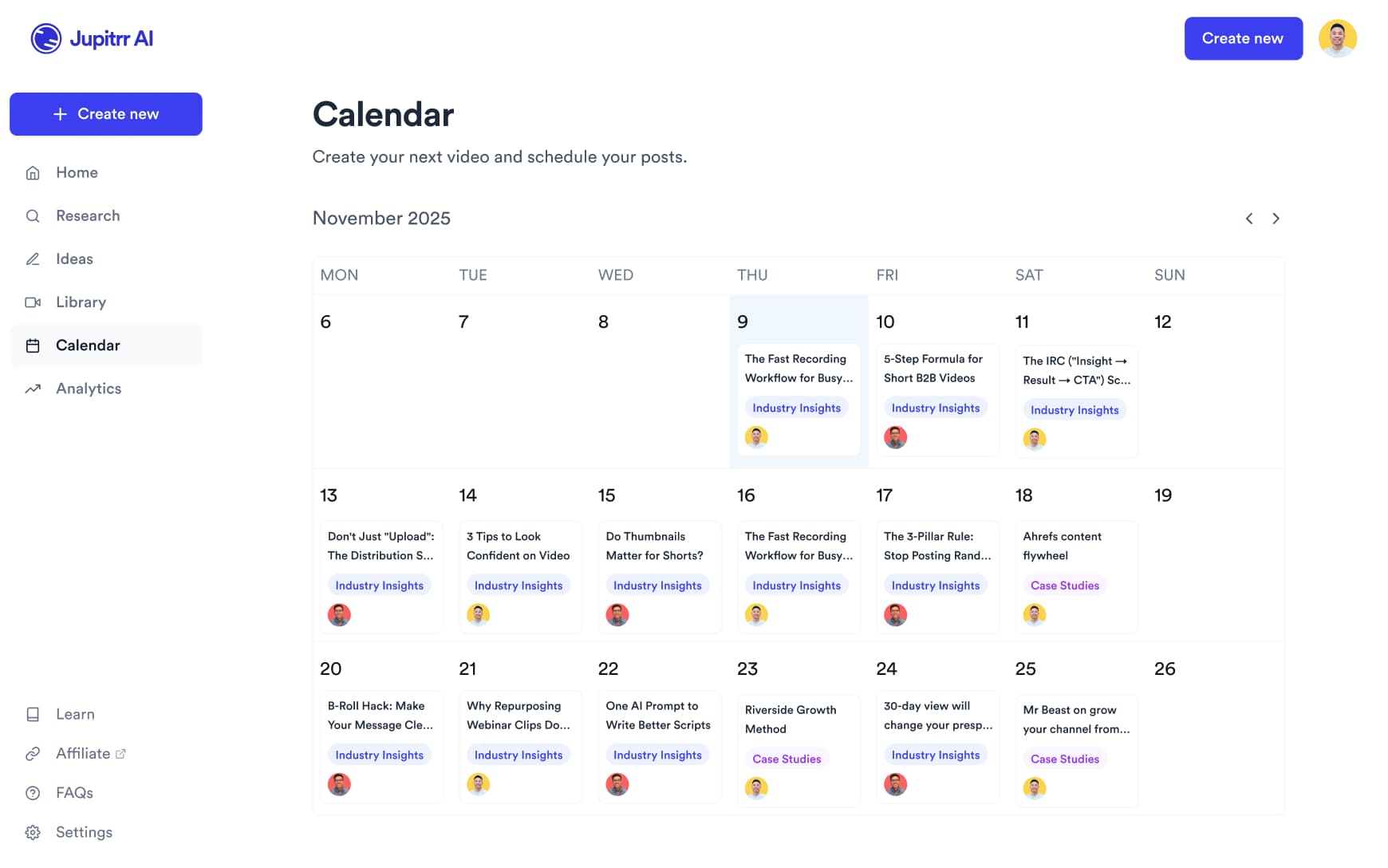
Export videos to send to clients or add to your website, or on Pro schedule them to LinkedIn, YouTube, Instagram and TikTok from the content calendar.
Spend time with clients,
not editing videos.
Record the explanation once. Jupitrr makes the first edit.
2 Formats
for talking-head videos
44+
subtitle languages
Up to 10 min
per upload on Pro
Frequently asked questions
Jupitrr suits accountants and tax advisors who explain things on camera: what to prepare before a meeting, how a process works, or the questions clients ask every year. You record yourself and Jupitrr makes the first edit with B-roll, subtitles, a hook and music. It does not check tax content or know the rules where your clients live, so keep examples general and review each video before you publish.
A video of you talking to camera, filmed on a phone or webcam. Portrait suits Shorts, Reels and TikTok and is needed for Formats; Jupitrr also exports landscape and square. You can add your own checklists or blank templates as B-roll. Do not upload client documents or anything that identifies a client.
Yes. Swap any B-roll clip for a different stock clip, a web image or your own upload, edit subtitles line by line (useful for form names and terms the transcriber gets wrong), and change or remove the hook, music and sound effects. Levio can make visual changes such as replacing a clip or resizing the subtitles when you ask in plain language, and you keep or undo each draft.
Short explainers that help clients prepare: what to bring before meeting an accountant, common bookkeeping mistakes, and how to tell personal and business expenses apart in general terms. Do & Don’t suits mistakes, 2 Column suits sorting, and Green Screen suits walking through a checklist. Leave out thresholds and deadlines unless you have checked them for your clients’ jurisdiction and the current year.
Yes. The Team plan has 5 seats, so colleagues can make and edit videos in the same workspace. Email [email protected] if you need more seats.
Uploads can be up to 5 minutes on Starter, 20 minutes on Pro and 60 minutes on Team. Formats such as 2 Column and Green Screen are for portrait videos, so they suit short clips for Shorts, Reels, TikTok and LinkedIn. Longer videos take several minutes to process.
Sign up, open the sample video to see an automatic edit before you pay, then upload your own recording on a paid plan. Plans start at $12.50/month billed annually, and you can cancel any time from Manage Plan in your account settings.
Explain it once, on camera
Record the questions clients ask every year, and let Jupitrr turn them into edited videos.