jupitrr logo
Features
Use Cases
Resources
Pricing
Log in
Try it for Free

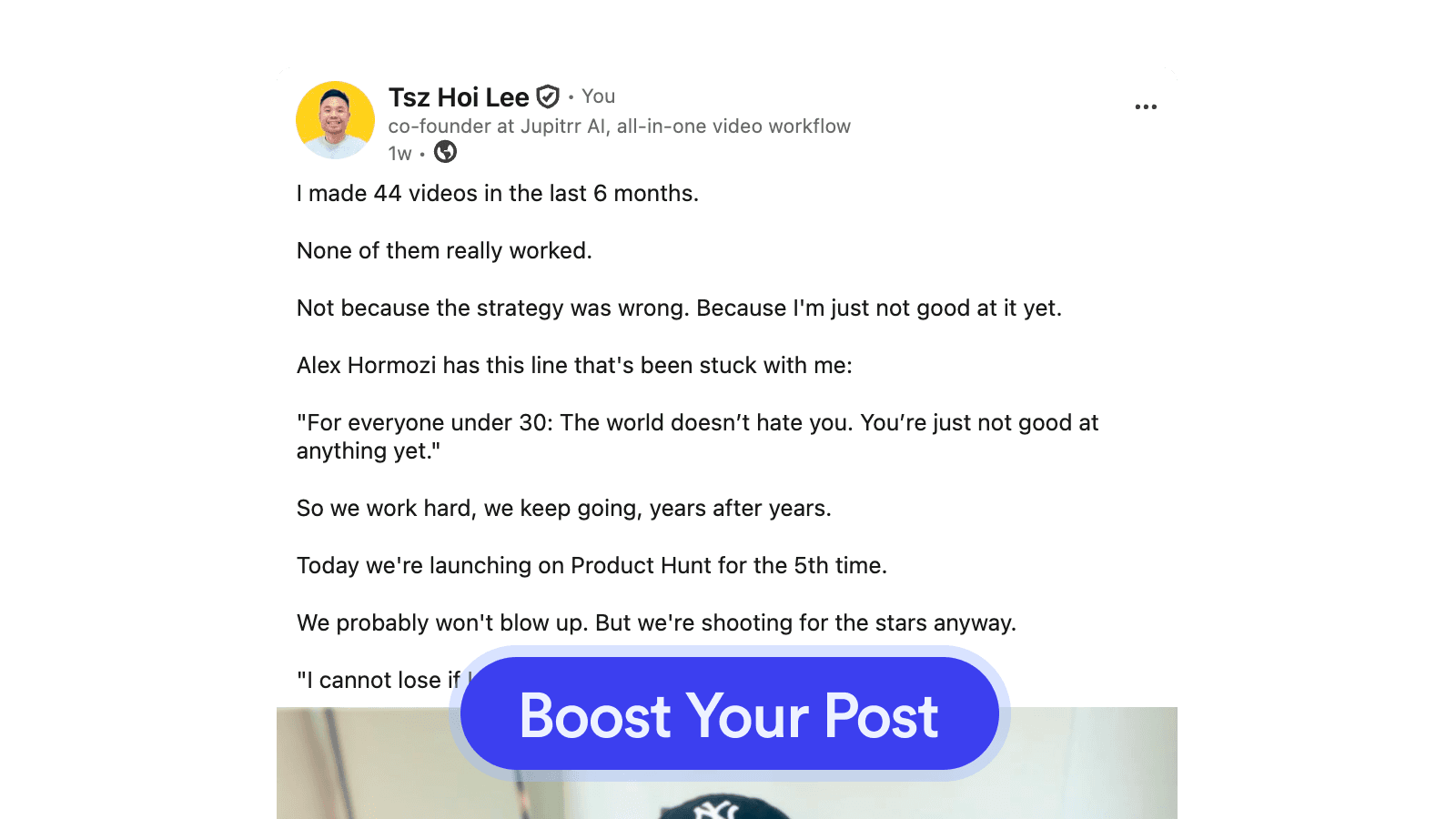
LinkedIn Viral Post Generator

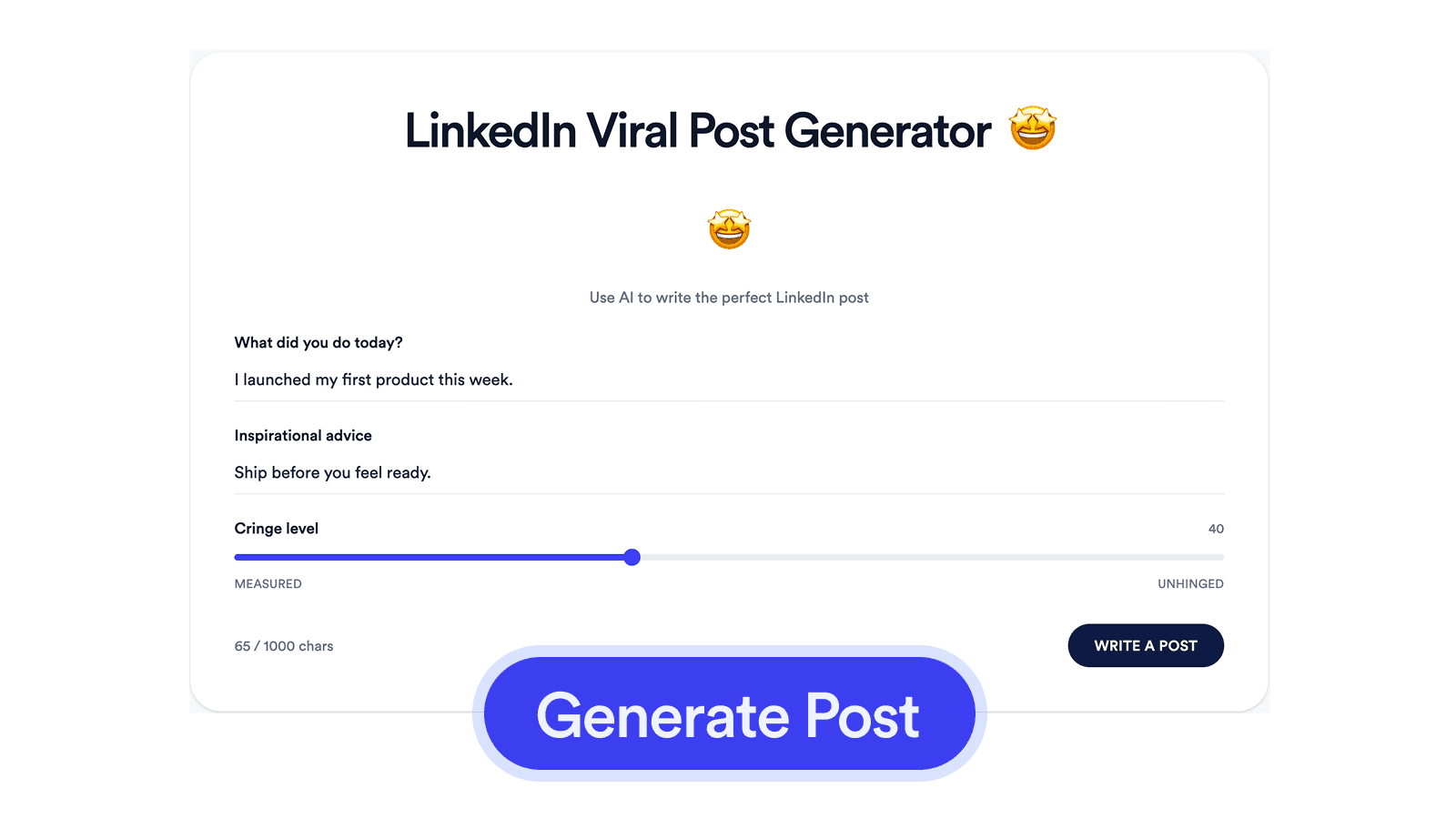
Tell us what happened and the lesson to land. Get a finished LinkedIn post structured the way top posts are structured.
LinkedIn Viral Post Generator

How it works

1

Tell us what happened

A short prompt: what you did, what you learned, the tone you want to land.

2

Generate the post

Get a finished LinkedIn post with a hook, specific details, short paragraphs, and a clean ending.

3

Copy and post

Paste straight into LinkedIn. Edit if you want, or ship it as-is.

Frequently asked questions

What is the LinkedIn Viral Post Generator?
A browser tool that takes a short prompt (what happened, the takeaway, the tone) and writes a finished LinkedIn post structured the way top-performing LinkedIn posts are structured.
Why do I need a Viral Post Generator?
The barrier to posting on LinkedIn is rarely the idea. It is finding time to draft, polish, and structure the post so it actually reads. Most professionals post once a month because the writing eats an hour each time. This tool drops that to a couple of minutes by ghosting the first draft for you.
Is it free to use the Viral Post Generator?
Yes, 100% free. The Viral Post Generator is part of the Jupitrr Free Video Toolkit. We want to build quick and easy video tools that help you every step in creating content for your business.
Do I need to download or install anything?
No. The Viral Post Generator runs entirely in your browser, so there is nothing to install, download, or sign up for. It works on macOS, Windows, ChromeOS, and Linux as long as you can open the page.
What makes a LinkedIn post go viral?
A hook in the first line, specific details rather than platitudes, short paragraphs, and a clean ending that invites replies rather than demanding them. This tool follows those rules every time.
Does this guarantee my post will go viral?
No, and nothing can. Virality is timing, audience, and luck as much as copy. A good post just gives you the best shot. The structure is what you can control; the rest is the algorithm and the day.
Will the post sound like a human wrote it?
That is the goal. The model is prompted to keep your facts and skip the corporate phrasing ("excited to share", "honored to announce") that signals AI or PR. Paste without editing in most cases.
How does this work under the hood?
Your inputs are sent to a state-of-the-art language model with a system prompt tuned for LinkedIn posts. Nothing is stored. The model call is stateless and your prompt is not used for training.
How is this different from the Post Booster?
The Viral Post Generator writes a post from a short prompt when you do not have a draft yet. The Post Booster takes a draft you already wrote and rewrites it. Generator for starting from blank, Booster for polishing an existing draft.
What about my profile headline?
The headline is the single line under your name on your profile, not a feed post. For that, try the LinkedIn Headline Generator.
Should I follow up my post with video?
Video posts pull noticeably more reach than text on LinkedIn right now. After publishing the post, record a 60-second talking-head follow-up with the Camera Recorder, or read a tighter version of the post on camera with the Teleprompter & Camera Recorder. Both export an MP4 you can drag straight into LinkedIn.
What is Jupitrr AI?
Jupitrr is an all-in-one video operating system for businesses. Plan, script, record, edit, and publish your videos in one place, powered by the Jupitrr AI Video Editor and the Jupitrr Cut Teleprompter app. This free toolkit is a small slice of what the full product can do. Posts go far. Videos go further.

Unlock the full video workflow with Jupitrr AI

Jupitrr brings planning, scripting, recording, editing, and publishing into a single tool. Built for businesses shipping video consistently.

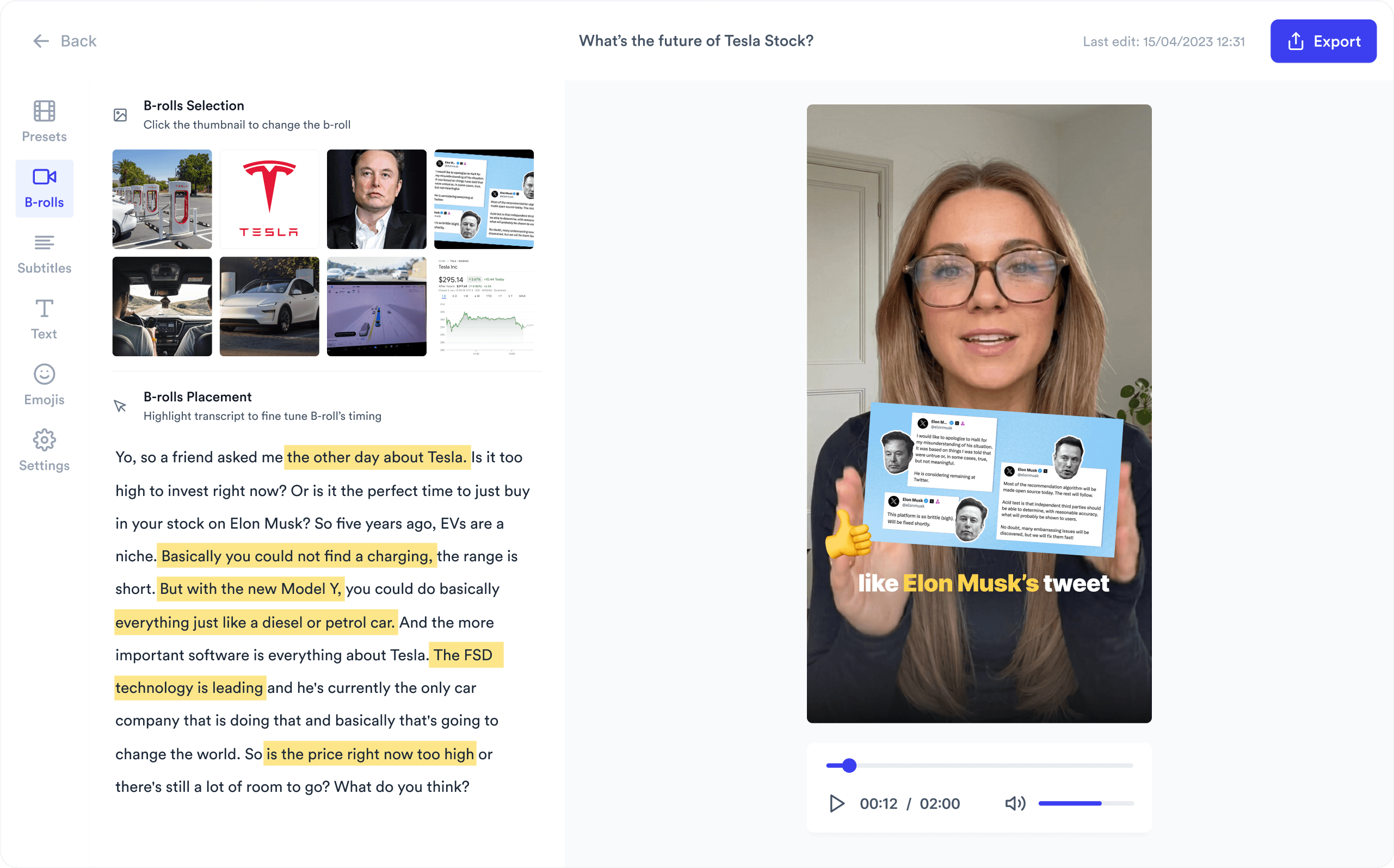
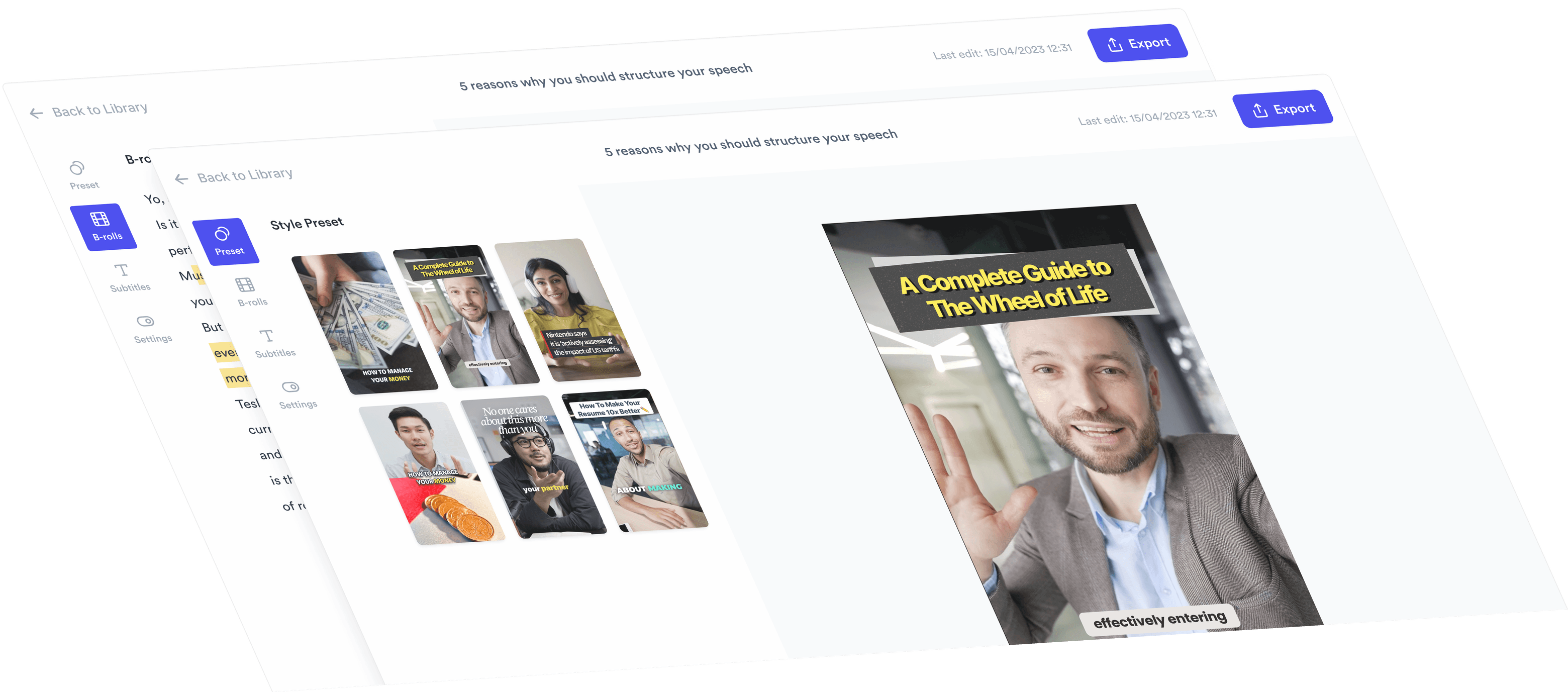
AI Talking Head Video Editor

Automatically add B-roll & Subtitles

  • Unlimited Getty Images Stock Assets
  • Unlimited Google Images & GIFs
  • AI Generated Subtitles & Text Overlay
  • Support 54+ Languages
iStock by Getty ImagesGIPHYGoogle Images
AI Video Editor interface
Personalised AI Scriptwriter

Writes scripts in your tone

Trained on your scripts & viral scripting framework
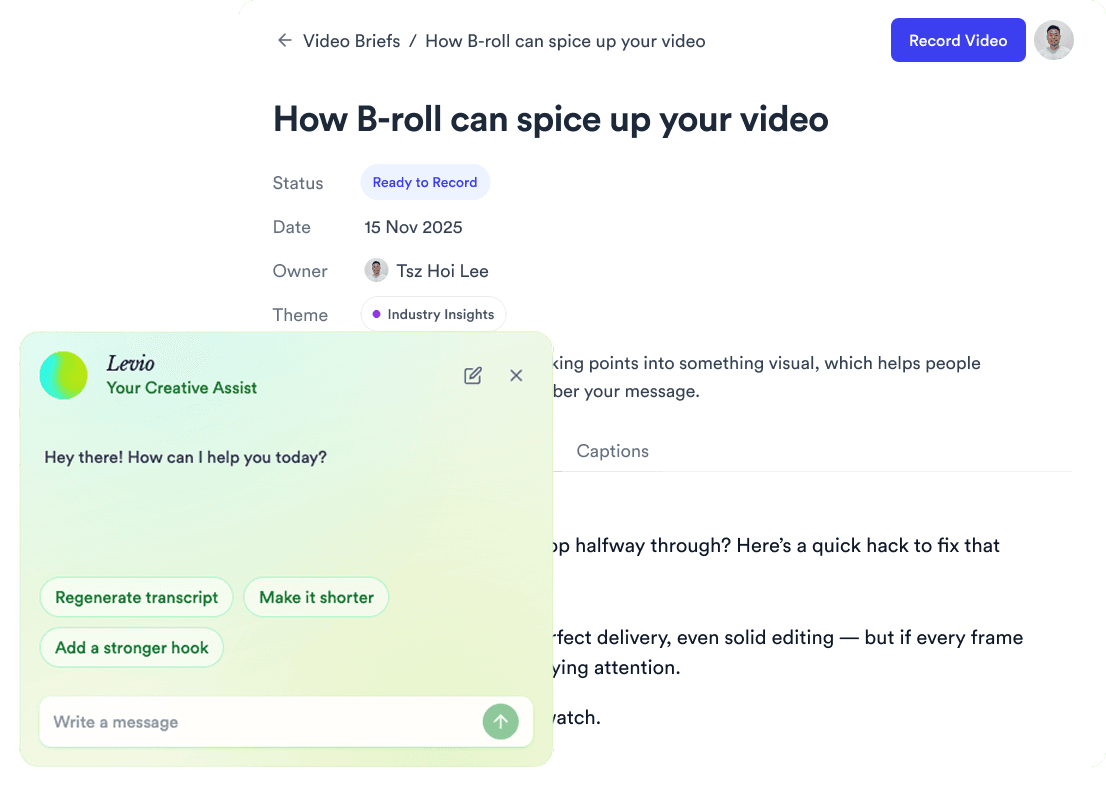
AI script writer interface
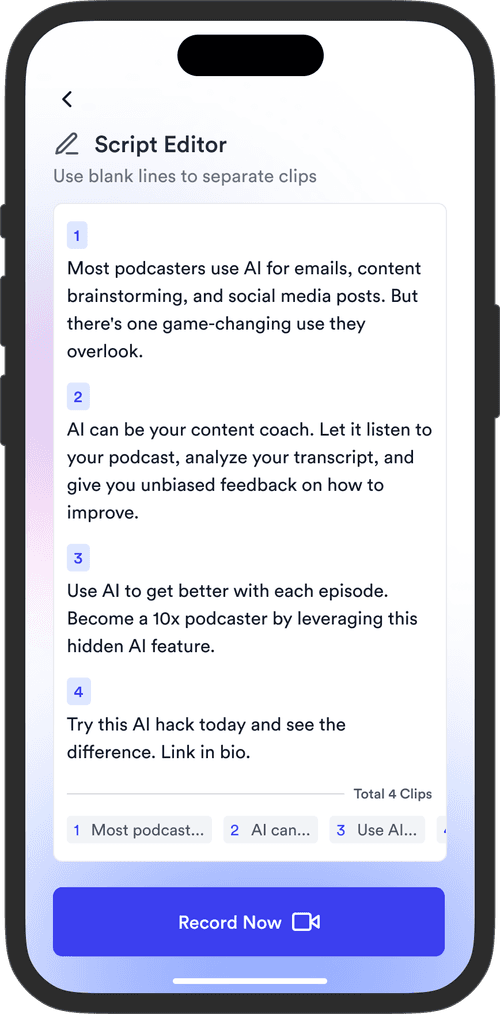
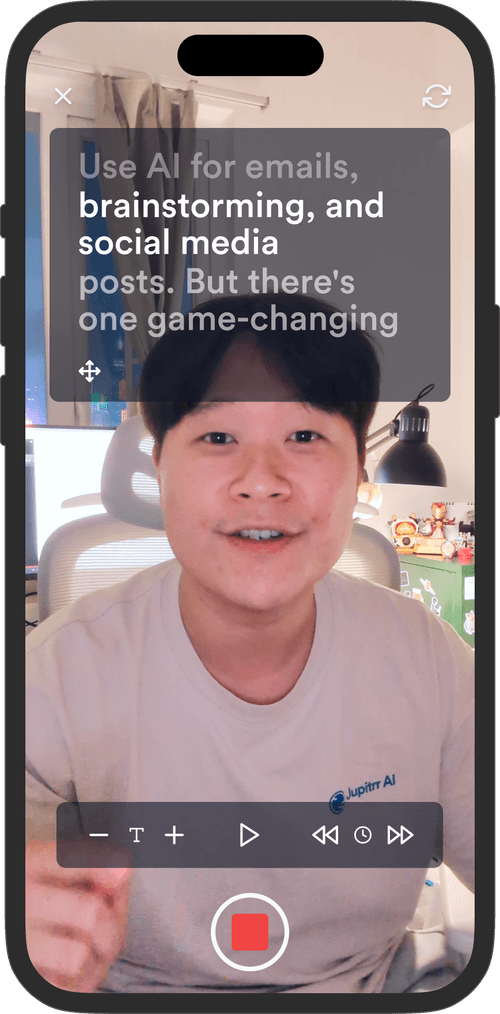
Teleprompter App

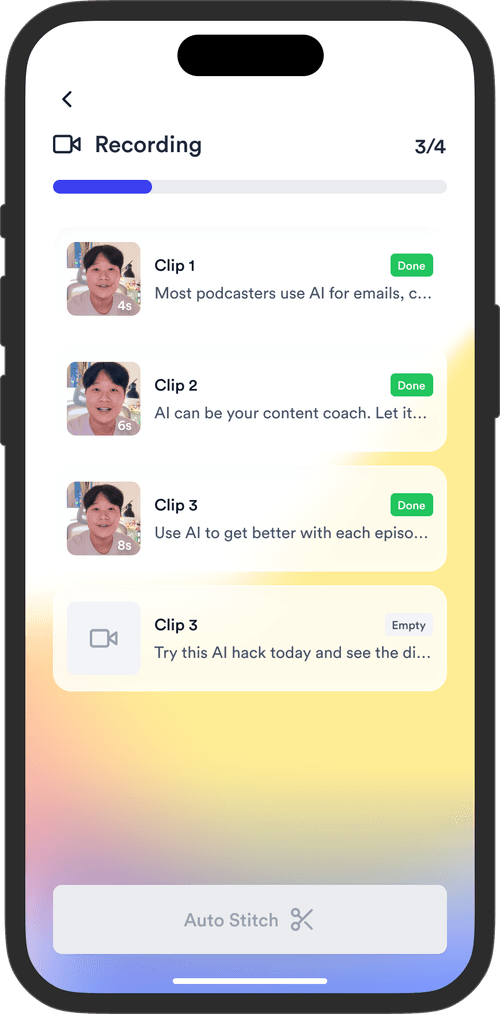
Record without bad takes

Auto Jump-Cut & Silence Removal

Teleprompter step 1Teleprompter step 2Teleprompter step 3
Social Media Publishing

Post to all your channels

YouTube, Instagram, LinkedIn, TikTok, all at once.
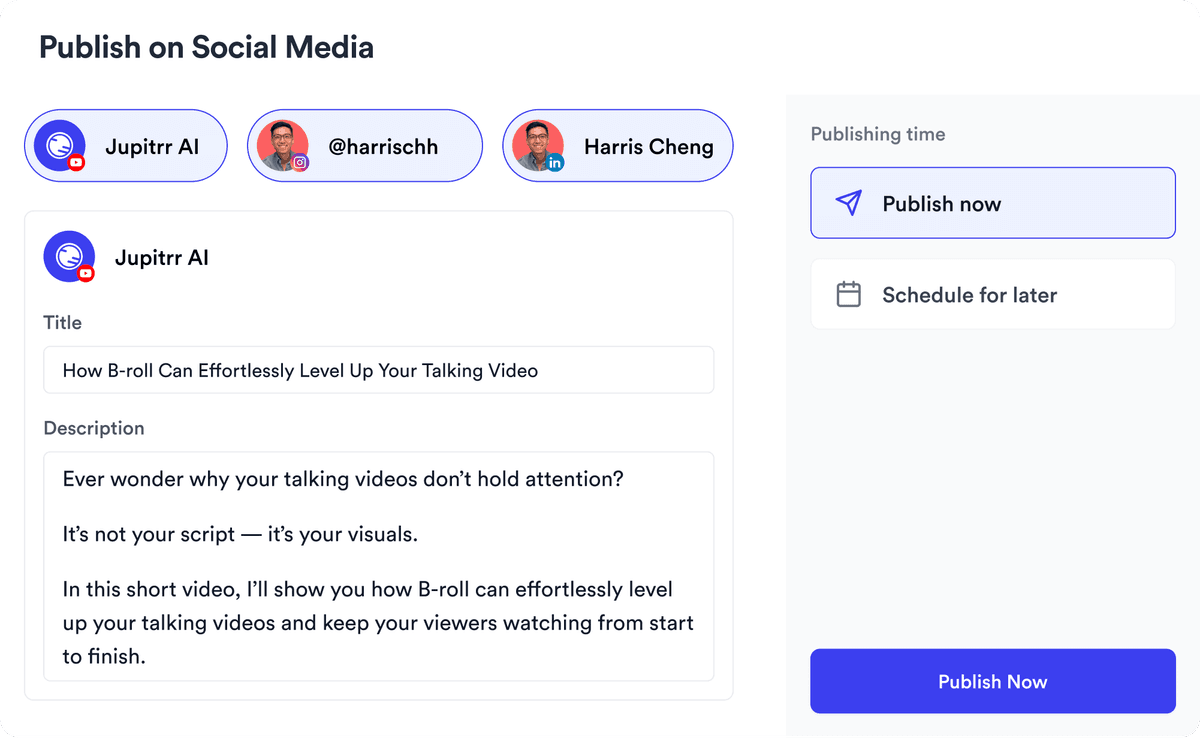
Social publishing scheduler
YouTube
Instagram
TikTok
LinkedIn
Viral Video Search

Find what's trending

Get inspired for your next videos
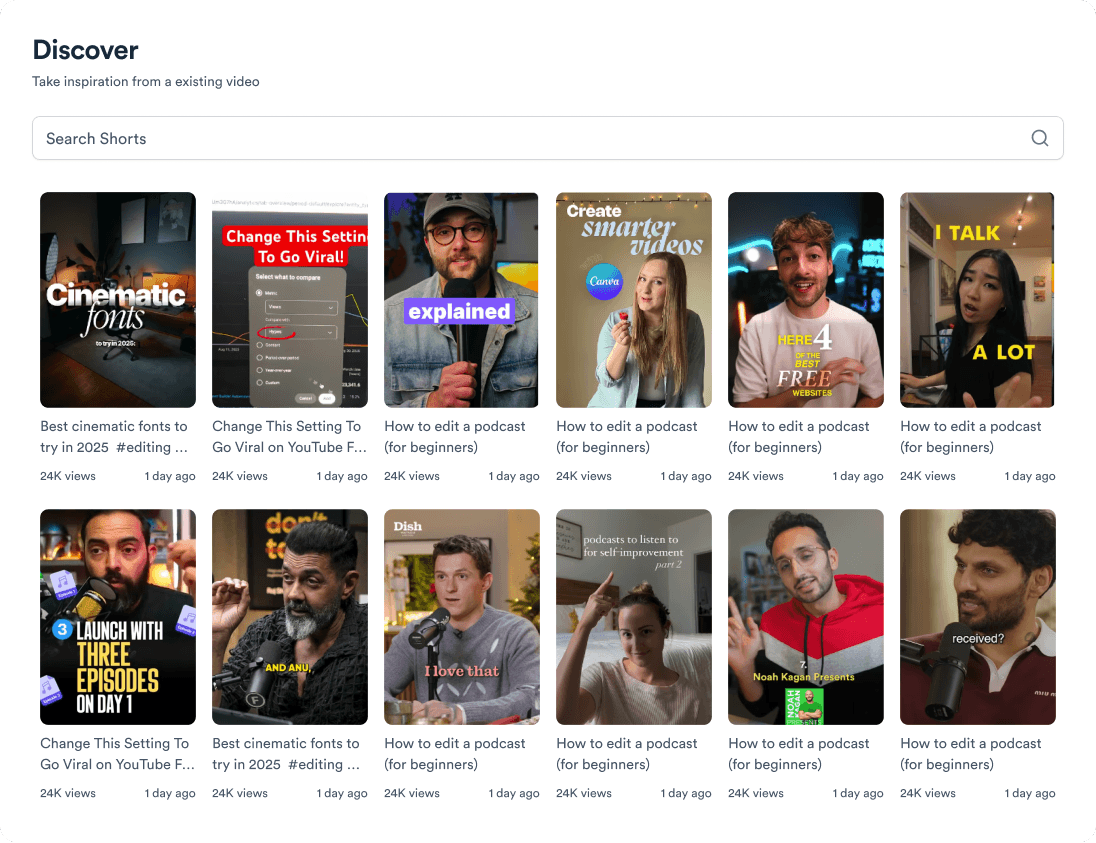
Trending topic search

and for the video team

Analytics dashboard
Video AnalyticsSee how your videos perform
Content calendar view
Content CalendarPlan your video ahead
Brand kit presets
Brand KitMake every video on brand
Team collaboration workspace
CollaborateManage videos with your team
Your all-in-one video workflow
Start creating videos consistently.
footer card