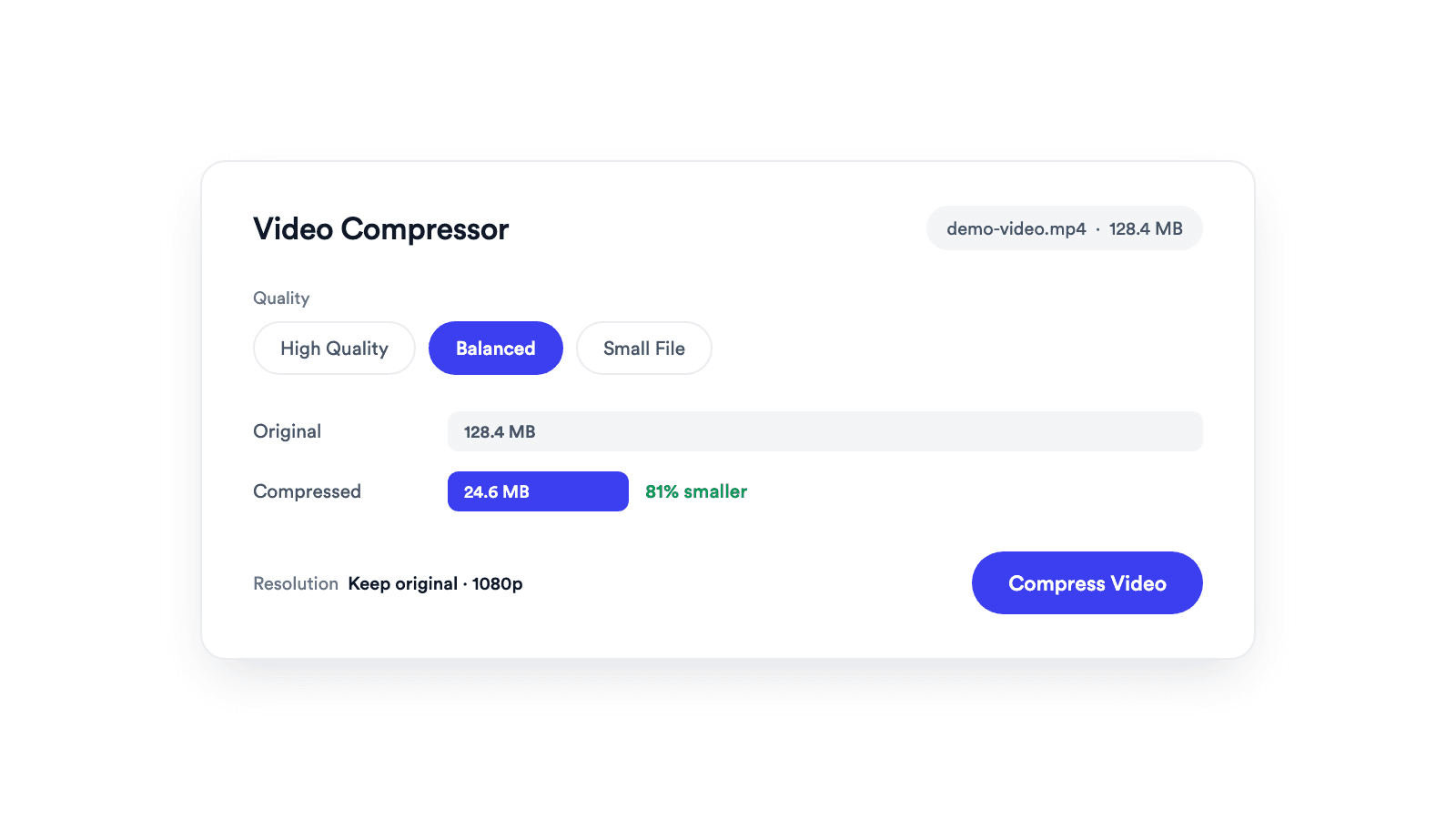
Video Compressor
Reduces video file size with adjustable quality and resolution controls.

Repackage an MP4 as an MKV for media servers, players, and archives that prefer Matroska.
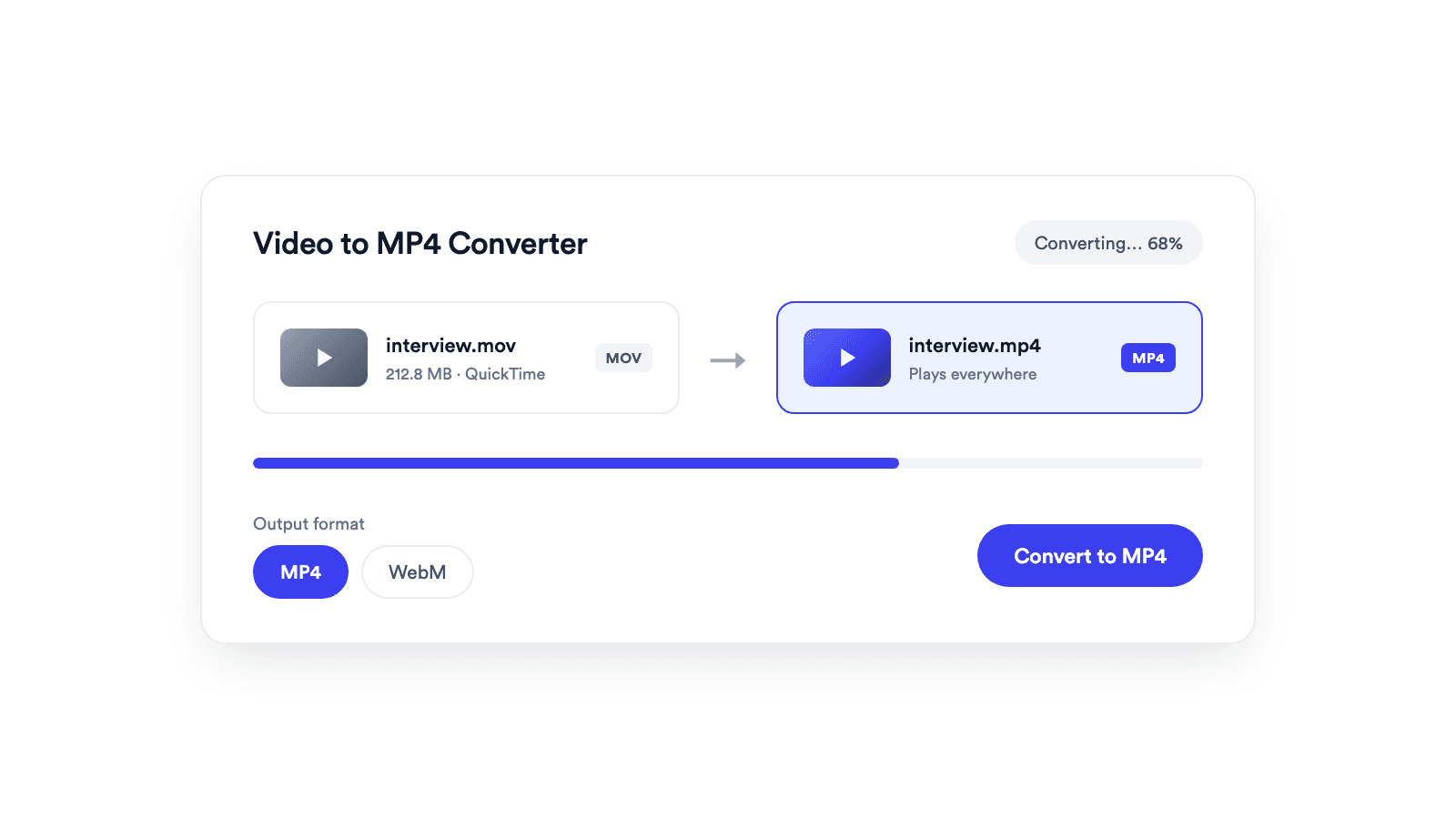
MKV can hold the same codecs as MP4, so the streams are copied across and the picture is untouched.
Your MP4 file is converted inside your browser and never leaves your device.
No signup, no install, and nothing added to your file.
Drop a MP4 video up to 1 GB onto the converter, or pick it from your device.
MKV is already selected. You can switch to another output format if you need one.
The video is converted in your browser. Preview the MKV file, then download it.
Same video, more flexible container.
MKV (Matroska) is an open container that can hold almost any video and audio codec. Media servers such as Plex and Jellyfin, players such as VLC, and many archive workflows use it as their standard format.
Because MKV accepts the H.264, HEVC, and AAC streams inside an MP4, converting MP4 to MKV only rewrites the container. It finishes in seconds and keeps the original quality.
Keep a Plex or Jellyfin library in one consistent format.
Store recordings in an open, well-documented container.
Feed scripts and apps that only look for .mkv files.
Line up phone clips with OBS recordings that are already MKV.
Reduces video file size with adjustable quality and resolution controls.
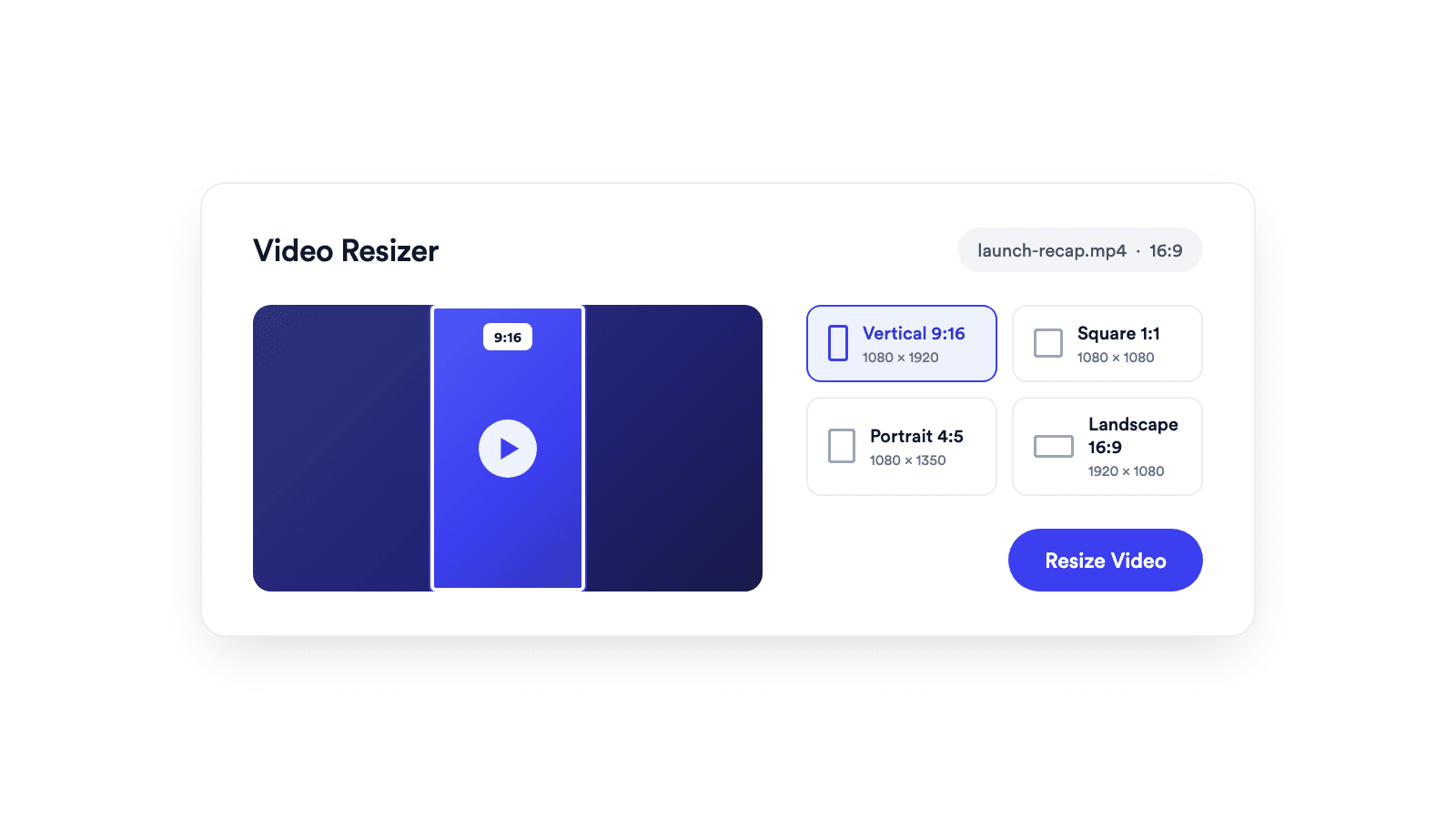
Reframes a video for vertical, square, portrait, or landscape publishing.
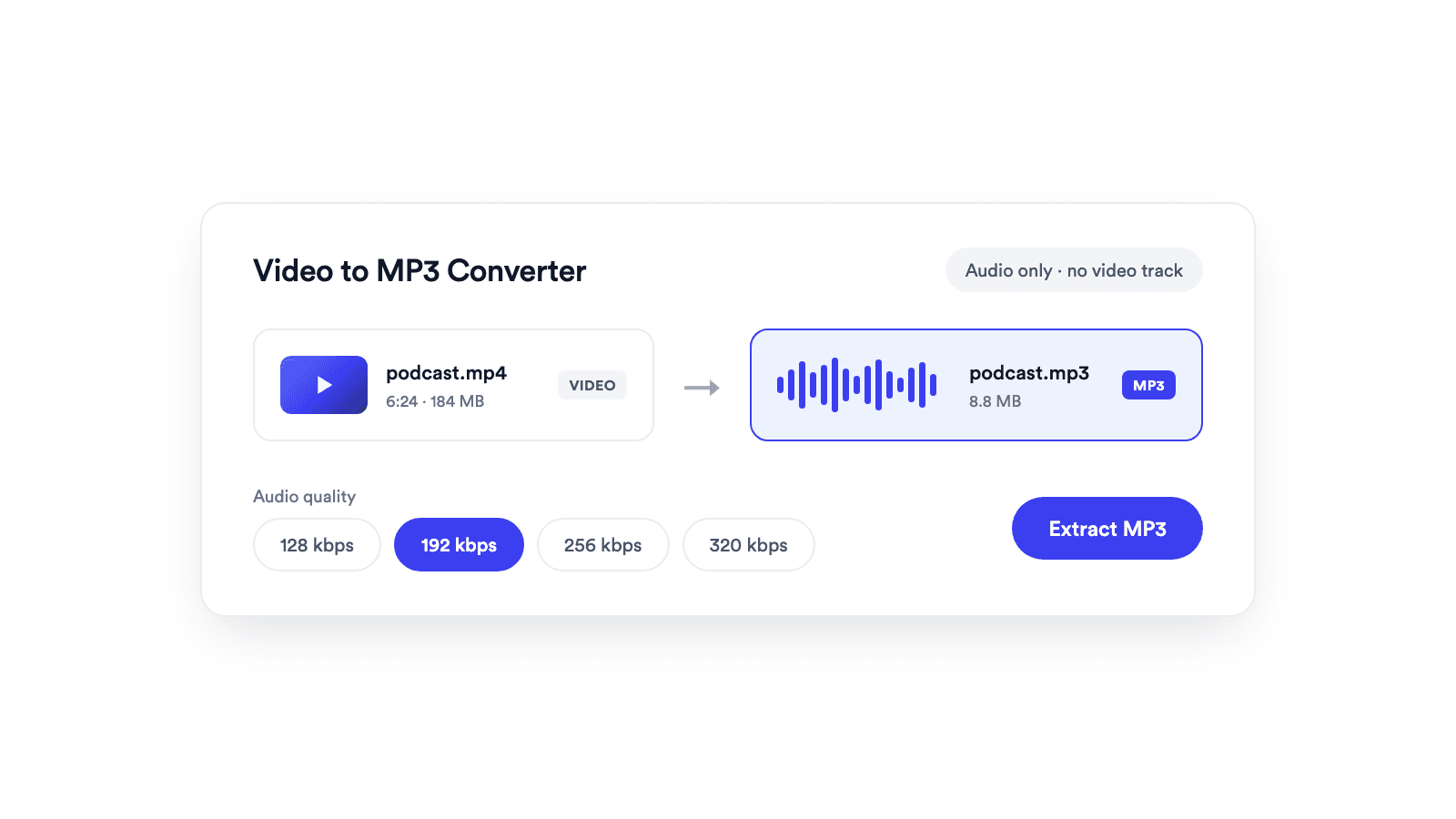
Extracts the audio from a video and saves it as a real MP3 file.

Cuts unwanted sections out of clips and joins them into a single MP4.
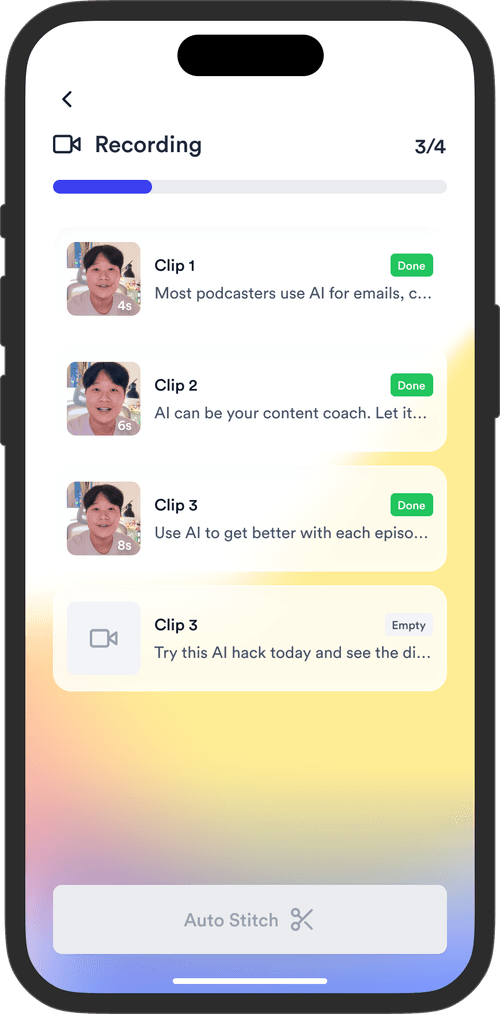
Jupitrr brings planning, scripting, recording, editing, and publishing into a single tool. Built for coaches and consultants shipping video consistently.




Trained on your scripts & viral scripting framework
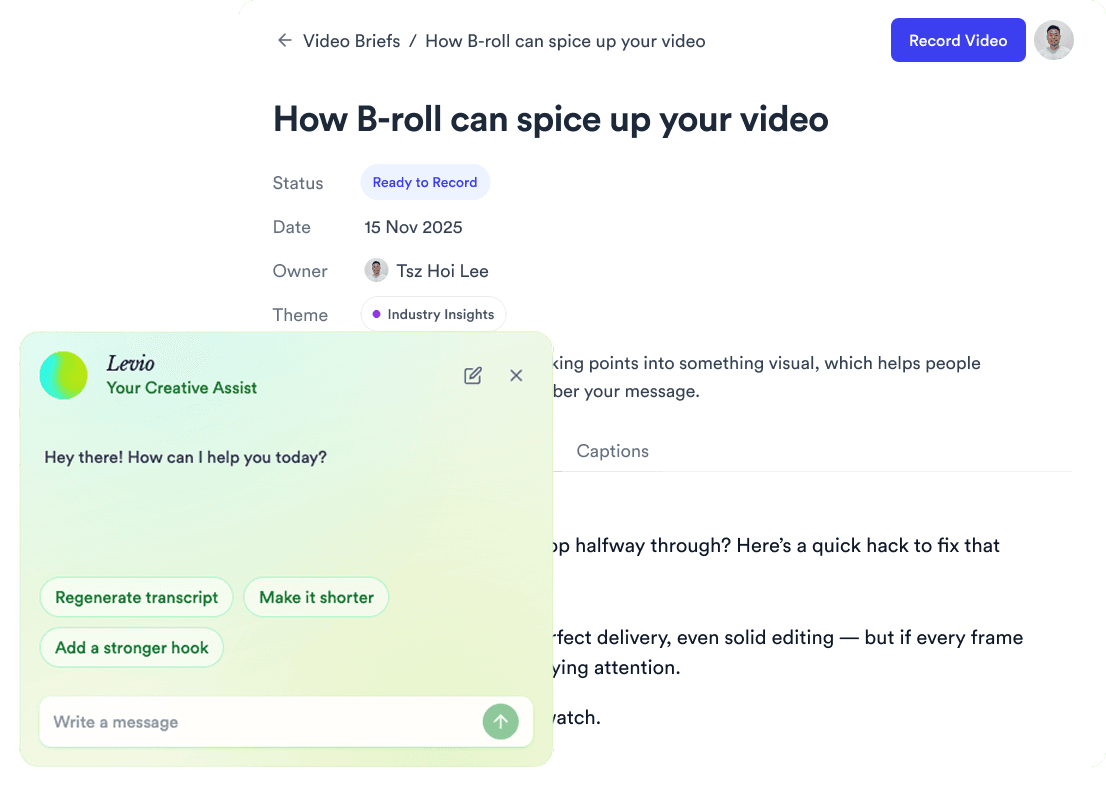
Auto Jump-Cut & Silence Removal
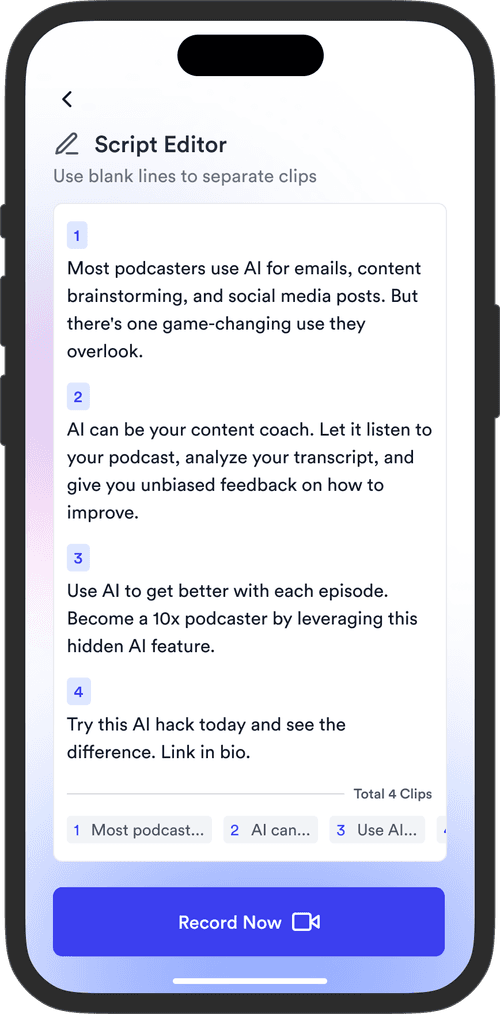

YouTube, Instagram, LinkedIn, TikTok, all at once.



Get inspired for your next videos