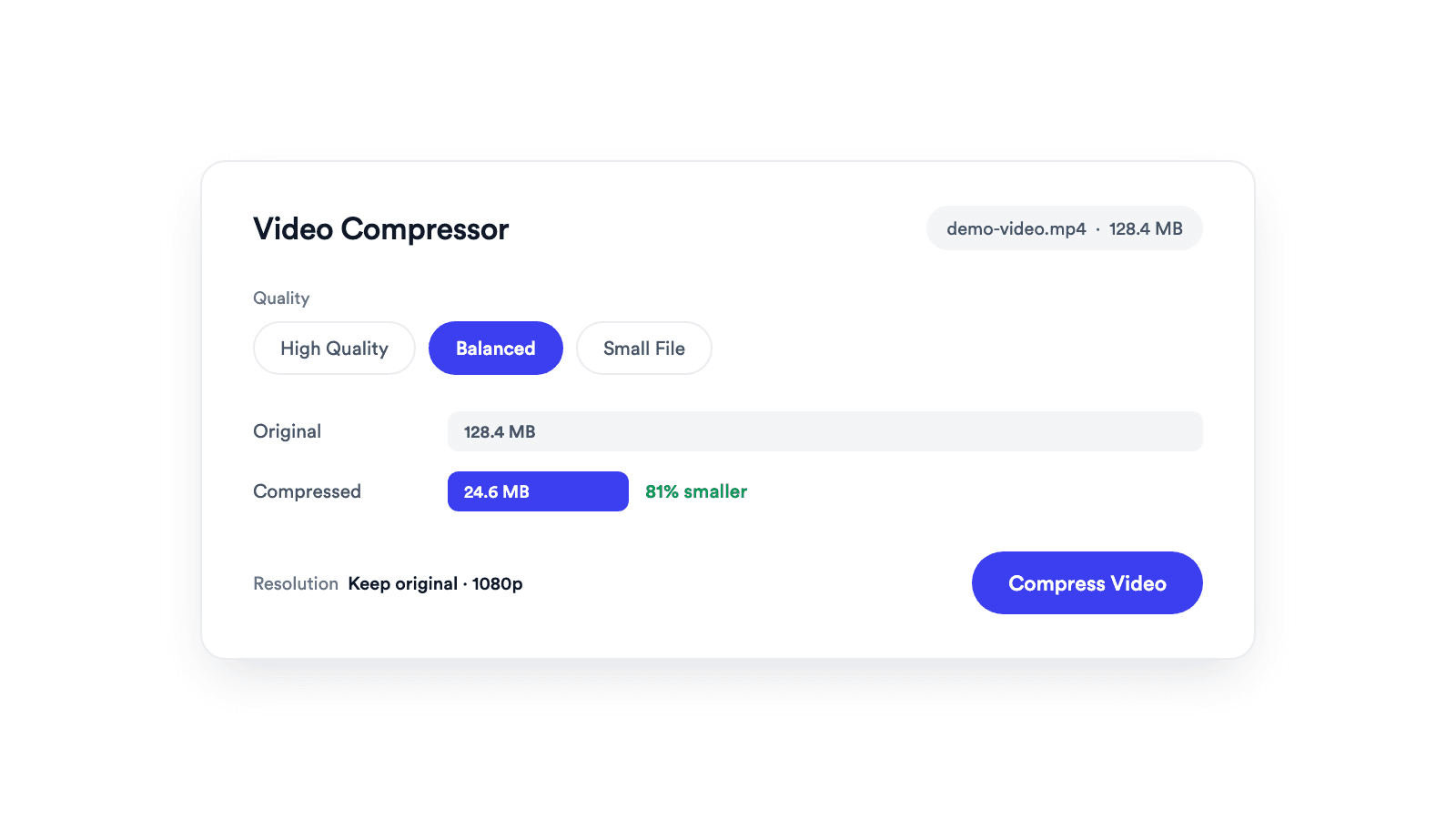
Video Compressor
Reduces video file size with adjustable quality and resolution controls.

Finds silent gaps in a video and cuts them out. Adjust sensitivity, hear the result before you export, download the MP4. Free in your browser, no upload.
Audio analysis and export both run inside the browser tab. The video stays on your device.
The preview plays the result with the gaps skipped. Move Sensitivity and the timeline updates instantly.
Exports at the original resolution, long side capped at 1920 px, ready for YouTube, LinkedIn, or your editor.
Choose an MP4, MOV, WebM, or M4V up to 1 GB. Silence is detected as soon as the audio is read.
On the timeline, blue is kept and red is cut. Press play to hear the result with the gaps skipped, and move Sensitivity until it sounds right.
Hit Remove Silence. The kept segments are stitched into one MP4 you can download, or go back with Adjust Settings.
Dead air out, pacing in, without a timeline edit.
A silence remover scans the audio of a video, finds the gaps where nobody is speaking, and cuts them out so the result plays tighter. With Jupitrr's Silence Remover, drop a file, hear the result with the gaps skipped, adjust Sensitivity, and download the shortened MP4, all in your browser.
Trim the pauses between sentences from a single long take.
Remove the waiting while pages load or you find the next click.
Tighten long gaps before you publish or clip highlights.
Keep lessons moving without a manual cut on every pause.
Reduces video file size with adjustable quality and resolution controls.
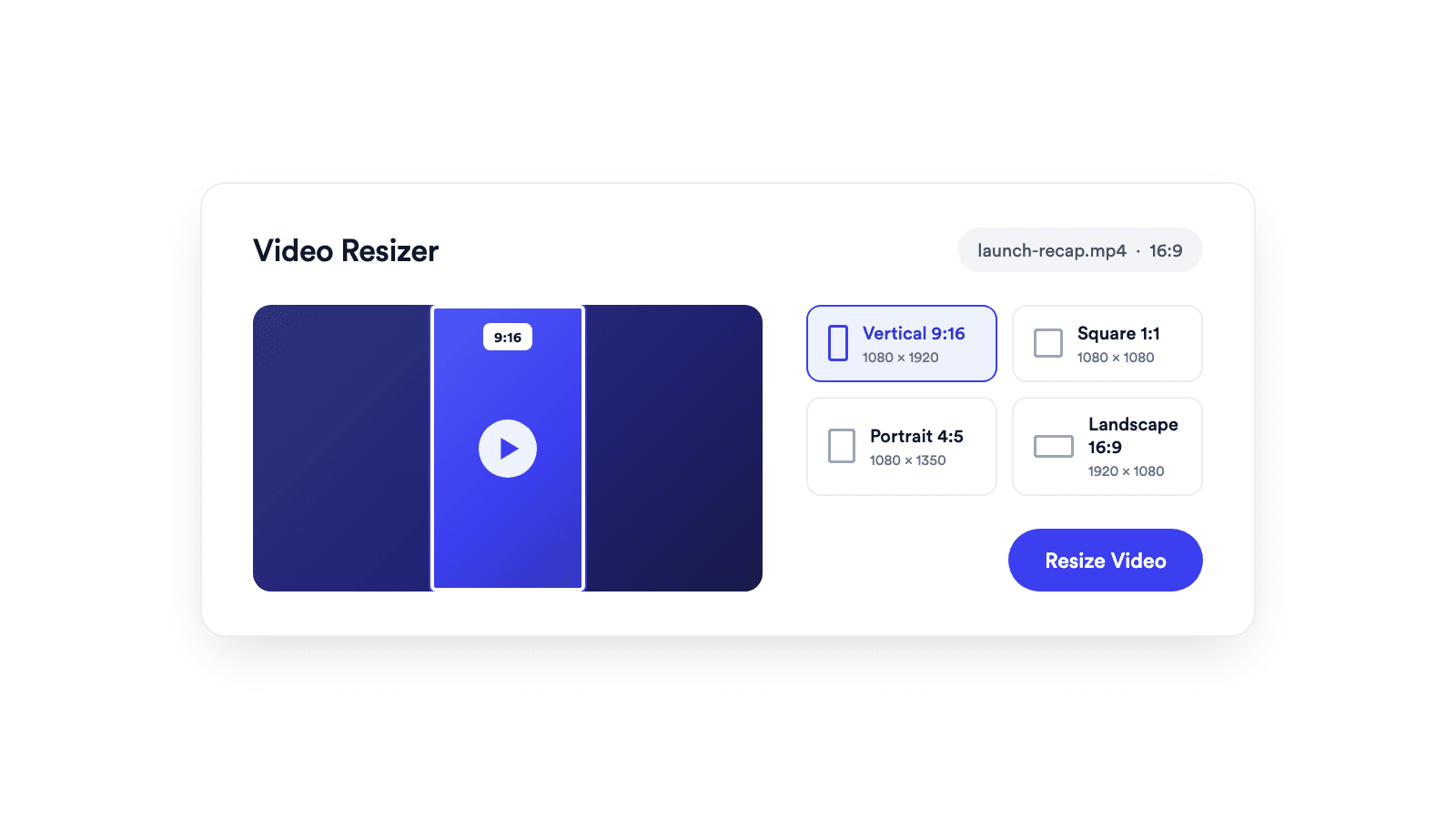
Reframes a video for vertical, square, portrait, or landscape publishing.
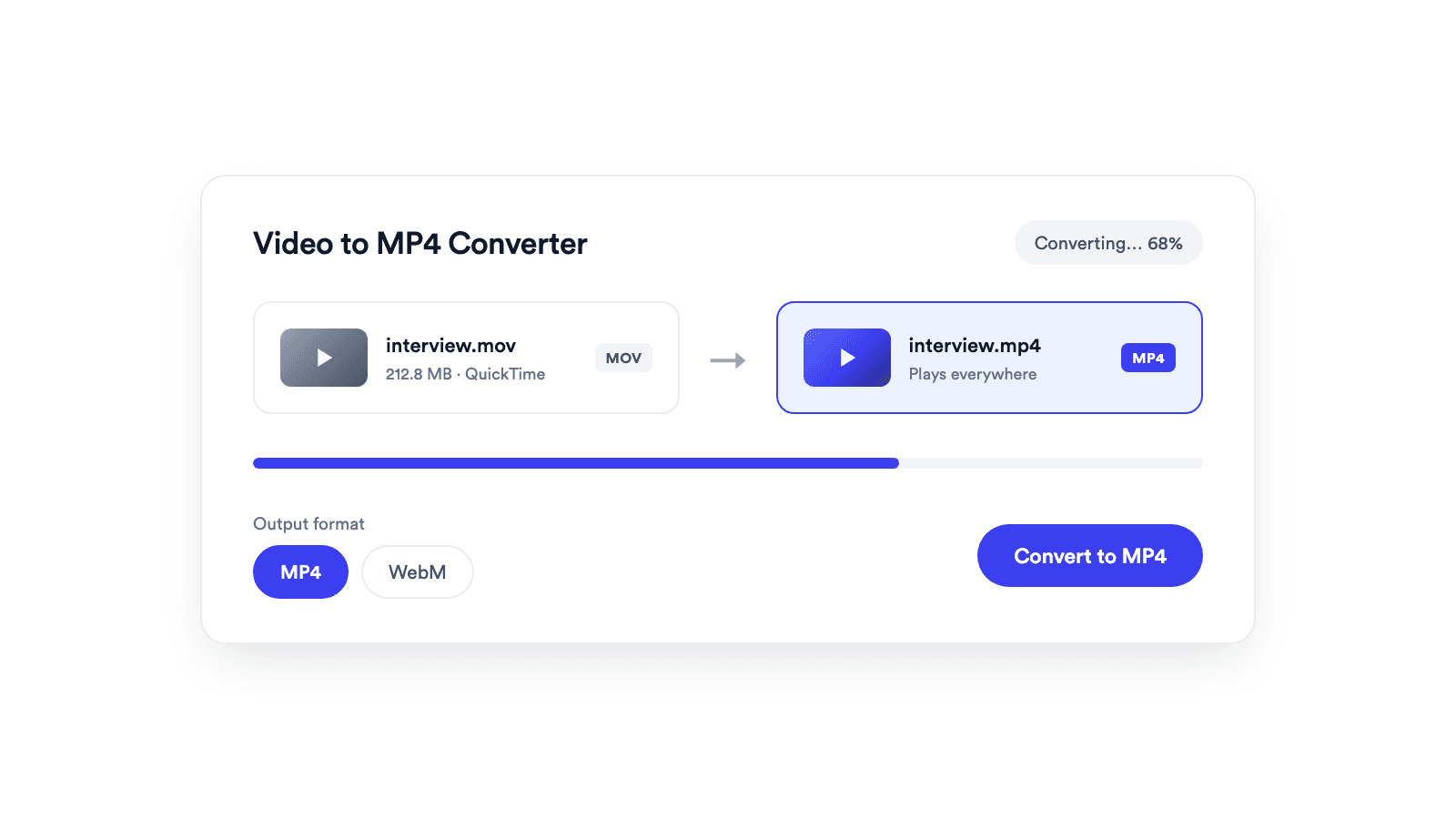
Converts browser-supported video files to MP4 or WebM on your device.
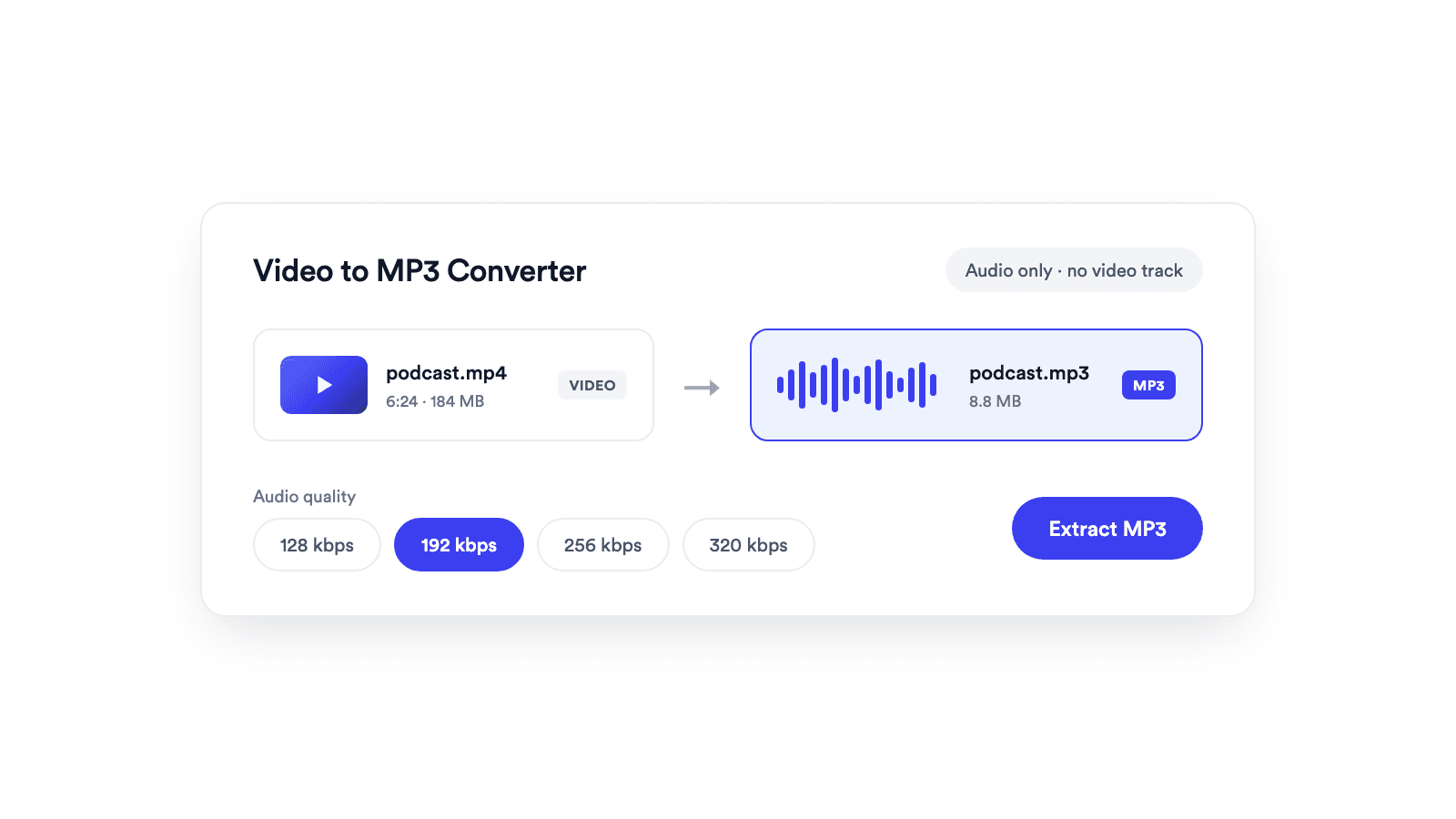
Extracts the audio from a video and saves it as a real MP3 file.
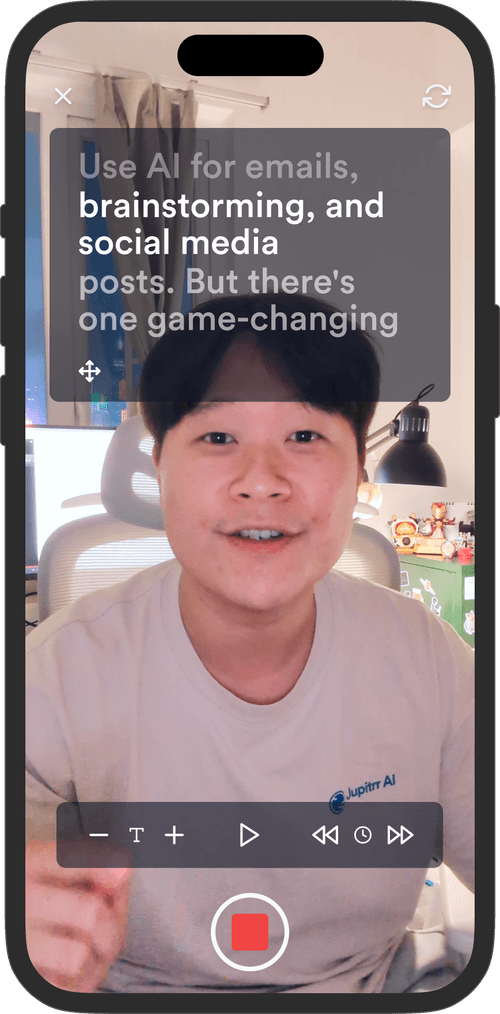
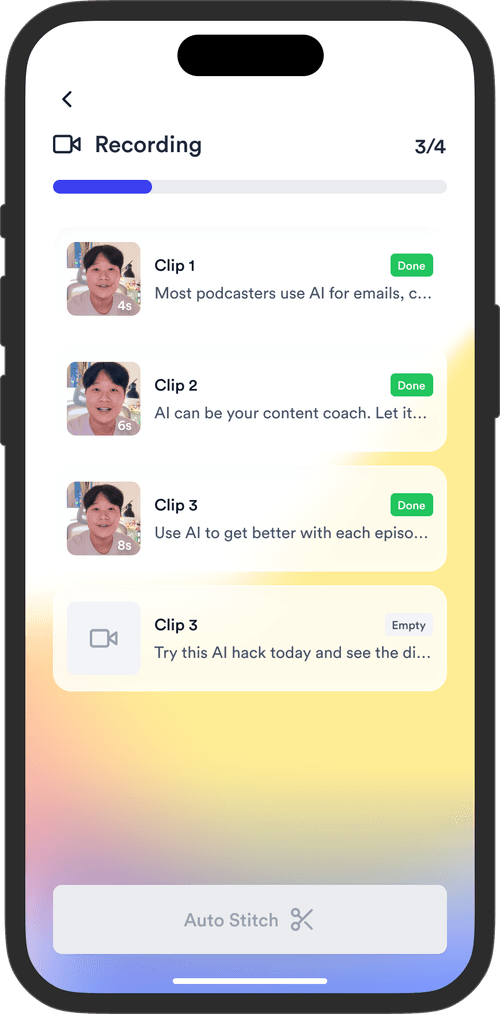
Jupitrr brings planning, scripting, recording, editing, and publishing into a single tool. Built for coaches and consultants shipping video consistently.




Trained on your scripts & viral scripting framework
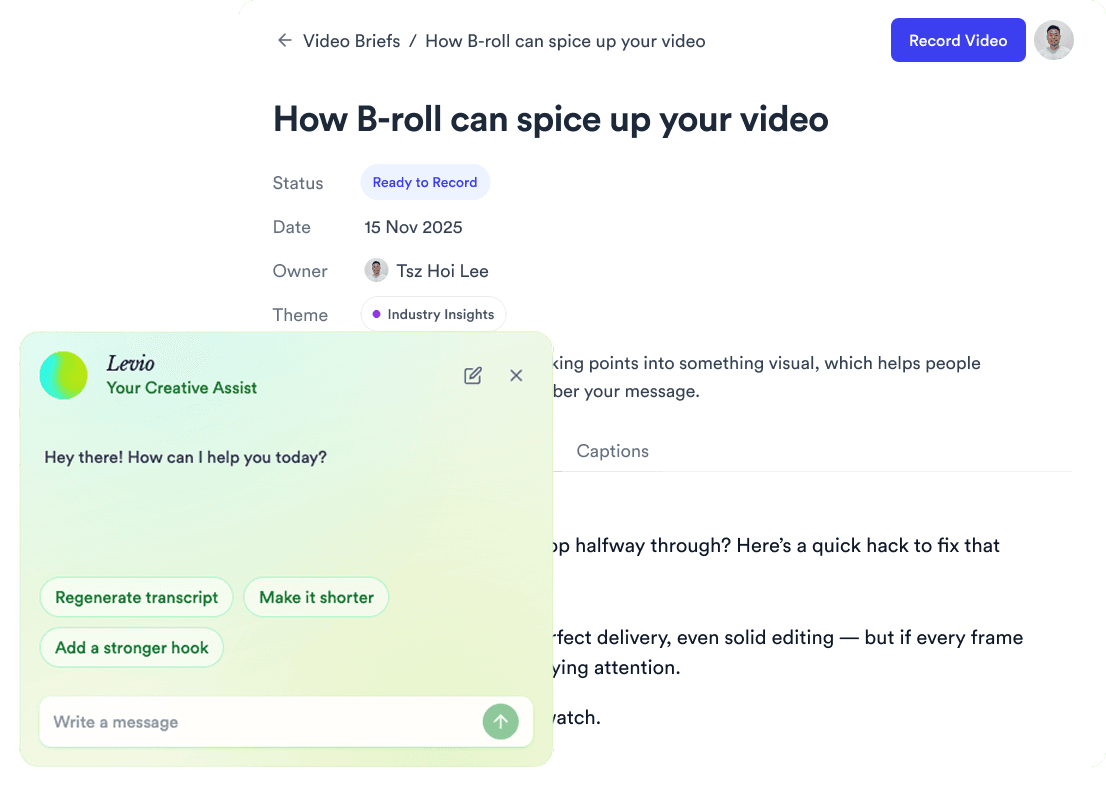
Auto Jump-Cut & Silence Removal
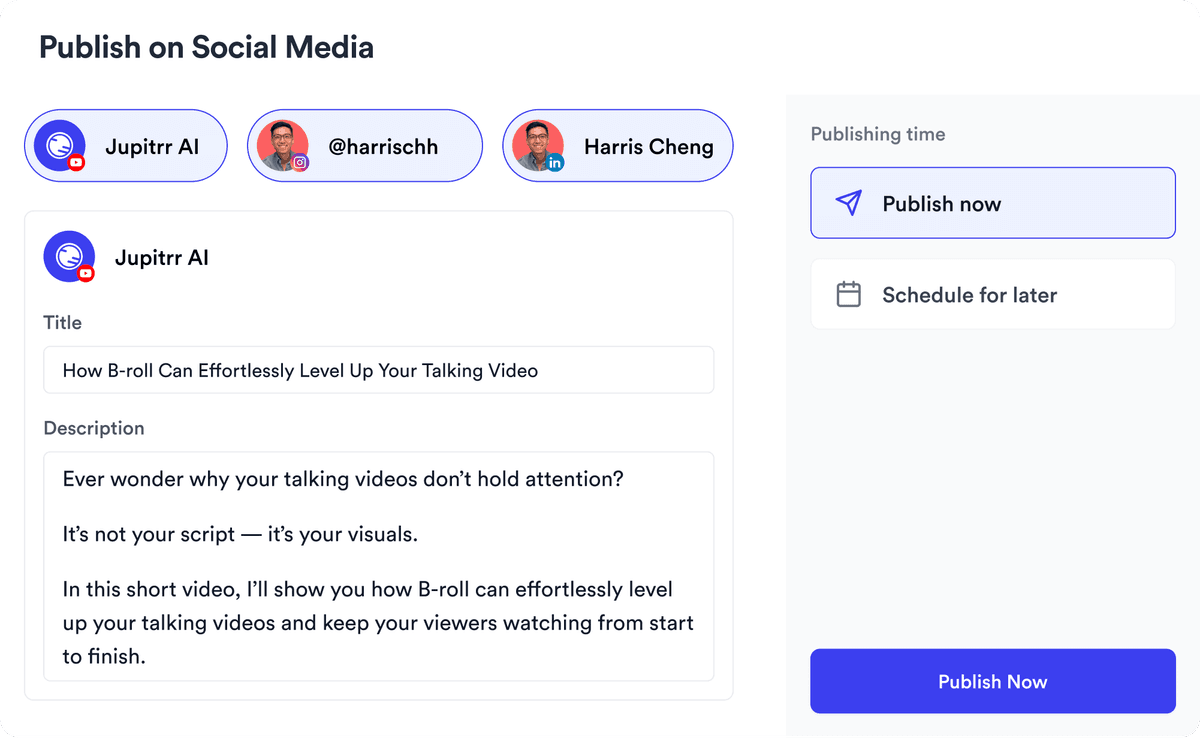
YouTube, Instagram, LinkedIn, TikTok, all at once.


Get inspired for your next videos