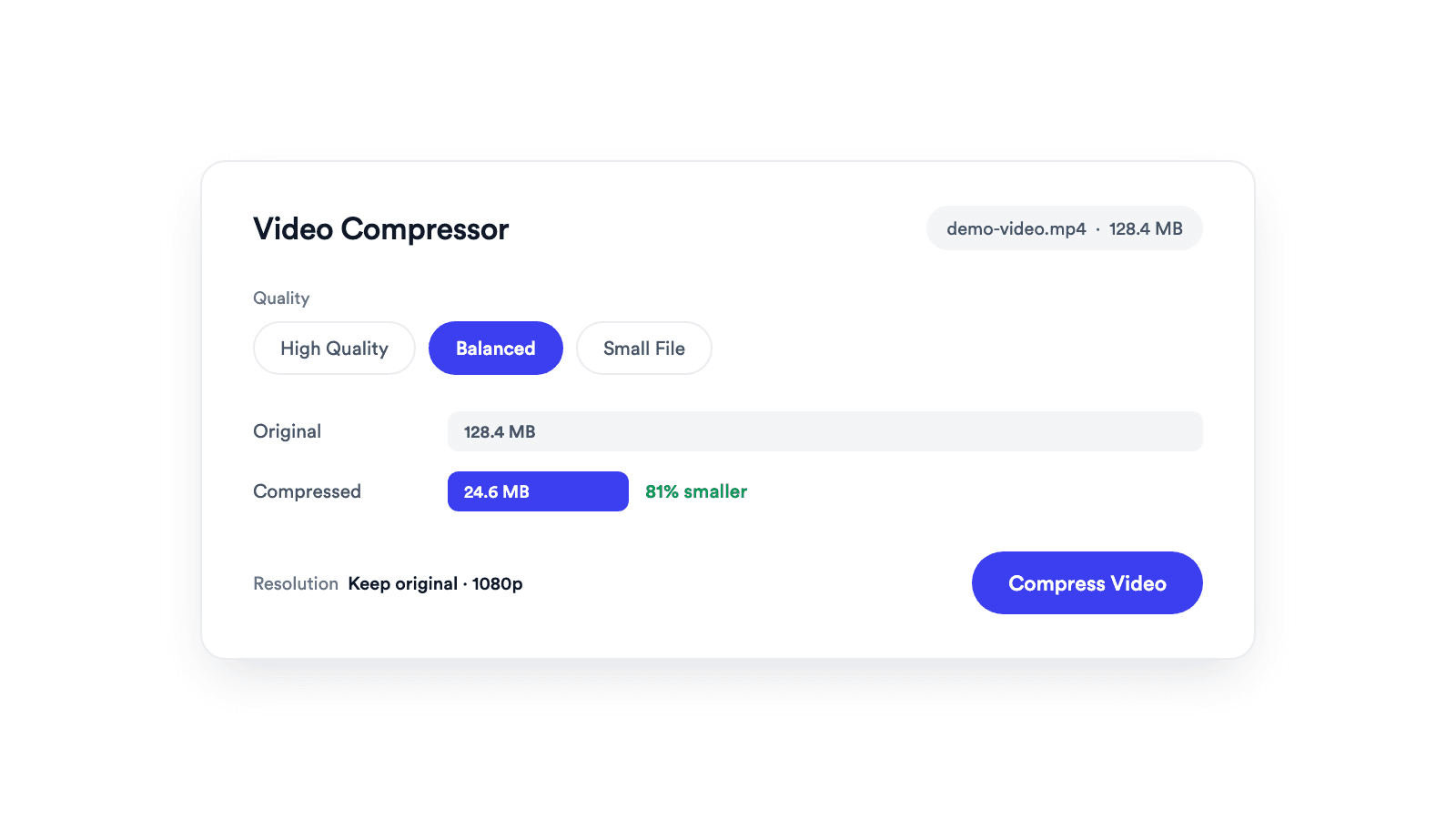
Video Compressor
Reduces video file size with adjustable quality and resolution controls.

Detects speech, generates timed captions in white text with a black outline, and burns them into your video. Free for videos under 60 seconds, three a day.
Captions come back timed per word and grouped into lines of up to four words, so each line appears as it is spoken.
After detection, the export runs in your browser. The finished file is never uploaded.
Download the captioned video, the SRT file, or both.
MP4, MOV, WebM, or M4V under 60 seconds and 500 MB.
Hit Generate Subtitles. Fix any word in the cue list, then set the font size and position from the bottom.
Hit Burn In Captions to export the MP4 in your browser, or download the SRT.
Speech to timed captions, then captions onto the picture.
An auto subtitle generator listens to the speech in a video, turns it into text with timestamps, and places that text on screen in sync. With Jupitrr's Auto Subtitle Generator, detection runs on a transcription service and the burn-in runs on your device, and you get a captioned MP4 plus an SRT. It is a small slice of the captioning inside the Jupitrr AI Video Editor.
Captions keep viewers watching with the sound off.
Most LinkedIn video plays silently in the feed.
Add captions to a short recorded message before sending.
Test size and position on a short clip before captioning a full video.
Reduces video file size with adjustable quality and resolution controls.
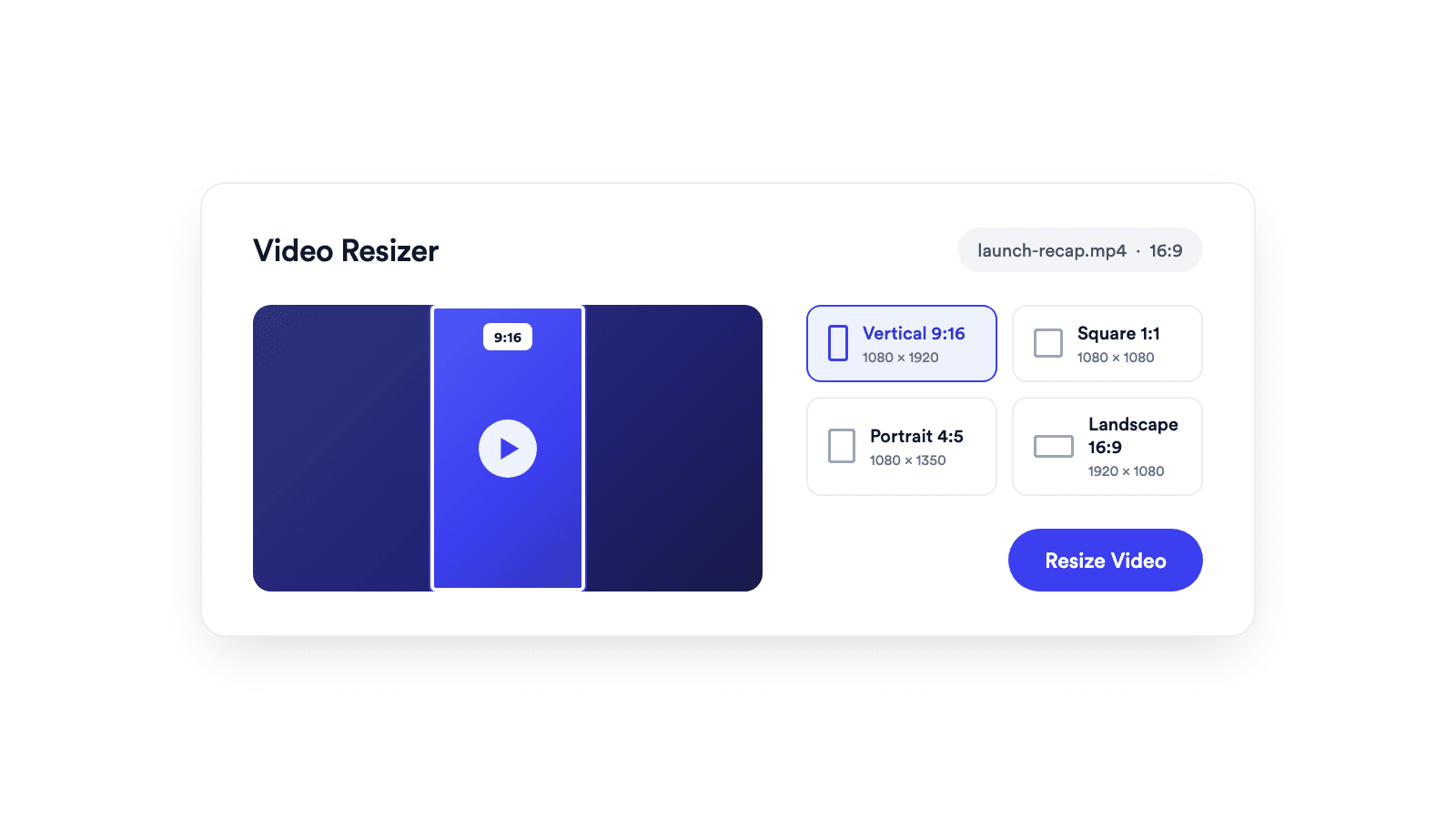
Reframes a video for vertical, square, portrait, or landscape publishing.
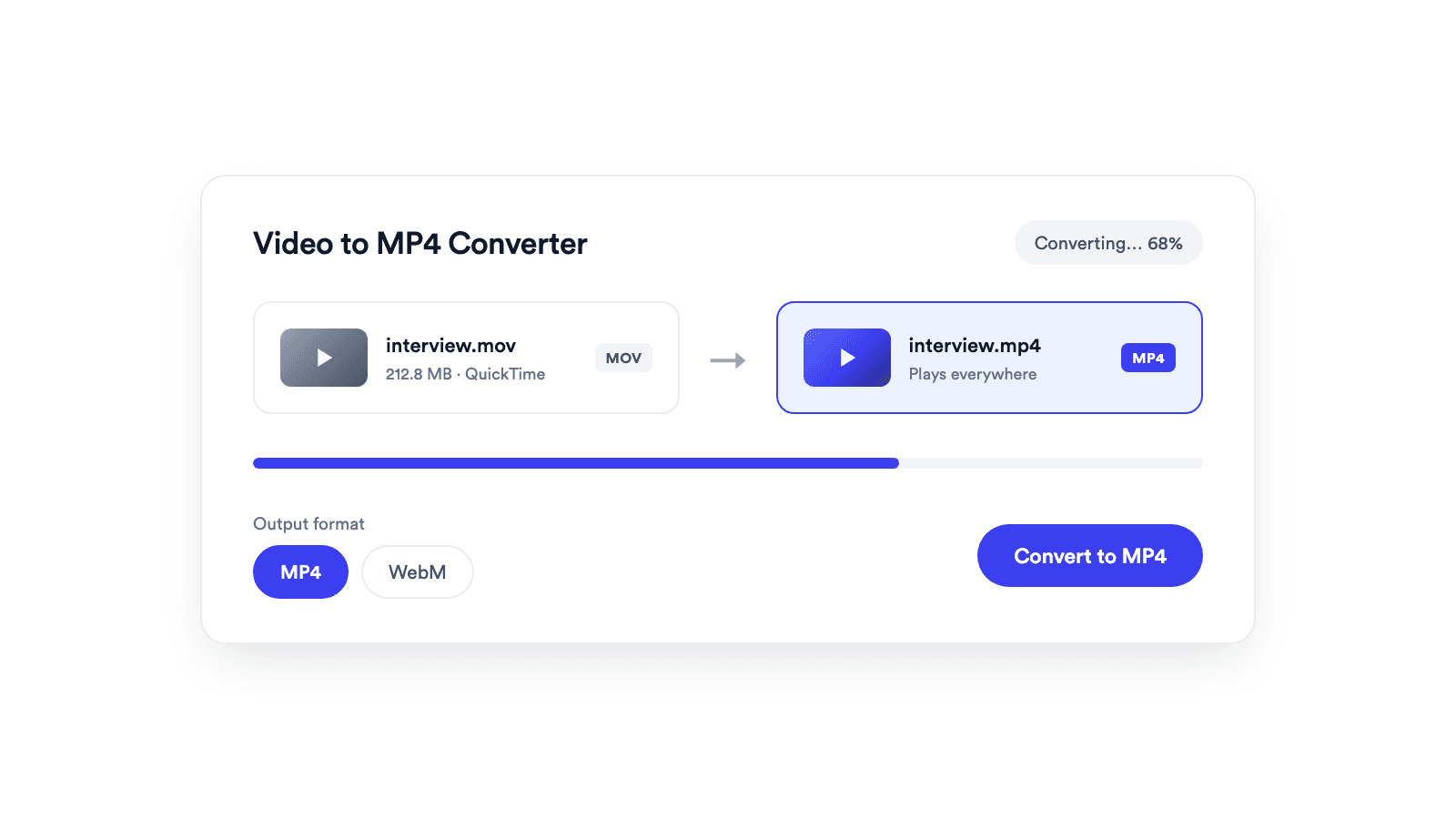
Converts browser-supported video files to MP4 or WebM on your device.
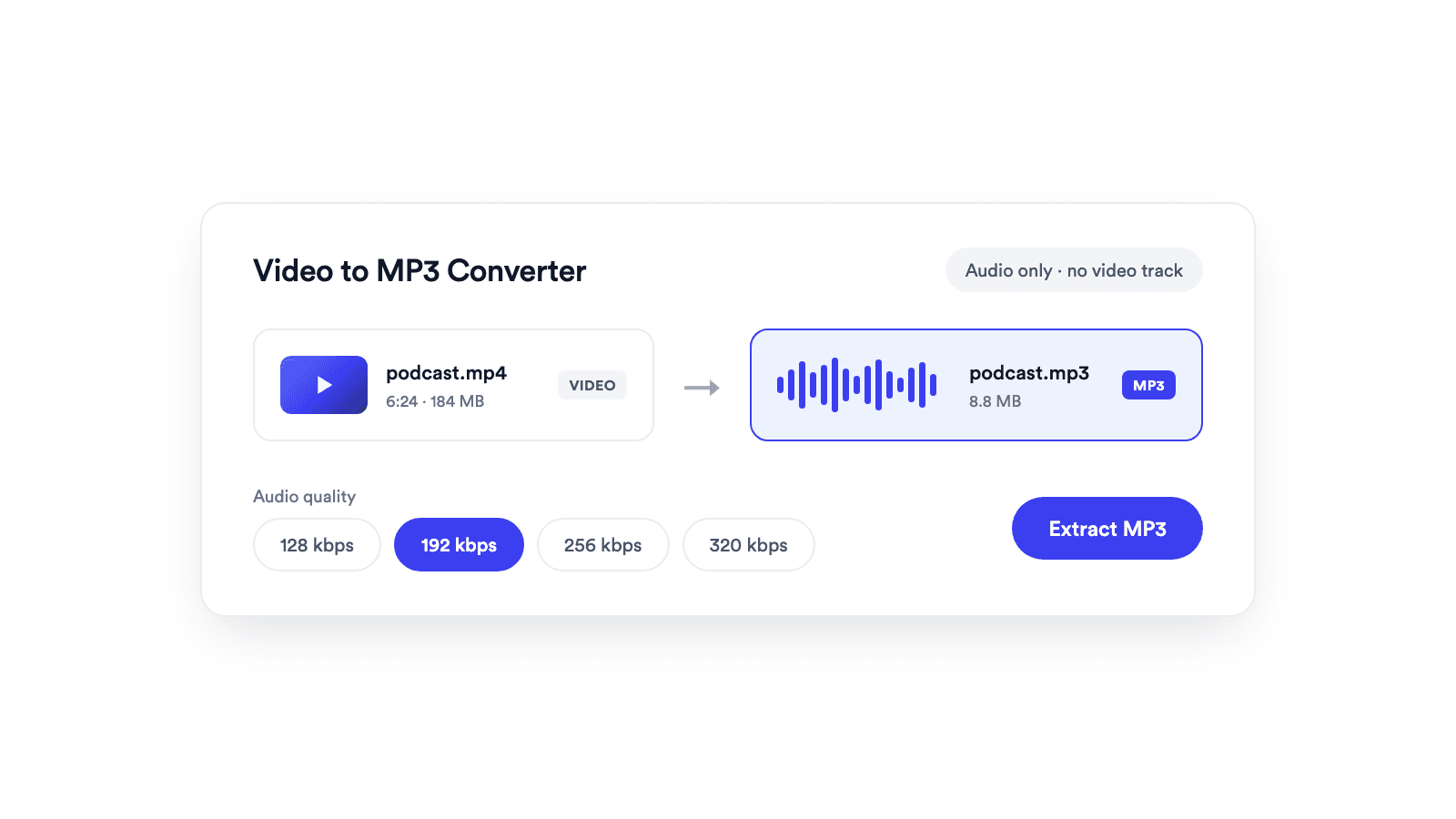
Extracts the audio from a video and saves it as a real MP3 file.
Jupitrr brings planning, scripting, recording, editing, and publishing into a single tool. Built for coaches and consultants shipping video consistently.




Trained on your scripts & viral scripting framework
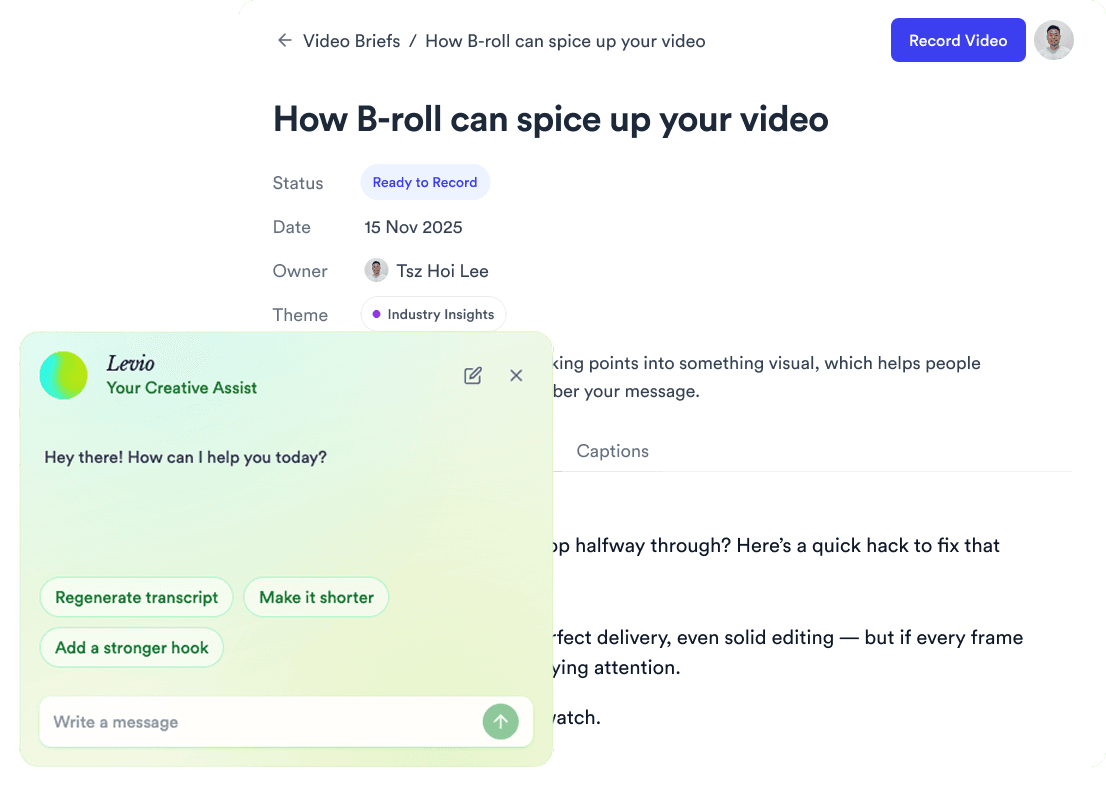
Auto Jump-Cut & Silence Removal
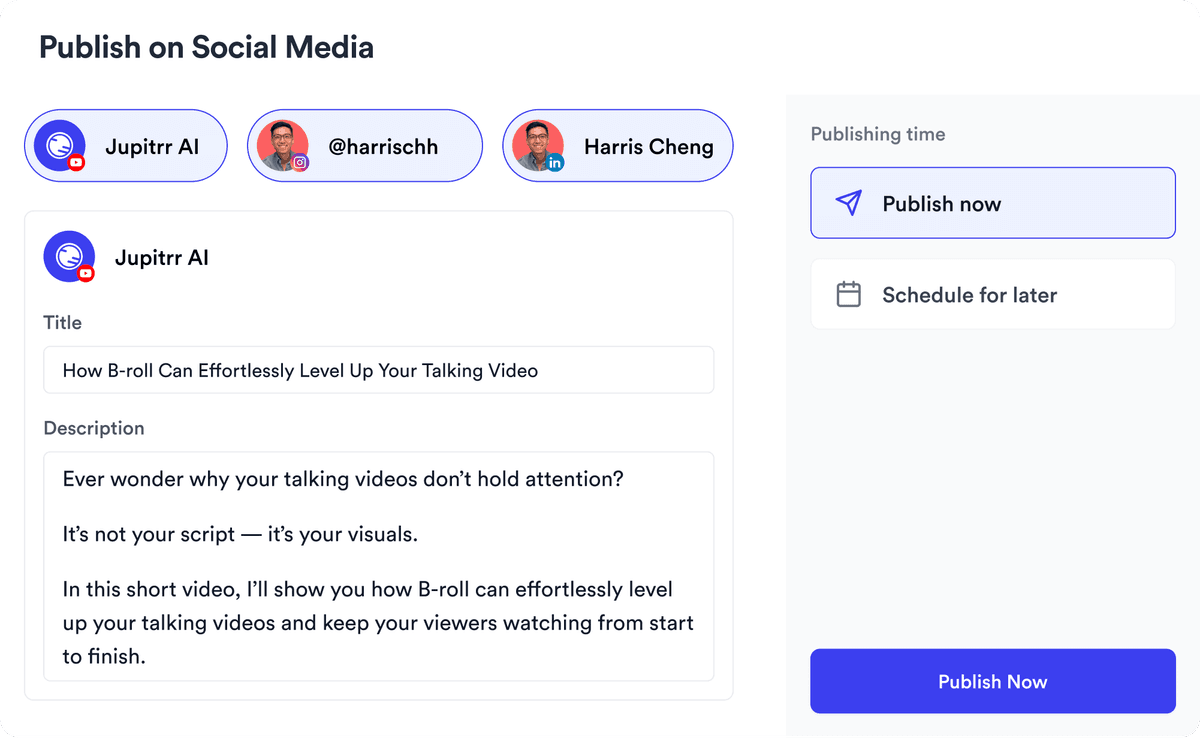
YouTube, Instagram, LinkedIn, TikTok, all at once.


Get inspired for your next videos