- How does Jupitrr MCP fit into my video workflow?
- Research, plan and script in Claude or ChatGPT, and every brief saves to your Jupitrr calendar. Record with the script in the Jupitrr Cut teleprompter, upload to Jupitrr for an edited first cut with B-roll and subtitles, then ask your AI to schedule the post and report how it did.
- What is MCP?
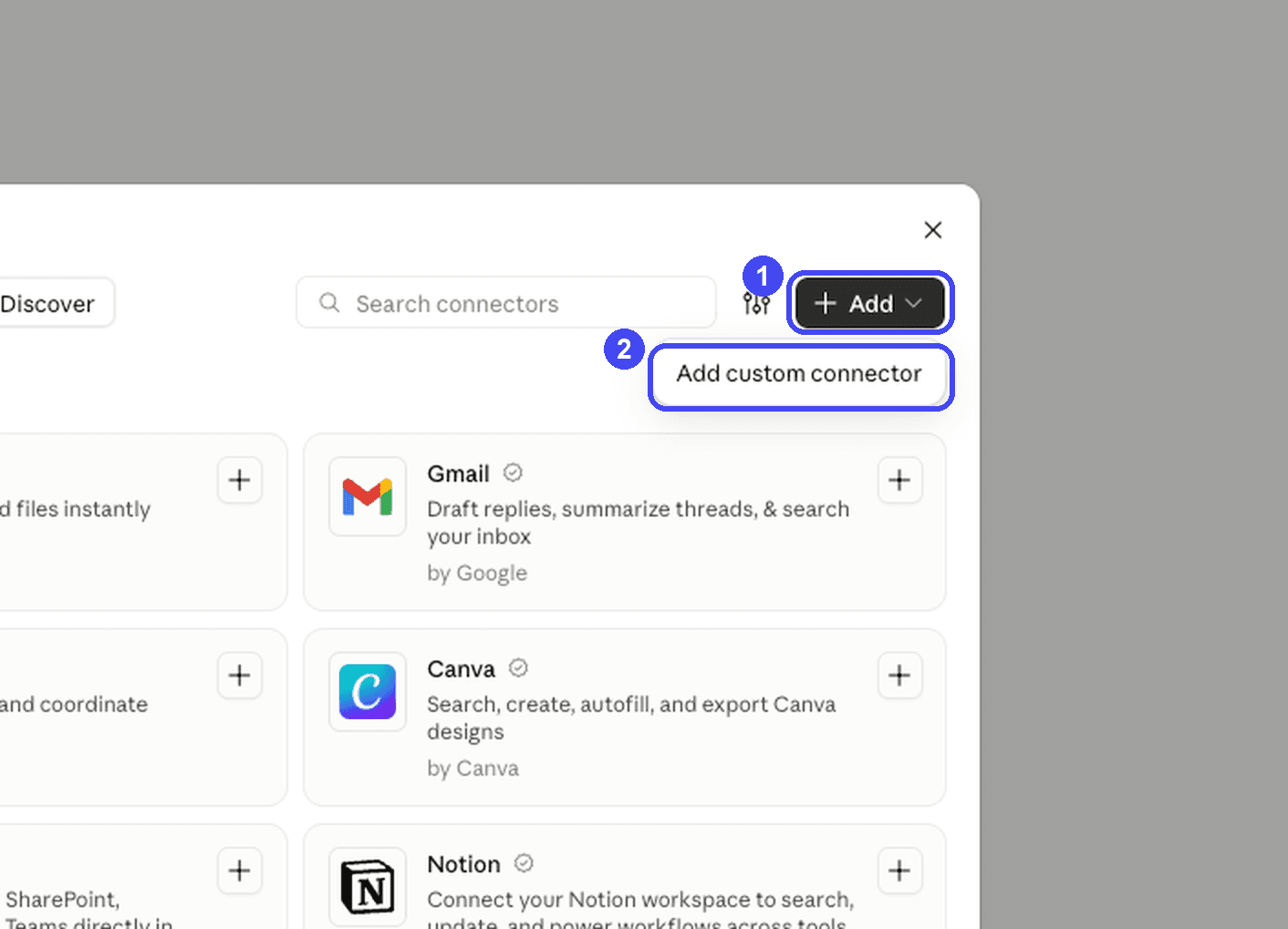
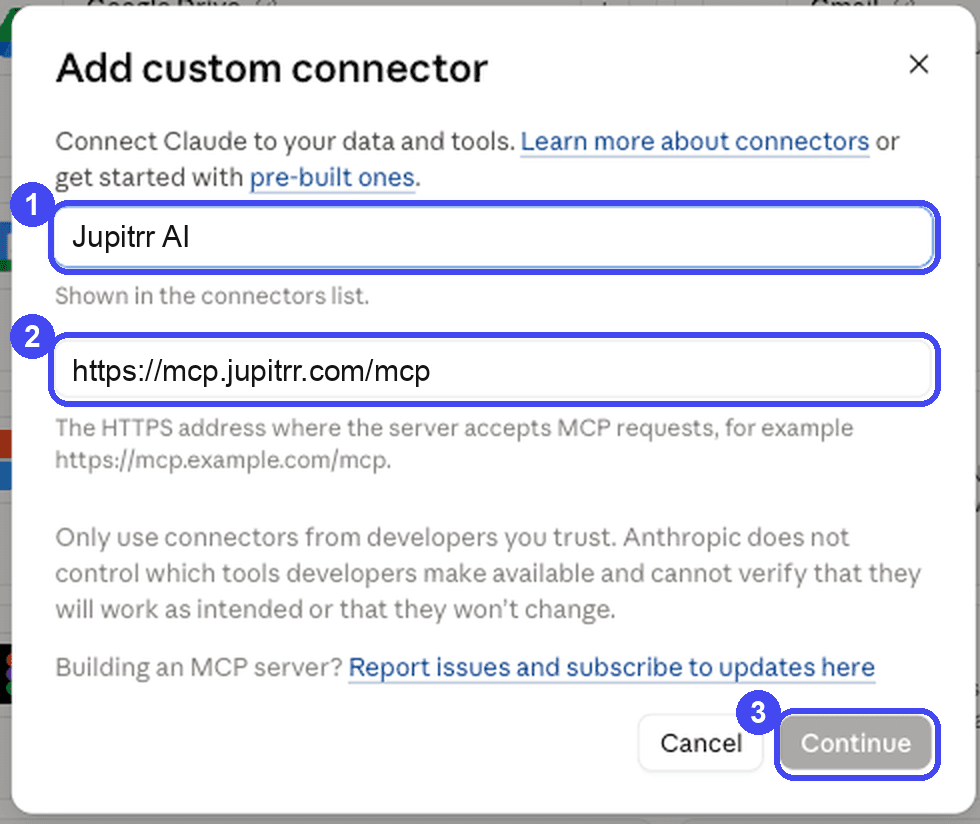
- MCP (Model Context Protocol) is the standard way AI apps like Claude and ChatGPT plug into other tools. You do not need to know how it works: add Jupitrr as a connector and start asking.
- Do I need an API key?
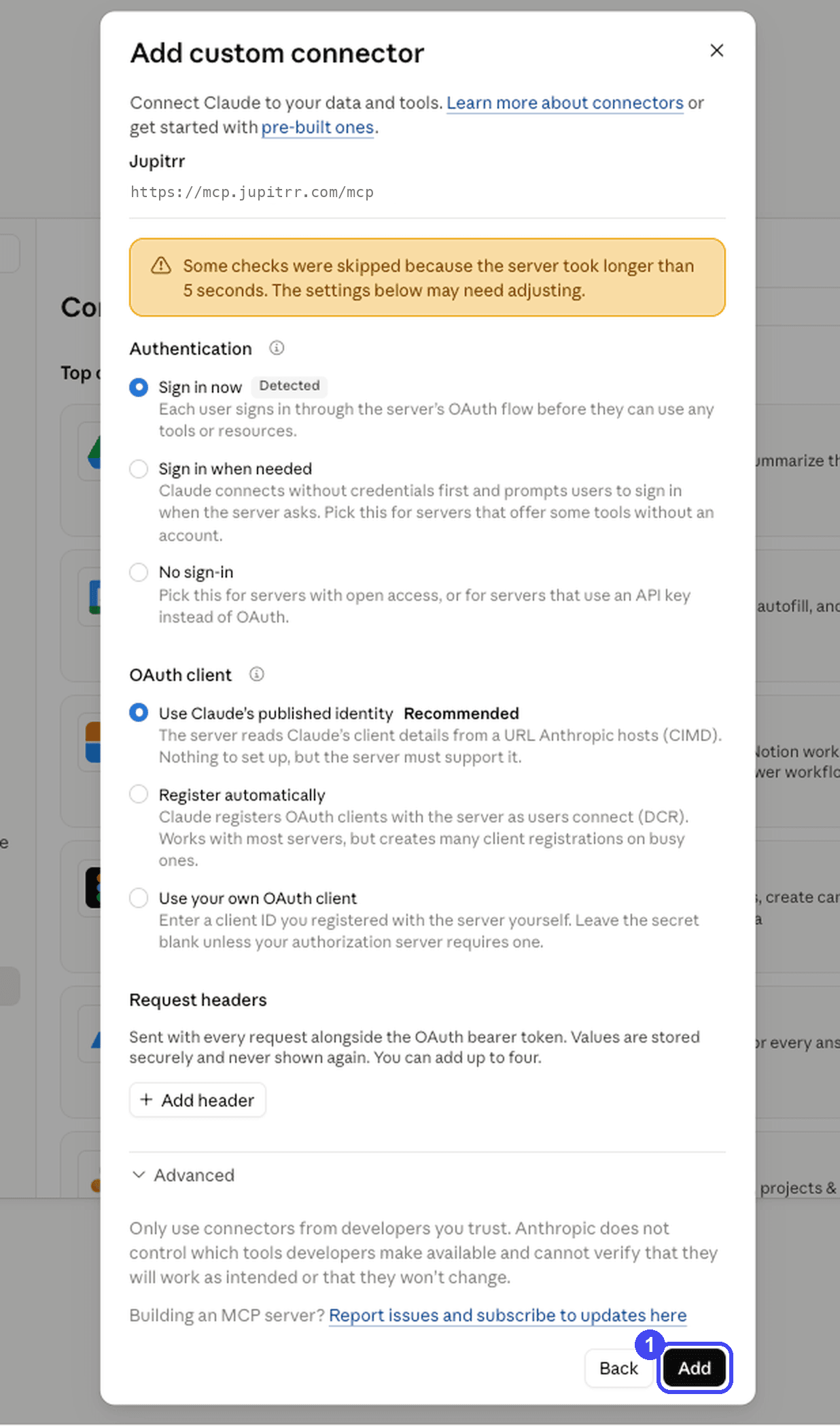
- Not for Claude, ChatGPT, Claude Code or Codex: they sign in with your Jupitrr account. Cursor and other MCP apps use an API key from Settings, and so do scripts or setups without a browser.
- Can it post without asking me?
- Not by default. Publishing tools are marked as real-world actions, so Claude and ChatGPT ask for your approval before scheduling or cancelling, unless you have chosen to always allow them. To rule it out entirely, use an API key without the Publishing permission.
- Which workspace does it use?
- Your default workspace, unless you name another one. Ask it to list your workspaces to see them. It can only reach workspaces you are a member of.
- How do I revoke access?
- Open Settings and disconnect the app or revoke the key. It loses access right away. You can also remove the connector inside Claude or ChatGPT.
- Does it use my plan quota?
- Generating things (briefs, calendars) uses the same quota as the web app, because it runs as you. Reading and searching do not.