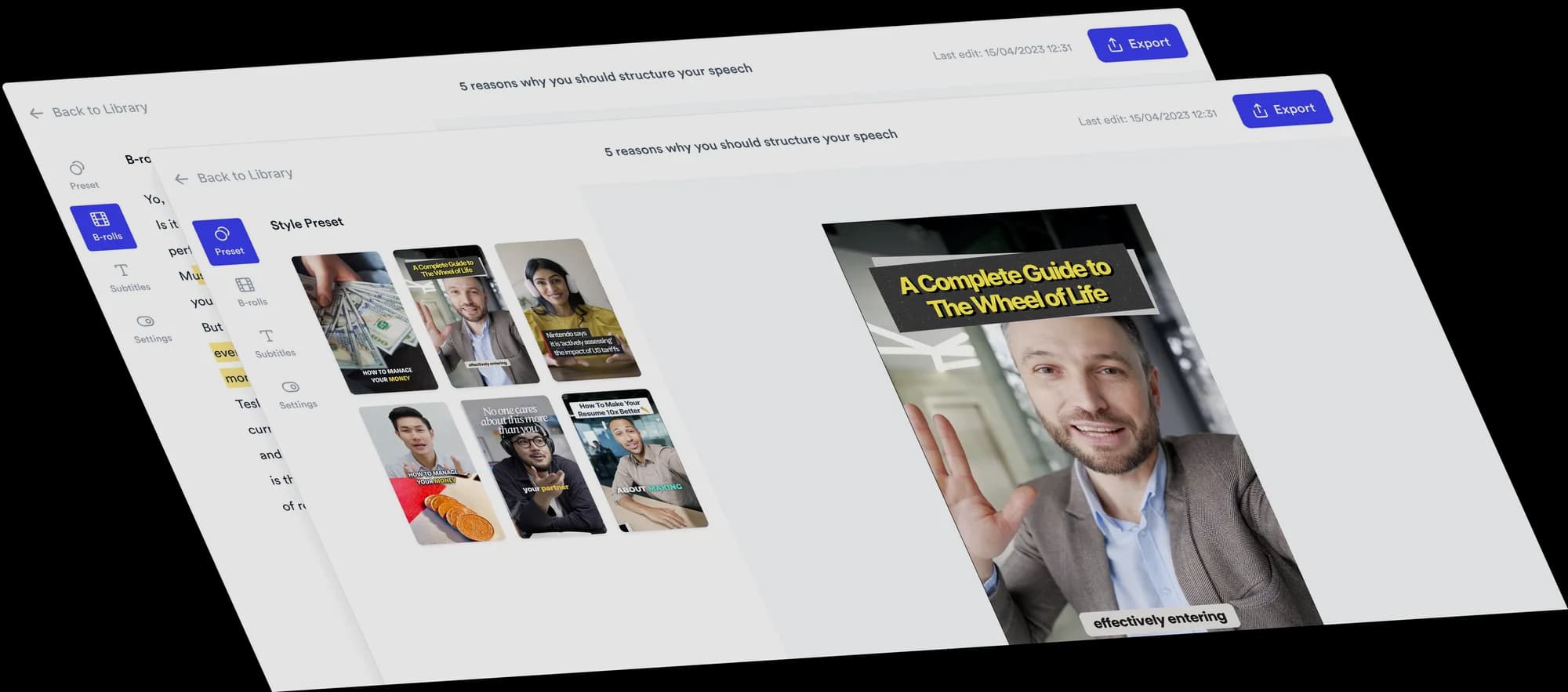
AI video editor for doctors
Turn what patients ask you every day into short, everyday-language videos, with B-roll, subtitles and viral Formats added automatically.
 Trusted by 200K+ coaches and consultants






Your expertise. Automatically edited.
Record yourself explaining a topic, then upload it. Jupitrr adds stock B-roll and web images matched to what you say, subtitles, a hook, music and sound effects, laid out in a Format if you pick one. The stock footage is general, so upload your own diagram wherever detail matters. Change anything on the timeline, or ask Levio.
Three Formats to try
Pick a Format when you upload, and Jupitrr lays out your video around what you say. Each card has one idea to start from.

Green screen
Try this: stand in front of a health headline and explain in everyday language what it does and does not mean.
See the Green screen Format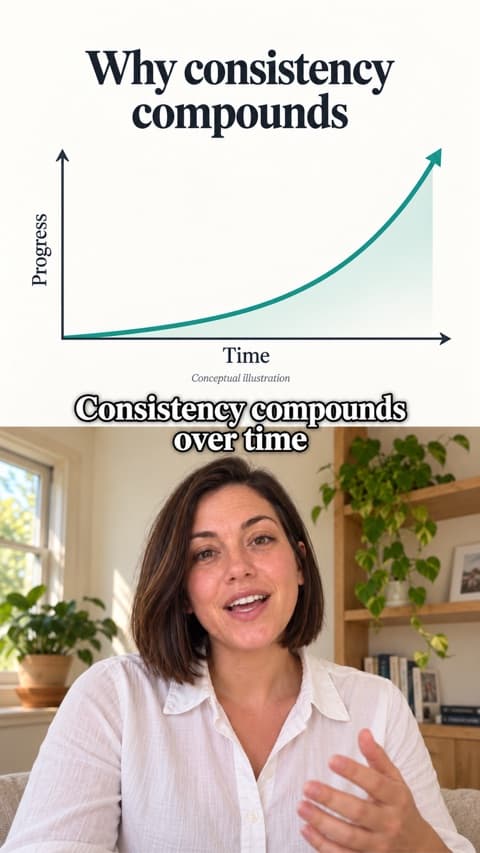
Split screen
Try this: explain what happens during a common procedure step by step, with diagrams you upload shown above you.
See the Split screen Format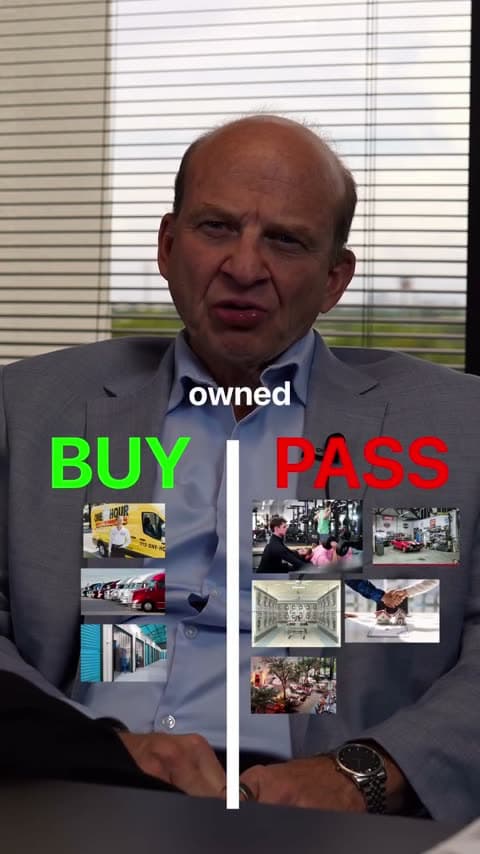
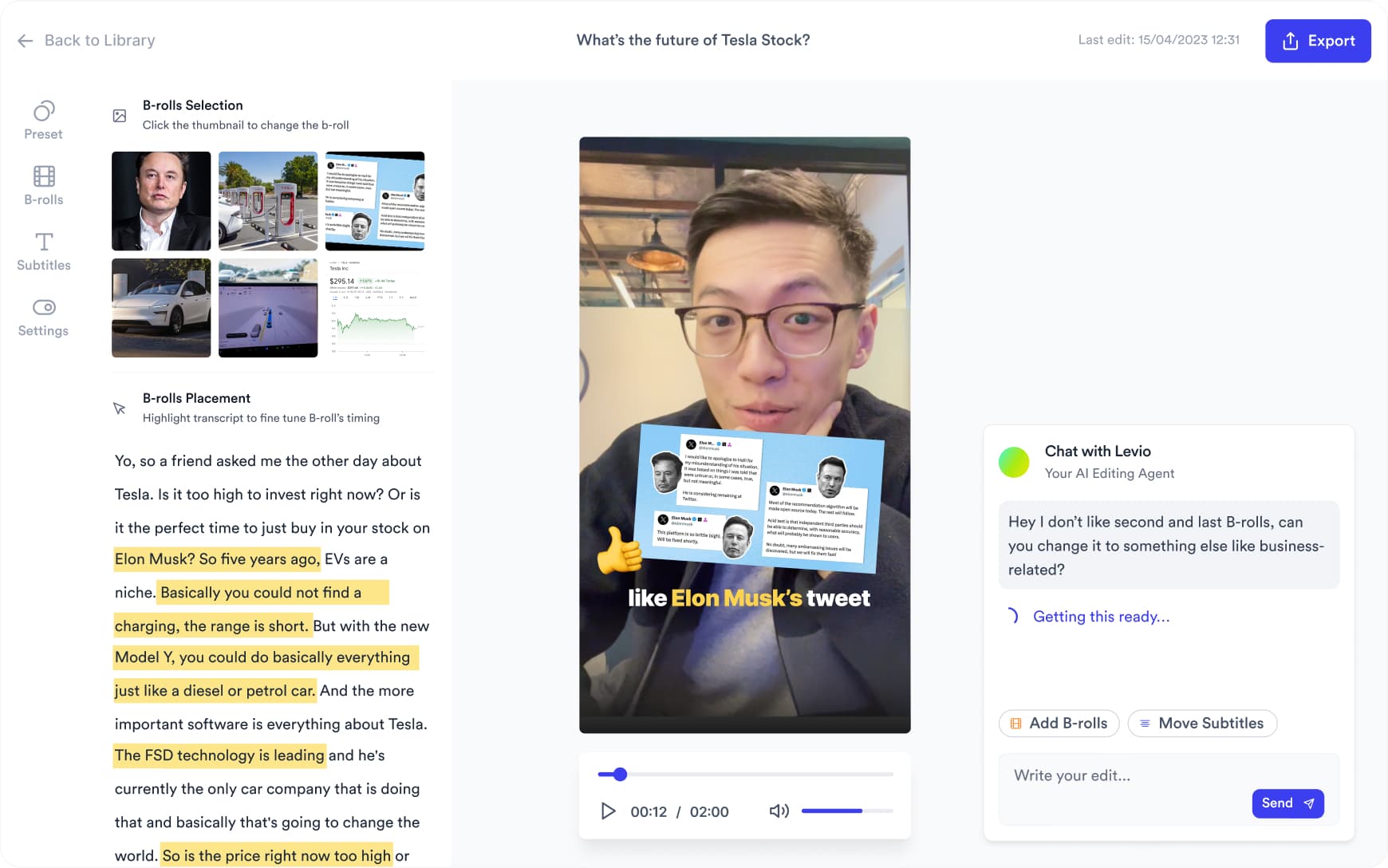
Want something changed? Ask Levio.
“Replace the B-roll at 0:09 with a stock video of a doctor talking with a patient.”
Levio, the editing agent in Jupitrr, shows the change as a draft on the preview, and you keep it or undo it. It handles B-roll, subtitles, the hook, music volume and other visual changes; the other editor tabs cover the rest. How Levio works
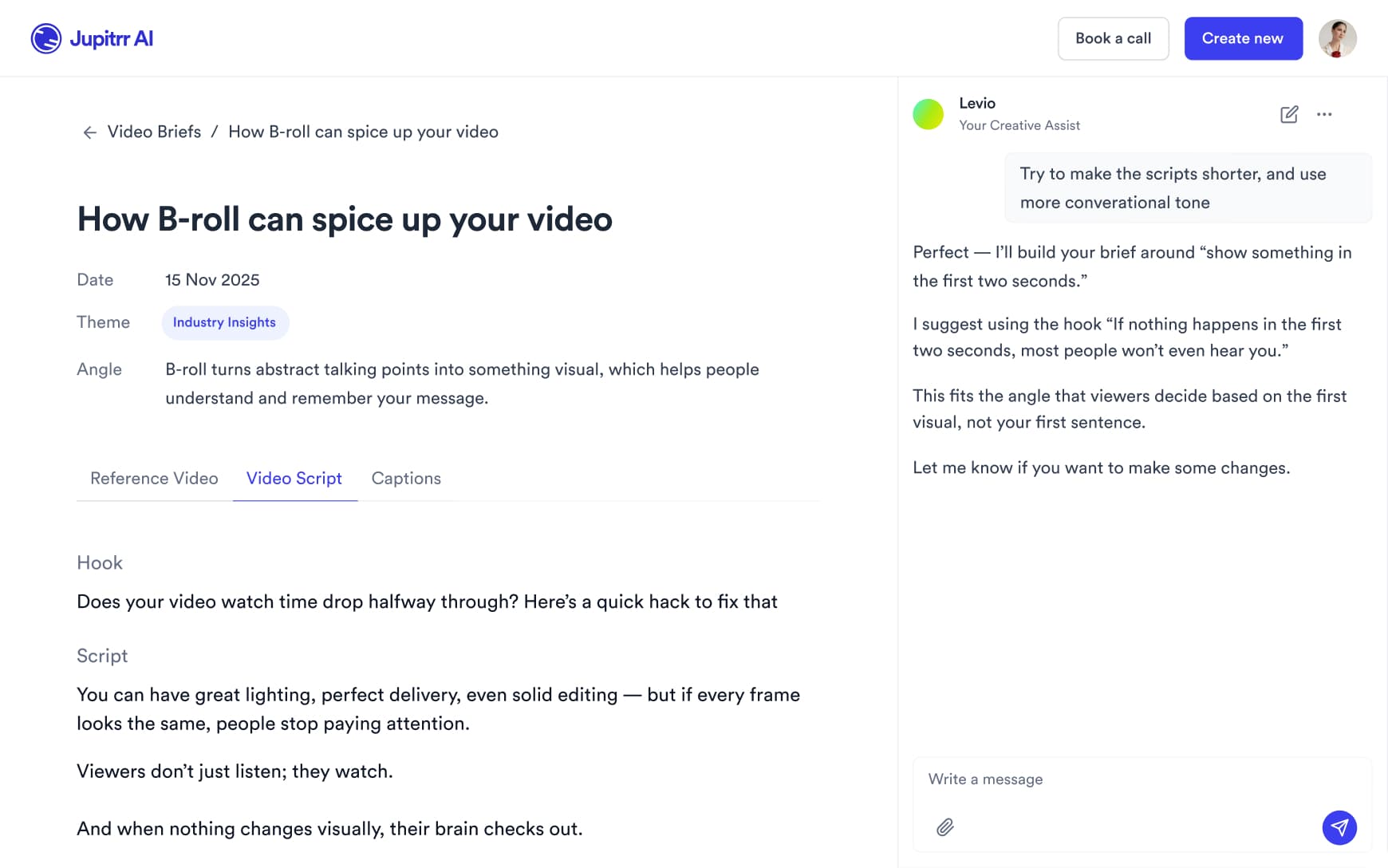
Plan what to say
Turn a question patients often ask into a script with a hook, talking points and a caption, then rewrite it in your own words and check every clinical detail before you record.
Record between clinics
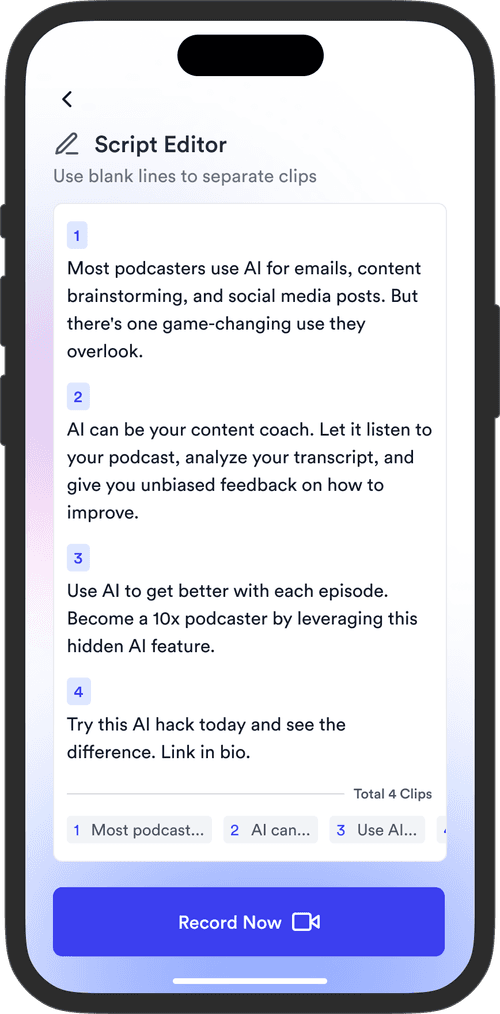
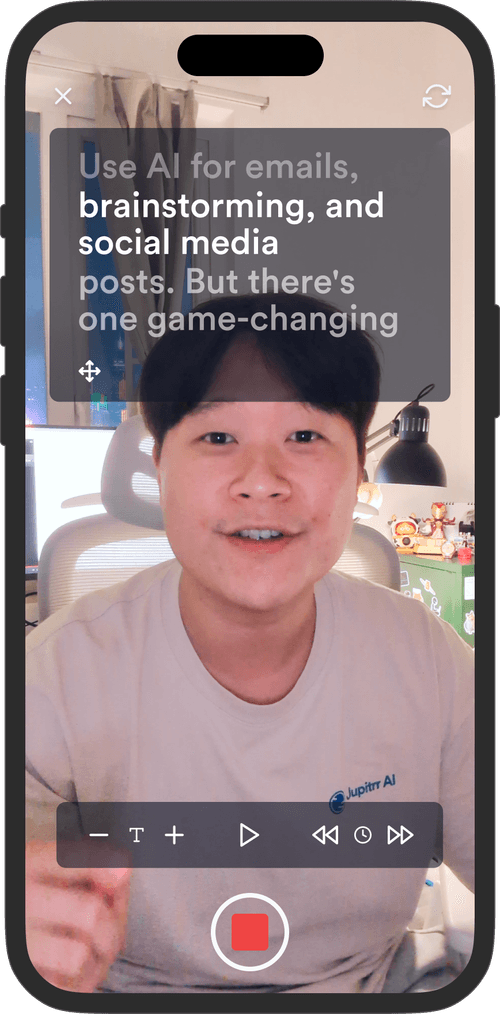
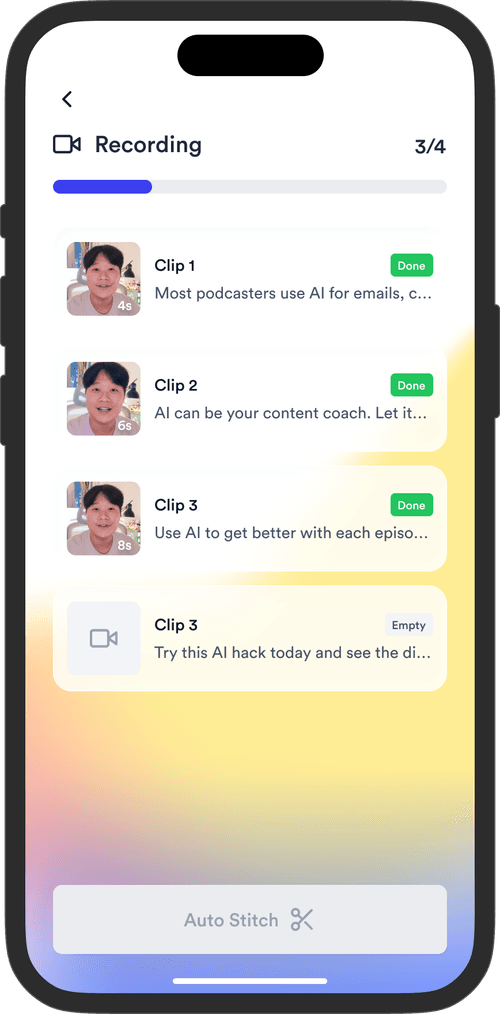
Read your script on the Jupitrr Cut teleprompter app. Retake any scene, and it trims the silence around each take and stitches them into one video.
Share it where patients look
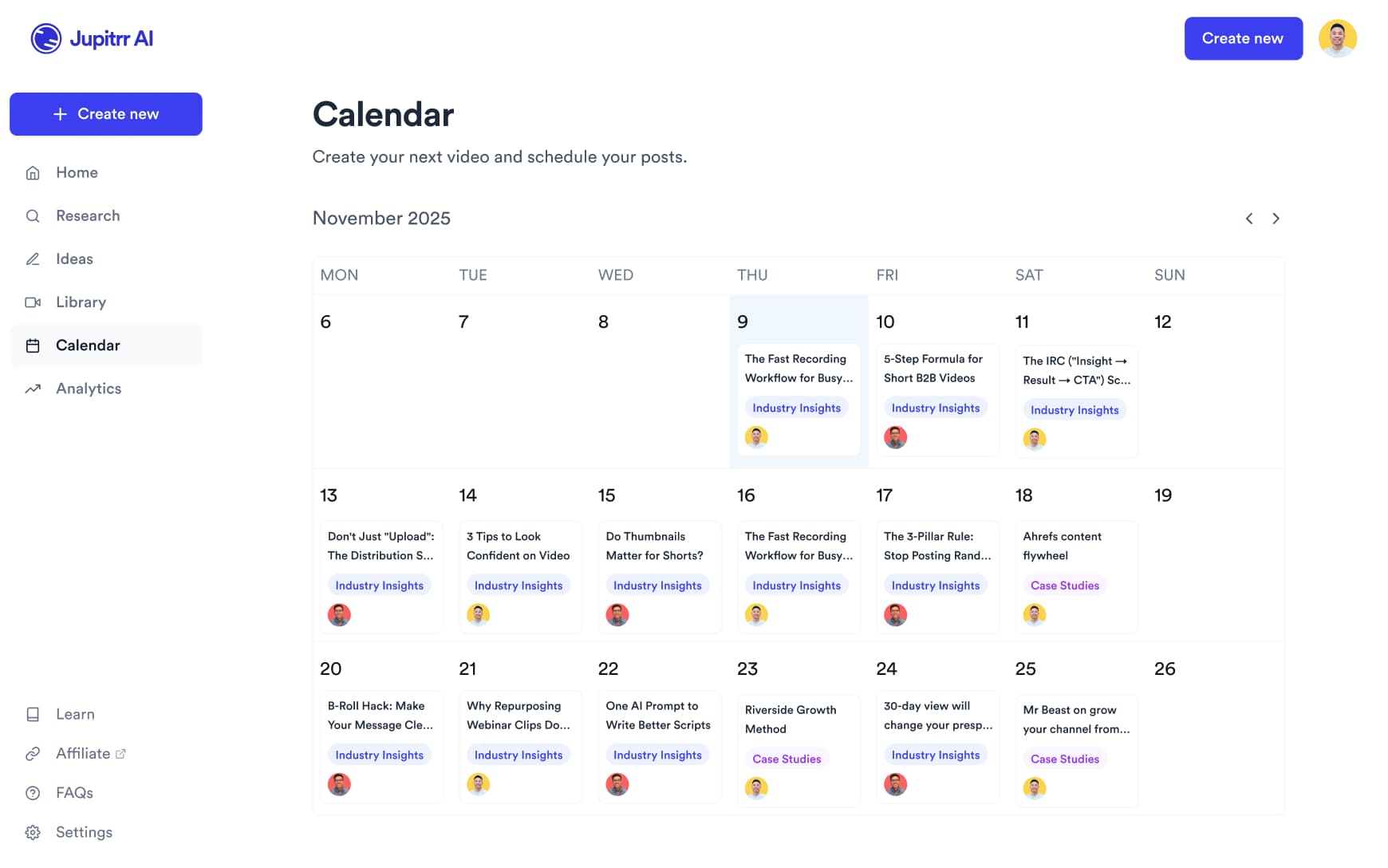
Export the video for your practice website or patient information, or on Pro schedule it to YouTube, Instagram, TikTok and LinkedIn from the content calendar.
Spend time with patients,
not editing videos.
Record the explanation. Jupitrr makes the first edit.
2 Formats
for talking-head videos
44+
subtitle languages
Up to 10 min
per upload on Pro
Frequently asked questions
Jupitrr suits doctors and health practitioners, such as dentists and physiotherapists, who make short educational videos of themselves explaining things: what happens at a first appointment, a procedure in everyday language, or the questions patients often ask. Jupitrr can help draft your script, but it does not verify medical accuracy. Review every clinical detail before publishing. It is not a clinical recording or patient-records tool, so also follow your employer’s and regulator’s guidance.
A video of you talking to camera, filmed on a phone or webcam, plus any diagrams of your own you want on screen. Do not upload patient records, images of patients or anything that could identify a patient. Jupitrr is a general video editor and makes no healthcare compliance claims, so keep examples generic.
Not necessarily. Stock footage and web images are matched to the words you say, not checked by a clinician, so a clip may show a general scene rather than the exact anatomy or procedure. Review each clip, swap or remove any that could mislead, and upload your own diagram where precision matters.
Yes. Swap any B-roll clip for a different stock clip, a web image or your own upload, edit subtitles line by line (useful for medical terms the transcriber gets wrong), and change or remove the hook, music and sound effects. Levio can make visual changes such as replacing a clip or resizing the subtitles when you ask in plain language, and you keep or undo each draft.
Educational talking-head videos in everyday language: what happens at a first appointment, a procedure explained step by step, and answers to questions patients often ask. Green Screen suits commentary on a health headline, Split screen suits walking through your own diagram, and 2 Column suits myth-or-fact videos.
Uploads can be up to 5 minutes on Starter, 20 minutes on Pro and 60 minutes on Team. Formats such as 2 Column and Green Screen are for portrait videos, so they suit short clips for Shorts, Reels, TikTok and LinkedIn. Longer videos take several minutes to process.
Sign up, open the sample video to see an automatic edit before you pay, then upload your own recording on a paid plan. Plans start at $12.50/month billed annually, and you can cancel any time from Manage Plan in your account settings.
Explain it once, on camera
Record the questions patients ask most, and let Jupitrr turn them into edited videos.