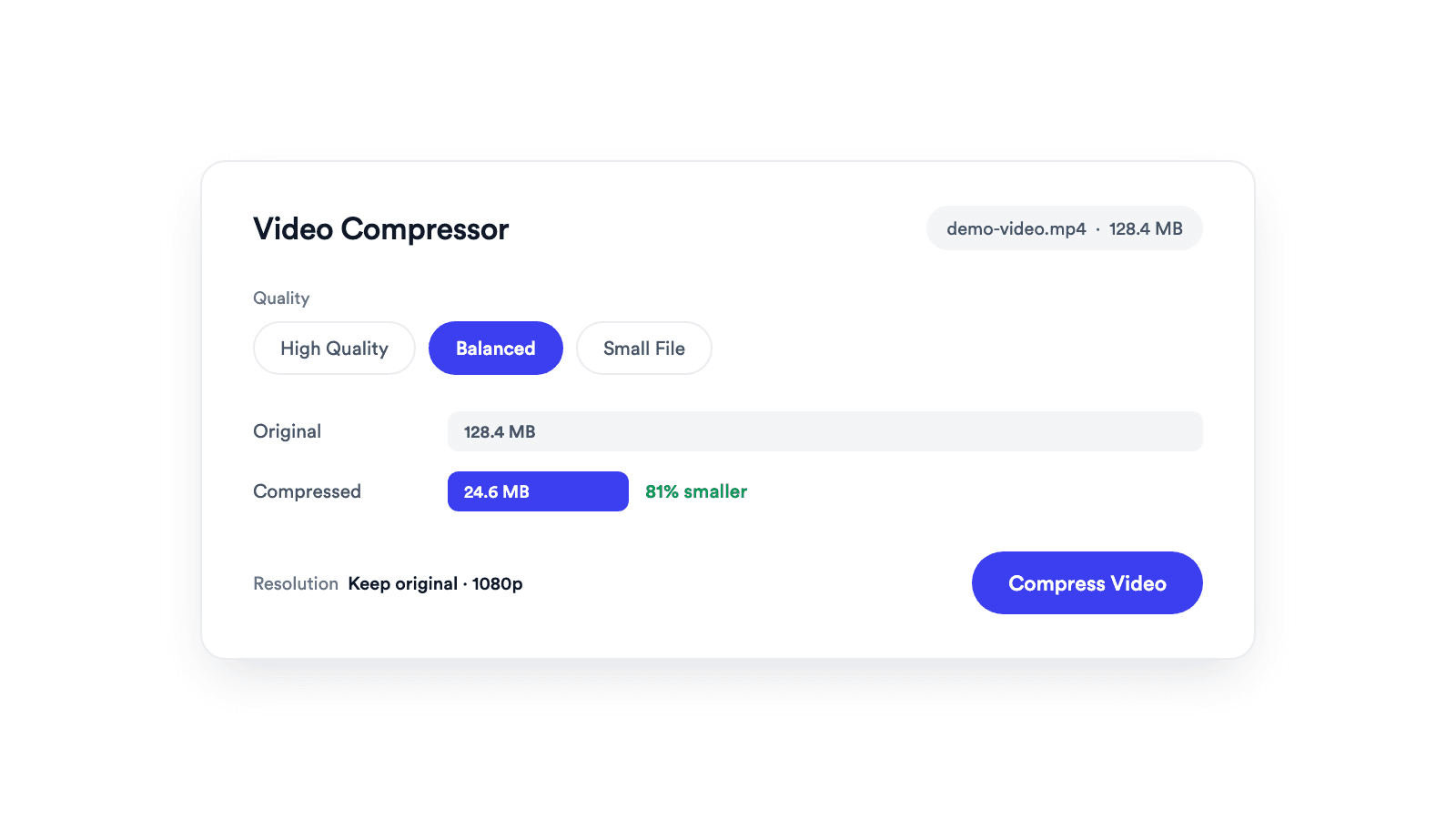
Video Compressor
Reduces video file size with adjustable quality and resolution controls.

Upload a long video and get 3 AI-selected vertical shorts with captions and hook overlays, ready for TikTok, Reels, and YouTube Shorts.
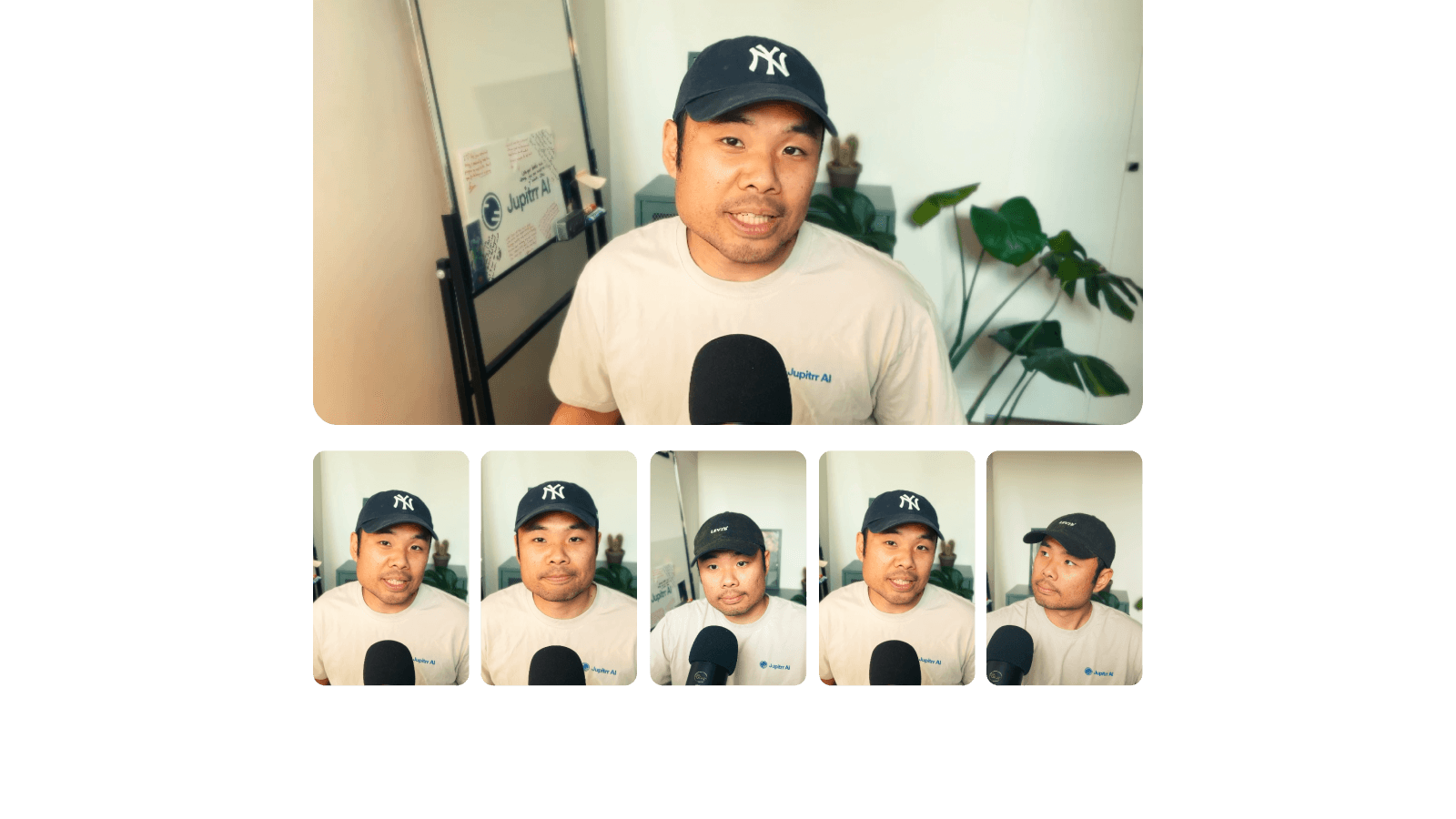
Chapter detection and virality scoring surface the strongest moments, so you never scrub the full recording by hand.
Each short comes cropped to 9:16 with burned captions and a hook title overlay, ready for TikTok, Reels, and YouTube Shorts.
Upload, process, and download the top 3 clips without creating an account.
Drop any video up to 30 minutes. We accept MP4, MOV, and WebM. No signup required.
Semantic chapter detection, virality scoring, and hook analysis run automatically. The AI picks clips that stand alone as complete stories.
Get 3 clips cropped to 9:16 with burned captions, hook title overlays, and a Jupitrr watermark. Ready to post.
Long recordings in, ready-to-post shorts out.
An AI video clipper turns one long recording into short vertical clips ready for TikTok, Reels, and YouTube Shorts. With Jupitrr's AI Video Clipper, you upload a video up to 30 minutes, the AI scores the strongest moments, and you download the top 3 clips cropped to 9:16 with burned captions and hook title overlays.
Clip the strongest teaching moments into shorts that promote the session.
Turn spoken highlights into vertical clips for every episode.
Repurpose the advice you already give into short-form content.
Break a straight-to-camera video into standalone shorts.
Reduces video file size with adjustable quality and resolution controls.
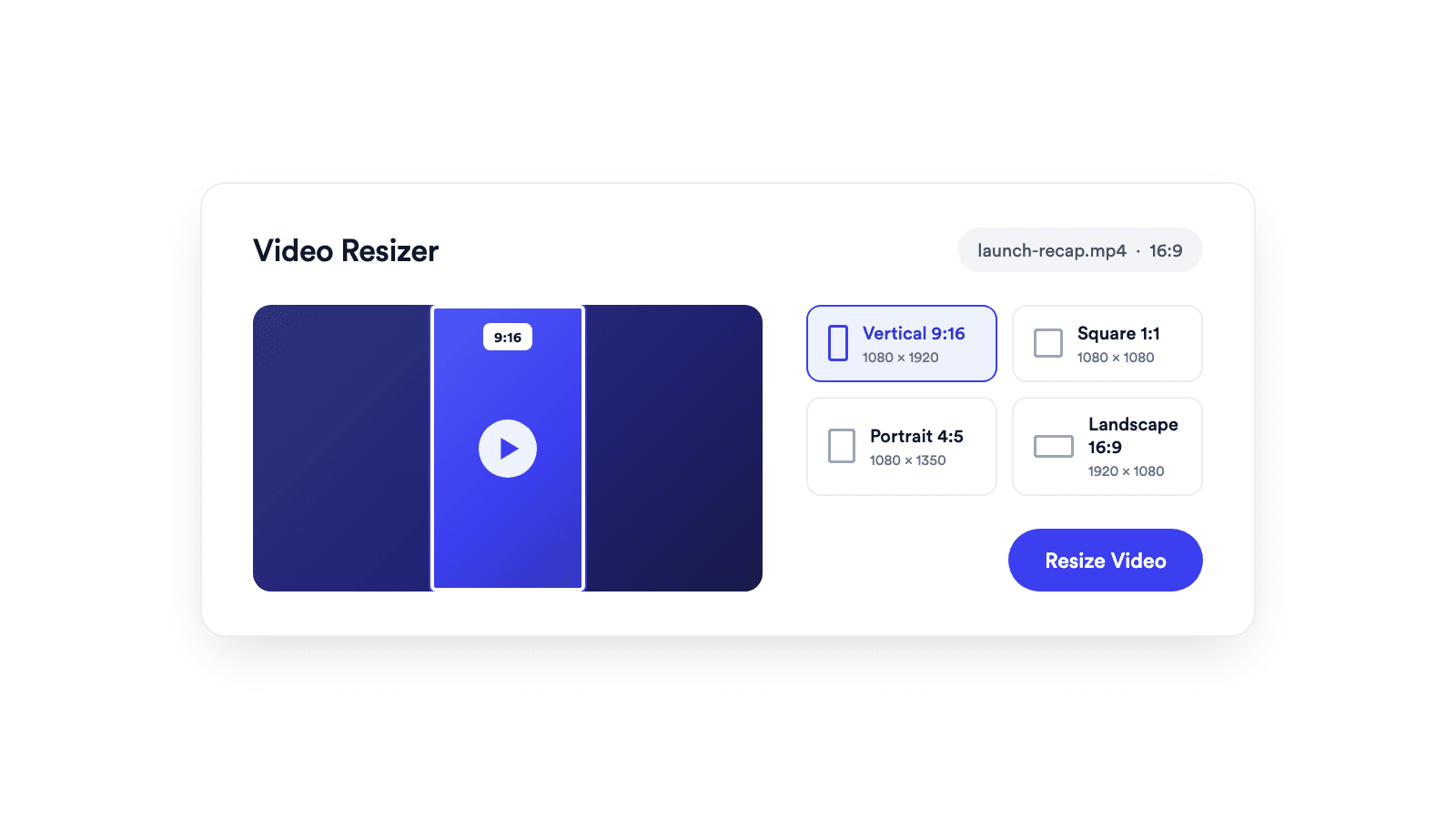
Reframes a video for vertical, square, portrait, or landscape publishing.
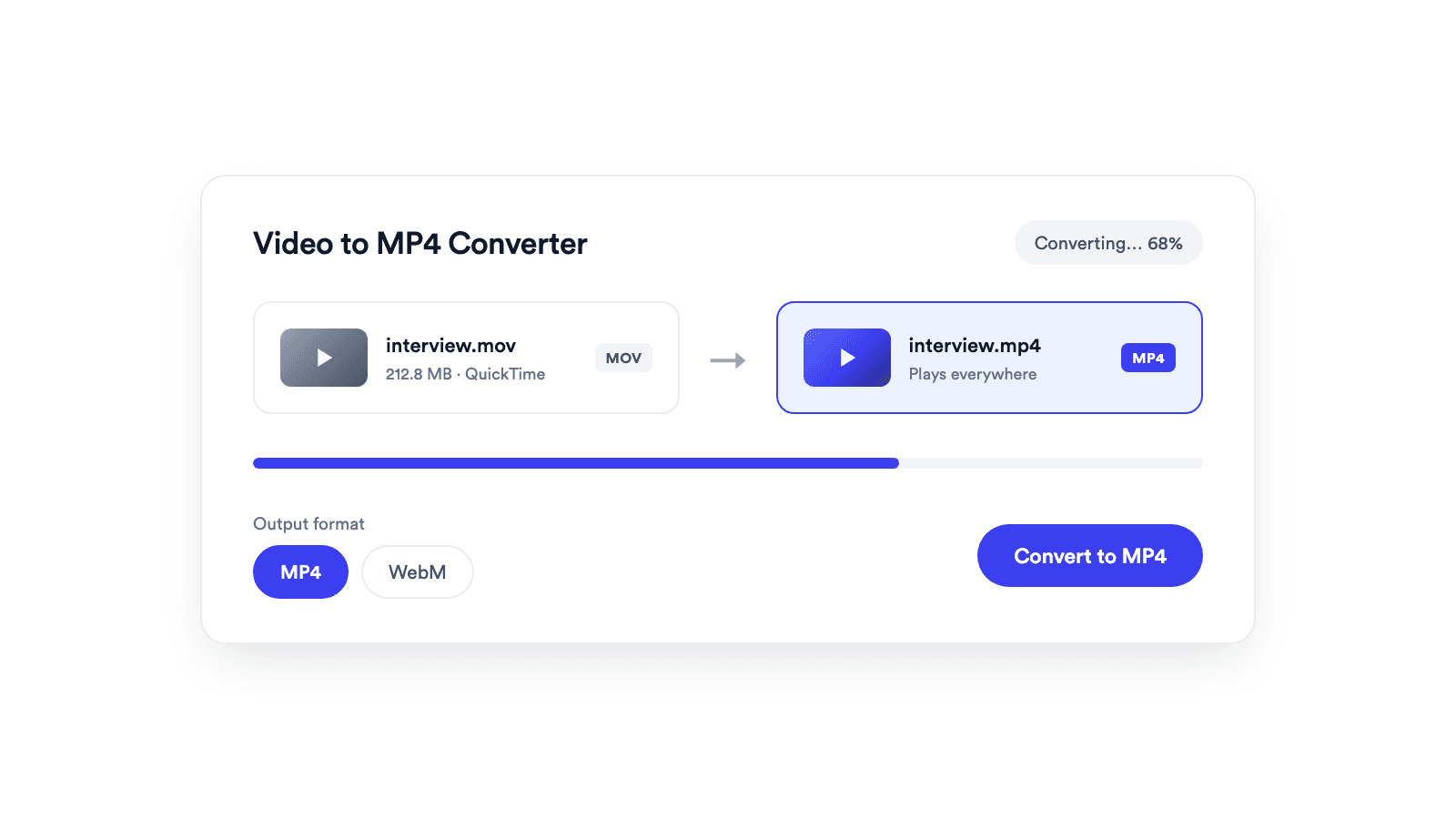
Converts browser-supported video files to MP4 or WebM on your device.
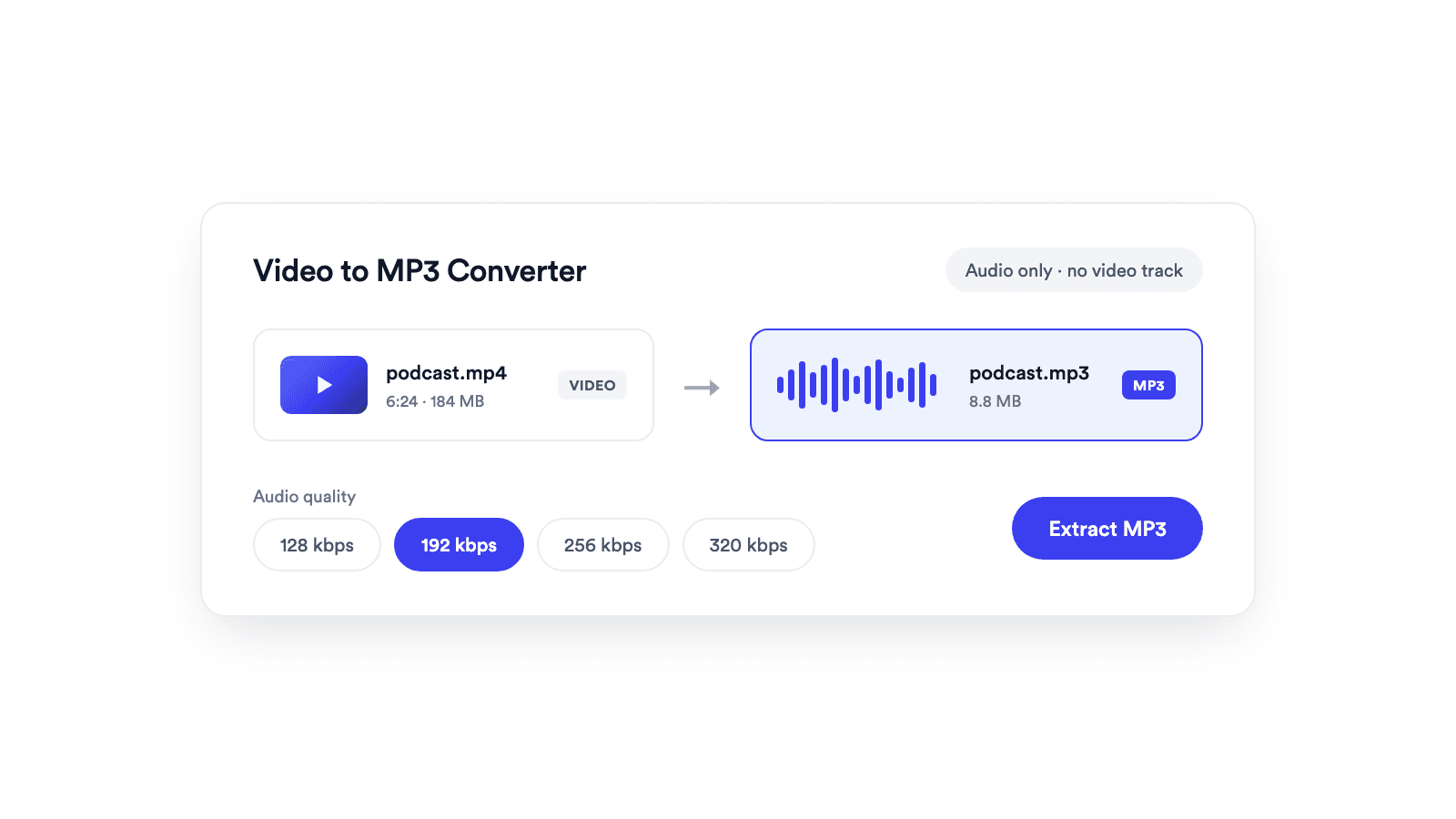
Extracts the audio from a video and saves it as a real MP3 file.
Upgrade to Jupitrr for unlimited clips, custom caption styles, 1080p exports, and no watermark.
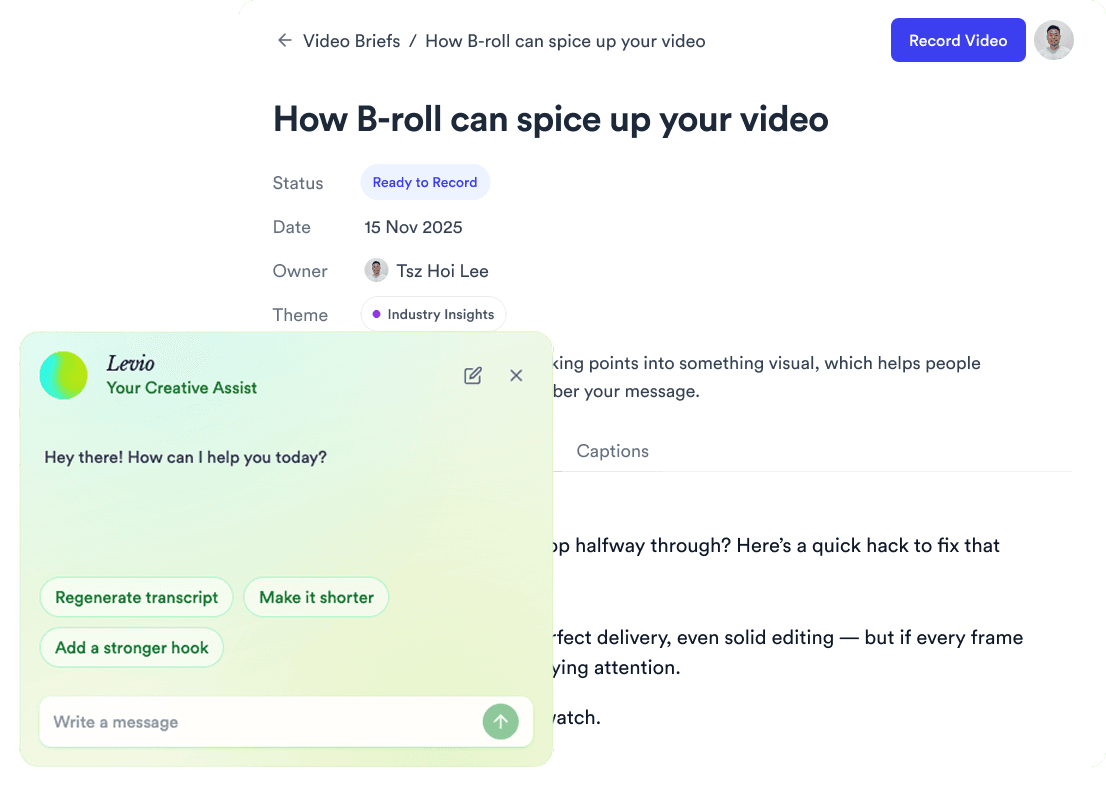
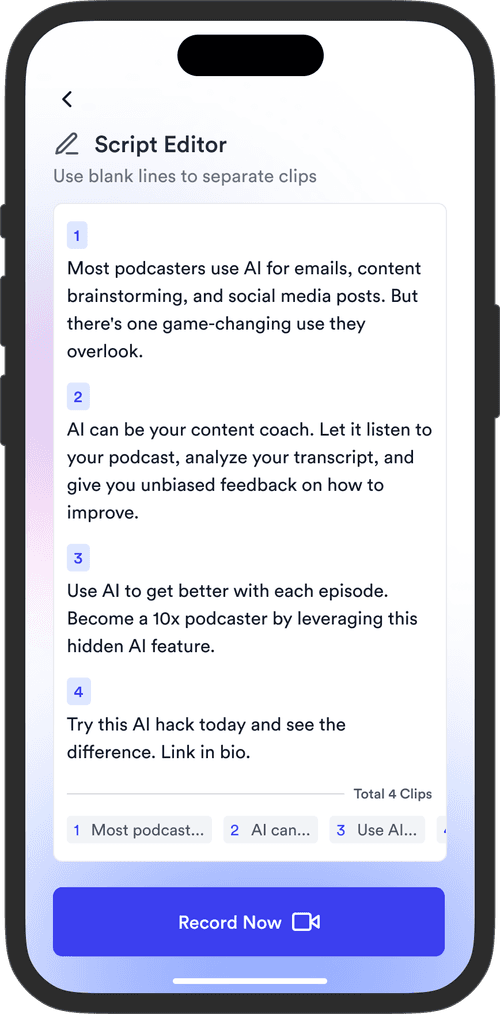
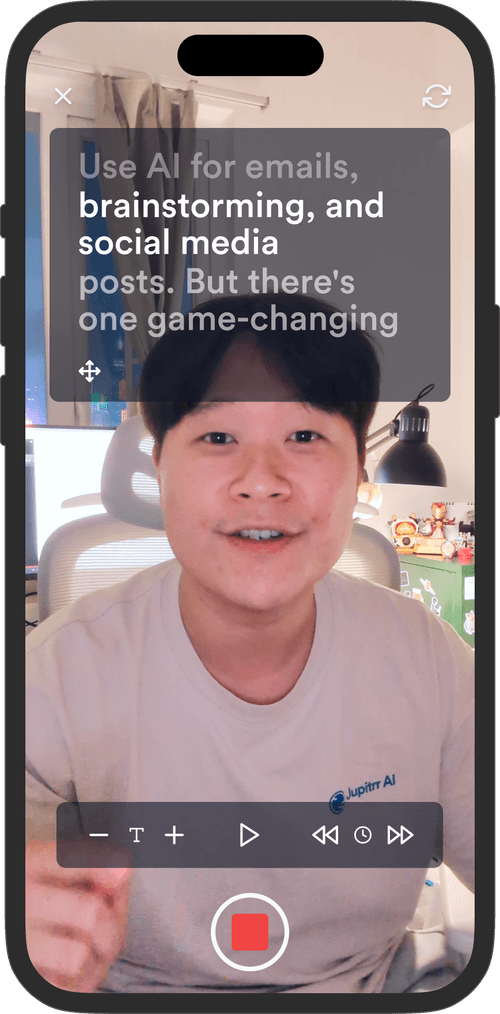
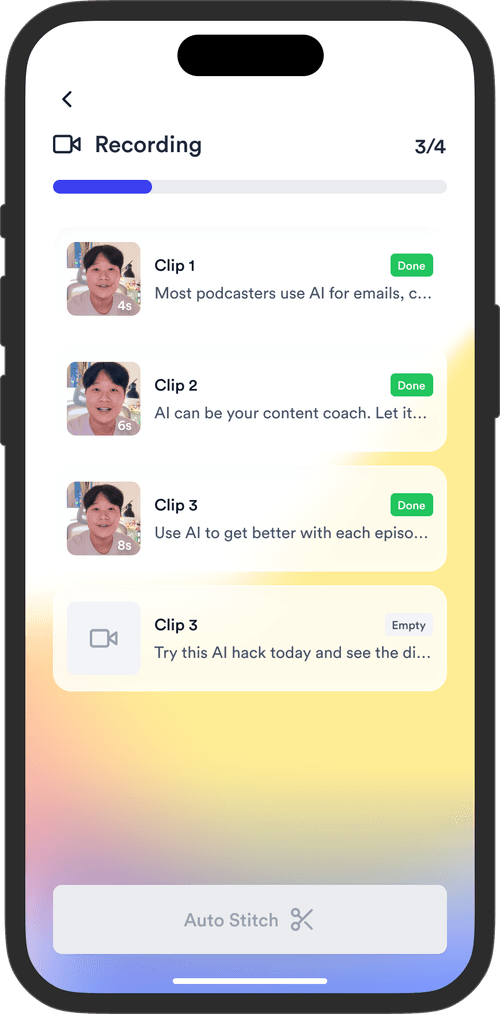
Jupitrr brings planning, scripting, recording, editing, and publishing into a single tool. Built for coaches and consultants shipping video consistently.



Trained on your scripts & viral scripting framework
Auto Jump-Cut & Silence Removal
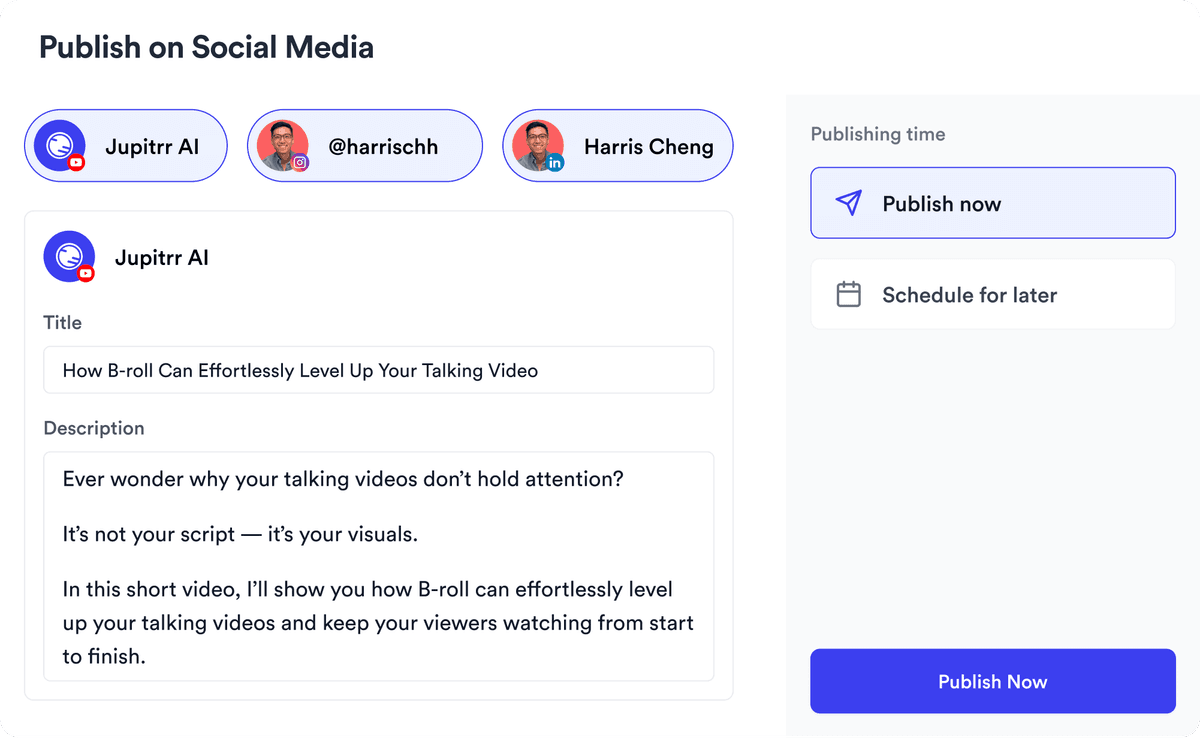
YouTube, Instagram, LinkedIn, TikTok, all at once.


Get inspired for your next videos