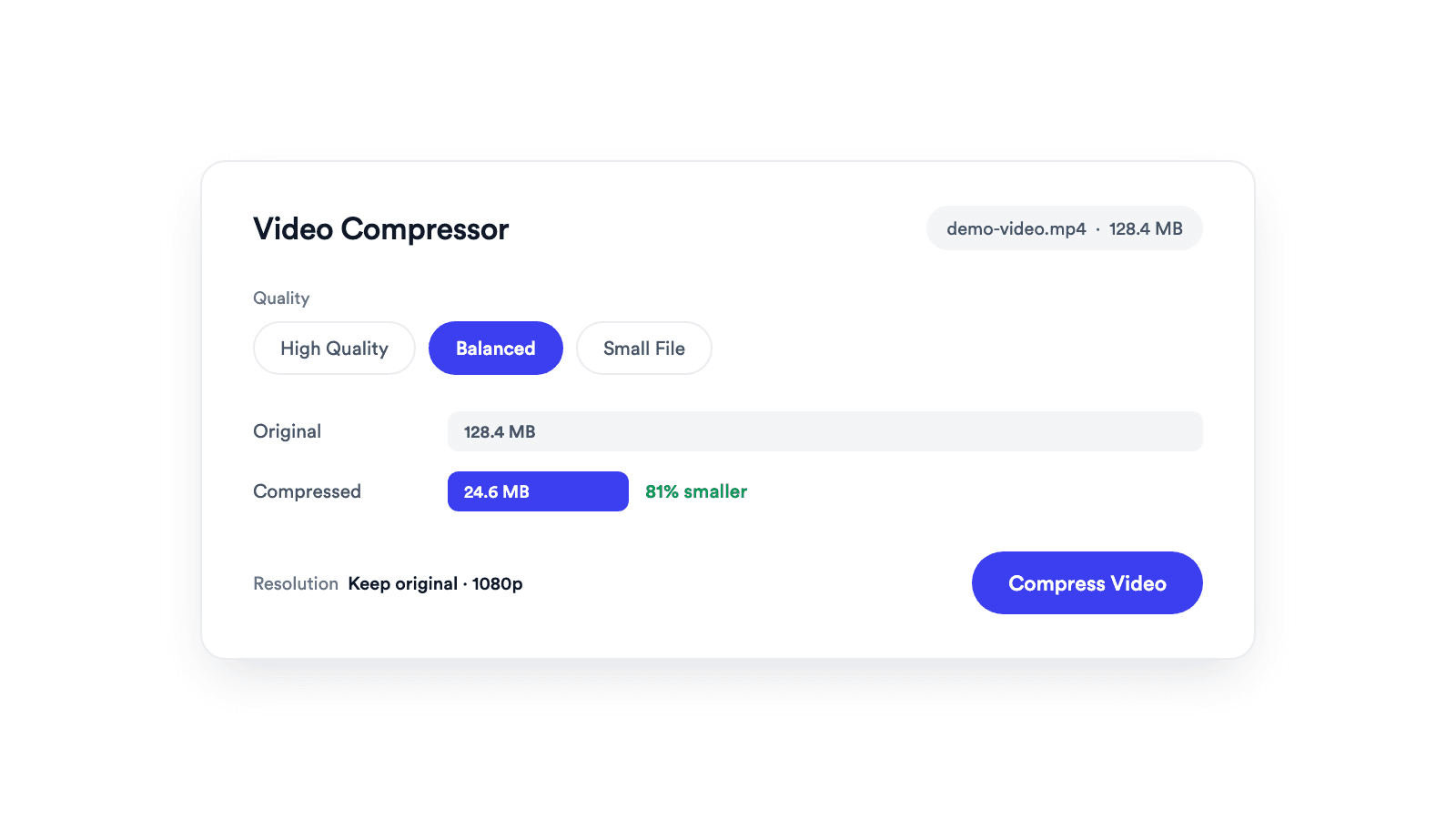
Video Compressor
Reduces video file size with adjustable quality and resolution controls.

Reframe one video for Reels, TikTok, Shorts, Instagram feeds, YouTube, or your website. Auto Frame keeps the speaker in view when you go vertical.
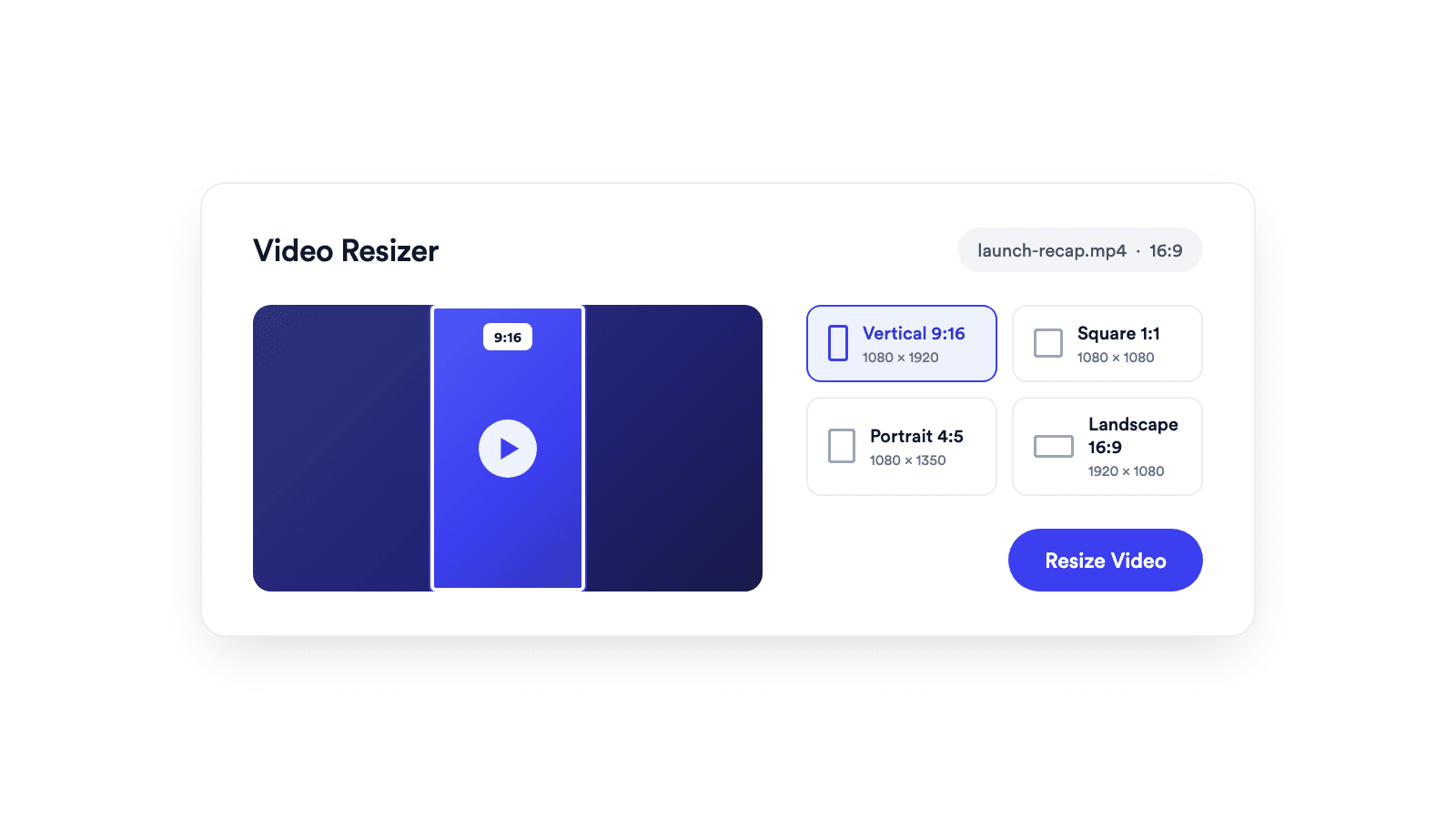
Vertical 9:16, square 1:1, portrait 4:5, and landscape 16:9 presets built in.
Fill the frame, keep the whole video with padding, or turn on Auto Face Tracking so the crop follows the speaker.
The video is processed locally by your browser and never sent to Jupitrr.
Choose the video you want to repurpose for another platform or placement.
Select vertical, square, portrait, or landscape, then choose Fit with Padding, Fill and Crop, or Auto Face Tracking with Pan Follow or Steady Hold.
Preview the framing, process the video in your browser, and download the resized copy.
One recording, every aspect ratio.
A video resizer reframes a video from one aspect ratio to another, so a single recording can be published on platforms with different shapes. With Jupitrr's Video Resizer, you pick a frame, choose Fit with Padding, Fill and Crop, or Auto Face Tracking, and the reframed video is processed in your browser and ready to download.
The presets cover vertical 9:16 at 1080 by 1920, square 1:1 at 1080 by 1080, portrait 4:5 at 1080 by 1350, and landscape 16:9 at 1920 by 1080.
Vertical 9:16 at 1080 by 1920, ready to post.
Turn a landscape recording into a phone-filling vertical.
Square 1:1 and portrait 4:5 crops for in-feed video.
Landscape 16:9 for pages, decks, and players.
Reduces video file size with adjustable quality and resolution controls.
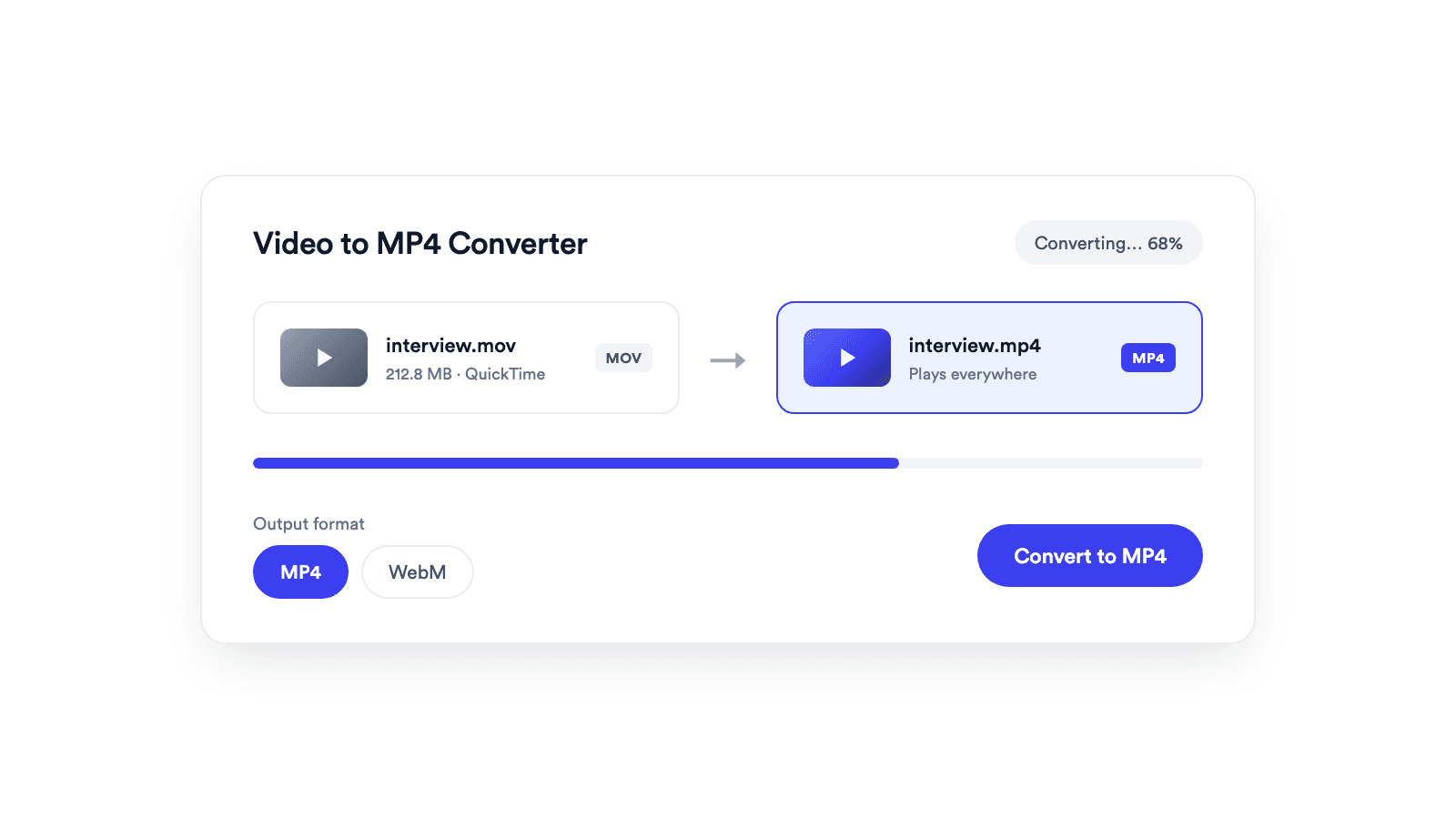
Converts browser-supported video files to MP4 or WebM on your device.
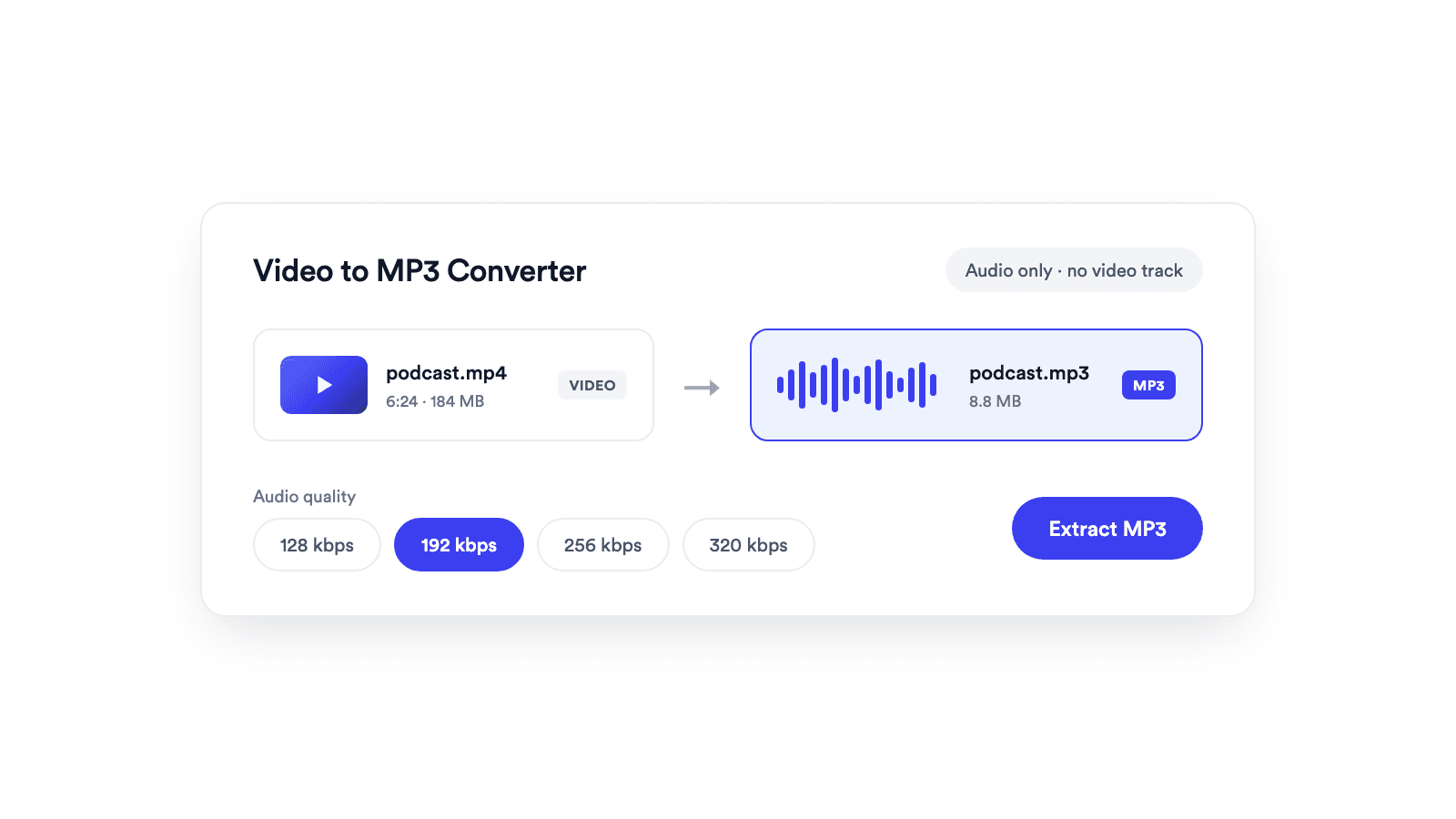
Extracts the audio from a video and saves it as a real MP3 file.
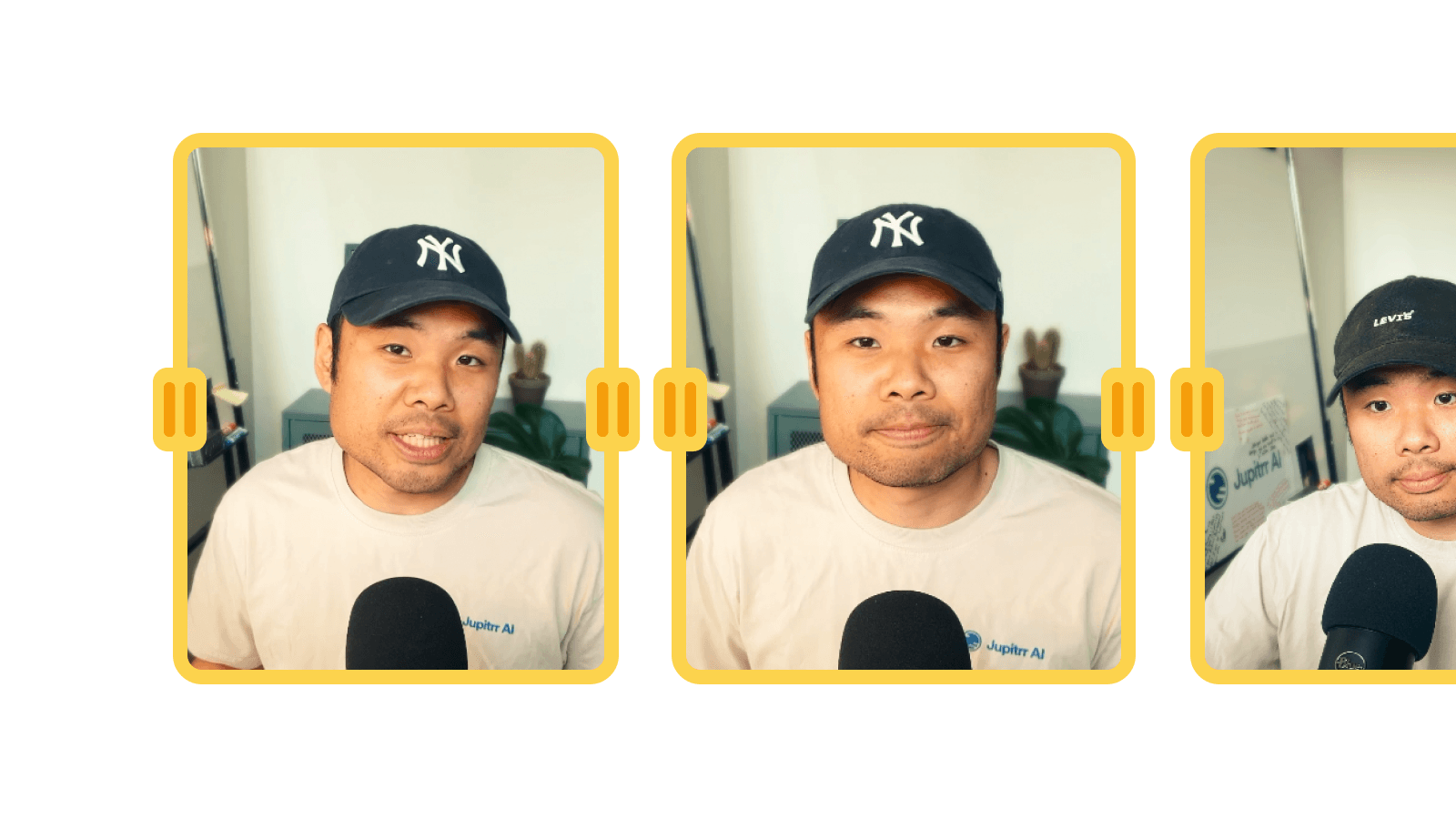
Cuts unwanted sections out of clips and joins them into a single MP4.
Jupitrr brings planning, scripting, recording, editing, and publishing into a single tool. Built for coaches and consultants shipping video consistently.




Trained on your scripts & viral scripting framework
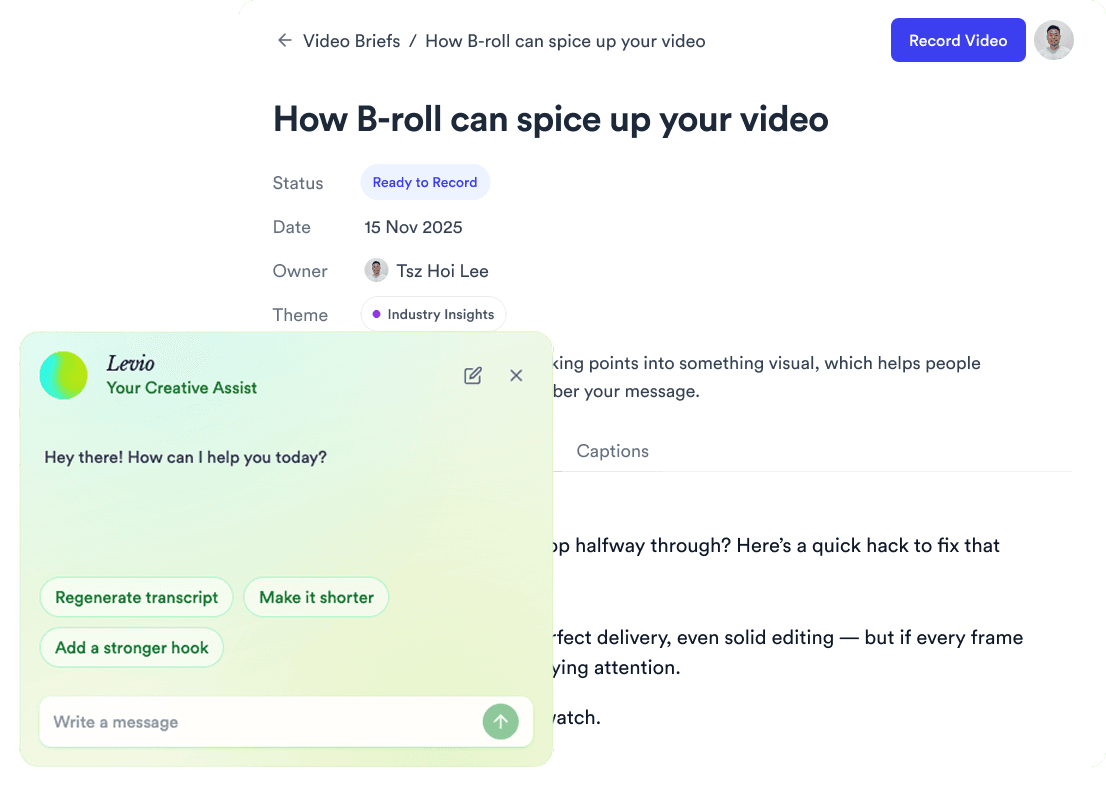
Auto Jump-Cut & Silence Removal
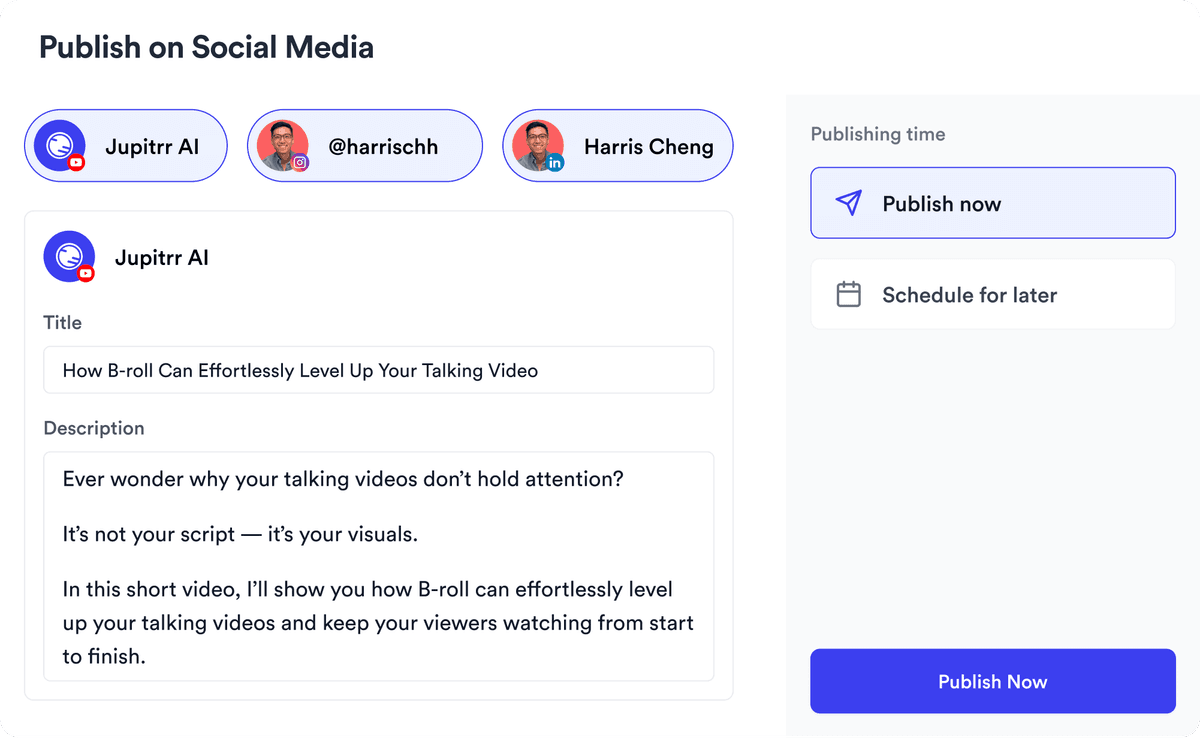
YouTube, Instagram, LinkedIn, TikTok, all at once.


Get inspired for your next videos