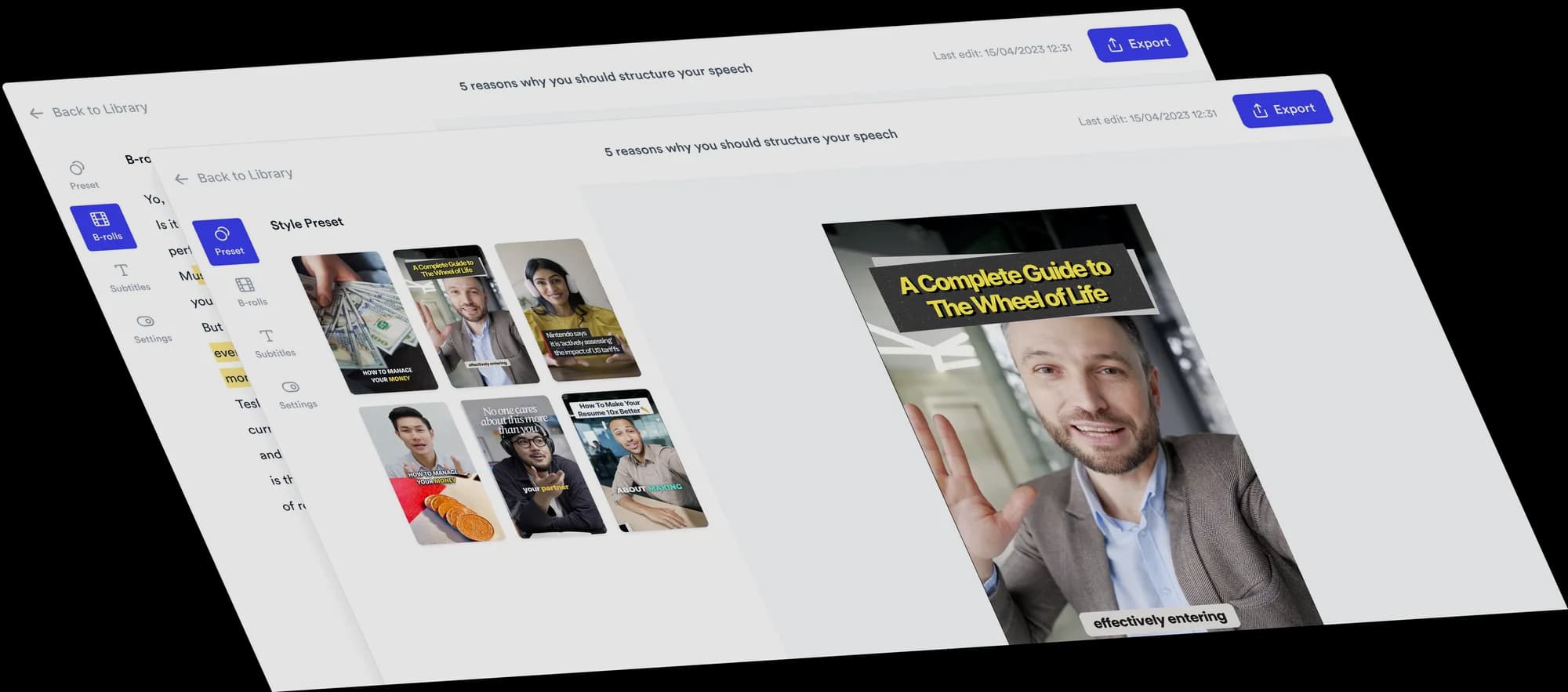
Open your video on a grid of images
A grid hook opens with a mood board of images above your opening line, so viewers see what the video is about before you finish the sentence. Jupitrr's B-roll Grid Format picks six or three images for your hook, then shows each B-roll clip as a small card above your head for the rest of the video.
 Trusted by 200K+ coaches and consultants






How a B-roll Grid video comes together
Two parts: an image grid while your hook is on screen, then B-roll as a card for the rest.
- Step 1
Upload and choose B-roll Grid
Upload a portrait recording and choose B-roll Grid as the Format in "Set up your video". Automatic B-roll stays on, because each clip becomes the card above your head.
- Step 2
Jupitrr picks the hook images
It reads your hook and transcript and picks images that capture what the video is about, as a mood board rather than a literal match to each word. The grid shows while your hook is on screen, usually your first sentence.
- Step 3
Adjust the grid and card, then export
Swap any image, choose "6 images" or "3 images", add an optional subline under the hook, and set the size and position of the B-roll card.
Why an image grid opening works
The first seconds decide whether someone keeps watching. A grid hook gives them a lot to look at in that time.
The topic in one glance
Several images of one idea tell viewers what the video is about faster than a single clip.
You stay in frame
After the hook, B-roll sits in a card above your head instead of covering you.
A clean title moment
The hook sits under the grid in a bordered design, like a cover for the video.
Topics that suit B-roll Grid
Lists and roundups
An opening line that promises several things at once.
Places
Cities, neighbourhoods or destinations with something in common.
Routines and lifestyles
A way of living or working that pictures show quickly.
People and patterns
What a group of successful people or brands share.
Who B-roll Grid suits
Educators and subject-matter experts
Open on examples, then explain the idea behind them.
Coaches
Show the lifestyle or result your advice leads to in the first seconds.
Travel, property and local experts
Start with a grid of places before you talk about them.
Agency owners
Open a trend breakdown on a grid of examples.
B-roll Grid video ideas
Use it when your opening line promises a list, a lifestyle or a set of examples.
- Educator
Hobbies or habits worth picking up
“Ten hobbies that make you smarter, ranked by effort.”
- Travel or real estate expert
Places with something in common
“Six cities where remote workers are moving next.”
- Business coach
A pattern behind successful people
“What every self-made founder I interviewed had in common.”
- Product reviewer
A category of products
“The desk setups that actually make you more productive.”
- Wellness coach
A routine in examples
“A morning routine that does not need a 5am alarm.”
- Marketing consultant
Examples of a trend
“Brands that won this year by doing less.”
A short B-roll Grid script
Put the promise in your first sentence: the grid shows while it plays. Then explain with concrete examples.
- Hook“Three habits that help me keep learning.”On screen: Six images in a grid above the hook text.
- Example 1“First, I read a little every day.”On screen: A B-roll clip as a card above your head.
- Example 2“Second, I practise one skill.”On screen: The card changes to the next clip.
- Example 3“Third, I write down what I learn.”On screen: The card changes again.
- Close“Pick one and try it this week.”On screen: Your subtitles, with the last card above you.
Keep the hook to one sentence of a few seconds. The grid uses your first sentence and falls back to the first 4 seconds if it is very short or very long.
What Jupitrr does and what you adjust
The grid and the card are set up from your video. Both stay editable.
Hook images picked for you
Found with web image search from your hook and transcript. "Re-detect" picks a new set.
6 images or 3 images
Two rows of three, or one row of three for a lighter opening.
Change any image
Click a tile to search web images or upload your own. Remove one and add another.
Optional subline
Add a smaller line under your hook text, up to 60 characters.
B-roll card size and position
Set the card's "Size", "X position" and "Y position" for every clip after the hook.
Normal B-roll tools
The card shows your B-roll, so swap, add or remove clips in the B-rolls tab.
Tips for a strong B-roll Grid video
Do
- Make your first sentence the promise of the video.
- Check all six images: they carry your opening.
- Use "3 images" when your hook text is long.
- Keep the card high enough that it does not cover your face.
Avoid
- A slow warm-up before the hook. The grid only shows with the hook.
- Turning the hook off: no hook, no grid.
- Images with text that competes with your hook.
- Expecting the grid to match each word. It is a mood board for the whole idea.
Good to know
- Portrait videos only.
- The grid needs a hook. If the hook is off, the grid is hidden.
- Hook images come from the open web. Check you can use each image, especially in ads.
- Emojis are off while B-roll Grid is on, and automatic text overlays are removed.
- Levio cannot edit the grid. It can change the hook text, which the grid follows.
Trusted by 200K+ coaches and consultants



Frequently asked questions
What is a B-roll Grid video?
Where do the grid images come from?
How long does the grid stay on screen?
Can I use three images instead of six?
What is the difference between B-roll Grid and Grid & Cut out?
Will a grid hook stop people scrolling?
Open on a grid. Keep the B-roll above you.
Upload your recording, choose B-roll Grid, and adjust the images Jupitrr picks for your hook. From $11/mo billed annually.