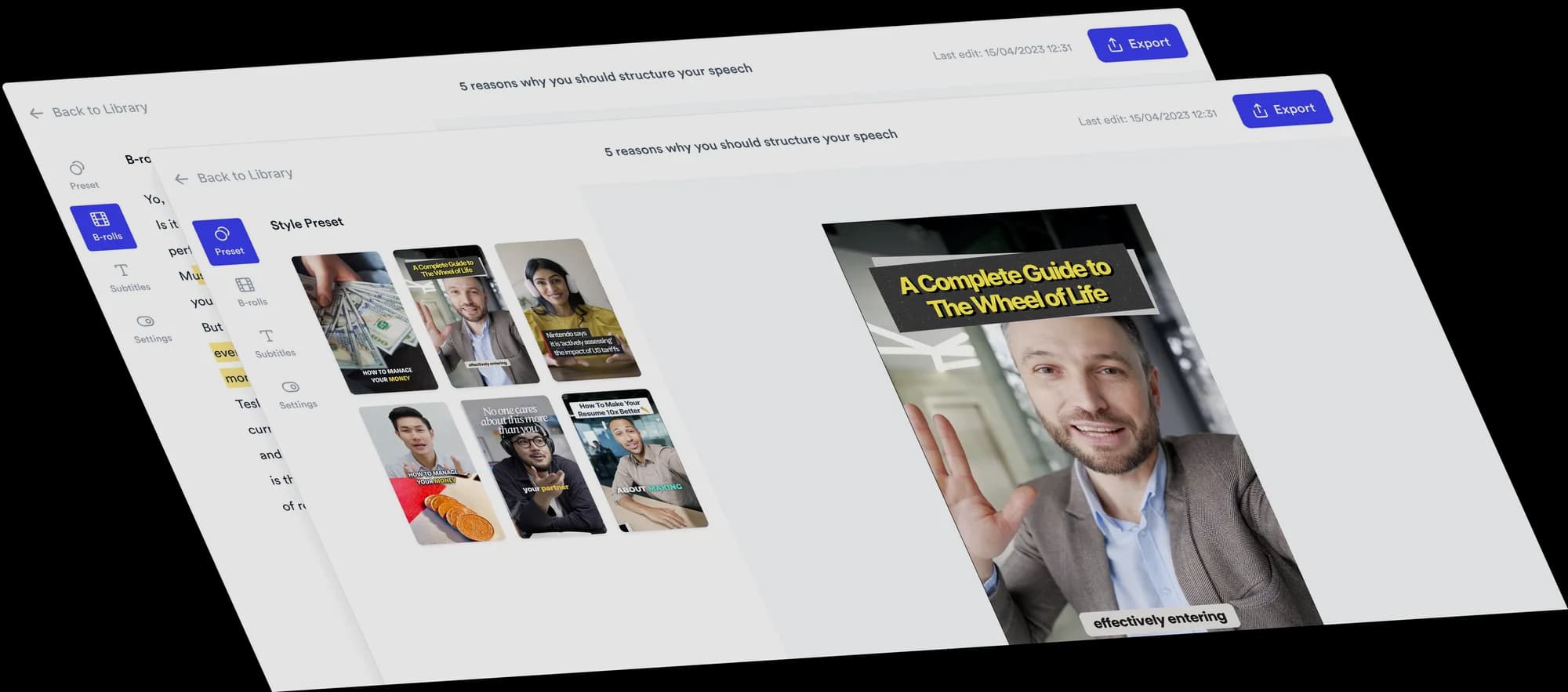
AI video editor for financial advisors
Turn investing basics, tax-saving explainers and client questions into clear talking-head videos, with B-roll, subtitles and viral Formats added automatically.
 Trusted by 200K+ coaches and consultants






Your expertise. Automatically edited.
Record yourself explaining a concept or answering a question, then upload it. Jupitrr adds stock B-roll and web images matched to what you say, subtitles, a hook, music and sound effects, laid out in a Format if you pick one. Upload your own chart or slide wherever an exact figure needs to be on screen. Change anything on the timeline, or ask Levio.
Three Formats to try
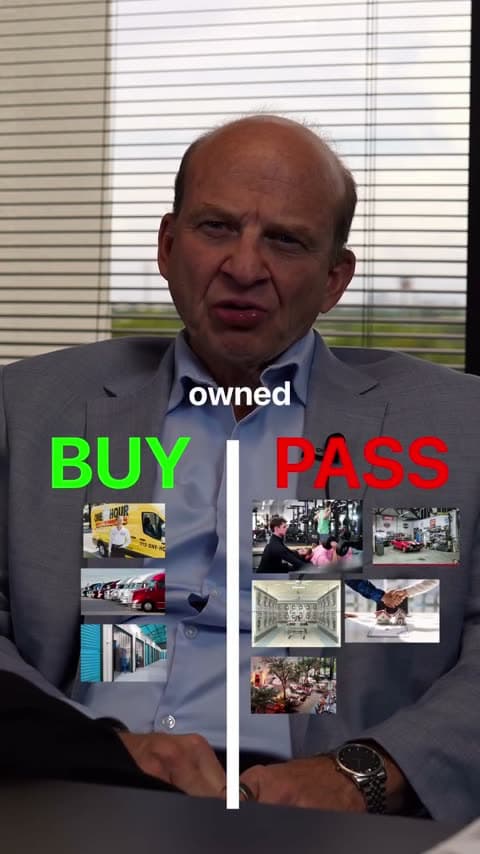
Pick a Format when you upload, and Jupitrr lays out your video around what you say. Each card has one idea to start from.
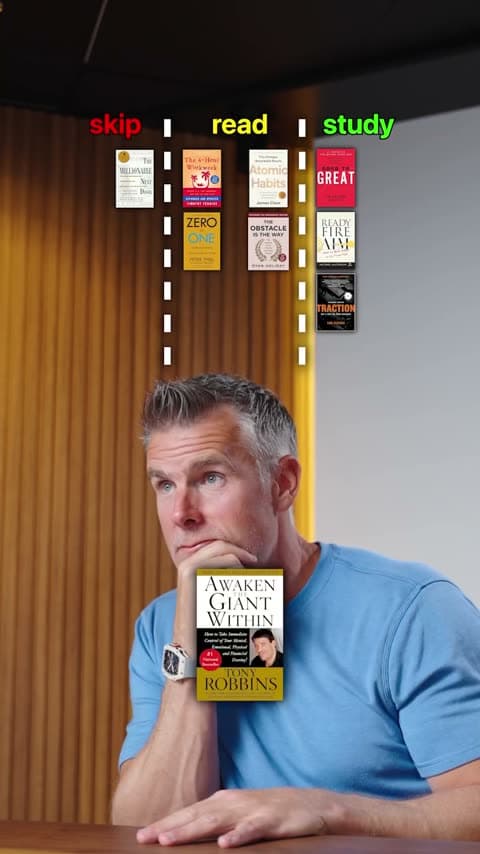
3 Column
Try this: sort financial terms people mix up into three groups, such as saving, investing and protection.
See the 3 Column Format
Green screen
Try this: put an interest-rate headline behind you and explain, in general terms, what it means for savers.
See the Green screen Format
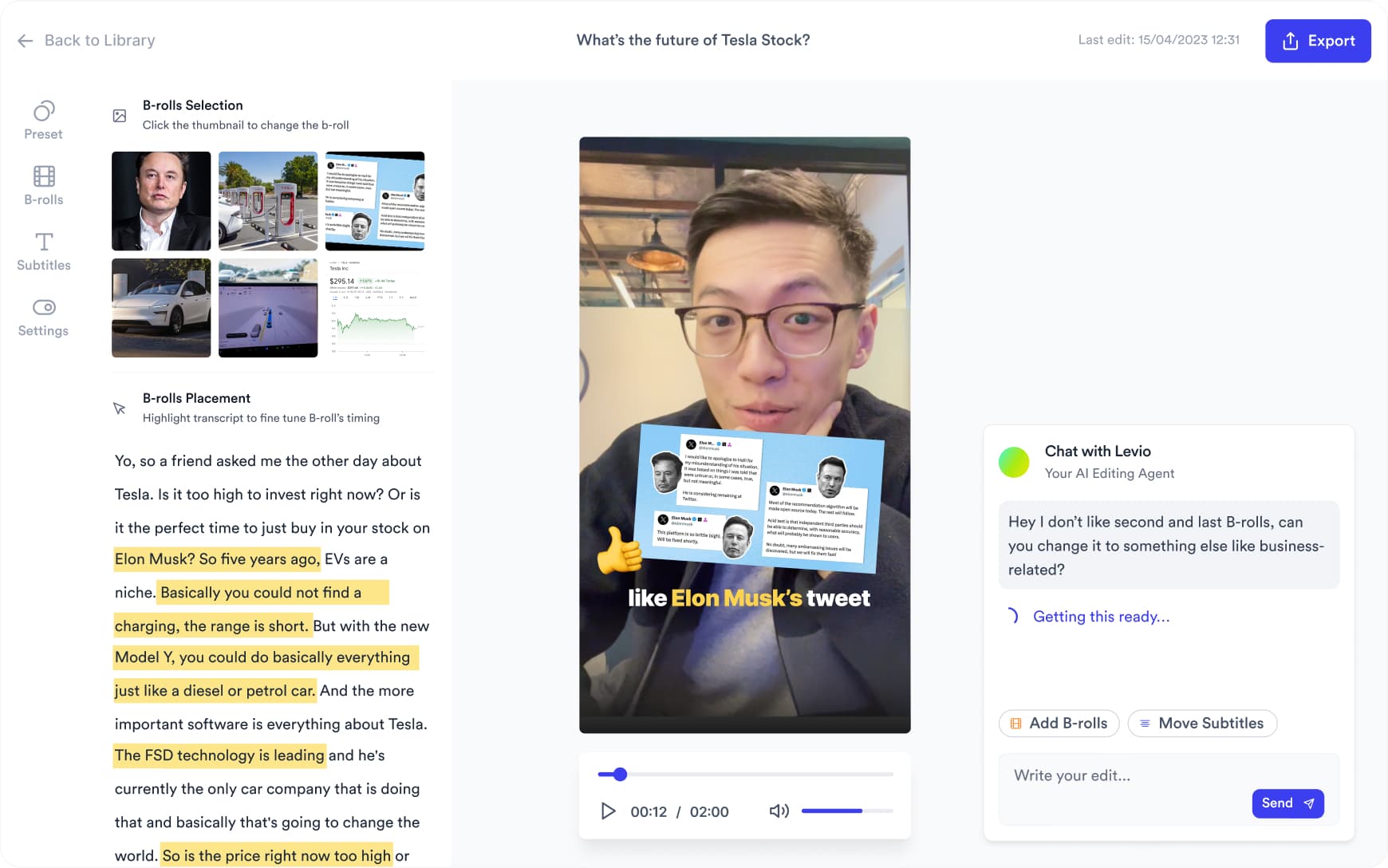
Want something changed? Ask Levio.
“Replace the B-roll at 0:10 with a stock video of a couple reviewing paperwork at home.”
Levio, the editing agent in Jupitrr, shows the change as a draft on the preview, and you keep it or undo it. It handles B-roll, subtitles, the hook, music volume and other visual changes; the other editor tabs cover the rest. How Levio works
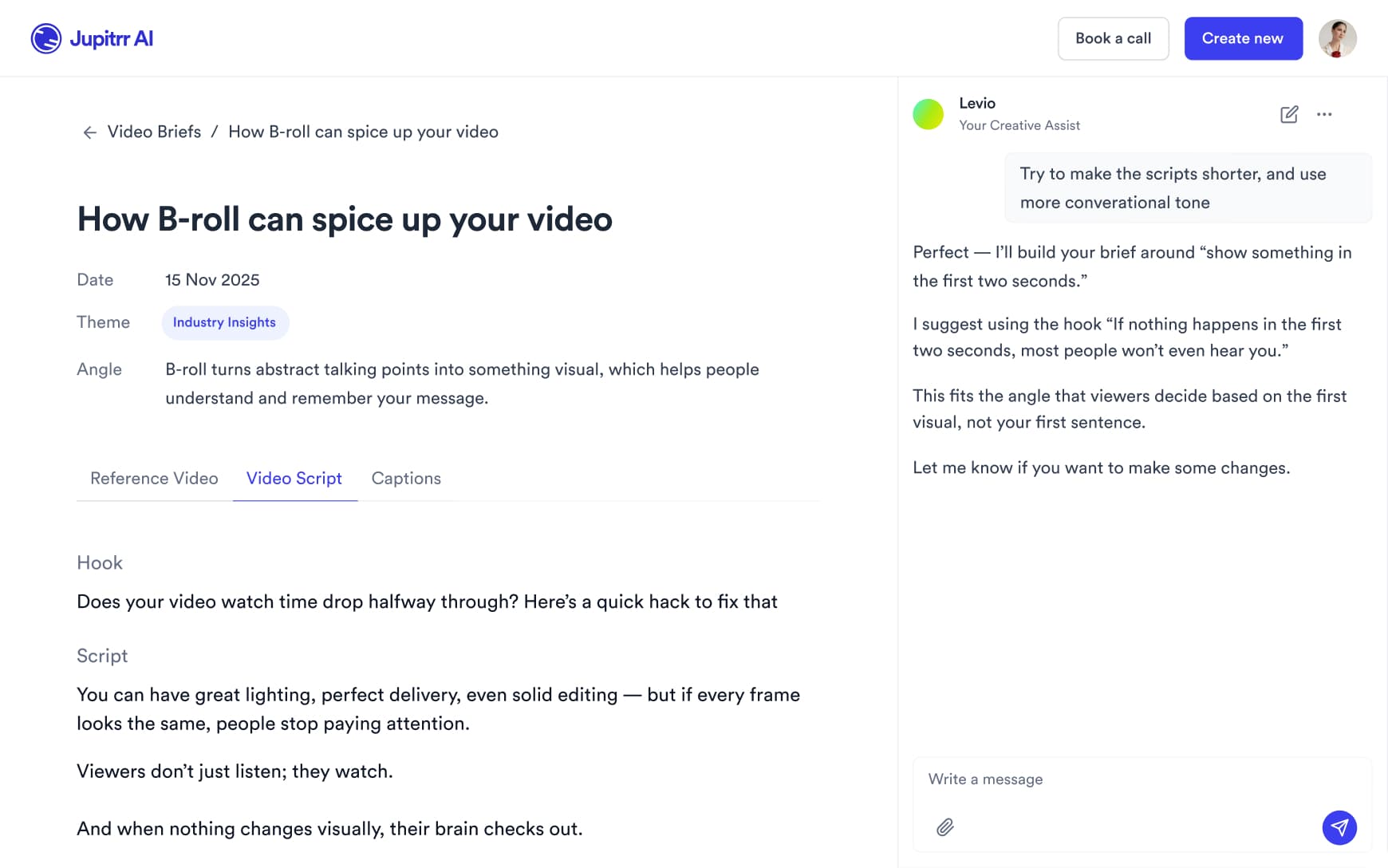
Plan what to say
Turn a topic into a script with a hook, talking points and a caption, then edit the wording so it is yours and fits your firm’s review process before you record.
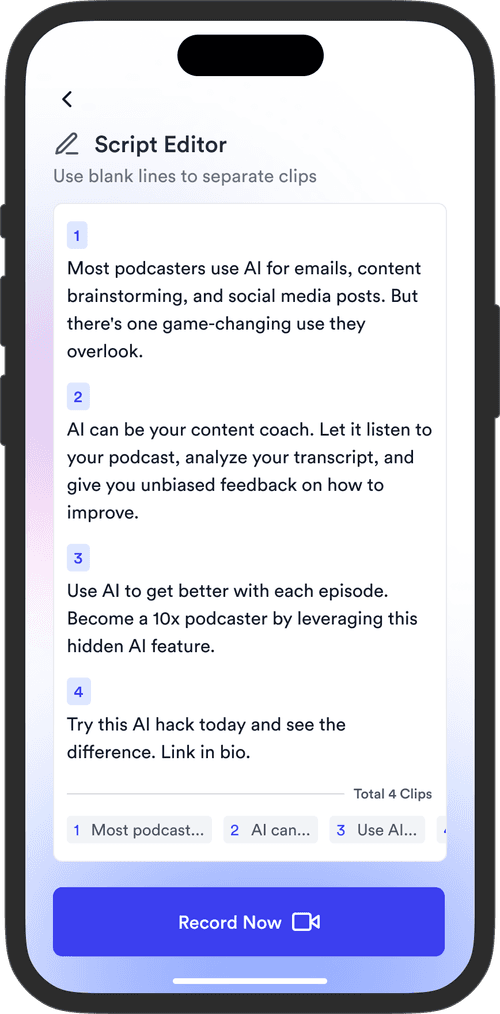
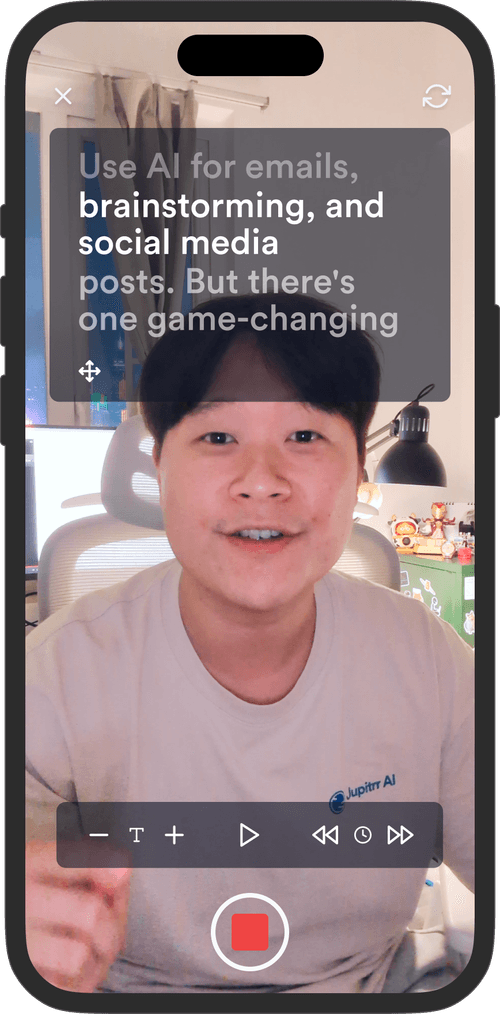
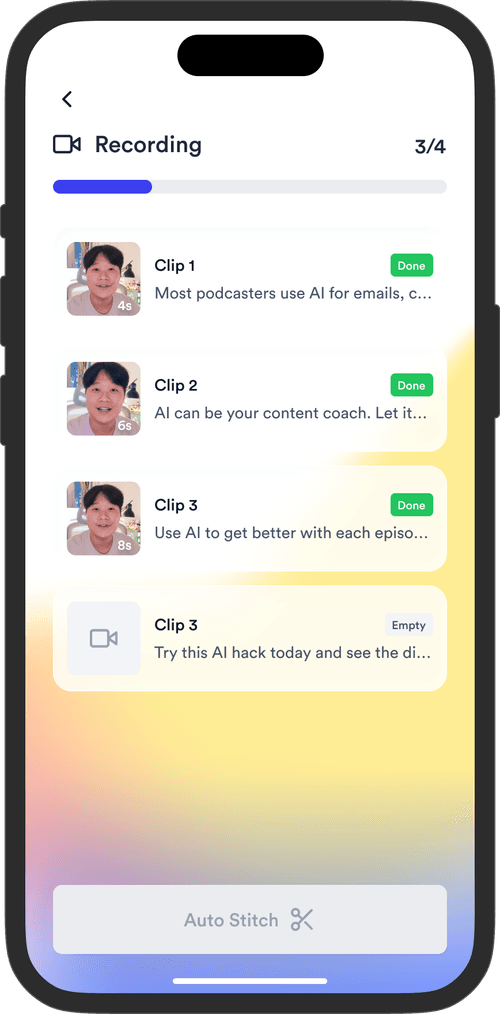
Record between client meetings
Read your script on the Jupitrr Cut teleprompter app. Retake any scene, and it trims the silence around each take and stitches them into one video.
Publish once it is reviewed
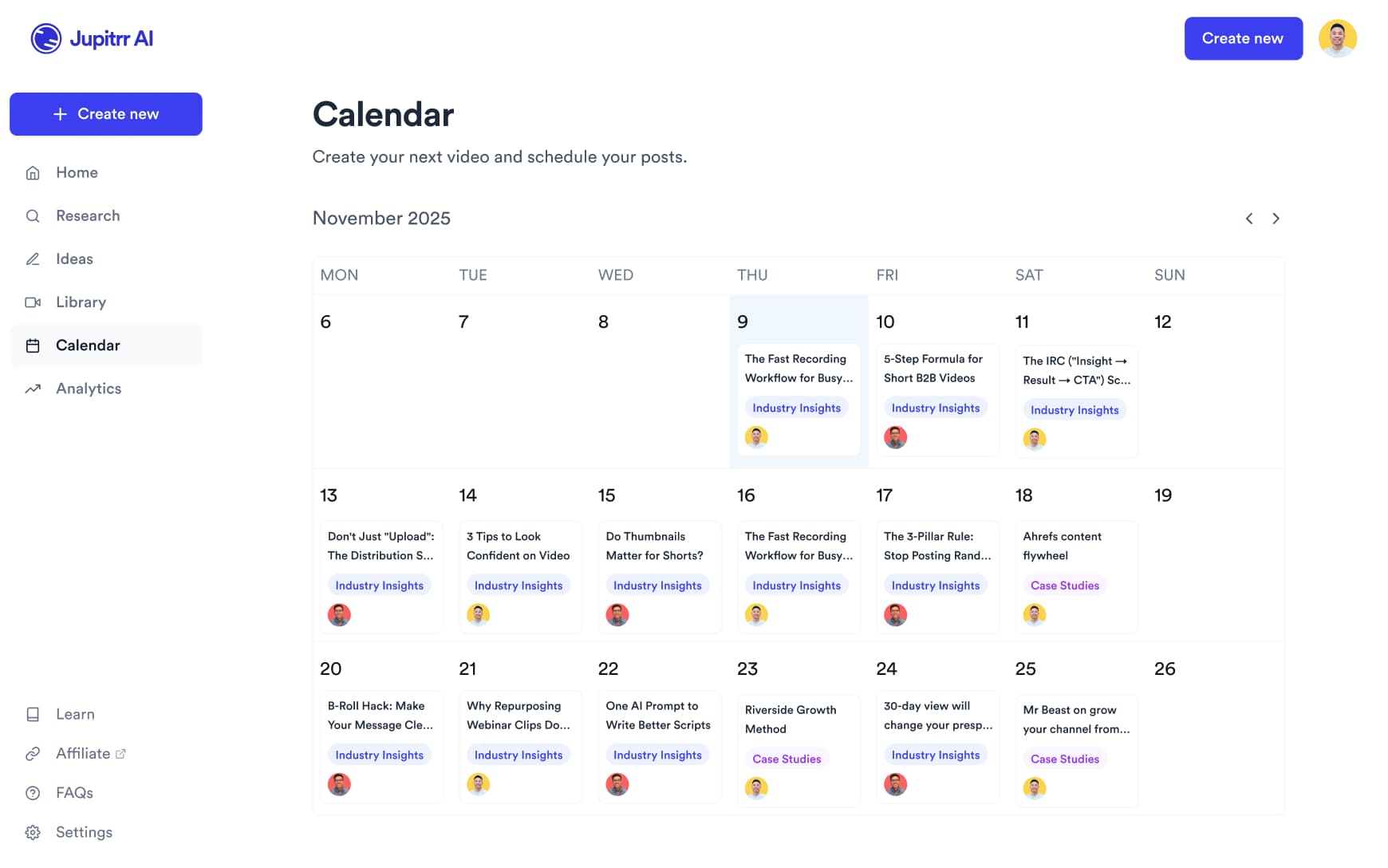
Export the video for your own or your firm’s review, then on Pro schedule it to LinkedIn, YouTube, Instagram and TikTok from the content calendar.
Spend time with clients,
not editing videos.
Record the explanation. Jupitrr makes the first edit.
2 Formats
for talking-head videos
44+
subtitle languages
Up to 10 min
per upload on Pro
Frequently asked questions
Jupitrr suits financial advisors who explain things on camera: what a term means, how an option works in general, or what prospective clients ask in a first meeting. You record yourself and Jupitrr makes the first edit with B-roll, subtitles, a hook and music. It is a video editor, so it does not check your content for accuracy or regulatory compliance; review every video the way your firm requires before you publish.
A video of you talking to camera, filmed on a phone or webcam. Portrait suits Shorts, Reels and TikTok and is needed for Formats; Jupitrr also exports landscape and square. You can upload your own charts, slides or photos to use as B-roll.
Yes. Swap any B-roll clip for a different stock clip, a web image or your own upload, edit subtitles line by line (useful for product names and terms the transcriber gets wrong), and change or remove the hook, music and sound effects. Levio can make visual changes such as replacing a clip or resizing the subtitles when you ask in plain language, and you keep or undo each draft.
Educational talking-head videos work well: common retirement-planning questions answered in general terms, financial terms explained simply, and the questions to ask before choosing an advisor. Comparisons suit the 2 Column and 3 Column Formats, and Green Screen suits commentary on a headline. Keep examples general rather than giving personal recommendations.
Not automatically. Jupitrr picks stock footage from iStock by Getty Images (on paid plans) and Pexels, plus web images, matched to what you say, so it shows general visuals rather than your own data. Upload your own chart or slide wherever an exact figure matters, and confirm the rights to any web image before you publish.
Yes. Jupitrr transcribes 54+ languages, including Hindi and English, and makes subtitles in the language you speak. Bilingual subtitles can add a translated line underneath, for example English under Hindi. Check the subtitles before you publish, and correct any word the transcriber gets wrong line by line.
Uploads can be up to 5 minutes on Starter, 20 minutes on Pro and 60 minutes on Team. Formats such as 2 Column and Green Screen are for portrait videos, so they suit short clips for Shorts, Reels, TikTok and LinkedIn. Longer videos take several minutes to process.
Sign up, open the sample video to see an automatic edit before you pay, then upload your own recording on a paid plan. Plans start at $12.50/month billed annually, and you can cancel any time from Manage Plan in your account settings.
Answer it once, on camera
Record the questions you answer every week, and let Jupitrr turn them into edited videos.