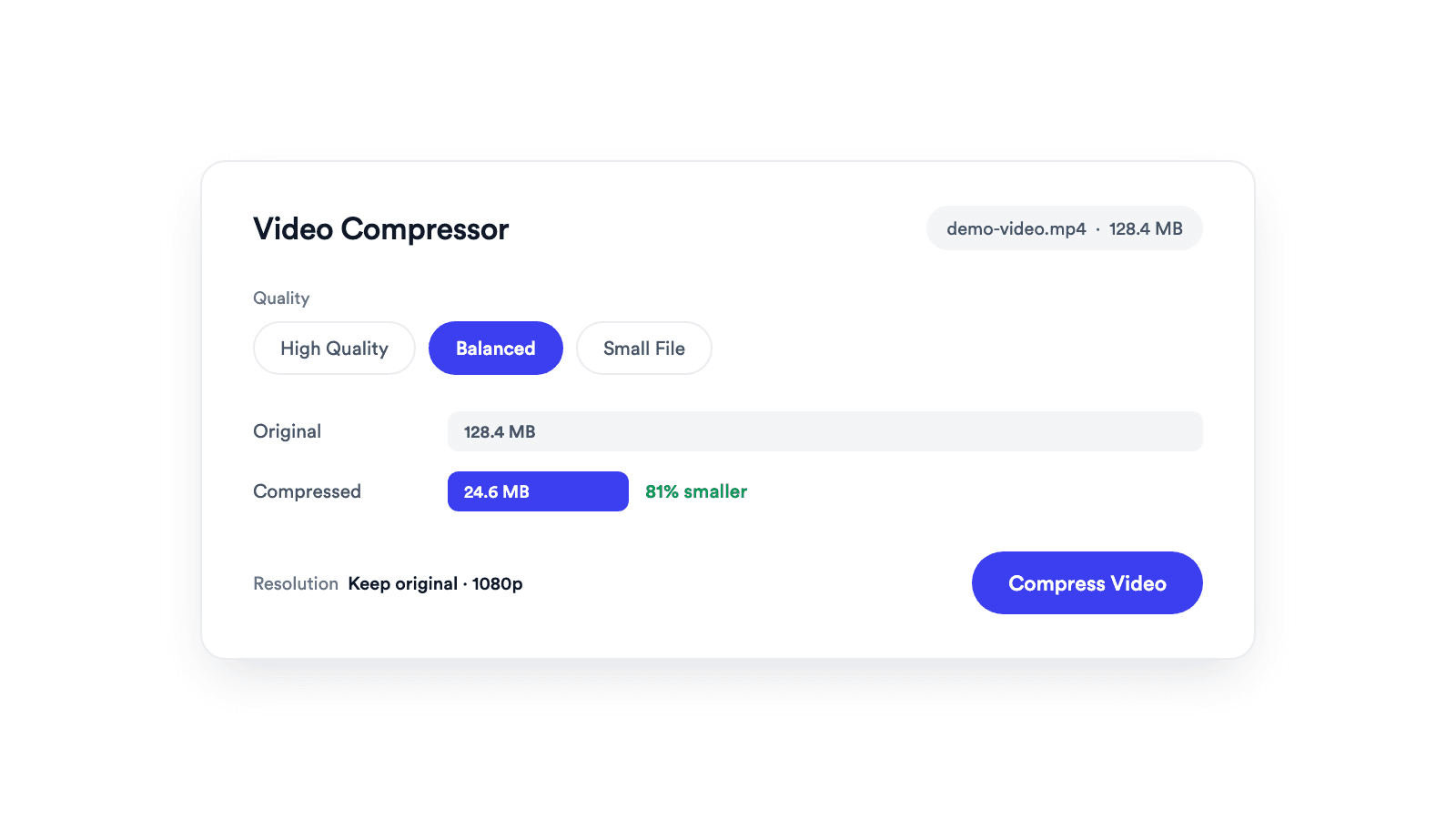
Video Compressor
Reduces video file size with adjustable quality and resolution controls.

Removes hiss, hum and room noise from speech in audio or video files. Free in your browser, nothing uploaded.
The file is decoded and cleaned in the browser. No upload, no queue, no account.
Only the audio track is replaced. The picture is copied without re-encoding.
Compare the original and the cleaned audio, over the picture for video files, then set the strength before you export.
Pick an audio or video file up to 30 minutes and 1 GB. Noise removal starts on its own.
Listen to Before and After, then move the strength slider until the voice sounds natural.
Download the clean MP3, or the same video with clean audio.
Speech in, cleaner speech out.
A background noise remover separates a voice from steady noise around it and lowers the noise. With Jupitrr's Background Noise Remover, drop a file, compare Before and After, set the strength, and download the result. It uses RNNoise, an open source model trained on speech, and runs it inside your browser.
Clean up laptop mic recordings before adding captions.
Remove room tone and fan noise from a single take.
Make a noisy call recording easier to follow.
Even out audio recorded across different rooms.
Reduces video file size with adjustable quality and resolution controls.
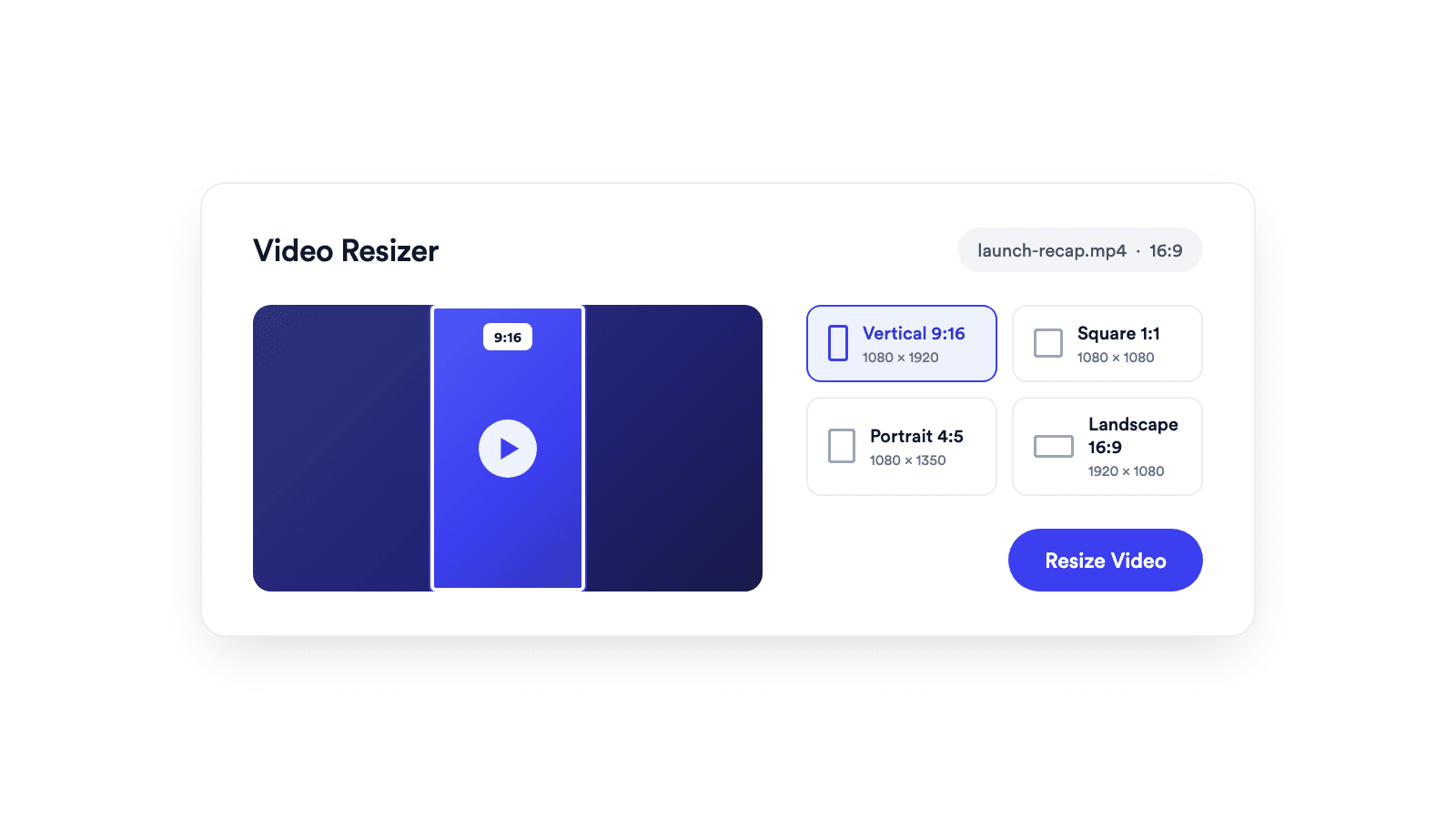
Reframes a video for vertical, square, portrait, or landscape publishing.
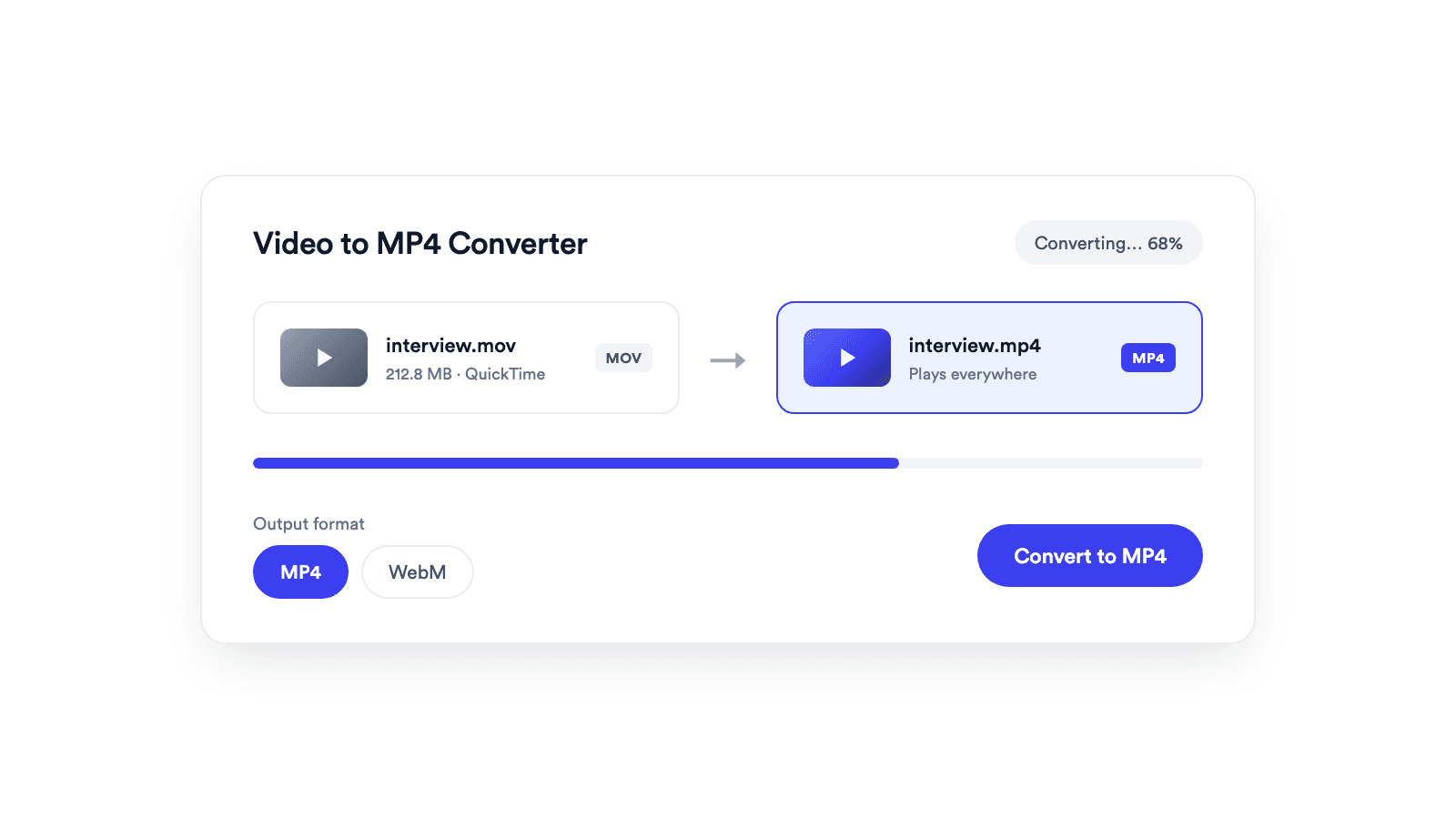
Converts browser-supported video files to MP4 or WebM on your device.
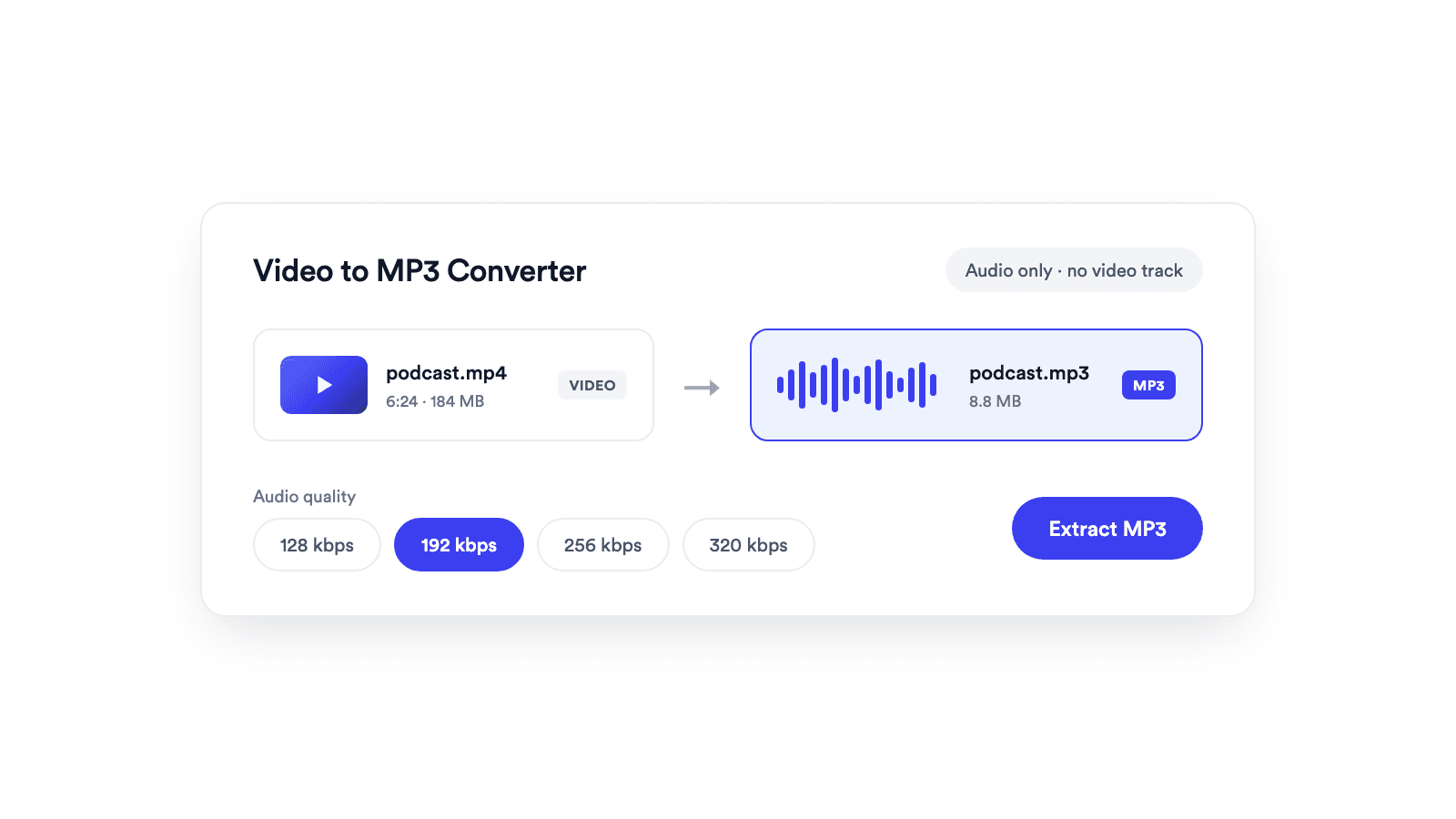
Extracts the audio from a video and saves it as a real MP3 file.
Jupitrr brings planning, scripting, recording, editing, and publishing into a single tool. Built for coaches and consultants shipping video consistently.




Trained on your scripts & viral scripting framework
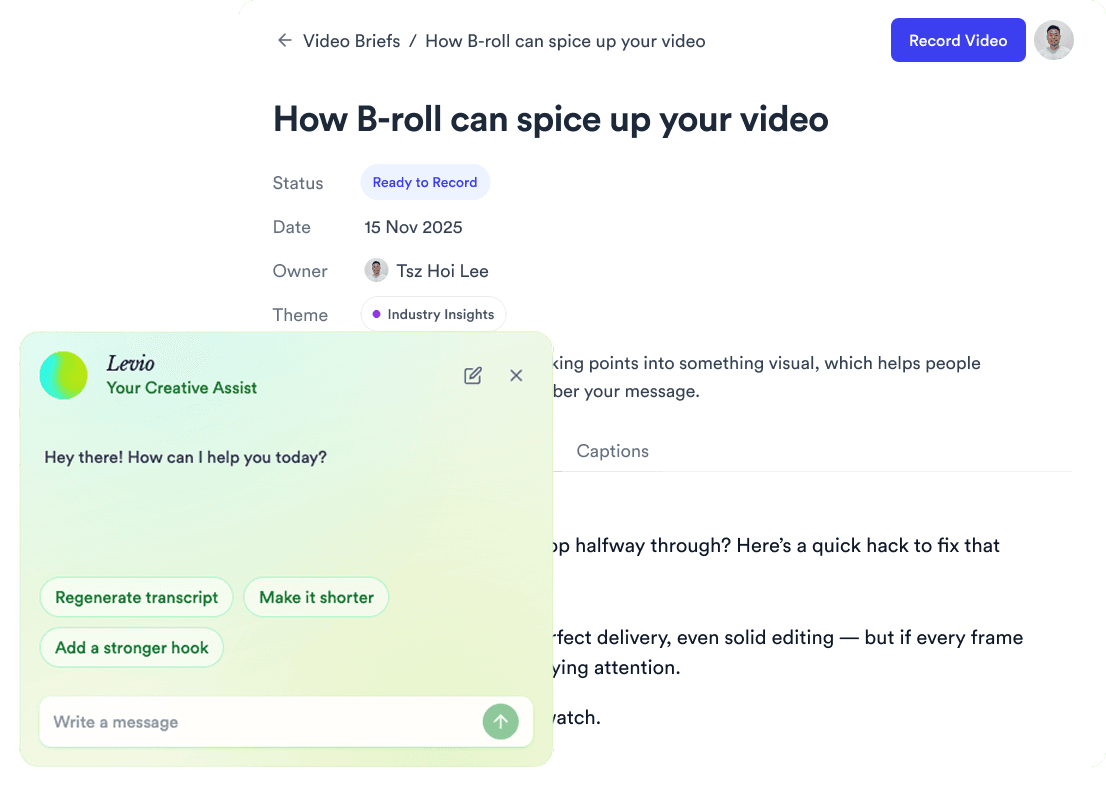
Auto Jump-Cut & Silence Removal
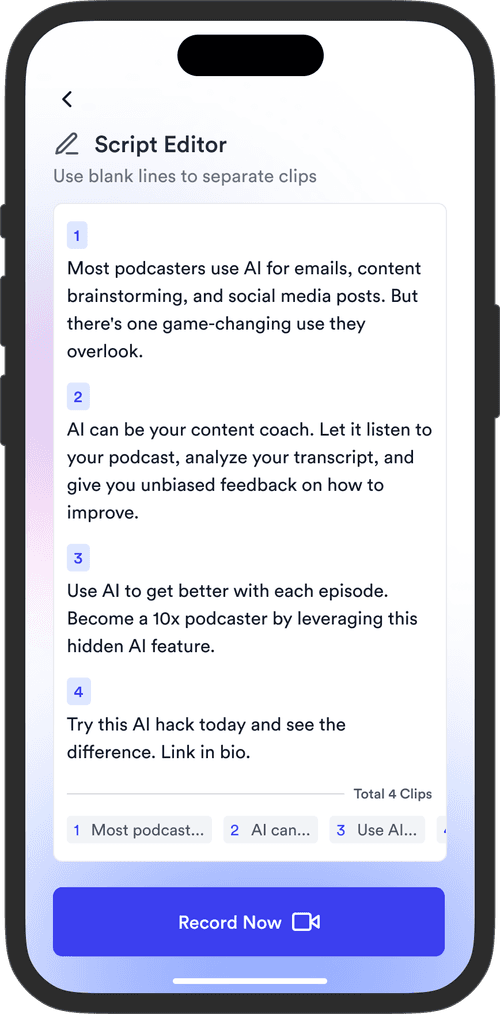

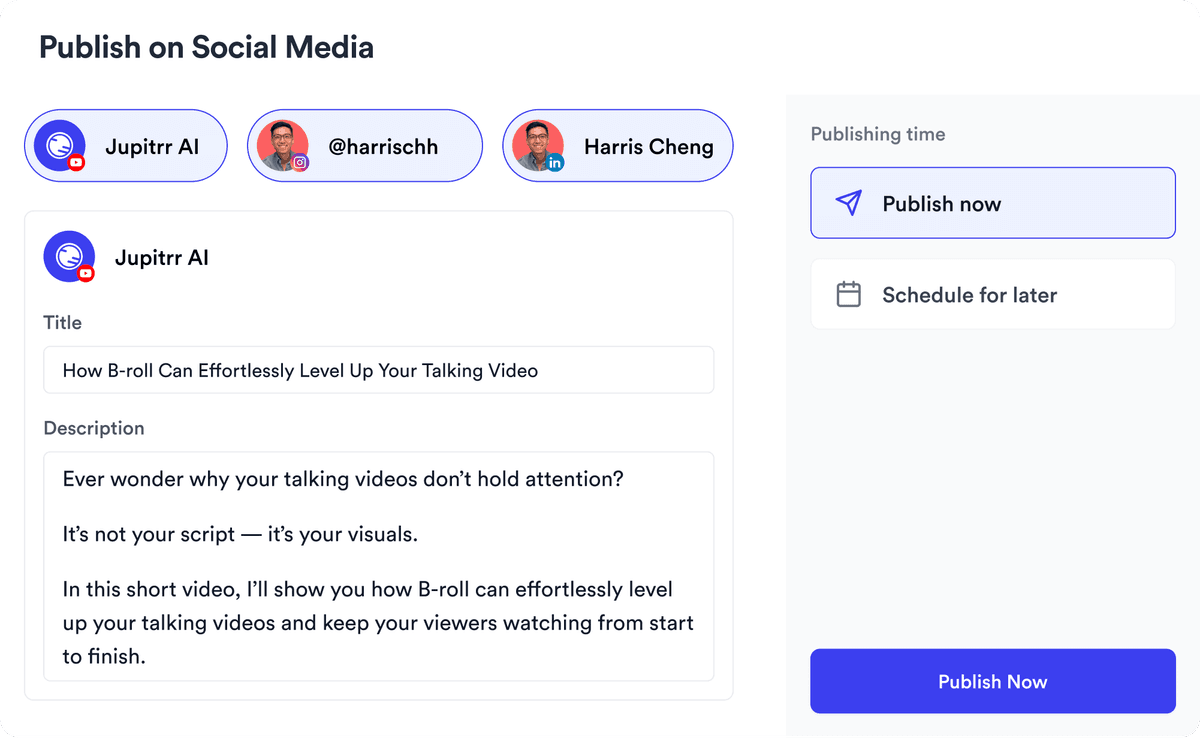
YouTube, Instagram, LinkedIn, TikTok, all at once.


Get inspired for your next videos