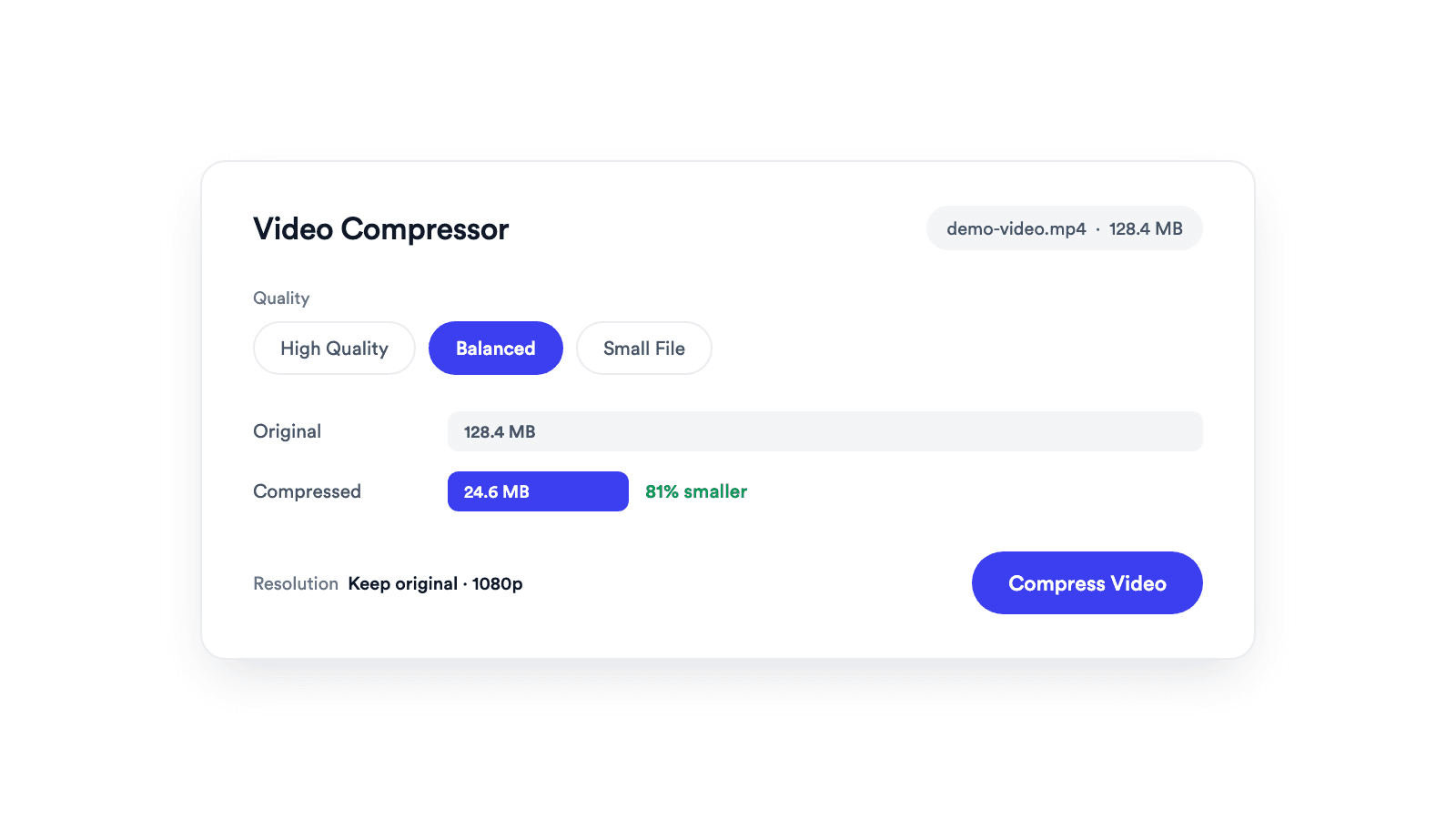
Video Compressor
Reduces video file size with adjustable quality and resolution controls.

Shows where TikTok, Reels, and Shorts UI covers your 9:16 video. Free in your browser, nothing uploaded.
Switch between TikTok, Instagram Reels, and YouTube Shorts, or pick All for one merged set of zones.
Play or scrub the video to check captions and faces at every point, not just the first frame.
The video is never uploaded. The overlays are drawn over a local preview in your browser.
MP4, MOV, WebM, PNG, JPG, or WebP. Other ratios are cropped to fill the frame.
Switch between TikTok, Reels, Shorts, or All. Scrub the video to check different moments.
Move captions and faces out of the yellow zones in your editor, then check again.
See your video the way the feed shows it.
A safe zone checker overlays the regions where a short-form app draws its own interface, the top bar, the right action rail, the bottom caption block, and the navigation bar, so you can see whether captions, faces, or text will be hidden before you post. With Jupitrr's Safe Zone Checker, drop a 9:16 file, switch between TikTok, Reels, Shorts, or All, and scrub to any moment. The zones approximate current app layouts and can change as the apps update.
Confirm burned-in subtitles sit above the caption block and clear of the action rail.
Check where a 16:9 clip lands once it is cropped to vertical.
Keep end-card text and handles clear of the yellow zones.
Share the zone layout so everyone works from the same guides.
Reduces video file size with adjustable quality and resolution controls.
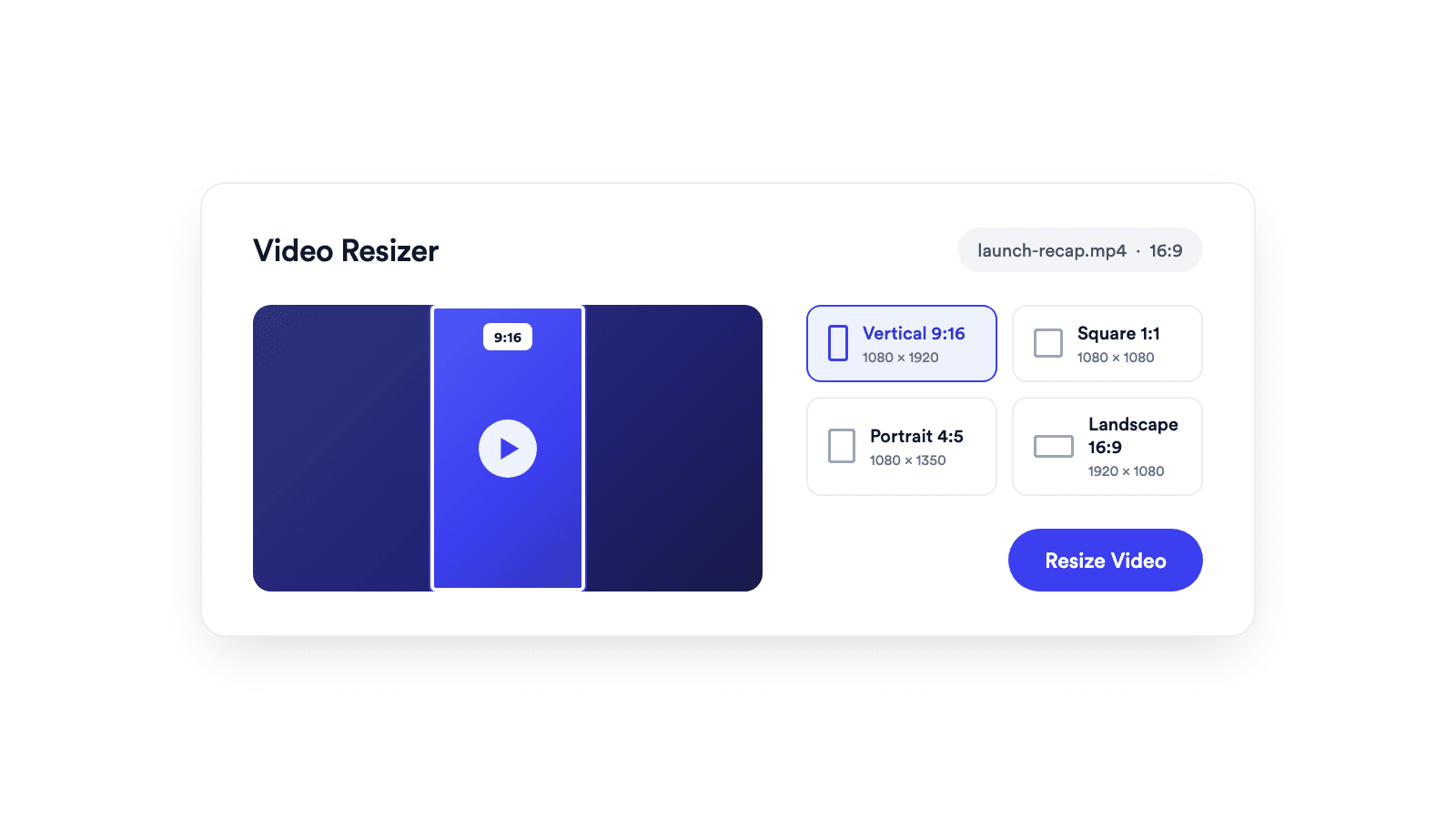
Reframes a video for vertical, square, portrait, or landscape publishing.
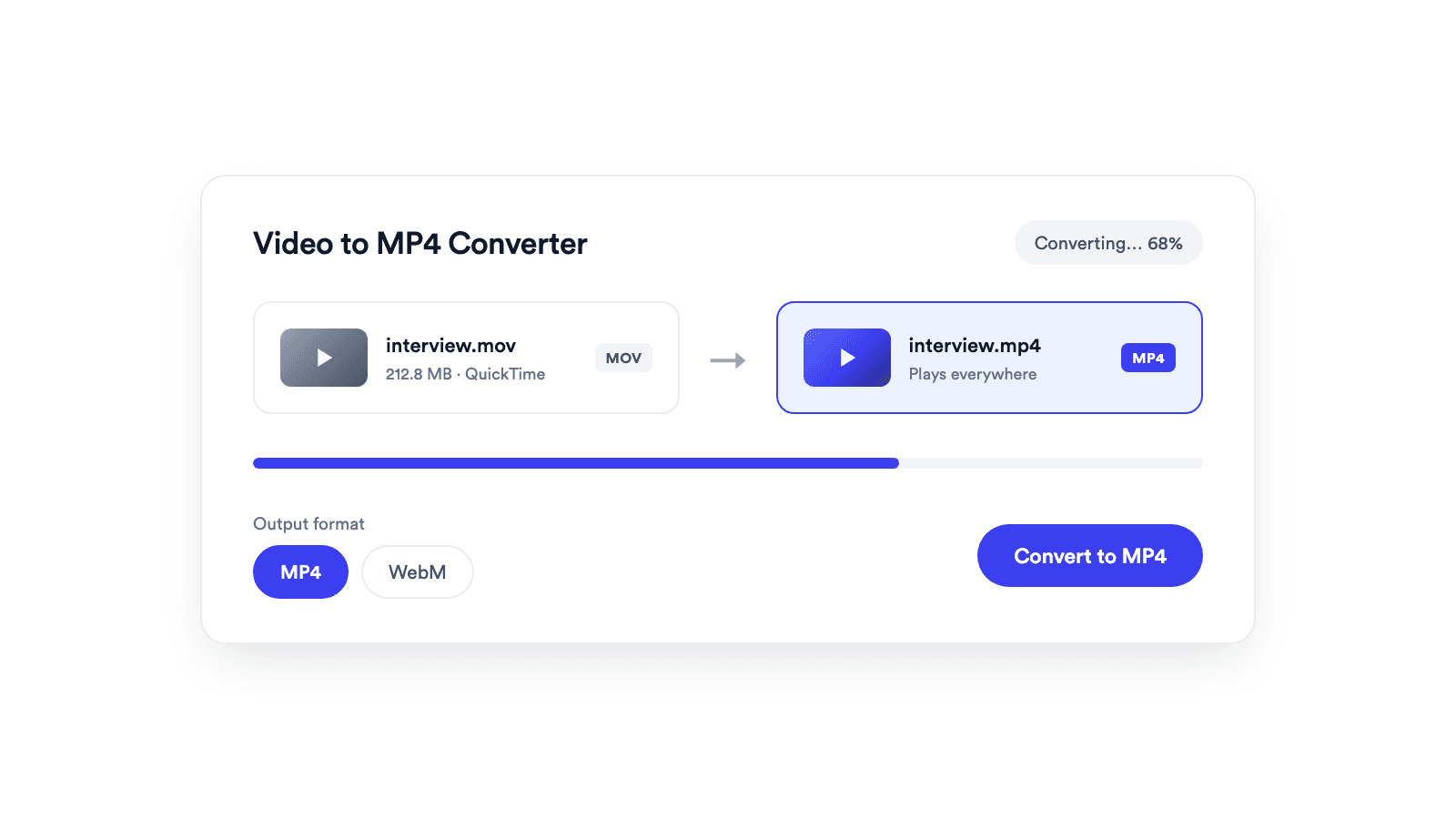
Converts browser-supported video files to MP4 or WebM on your device.
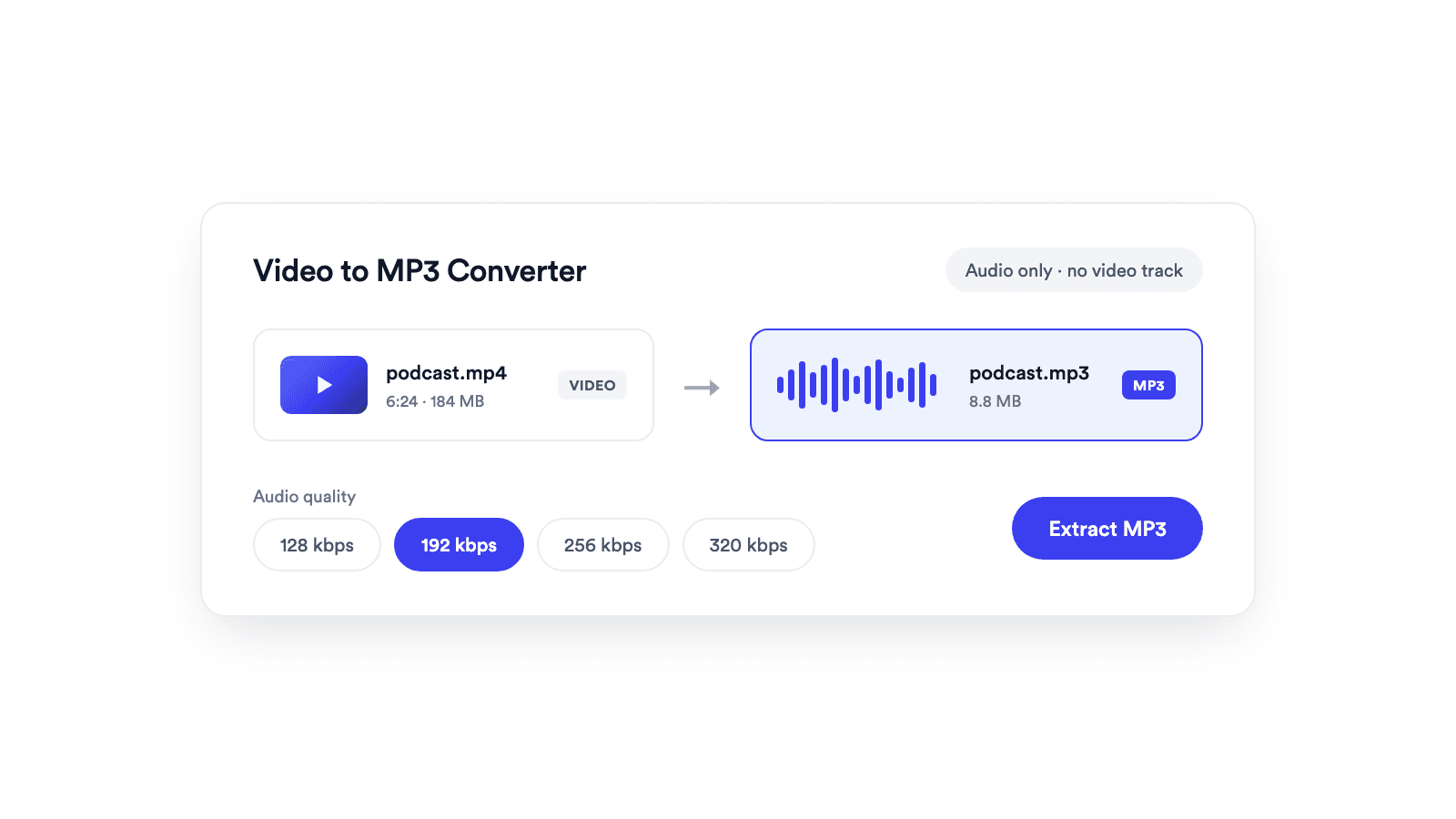
Extracts the audio from a video and saves it as a real MP3 file.
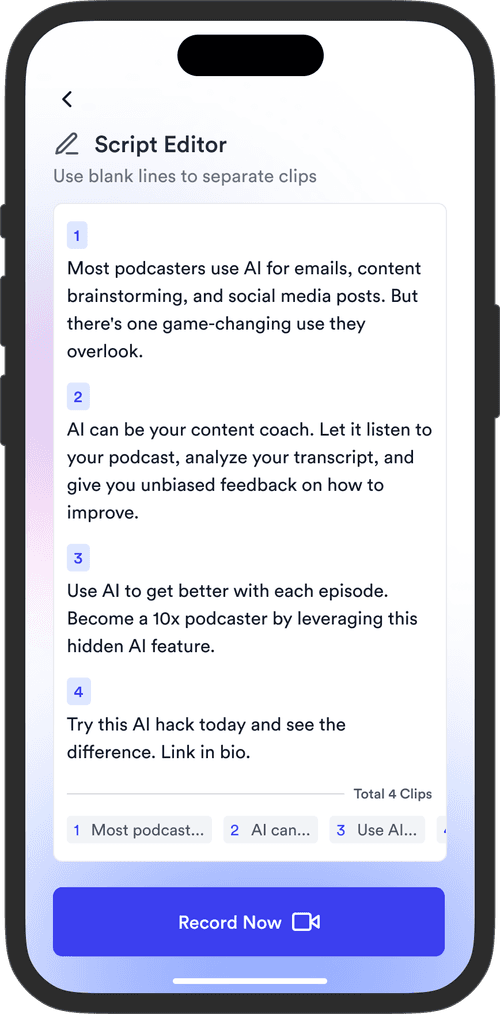
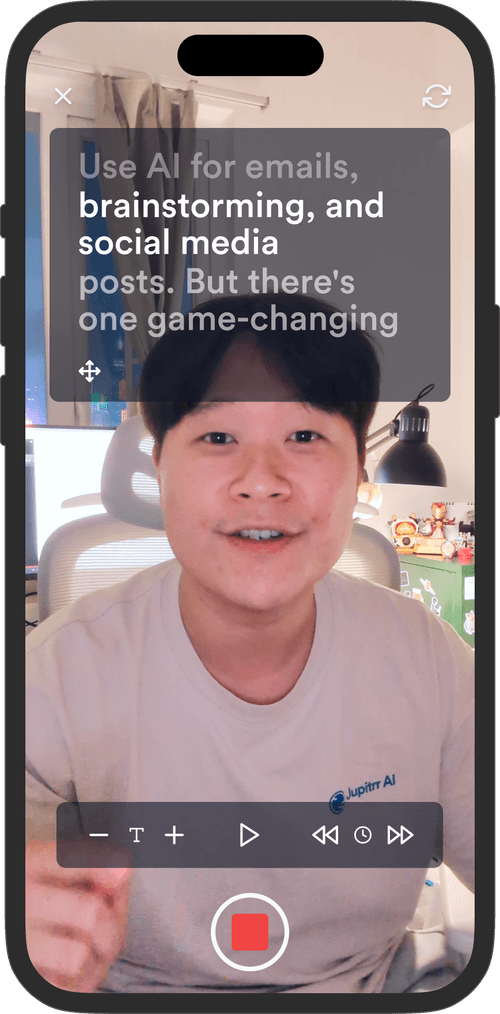
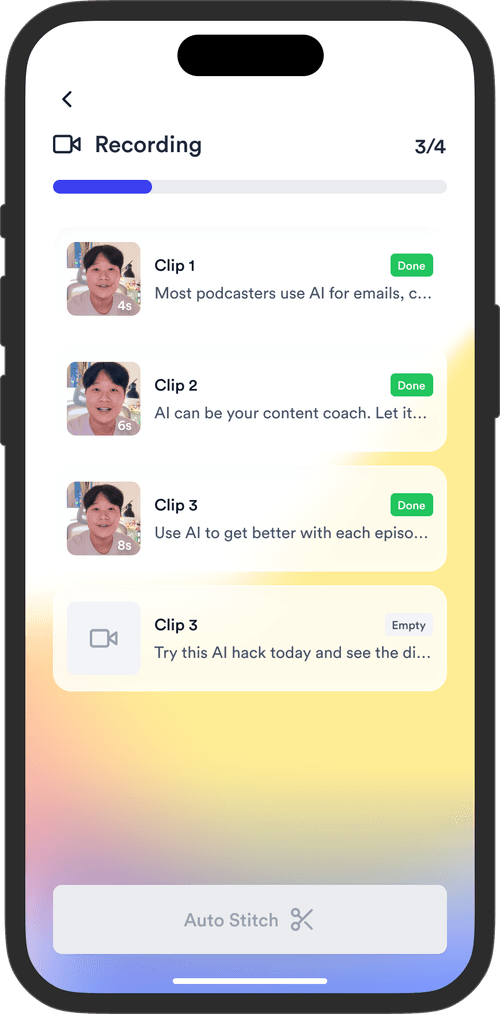
Jupitrr brings planning, scripting, recording, editing, and publishing into a single tool. Built for coaches and consultants shipping video consistently.



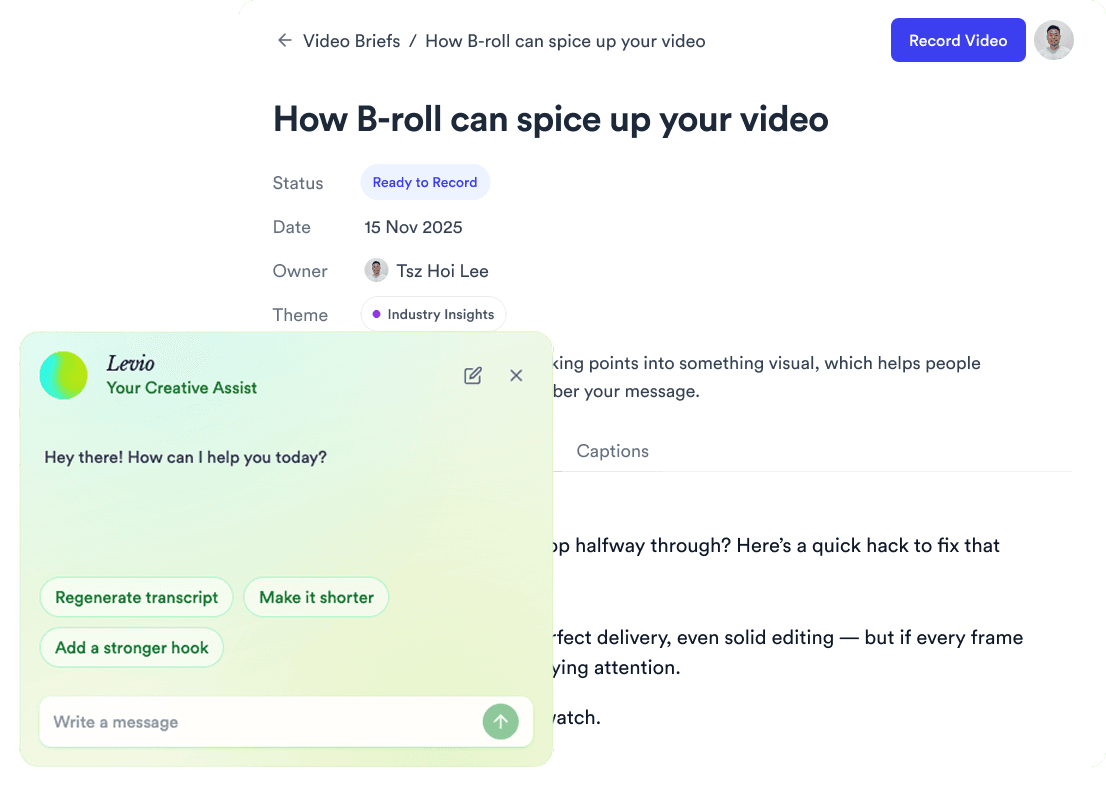
Trained on your scripts & viral scripting framework
Auto Jump-Cut & Silence Removal
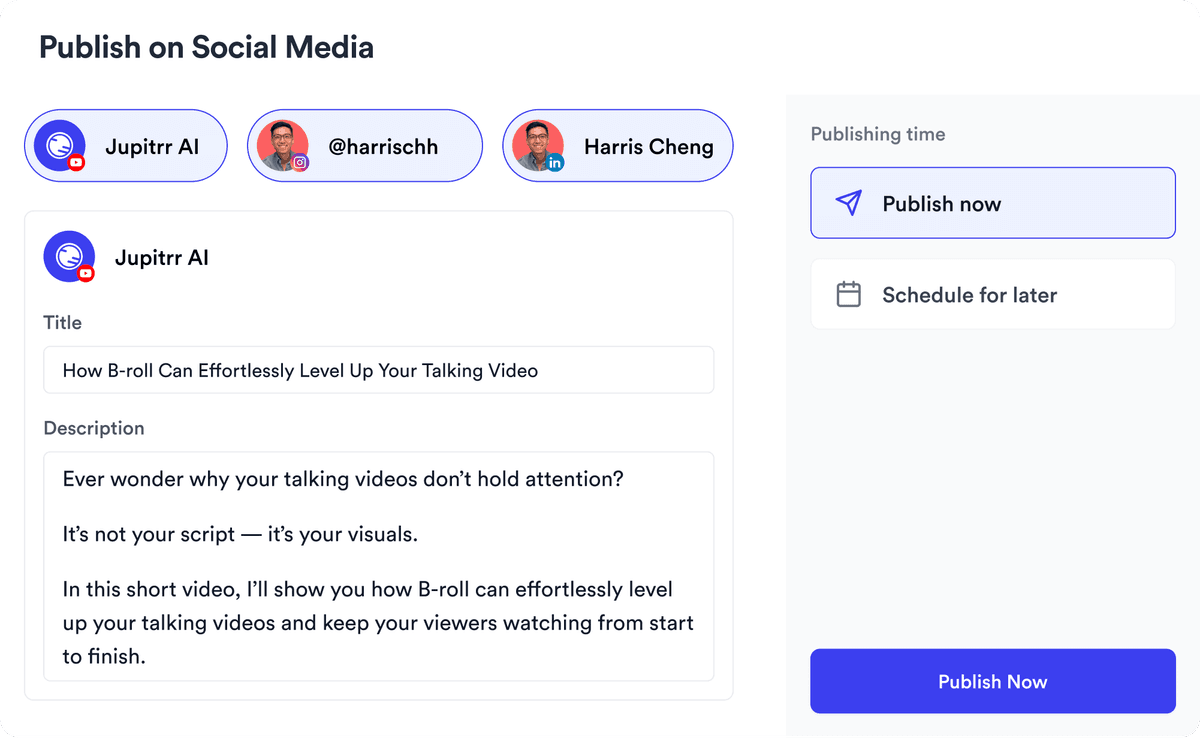
YouTube, Instagram, LinkedIn, TikTok, all at once.


Get inspired for your next videos