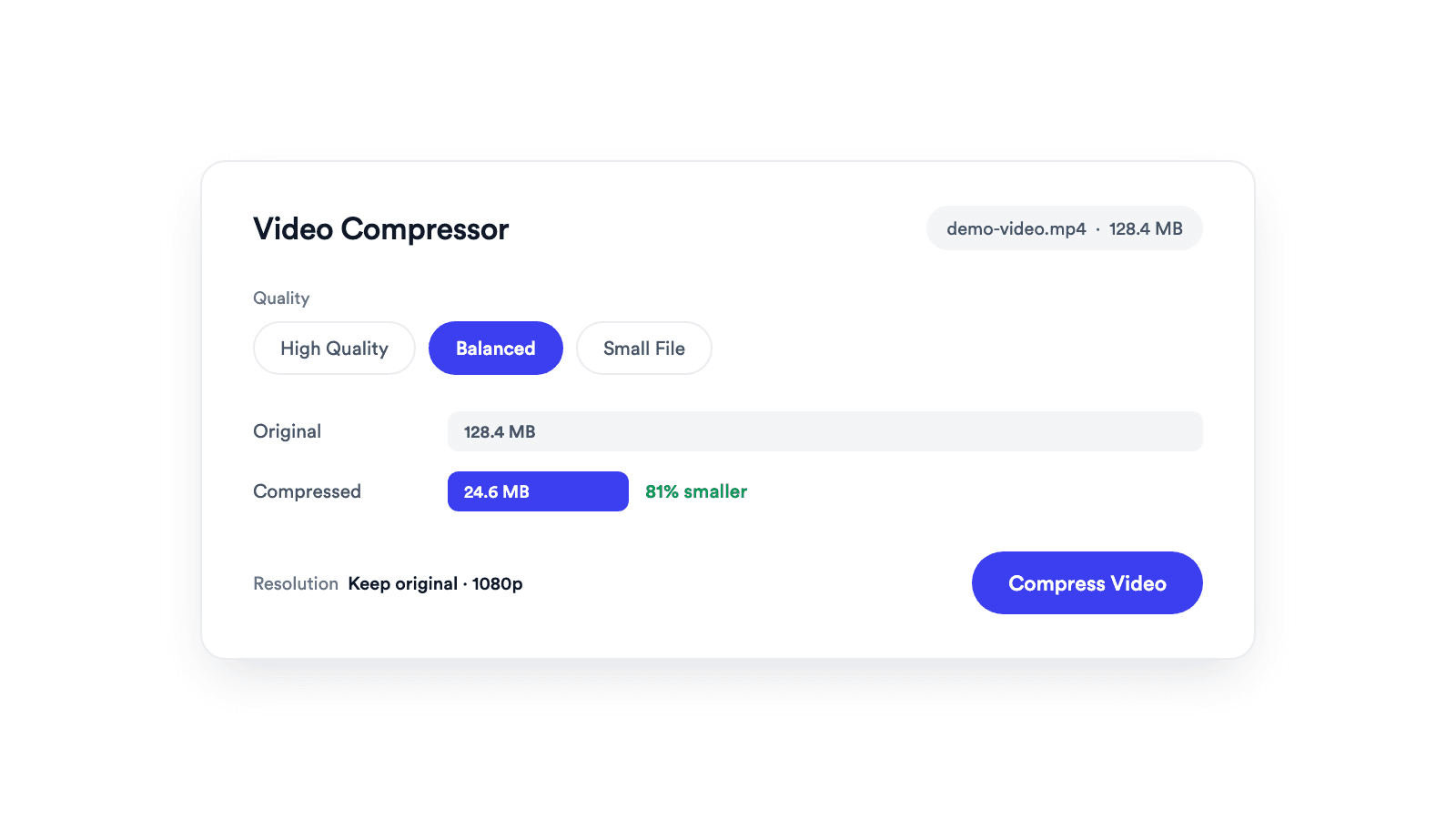
Video Compressor
Reduces video file size with adjustable quality and resolution controls.

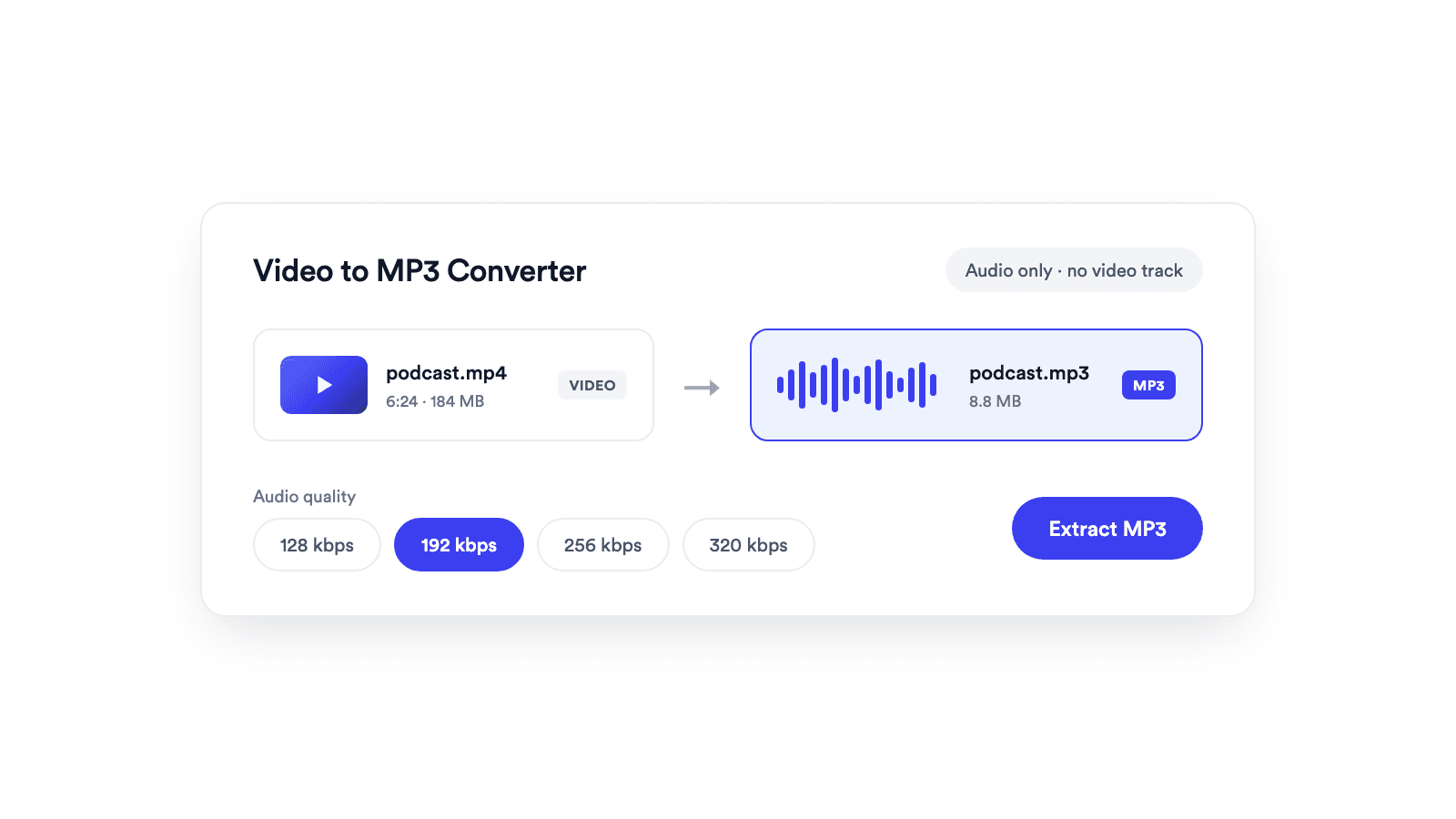
Save the sound from an M4V video as an MP3 you can play on any phone, car stereo, or app.
Videos exported from iMovie, HandBrake, and other Apple tools convert to MP3 in seconds.
Your M4V file is converted inside your browser and never leaves your device.
No signup, no install, and nothing added to your file.
Drop a M4V video up to 1 GB onto the converter, or pick it from your device.
Choose 128, 192, 256, or 320 kbps depending on whether the audio is speech or music.
Your browser drops the video track, encodes a real MP3, and lets you preview it before downloading.
The audio from an Apple video file.
M4V is the Apple variant of MP4, used by iMovie exports, HandBrake, and the iTunes Store. It usually carries H.264 video with AAC audio.
Converting M4V to MP3 ignores the video, decodes the audio, and encodes it as an MP3. Purchases from the iTunes Store are protected with FairPlay DRM, so browsers cannot read them and they cannot be converted.
Keep the soundtrack or narration of an exported iMovie video.
Listen to a recorded class or talk without the video.
Publish the audio of a video episode exported as M4V.
Send a small audio file to a transcription tool.
Reduces video file size with adjustable quality and resolution controls.
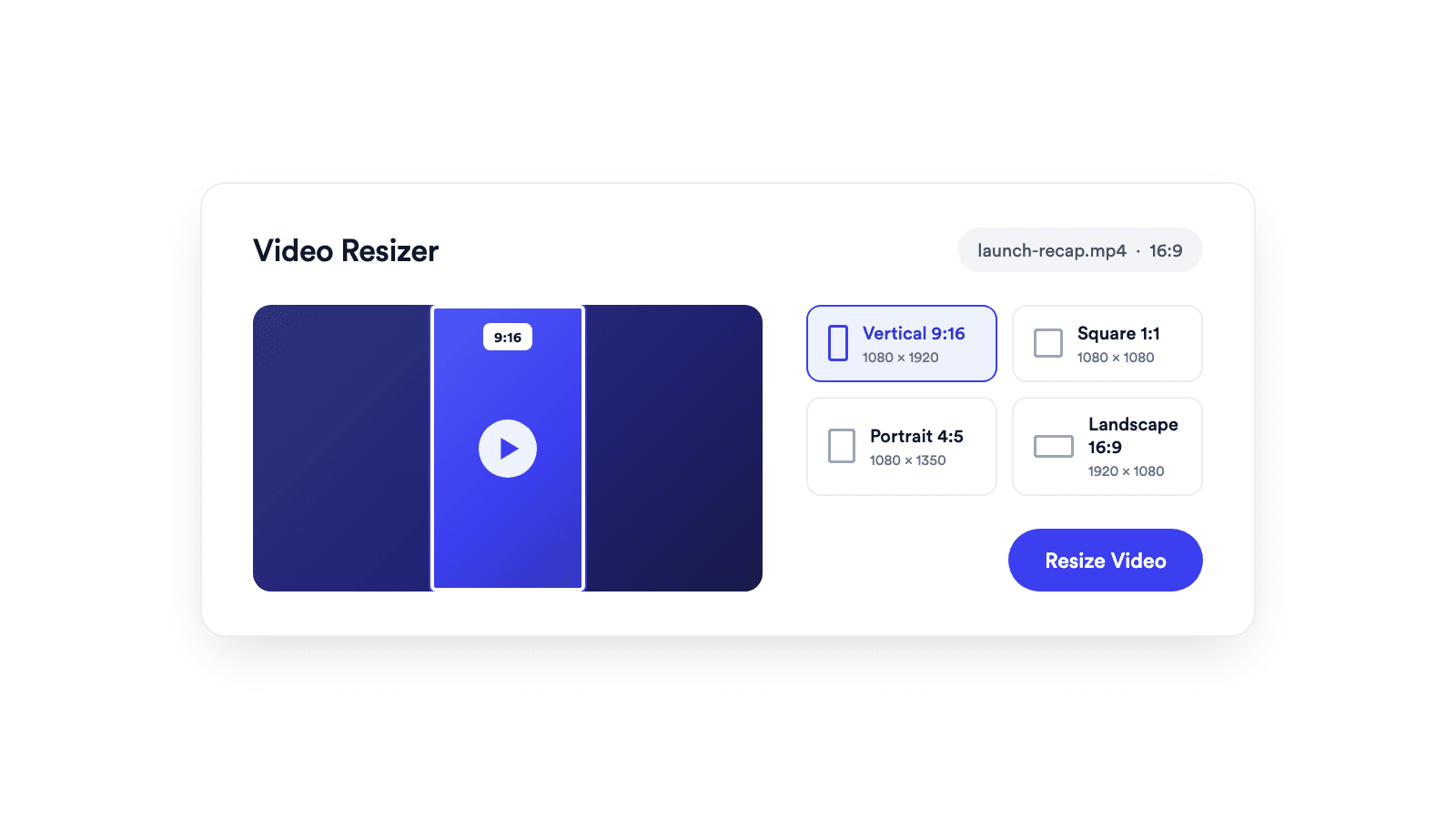
Reframes a video for vertical, square, portrait, or landscape publishing.
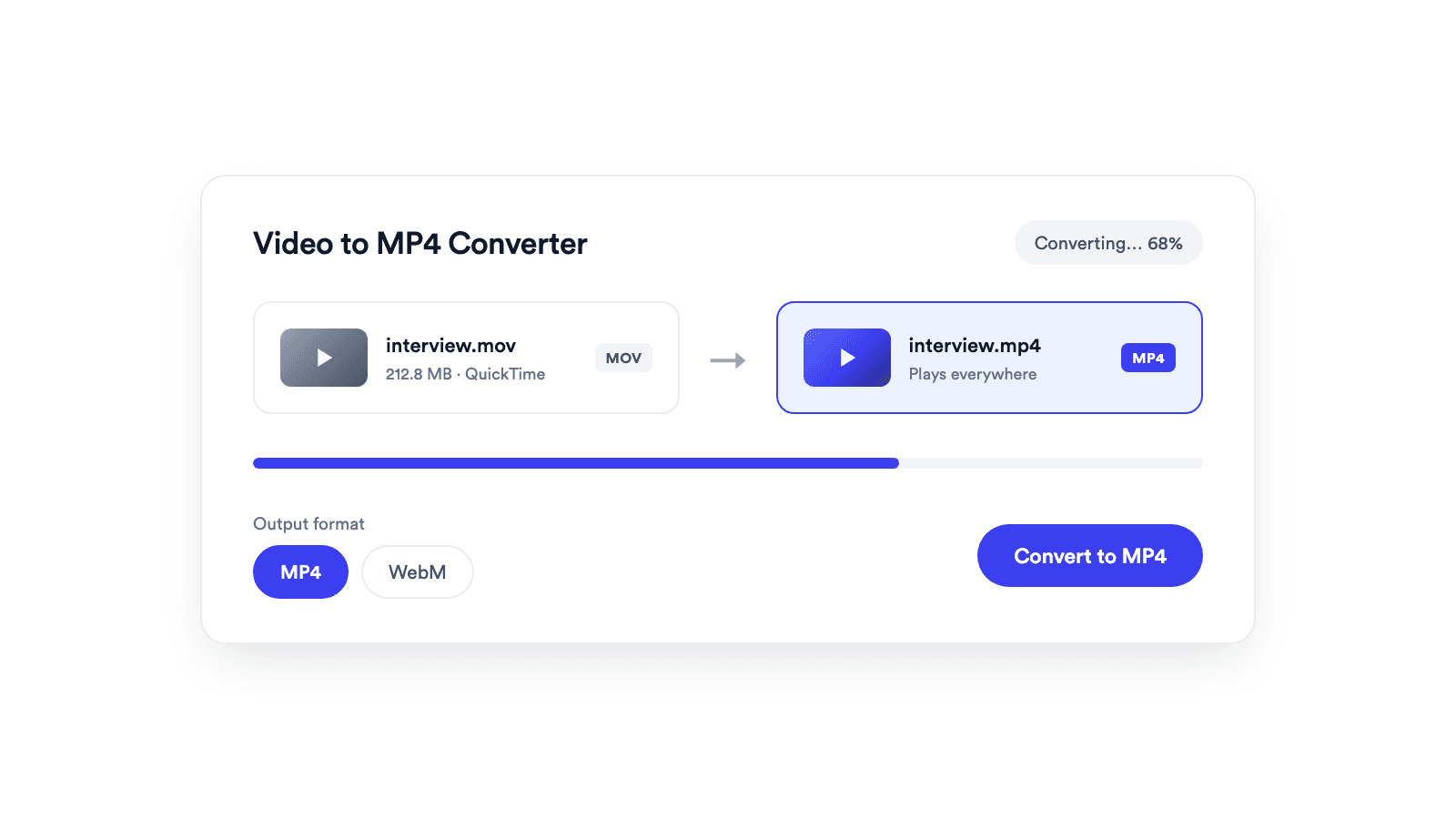
Converts browser-supported video files to MP4 or WebM on your device.

Cuts unwanted sections out of clips and joins them into a single MP4.
Jupitrr brings planning, scripting, recording, editing, and publishing into a single tool. Built for coaches and consultants shipping video consistently.




Trained on your scripts & viral scripting framework
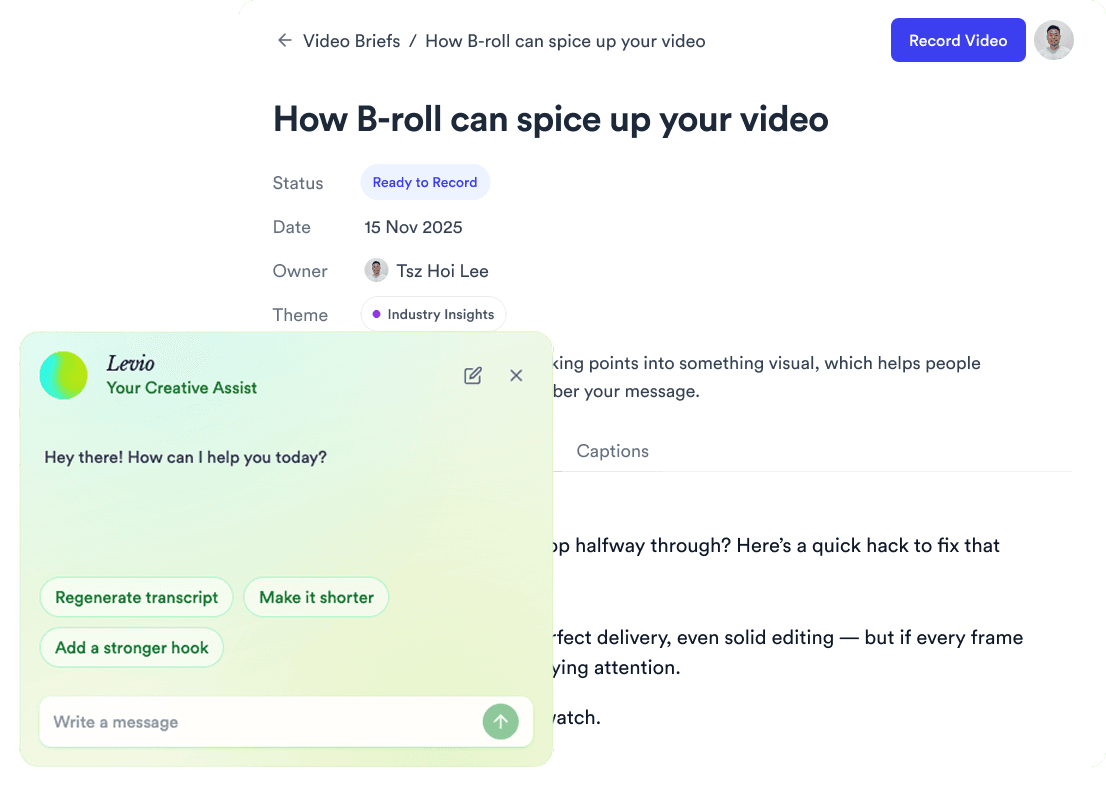
Auto Jump-Cut & Silence Removal
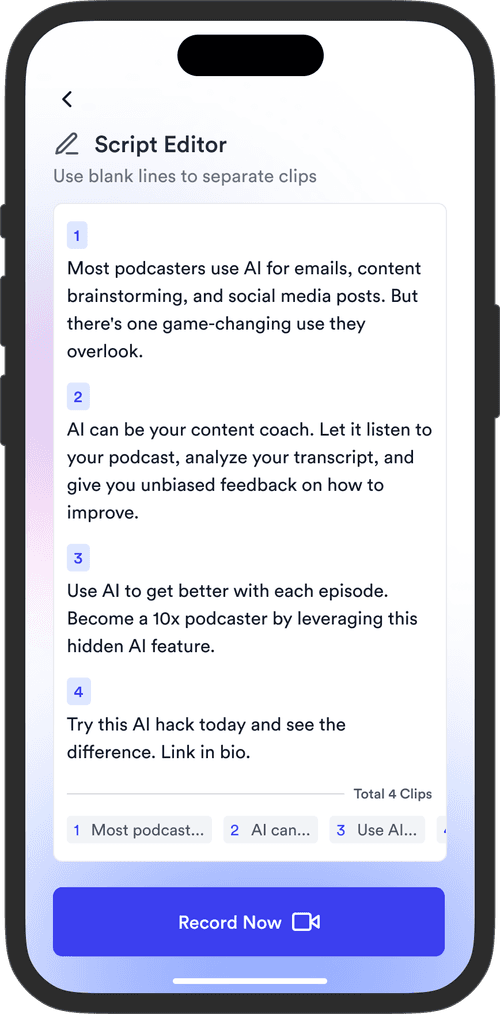

YouTube, Instagram, LinkedIn, TikTok, all at once.



Get inspired for your next videos