jupitrr logo

Turn any blog or article into a video script in your voice

Jupitrr Blog to Video Script AI turns a blog post, case study, or article URL into several ready-to-record video scripts in your brand voice. Paste the link, pick the ideas you like, and record.

See how it works
Loved byTrusted by 200K+ coaches and consultants
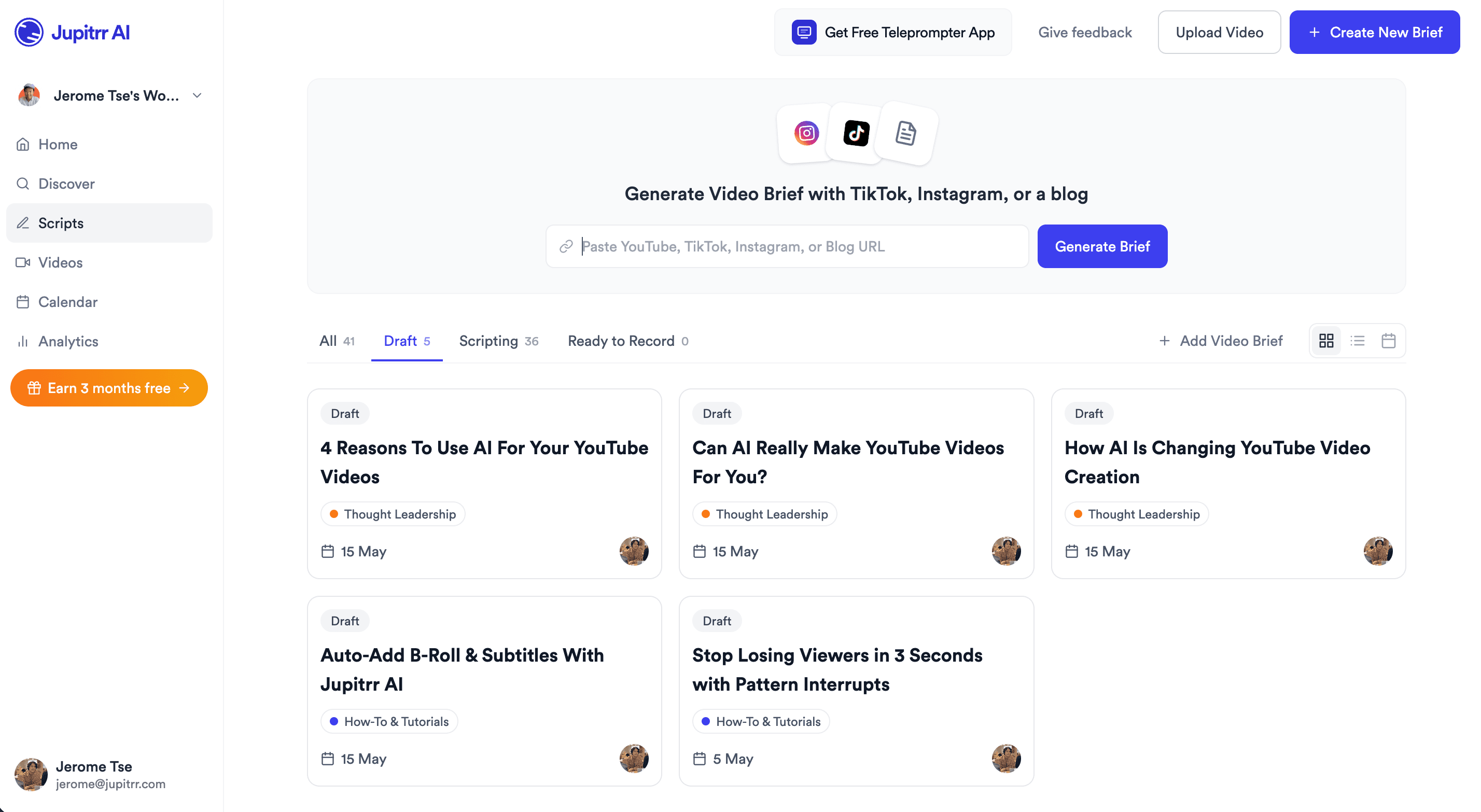
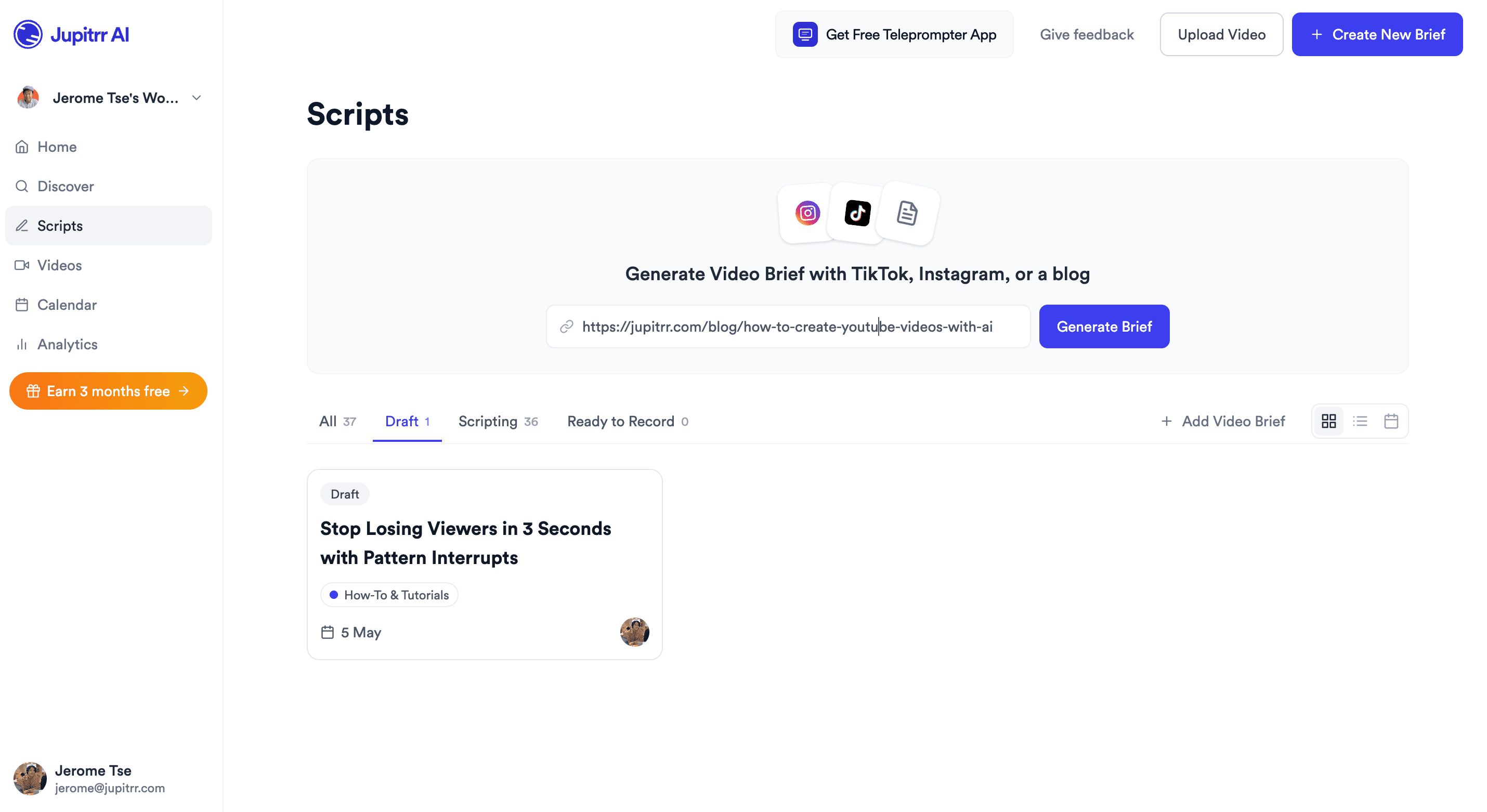
Jupitrr Scripts dashboard - paste a blog URL into the Generate Video Script bar.
BuildMapper
GatherVoices
myHealthspan
YourPolicy
Goflow
ZipSea

Try it right here

Paste any blog or article URL and get video script ideas from it.

How blog to video script AI works: paste, pick, record

Paste a URL, pick the ideas you want, and record. Every line is yours to change.

Paste a blog or article URL

Drop in any public blog or article URL, from WordPress, Medium, Substack, or your own site. Jupitrr reads the full post, so there is no copying and pasting text and nothing to rewrite.

Jupitrr Scripts dashboard with a blog URL pasted into the Generate Video Script bar.

Pick the ideas you want, get scripts in your voice

Jupitrr suggests several video ideas from the same article, each a different angle, and preselects the strongest. Pick as many as you like and Jupitrr writes a script for each, with a hook, body, CTA, and captions, in your brand voice.

Jupitrr Select Video Script Ideas modal with multiple AI angles from a single article.

Hand off to record, edit, and schedule

Send the script to the Teleprompter app, polish in the AI Video Editor with B-roll and captions, then schedule the post in the Content Calendar. One paste, full pipeline.

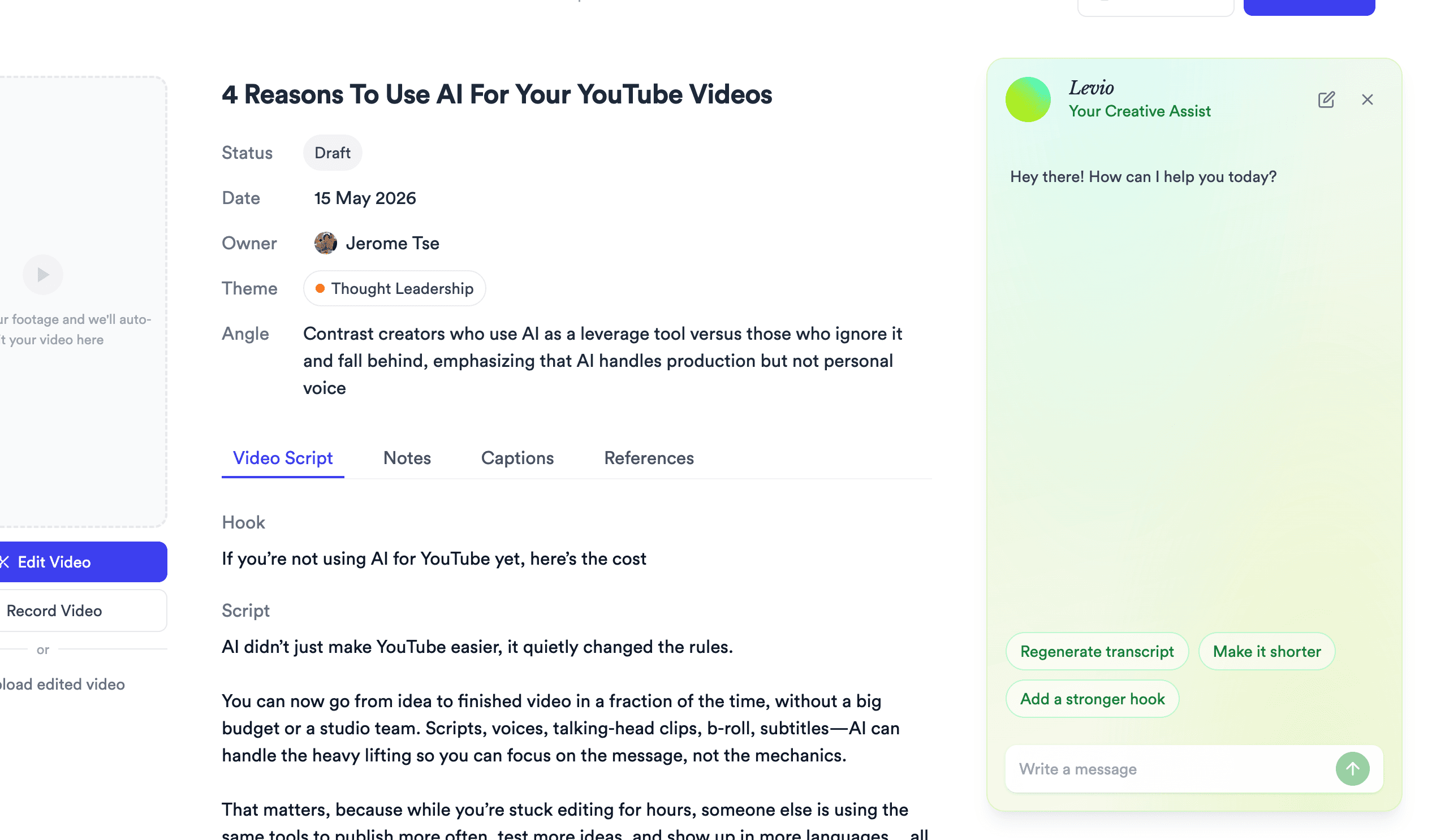
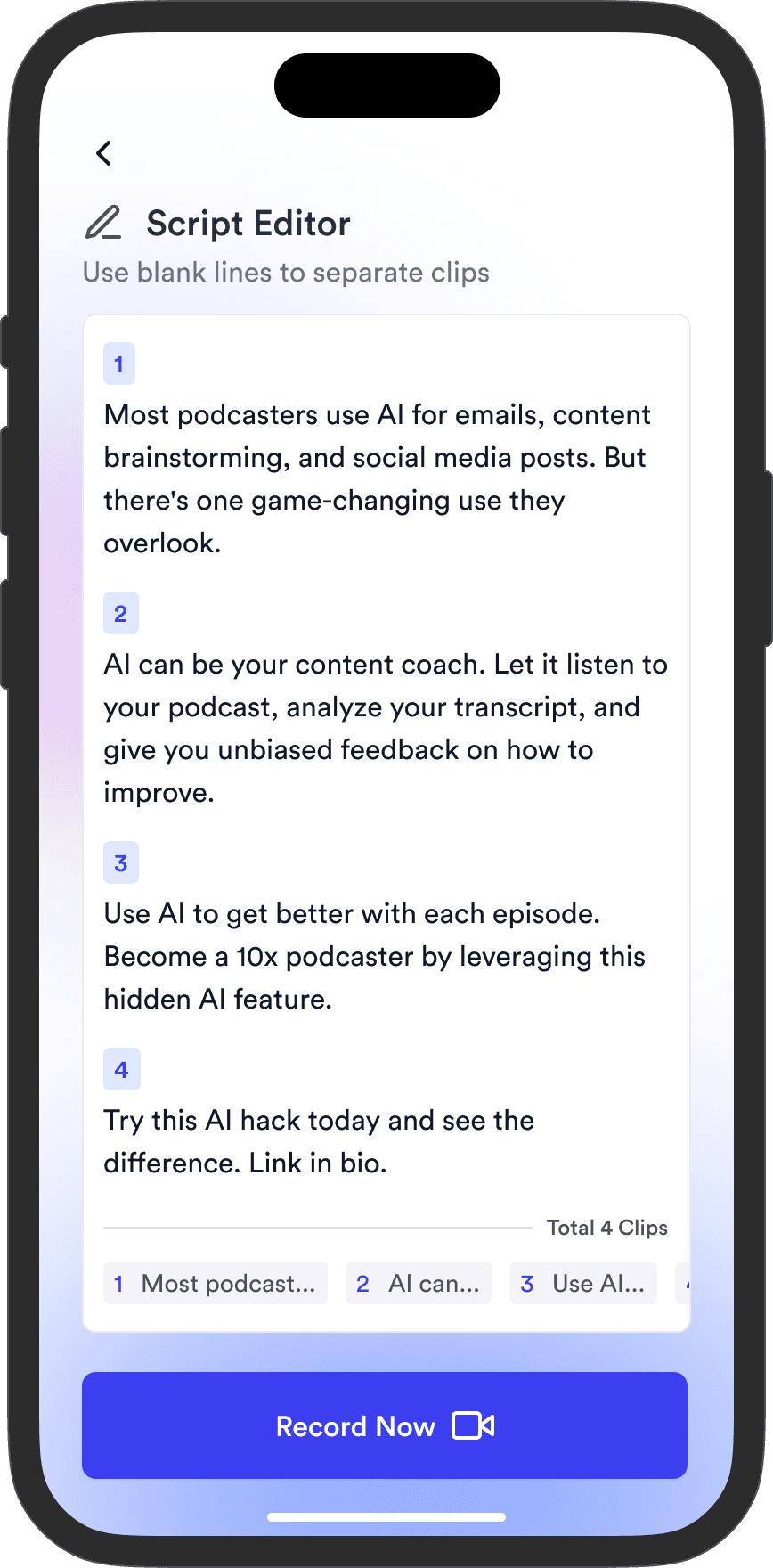
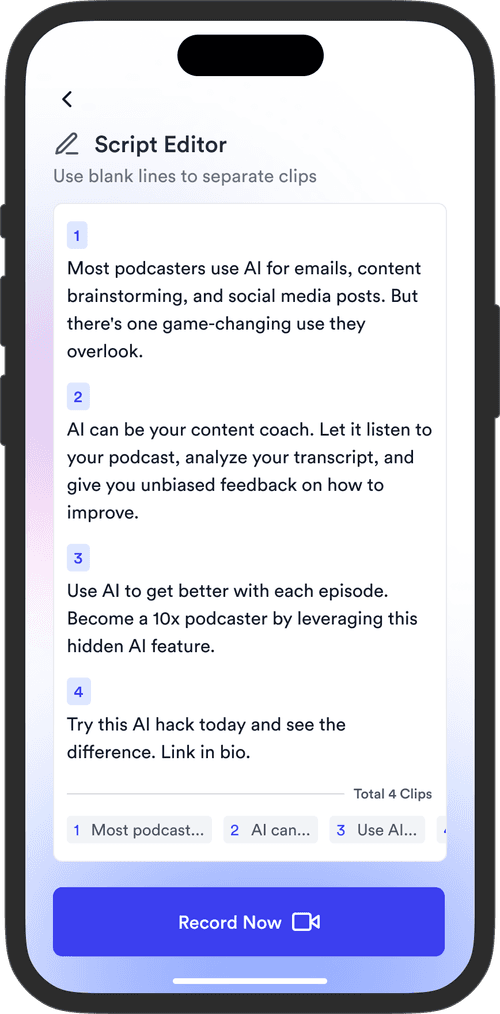
Jupitrr script editor with hook, script, captions, and references for a single video.

A script you can actually shoot from

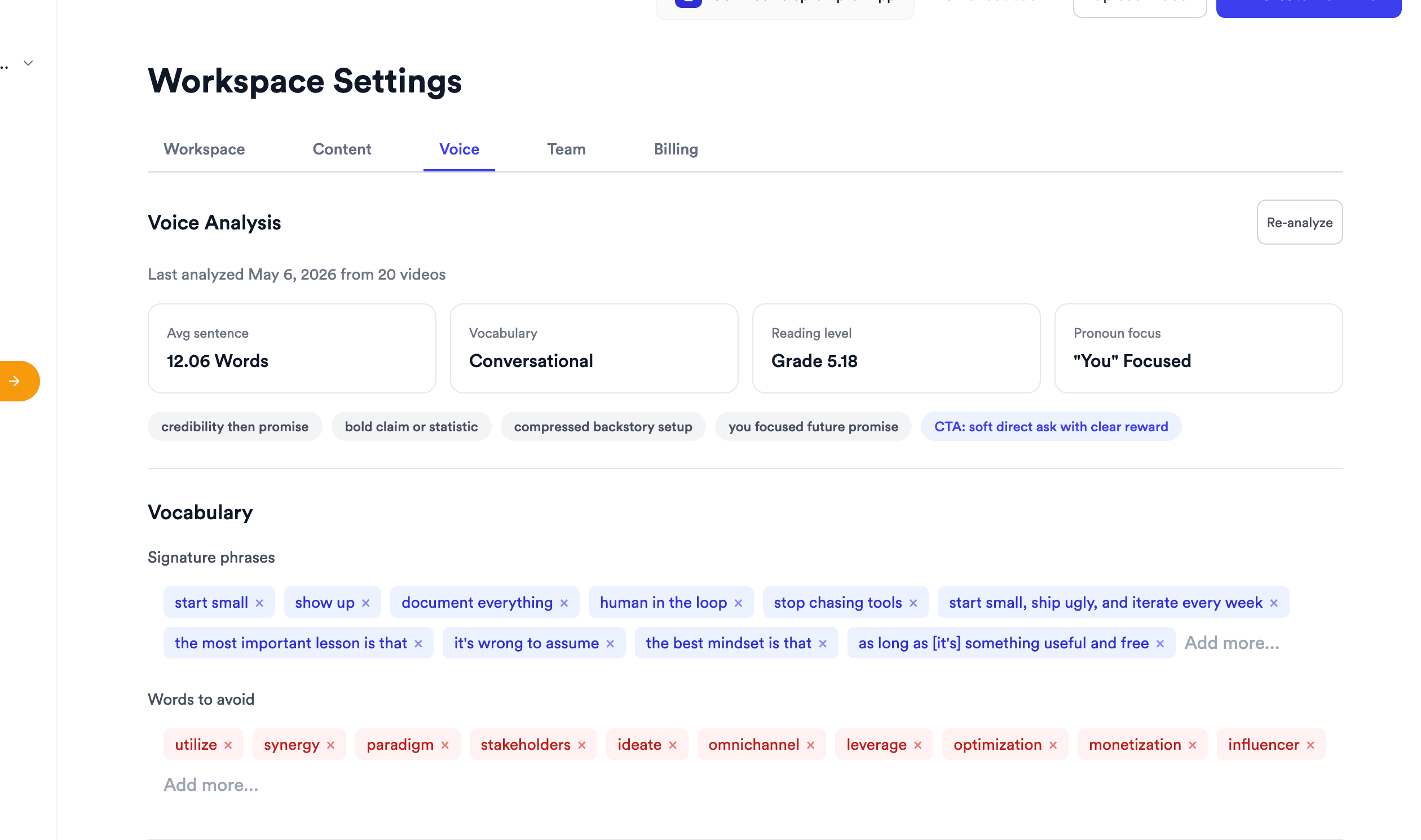
Jupitrr Workspace Settings Voice Analysis - avg sentence, vocabulary, reading level, signature phrases, words to avoid.

Voice Analysis

Learns how you write so every script sounds like your brand, not ChatGPT.

Jupitrr Select Video Script Ideas modal - multiple AI-suggested angles from a single blog article.

Multiple AI Angles

One article, multiple draft angles - pick the cut that fits the platform.

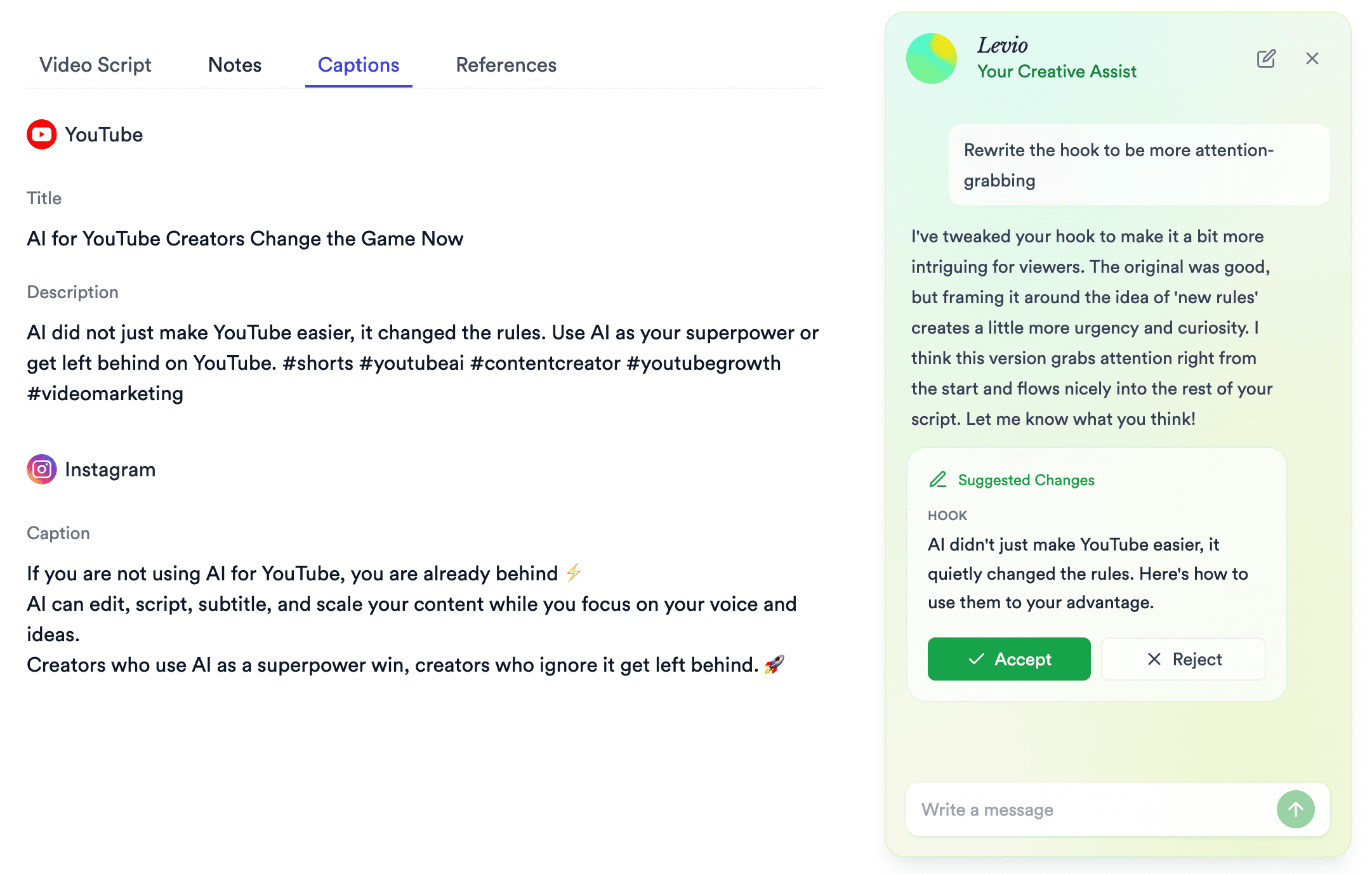
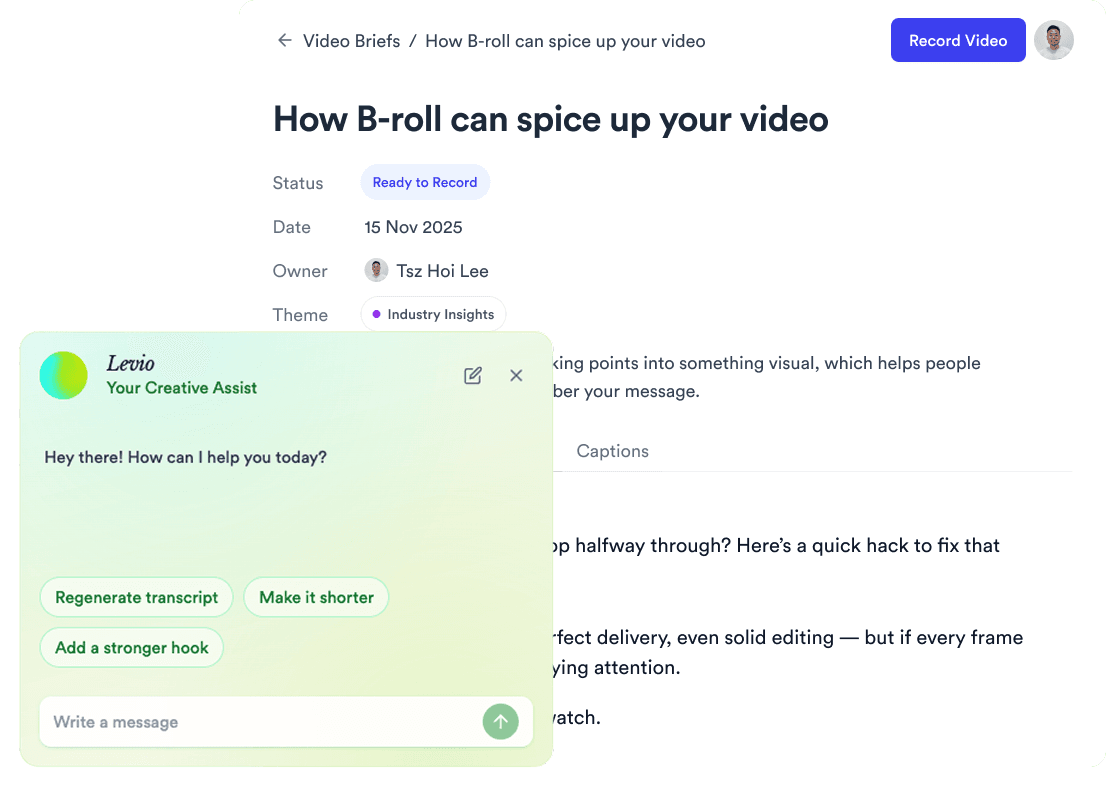
Jupitrr Levio AI rewriting a hook with inline Accept and Reject buttons in the script editor.

Levio Inline Edits

Rewrite any line with an in-script AI assistant, Accept or Reject inline.

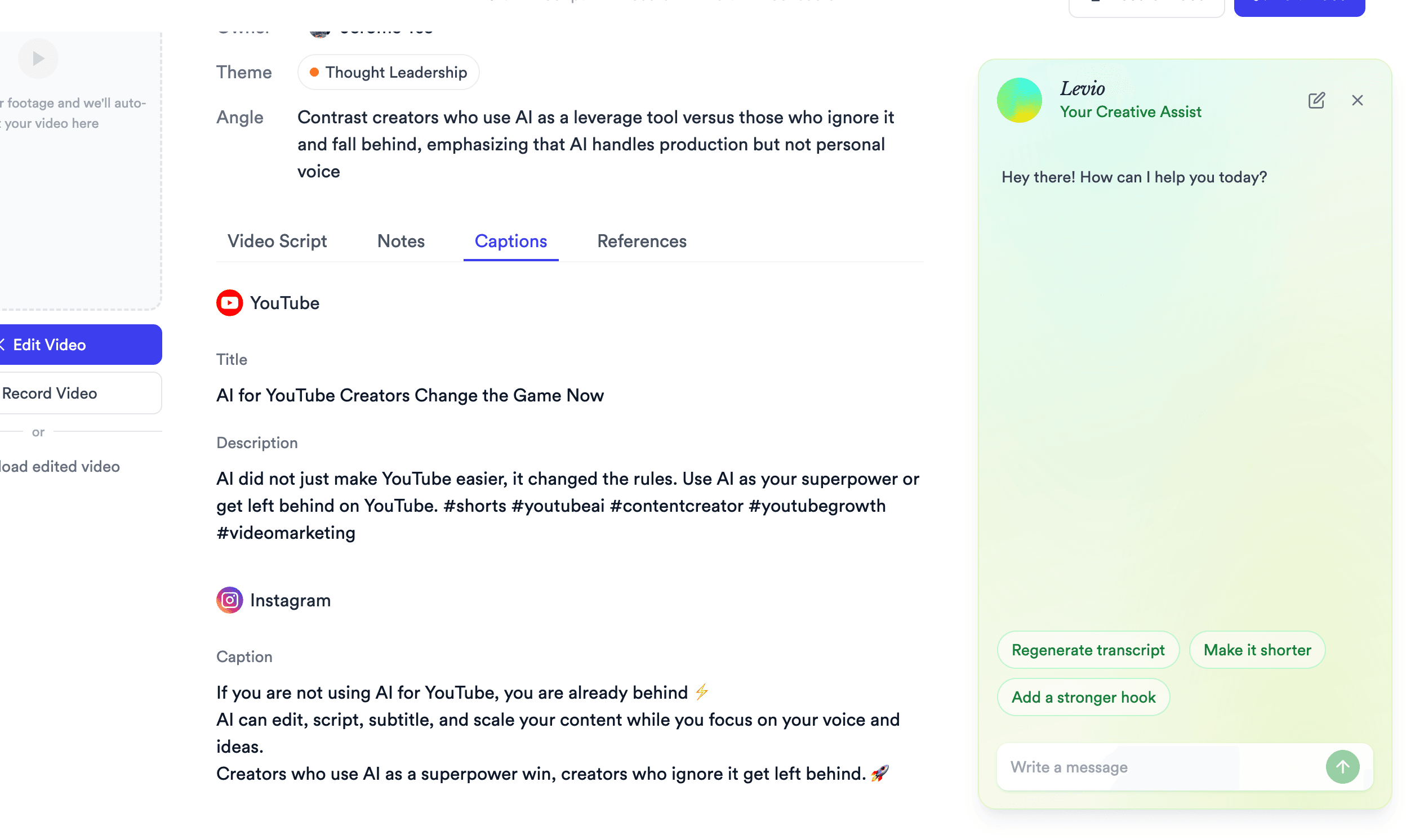
Jupitrr Captions tab - auto-generated YouTube title and description plus Instagram caption with hashtags.

Multi-Platform Captions

YouTube titles, Instagram captions, and TikTok hooks - drafted alongside the script.

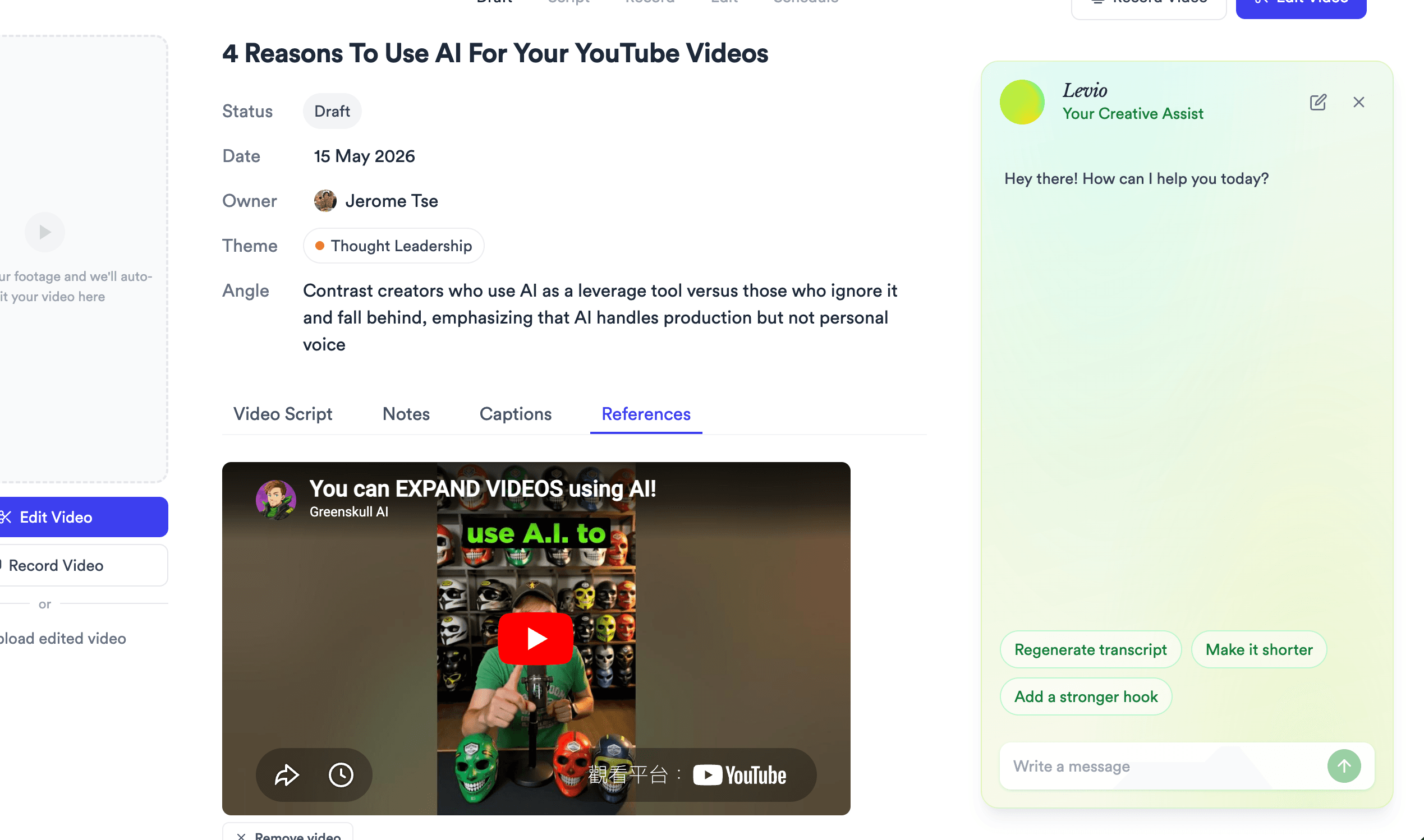
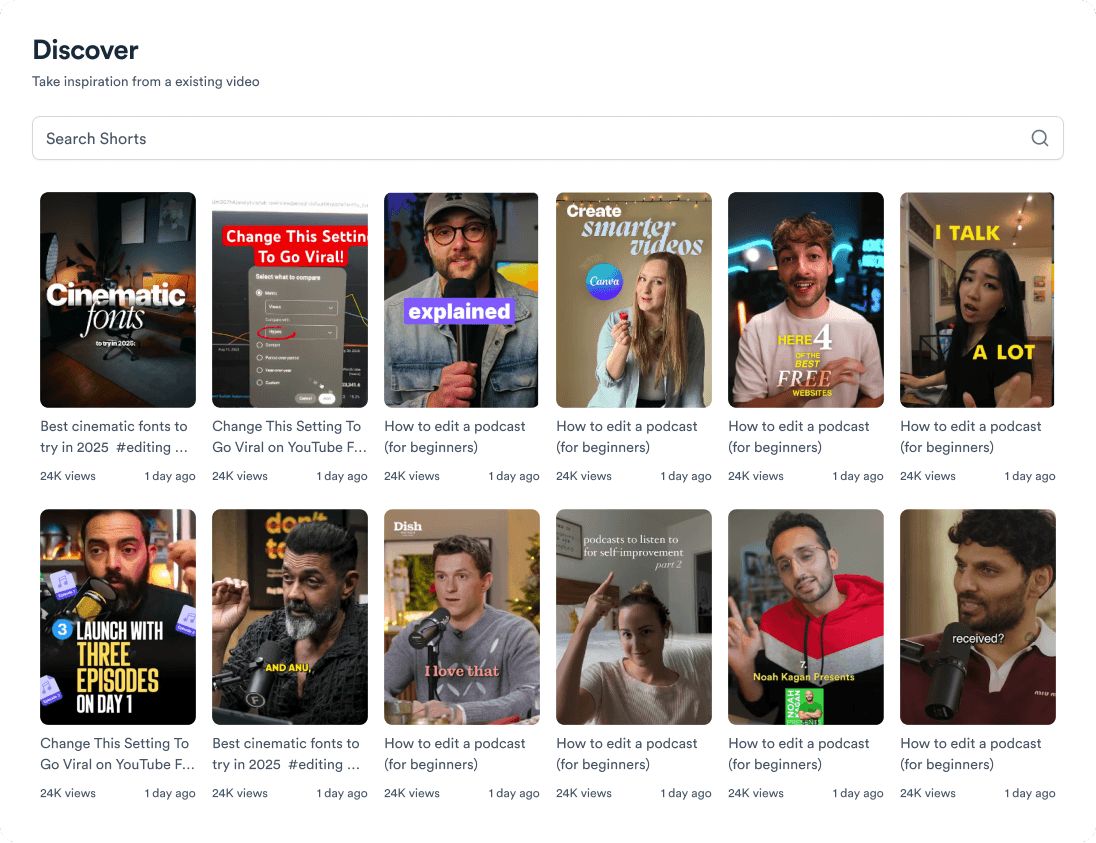
Jupitrr References tab - YouTube reference videos alongside the AI-generated script.

References + B-roll

Reference videos sit beside every script, so you know the look you are going for.

Jupitrr Scripts board - draft, scripting, and ready-to-record scripts grouped by status.

Scripts Pipeline

Track every script from Draft to Published in one workspace board.

Then hand off to the rest of Jupitrr AI.

The script is step three. Record, edit, and schedule live on the same pipeline - no re-uploading.

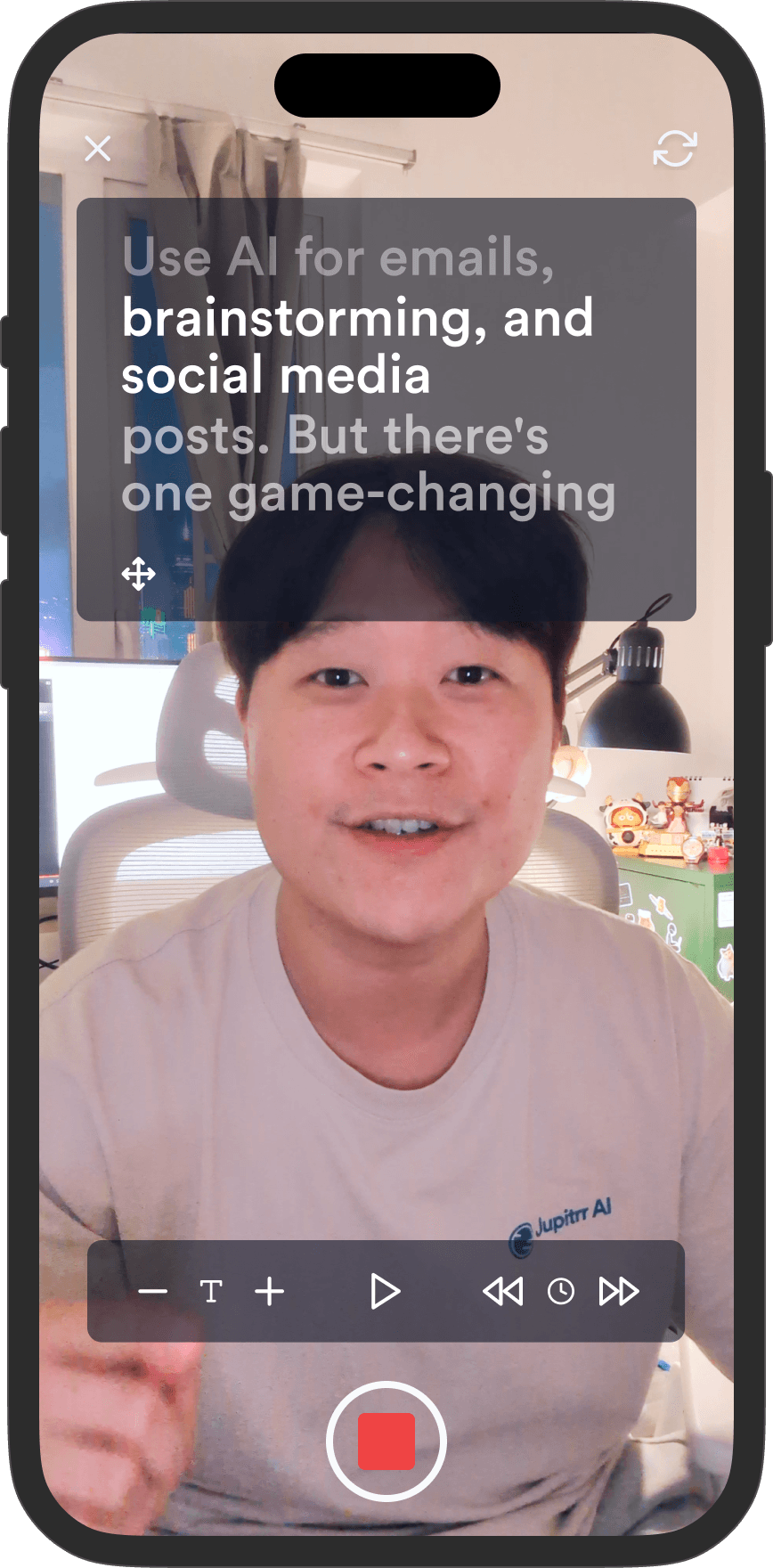
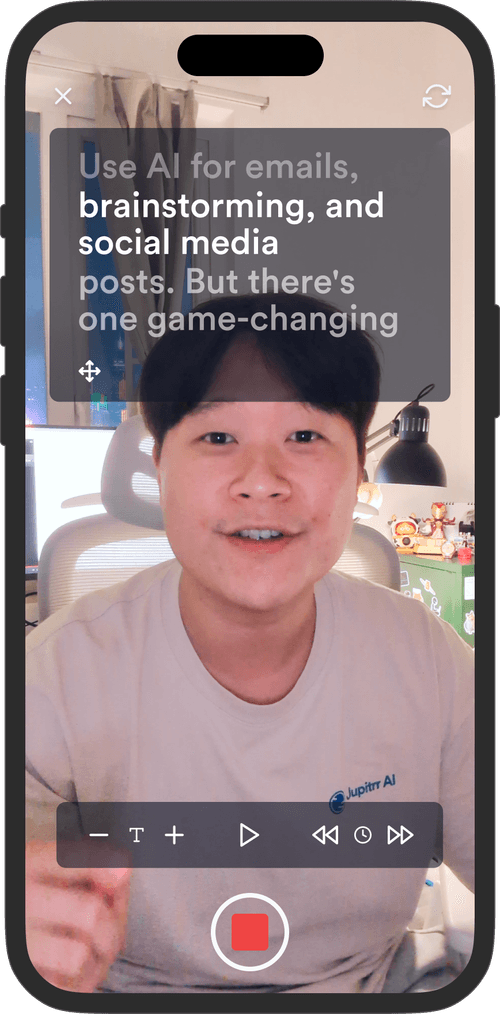
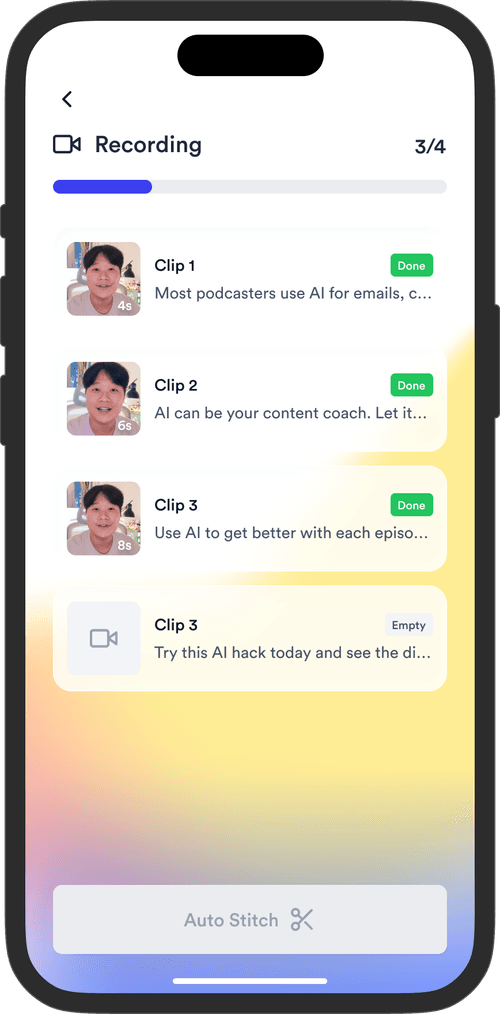
Jupitrr Teleprompter app - phone recording UI with script overlay.Jupitrr Teleprompter app - script reader view on phone.
11

Record on the free Teleprompter app

Open the script in the Jupitrr Teleprompter app on your phone, read it line by line, record straight from the script. The app is free on iOS and Android.

Get the free Teleprompter app
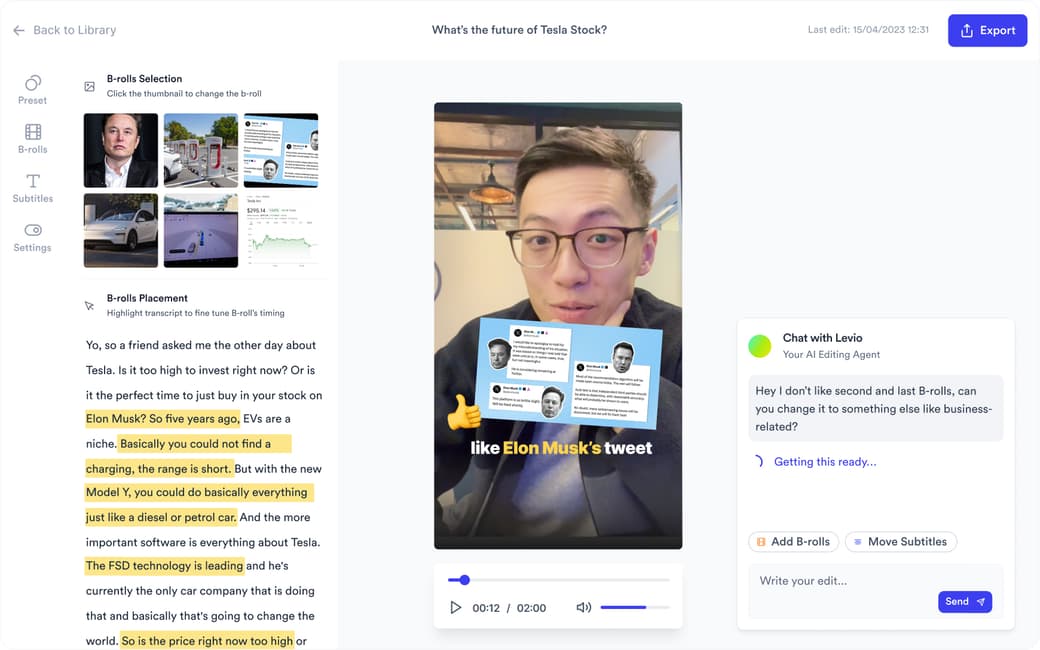
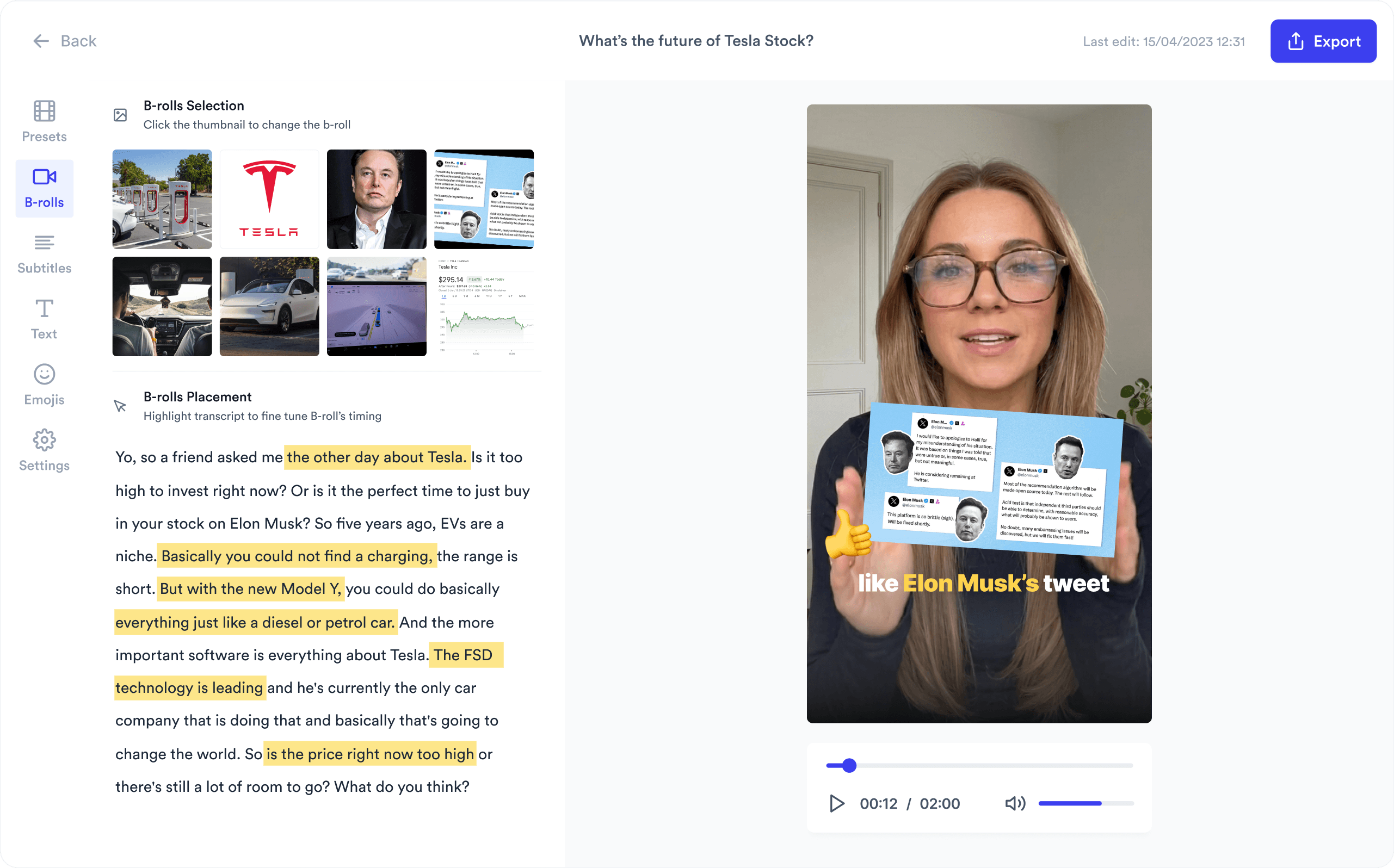
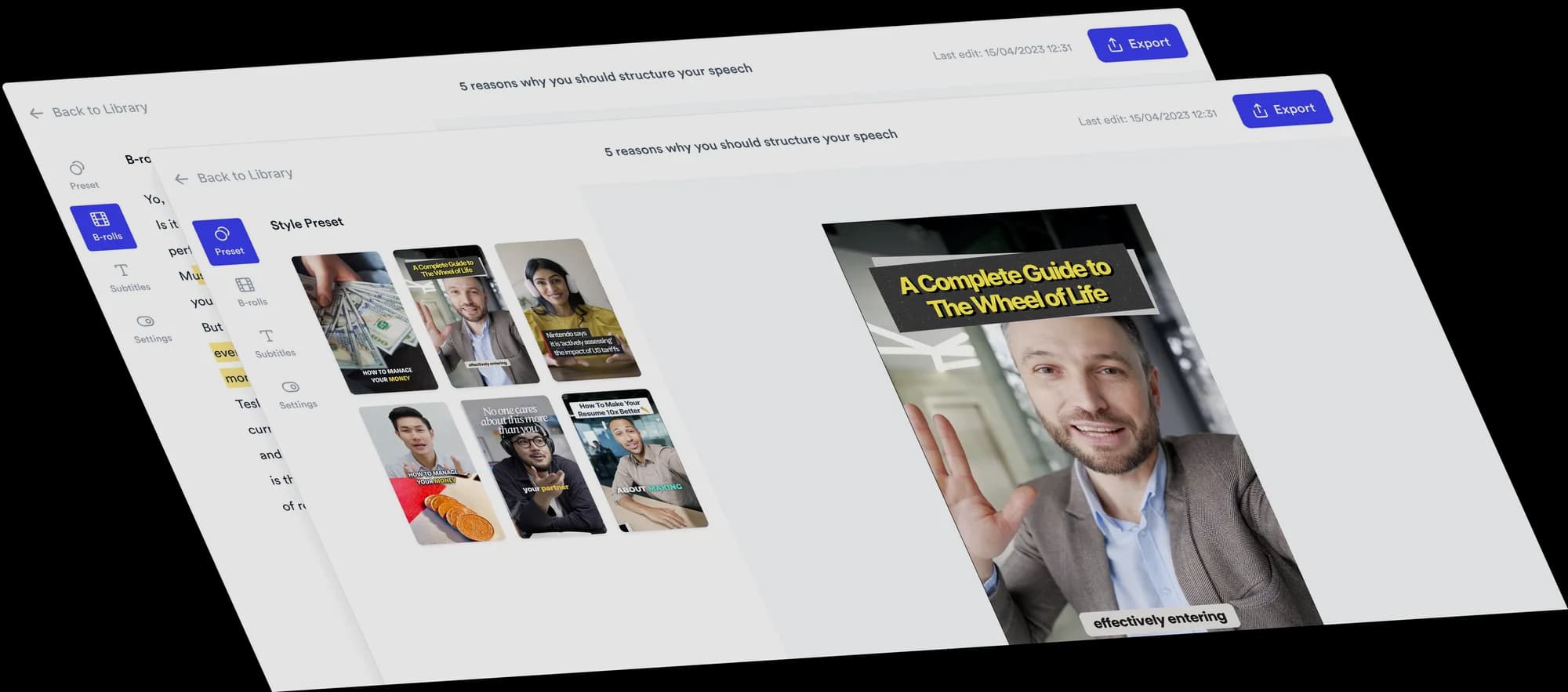
Jupitrr AI Video Editor preview - timeline, B-roll, and burned-in captions.
12

Polish in the AI Video Editor

B-roll on every line, burned-in captions, hook framing, brand template applied automatically. Edit by transcript when you need to.

Open the AI Video Editor
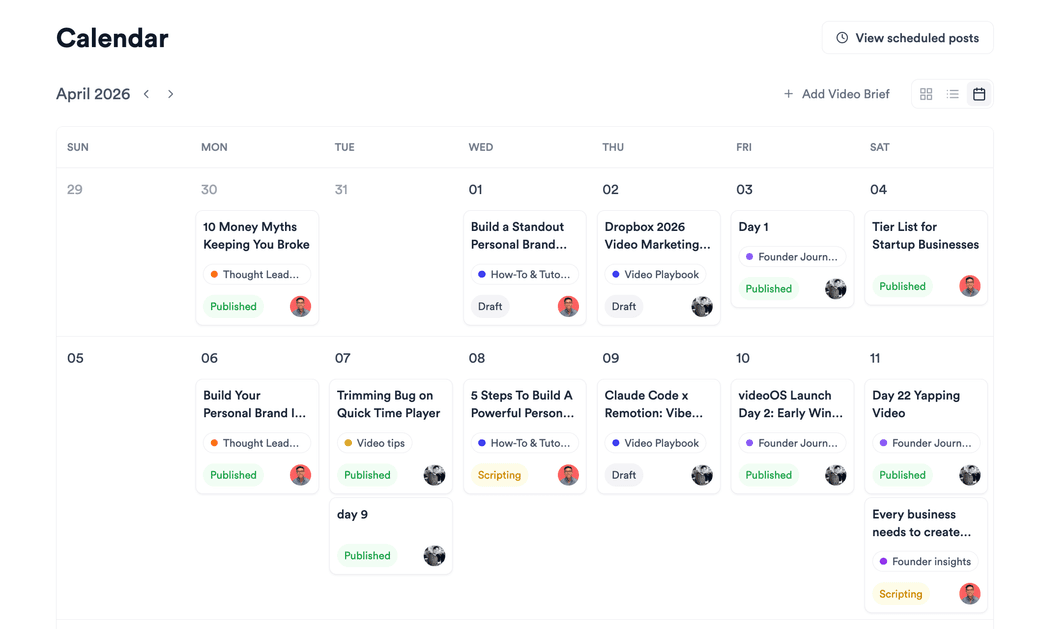
Jupitrr Content Calendar - weekly grid of scheduled videos across platforms.
13

Schedule in the Content Calendar

Drop the finished video into the Content Calendar, pick a slot, push to YouTube, Instagram, and TikTok from one workspace.

Open the Content Calendar

Paste any blog or article URL and get video script ideas from it.

WordPress, Medium, Substack, or any URL.

Any public article URL works, from WordPress, Medium, Substack, or your own site.

WordPress

Any public WordPress post URL, self-hosted or WordPress.com.

Medium

Public Medium article URLs. The title and body are read for context.

Substack

Public Substack post URLs. Each newsletter issue becomes several video ideas.

Company blogs

Posts on Webflow, Ghost, HubSpot, or any custom CMS, as long as the page is public.

Case studies and updates

Customer stories, product updates, and help articles published on your site.

Plain URL

Most news and long-form article URLs work out of the box. Paste the link and pick your script ideas.

Trusted by 200K+ coaches and consultants
“Video became so easy that we can produce so much more, promote our services better, and reach a bigger audience.”
Sanjeet Mahajan
Sanjeet Mahajan
Founder of Kizzy Consulting
“Jupitrr turns video creation into an effortless workflow, the edit is actually quality. Now I can focus on strategy.”
Sanket Mittal
Sanket Mittal
Founder of Althra
“Be able to shoot this and then getting a deliverable so quickly is amazing, It literally took me 90 seconds to record so I see the value.”
Sean Huynh
Sean Huynh
Founder of Solara Talent
“The CEO of a half-billion-dollar business told me he loves my videos. People think I hired a marketing agency.”
Buck Foley
Buck Foley
Partner at Crescent Edge

Frequently asked questions

How do I turn a blog post into a video script with AI?
Paste the blog or article URL into Jupitrr. It reads the full post, suggests several video ideas from it, and writes a script for each one you pick, with a hook, body, CTA, and YouTube and Instagram captions. You do not rewrite the article. From there, record on the Jupitrr Cut teleprompter app, polish in the AI Video Editor, and schedule in the Content Calendar.
How do I turn a 2,000-word article into a 60-second video?
Do not try to fit the whole article into one video. Jupitrr splits a long post into several video ideas, each built around one point, so every script stays short enough for Shorts, Reels, or TikTok. Pick the ideas you want, edit any line, and record them as a series.
Is it worth turning blog posts into videos?
Usually, yes, especially for posts that already rank or get questions: the research and the argument are done, so the article is the lowest-risk video topic you have. One post can become several short videos, each built on a single point, and each one can send viewers back to the full article. Jupitrr AI suggests those video ideas from the post URL and writes a script for each one you pick.
Can I turn one article into multiple short-form videos for YouTube Shorts, TikTok, and Reels?
Yes. One article URL gives you several script ideas, and you can turn as many as you like into scripts. Record each one, and Jupitrr's editor exports vertical video for YouTube Shorts, TikTok, and Instagram Reels, with subtitles kept clear of each platform's buttons and captions.
What structure should a video script from a blog post follow?
A hook, a body, and a call to action. The hook opens with the article's strongest claim or question, the body makes one or two of its points in plain spoken language, and the CTA tells viewers what to do next, such as reading the full post. Jupitrr writes every script in that structure, and you can rewrite any line with Levio before you record.
Will the AI script actually sound like our brand, or will it sound like every other AI tool?
Scripts sound like your brand when the AI learns from your own videos instead of a generic prompt. Jupitrr's AI persona analyses your past videos for sentence length, reading level, hook style, signature phrases, and words to avoid, and you can tune warmth, confidence, humor, directness, and formality. Every script in the workspace uses that profile. The AI persona is included on Pro and Team.
Can multiple people share the same Scripts board and brand voice?
Yes. Everyone in the workspace shares the same Scripts board, and each script has an owner and a status, Draft, Scripting, Ready to Record, Editing, Ready to Post, Scheduled, or Published, so it is clear who has what. The brand voice is set once for the workspace, so every teammate's scripts sound the same. Assigning scripts across a team is part of the Team plan.
How do I turn a WordPress, Medium, or Substack post into a video?
Paste the post URL into Jupitrr and it turns the article into video scripts. Jupitrr does not make a video from text alone: you record each script on camera, then the editor adds B-roll, subtitles, and music to your footage, and you schedule it from the content calendar. There is no RSS import, so paste each new post as it goes live.
How do I keep my blog keywords inside the video script?
A script written from your own article already carries its main terms, so the real job is checking that your primary keyword appears in the hook or first line, and adding it if it does not. Burned-in subtitles then put those words on screen, and the captions Jupitrr drafts for YouTube and Instagram reuse them.
How is Jupitrr Blog to Video AI different from Pictory, Lumen5, or InVideo?
Pictory, Lumen5, and InVideo turn text into a stock-footage video with a voiceover, without you on camera. Jupitrr is for coaches and consultants who want to be the face of the video: it turns the article into scripts in your voice, you record them, and the editor adds B-roll, subtitles, and music to your footage before you publish.
Is Jupitrr Blog to Video AI free? Do I need to install anything?
Nothing to install: Jupitrr runs in the browser. Jupitrr has no free plan; you can try a sample video free before subscribing. Starter ($11 a month billed annually) includes 3 video scripts, and Pro ($24.50 a month billed annually) includes 30, plus the personalised AI scriptwriter that writes in your voice.

Turn your business's blog into daily video.

Paste any WordPress, Medium, Substack, or website article, then record, edit, and schedule on Jupitrr AI. Try the sample free.

Jupitrr AI dashboard