jupitrr logo

AI Subtitle Generator for every platform

Upload any video and get accurate, animated captions in 54+ languages. Burn them in, export .srt, or copy the transcript - try the sample free.

Book a Demo
Loved byTrusted by 200K+ coaches and consultants
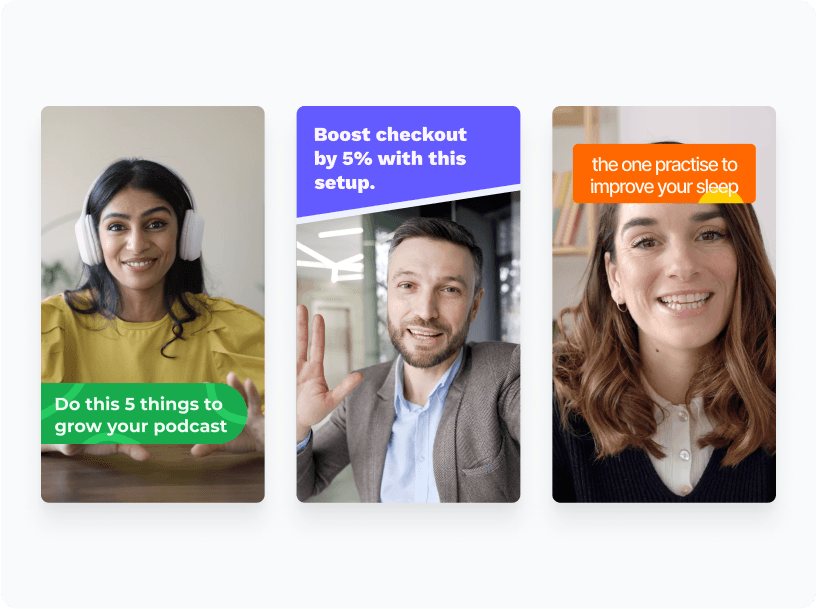
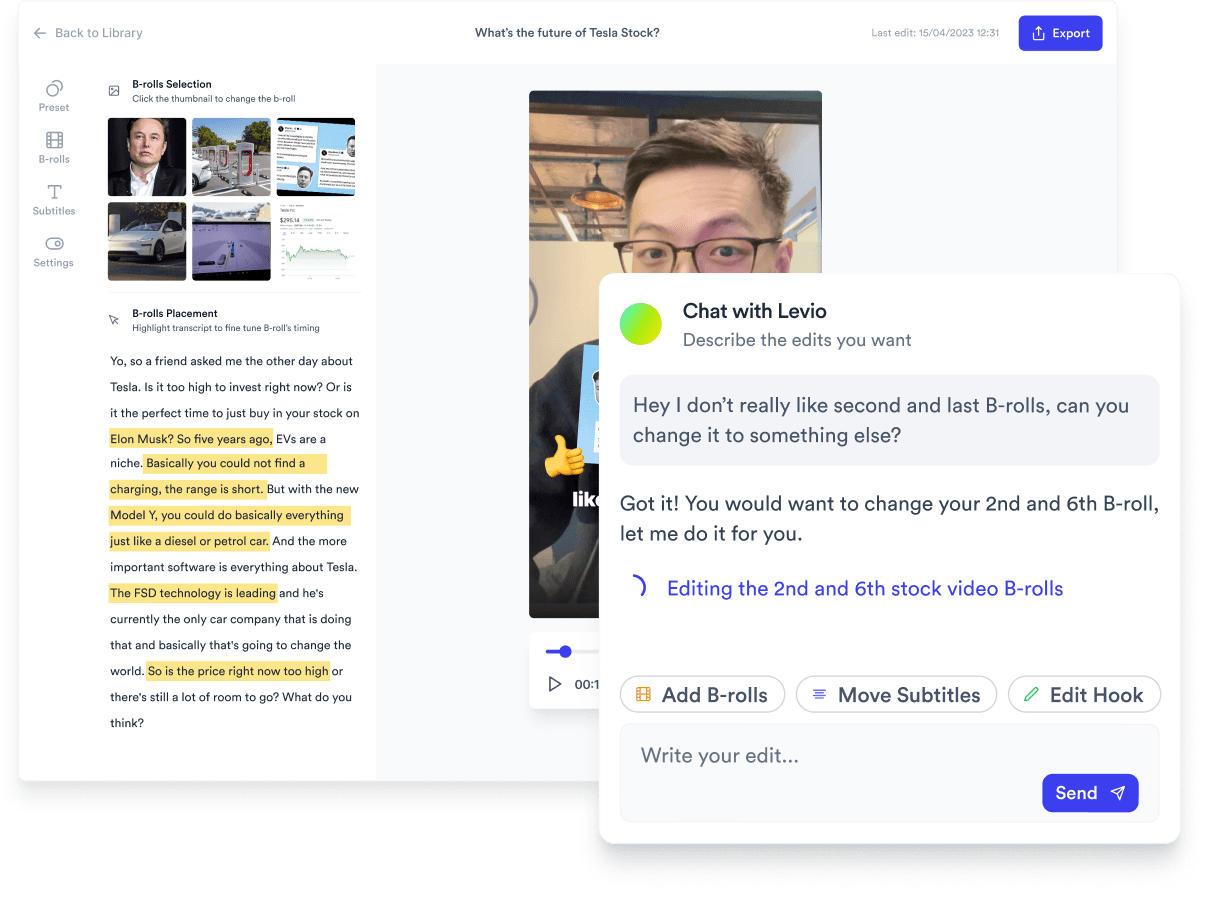
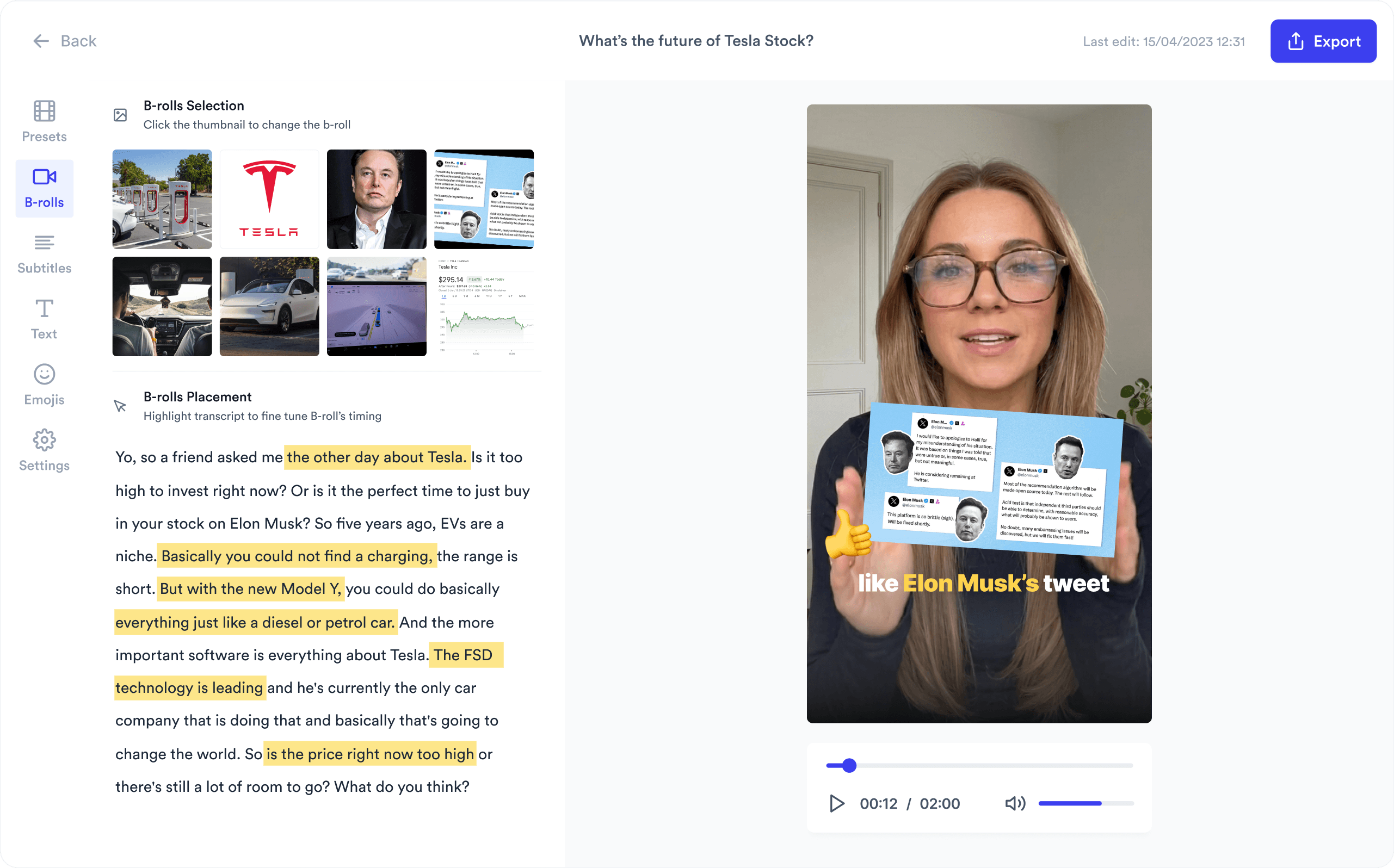
Jupitrr AI Subtitle Generator - animated captions on a creator video.
BuildMapper
GatherVoices
myHealthspan
YourPolicy
Goflow
ZipSea

Auto subtitle generation in seconds

Upload a video, pick a caption style, export burned-in or as a .srt file.

Upload your video

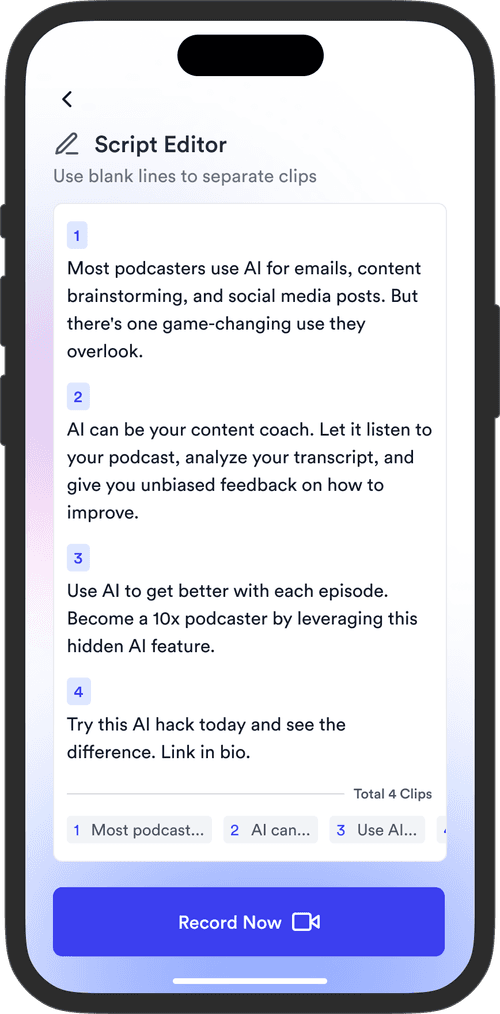
Upload an MP4 or MOV. Talking-head, podcast clip or screen recording, vertical or landscape. Add names and brand terms to Vocabulary so they come out right.

Jupitrr AI Subtitle Generator - upload an MP4 or MOV.

Pick a subtitle style

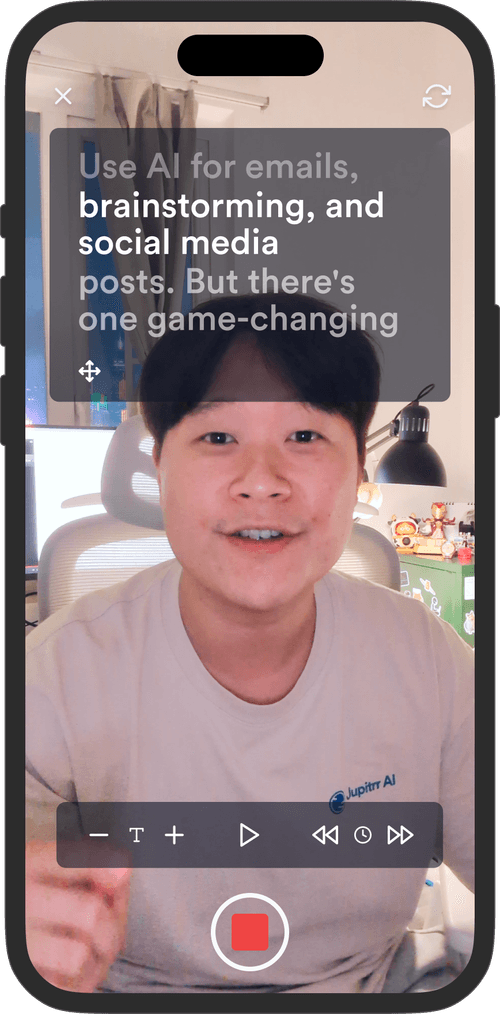
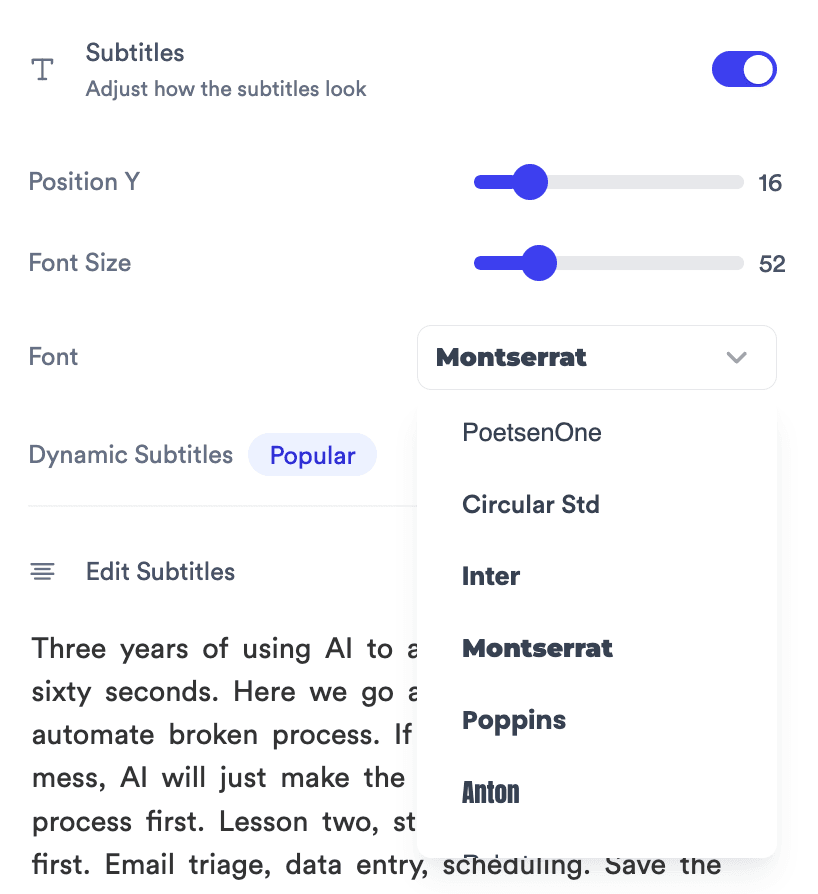
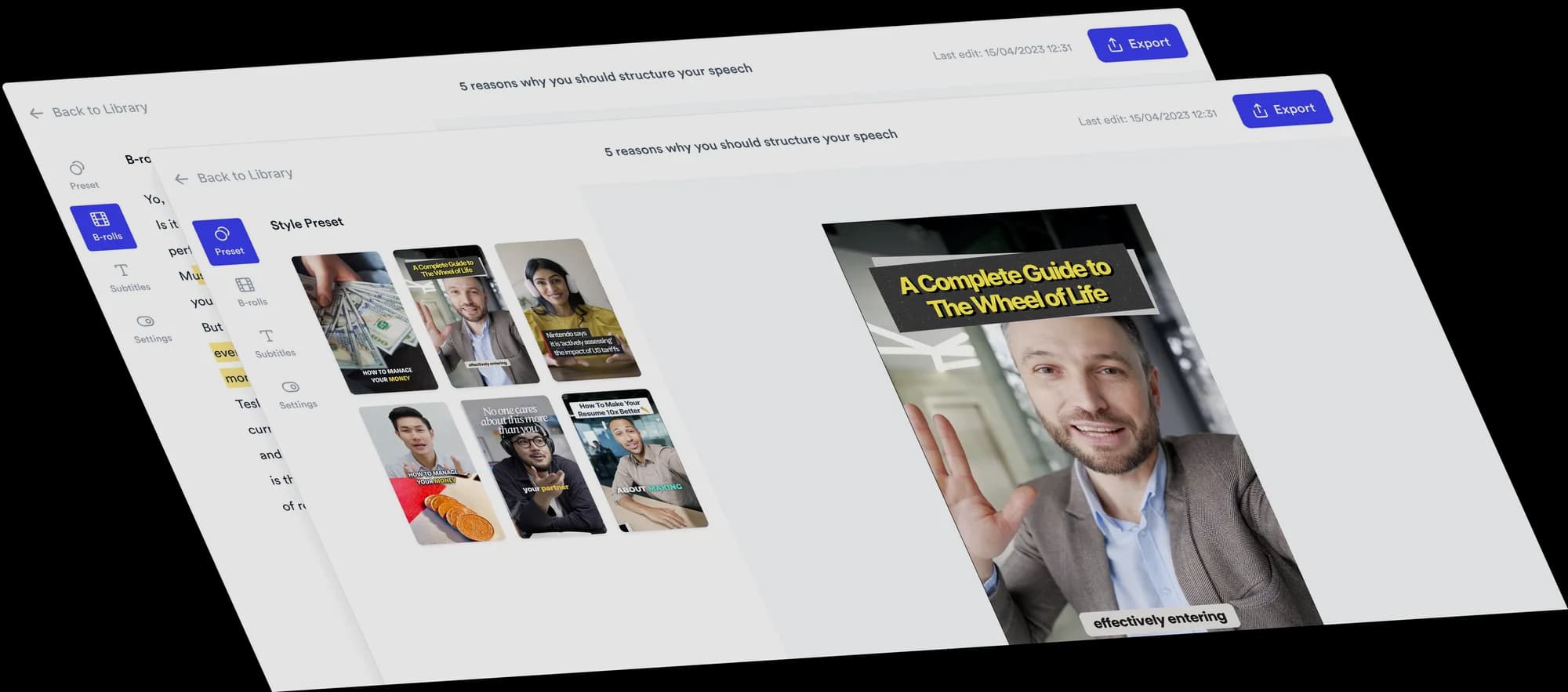
Pick one of 24 styles in the Subtitles tab, then fine-tune the font, colours, highlight animation, how many words show at once and the position.

Jupitrr Subtitles inspector - Position Y, Font Size, Font, Dynamic Subtitles toggle.

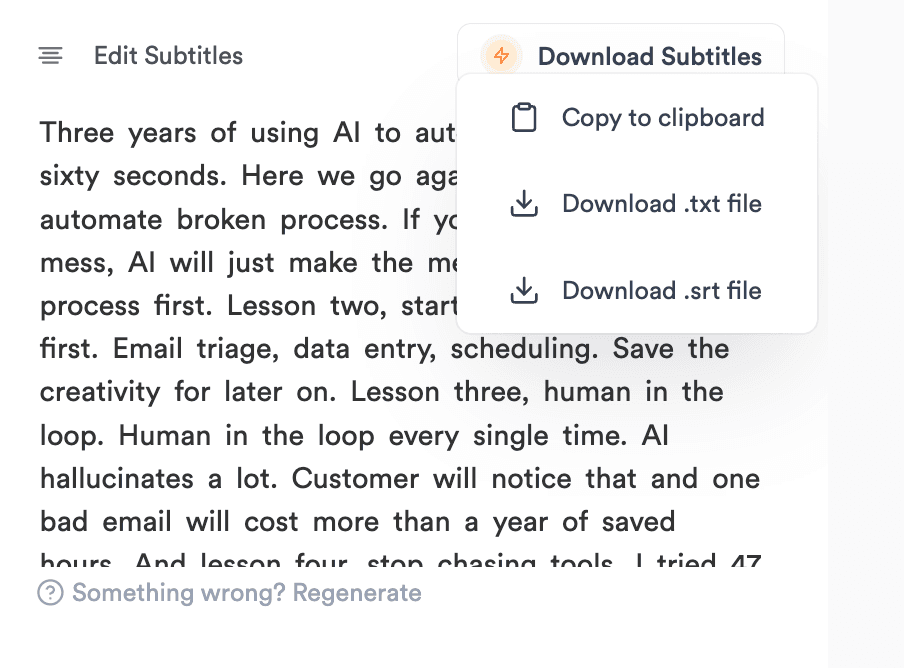
Export burned-in, .srt, or .txt

Burn captions into the video for TikTok, Reels, and Shorts; export an .srt for YouTube; download a .txt transcript; or copy the transcript in one click.

Jupitrr Edit Subtitles editor with Download Subtitles menu open.

The easiest subtitle editor on earth

Subtitle highlight options in the Jupitrr editor.

Animated word reveal

Colour, Box, Pop, Karaoke or Keyword highlights on the spoken word, or none.

A saved subtitle style reused across videos.

Save Style

Tune a style once and reuse it on your next videos.

Editing subtitle text in the Jupitrr transcript.

Fix words fast

Click a line to fix a word, or find and replace a term everywhere.

Download menu - copy to clipboard, .txt file, .srt file.

Export anywhere

Burned-in MP4, .srt, .txt, or copy transcript - one project.

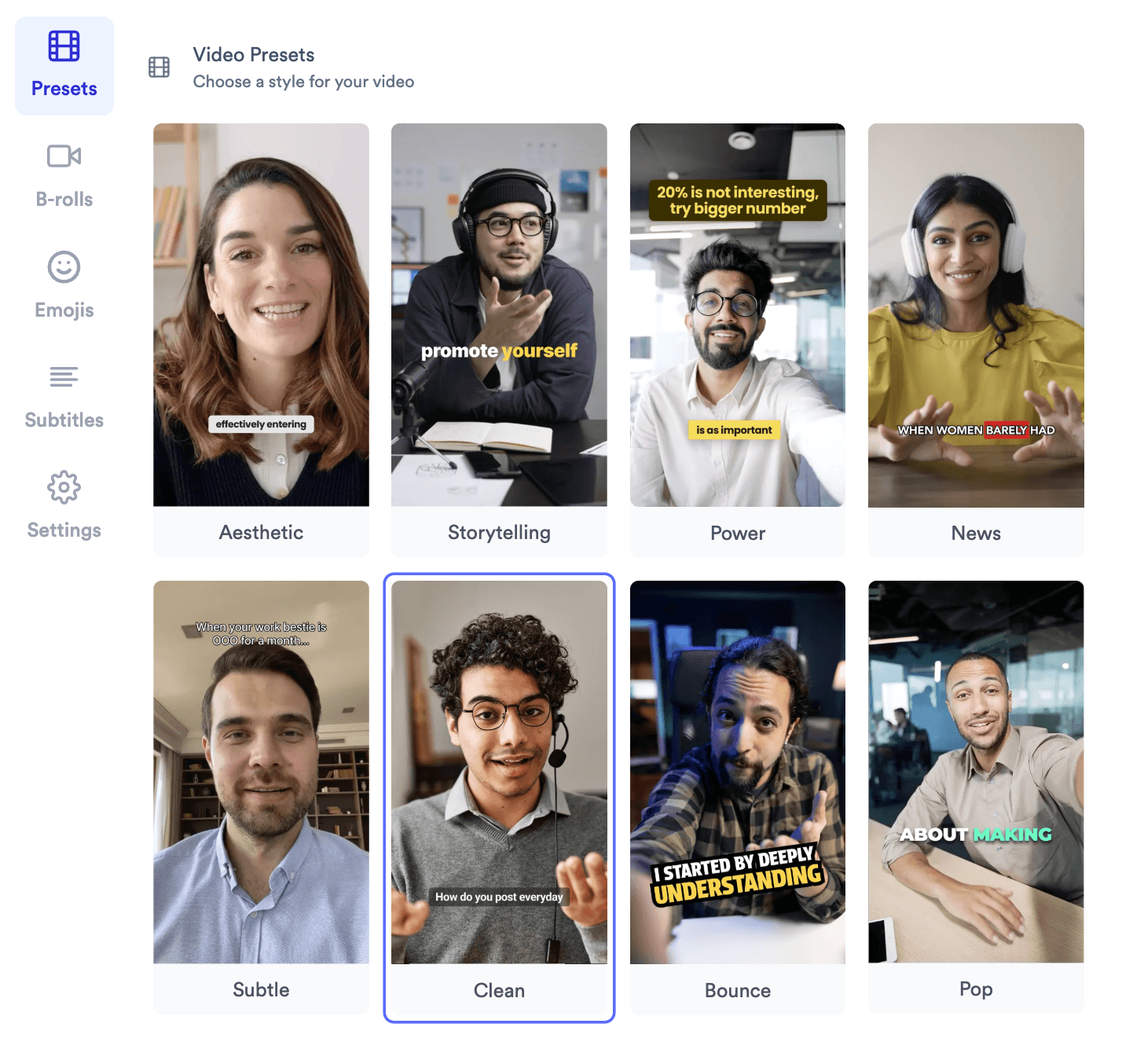
Jupitrr subtitle style gallery with 24 caption looks.

24 subtitle styles

Power, News, Spotlight, Editorial and 20 more - one click to switch.

Multilingual subtitle generation across 54+ languages.

54+ languages

Deepgram by default; switch to Whisper or AWS in Regenerate subtitles.

Multilingual subtitles in 54+ languages

Pick the spoken language when you upload. Deepgram transcribes by default, and Regenerate subtitles lets you switch to Whisper or AWS Transcribe for languages Deepgram doesn't cover. The same styles work in every language.

EnglishSpanishFrenchGermanItalianPortugueseDutchPolishSwedishNorwegianDanishFinnishCzechSlovakHungarianRomanianBulgarianGreekRussianUkrainianTurkishArabicHebrewPersianHindiBengaliTamilTeluguMarathiGujaratiPunjabiUrduIndonesianMalayFilipinoVietnameseThaiKhmerLaoBurmeseJapaneseKoreanChinese (Simplified)Chinese (Traditional)CantoneseMongolianKazakhUzbekAzerbaijaniGeorgianArmenianSwahiliAfrikaansCatalanCroatianSerbianSlovenianLithuanianLatvian

Trusted by 200K+ coaches and consultants

“Video became so easy that we can produce so much more, promote our services better, and reach a bigger audience.”
Sanjeet Mahajan
Sanjeet Mahajan
Founder of Kizzy Consulting
“Jupitrr turns video creation into an effortless workflow, the edit is actually quality. Now I can focus on strategy.”
Sanket Mittal
Sanket Mittal
Founder of Althra
“Be able to shoot this and then getting a deliverable so quickly is amazing, It literally took me 90 seconds to record so I see the value.”
Sean Huynh
Sean Huynh
Founder of Solara Talent
“The CEO of a half-billion-dollar business told me he loves my videos. People think I hired a marketing agency.”
Buck Foley
Buck Foley
Partner at Crescent Edge

Frequently asked questions

How do I generate accurate subtitles for videos with background music?
Record with the music low or off: background music in the recording itself makes any transcription less accurate. Music you add in Jupitrr comes in after transcription, so it doesn't affect the subtitles. If a transcript comes back wrong, use Regenerate subtitles and try another model or set the language.
Which tools can automatically highlight keywords in video captions?
Several tools offer animated keyword highlighting, including CapCut and Jupitrr AI. The key difference is control: some tools auto-highlight based on emphasis detection, while others let you manually tag words. For brand consistency, look for tools that let you save highlight rules (color, font weight, animation style) as a reusable template.
How do I match subtitles to my brand style automatically?
Look for tools with saved caption styles - font, size, color, position, background, animation - that you can reuse on every video. Jupitrr has 24 subtitle styles built in, and Save Style keeps your tuned version so you can reuse it on every video. This is critical for teams producing 10+ videos a month who cannot afford to manually style every clip.
How do I position captions in vertical videos without covering faces?
The standard safe zone for vertical (9:16) video captions is the lower third - roughly between 70-85% from the top of the frame. Avoid center placement, which cuts across the face in talking-head content. In Jupitrr, drag Position in the Style view to move subtitles up or down, and check the preview before exporting.
What should I look for in a subtitle generator for both export and burned-in captions?
You need two things: SRT/VTT export for platforms that render their own captions (YouTube, LinkedIn), and burned-in rendering for platforms that do not (Instagram Reels, TikTok). Jupitrr AI supports both from the same project.
Can AI subtitle tools automatically remove filler words and add punctuation?
Jupitrr adds punctuation as it transcribes. It doesn't cut filler words out of your audio; if an "um" shows up in the subtitles, delete it in the Transcript view and the subtitle updates while the video stays as recorded.
How do I generate subtitles and translate them into multiple languages?
Use bilingual subtitles. After transcription, open Subtitles > Transcript, turn on Bilingual and pick one of 31 languages, and a translated line appears under each original caption. Translation runs sentence by sentence and is timed to your speech. Export both lines burned-in or as a bilingual .srt.
Which tools support bulk video captioning with consistent styling?
Bulk captioning requires both API access or batch upload, plus template-locking so every output matches your style. Jupitrr keeps styling consistent across your videos with Save Style. For high-volume teams processing 50+ videos at once, contact [email protected] for a customized setup.
How do I choose caption placement that works across different platforms?
Each platform has different UI elements that overlap your video - TikTok has a bottom action bar, Instagram has a username strip, YouTube Shorts has a bottom gradient. The universal safe zone is 15-80% vertically and 10-90% horizontally. In Jupitrr, set subtitle Position so captions sit clear of those areas, and check the preview before exporting.
How do I stop subtitle generators from misspelling brand names and custom terms?
Use custom vocabulary. In Jupitrr, add names and brand terms to Vocabulary when you upload (up to 20). If one still comes out wrong, use Find and replace in the Transcript view to fix every instance at once.

Get subtitles in under a minute.

Upload a video, pick a style, export burned-in or as SRT - in 54+ languages. Try the sample free.

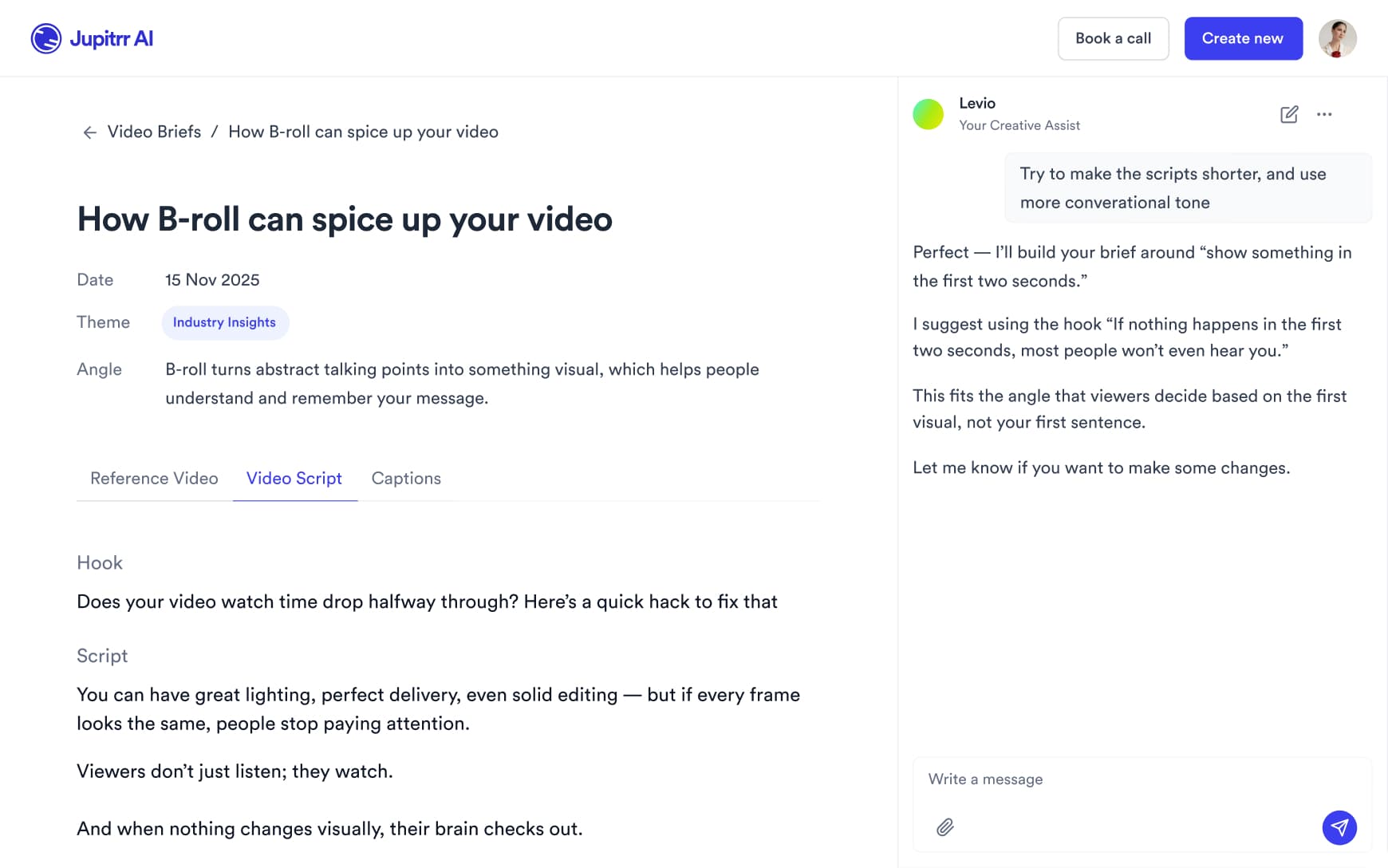
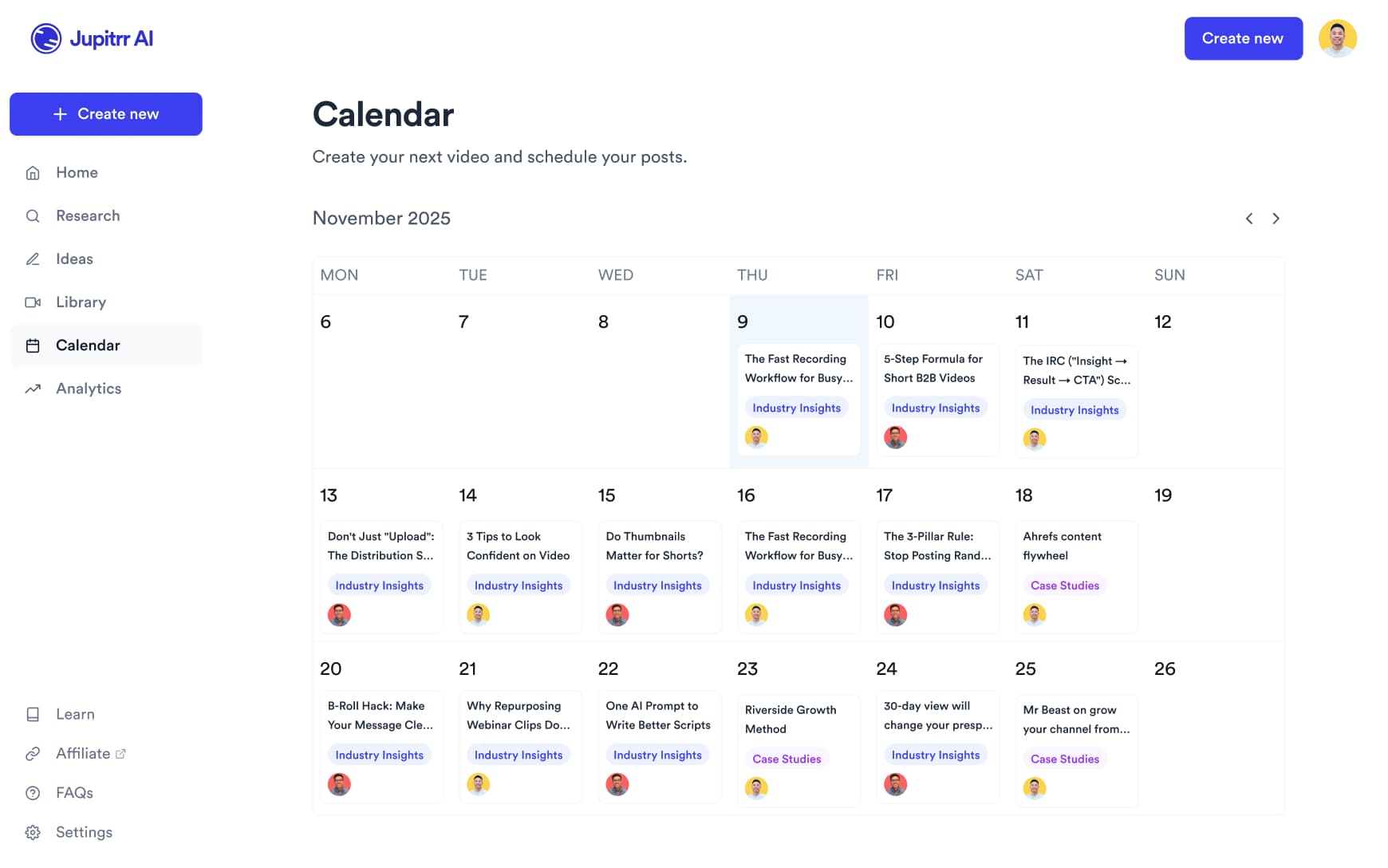
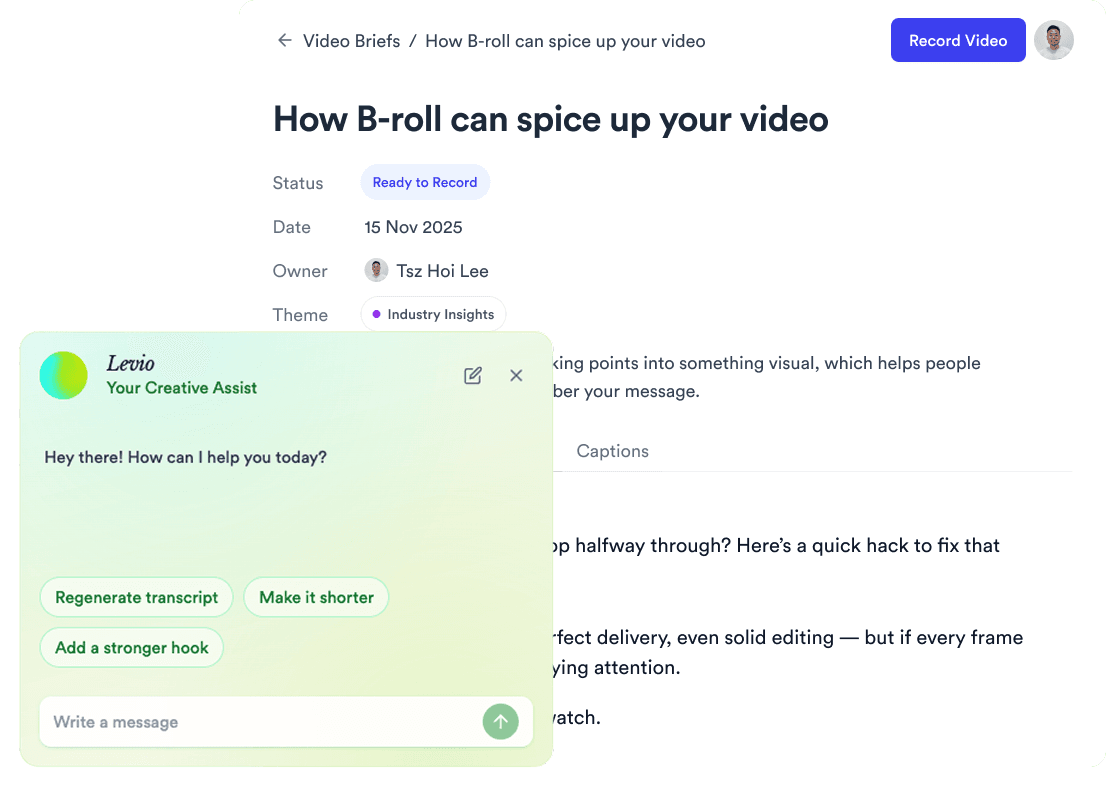
Jupitrr AI dashboard