Getty Images stock video and stills
Licensed iStock by Getty Images clips, included from Starter.

Jupitrr is an AI B-roll generator that places cutaway footage in your talking-head video for you. It reads the transcript, picks the moments that benefit from a visual, matches iStock by Getty Images stock, web images and GIFs to what you are saying, and puts them on the timeline. No editing experience required: swap or trim any clip, then export.
 Trusted by 200K+ coaches and consultants





No blank timeline to start: Jupitrr brings you the first cut with B-roll placed, and you adjust it on the timeline and transcript.
Drop in the video you just recorded. There is no blank timeline to start and no clip library to browse: Jupitrr transcribes the video as soon as it uploads.
Jupitrr reads the transcript, picks the moments that benefit from a visual, and matches B-roll to what you mean there rather than to a single keyword. Each clip lands at the moment you say it, while stretches that do not need a visual stay on you. The first cut is ready when the editor opens.
Replace any clip in one click with Getty Images stock, Google Images, GIFs, or your own upload. Drag or trim it on the timeline, change its display style to split screen, fade, overlay, or card, then export the finished video.
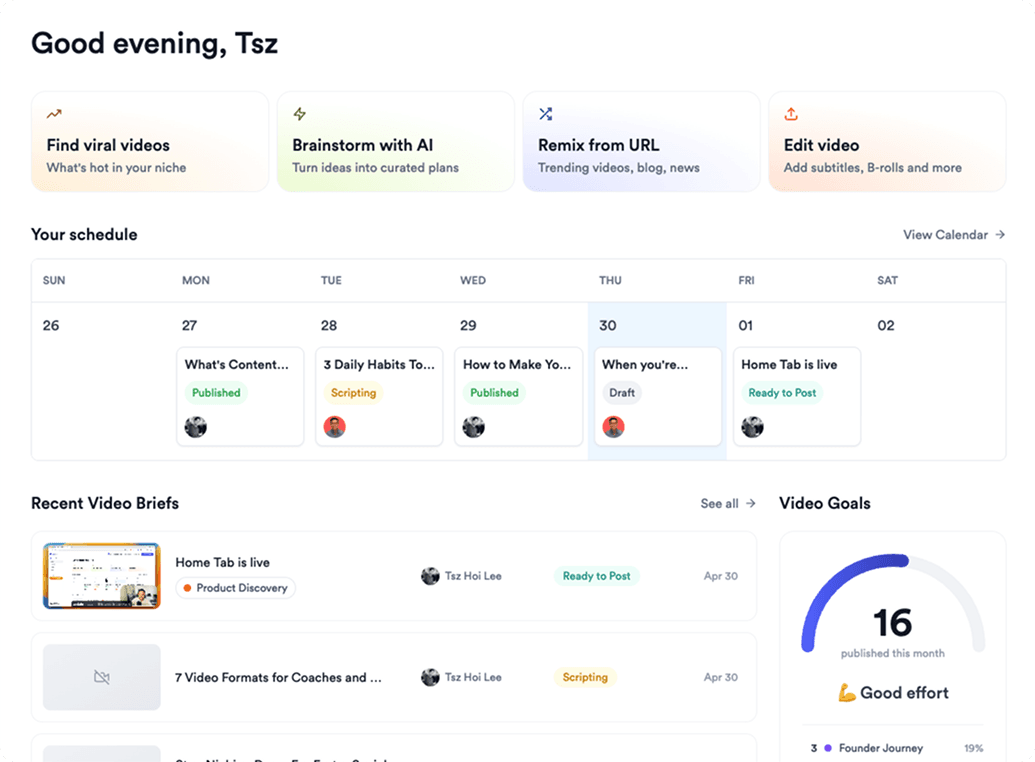
Licensed iStock by Getty Images clips, included from Starter.
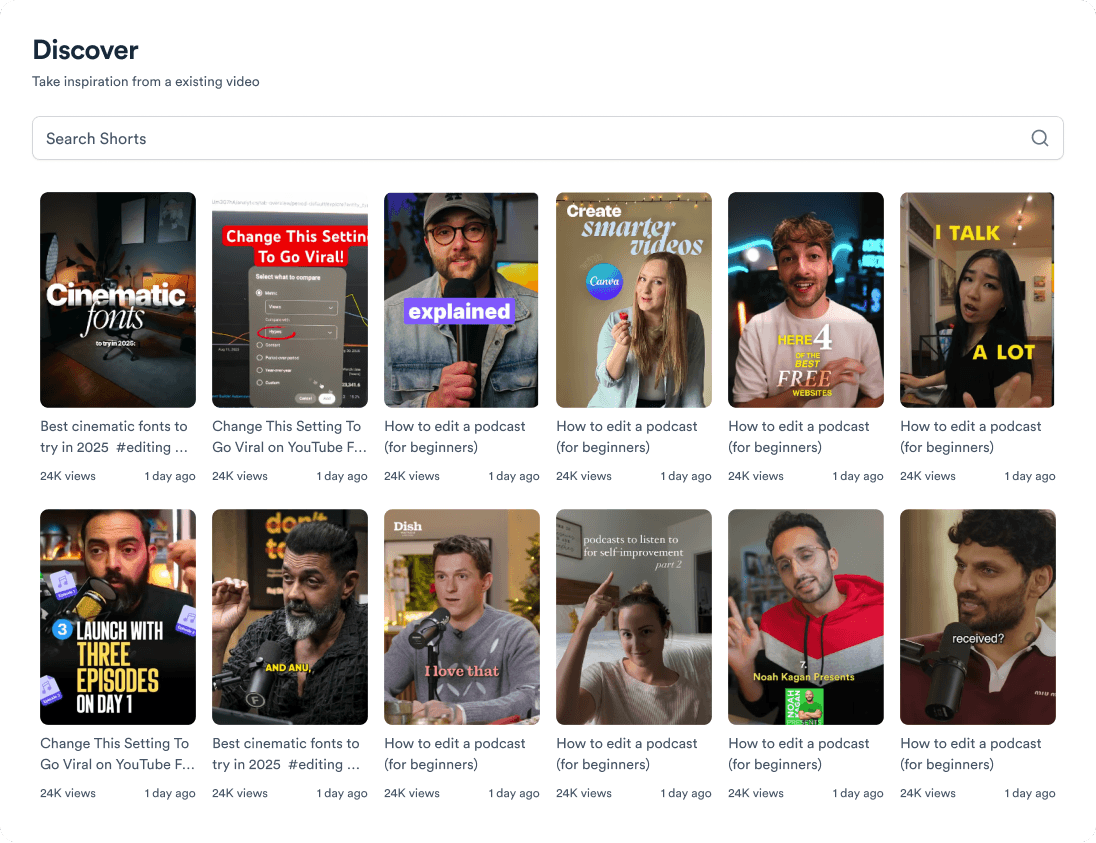
A real product shot, a chart, or a reaction GIF when stock is not the right beat.
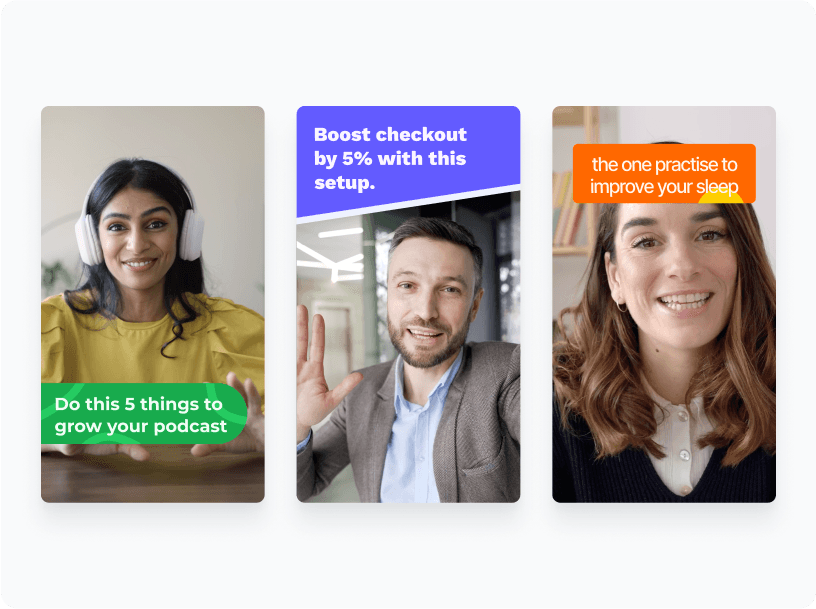
Split screen, top fade, bottom fade, overlay, card, or full bleed, picked per clip.
Every clip animates in with slide, zoom, or fade, plus a sound effect on the cut.
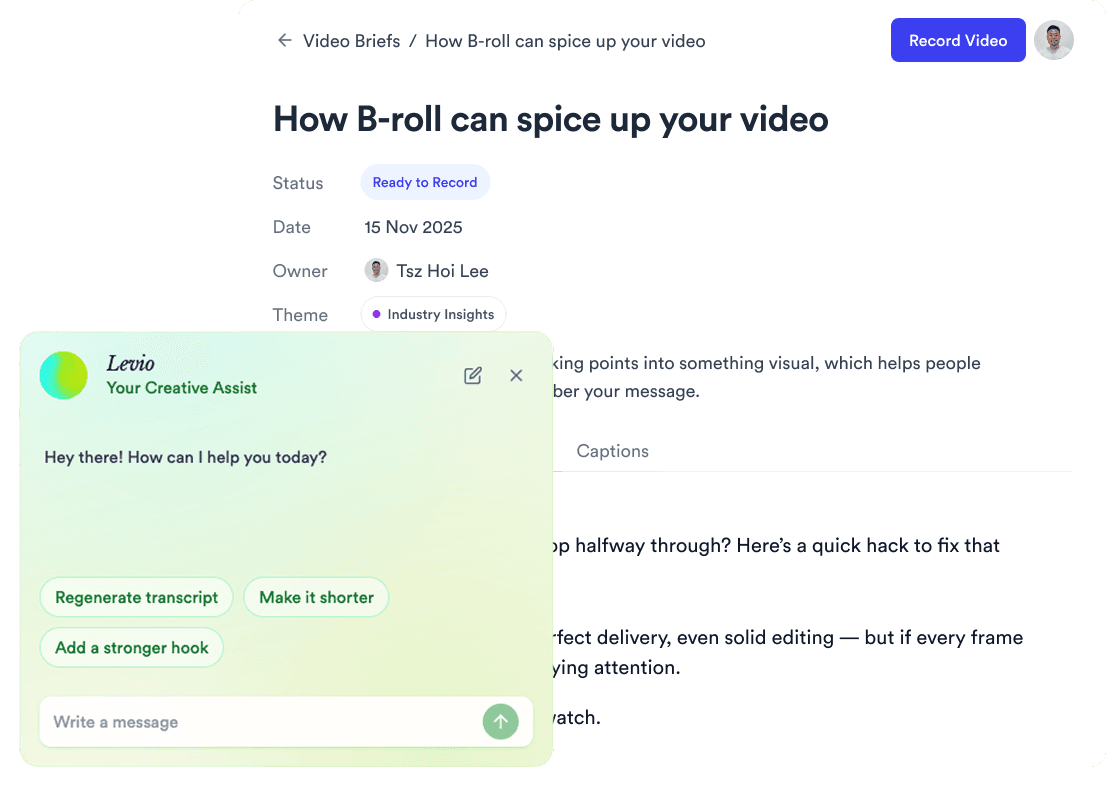
Clips are chosen for what you mean at that moment, so the footage tracks your argument.
Upload client clips, product shots, or screen recordings and mix them with the AI picks.
Jupitrr places B-roll in the video you recorded and hands you an editable first cut. This is what happens automatically, what you can change, and the limits worth knowing before you upload. Comparing tools rather than learning this one? See the comparison of AI B-roll tools.
| Area | What Jupitrr does automatically | What you control | Limits |
|---|---|---|---|
| Input | Transcribes the talking-head video you upload | Switch off Add B-roll Automatically when you upload | Uploads up to 5 minutes on Starter, 20 on Pro and 30 on Team |
| Matching | Picks the moments that benefit from a visual and places a clip over those words | Select any words in Highlight Placement to add B-roll there | Covers relevant moments, not every sentence. Matches existing footage; does not generate new scenes |
| Footage | Pulls stock from iStock by Getty Images and Pexels | Swap any clip for another stock clip, a web image, a Giphy GIF or your own upload | Web image search needs Starter or above |
| Style and motion | Picks a display style, animation and sound effect for each clip | Change any clip, or use Apply to all to copy one clip’s settings to every clip | Fade and Split styles work on portrait videos only |
| Editing | Returns a first cut with B-roll already on the timeline | Move, trim, swap or remove any clip; Reset B-rolls restores the default selection | No editor-wide off switch: remove the clips you do not want. Editing happens inside Jupitrr, not in Premiere or Final Cut |
| Licensing | Shows watermarked iStock previews while you edit and removes the watermark on export | Filter web images by licence before you use them | Each source has its own licence; confirm the rights before using an export in paid ads or products you sell |
| Formats | Green Screen fills the background with B-roll; Tier List starts with automatic B-roll off | Pick the Format when you upload | How much B-roll you get depends on the Format |
For every click and setting, follow the step-by-step B-roll guide. B-roll is one part of the edit: the Jupitrr AI video editor adds subtitles, hooks, text overlays, music and sound effects in the same pass.




Trained on your scripts & viral scripting framework
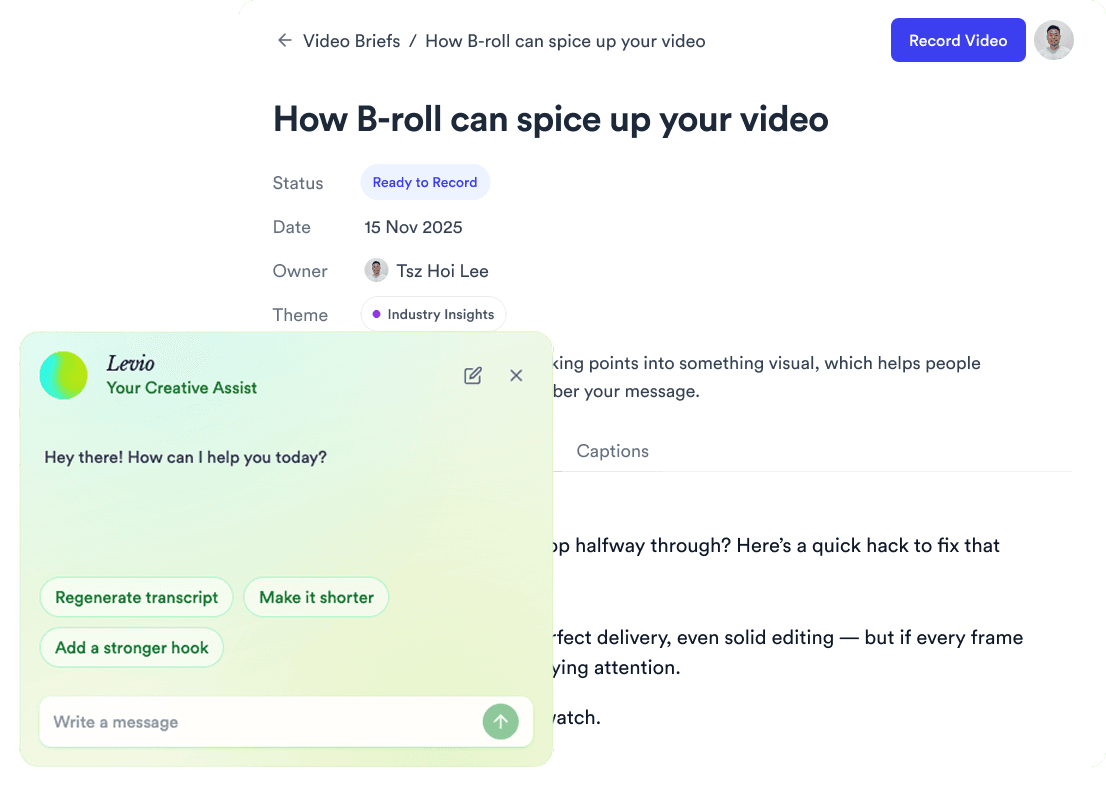
Auto Jump-Cut & Silence Removal
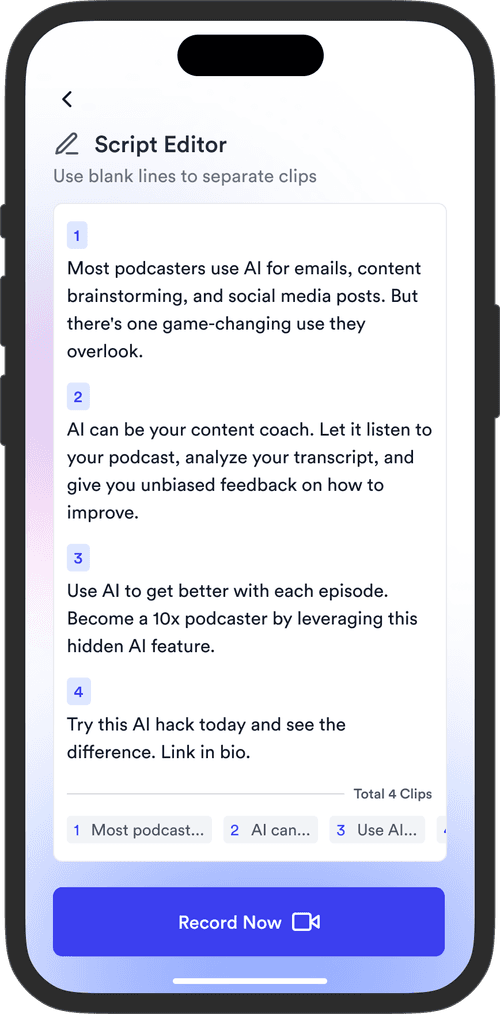
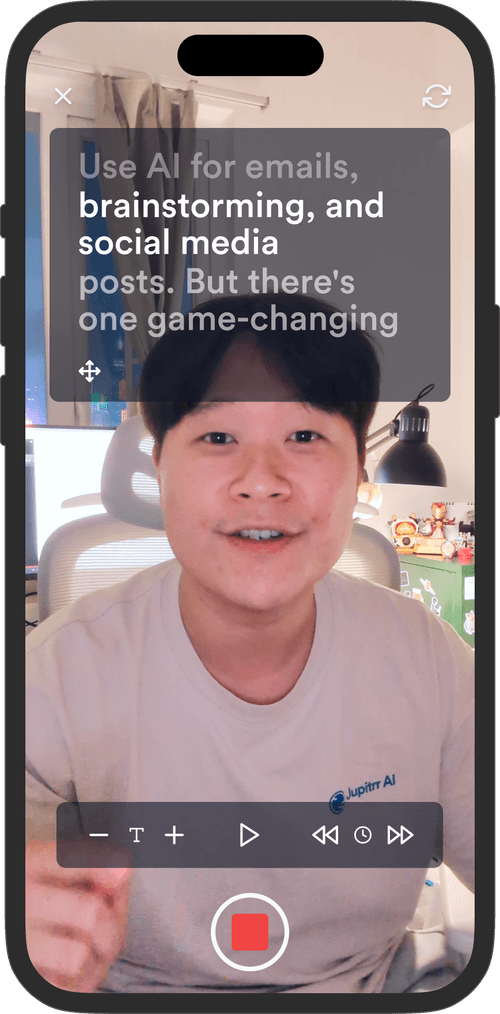
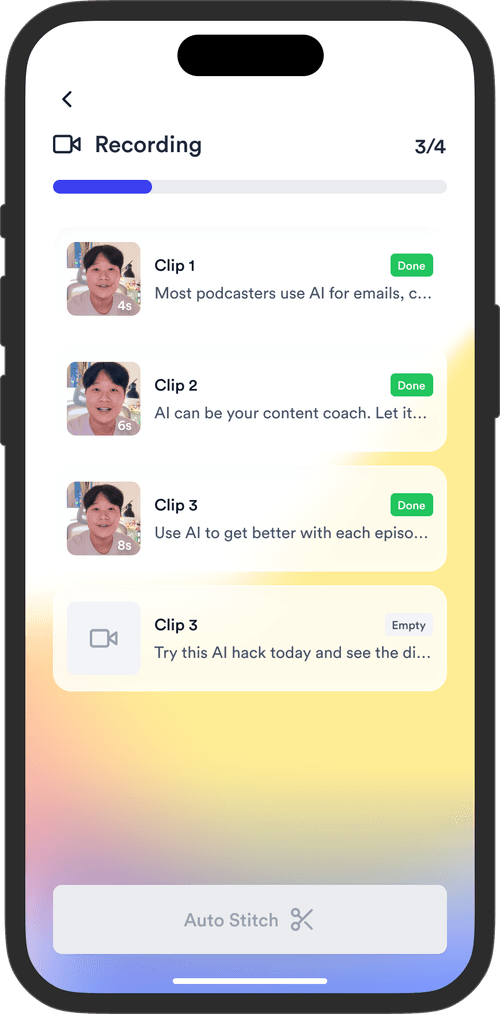
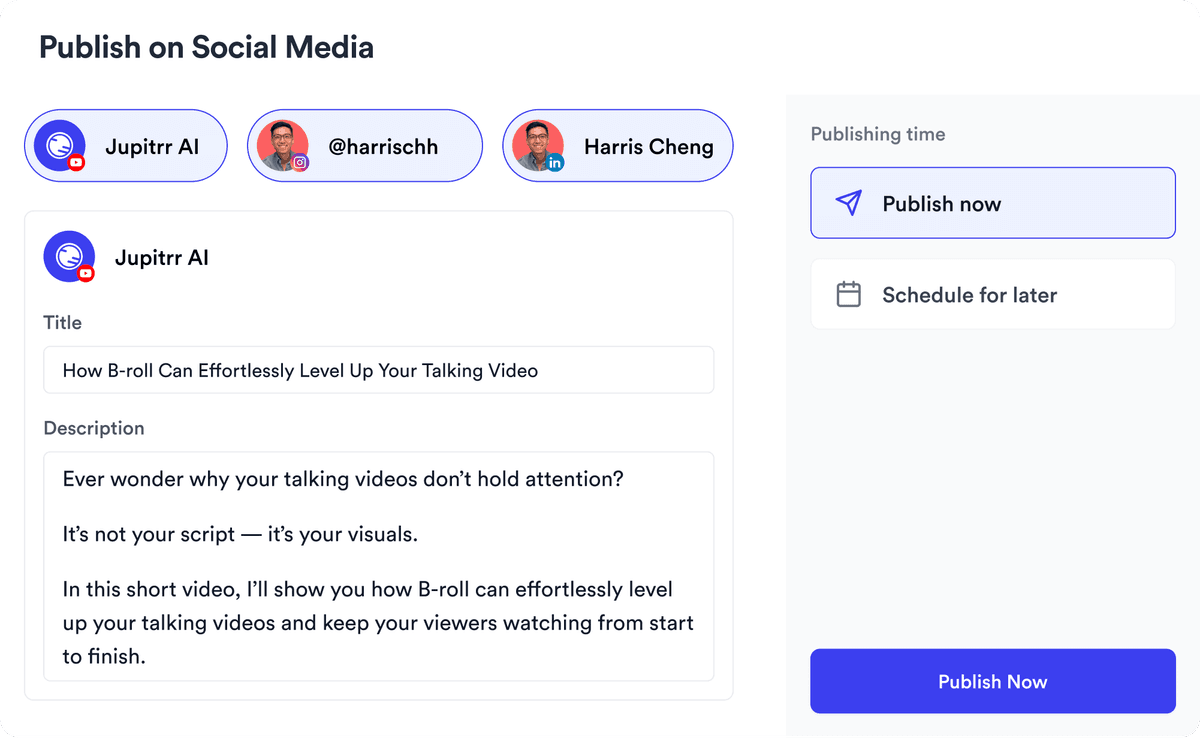
YouTube, Instagram, LinkedIn, TikTok, all at once.


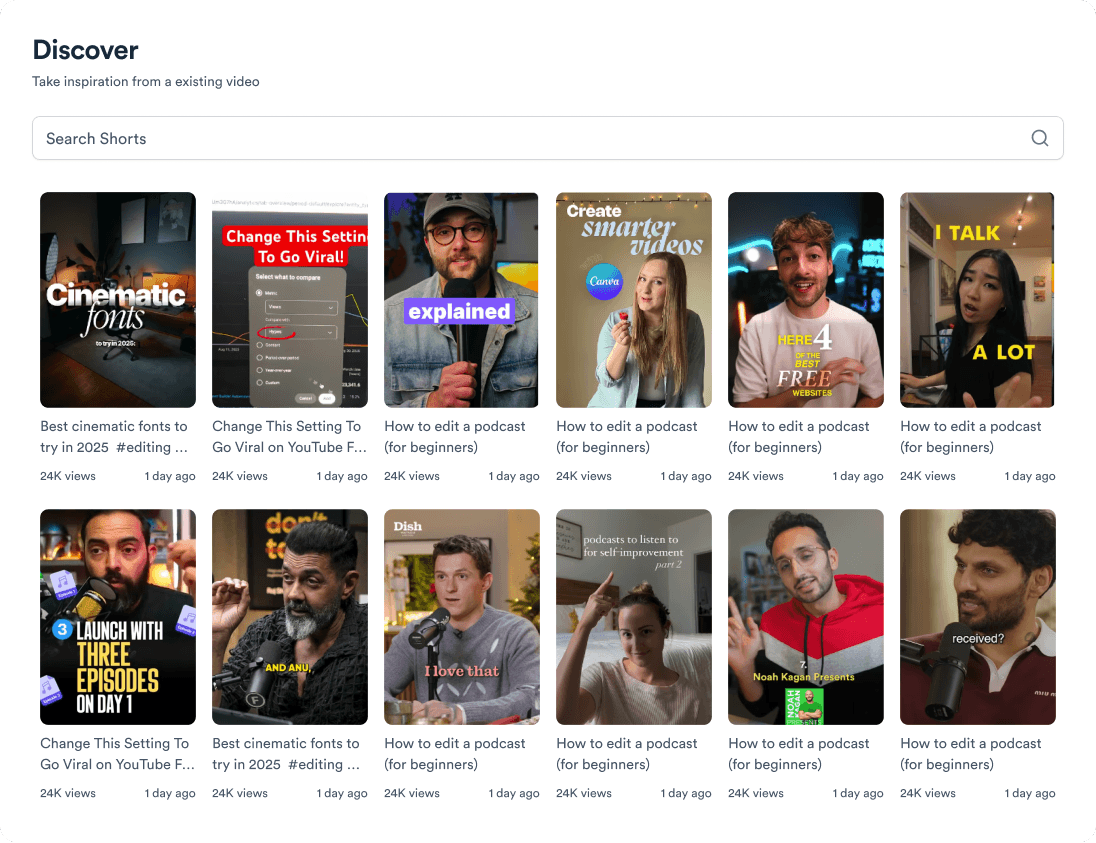
Get inspired for your next videos
Upload a talking-head video and get it back with B-roll already placed. No free plan; try a sample video free. From $11/mo billed annually.