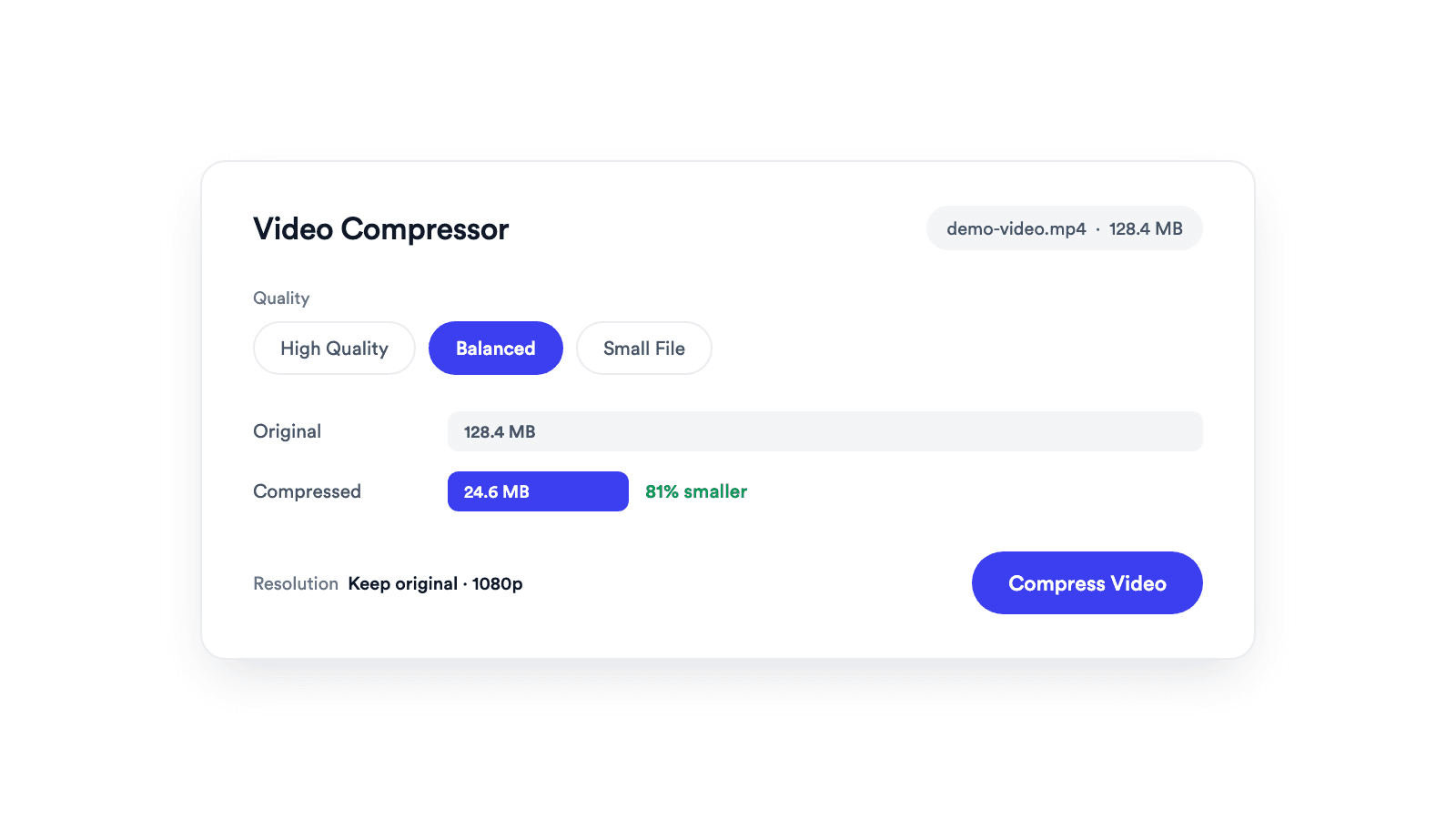
Video Compressor
Reduces video file size with adjustable quality and resolution controls.

Turn a video your browser can open into a widely compatible MP4, or convert it to MOV, WebM, or MKV.
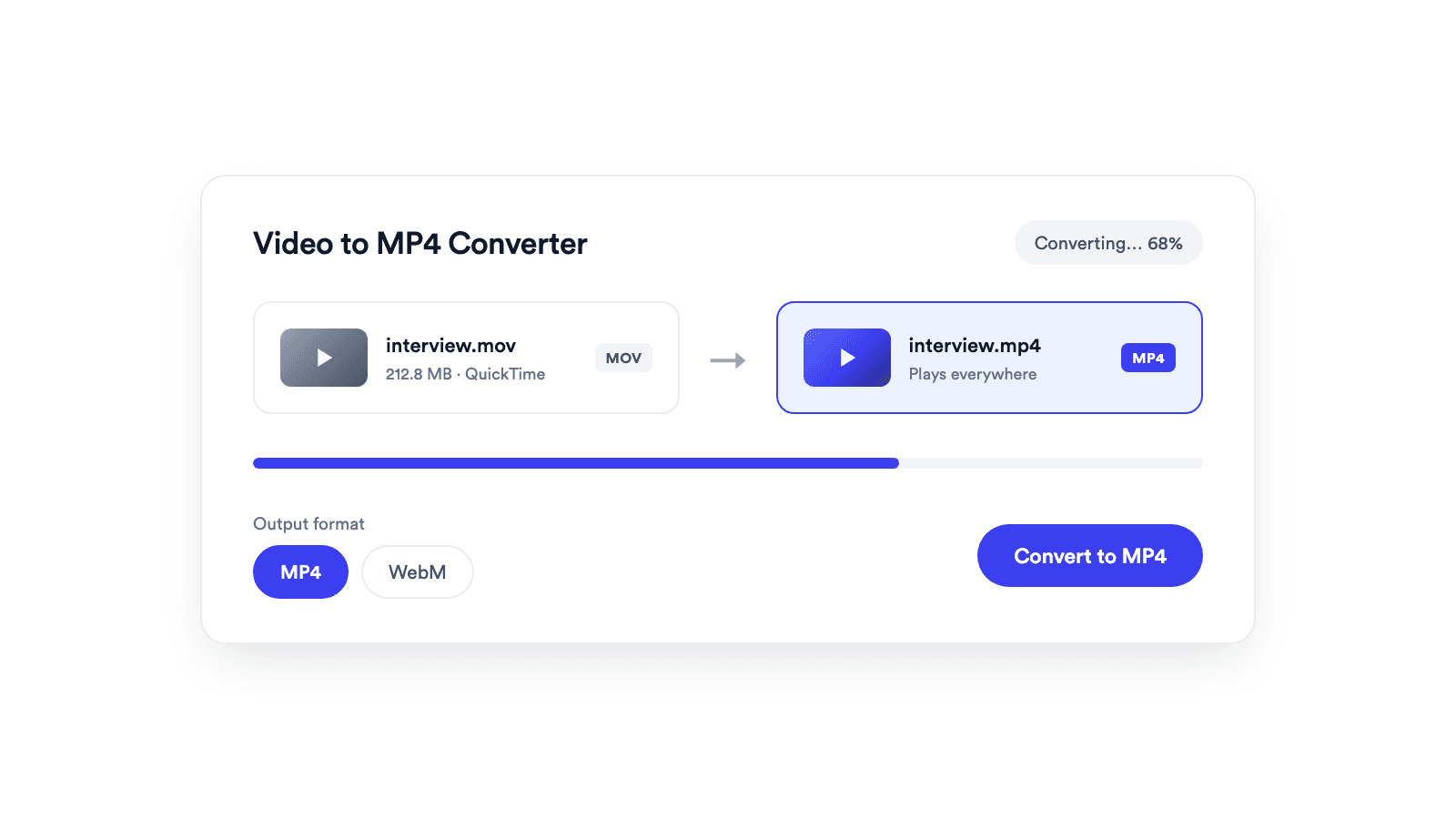
Convert MOV, WebM, and M4V into MP4, which most players and editors support.
When the codecs already fit, the file is repackaged without re-encoding and finishes in seconds.
The source and converted files never leave your device.
Add a MOV, WebM, M4V, MP4, or another video format your browser can play.
MP4 works everywhere. MOV, WebM, and MKV are available when your browser can create them.
The video is converted in your browser, then previewed and ready to download.
From a browser-readable format to the one most players support.
A video to MP4 converter moves a video from one container format, such as MOV or WebM, into MP4, re-encoding the streams when the target format needs it. With Jupitrr's converter, this happens entirely in your browser: when the source codecs already fit, the file is repackaged without re-encoding and finishes in seconds, and the source audio carries over whenever the browser can decode it.
Make Apple-style MOV files playable on any device.
Repackage browser recordings as MP4 that opens in most players.
MP4 imports cleanly into editors and publishing tools.
Fix a video a player or platform refuses to open.
Reduces video file size with adjustable quality and resolution controls.
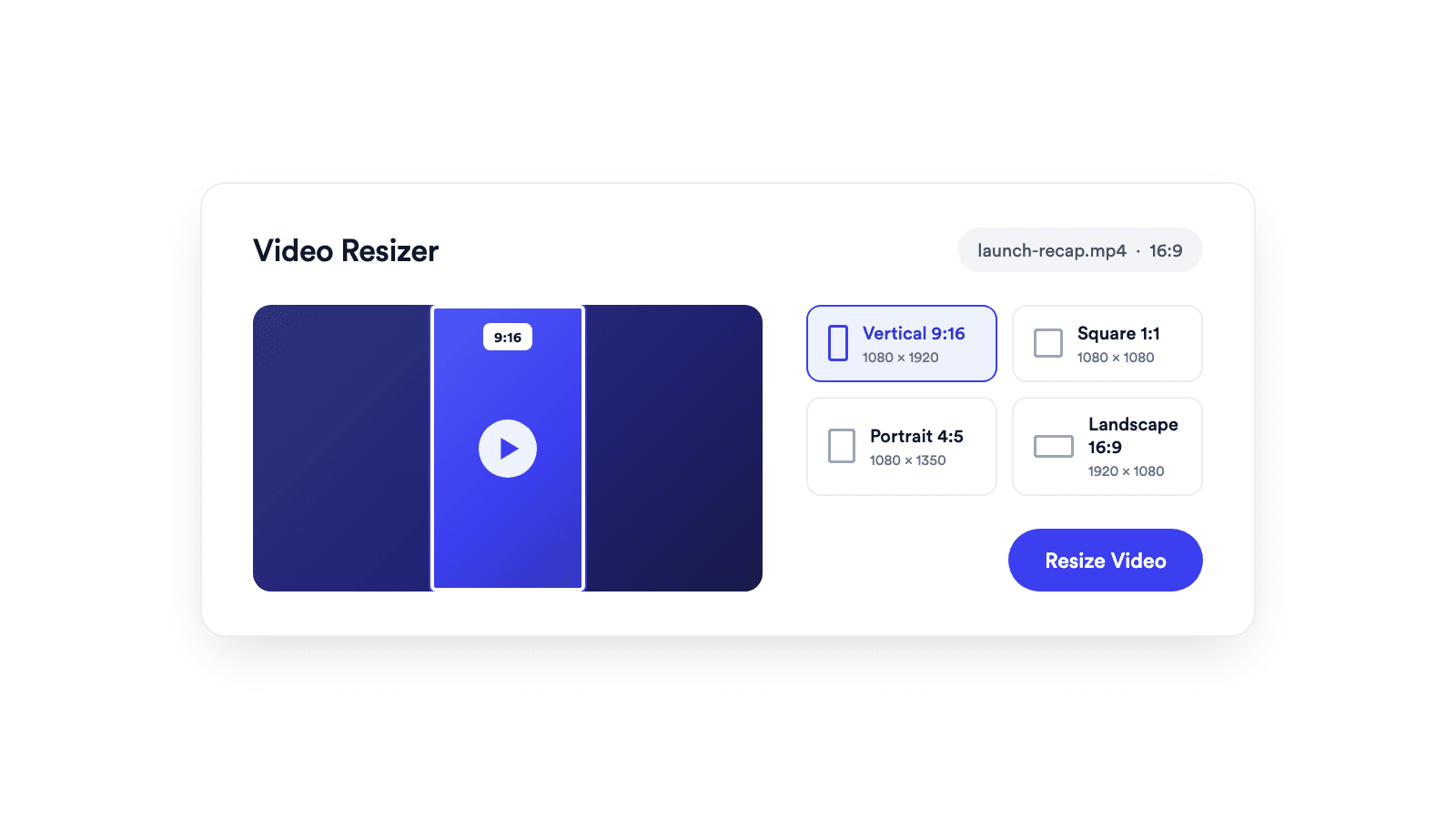
Reframes a video for vertical, square, portrait, or landscape publishing.
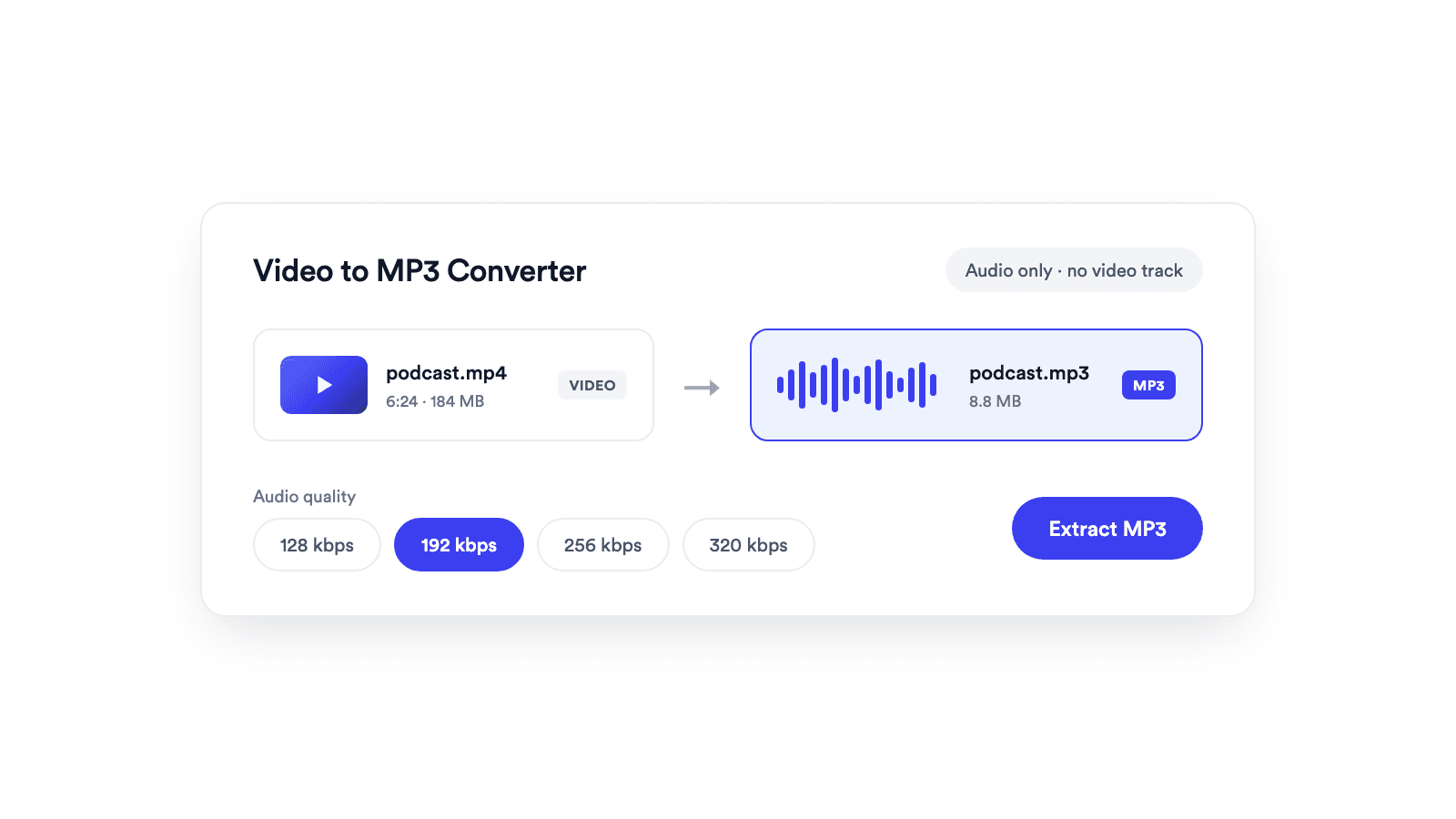
Extracts the audio from a video and saves it as a real MP3 file.

Cuts unwanted sections out of clips and joins them into a single MP4.
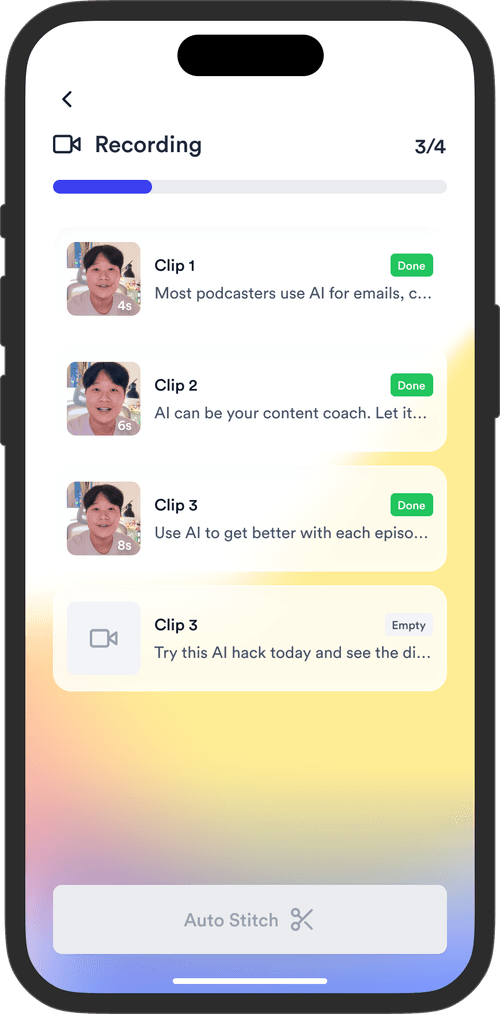
Jupitrr brings planning, scripting, recording, editing, and publishing into a single tool. Built for coaches and consultants shipping video consistently.




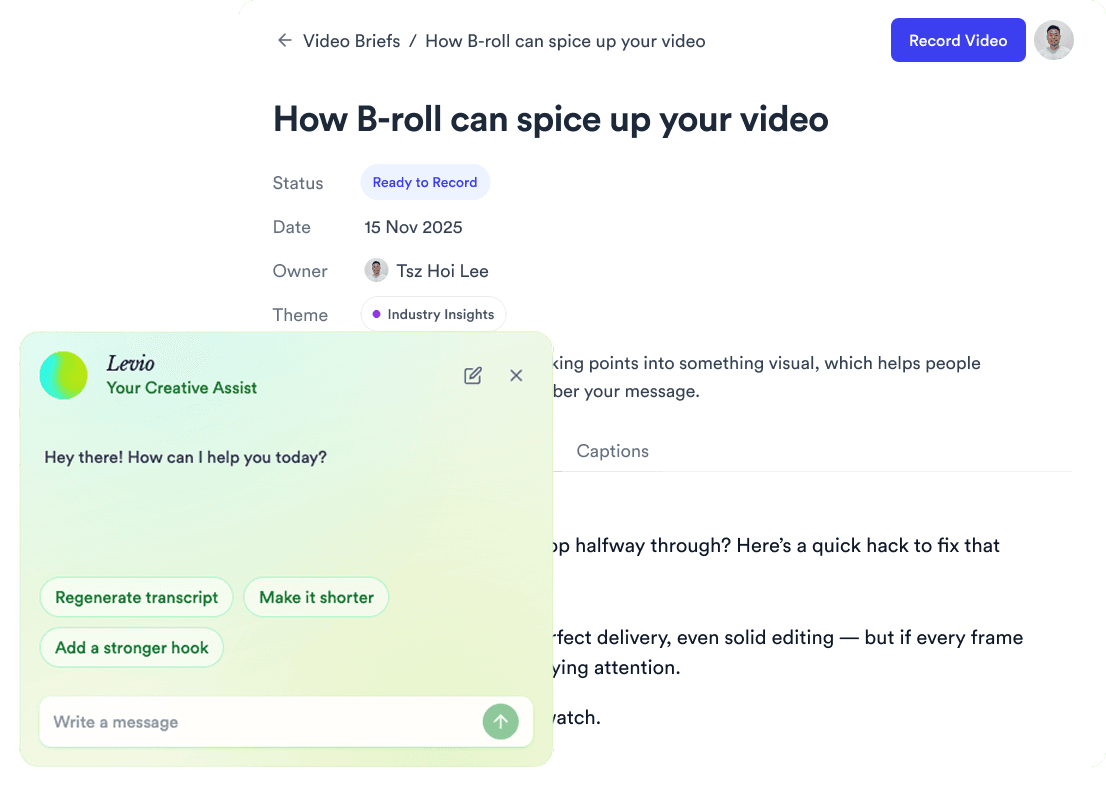
Trained on your scripts & viral scripting framework
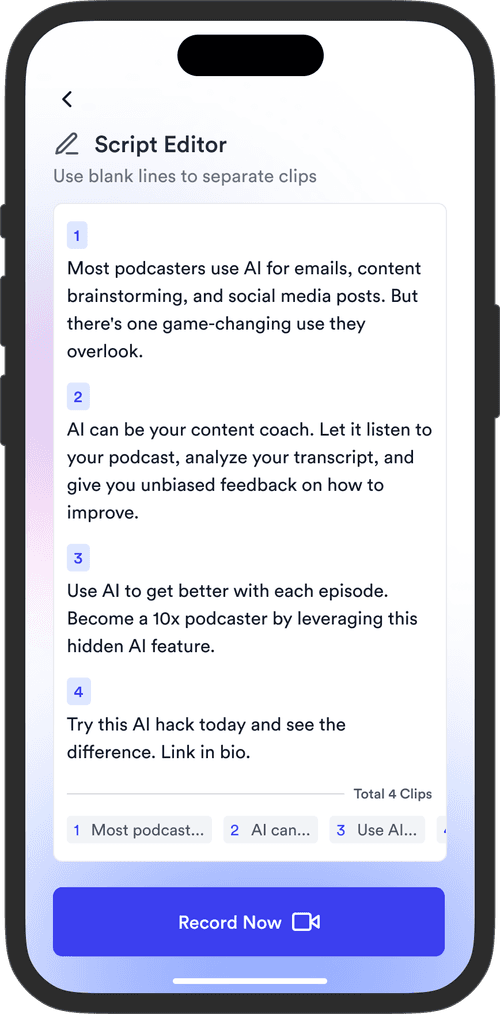
Auto Jump-Cut & Silence Removal

YouTube, Instagram, LinkedIn, TikTok, all at once.



Get inspired for your next videos