jupitrr logo

One brand kit for every video

Save your colours, fonts, and caption look as your own style. Apply it in one click so every export looks unmistakably yours.

Book a Demo
Loved byTrusted by 200K+ coaches and consultants
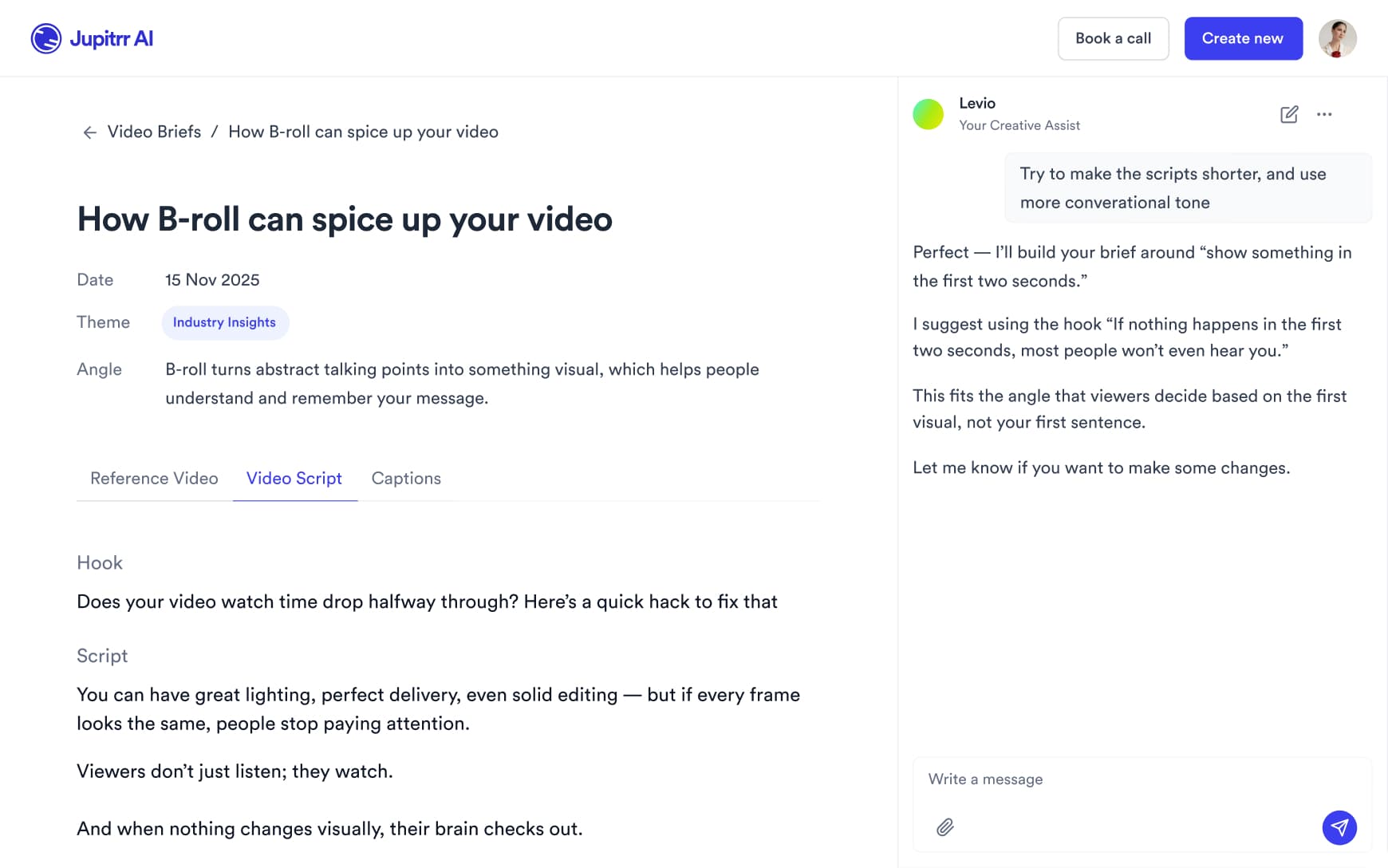
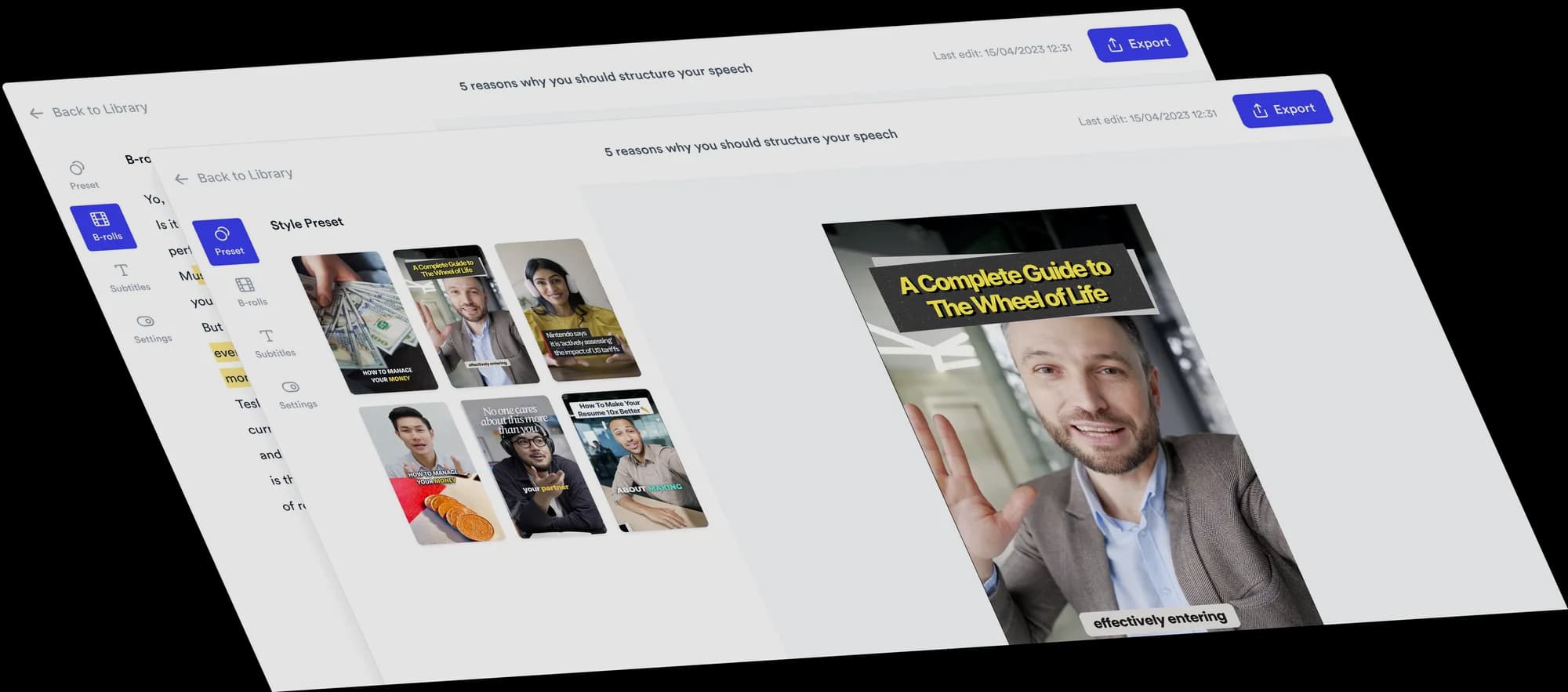
Jupitrr Brand Kit - saved brand colours, fonts, and caption styles applied to a video.
BuildMapper
GatherVoices
myHealthspan
YourPolicy
Goflow
ZipSea
Watch the walkthrough

Build a style once, reuse it everywhere

Watch how to turn your caption and hook look into a reusable brand style.

Set your look once, reuse it everywhere

Save your brand, apply it in a click, and keep the whole team consistent.

Save your brand once

Set your colours, fonts, and caption look, then tap Save Style. No more rebuilding the same look from a blank export every time.

Jupitrr Brand Kit - brand colours, fonts, and caption look saved as a style.

Apply it to any video in one click

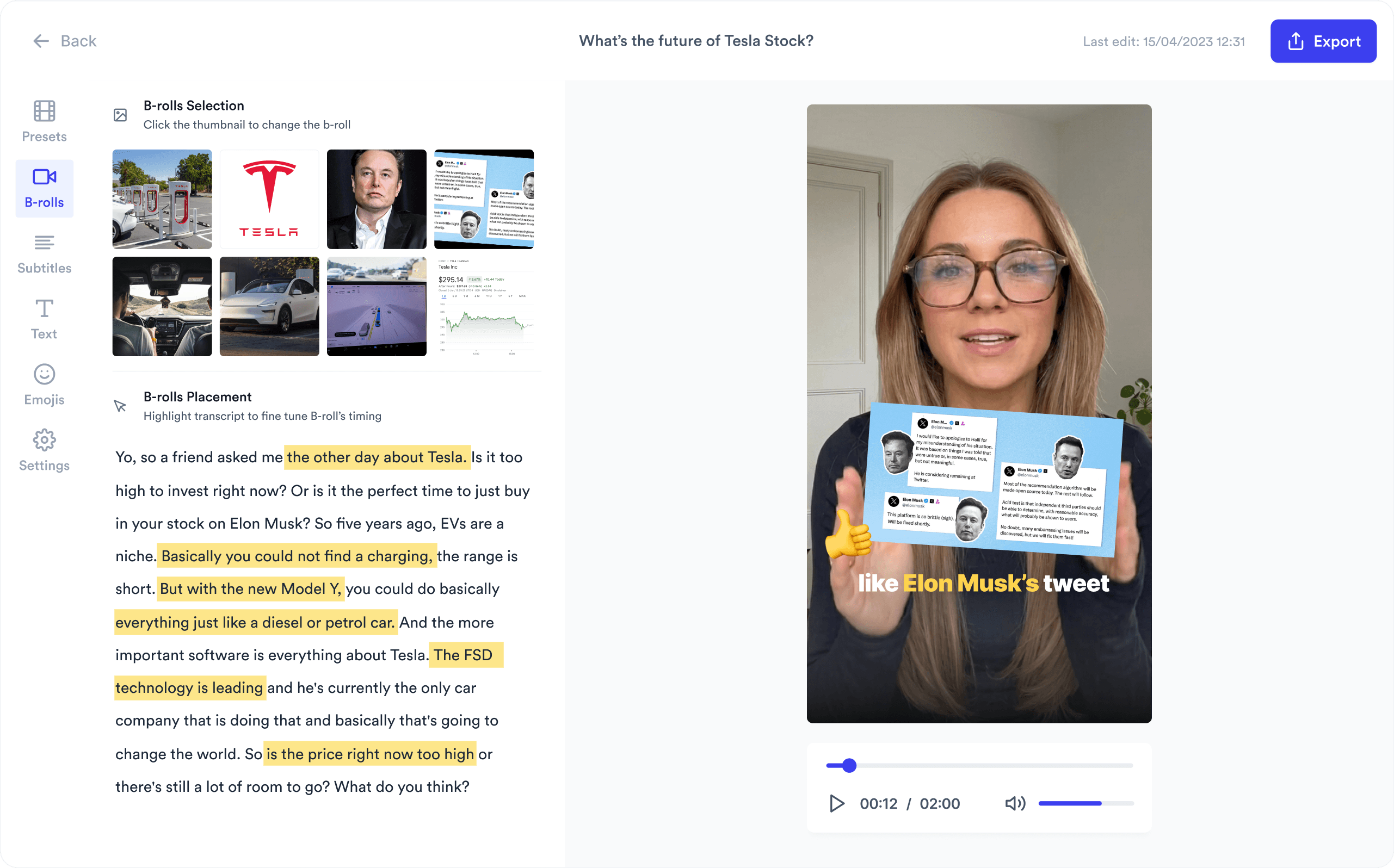
Your saved style sits next to the 24 built-in subtitle styles. Pick it and the captions, highlights, and hook already match your brand.

Jupitrr editor applying a saved brand style to subtitles and the hook in one click.

Keep the whole team on brand

Share the kit across your organisation so every editor exports the same look. One source of truth means no off-brand videos slipping out.

Jupitrr workspace sharing one brand kit across the whole team.

Everything that keeps you on brand

Brand colour palette saved in the Jupitrr brand kit.

Custom brand colours

Save your palette and apply it to captions, overlays, and progress bars.

Custom brand font applied to subtitles and titles.

Brand fonts

Lock your typeface so every subtitle and title is unmistakably yours.

Caption settings saved as a reusable style.

Saved caption styles

Store subtitle font, size, colour, position, and animation as a single style.

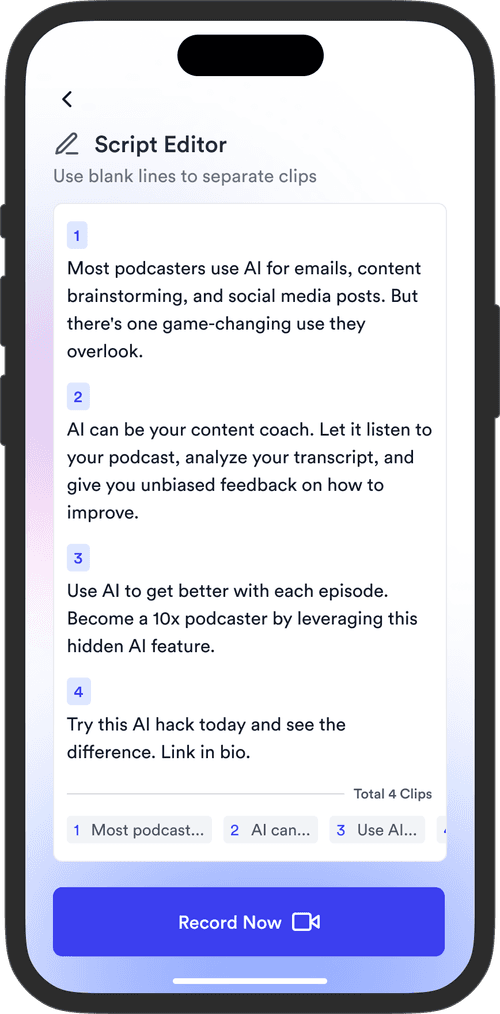
Brand logo watermark placed on a Jupitrr video export.

Brand logo watermark

Upload your logo once, set its size and position, and it lands on every export.

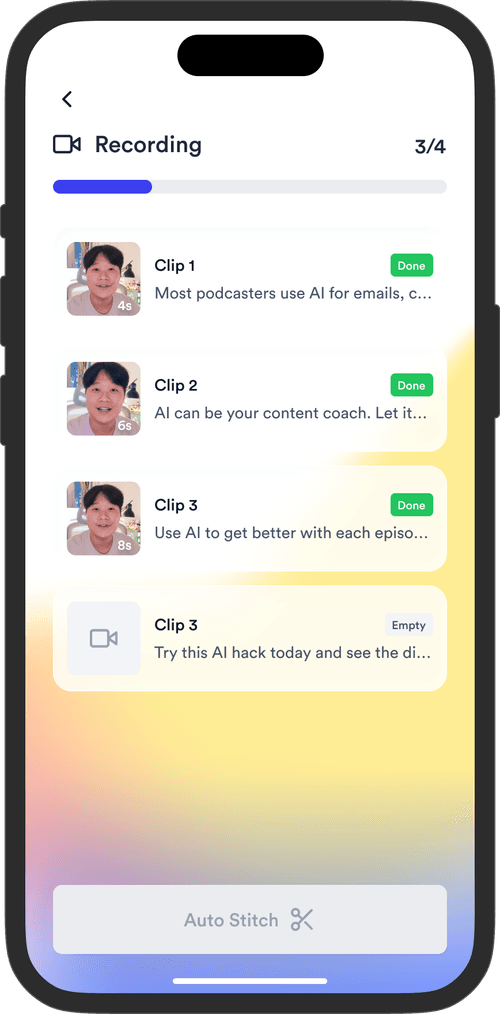
Applying a brand style to a video with a single click.

One-click apply

Your saved style is one click away, so there is nothing to re-style each export.

A brand kit shared across every teammate in the workspace.

Shared across your team

Every editor in the organisation pulls from the same brand kit.

Trusted by 200K+ coaches and consultants

“Video became so easy that we can produce so much more, promote our services better, and reach a bigger audience.”
Sanjeet Mahajan
Sanjeet Mahajan
Founder of Kizzy Consulting
“Jupitrr turns video creation into an effortless workflow, the edit is actually quality. Now I can focus on strategy.”
Sanket Mittal
Sanket Mittal
Founder of Althra
“Be able to shoot this and then getting a deliverable so quickly is amazing, It literally took me 90 seconds to record so I see the value.”
Sean Huynh
Sean Huynh
Founder of Solara Talent
“The CEO of a half-billion-dollar business told me he loves my videos. People think I hired a marketing agency.”
Buck Foley
Buck Foley
Partner at Crescent Edge

Frequently asked questions

What is a brand kit for video?
A brand kit saves your colours, fonts, and caption look as a reusable style so every video stays on-brand. Instead of re-styling each export, you set your look once and apply it to any project in one click.
Can I save my brand colours and fonts?
Yes. Save your exact palette and typeface, then Jupitrr applies them to subtitles, titles, overlays, and progress bars automatically. Update the kit once and new videos pick up the change.
How do I apply my brand kit to a new video?
Open the Subtitles tab and pick your saved style. It sits next to the 24 built-in subtitle styles, and switching keeps your B-roll, text and timing. You can still tweak any single video without changing the saved style.
Can my whole team use the same brand kit?
Yes. The kit is shared across your organisation, so every editor exports the same look. Pair it with team collaboration to keep styles, B-roll, and scripts in one shared workspace.
How is this different from a CapCut or Canva brand kit?
CapCut and Canva store brand assets, but you still style each video by hand. Jupitrr applies your saved colours, fonts, and caption style to AI-generated subtitles and the hook in one click, then renders the finished video in the same tool.
Is the brand kit free to use?
You can try the sample video free before subscribing. Branded styles are included on Pro ($24.50 a month billed annually), and Team adds the custom brand kit shared across your organisation.

Save your brand. Ship on-brand every time.

Colours, fonts, and caption styles that apply to every video in one click. Try the sample free.
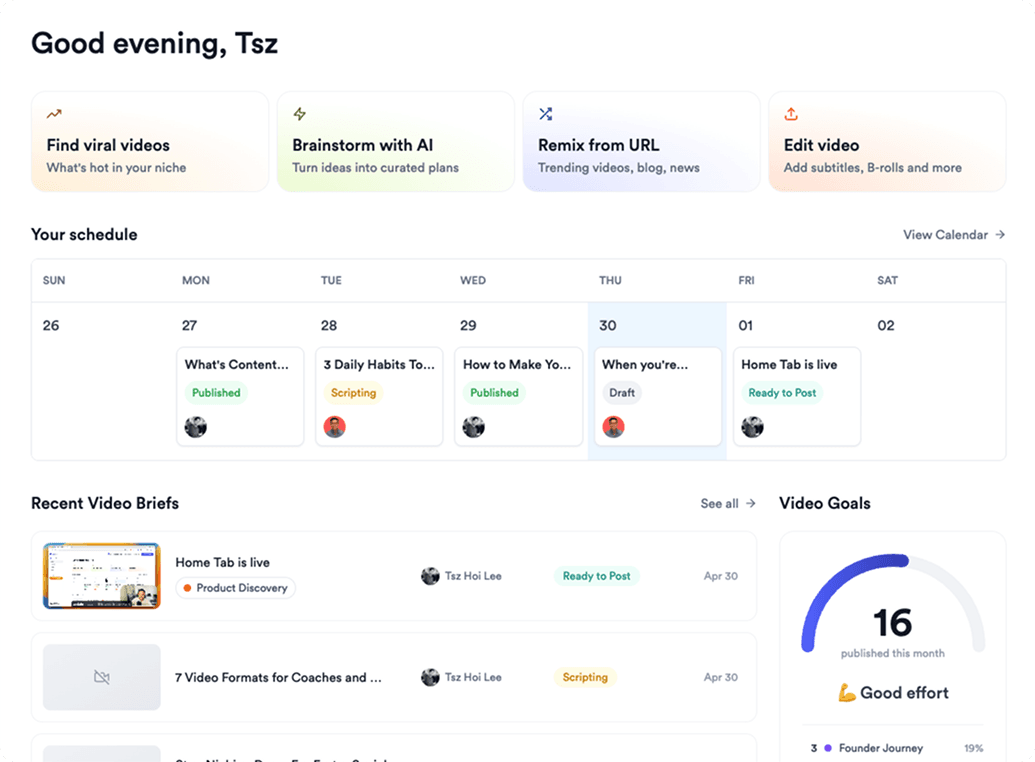
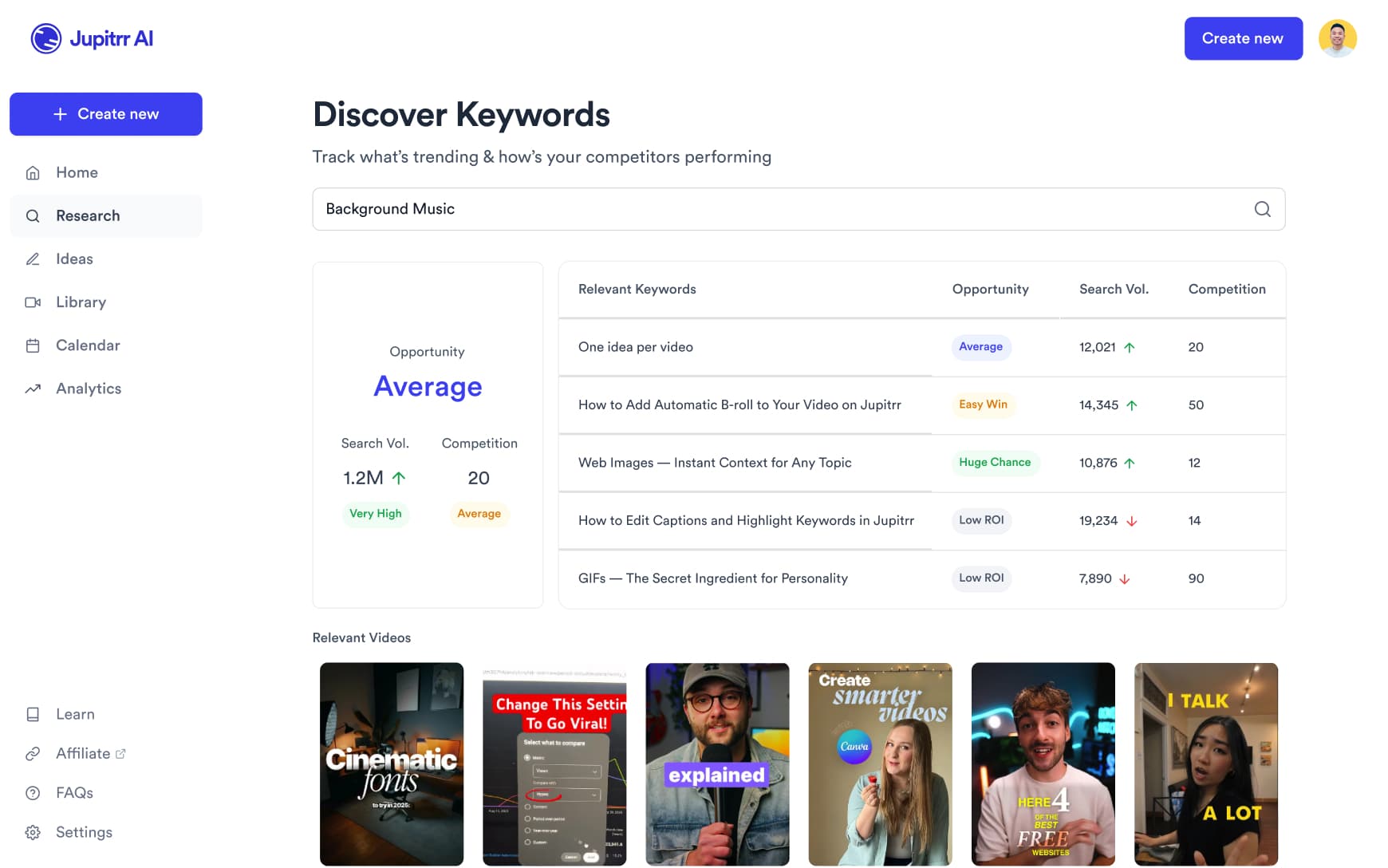
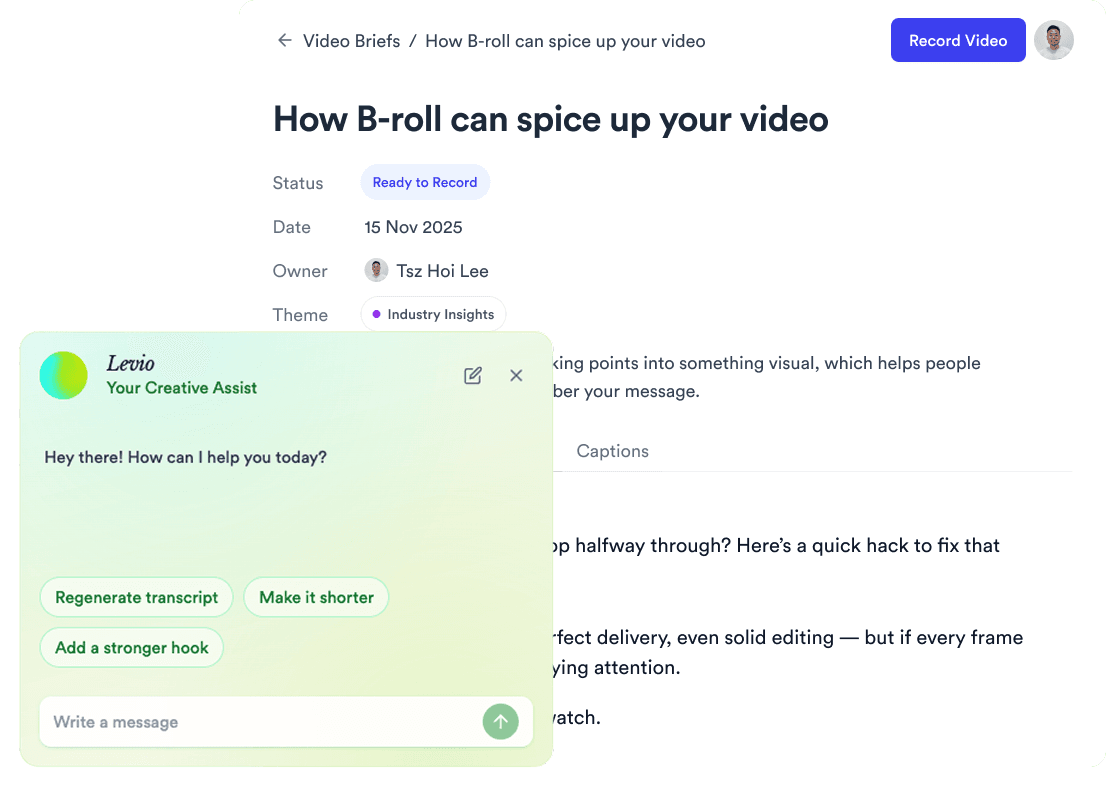
Jupitrr AI dashboard