jupitrr logo
Features
Use Cases
Resources
Pricing
Log in
Try it for Free

AI Hook Generator

Paste a topic or your script. Get 8 scroll-stopping text hooks plus ready-to-read script openings, across curiosity, stat, story, and contrarian angles.
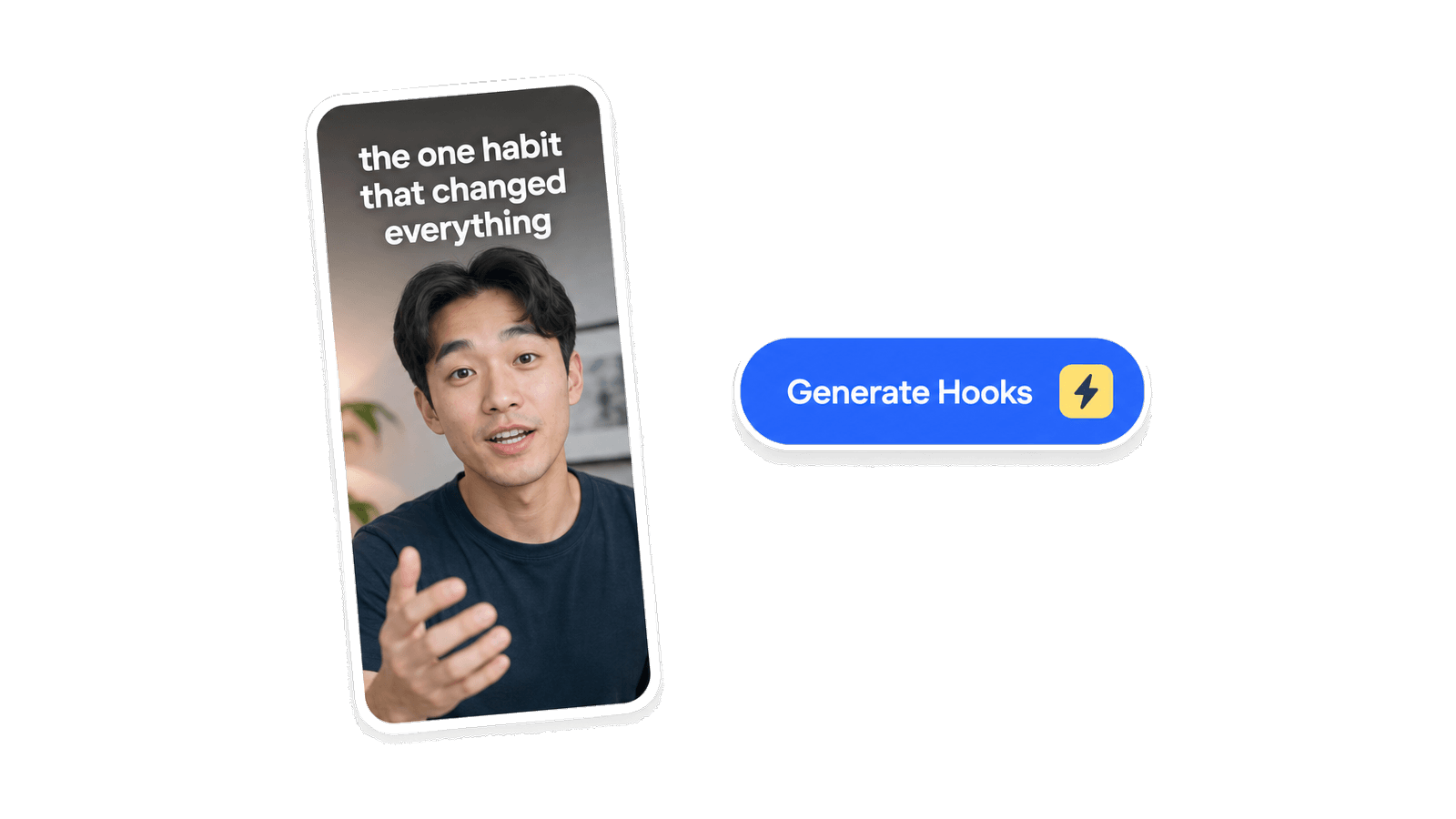
AI Hook Generator

How it works

1

Paste your topic or script

A sentence is enough. Drop in your video idea, your voiceover, or a rough draft.

2

Pick your platform

TikTok, YouTube Shorts, or Reels. Each platform rewards a slightly different hook. Or leave it on any.

3

Copy your favorite

Get 8 text hooks plus spoken script openings across different angles. Copy the one that fits, tweak it, and open your video with it.

Inside Jupitrr VideoOS

Both kinds of hook, where you actually make the video

The free tool writes the lines. Inside Jupitrr, the text hook and the script hook each live in the part of the workflow where you use them.

Text hook

Put your hook on screen, right in the editor

Inside the Jupitrr editor, your hook becomes on-screen text in the opening frames. Type it in, slide it to the exact spot, and it stops the scroll before you say a word.
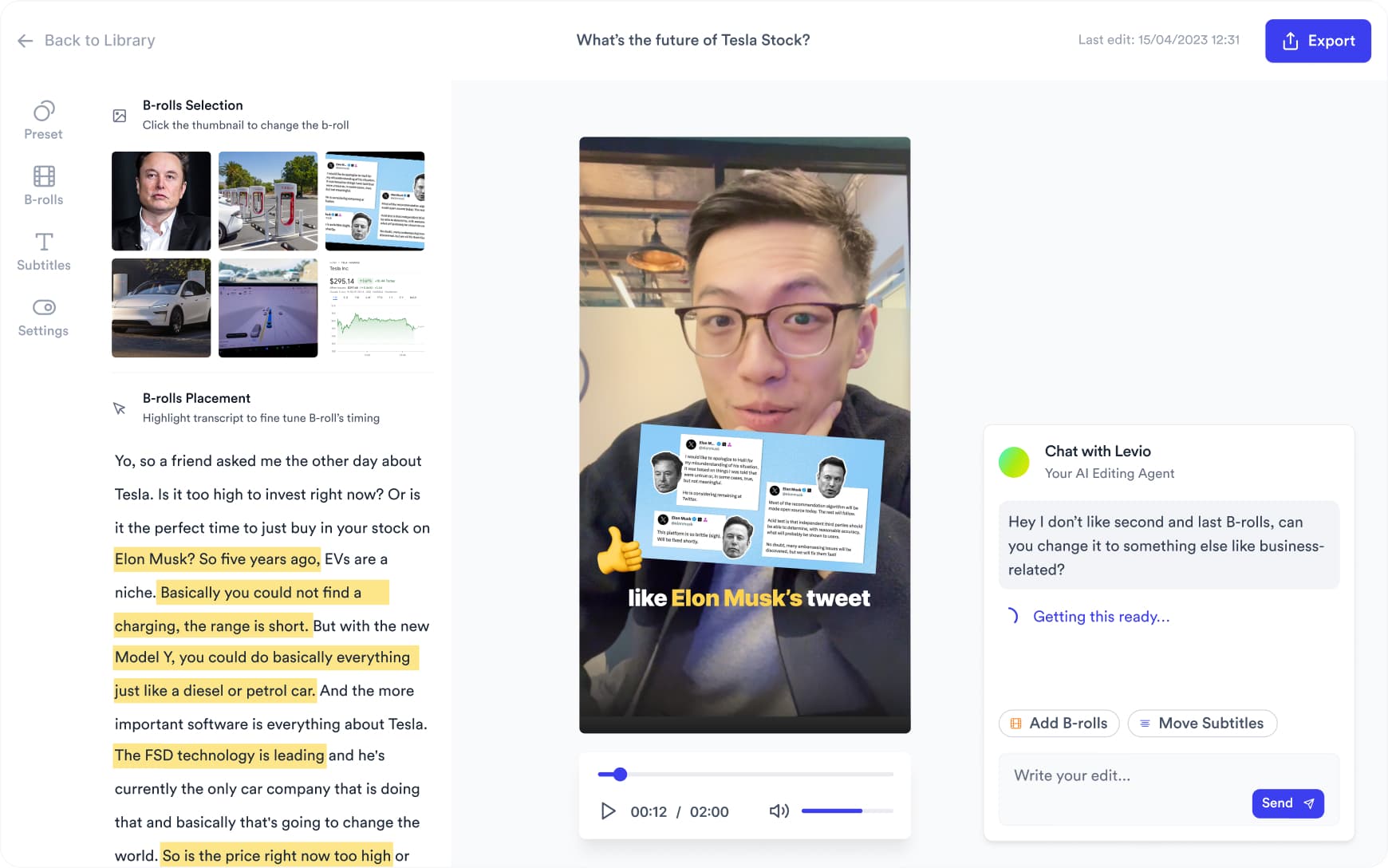
  • On-screen hook text timed to the first few seconds
  • Position it anywhere with a simple vertical slider
  • Sits alongside your auto subtitles, B-roll, and emojis
Jupitrr video editor showing on-screen hook text over a video with subtitles and B-roll

Script hook

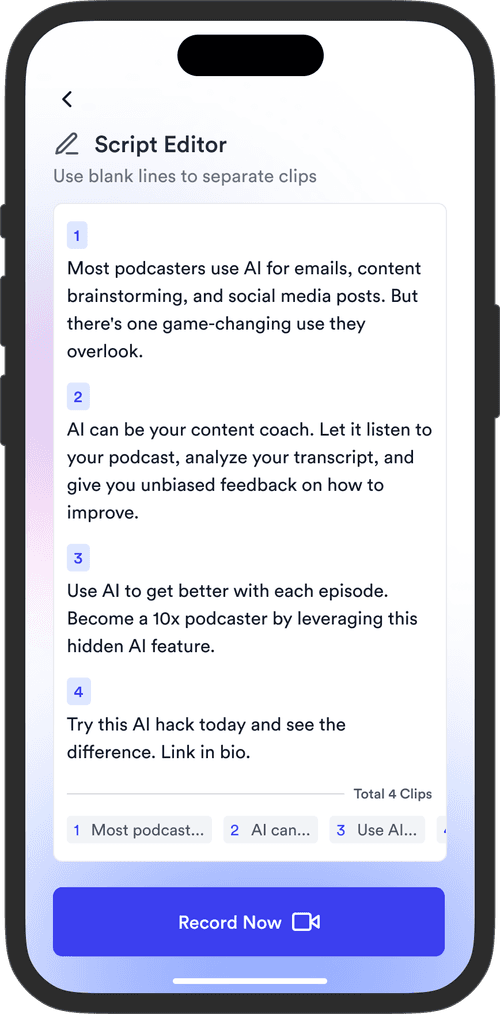
Write the spoken hook in your video brief

In the video brief, your hook sits at the top of the script as the first line you say out loud. Jupitrr's assistant suggests hooks tuned to your angle, so the opening earns the next 30 seconds.
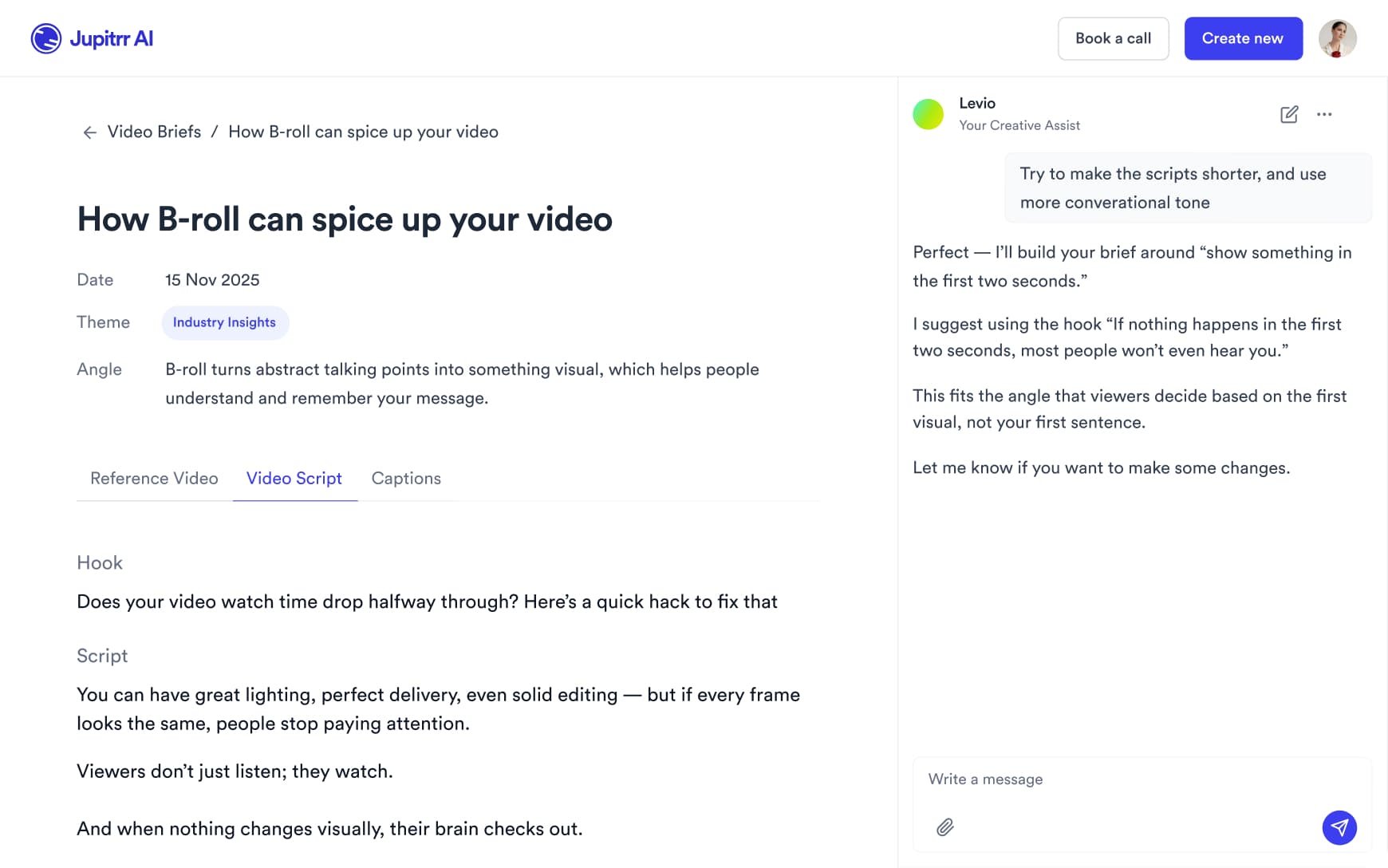
  • A dedicated Hook field above the full script
  • AI hook suggestions matched to your topic and angle
  • Refine the line, then record straight from the brief
Jupitrr video brief with a Hook field above the script and AI hook suggestions

Frequently asked questions

What is an AI Hook Generator?
A browser tool that takes your video topic or script and writes 8 scroll-stopping opening lines across different angles: curiosity, stat, story, and contrarian. Each hook is written to work in the first 3 seconds of a short-form video on TikTok, YouTube Shorts, or Instagram Reels. The goal is hooks that sound like a creator wrote them, not a marketing team.
What makes a video hook actually stop the scroll in the first 3 seconds?
Three things: a clear subject, a felt tension, and an implied payoff. The worst hooks are vague ("I want to share something important with you"). The best hooks either reveal something surprising, promise a specific result, or drop the viewer mid-story so they need to know how it ends. A strong youtube hook also respects the viewer by not withholding information they would pay for: it teases, it does not trick.
How many hooks should I test before picking one?
At minimum, read three out loud before choosing. The one that sounds most natural when spoken tends to outperform the one that reads best on paper. If you post regularly, test two hooks by running the same video twice with a short gap, or use the hook on your thumbnail and A/B the title copy. The video hook generator gives you 8 angles so you have enough to compare without overthinking.
What is the difference between a curiosity hook, a stat hook, and a contrarian hook?
A curiosity hook withholds a specific piece of information and makes the viewer feel they need it ("The reason most freelancers stay broke has nothing to do with their rates"). A stat hook opens with a number that reframes how the viewer thinks about a topic ("73% of B2B buyers decide before they ever talk to sales"). A contrarian hook directly challenges a belief the audience already holds ("Morning routines are mostly content, not productivity"). Each angle works differently depending on your niche and platform. The ai hook generator writes all three so you can pick the angle that fits your audience.
Can I generate hooks for TikTok, YouTube Shorts, and Instagram Reels?
Yes. The tool lets you pick your platform before generating. TikTok rewards hooks that feel raw and personal, because the feed is casual and fast. YouTube Shorts rewards hooks that make a clear promise, because viewers often arrive from search. Instagram Reels rewards hooks that are visually descriptive or aspirational, because the audience skews toward lifestyle and aesthetic. Picking the right platform means your tiktok hook generator output will read natively instead of feeling cross-posted.
I'm a B2B founder. How do I write hooks that get views without sounding clickbaity?
Specificity is the antidote to clickbait. A vague hook ("You are leaving money on the table") sounds like every LinkedIn ad from 2019. A specific hook ("We lost a $40k deal because our proposal PDF had the wrong logo") is inherently credible because it is too granular to be made up. B2B founders have a natural advantage: real numbers, real customers, and real consequences. Use them. The youtube hook does not have to be dramatic; it just has to be specific enough that the right person stops.
How long should a hook be in a 30-second short?
One to two sentences, spoken in under 4 seconds. That is roughly 15 to 25 words at a natural pace. If your hook runs longer, it is probably doing work that belongs in the body of the video. The platform will not wait. Cut the hook until every word is load-bearing, then record.
Is the AI Hook Generator free?
Yes, 100% free. The AI Hook Generator is part of the Jupitrr Free Video Toolkit. We want to build quick and easy video tools that help you every step in creating content for your business.
Once I have a hook, how do I make the rest of the video?
A hook is just line one. Once you have it, write the full script, then record it so it sounds natural on camera. The Teleprompter & Camera Recorder lets you read your script while looking directly at the lens, so you do not lose the energy of the hook in a stumbling delivery. Or use the Camera Recorder if you already have the script memorized. Once you have the footage, bring it into the Jupitrr AI Video Editor to add subtitles, B-roll, and filler-word removal before publishing.
What is Jupitrr AI?
Jupitrr is an all-in-one video operating system for businesses. Plan, script, record, edit, and publish your videos in one place, powered by the Jupitrr AI Video Editor and the Jupitrr Cut Teleprompter app. This free toolkit is a small slice of what the full product can do. When you are ready for subtitles, B-roll, filler-word removal, and one-click publishing across TikTok, YouTube, and Instagram, jump into the full editor.

Unlock the full video workflow with Jupitrr AI

Jupitrr brings planning, scripting, recording, editing, and publishing into a single tool. Built for businesses shipping video consistently.

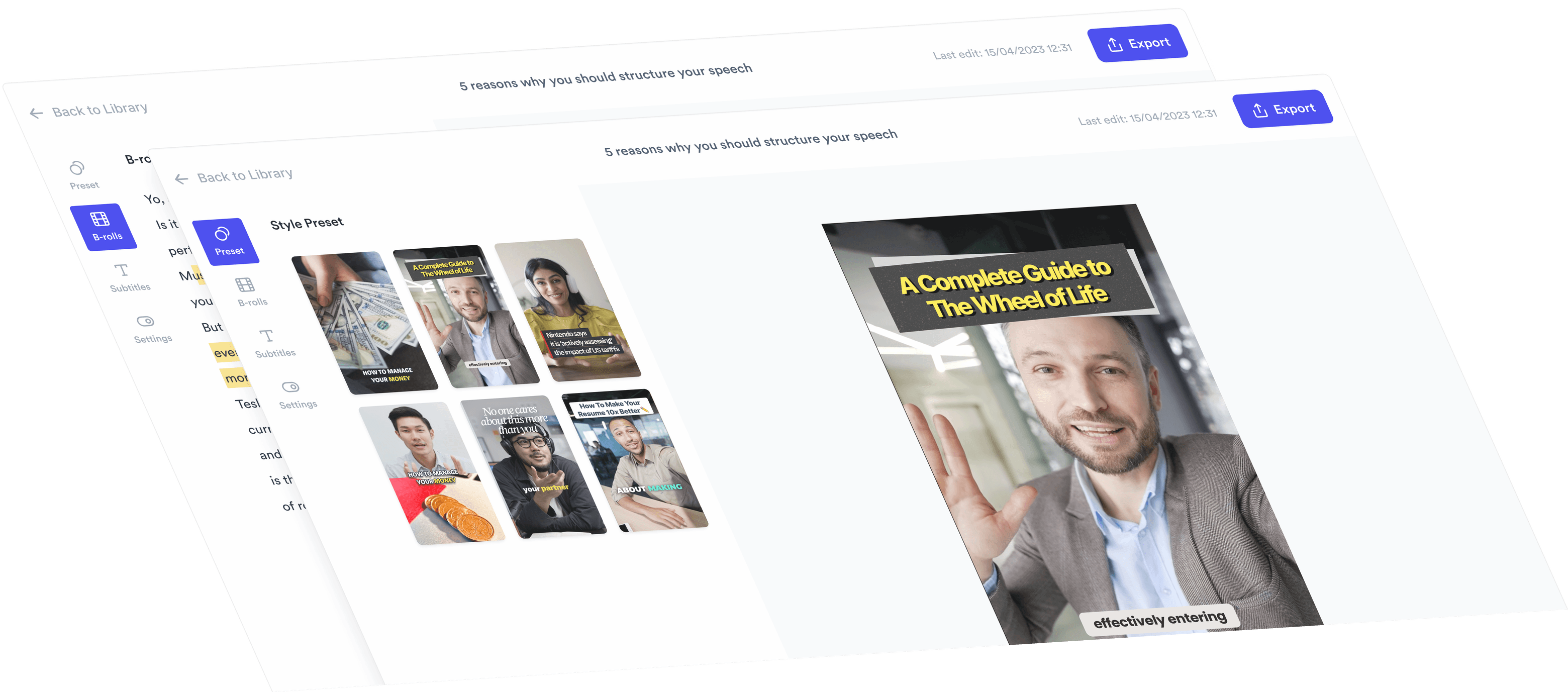
AI Talking Head Video Editor

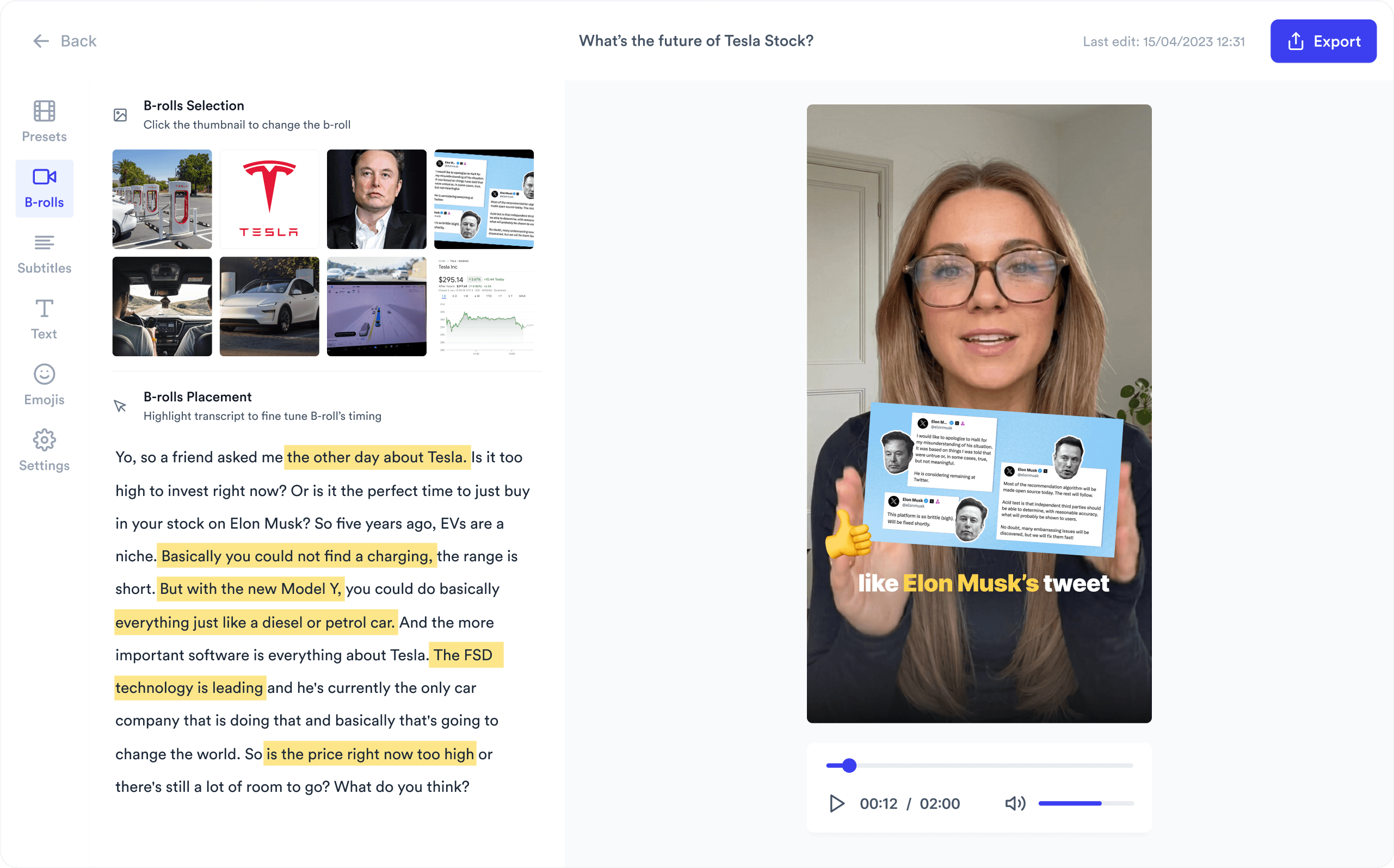
Automatically add B-roll & Subtitles

  • Unlimited Getty Images Stock Assets
  • Unlimited Google Images & GIFs
  • AI Generated Subtitles & Text Overlay
  • Support 54+ Languages
iStock by Getty ImagesGIPHYGoogle Images
AI Video Editor interface
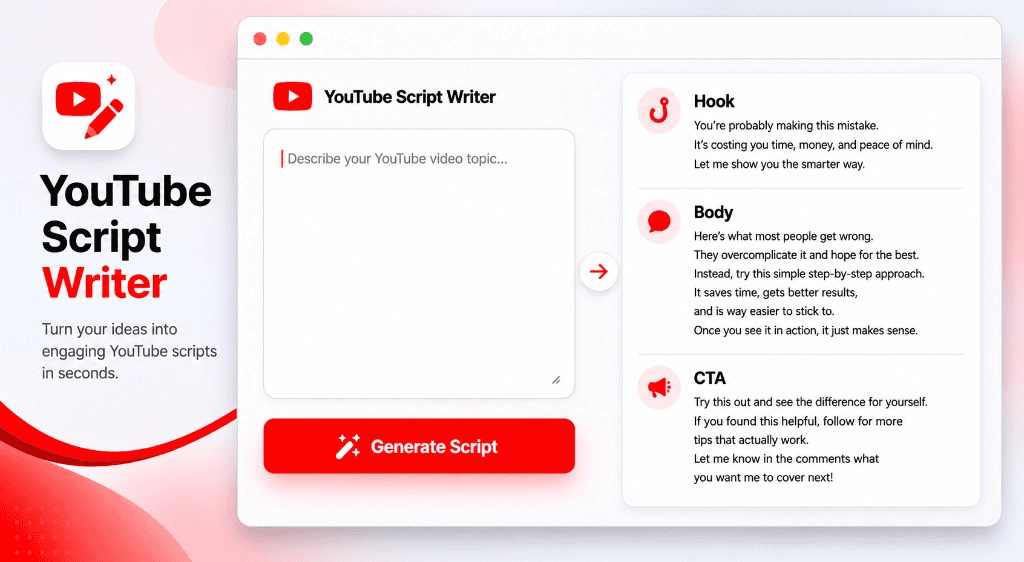
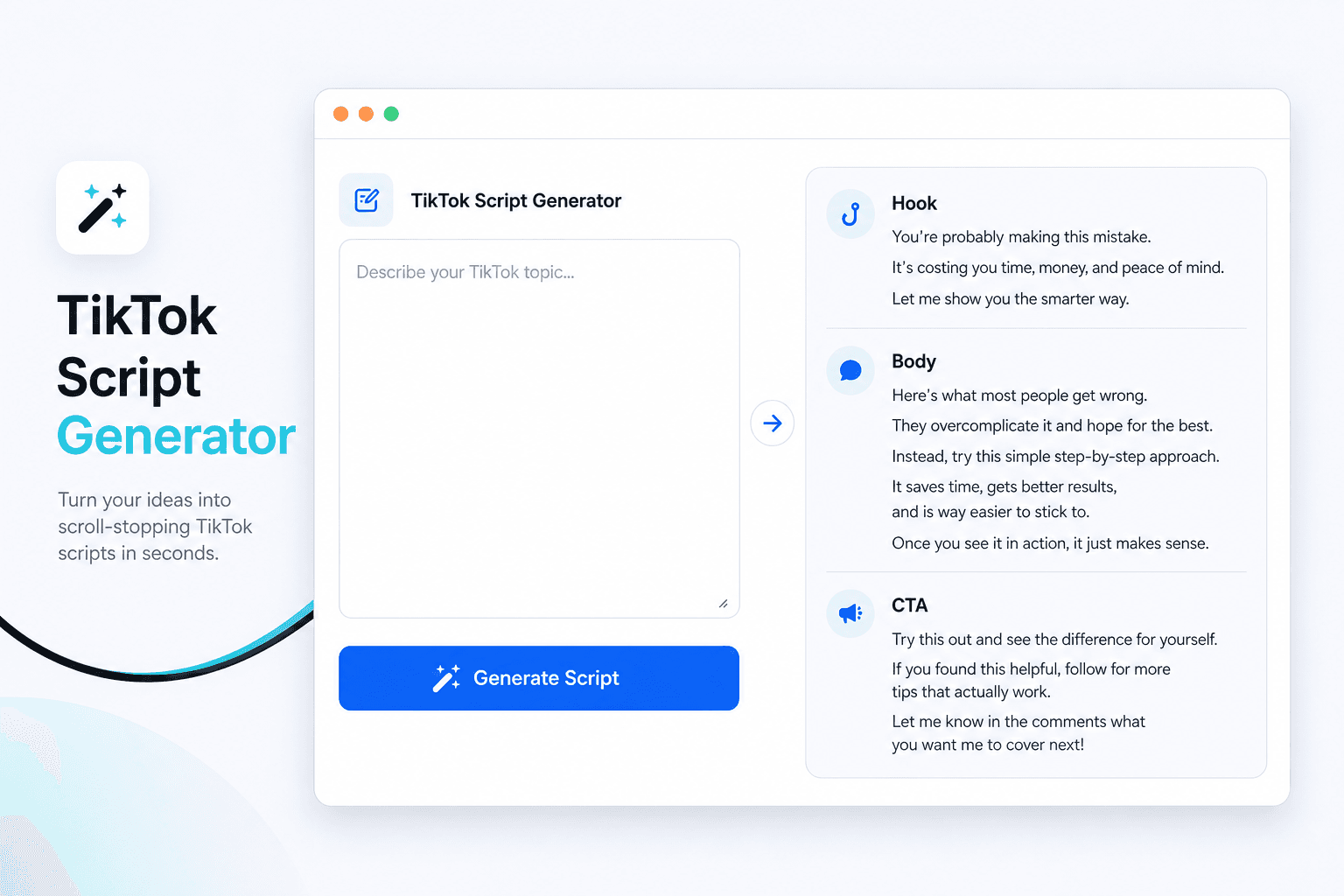
Personalised AI Scriptwriter

Writes scripts in your tone

Trained on your scripts & viral scripting framework
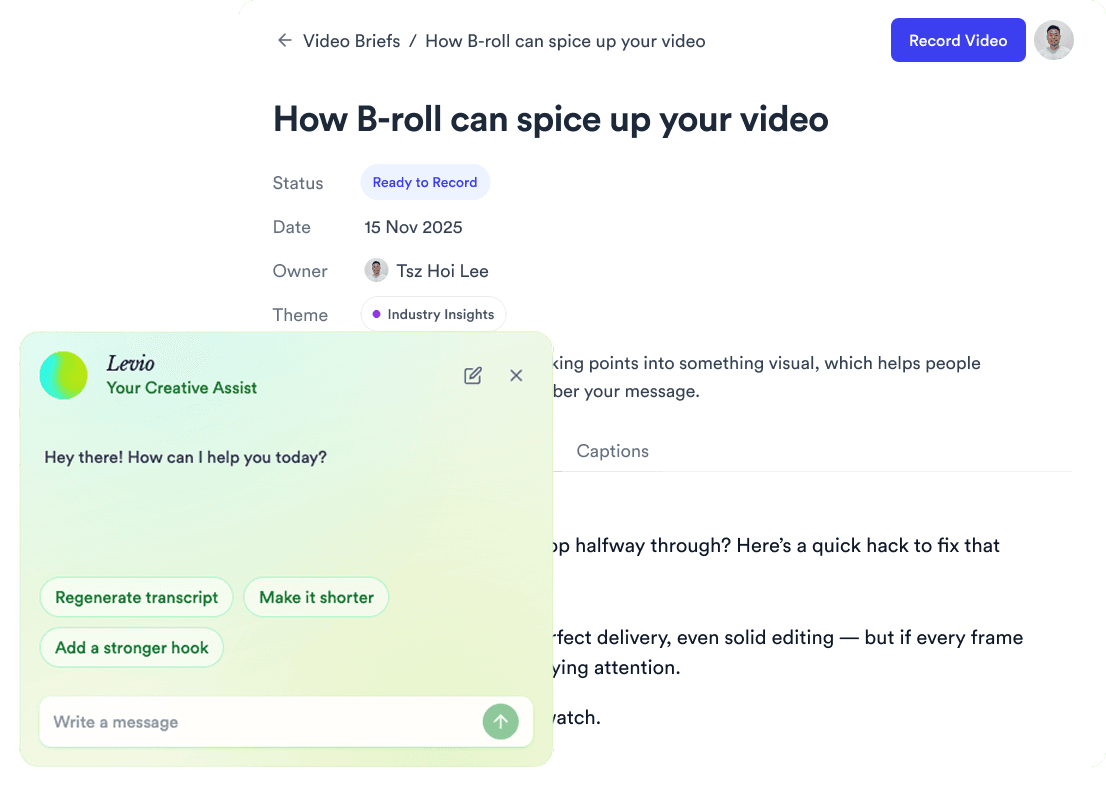
AI script writer interface
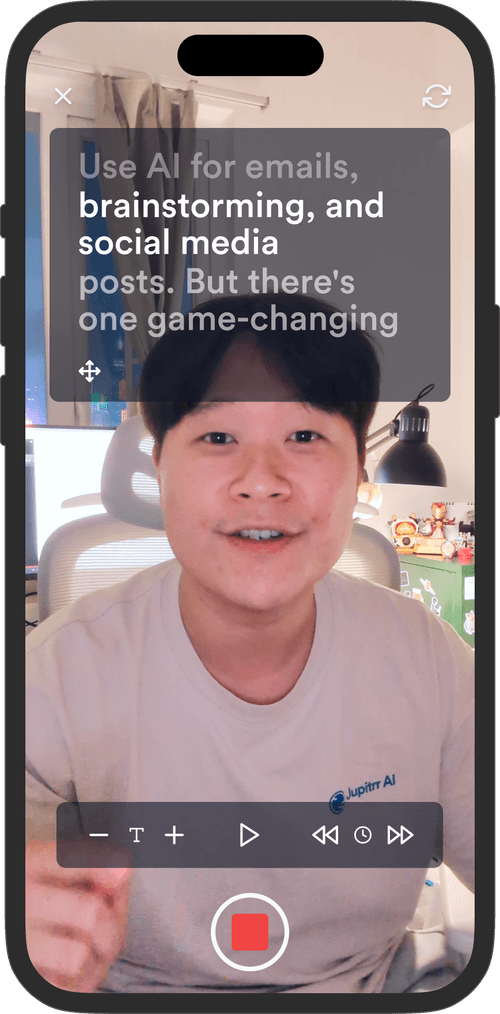
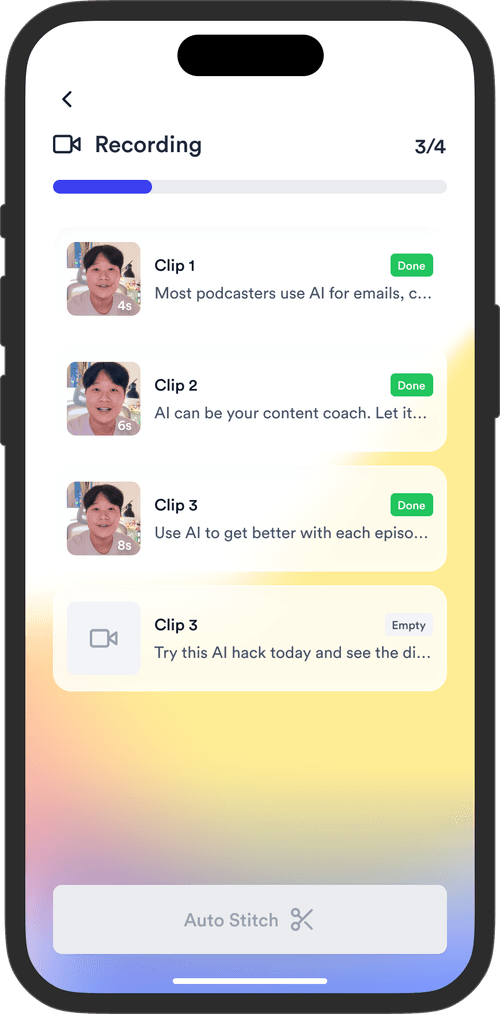
Teleprompter App

Record without bad takes

Auto Jump-Cut & Silence Removal

Teleprompter step 1Teleprompter step 2Teleprompter step 3
Social Media Publishing

Post to all your channels

YouTube, Instagram, LinkedIn, TikTok, all at once.
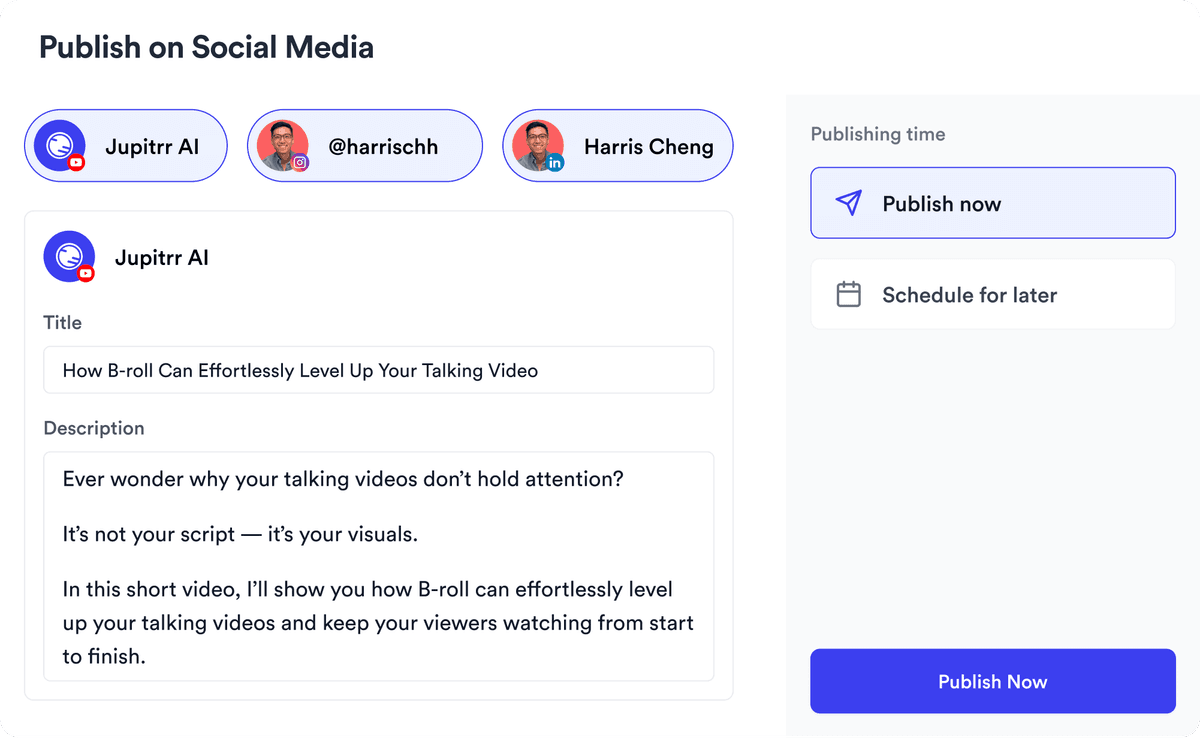
Social publishing scheduler
YouTube
Instagram
TikTok
LinkedIn
Viral Video Search

Find what's trending

Get inspired for your next videos
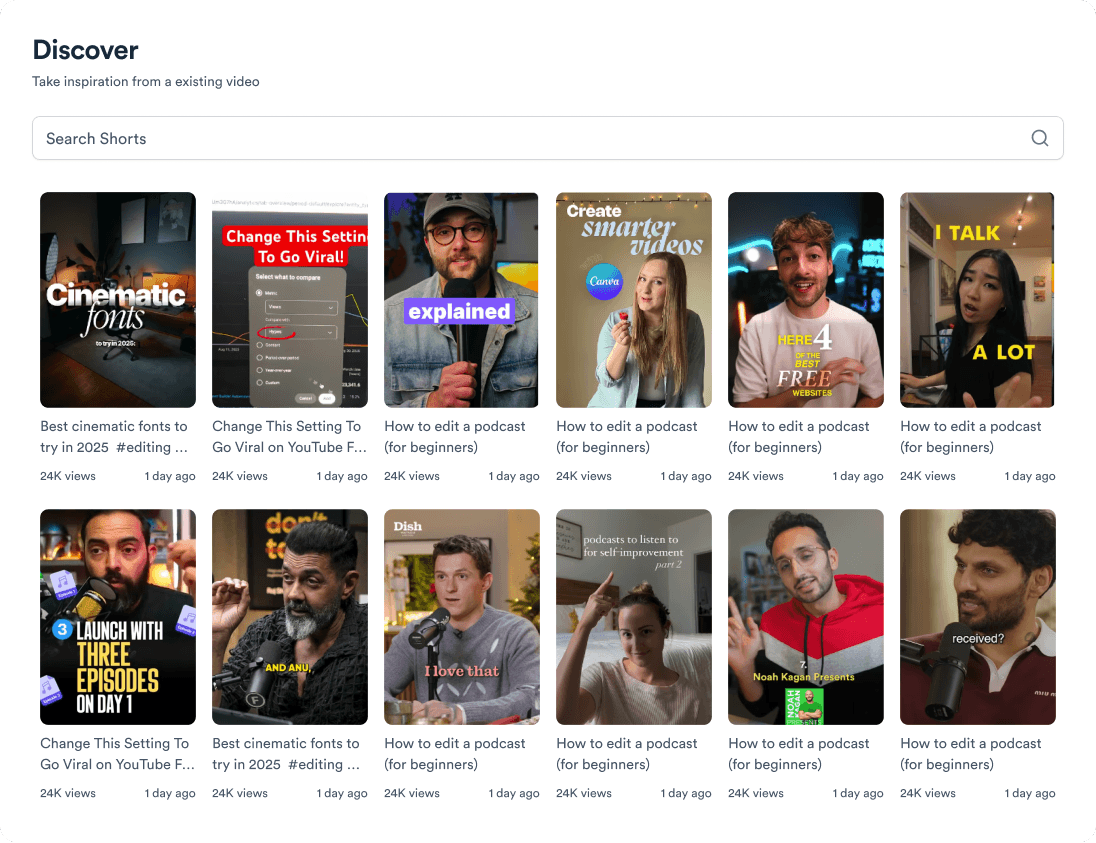
Trending topic search

and for the video team

Analytics dashboard
Video AnalyticsSee how your videos perform
Content calendar view
Content CalendarPlan your video ahead
Brand kit presets
Brand KitMake every video on brand
Team collaboration workspace
CollaborateManage videos with your team
Your all-in-one video workflow
Start creating videos consistently.
footer card