jupitrr logo
Features
Use Cases
Resources
Pricing
Log in
Try it for Free

Content Calendar for Video

Plan content pillars, ship hundreds of videos, collaborate with your team, and publish across every platform from one calendar.

Try it for free
Book a Demo
Loved byTrusted by 200K+ businesses
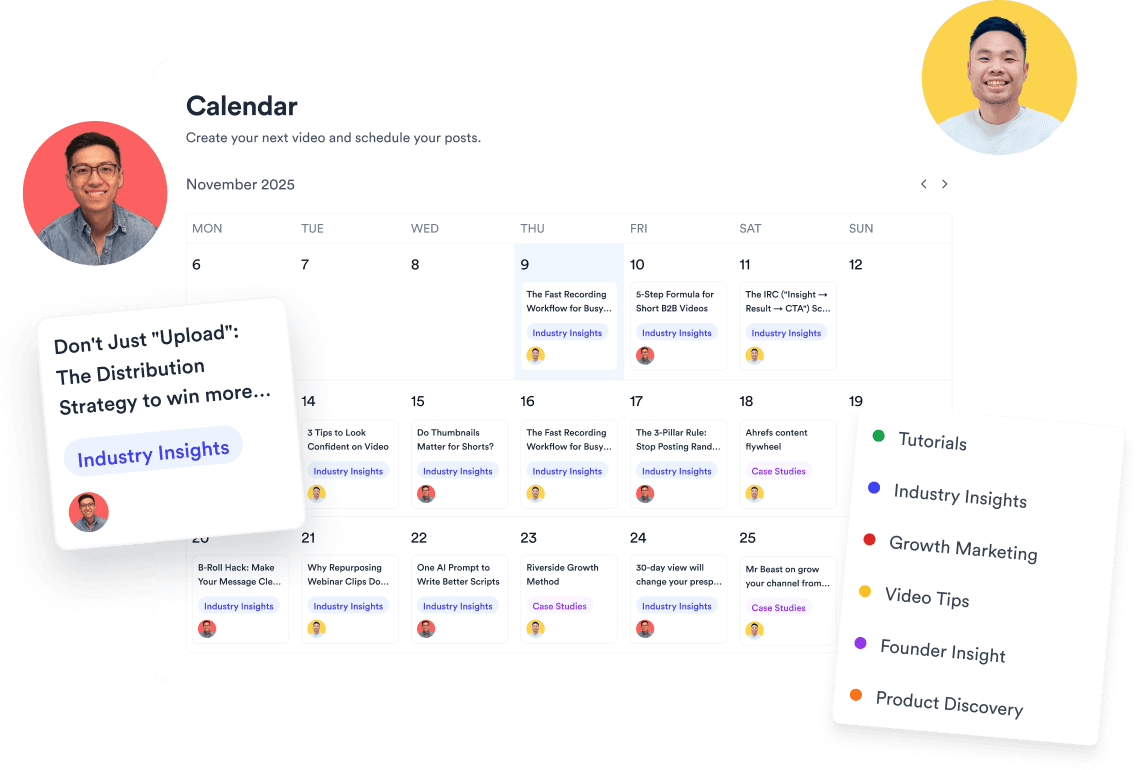
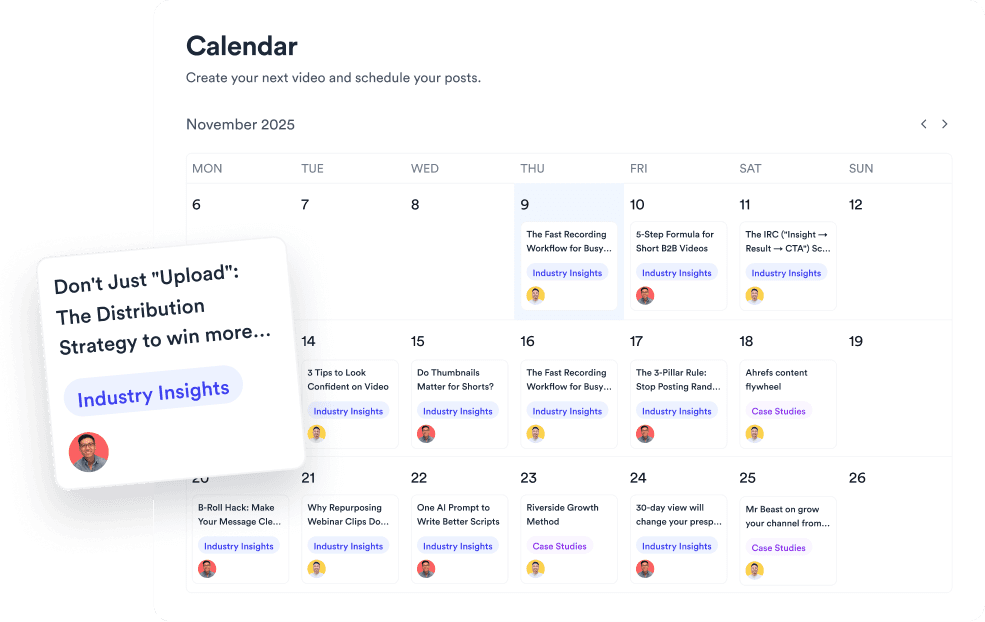
Jupitrr Content Calendar - month grid with video briefs, platform badges, and scheduled posts.
eXp Realty
BuildMapper
GatherVoices
myHealthspan
YourPolicy
Goflow
ZipSea
Watch the walkthrough

See the content calendar in action

A quick walkthrough of what a content calendar is and how to build one for your business.

Manage and publish all your video in one place

Map the month, schedule across every platform, and publish from the same view.

Organize the calendar around your content pillars

Tag every video with its pillar and funnel stage. Scan the month in one glance.

Jupitrr Content Calendar - videos tagged by pillar and funnel stage.

Collaborate, assign, and document as a team

Bring your whole team into one source of truth. Assign owners, update status, and keep every revision in the slot.

Jupitrr Content Calendar - team collaboration with assigned owners and revision history.

Schedule and publish across every channel

Post to TikTok, Reels, Shorts, YouTube, and LinkedIn from one brief. Track performance without jumping between eight tabs.

Jupitrr Content Calendar - scheduled videos across TikTok, Reels, YouTube, and LinkedIn.
Try it for free

Features to superpower your workflow

Content pillars organising posts by theme on the calendar.

Content Pillar Setup

Group posts by the recurring themes that drive your channel.

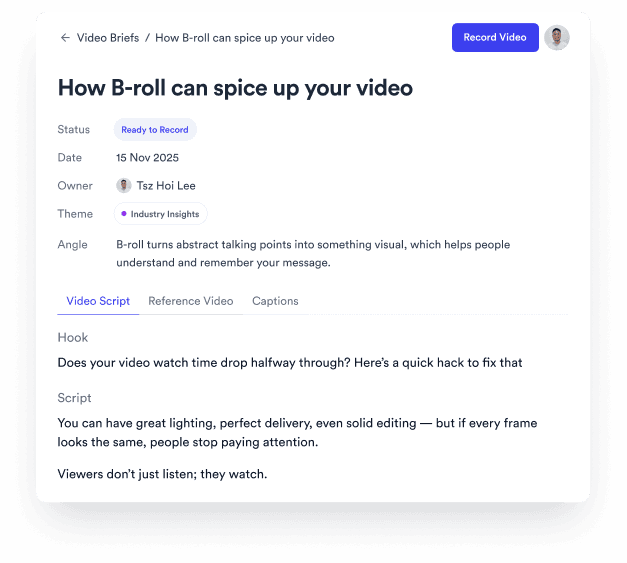
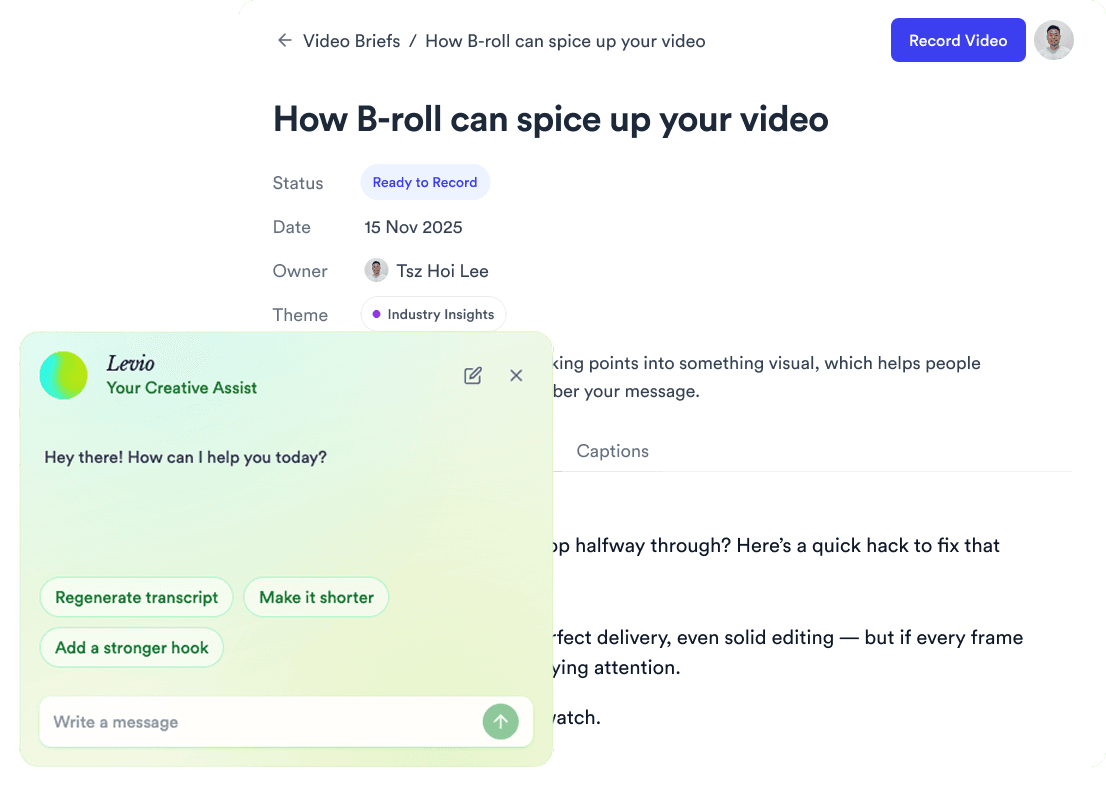
A calendar slot opening into a video brief.

Video Briefs

Hook, script, references, and B-roll picks live in every slot.
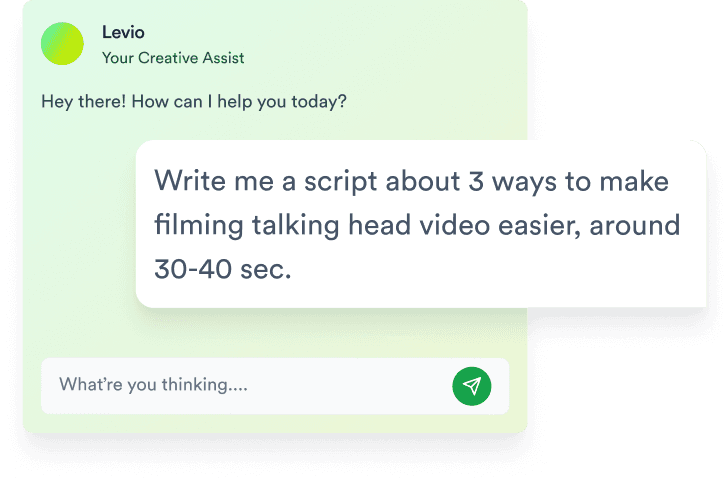
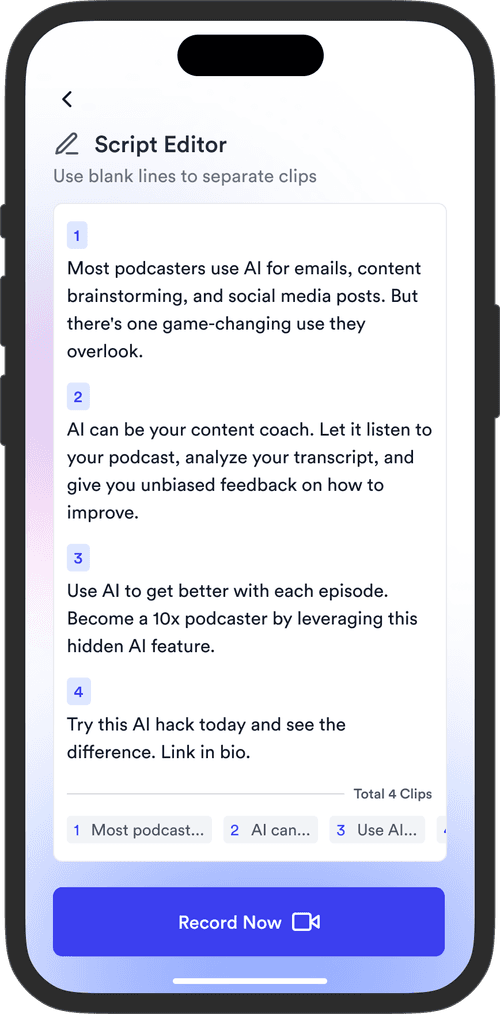
AI-generated script inside a video brief.

AI Script Writing

Drafts scripts in your tone, ready to record on day one.
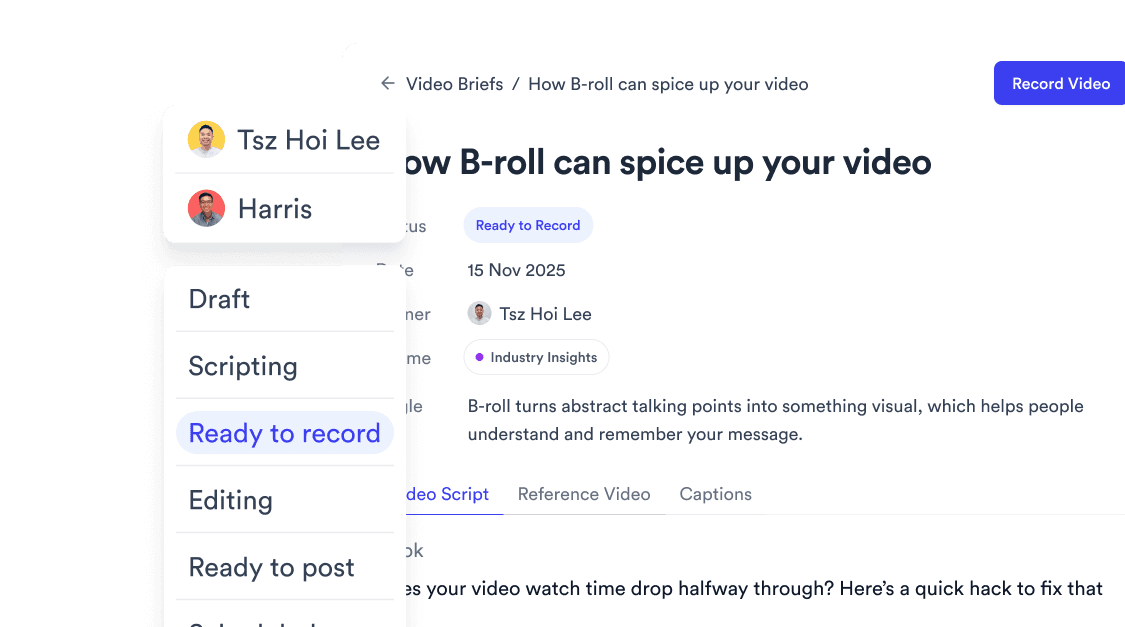
Team members assigned to calendar slots with status badges.

Team Collaboration

Assign owners and track Draft, Ready, Scheduled status per slot.
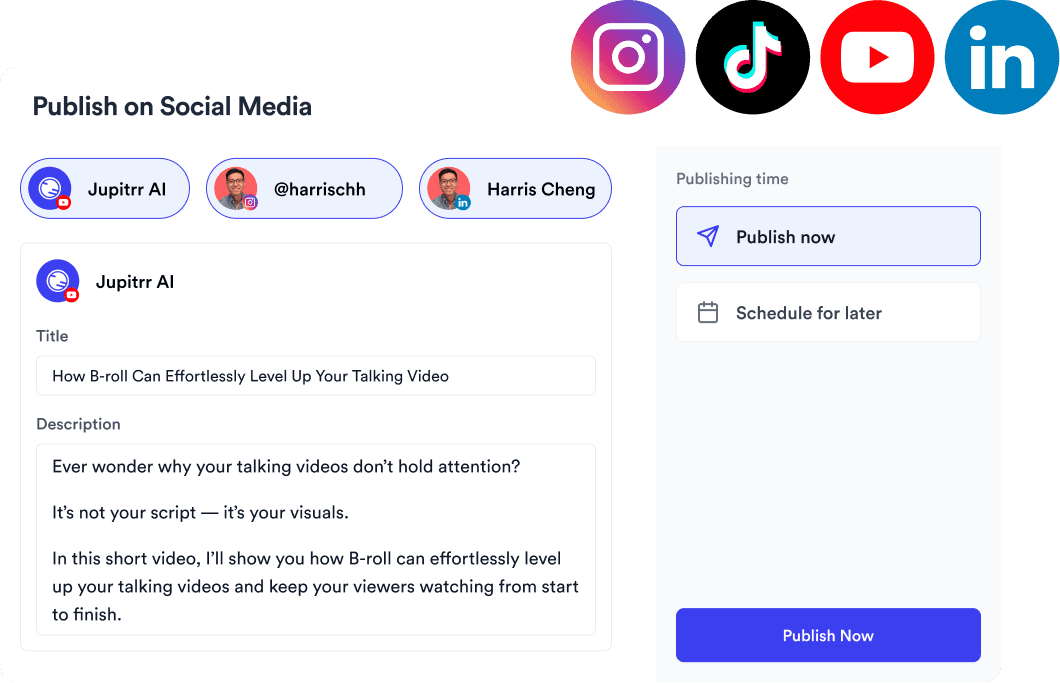
Multi-platform publishing badges on calendar slots.

Multi-Platform Publishing

Schedule TikTok, Reels, Shorts, YouTube, and LinkedIn from one date.
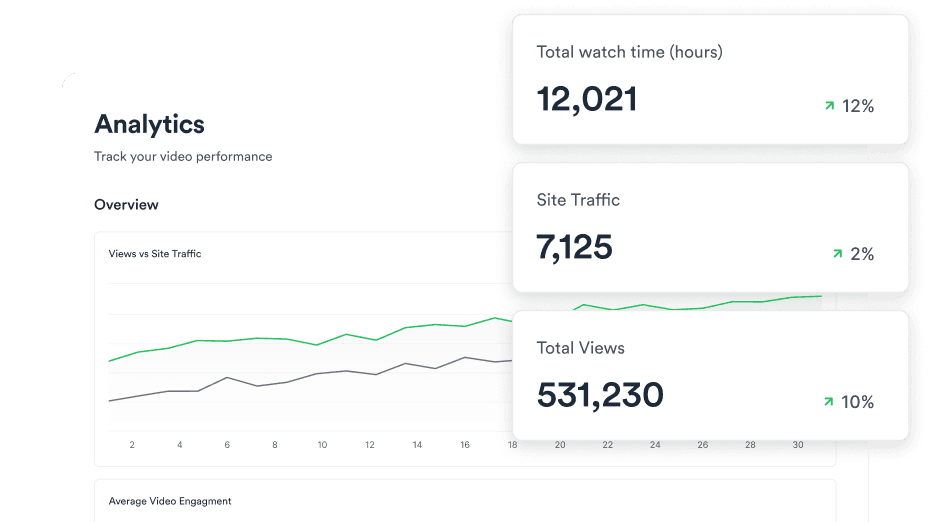
Analytics dashboard showing video performance per platform.

Video Analytics

See which posts drove views and what is worth repeating.

Trusted by 200k+ founders and marketers.

Video became so easy that we can produce so much more, promote our services better, and reach a bigger audience.
Sanjeet Mahajan
Sanjeet Mahajan
Founder of Kizzy Consulting
Jupitrr turns video creation into an effortless workflow, the edit is actually quality. Now I can focus on strategy.
Sanket Mittal
Sanket Mittal
Founder of Althra
Be able to shoot this and then getting a deliverable so quickly is amazing, It literally took me 90 seconds to record so I see the value.
Sean Huynh
Sean Huynh
Founder of Solara Talent
The CEO of a half-billion-dollar business told me he loves my videos. People think I hired a marketing agency.
Buck Foley
Buck Foley
Partner at Crescent Edge

Frequently asked questions

What is a content calendar for video - and how is it different from Notion or Buffer?
Notion and Buffer are not built for video. Jupitrr ships with video-specific fields per slot - hook, script, caption, reference video, and transcript - that you would have to build from scratch in Notion and cannot build at all in Buffer. Buffer and Later post finished files; Jupitrr plans and produces the video inside the same slot, so there is no copy-paste between four tools.
Can I plan TikTok, Reels, Shorts, and YouTube on one calendar?
Yes. Each slot shows the target platform, and you can render vertical and landscape cuts from the same brief. Filter by platform or view the full month - one idea, every channel.
Does Jupitrr auto-generate hooks and scripts for calendar slots?
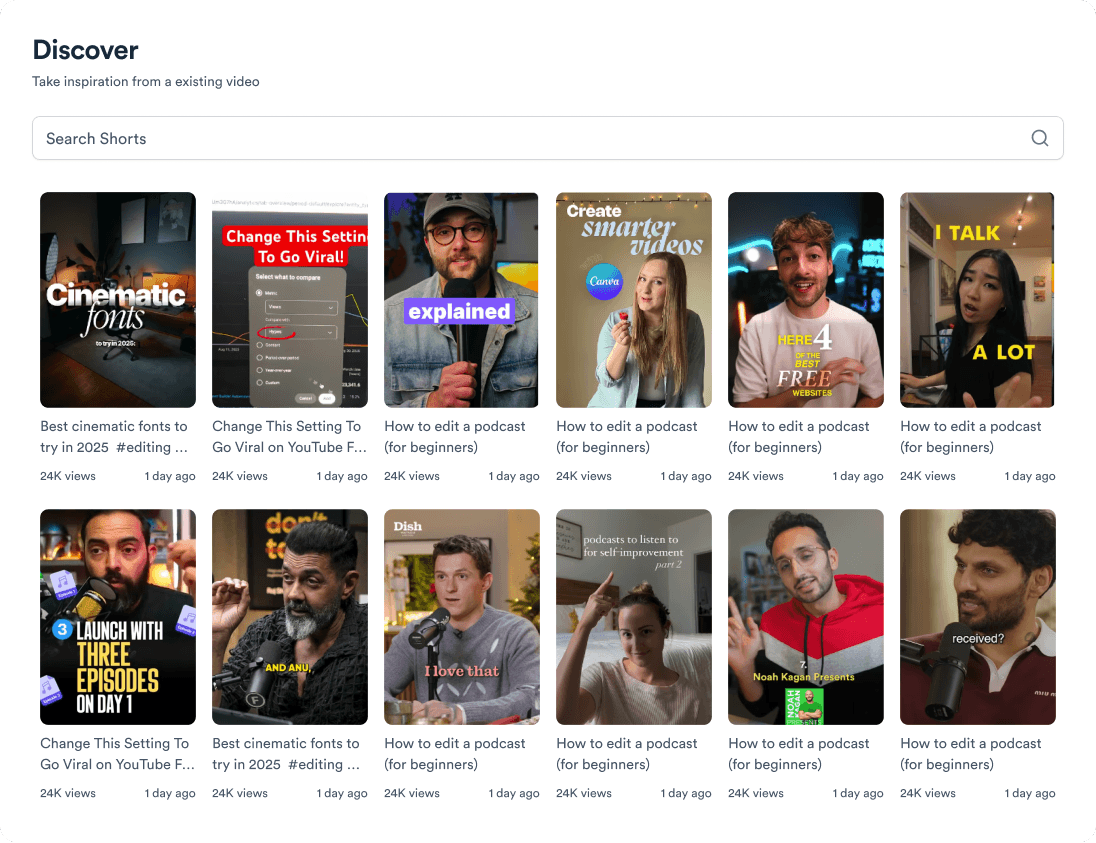
Yes. Drop a topic from Discover onto a date and Jupitrr drafts the hook, brief, and script in your channel voice. Edit any slot before filming - the AI gets you to a strong draft, not a locked script.
How does the content calendar compare to CapCut or Descript for planning?
CapCut and Descript are editors - they assume you already know what to post. Jupitrr starts at research and scheduling, then hands off to record, edit, and publish. Use them for a one-off cut; use Jupitrr when you need a repeatable posting cadence.
Can my team review and approve scripts before we film?
Yes. Share the workspace calendar, comment inside the brief, and mark slots as locked or open. Approvals happen on the actual script, not a spreadsheet row.
Is Jupitrr free to try - do I need a credit card for the content calendar?
You can start on the free plan with a limited number of briefs and uploads - no credit card required for the trial. Upgrade when you need more seats, scheduled posts, or team collaboration.
Can I schedule TikTok, Instagram, YouTube, and LinkedIn from the calendar?
Yes. After the video renders, queue the publish from the same slot at the date and time you picked. Failed publishes surface in the calendar so you can retry without leaving Jupitrr.
How do I fill a month of content without starting from blank cells?
Pull topics from Discover, paste blog URLs via blog-to-video script ai, or repurpose past videos onto new dates. Drag to rebalance the month when priorities shift - no full spreadsheet rewrite.

Plan the month. Ship every slot.

Pillars, scheduling, collaboration, and multi-platform publishing on one calendar. Free to start.

Try it for free
Jupitrr AI dashboard