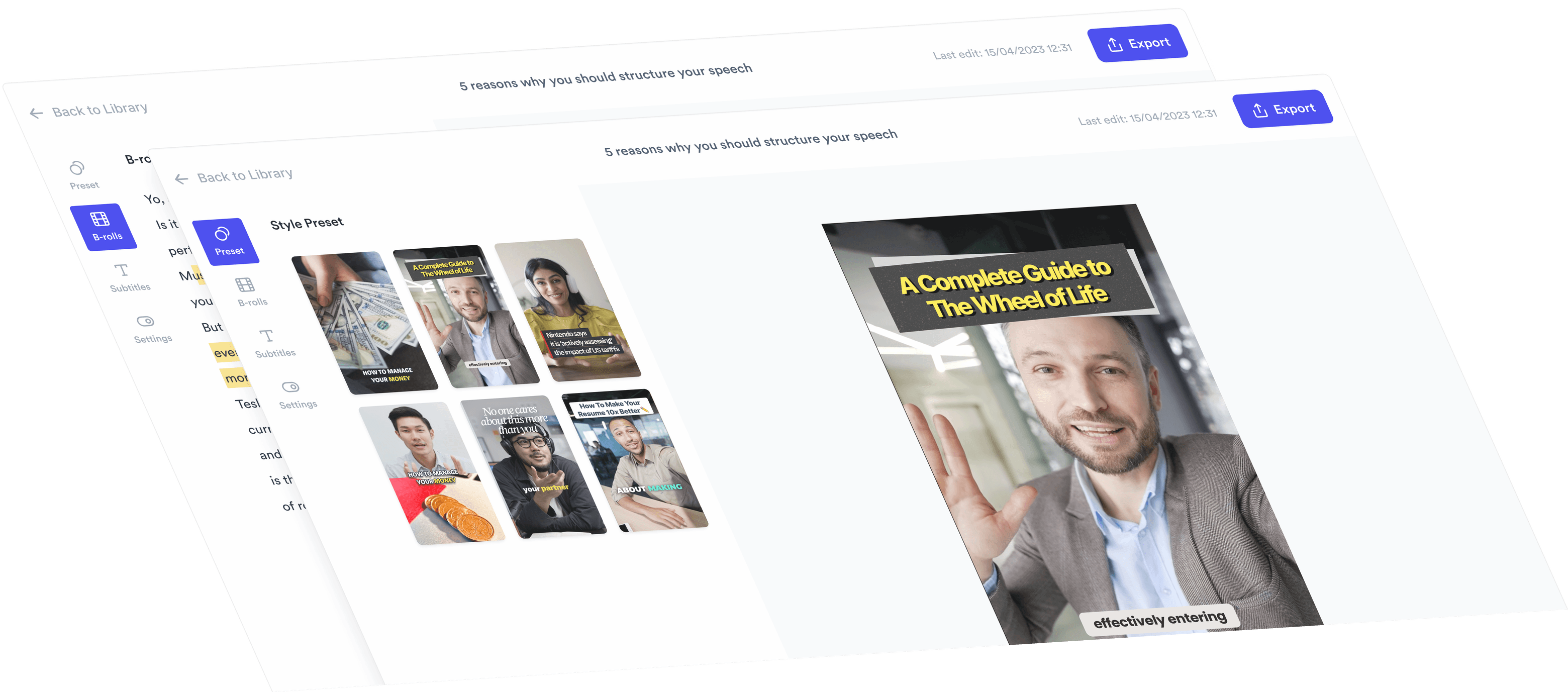
Screen Recorder with Webcam
Records your screen with your face overlaid in a circle.

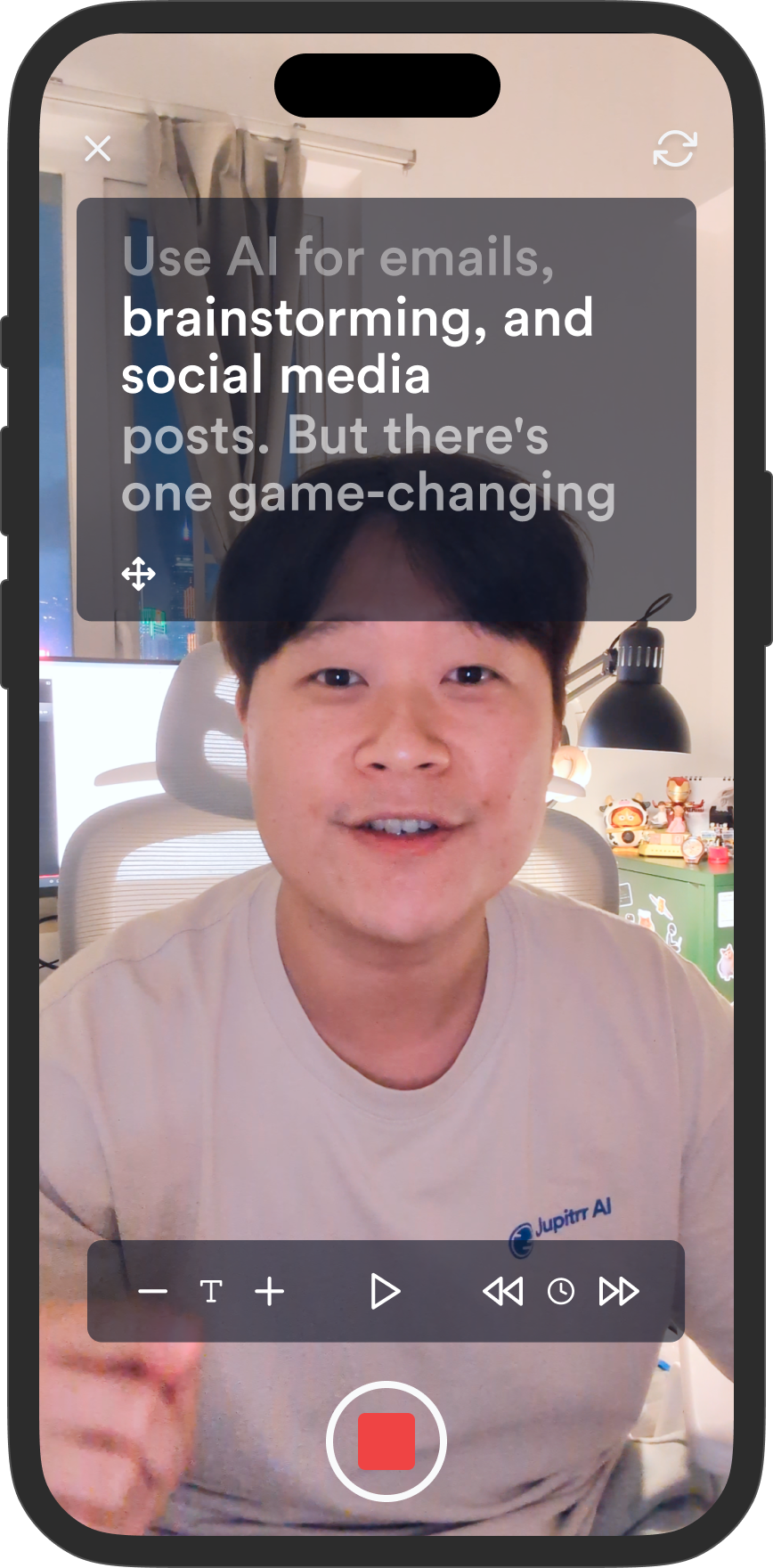
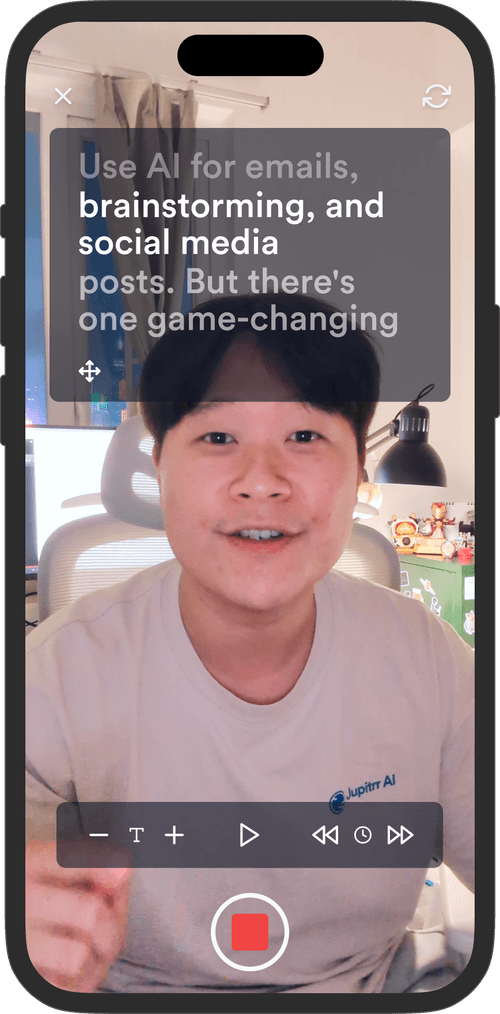
Scrolls your script on screen so you can read it while looking at the camera. Free in your browser, no signup, no install.
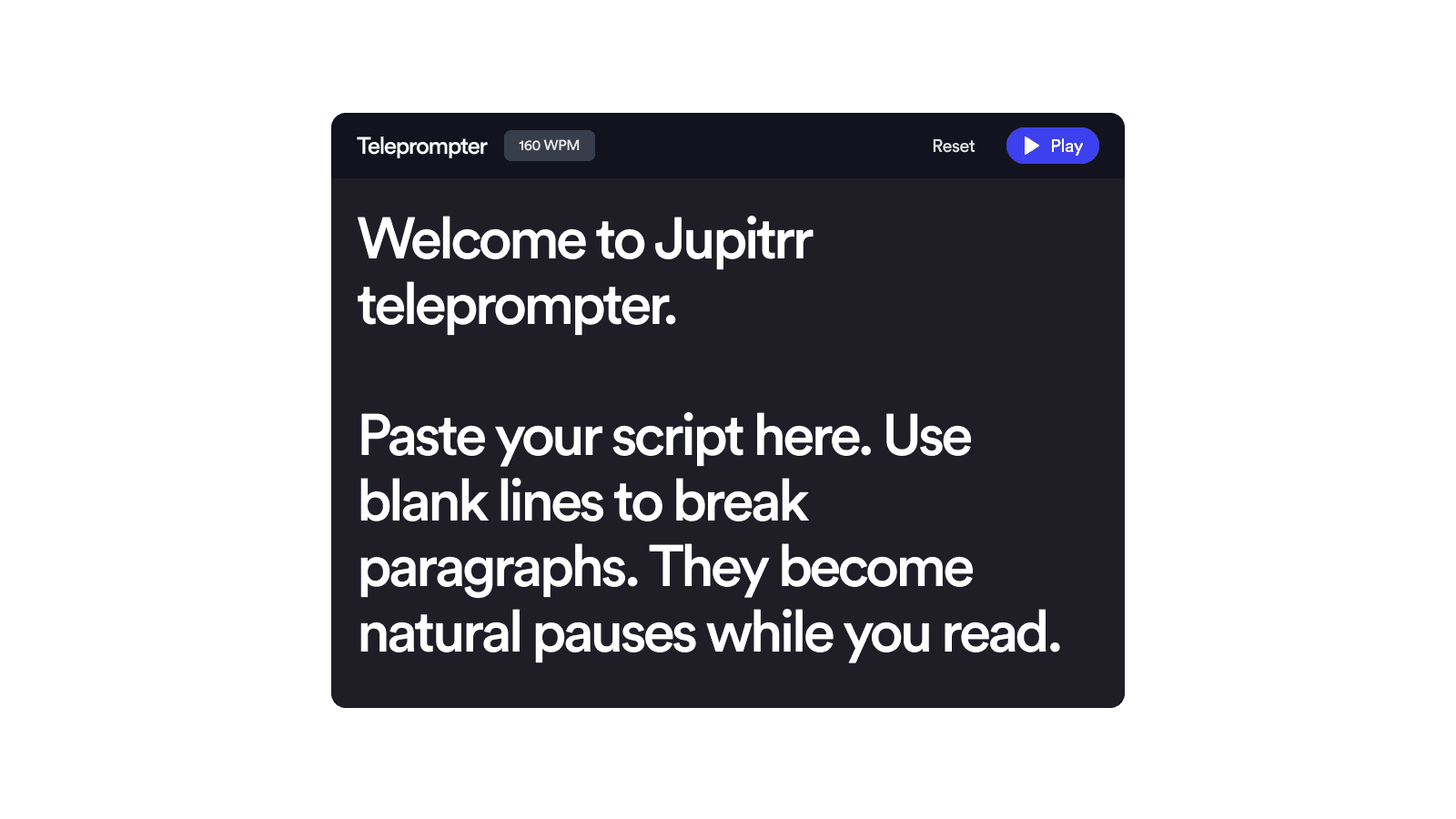
Drag the prompter next to your camera and size it to fit, so your gaze reads as eye contact, not reading.
Set speed in words per minute and adjust any time. Most people read comfortably at 140 to 170 WPM.
Runs entirely in your browser. Your script is saved on your device and never uploaded to a server.
Mirror mode flips the text for beam-splitter rigs, and fullscreen plus keyboard shortcuts keep reading hands-free.
Drop in any text. Line breaks become natural pauses and paragraphs scroll with breathing room.
Set your pace in WPM — most people read aloud around 140–170. Tweak font size and column width to match your setup.
Position the teleprompter near your camera lens, drag it to size, and start reading. Pause any time to take a breath or restart from the top.
The same scrolling-script rig news anchors use, minus the hardware.
An online teleprompter scrolls your script on screen while you read, so your eyes stay near the camera lens and the delivery sounds natural instead of memorized. With Jupitrr's Teleprompter, paste a script, set the pace in words per minute, and press play. The window drags anywhere on the page and resizes from the corner, so you can park the text right next to your webcam.
Deliver a full script to camera without memorizing a line.
Keep wording exact while your gaze stays near the lens.
Mirror mode reads correctly through reflective prompter glass.
Rehearse pacing out loud before you press record.
Records your screen with your face overlaid in a circle.

Records video and audio from your computer's camera and microphone.

Records you in vertical 9:16, ready for Reels, TikTok, and Shorts.
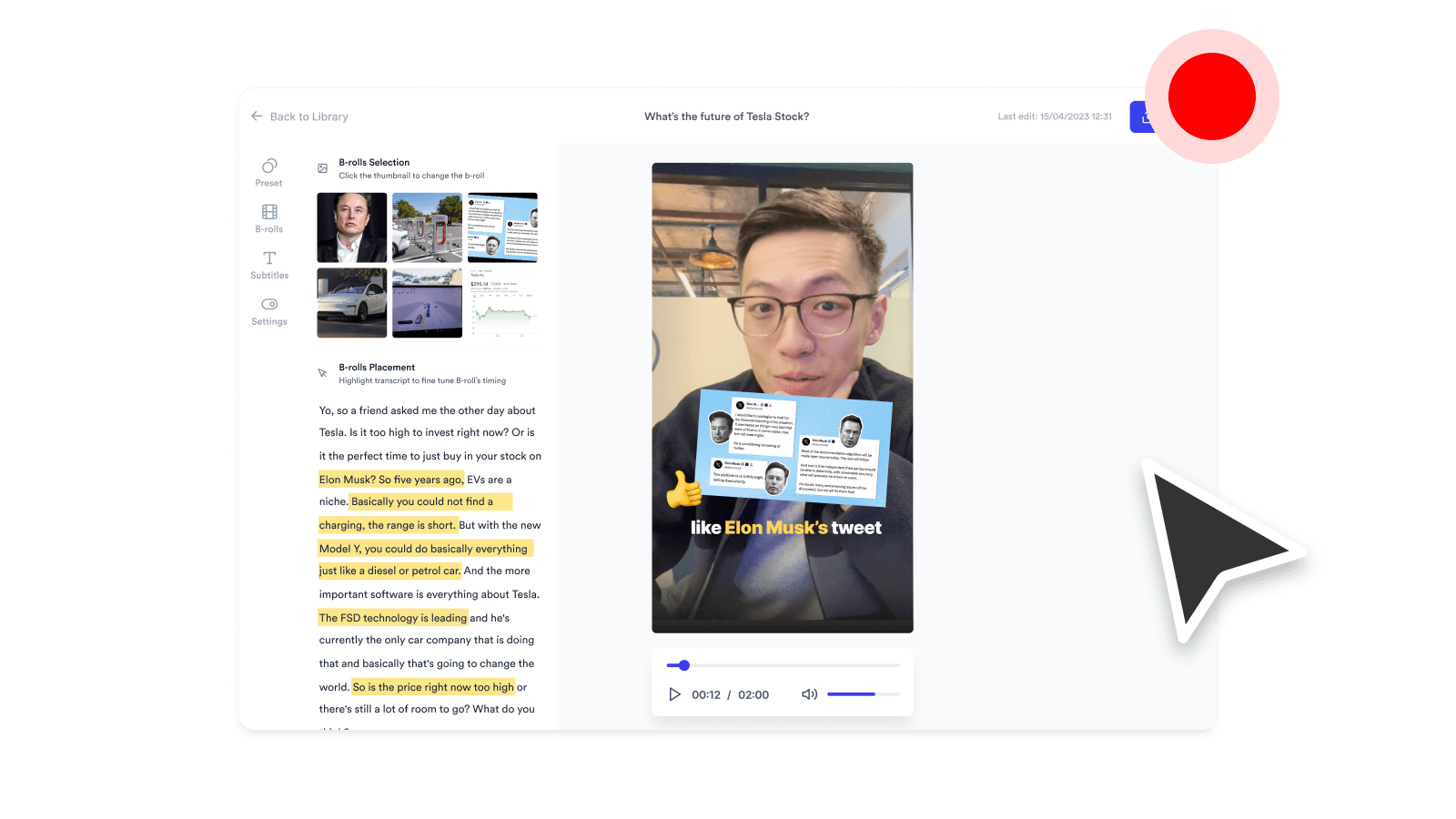
Captures a tab, window, or your whole screen as a video file, with mic audio.
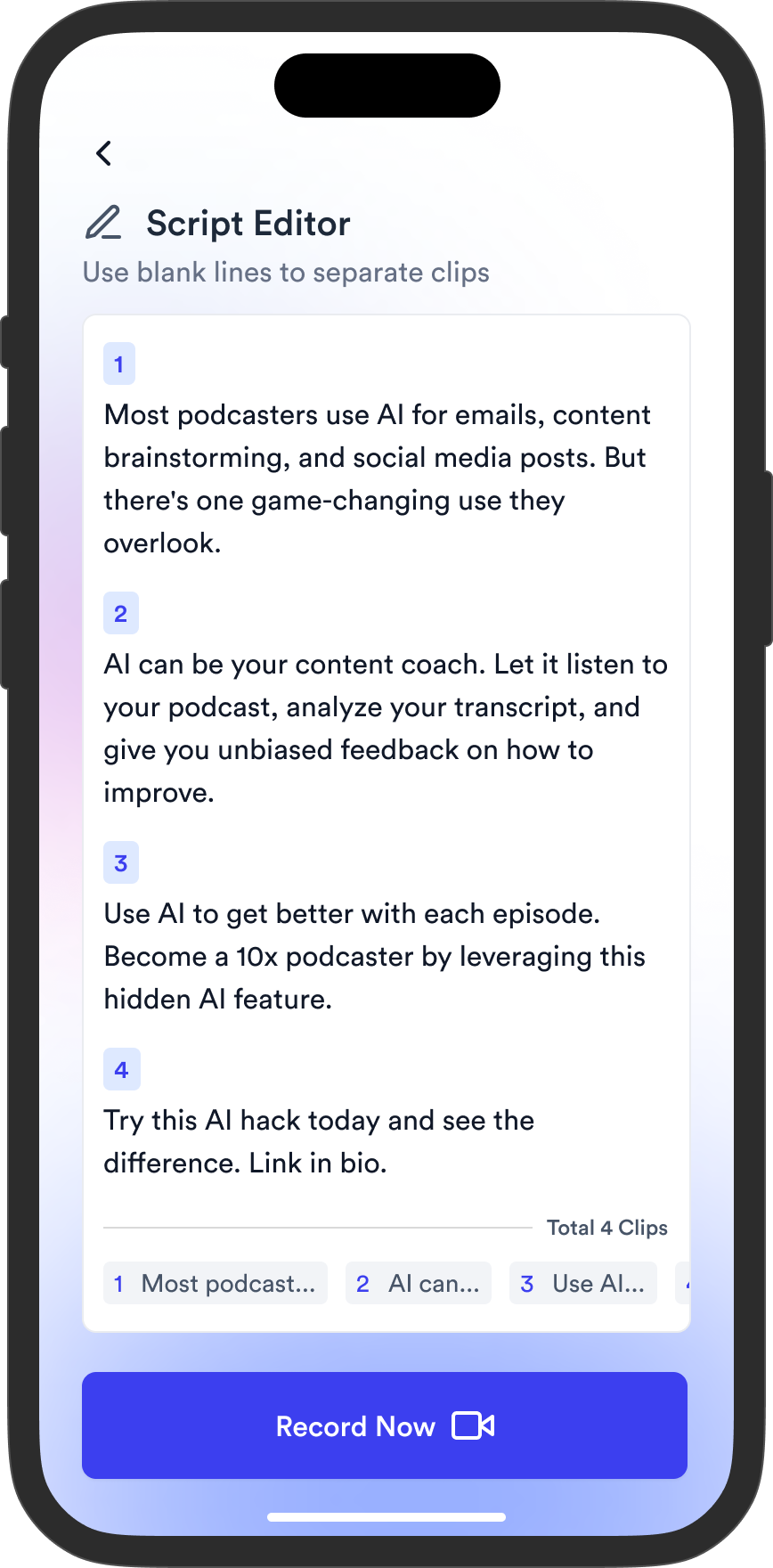
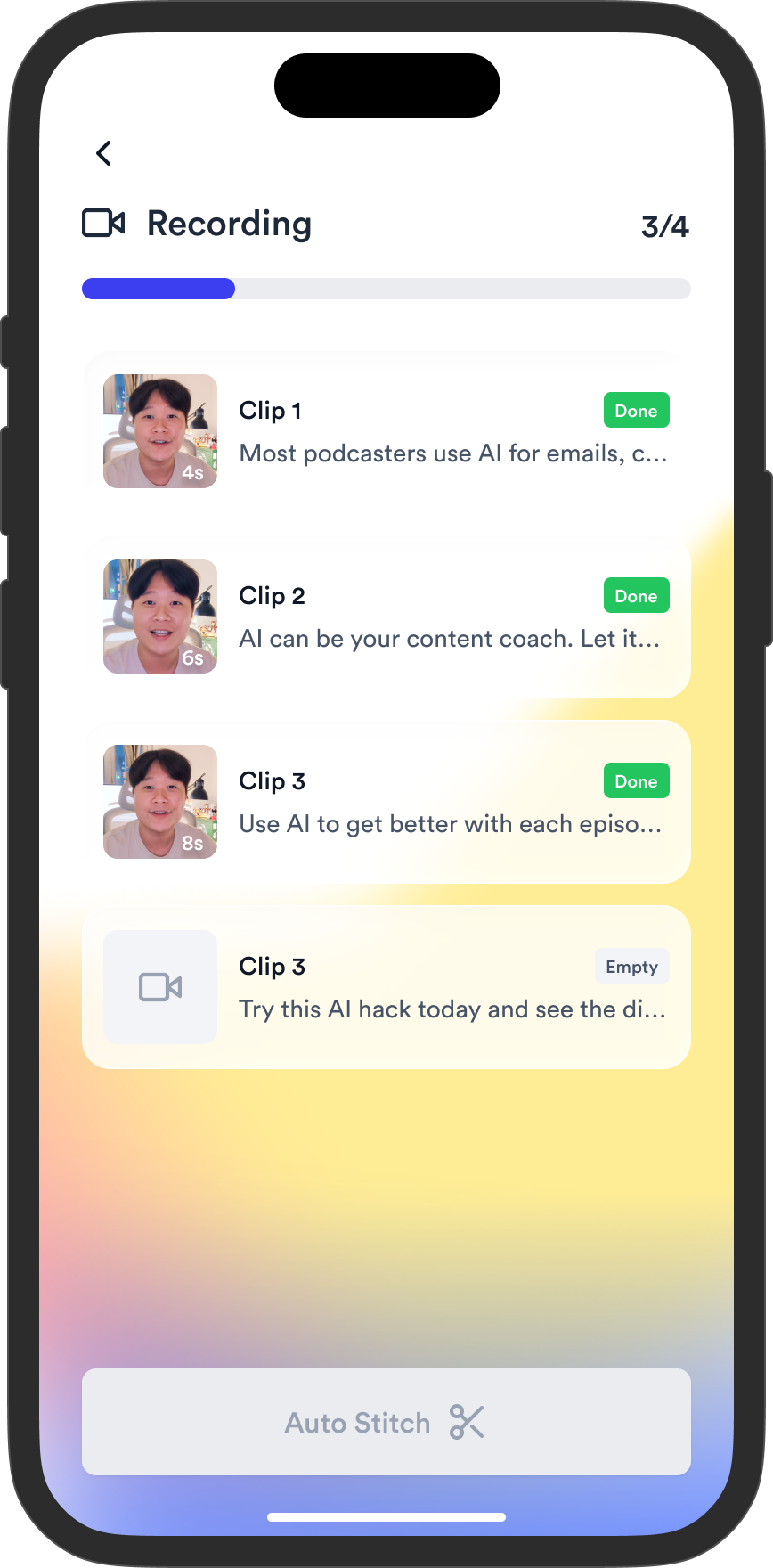
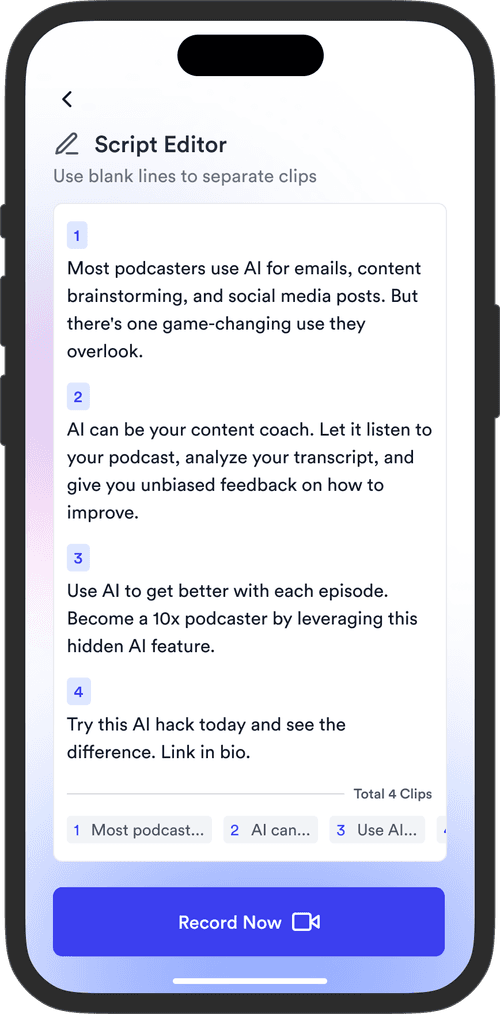
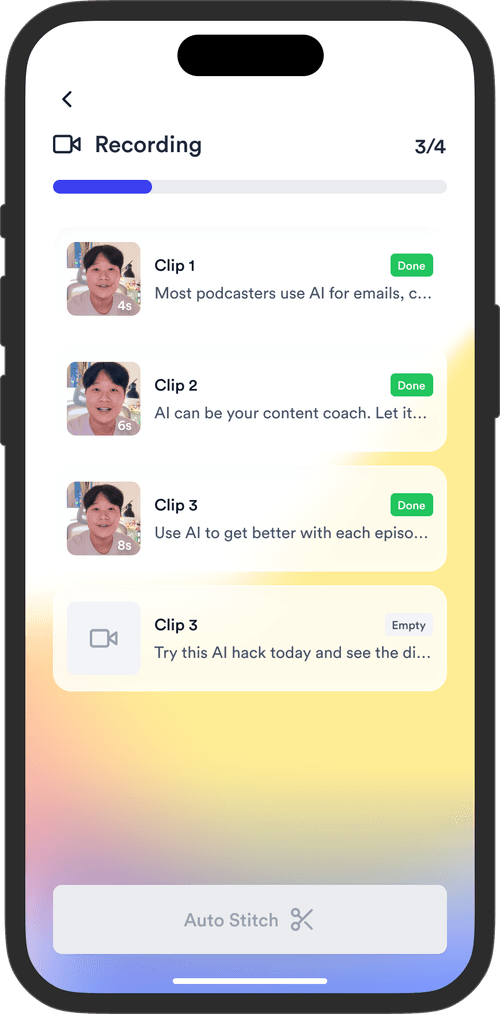
Record line by line on your phone. Jupitrr auto-trims silence, cuts retakes, and stitches the takes into one clean video. Free on iOS.
Jupitrr brings planning, scripting, recording, editing, and publishing into a single tool. Built for coaches and consultants shipping video consistently.


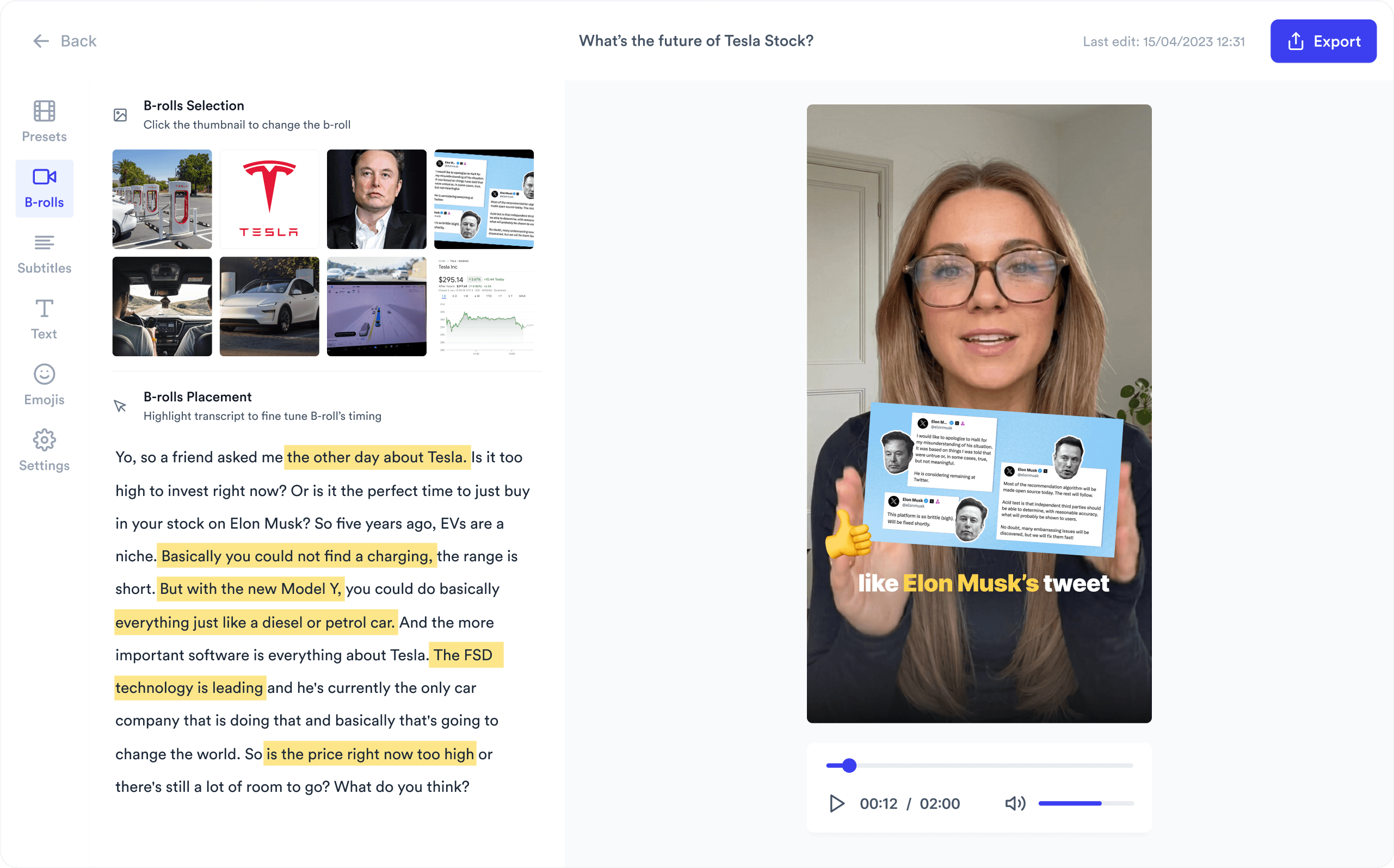
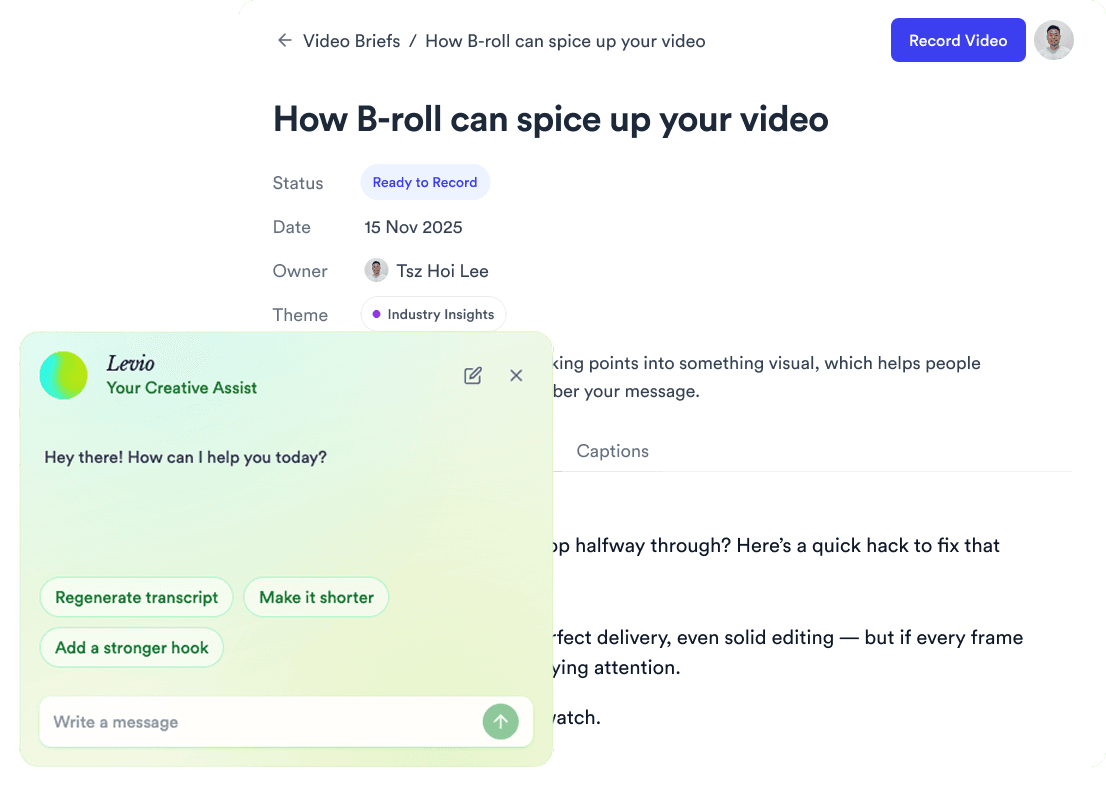
Trained on your scripts & viral scripting framework
Auto Jump-Cut & Silence Removal
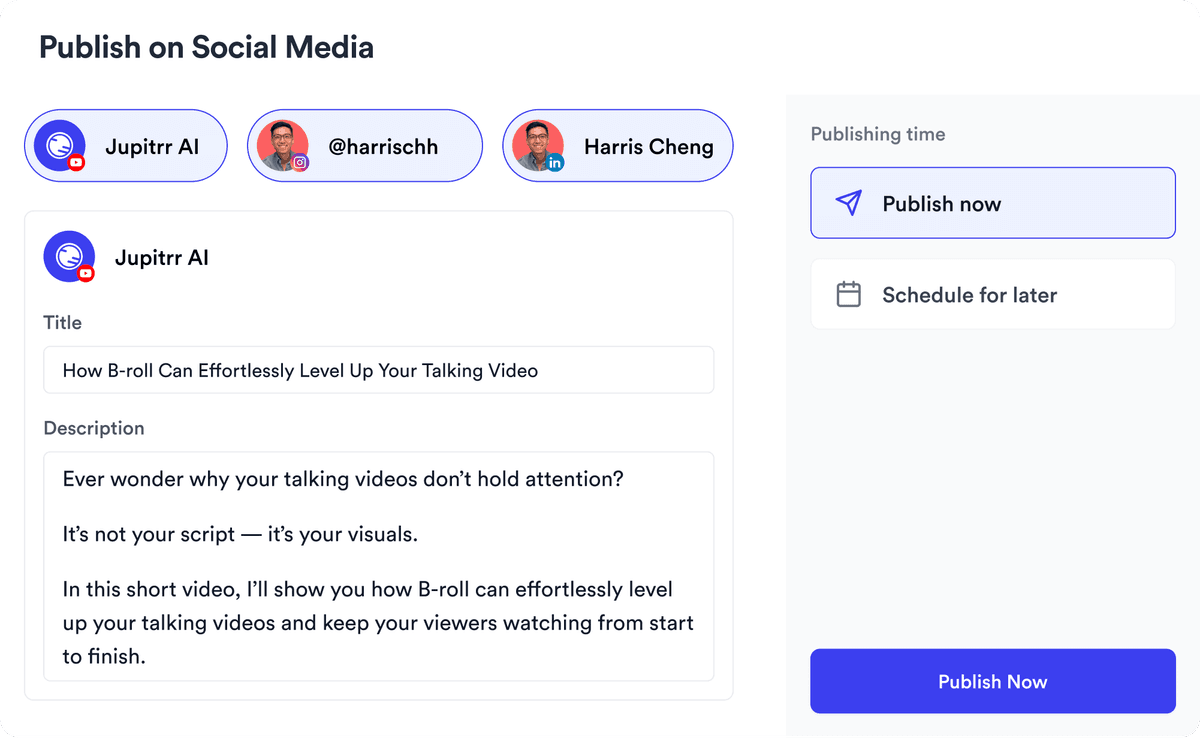
YouTube, Instagram, LinkedIn, TikTok, all at once.


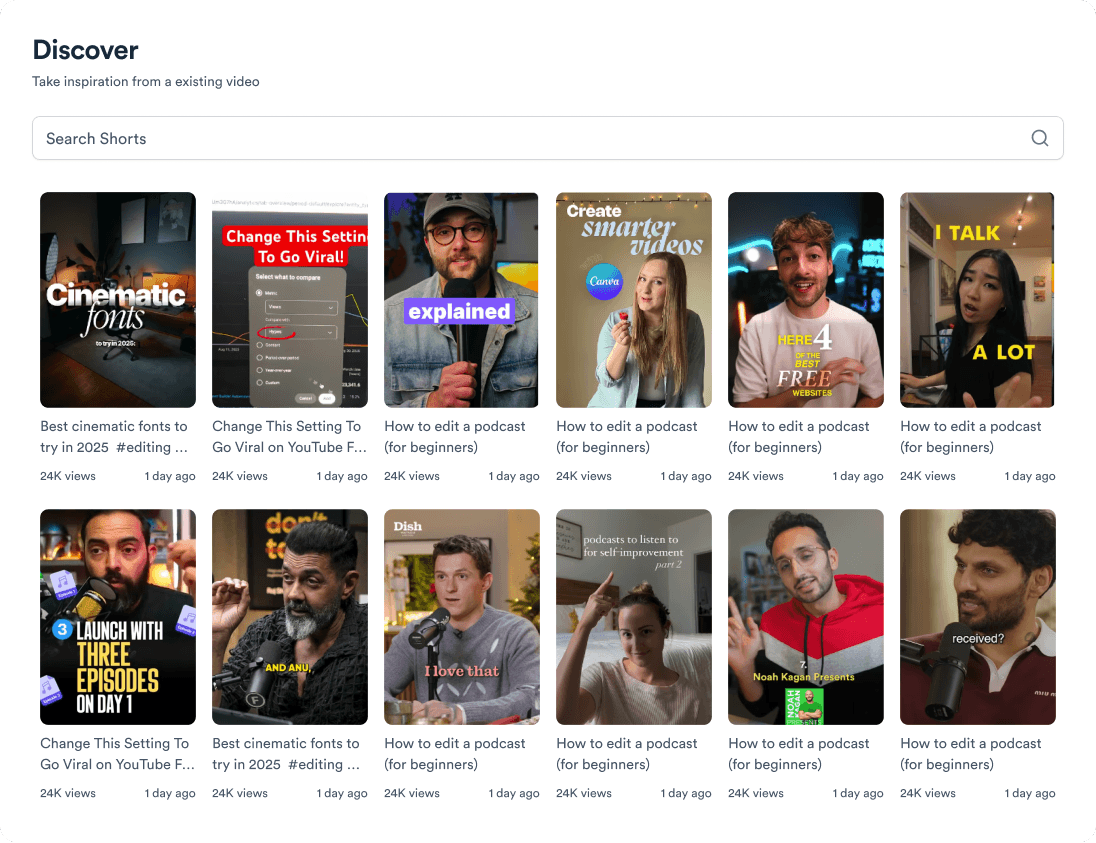
Get inspired for your next videos