
Jupitrr Cut
Record without bad takesummm...pausesretakesbad takesummm...pausesretakes
Jupitrr Cut is a free, open-source (GPL-3.0) line-by-line teleprompter that records your script scene by scene, trims the silence around every take, and stitches it all into one clean jump-cut video.








“I used to spend 2 hours on a 60-second video.
Now I get 4 done in 30 minutes.”
Buck Foley, Consultant
No one records it in one take. Until now.
Record line by line.
Nail every take.
Nail every take.
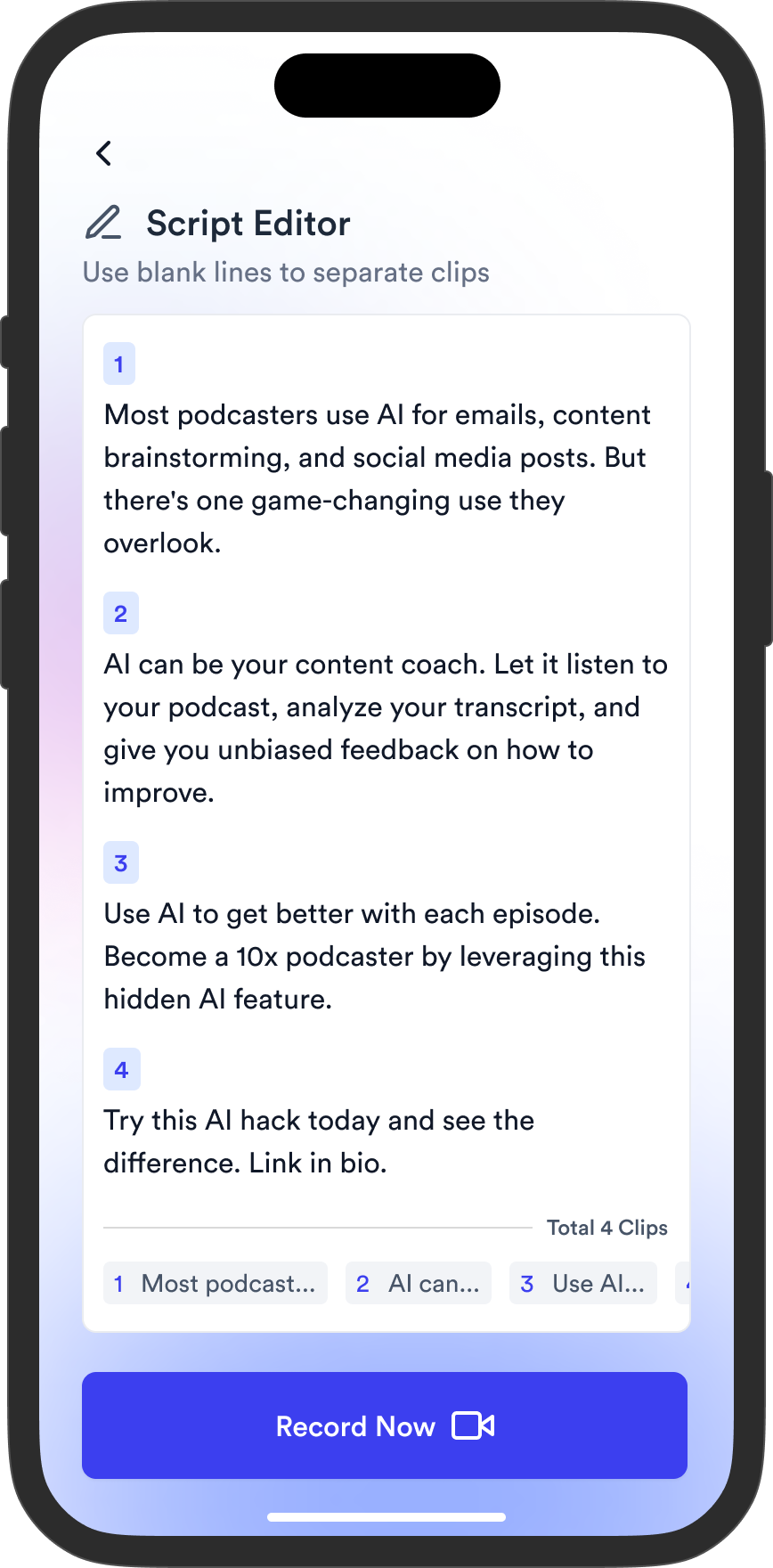
Write or import your script
Paste any script, or import one straight from Jupitrr. No more copy and paste.
Split into scenes
Your script breaks into short scenes at sentence ends. Merge or split them however you like.
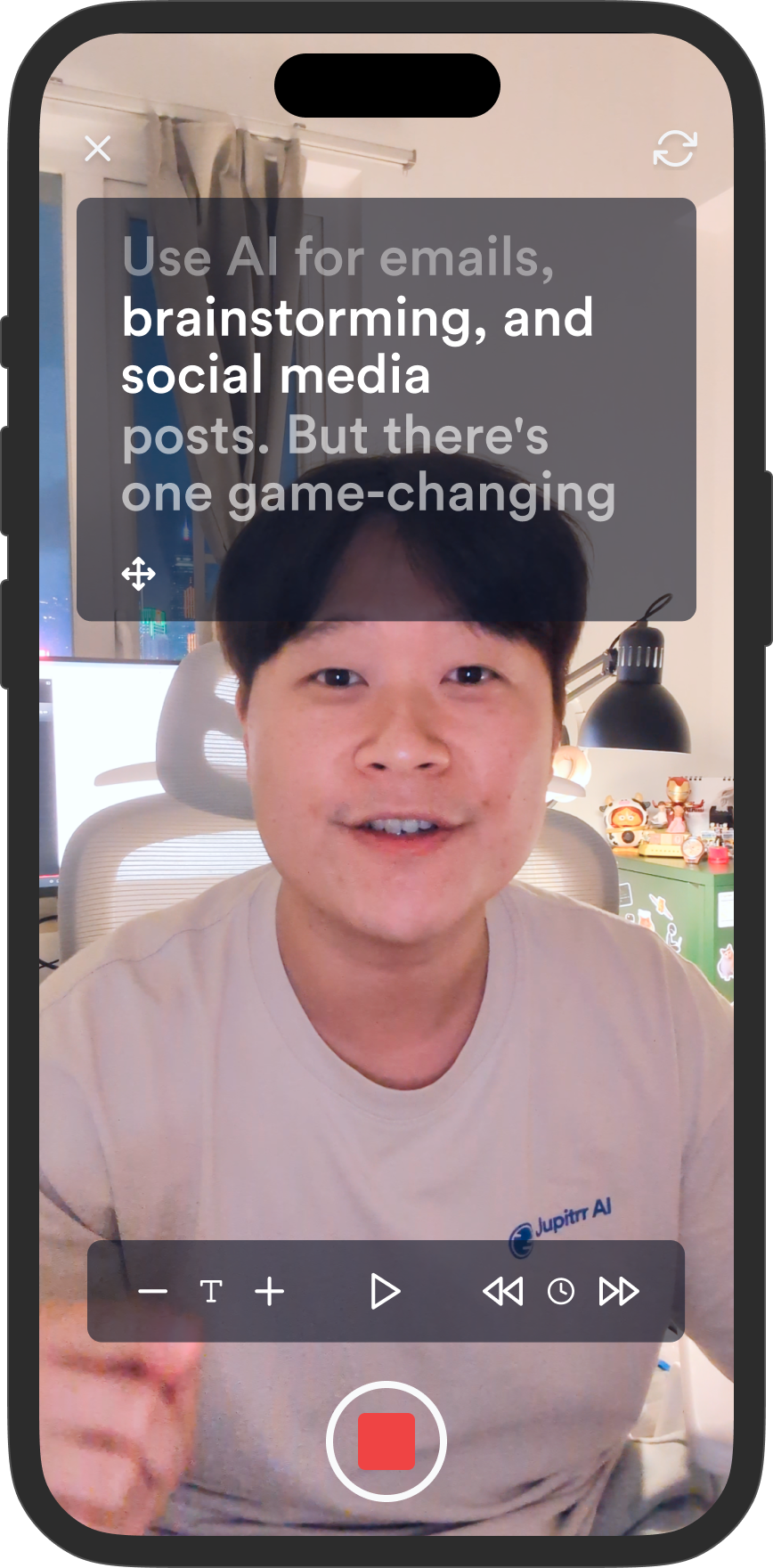
Record one scene at a time
Read each line off the prompter. Retake any scene without touching the rest.
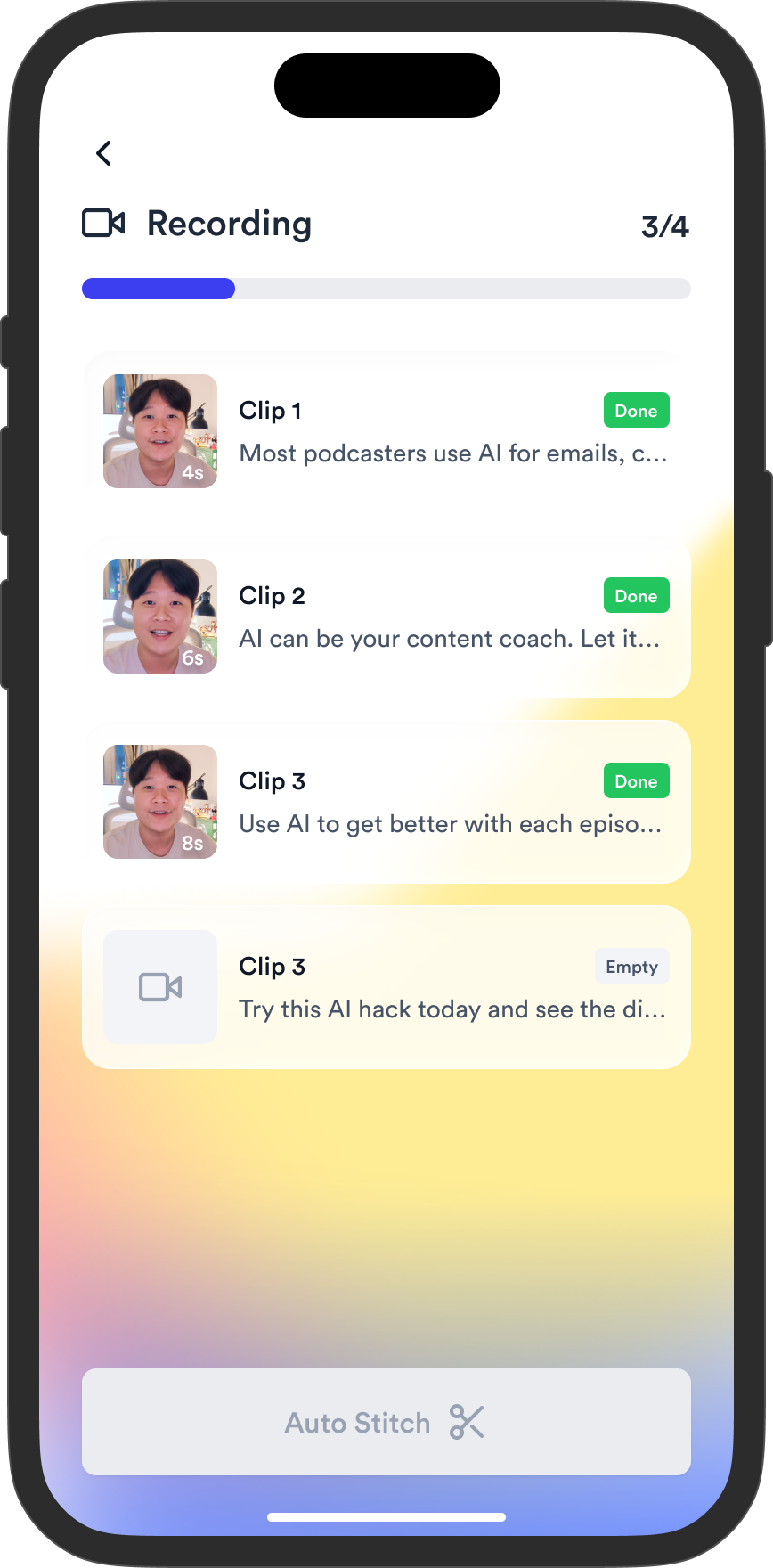
Trim the silence.
Jump cut every take.
Every take is trimmed and stitched into one clean video. Clips from your camera roll get the same treatment.


Editing done.
Ready on Jupitrr.
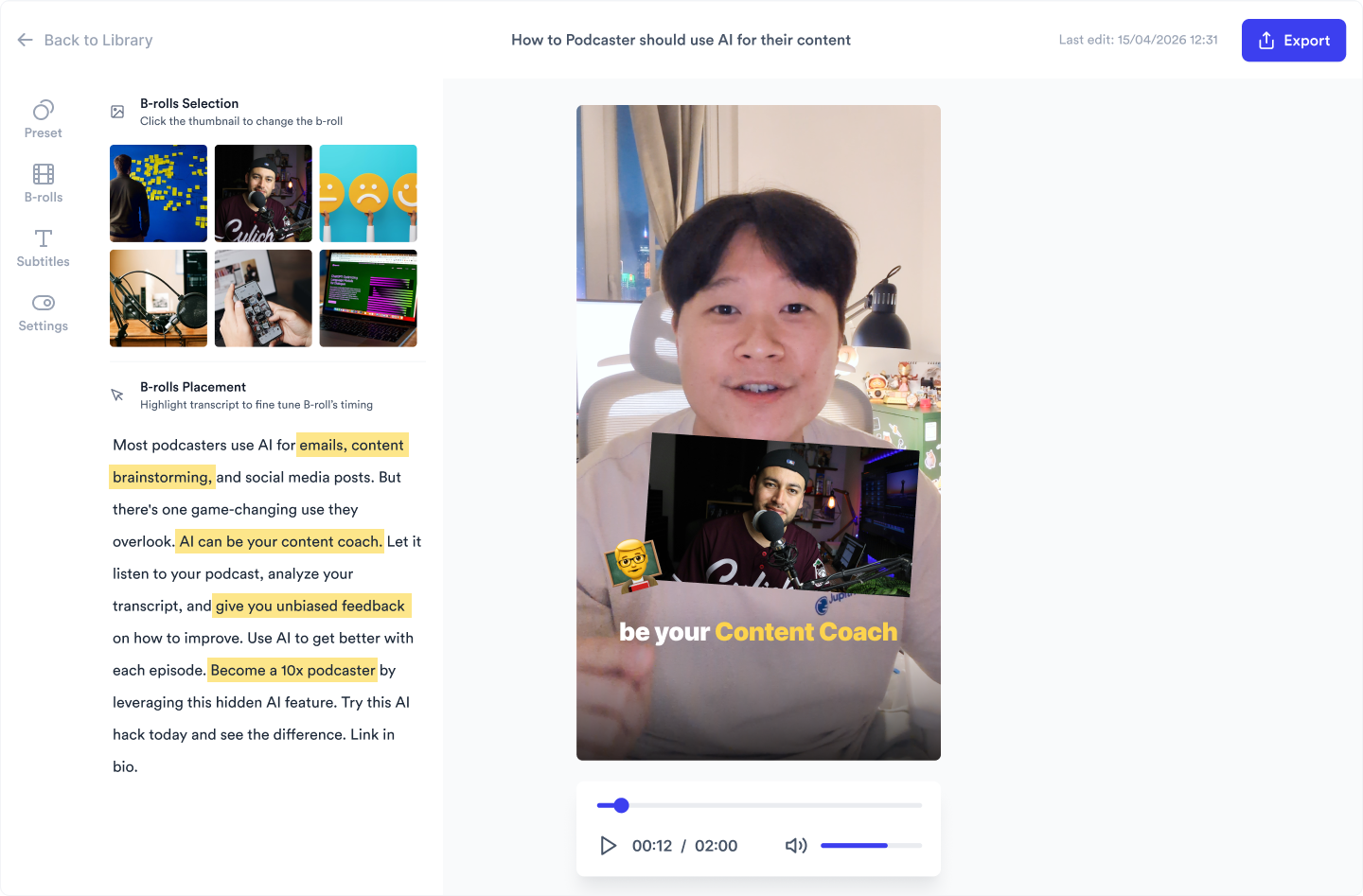
One tap uploads your video to Jupitrr, where subtitles and B-roll are added for you.
Trusted by 200K+ coaches and consultants
“Video became so easy that we can produce so much more, promote our services better, and reach a bigger audience.”

“Jupitrr turns video creation into an effortless workflow, the edit is actually quality. Now I can focus on strategy.”

“Be able to shoot this and then getting a deliverable so quickly is amazing, It literally took me 90 seconds to record so I see the value.”

Sean Huynh
Founder of Solara Talent

“Jupitrr turns video creation into an effortless workflow, the edit is actually quality. Now I can focus on strategy.”
“Be able to shoot this and then getting a deliverable so quickly is amazing, It literally took me 90 seconds to record so I see the value.”
Sean Huynh
Founder of Solara Talent
Frequently asked questions
What is Jupitrr Cut?
Jupitrr Cut is a free, open-source (GPL-3.0) teleprompter and video recording app for iOS and Android, listed as “JupitrrCut - Jump Cut Recorder” on the App Store and Google Play. Source on GitHub. You record a script scene by scene while reading from the prompter, retake any scene you want, and the app trims each take and stitches everything into one clean jump-cut video.
What is a line-by-line teleprompter?
A line-by-line teleprompter breaks your script into short lines or scenes and prompts them one at a time, instead of scrolling the whole script continuously. You record each line as its own take, so you never have to deliver the full script in one go or memorize anything.
What happens if I make a mistake while recording?
You retake just that scene. Every scene is recorded as its own clip, so a stumble in one line never forces you to restart the whole video. Record the scene again, keep the take you like, and move on.
Does Jupitrr Cut create jump cuts automatically?
Yes. Auto jump cut is on by default when you review your clips. It detects where you start and stop speaking in each take and trims the silence before and after, then joins the takes with hard cuts into one video. You can adjust any cut by dragging the trim handles, or turn auto jump cut off entirely.
Can I use videos I already recorded?
Yes, in two ways. Inside a project you can upload a clip from your camera roll instead of recording a scene. There is also a Stitches tab where you pick several videos from your library, put them in order, and run the same auto jump cut and stitch on them, no script needed.
Can I import scripts from Jupitrr?
Yes. Sign in with your Jupitrr account, tap Import from Jupitrr when creating a project, and pick from your recent scripts. The script is copied into the app and split into scenes, ready to record.
Can I send my video to Jupitrr for editing?
Yes. One tap uploads the finished video to your Jupitrr account, where subtitles are generated and B-roll is added automatically. Once processing finishes, you can open it in the Jupitrr editor to fine-tune and publish.
Can I save video ideas in Jupitrr Cut?
Yes. The Ideas tab keeps your notes and reference links in one place. Share a Reel, TikTok, or YouTube video into the app from your phone, and it is saved with a preview for when you script your next video.
Is Jupitrr Cut free?
Yes. Jupitrr Cut is free to download and use on iPhone and Android, with no watermark on your videos. Get it from the App Store or Google Play.
Record your next video with Jupitrr Cut
Free on iOS and Android. No watermark.