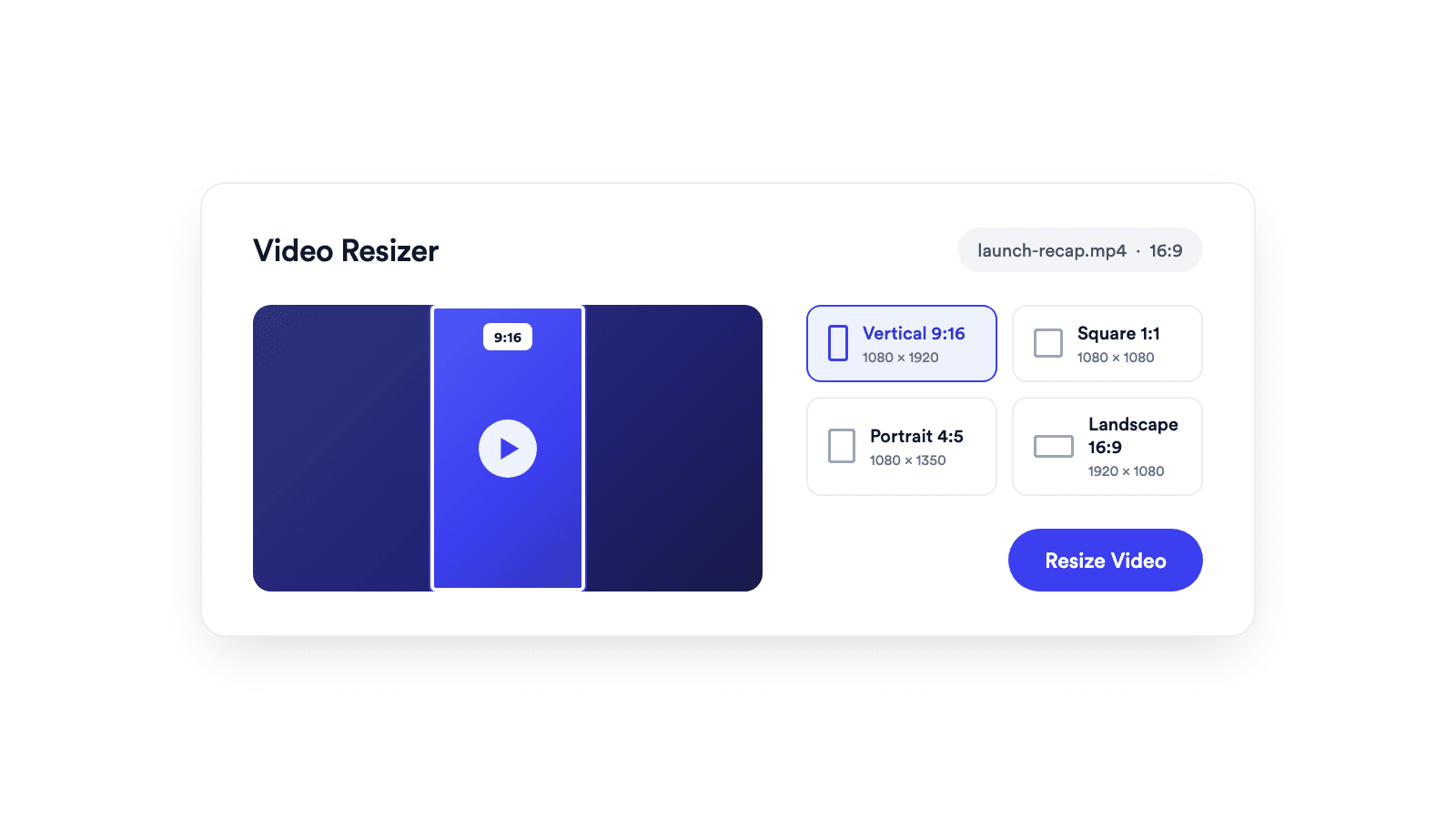
Video Resizer
Reframes a video for vertical, square, portrait, or landscape publishing.

Reduce a video file with adjustable quality and resolution controls while keeping it clear enough to publish.
Reading, processing, and downloading all happen in your browser. The video is not uploaded.
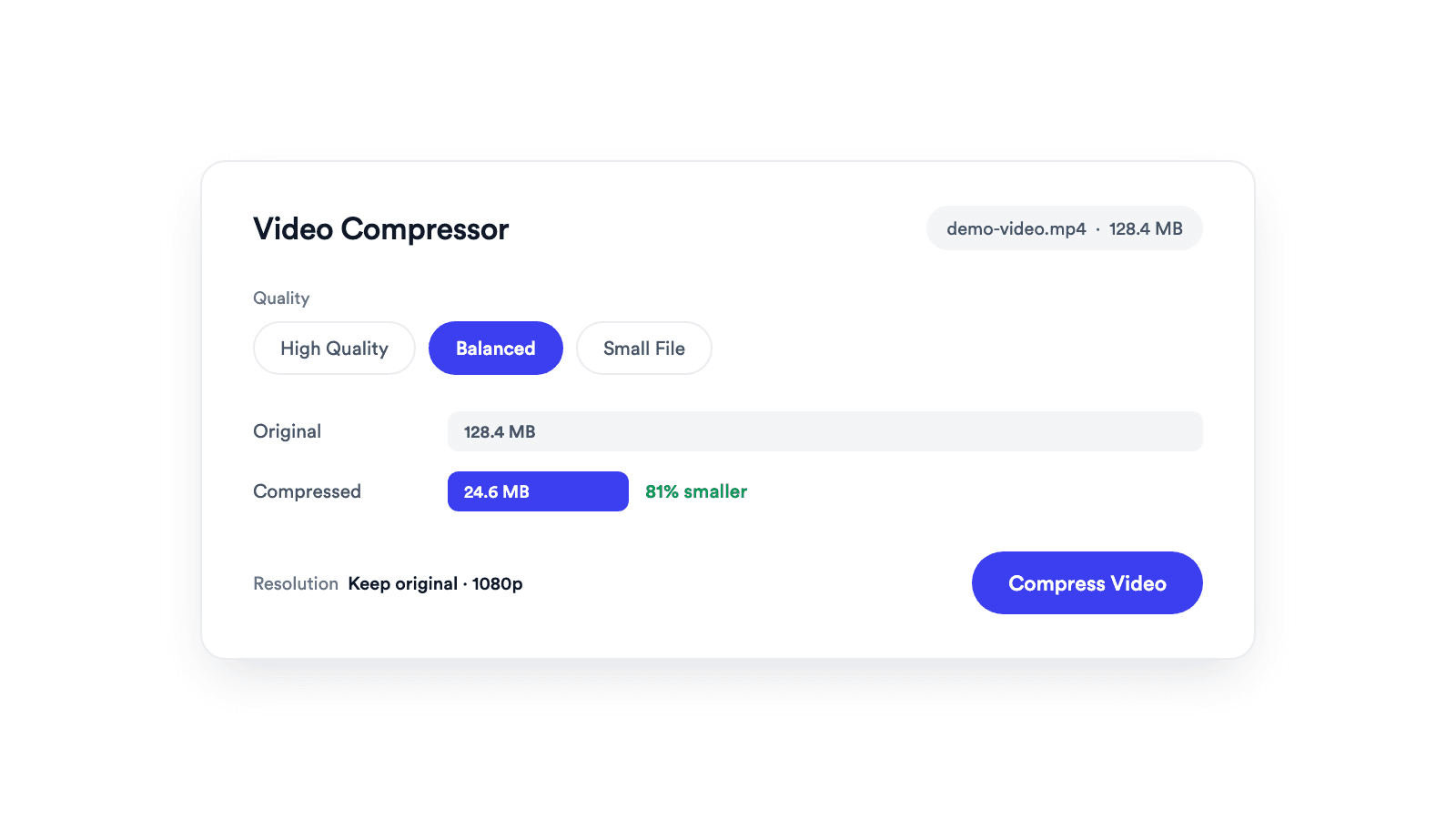
Pick High Quality, Balanced, or Small File, and keep or reduce the resolution.
Works in any modern browser with no signup and nothing added to your video.
Add an MP4, MOV, WebM, or M4V file that your browser can play.
Balance visual detail and file size, then choose whether to keep or reduce the original resolution.
Your browser re-encodes the video locally and gives you a new file to preview and download.
Smaller files, same publishable video.
A video compressor re-encodes a video at a lower bitrate so the file gets smaller. With Jupitrr's Video Compressor, everything runs locally in your browser: choose an MP4, MOV, WebM, or M4V file, pick a quality preset and resolution, then preview and download the smaller video.
Get a large recording under the size limit of wherever it is going.
Smaller files download and send in a fraction of the time.
Drop the resolution when full size is more than the platform needs.
Keep more takes around without filling your disk.
Reframes a video for vertical, square, portrait, or landscape publishing.
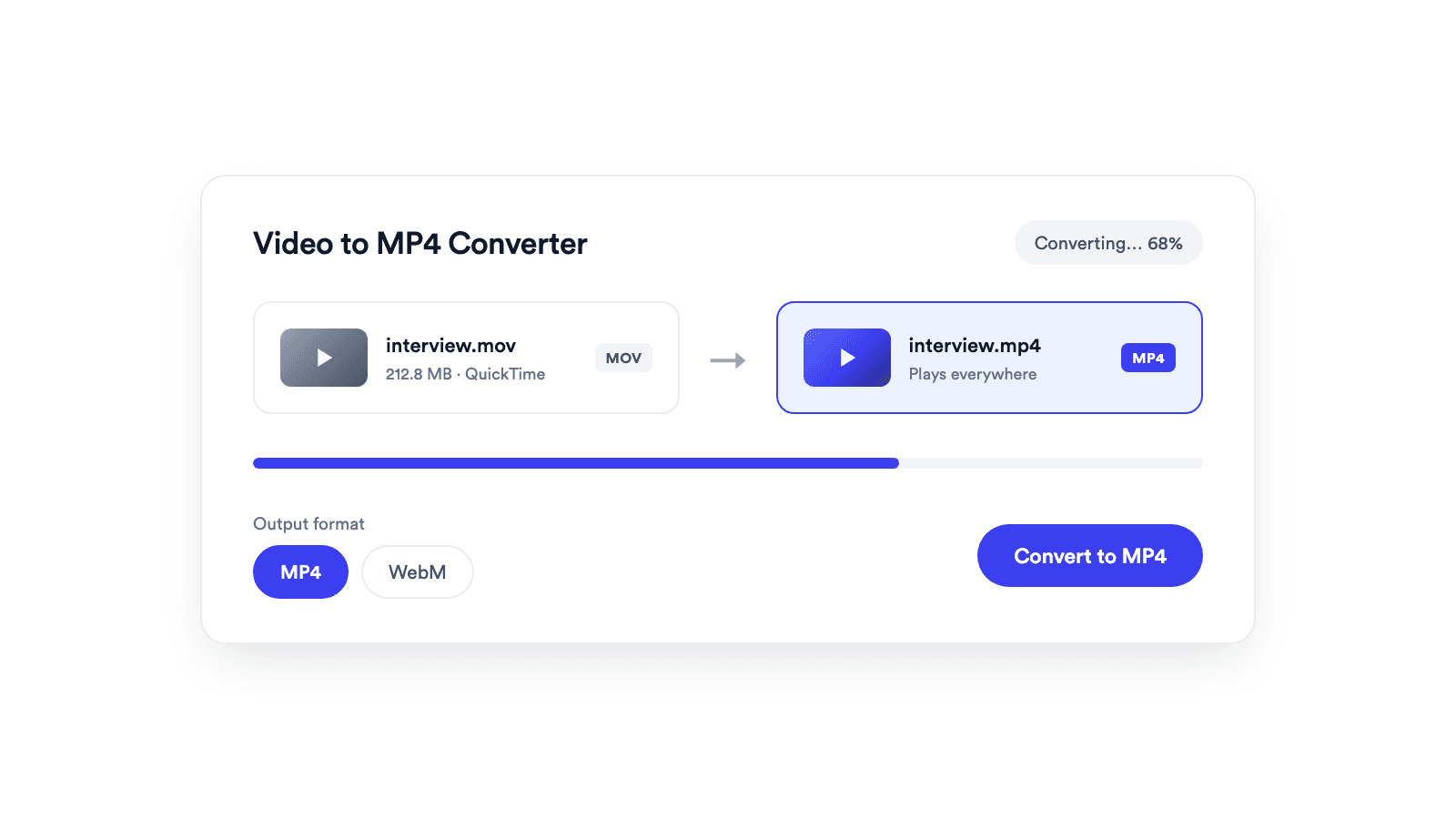
Converts browser-supported video files to MP4 or WebM on your device.
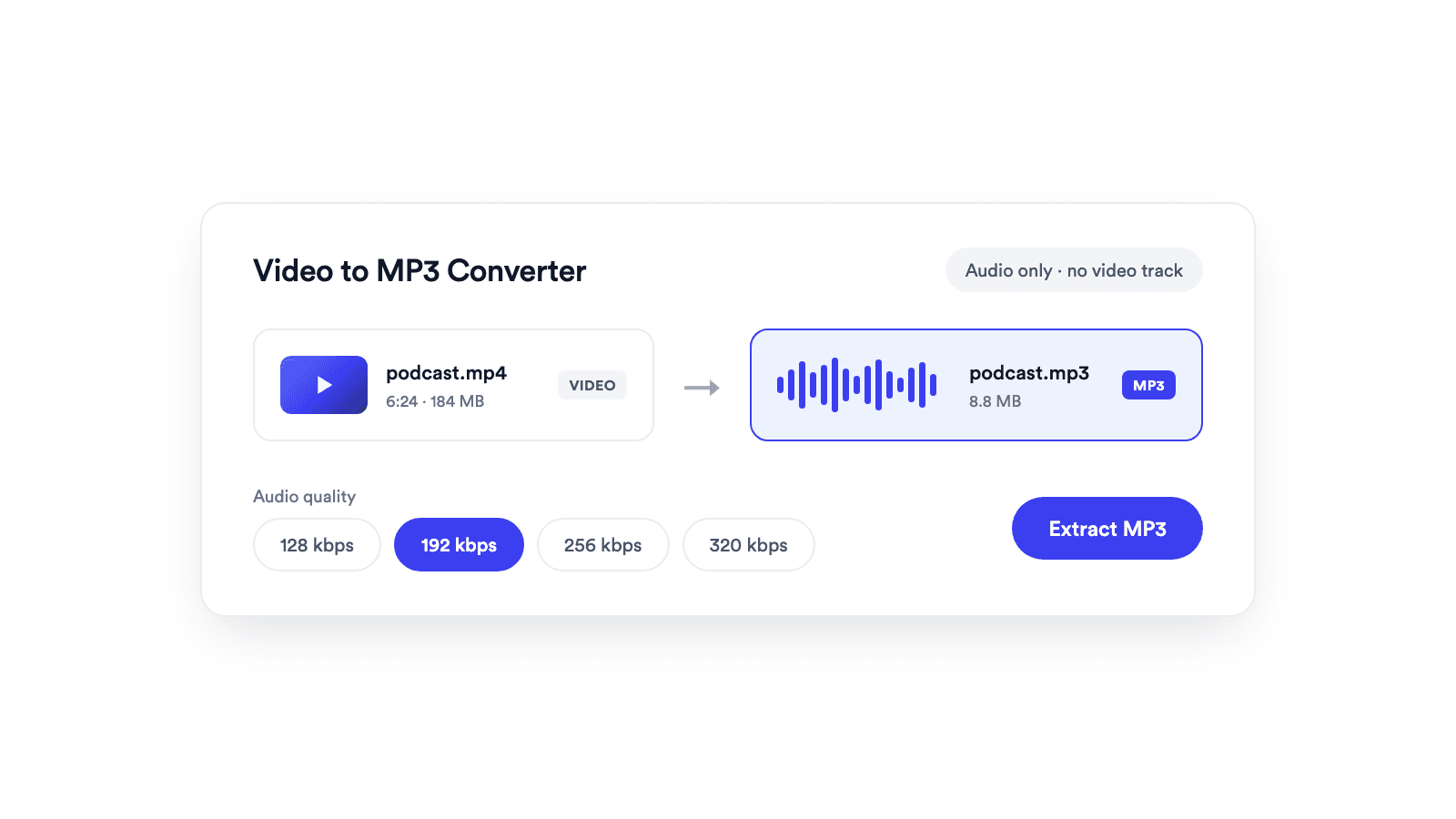
Extracts the audio from a video and saves it as a real MP3 file.

Cuts unwanted sections out of clips and joins them into a single MP4.
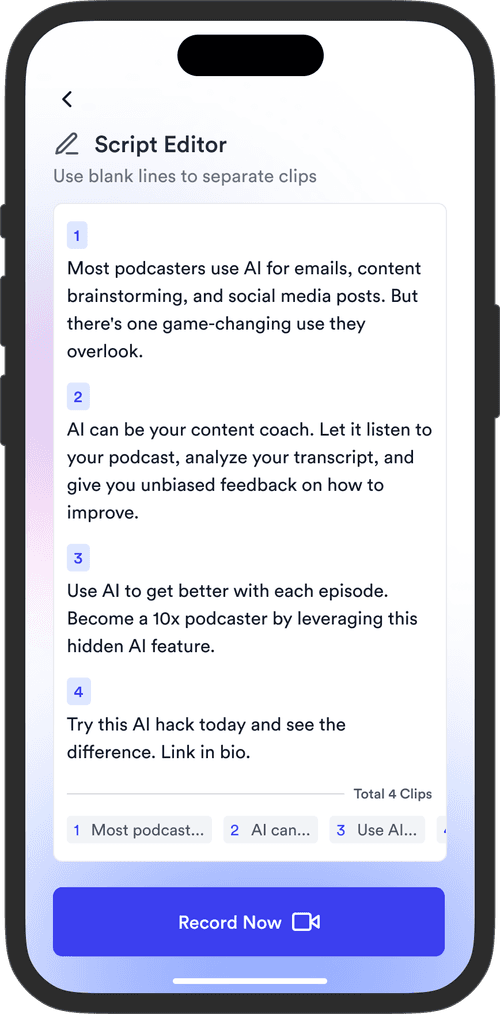
Jupitrr brings planning, scripting, recording, editing, and publishing into a single tool. Built for coaches and consultants shipping video consistently.




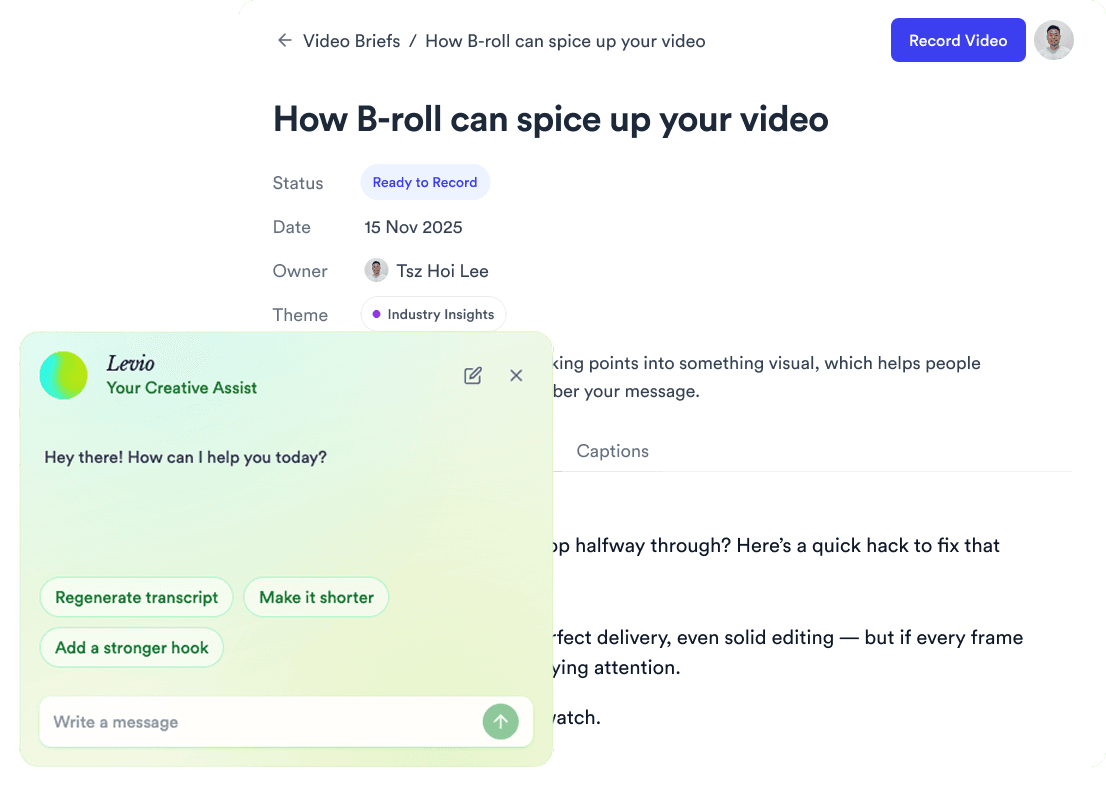
Trained on your scripts & viral scripting framework
Auto Jump-Cut & Silence Removal

YouTube, Instagram, LinkedIn, TikTok, all at once.



Get inspired for your next videos