Video Stitcher

Combine multiple clips into one video and trim out the unwanted sections, right in your browser. No uploads, no signup, no watermark.
  • 100% free
  • No signup needed
  • Browser-based
Video Stitcher
Loading video stitcher…

Why use Jupitrr's online video stitcher?

No uploads, fully private

Your clips are not uploaded; they stay in your browser session while you trim, stitch, and export.

Faster than a full editor

Built for the common case of a few takes you want to cut and glue, without launching Premiere or Final Cut.

One clean MP4 out

Export a single Full HD MP4 with no watermark, signup, or time limit, ready to post.

How it works

Drop in your clips

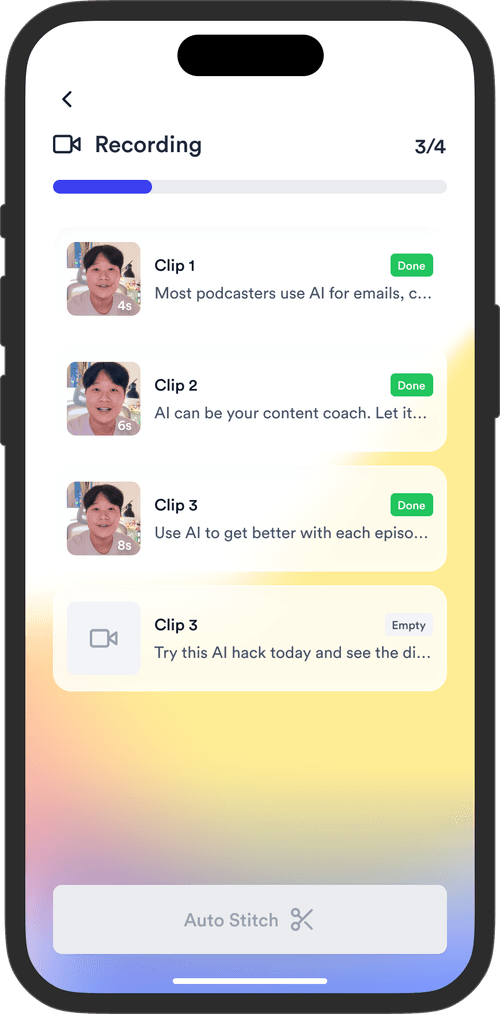
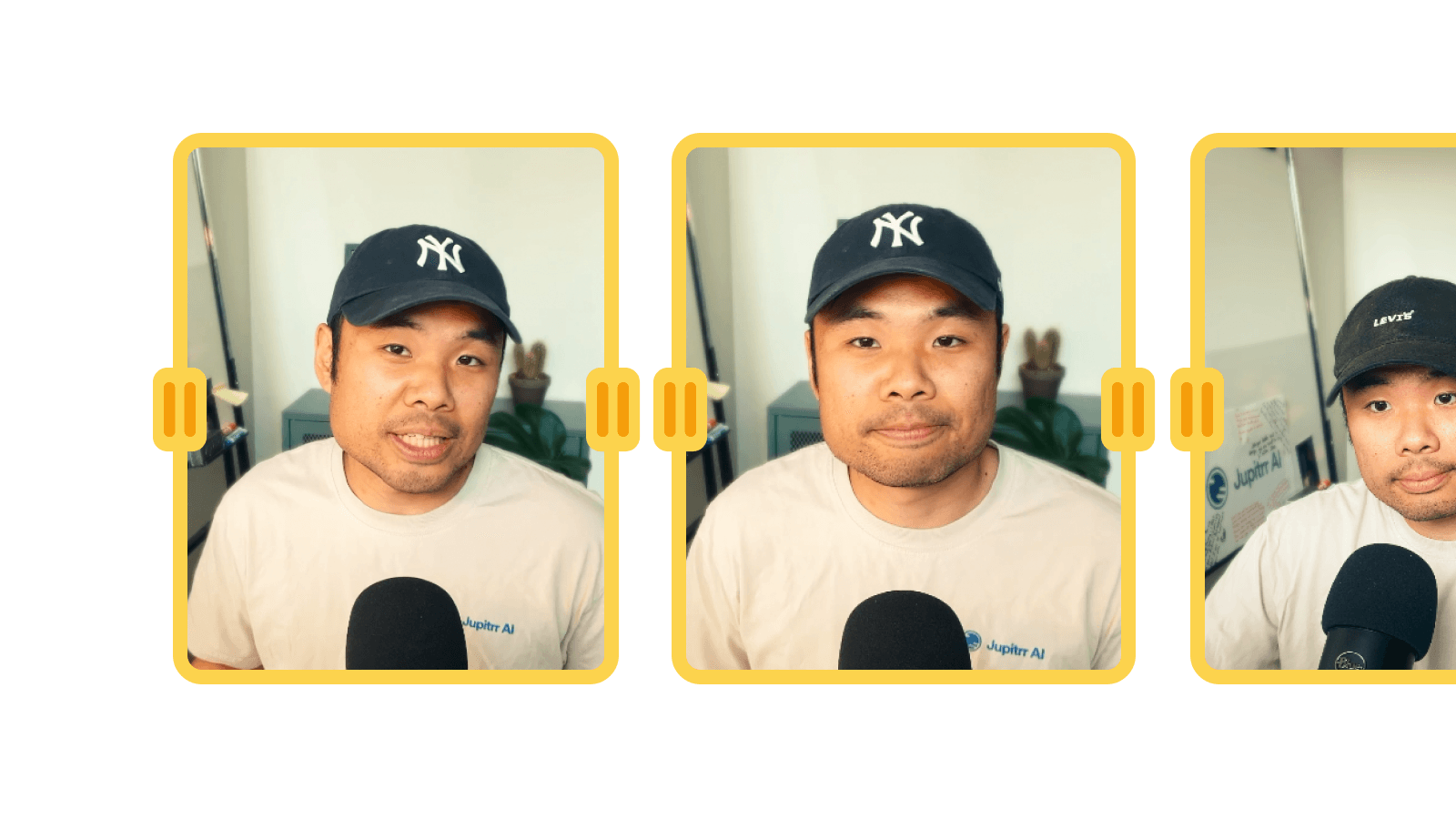
Add any number of MP4, MOV, or WebM files. Each clip shows its thumbnail, duration, and gets added to the timeline.

Trim and reorder

Drag the in/out handles to trim each clip. Use the arrow buttons to rearrange the order. Preview the stitched result live.

Export and download

Click Export and your browser renders the stitched video to a single MP4. Download it instantly, no upload, no wait queue.

Watch the walkthrough

Watch it in action

Trim and stitch clips into a single video for free, with no download, start to finish.

What is a video stitcher?

A fast lane for joining a handful of takes.

A video stitcher joins multiple video clips into a single file. With Jupitrr's Video Stitcher, you import your clips, trim the start and end of each one, reorder them on the timeline, and export the result as one Full HD MP4, all in your browser with no uploads, signup, or watermark.

When to reach for it

B-roll compilations

Join short cutaway clips into one reel.

Recorded interviews

Trim the dead air and stitch the segments into one file.

Multi-camera takes

Combine takes from different angles into a single video.

Quick demo edits

Cut a few screen or product clips together and post.

Frequently asked questions

Is it free to use the Video Stitcher?
Yes, 100% free. The Video Stitcher is part of the Jupitrr Free Video Toolkit. We want to build quick and easy video tools that help you every step in creating content for your business.
Do I need to download or install anything?
No. The Video Stitcher runs entirely in your browser, so there is nothing to download, install, or sign up for. It works on macOS, Windows, ChromeOS, and Linux as long as you can open the page. No desktop app, no extension, no plugin.
What video formats can I import?
Most modern formats: MP4 (H.264, H.265), MOV, WebM, and MKV. If your browser can play the file, the tool can import it. If a clip fails to load, re-encode it as MP4 (H.264) first and try again.
Can I reorder clips after I add them?
Yes. Drag the clips on the timeline to change the order. Each clip also has in and out handles you can drag to trim the start and end without re-importing the file.
Will it re-encode my video?
Yes. When you export, the tool stitches the trimmed clips into a single MP4 file. Re-encoding is what lets the output play smoothly in most common video players, but it does take a few seconds per minute of video, so longer projects take longer to finish.
Is there a watermark or time limit?
No watermark, no signup, no time limit. The only practical limit is your machine: very long projects (over 30 minutes of stitched footage) can use a lot of browser memory.
Does this replace a full video editor?
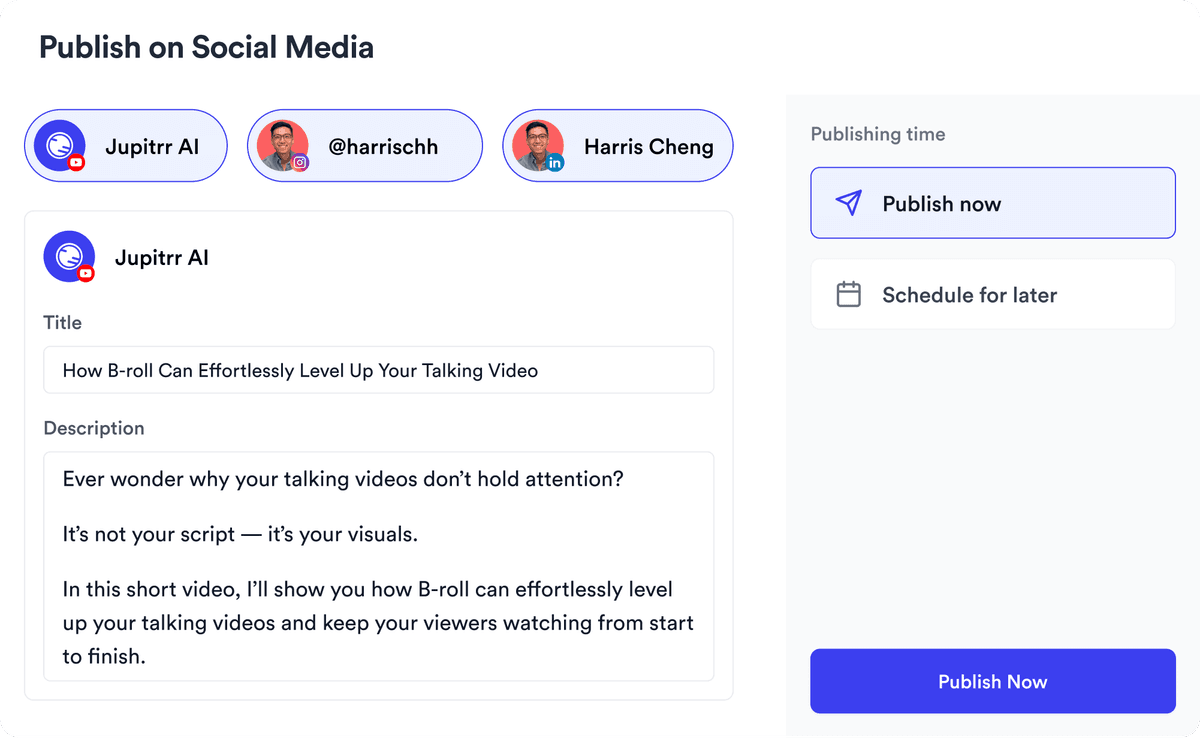
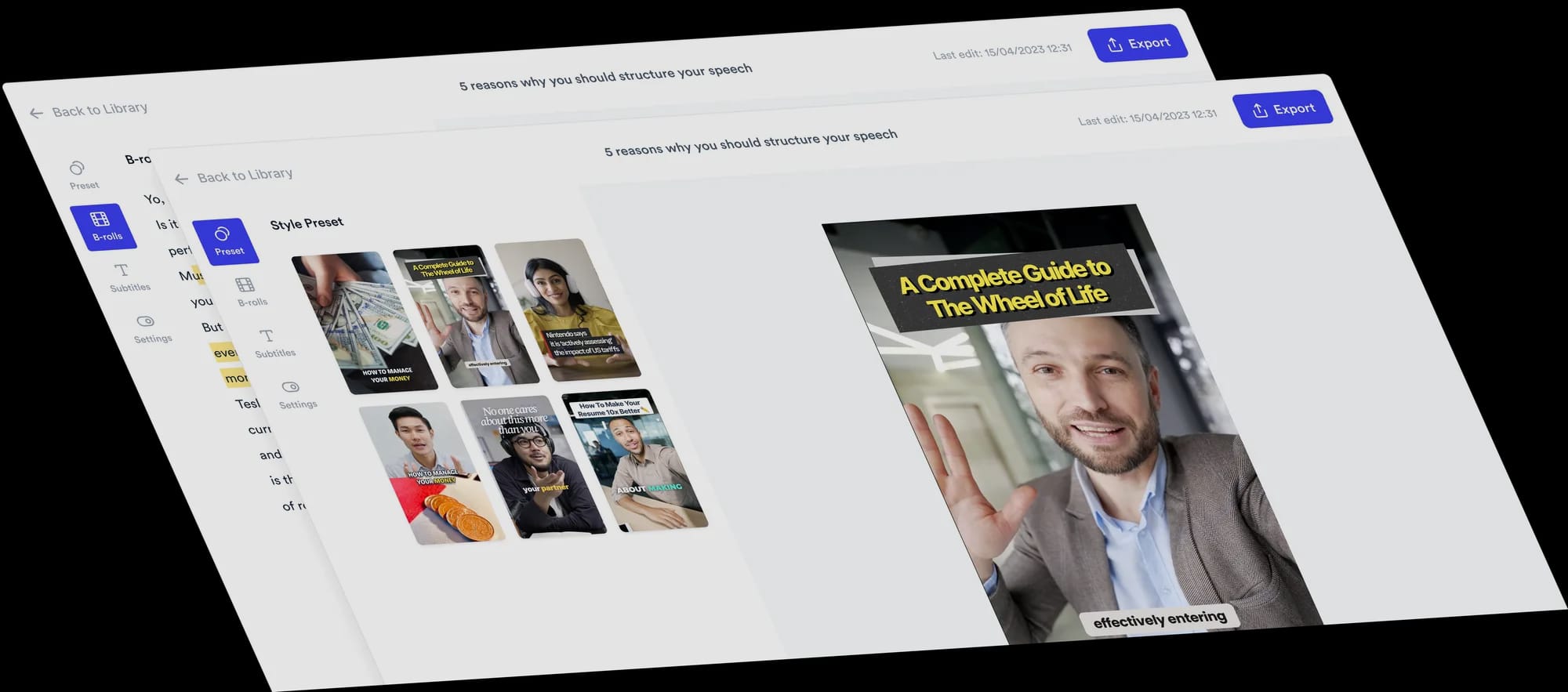
No, this is built for fast cuts and joins. When you need subtitles, B-roll, filler-word removal, animated text, or one-click publishing, open the full Jupitrr AI Video Editor.
What video file, resolution, and quality do I get?
You get an MP4 file in Full HD (1080p, 16:9) at 30 frames per second. The quality is high enough for YouTube, LinkedIn, and most client work, while still being small enough to download in seconds. MP4 works with most common video players and editors, and imports cleanly into Jupitrr.
What is Jupitrr AI?
Jupitrr is the AI video editor for coaches and consultants. Plan, script, record, edit, and publish your videos in one place, powered by the Jupitrr AI Video Editor and the Jupitrr Cut Teleprompter app. This free toolkit is a small slice of what the full product can do. When you are ready for subtitles, B-roll, filler-word removal, and one-click publishing across YouTube, LinkedIn, and TikTok, jump into the full editor.
Your all-in-one video workflow
Start creating videos consistently.
footer card