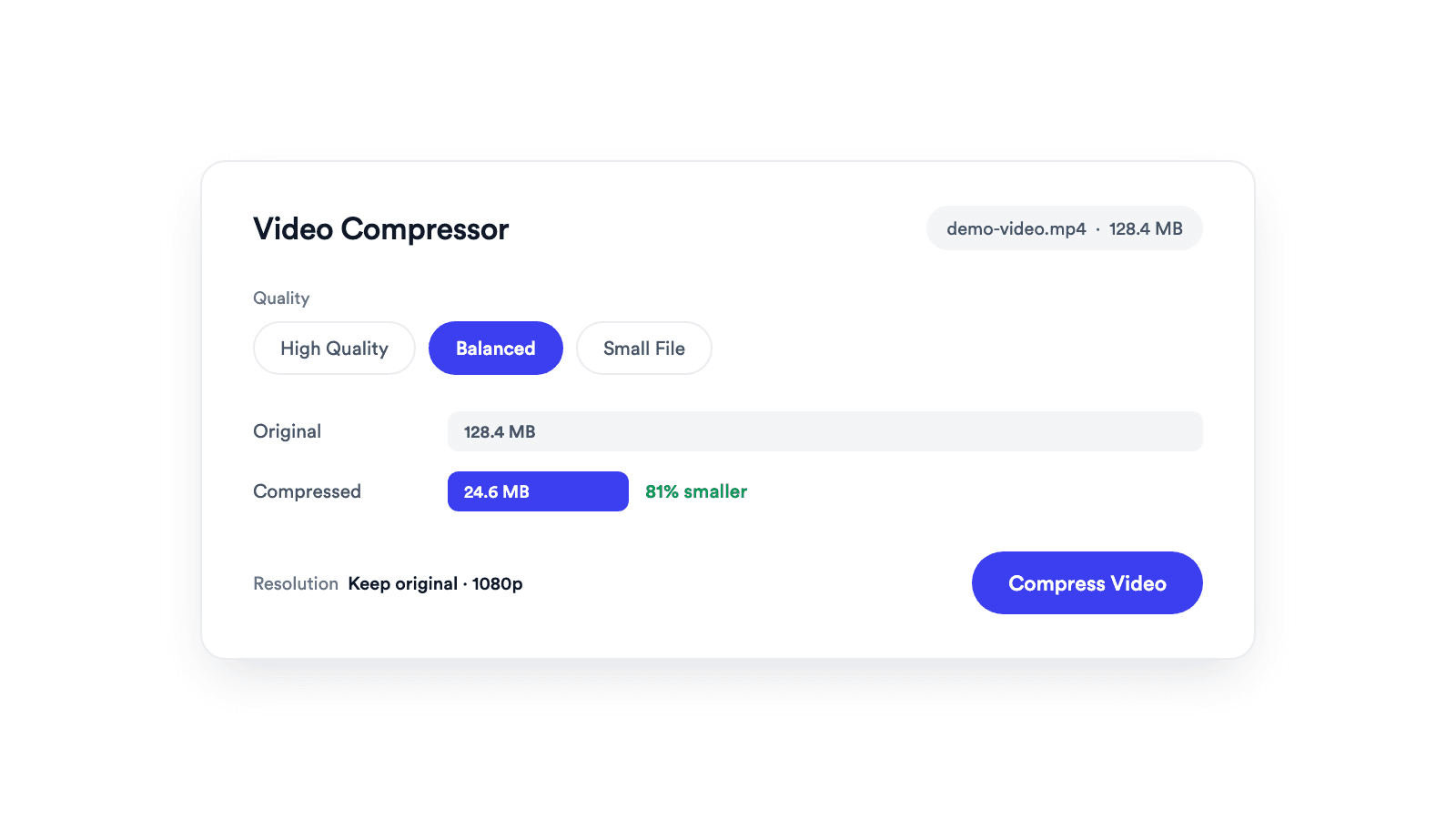
Video Compressor
Reduces video file size with adjustable quality and resolution controls.

Paste a YouTube link and save the thumbnail in every size YouTube has, up to 1280 x 720. Free, no signup.
Lists all the sizes YouTube stores for the video and shows which ones actually exist.
Download goes straight to your downloads folder as a JPG, not to a new browser tab.
Nothing to sign up for and no cap on how many thumbnails you fetch.
Copy the video URL from YouTube and paste it in the box. The tool reads the video ID.
The available sizes appear with their real dimensions. Unavailable sizes are greyed out.
Click Download next to the size you want. The JPG saves to your computer.
Video link in, thumbnail image out.
A YouTube thumbnail downloader reads the video ID from a YouTube link and fetches the thumbnail images YouTube stores for it. YouTube keeps up to five sizes per video. With Jupitrr's YouTube Thumbnail Downloader, paste the link, see which sizes exist, and save the one you choose as a JPG.
Get the full size image back when the original file is gone.
Pull the current thumbnail before reworking it.
Use the thumbnail as the preview image for a linked video.
Reuse the cover image for LinkedIn, X, or a course page.
Reduces video file size with adjustable quality and resolution controls.
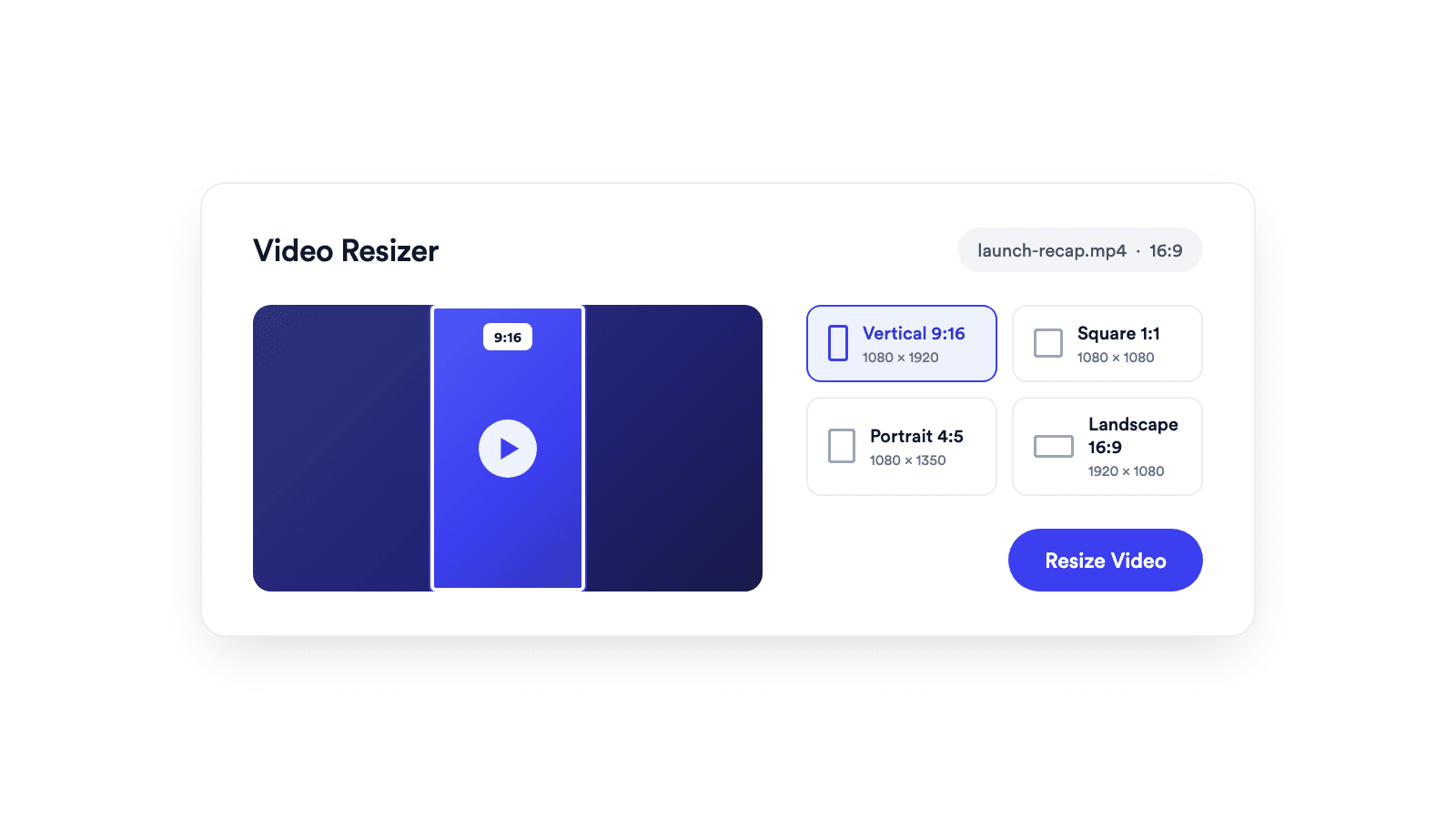
Reframes a video for vertical, square, portrait, or landscape publishing.
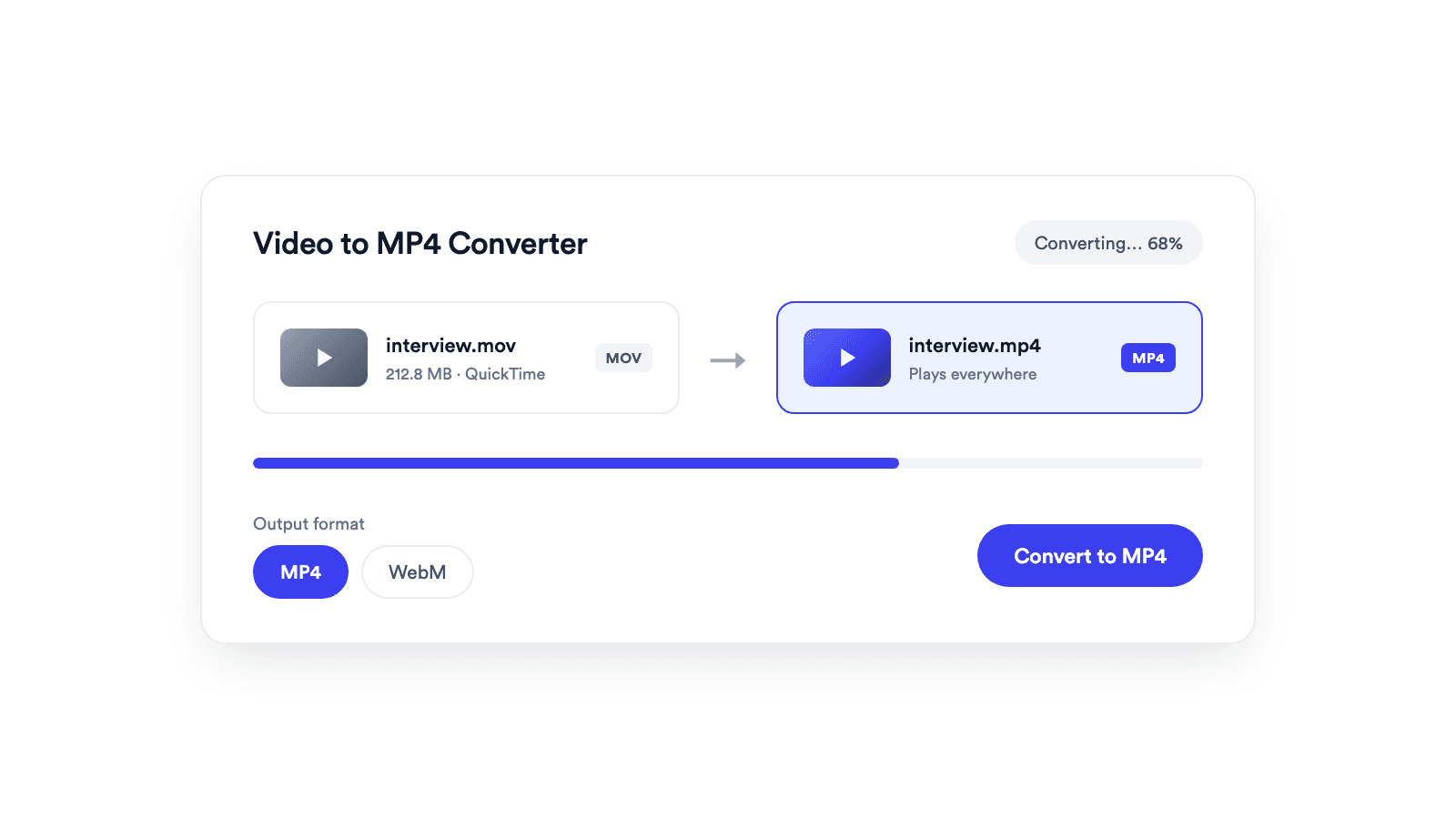
Converts browser-supported video files to MP4 or WebM on your device.
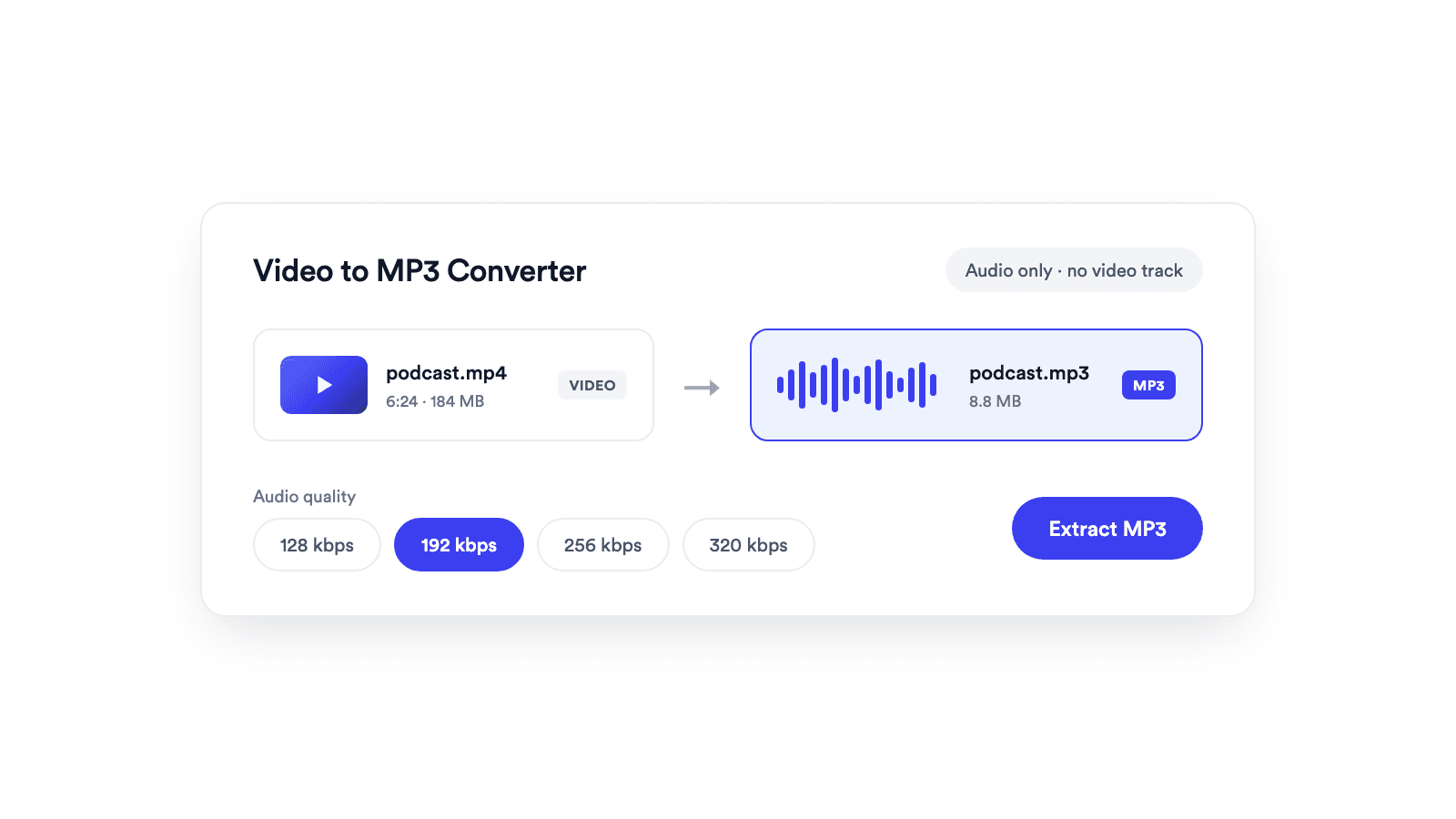
Extracts the audio from a video and saves it as a real MP3 file.
Jupitrr brings planning, scripting, recording, editing, and publishing into a single tool. Built for coaches and consultants shipping video consistently.




Trained on your scripts & viral scripting framework
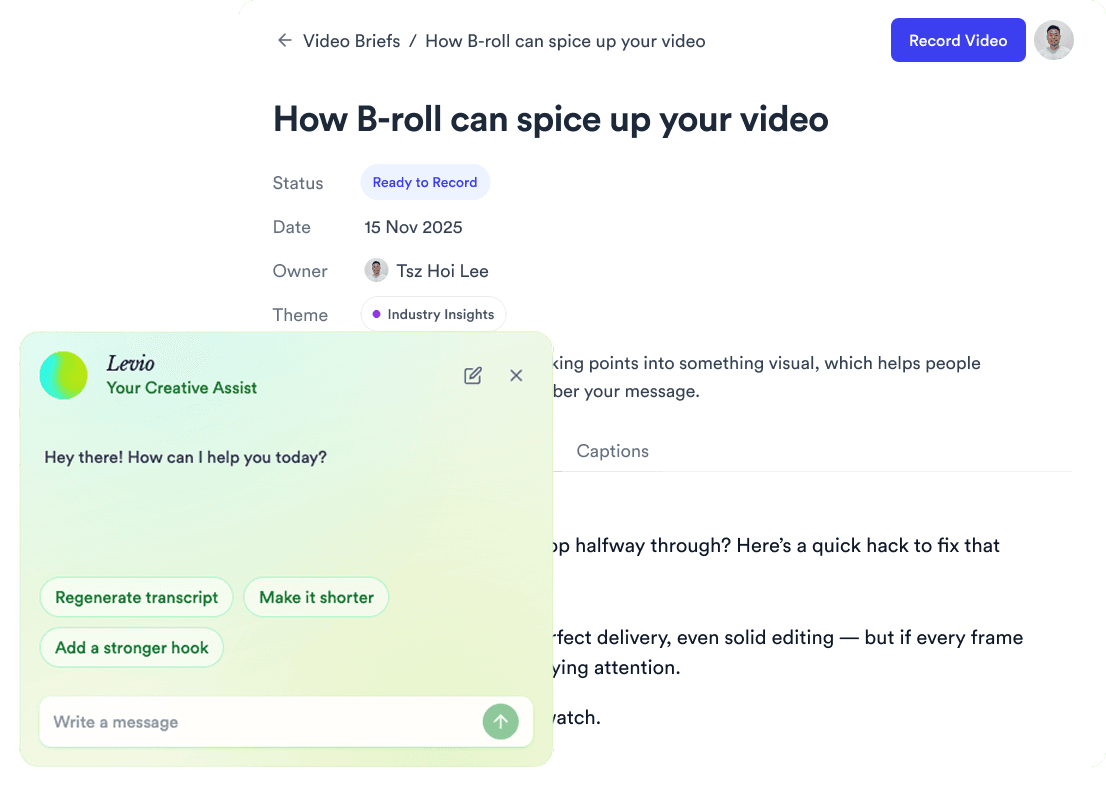
Auto Jump-Cut & Silence Removal
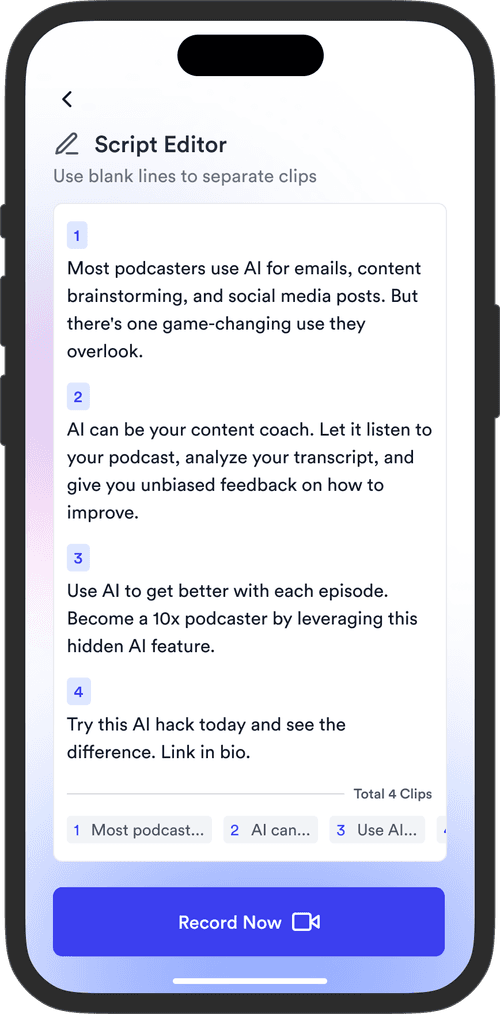


YouTube, Instagram, LinkedIn, TikTok, all at once.



Get inspired for your next videos