jupitrr logo
Features
Use Cases
Resources
Pricing
Log in
Try it for Free

Instagram Reels Caption Generator

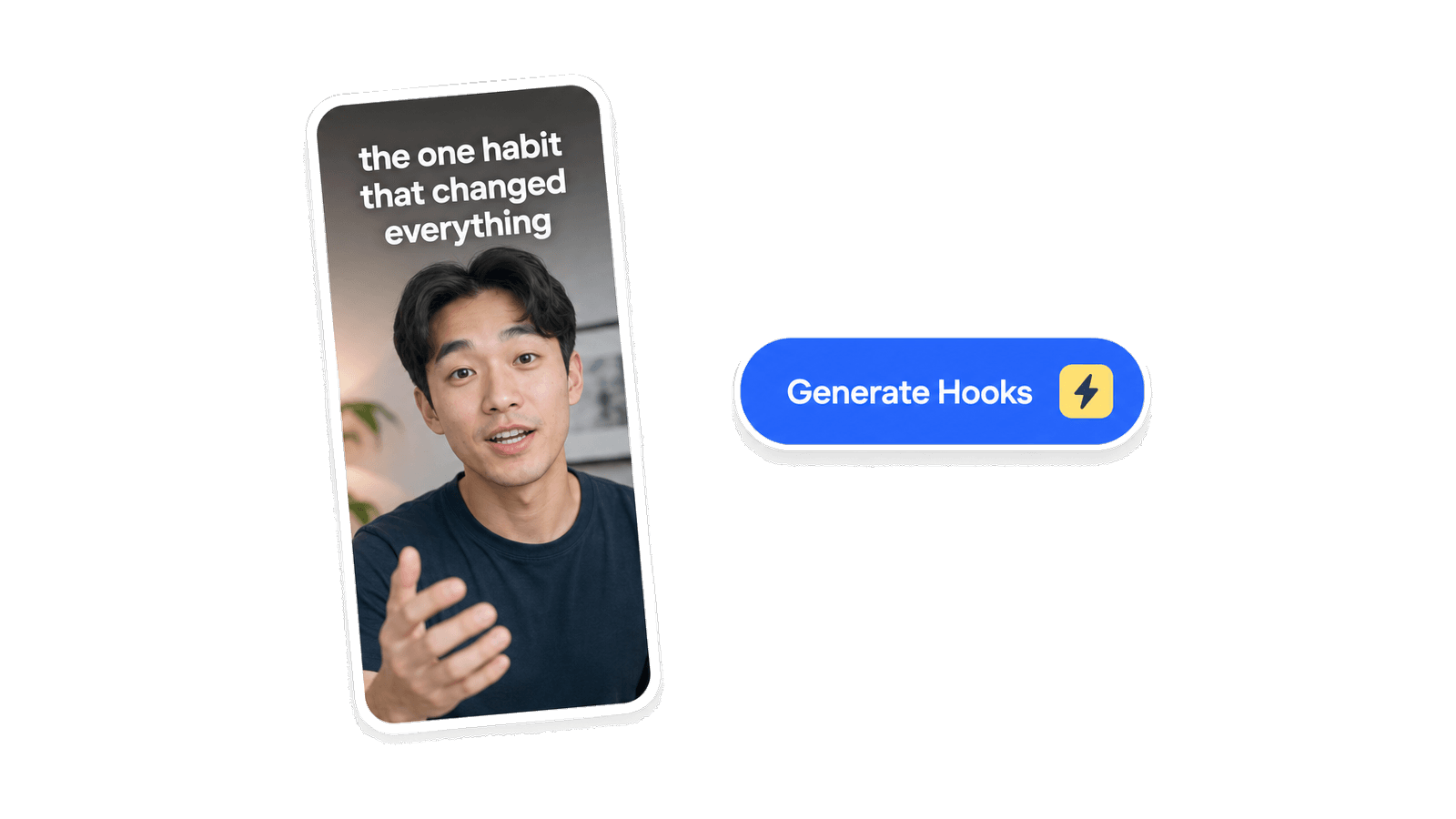
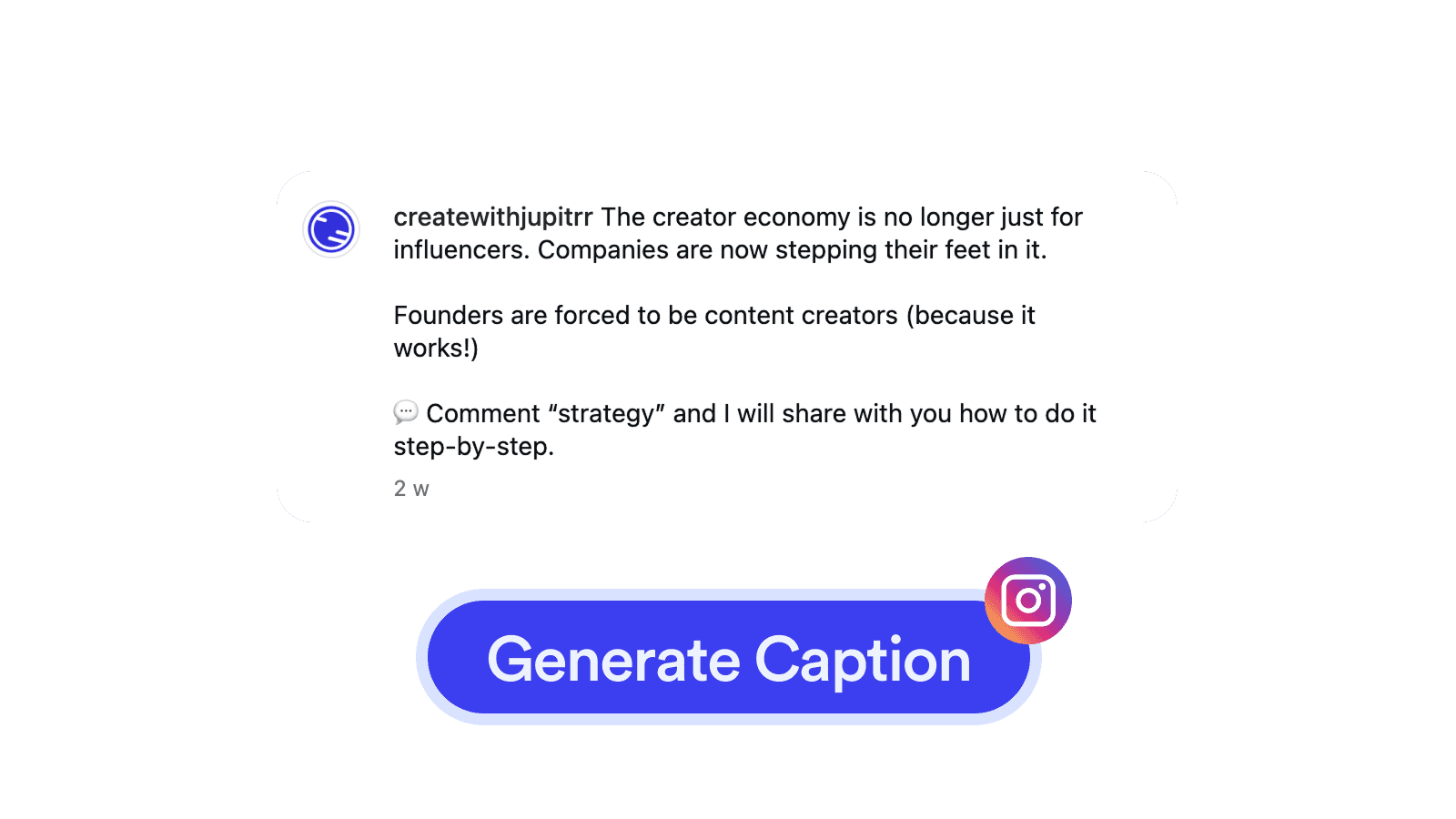
Paste your Reels script. Get a scroll-stopping caption, a 3-second hook, and hashtags written for the way Instagram actually crops them.
Instagram Reels Caption Generator

How it works

1

Paste your Reels script

Drop in your voiceover, on-screen text, or rough draft. 15 words is enough for the model to work with.

2

Pick the vibe

Aesthetic, storytime, quick tip, motivational, or funny. The same script gets a different caption depending on the style.

3

Copy and paste into Instagram

Get a caption, 8 to 15 hashtags, and a 3-second on-screen hook line. Paste them straight in.

Frequently asked questions

What is an Instagram Reels Caption Generator?
A browser tool that takes your Reels script and writes three things you can paste straight into Instagram: a full caption with a hook, body, and closing line; a list of 8 to 15 hashtags; and a 3-second on-screen hook line for the video itself.
Why do I need a Reels Caption Generator?
A strong Reel can flop with a weak caption. Instagram crops captions at around 125 characters in the feed, so the first line has to land alone or viewers tap away. Writing dozens of captions manually for a weekly posting cadence is tedious, and most creators end up reusing the same generic structures. This tool gives you a fresh, scroll-stopping caption every time without the friction.
Is it free to use Reels Caption Generator?
Yes, 100% free. The Reels Caption Generator is part of the Jupitrr Free Video Toolkit. We want to build quick and easy video tools that help you every step in creating content for your business.
Do I need to download or install anything?
No. The Reels Caption Generator runs entirely in your browser, so there is nothing to install, download, or sign up for. It works on macOS, Windows, ChromeOS, and Linux as long as you can open the page.
How long should an Instagram Reels caption be?
Aim for 80 to 180 words. The first 125 characters show before the "more" link in the feed, so the hook line has to land alone. The tool always front-loads your strongest line so the cropped preview earns the tap.
How many hashtags should I use on Reels?
Instagram caps at 30 but recent guidance is 8 to 15. The tool returns a mix of broad, mid-tier, and niche hashtags, so you get reach without looking spammy. Stuffing 30 hashtags is an old playbook that hurts more than it helps now.
Will it sound like an AI wrote it?
No. The model uses your script as the source of truth, keeps emoji minimal, and avoids the corporate "save this", "comment below" closings that signal AI or PR. Paste without editing.
How is this different from the TikTok Caption Generator?
Reels and TikTok captions follow different rules. Reels rewards longer captions (80 to 180 words) and 8 to 15 hashtags, while TikTok is shorter (under 80 characters per line) with 5 to 10 hashtags including #fyp. If you cross-post to TikTok, try the TikTok Caption Generator so the caption matches TikTok culture instead of Instagram’s.
Can I record the Reel itself here?
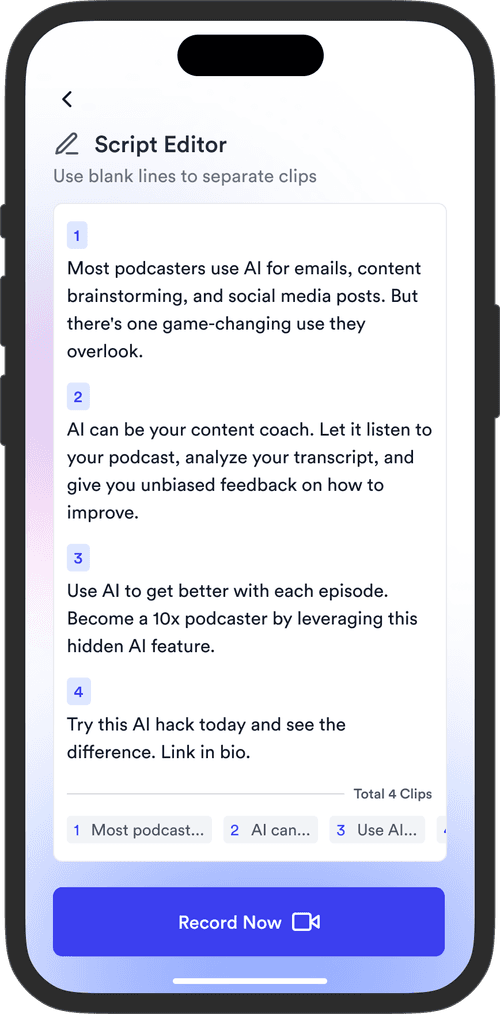
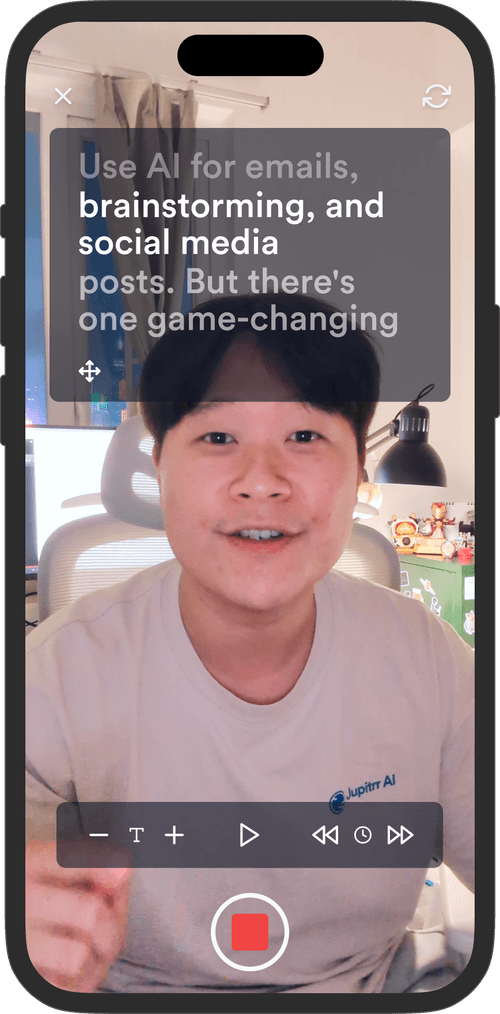
The Caption Generator writes the text. For the video, use the Camera Recorder, or the Teleprompter & Camera Recorder if you want to read a script naturally while filming. Both are free, browser-based, and export an MP4 you can post to Reels.
What is Jupitrr AI?
Jupitrr is an all-in-one video operating system for businesses. Plan, script, record, edit, and publish your videos in one place, powered by the Jupitrr AI Video Editor and the Jupitrr Cut Teleprompter app. This free toolkit is a small slice of what the full product can do. When you are ready for subtitles, B-roll, filler-word removal, and one-click publishing across Instagram, YouTube, and TikTok, jump into the full editor.

Unlock the full video workflow with Jupitrr AI

Jupitrr brings planning, scripting, recording, editing, and publishing into a single tool. Built for businesses shipping video consistently.

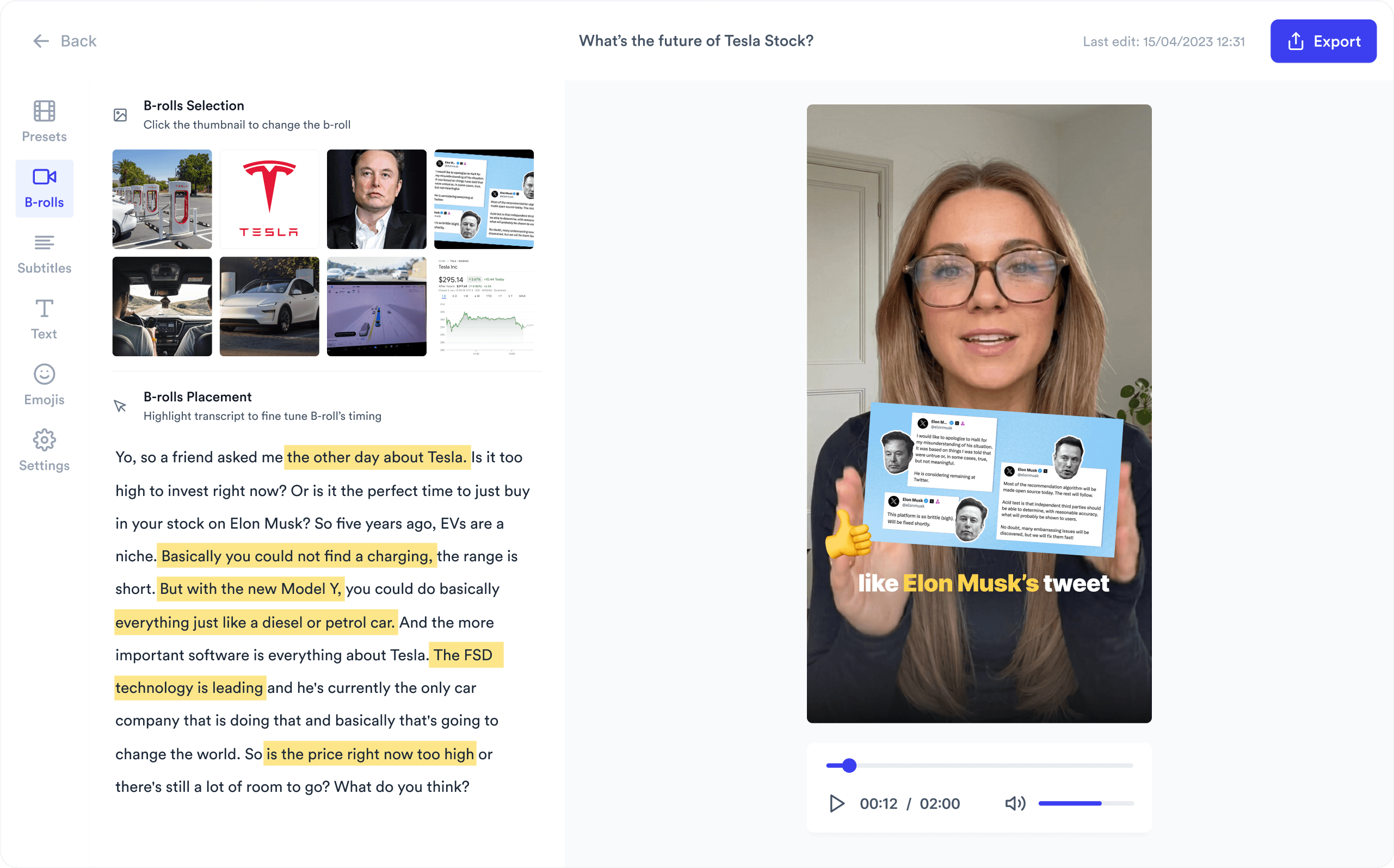
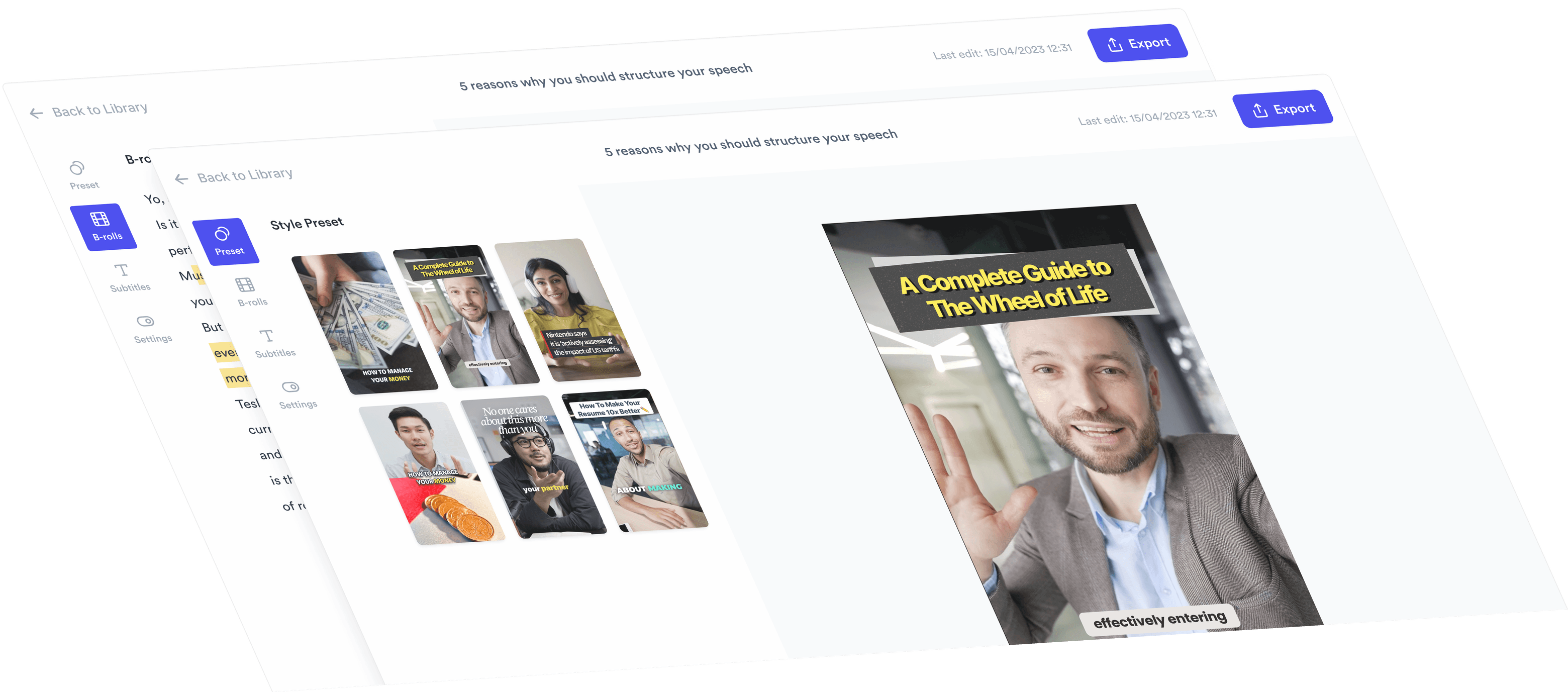
AI Talking Head Video Editor

Automatically add B-roll & Subtitles

  • Unlimited Getty Images Stock Assets
  • Unlimited Google Images & GIFs
  • AI Generated Subtitles & Text Overlay
  • Support 54+ Languages
iStock by Getty ImagesGIPHYGoogle Images
AI Video Editor interface
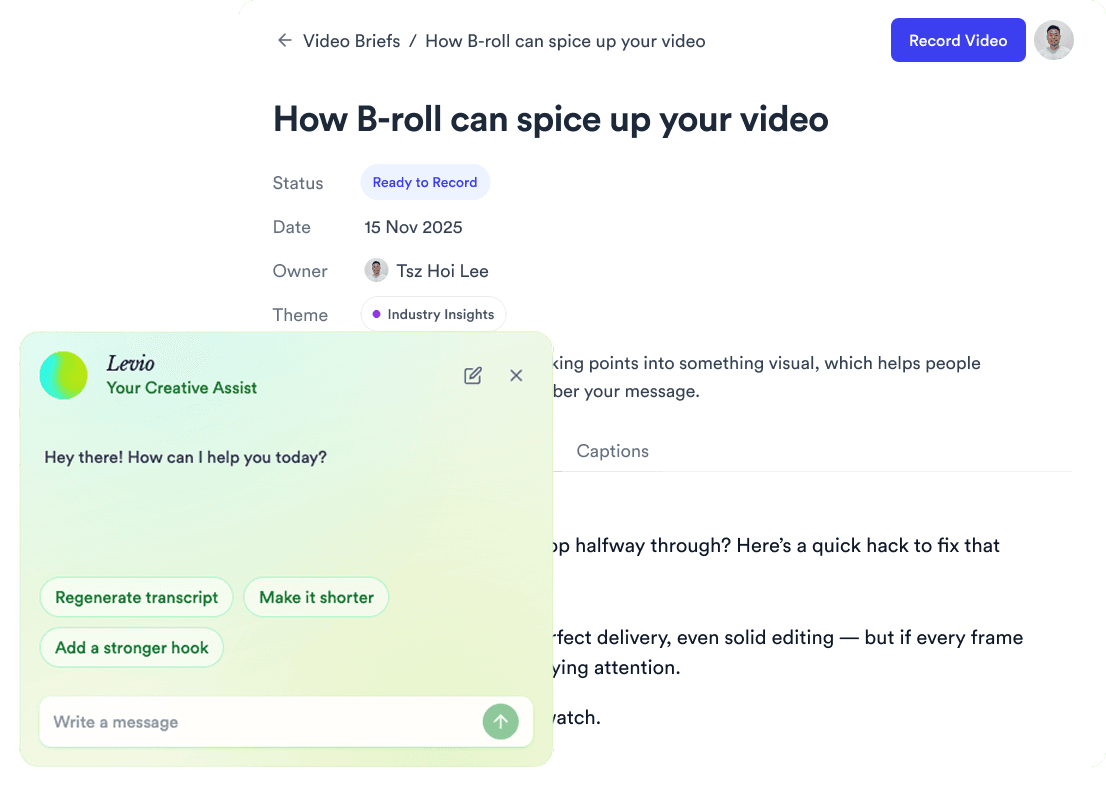
Personalised AI Scriptwriter

Writes scripts in your tone

Trained on your scripts & viral scripting framework
AI script writer interface
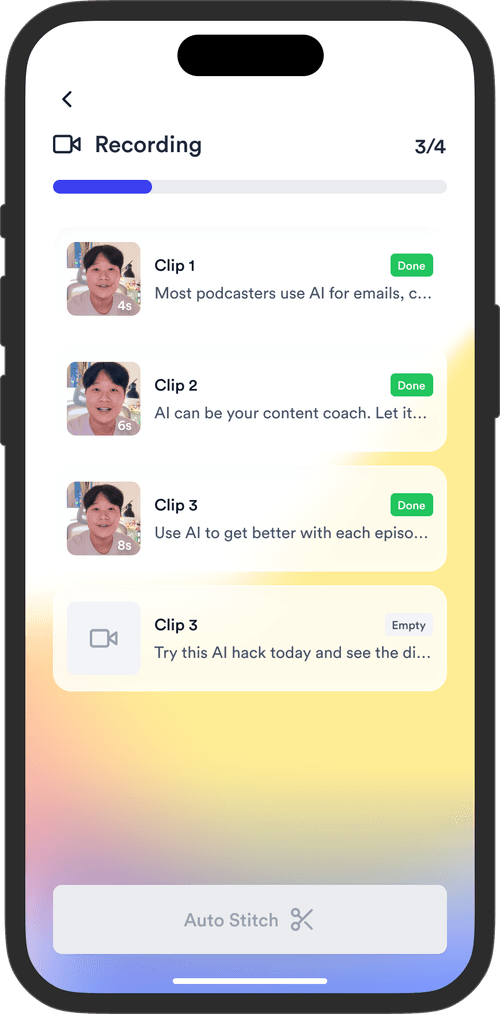
Teleprompter App

Record without bad takes

Auto Jump-Cut & Silence Removal

Teleprompter step 1Teleprompter step 2Teleprompter step 3
Social Media Publishing

Post to all your channels

YouTube, Instagram, LinkedIn, TikTok, all at once.
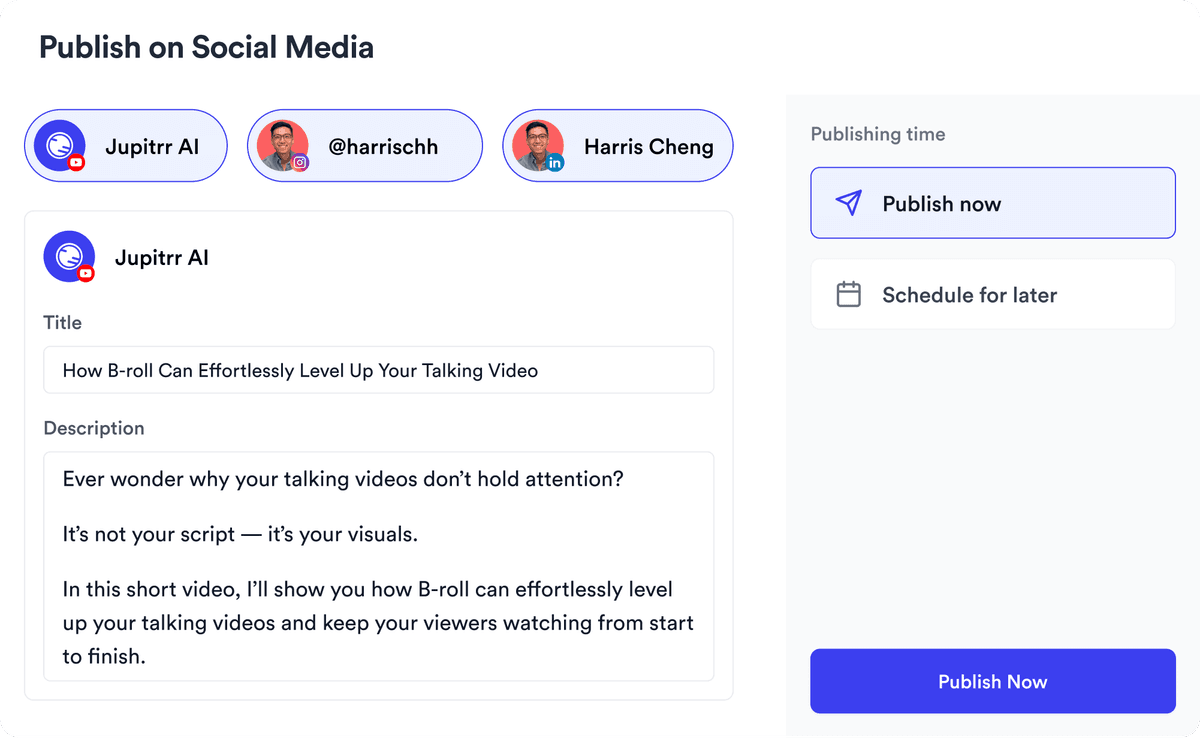
Social publishing scheduler
YouTube
Instagram
TikTok
LinkedIn
Viral Video Search

Find what's trending

Get inspired for your next videos
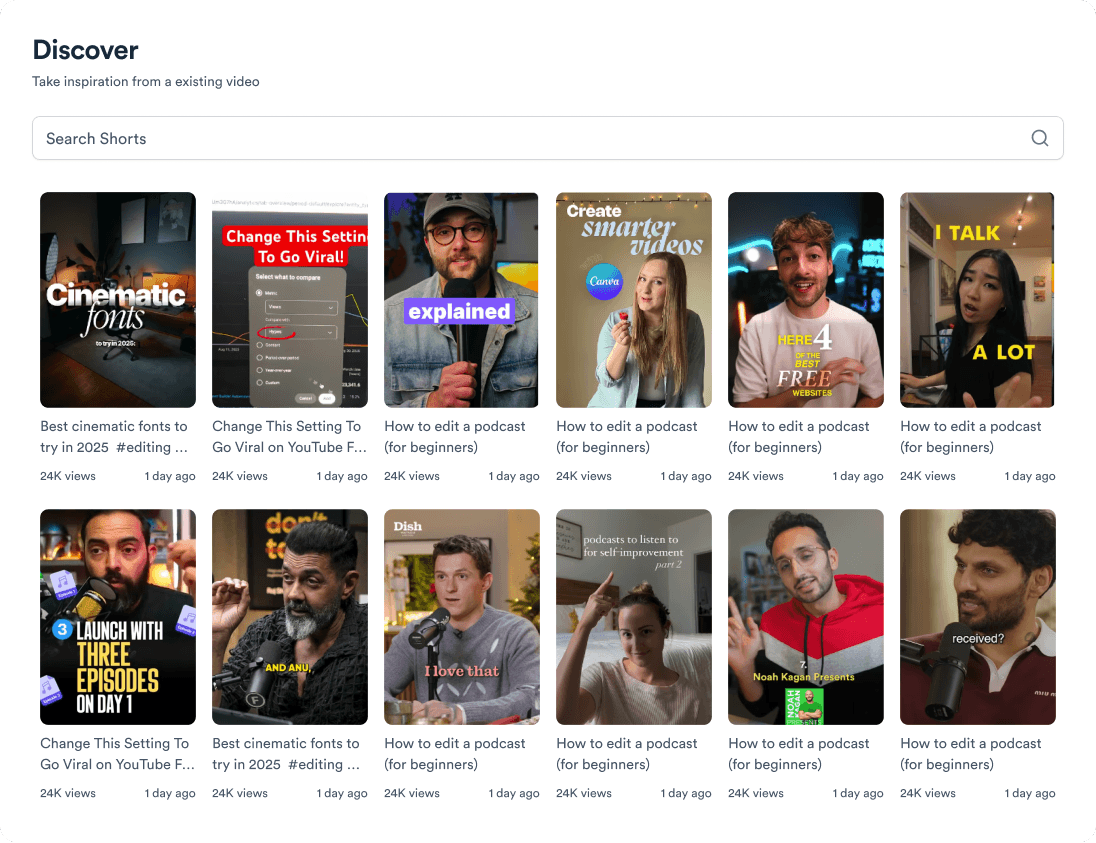
Trending topic search

and for the video team

Analytics dashboard
Video AnalyticsSee how your videos perform
Content calendar view
Content CalendarPlan your video ahead
Brand kit presets
Brand KitMake every video on brand
Team collaboration workspace
CollaborateManage videos with your team
Your all-in-one video workflow
Start creating videos consistently.
footer card