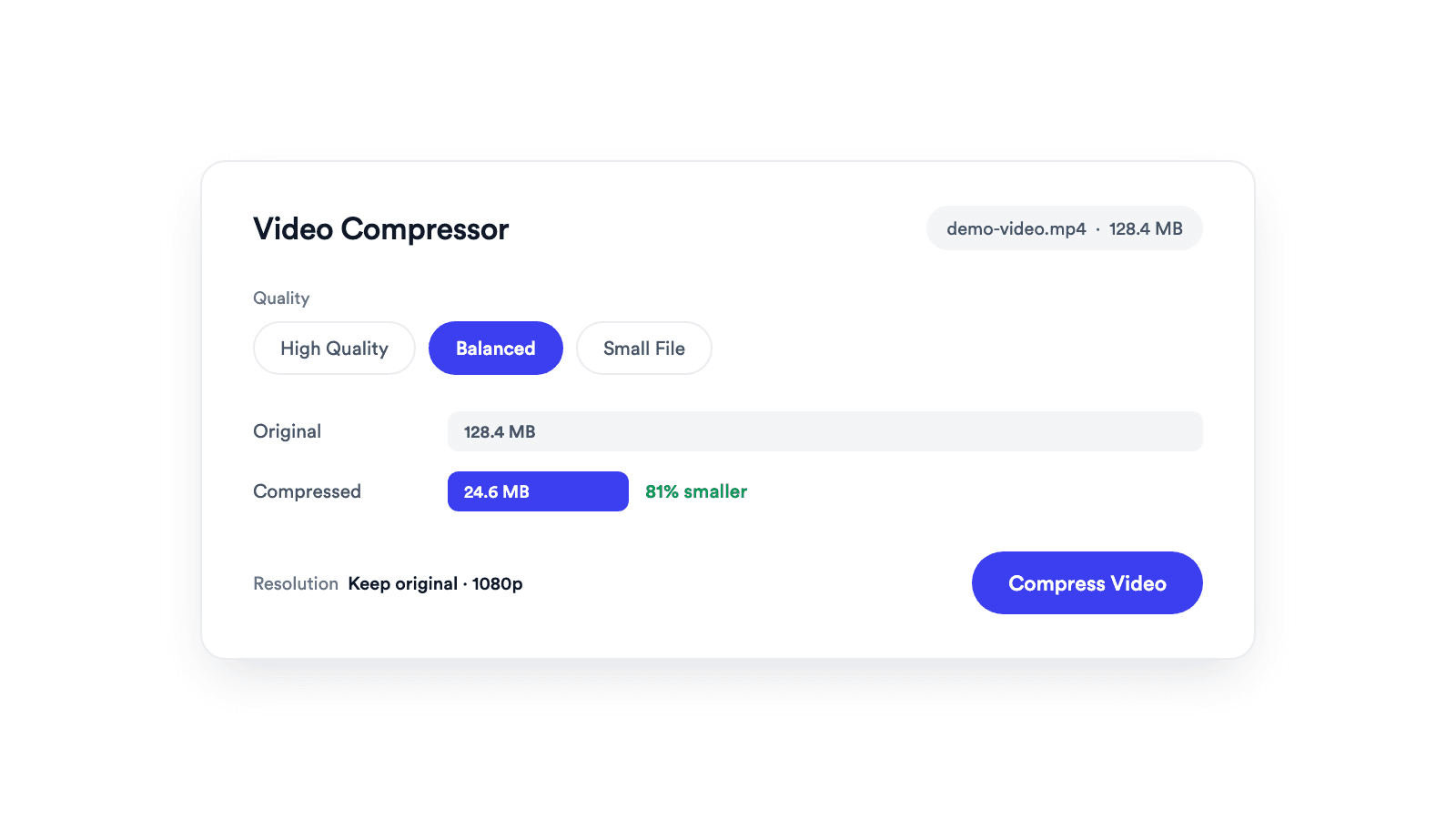
Video Compressor
Reduces video file size with adjustable quality and resolution controls.

Turn an MP4 into a WebM for websites, landing pages, and web apps that serve open video formats.
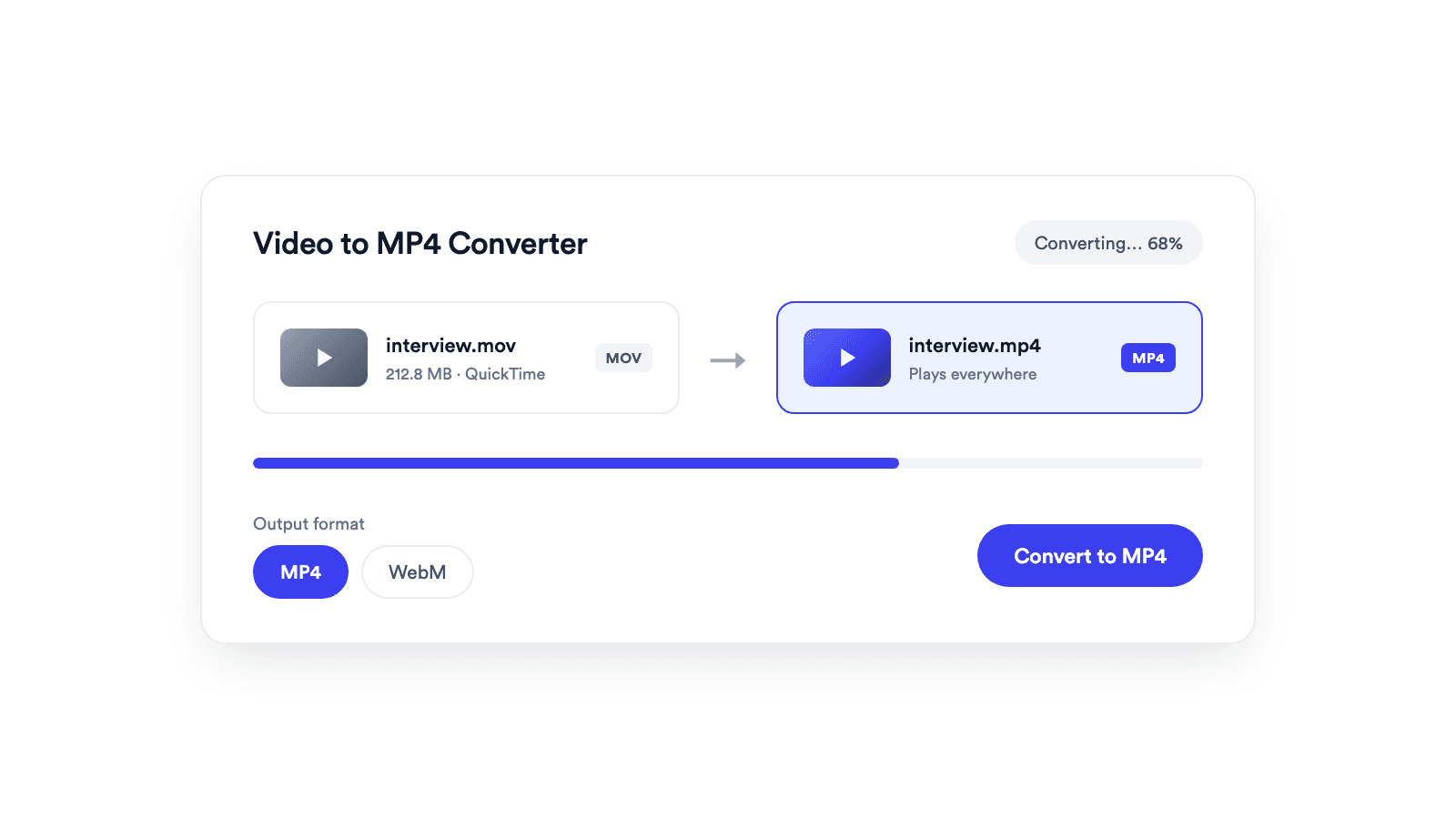
The video is re-encoded to VP9 or VP8 with Opus audio, the formats WebM was designed around.
Your MP4 file is converted inside your browser and never leaves your device.
No signup, no install, and nothing added to your file.
Drop a MP4 video up to 1 GB onto the converter, or pick it from your device.
WebM is already selected. You can switch to another output format if you need one.
The video is converted in your browser. Preview the WebM file, then download it.
An open format for video on web pages.
WebM is an open, royalty-free video format designed for the web. It holds VP8, VP9, or AV1 video with Opus or Vorbis audio, and VP9 often gives a smaller file than H.264 at similar quality, which helps page speed.
Converting MP4 to WebM re-encodes the video, so it takes longer than a repackage. Modern Safari plays WebM too, but older Apple devices may not, so many sites offer WebM with an MP4 fallback.
Serve a lighter background or hero video on landing pages.
Ship video assets in an open, royalty-free format.
Prepare clips for web stacks that standardize on WebM.
Embed product demos with the HTML video element.
Reduces video file size with adjustable quality and resolution controls.
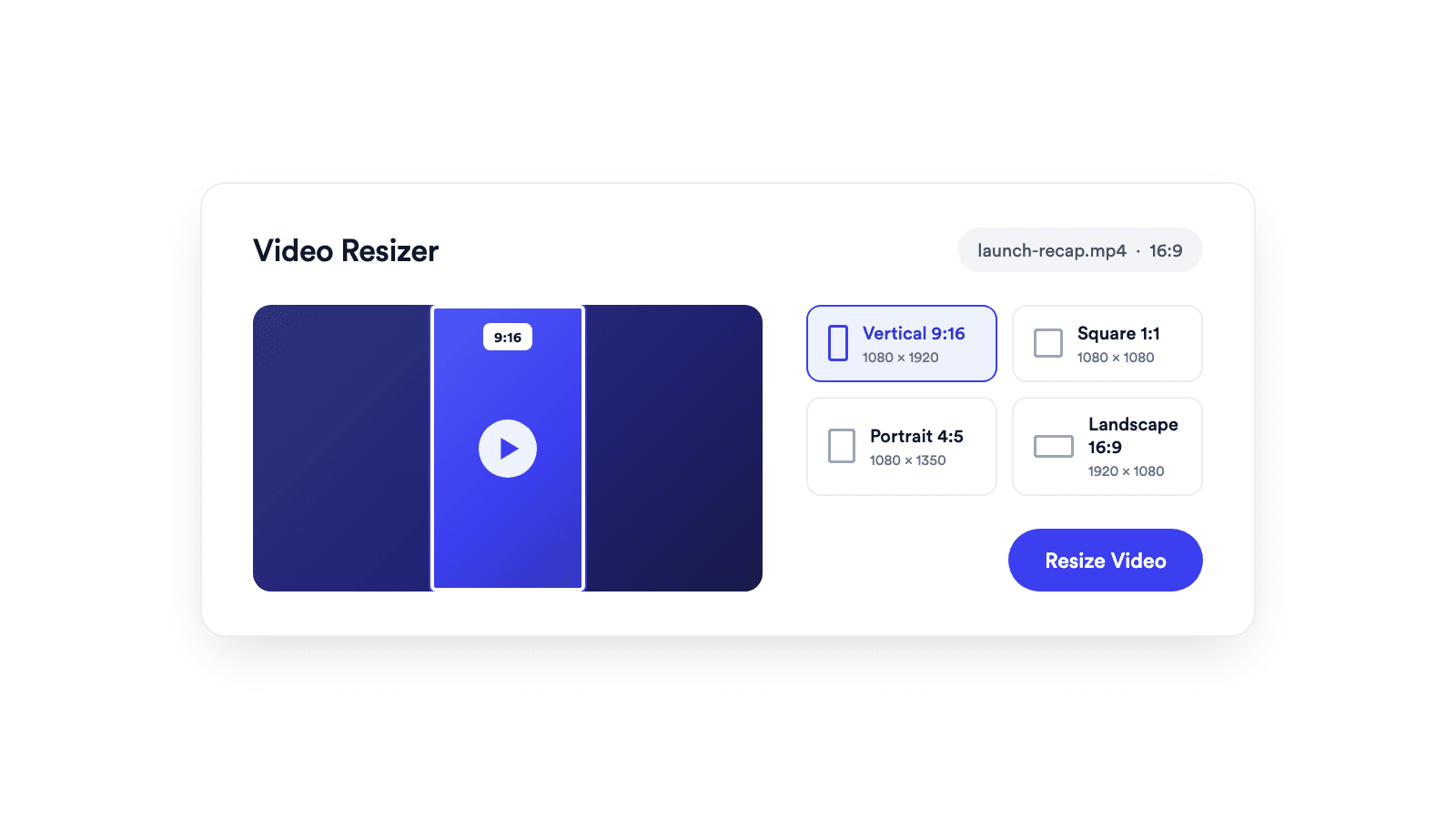
Reframes a video for vertical, square, portrait, or landscape publishing.
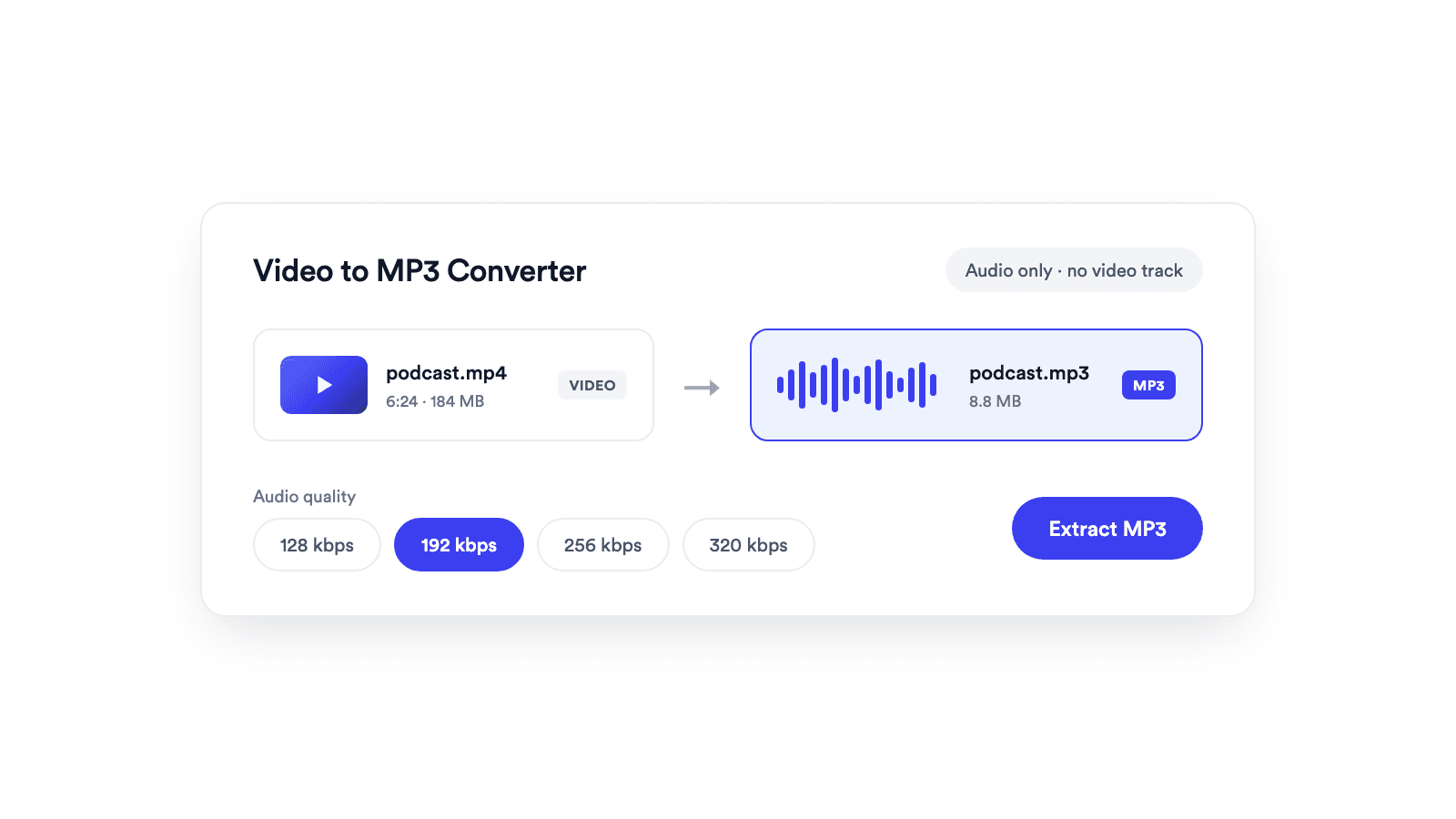
Extracts the audio from a video and saves it as a real MP3 file.

Cuts unwanted sections out of clips and joins them into a single MP4.
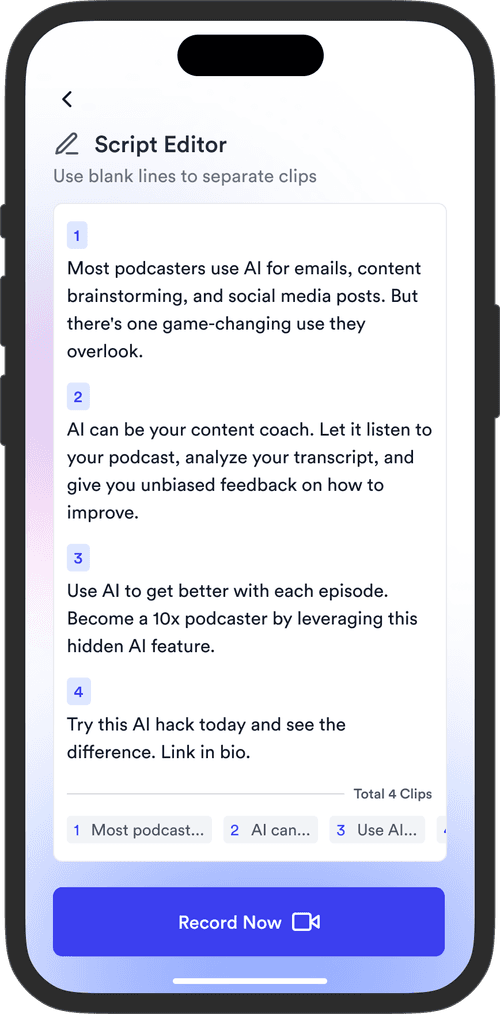
Jupitrr brings planning, scripting, recording, editing, and publishing into a single tool. Built for coaches and consultants shipping video consistently.




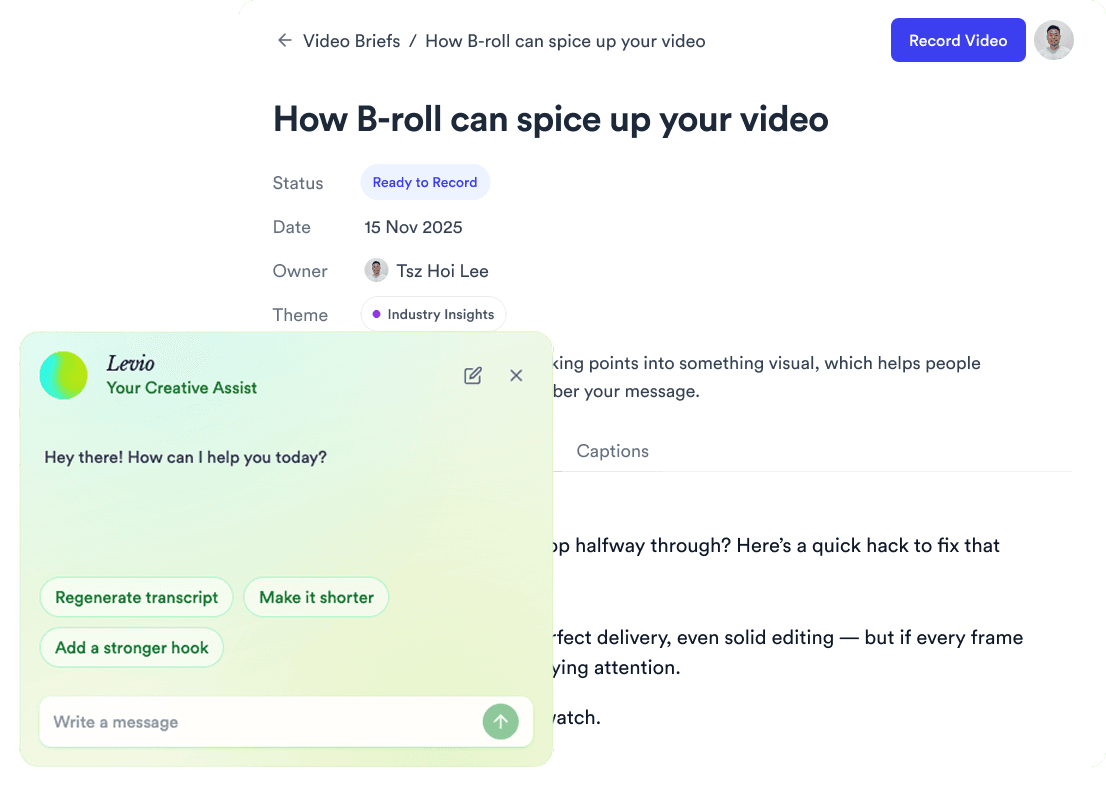
Trained on your scripts & viral scripting framework
Auto Jump-Cut & Silence Removal

YouTube, Instagram, LinkedIn, TikTok, all at once.



Get inspired for your next videos