jupitrr logo

Collaborate on video across your whole team

Jupitrr is a shared workspace where your team plans, edits, and publishes video together. Share styles, favourited B-roll, and scripts, give every script an owner, and set the right role for each teammate.

Book a Demo
Loved byTrusted by 200K+ coaches and consultants
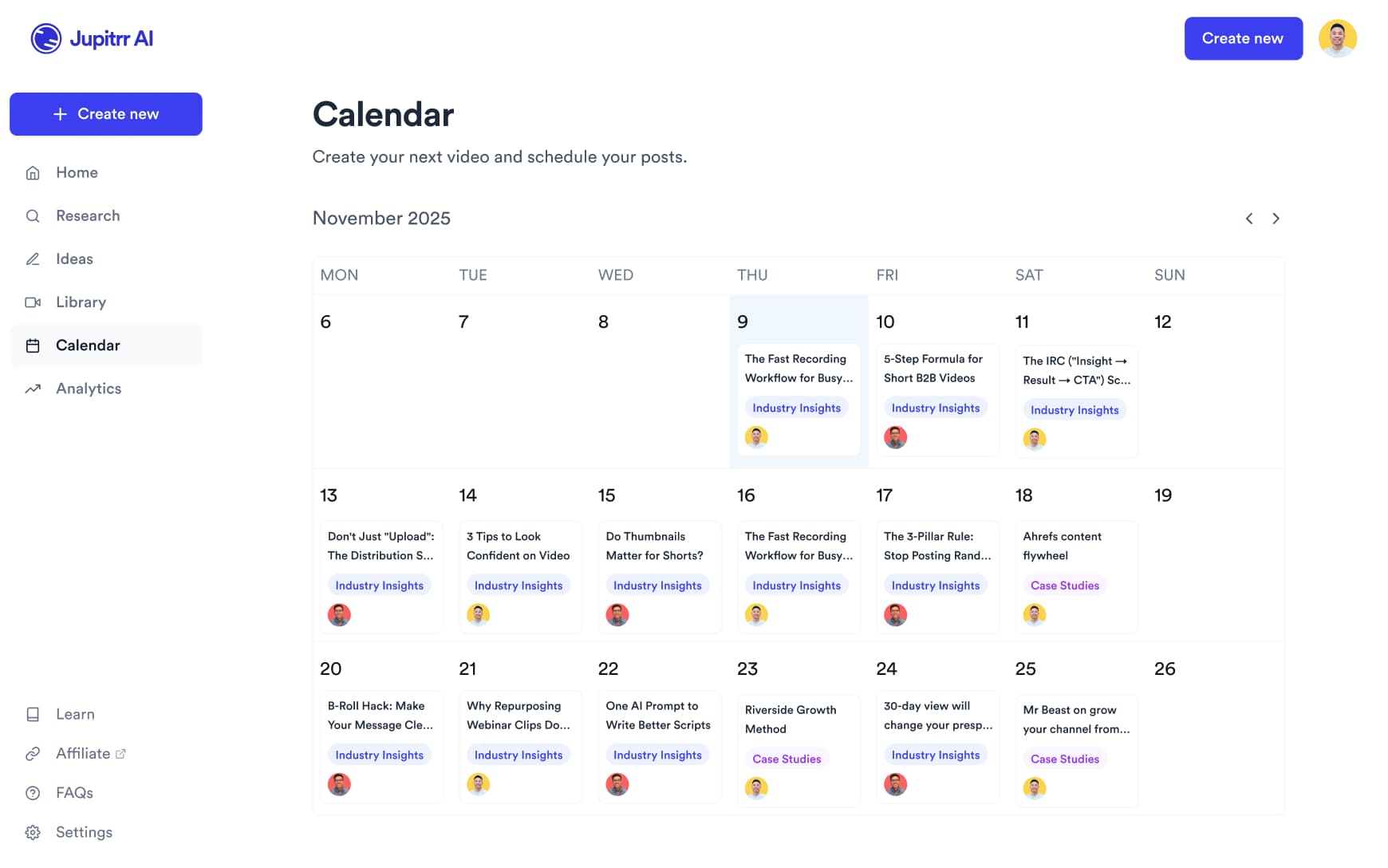
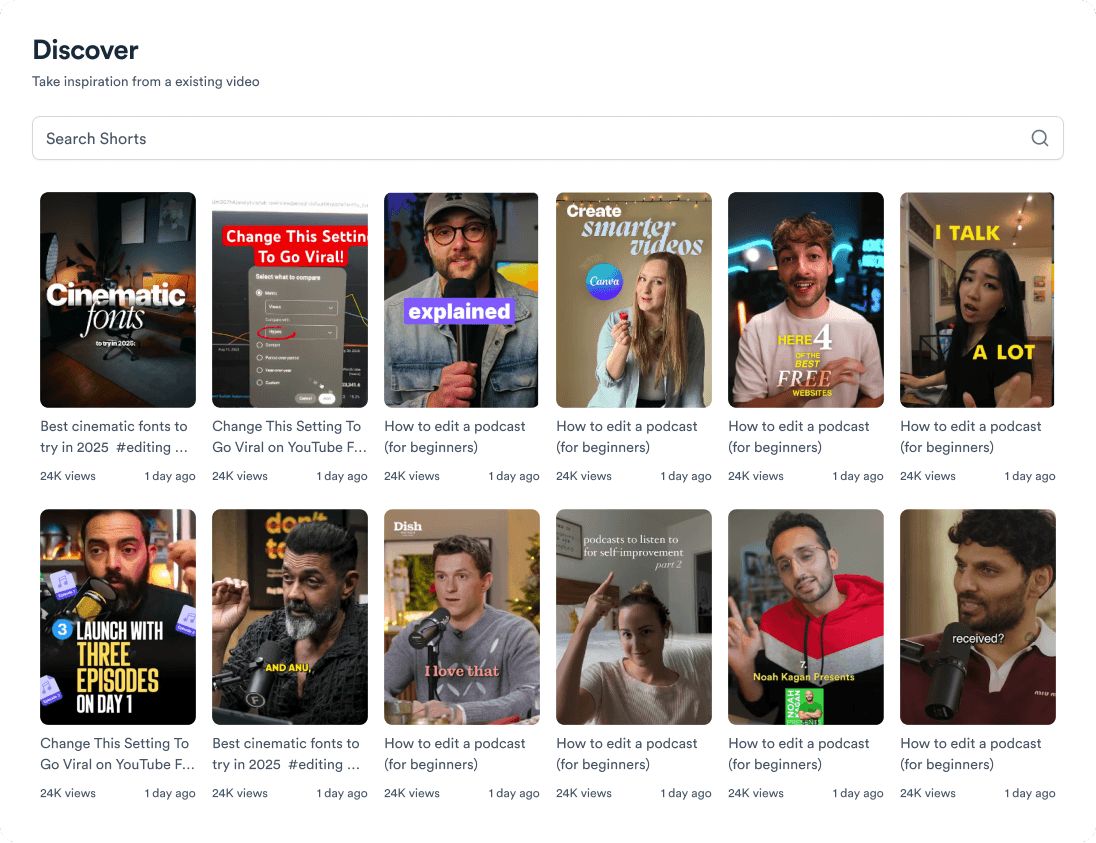
Jupitrr shared workspace where a team collaborates on styles, B-roll, and scripts.
BuildMapper
GatherVoices
myHealthspan
YourPolicy
Goflow
ZipSea

How team collaboration works: share, set roles, assign

Share everything, set the right access, and know who owns every video.

Bring your whole org into one workspace

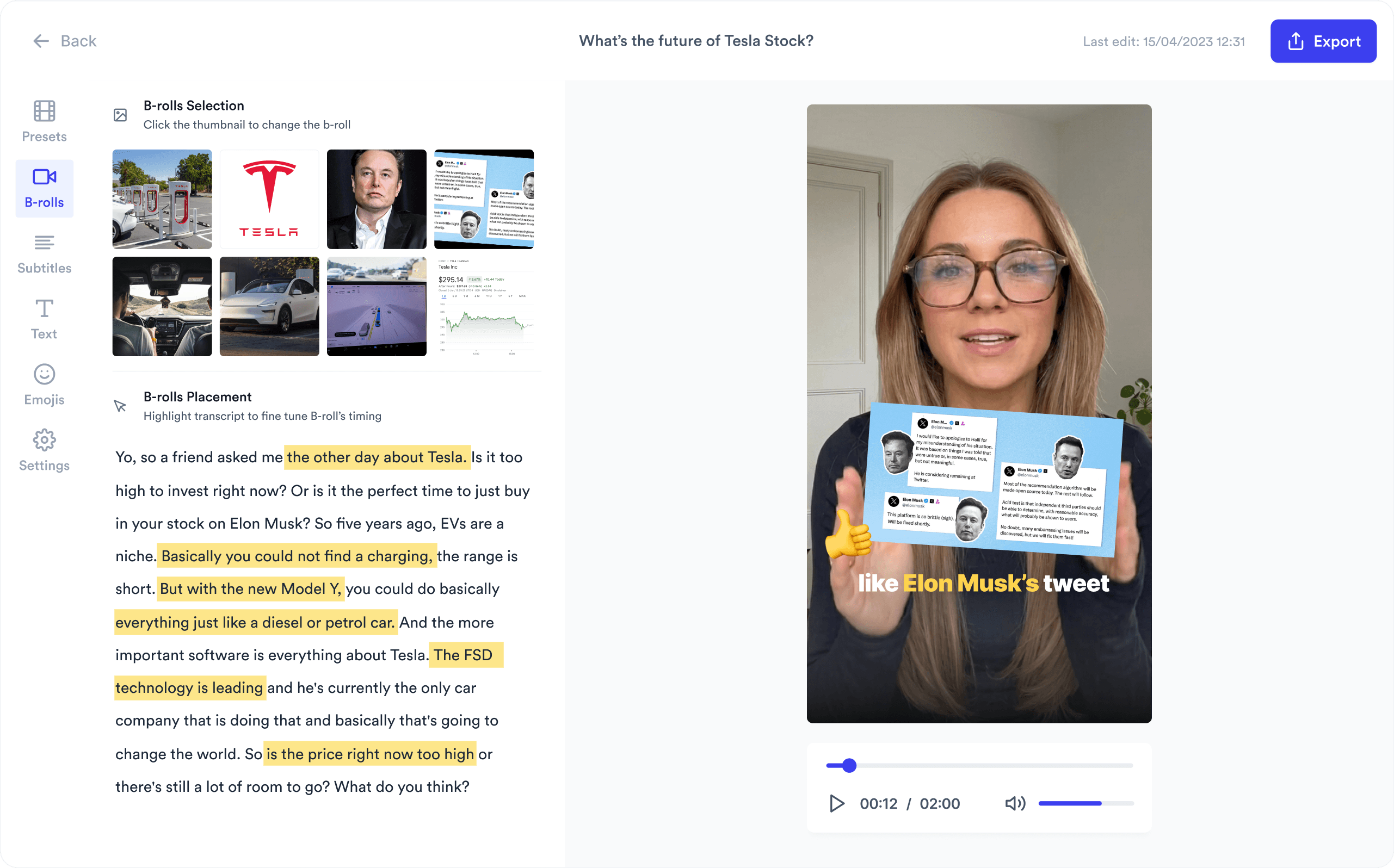
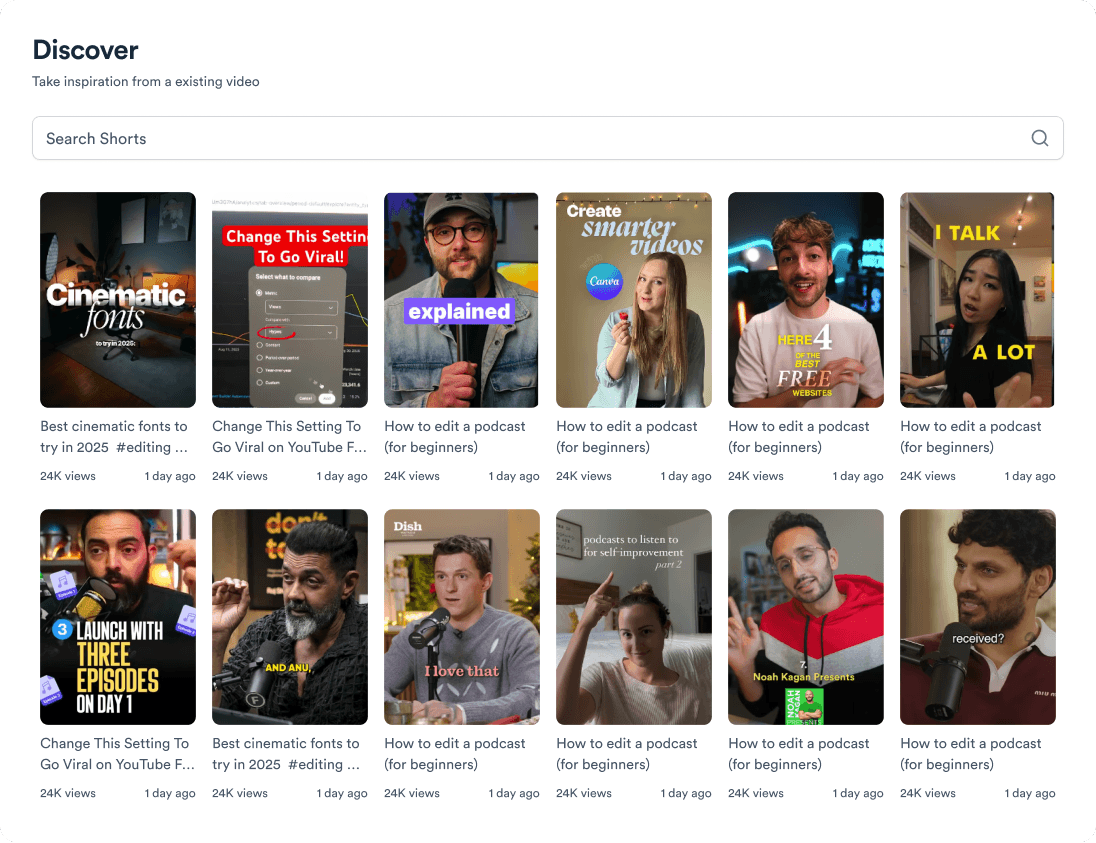
Saved styles, favourited B-roll, and scripts all live in one shared space. Nobody rebuilds what a teammate already made, and nothing gets lost in chat threads.

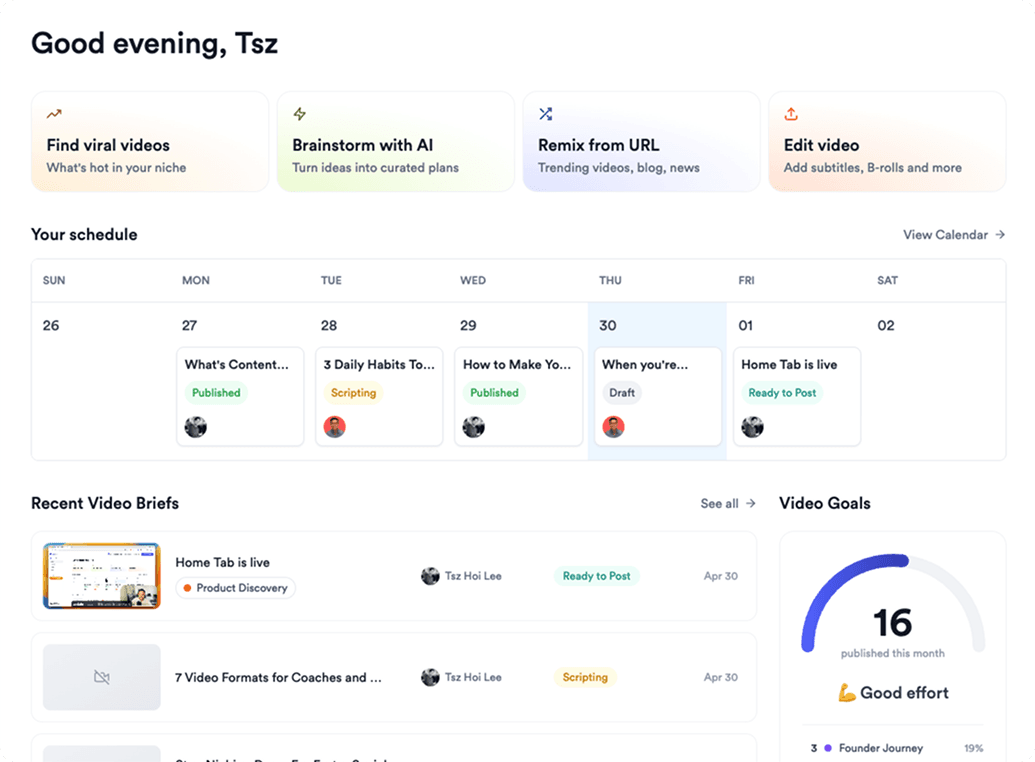
Jupitrr shared workspace with styles, B-roll, and scripts across the whole organisation.

Give everyone the right access

Admin, editor, and viewer roles keep control clear: who can manage the workspace, who can edit and publish, and who can simply review.

Jupitrr role settings for admin, editor, and viewer access across the team.

Assign every script and track it

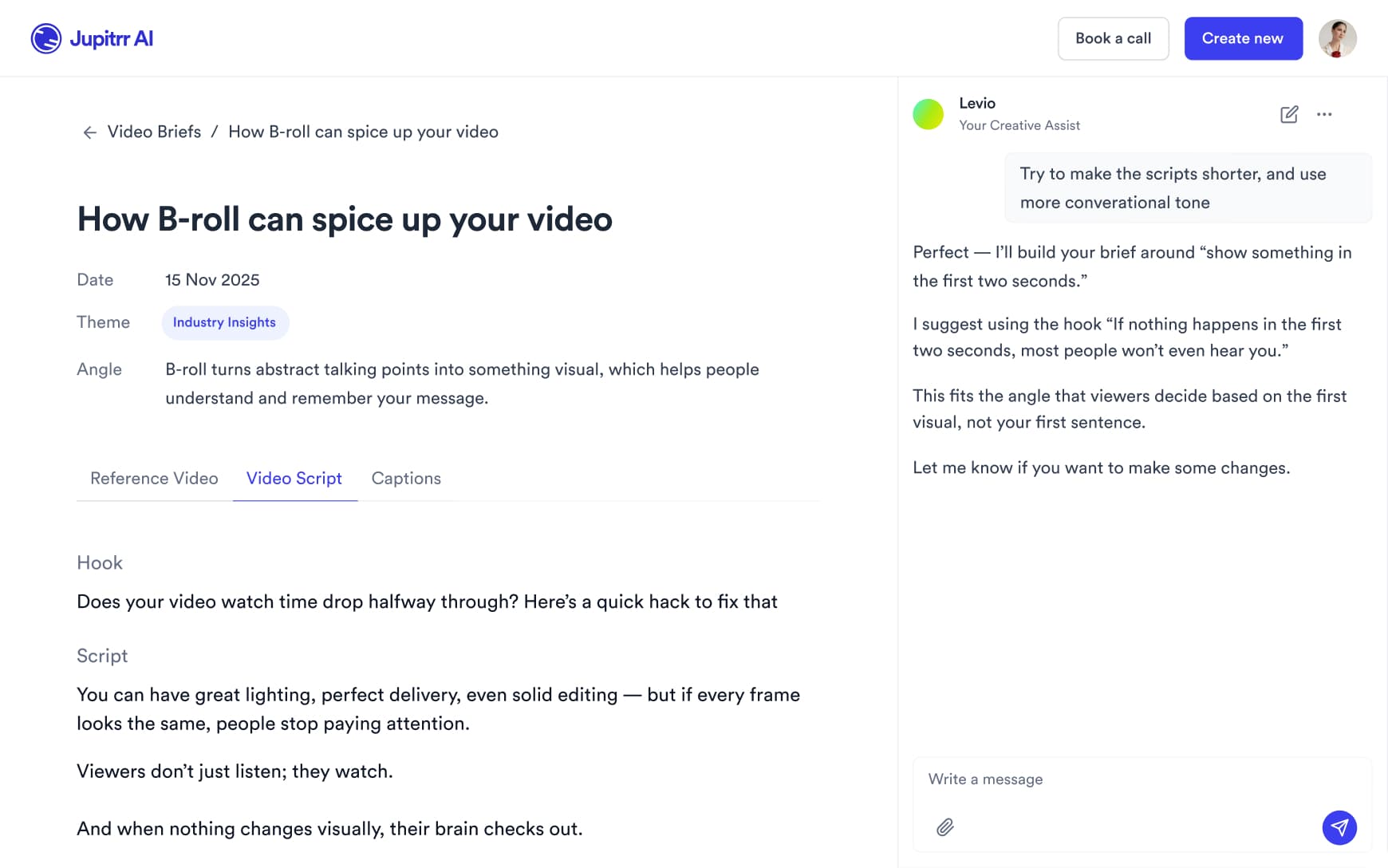
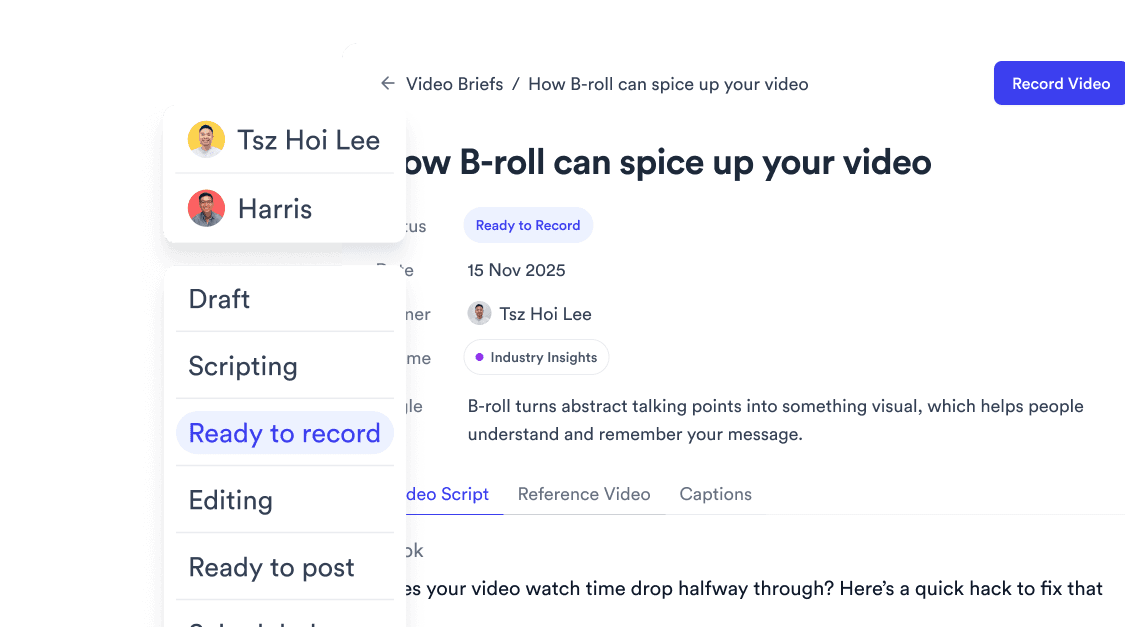
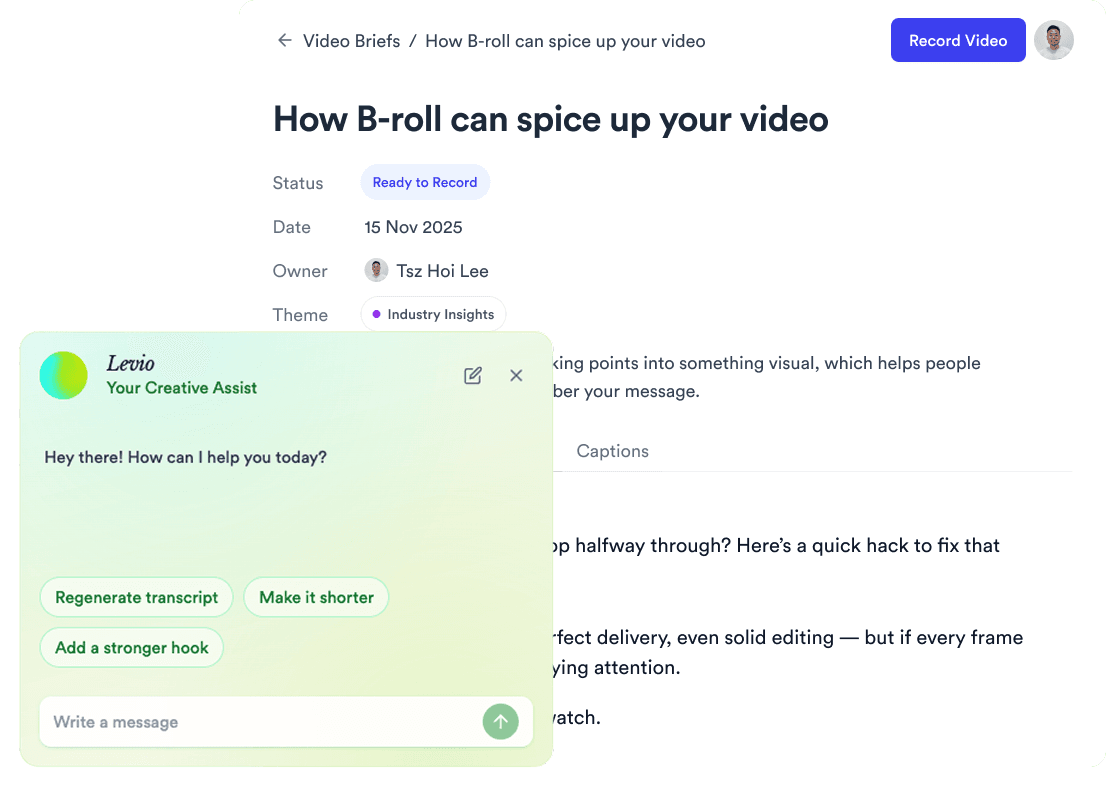
Give each script an owner and a status, from Draft to Published, so everyone knows who is writing, recording, and editing, and what goes out next. No status meeting needed.

Jupitrr script with an owner and a status picker from Draft to Published.

Everything your team shares

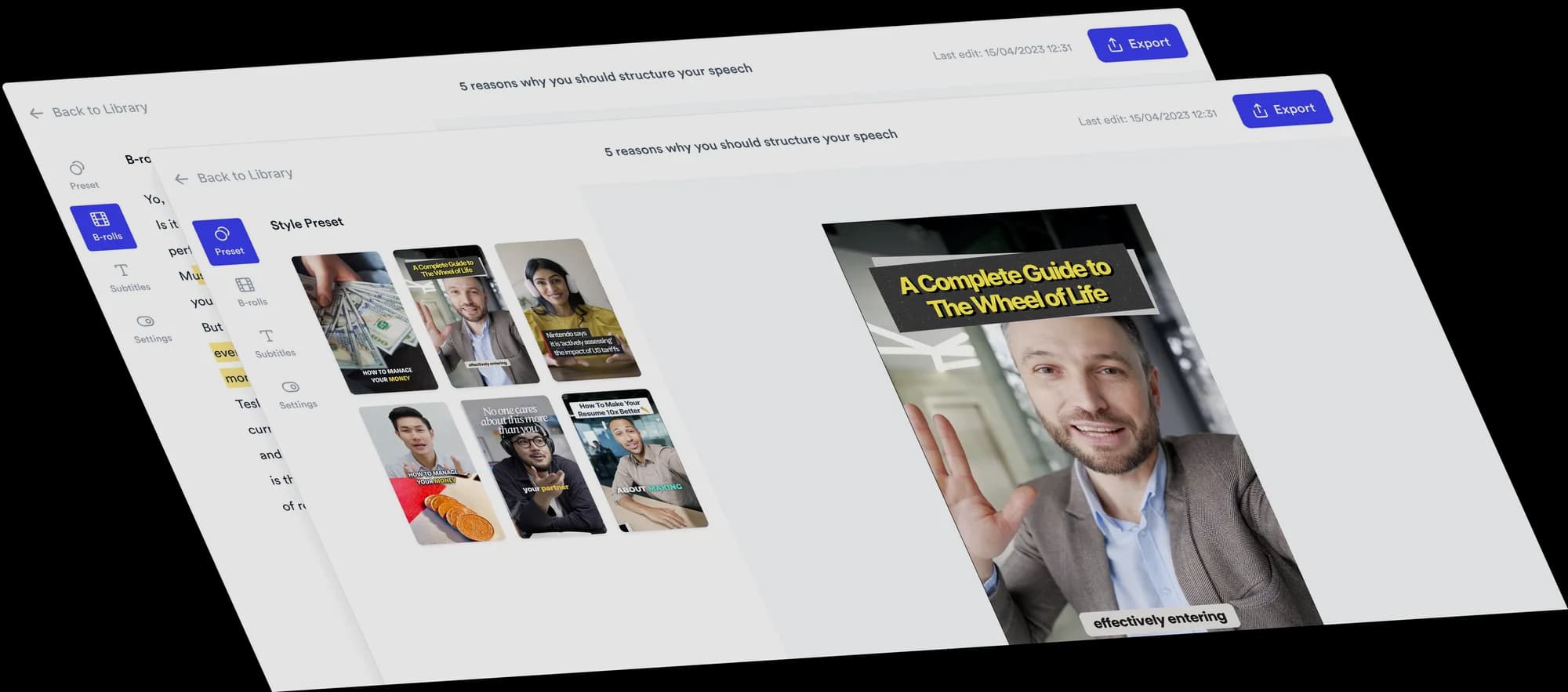
Shared brand styles available across the whole team.

Shared styles

Your brand kit and saved styles, available to every teammate.

Favourited B-roll clips shared across the organisation.

Shared B-roll favourites

Favourite a clip once and the whole team can reuse it instantly.

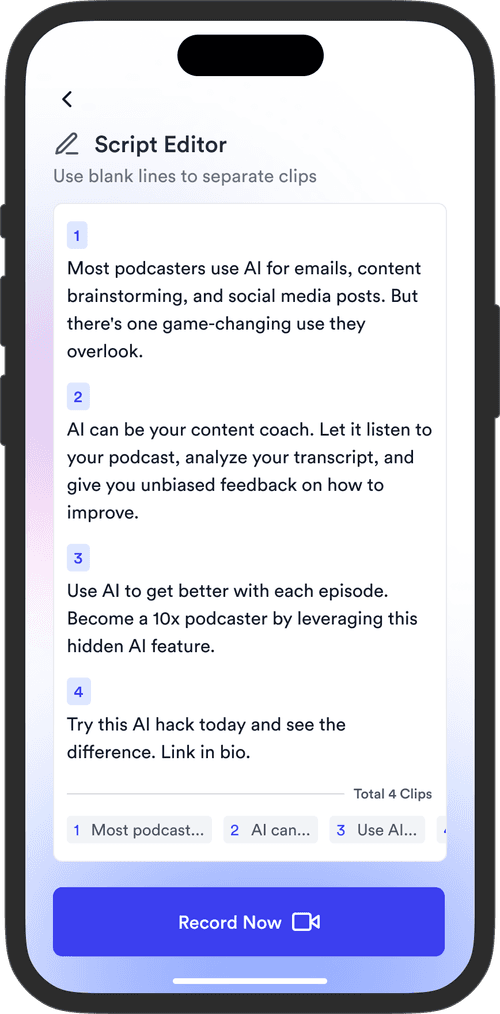
A shared script with hook, script, and references.

Shared scripts

Hook, script, references, and B-roll picks live in one script everyone can open.

Role settings for admin, editor, and viewer access.

Admin, editor, viewer roles

Control who can manage the workspace, who can edit, and who can only review.

Assigning a script owner and status in Jupitrr.

Owners and status

Assign each script to a teammate and track it from Draft to Published.

A single shared workspace for the whole video team.

One source of truth

Everything in one organisation workspace, with no scattered files or DMs.

Trusted by 200K+ coaches and consultants
“Video became so easy that we can produce so much more, promote our services better, and reach a bigger audience.”
Sanjeet Mahajan
Sanjeet Mahajan
Founder of Kizzy Consulting
“Jupitrr turns video creation into an effortless workflow, the edit is actually quality. Now I can focus on strategy.”
Sanket Mittal
Sanket Mittal
Founder of Althra
“Be able to shoot this and then getting a deliverable so quickly is amazing, It literally took me 90 seconds to record so I see the value.”
Sean Huynh
Sean Huynh
Founder of Solara Talent
“The CEO of a half-billion-dollar business told me he loves my videos. People think I hired a marketing agency.”
Buck Foley
Buck Foley
Partner at Crescent Edge

Frequently asked questions

How does a small marketing team manage video production without a full-time editor?
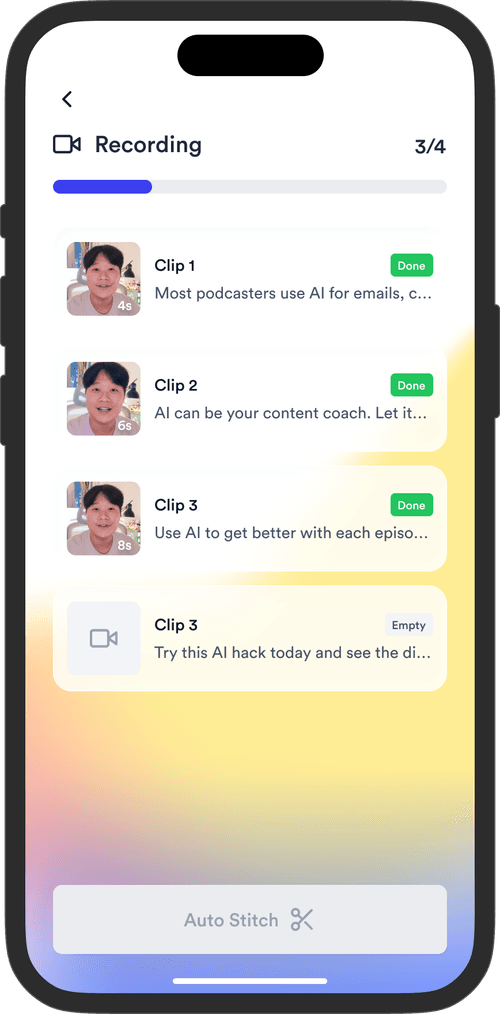
Small teams lose most of their time in handoffs: a doc for the script, a drive for footage, an editor, and a scheduler, with files passed between them. Jupitrr AI keeps scripts, recording, AI editing, and publishing in one shared workspace, gives every script an owner and a status, and lets the whole team reuse the same styles and B-roll, so nobody rebuilds work or chases files.
What can I share across my organisation?
Brand styles, favourited B-roll, and full scripts - hook, script, references, and clip picks. When one person favourites a clip or saves a style, everyone on the team can reuse it right away.
What roles are available - admin, editor, and viewer?
Three roles. Admins manage the workspace and its members, editors create, edit, and publish videos, and viewers can open the workspace without changing anything. Set the right level for each teammate in workspace settings so control stays clear.
How do I assign a video to a teammate?
Open the script and pick an owner from your workspace members. Each script also carries a status, Draft, Scripting, Ready to Record, Editing, Ready to Post, Scheduled, or Published, and the content calendar can be filtered by author, so every teammate sees their own queue.
Can we just plan video content in Notion or Google Drive?
You can, but Notion and Google Drive treat a video as a document plus a file, so the hook, script, captions, footage, and publish date end up in different places. Jupitrr AI gives every video its own brief with fields for the hook, script, captions, references, and transcript, and keeps the editor and the calendar in the same workspace.
Which video tool is best for small team collaboration?
The best video tool for a small team is the one that removes handoffs between writing, filming, editing, and posting. Review tools such as Frame.io are built for passing large files around for feedback. Jupitrr is built for coaches, consultants, and the small teams around them: one workspace covers scripts, recording, AI editing, and publishing, so everyone works on the same video instead of handing files back and forth.
Is there a free plan for team collaboration?
Jupitrr has no free plan; you can try a sample video free before subscribing. Pro includes 2 seats. Team collaboration in the editor, with assigned scripts and a shared calendar, is part of the Team plan ($89 a month billed annually), which includes 5 seats.

Make video as one team.

Shared styles, B-roll, and scripts, with roles and owners that keep everyone aligned. Try the sample free.

Jupitrr AI dashboard