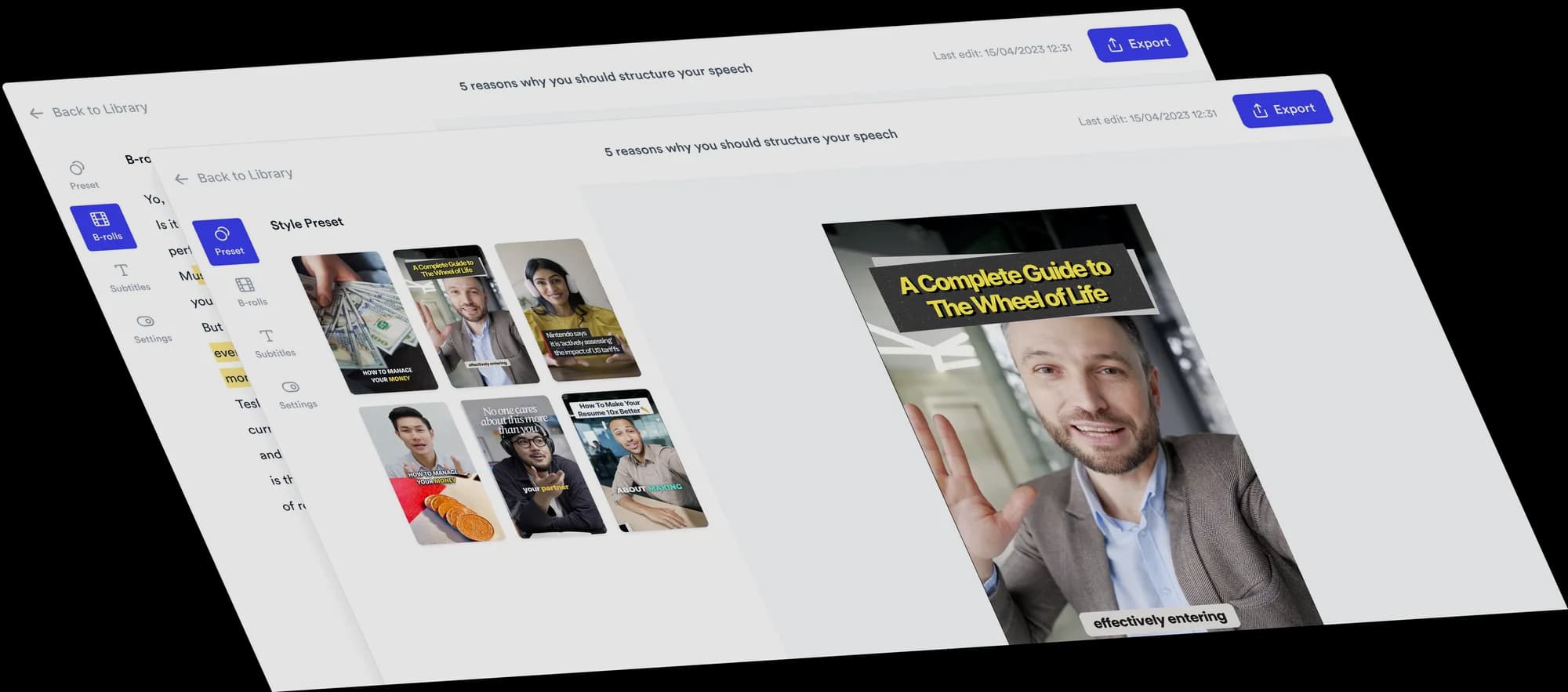
Add text to your video
Highlight key phrases, introduce ideas and show your points on screen. Jupitrr adds text from your recording automatically, and you can edit it or add your own.
 Trusted by 200K+ coaches and consultants
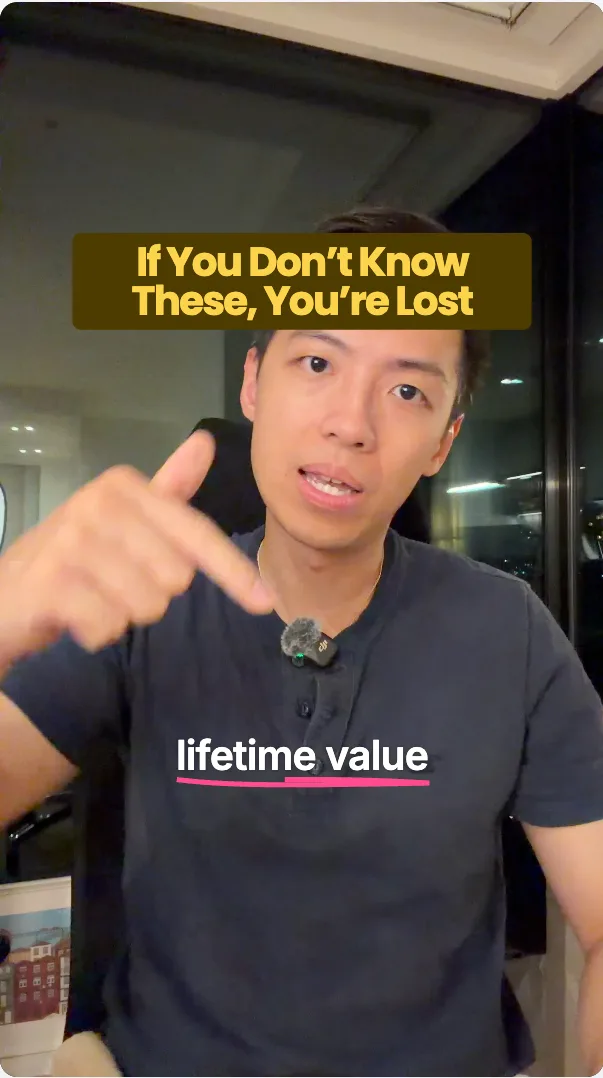
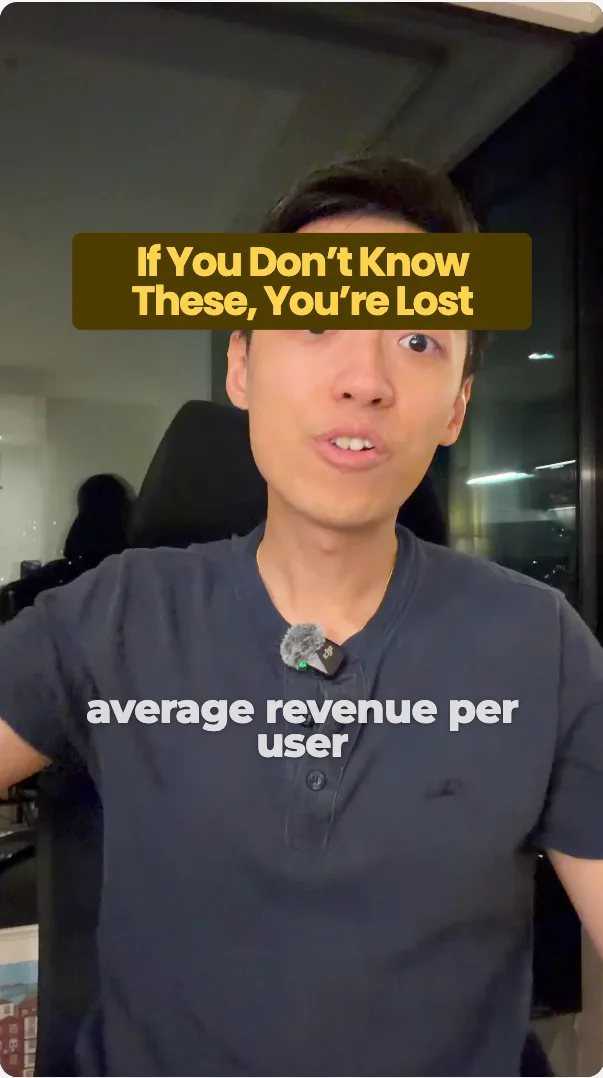





How to add text to a video
Start from what Jupitrr picks, then make it yours.
Upload your video
Upload your recording. Jupitrr adds short highlights, lists and titles from what you say.
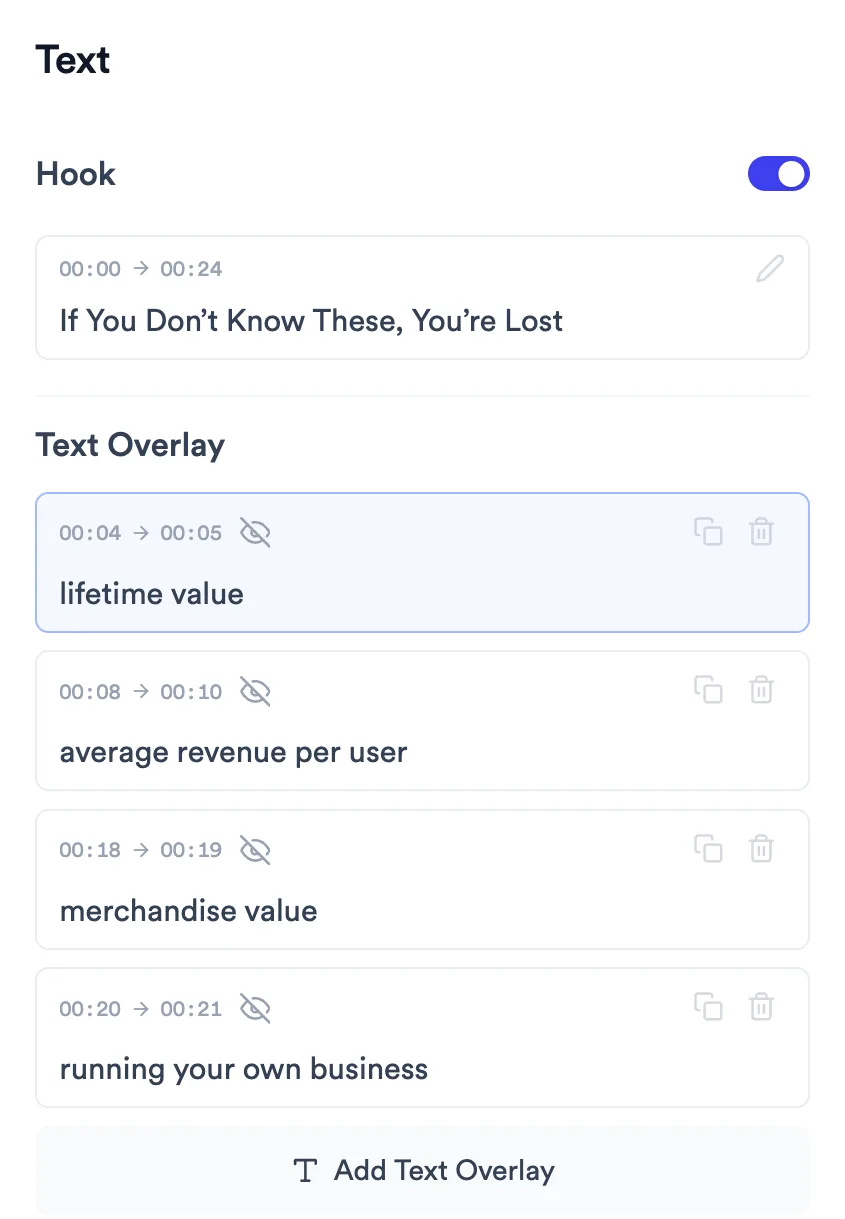
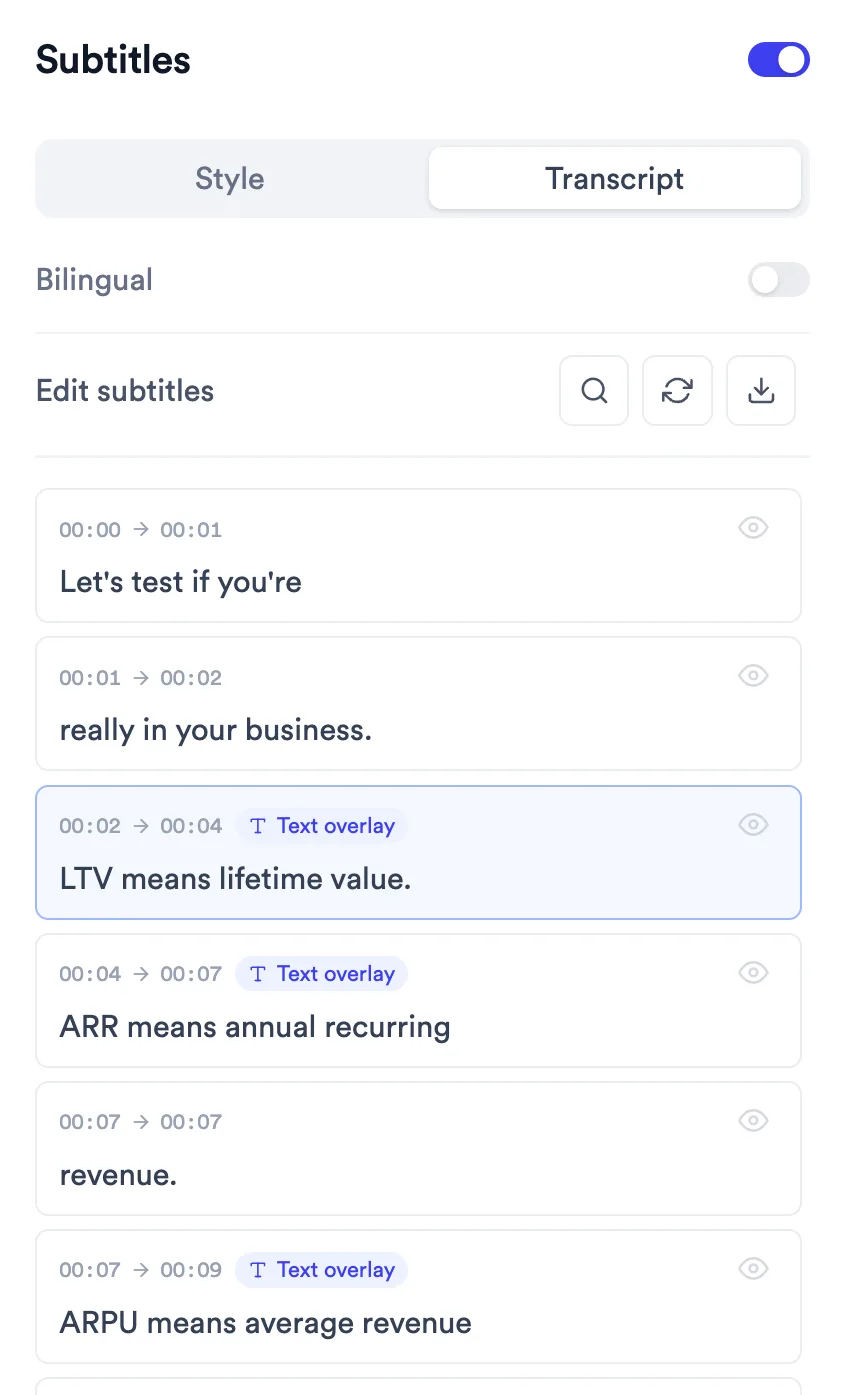
Review the text or add your own
Check the text Jupitrr picked and change anything you like. Add your own at any moment, or turn words from your transcript into text on screen.
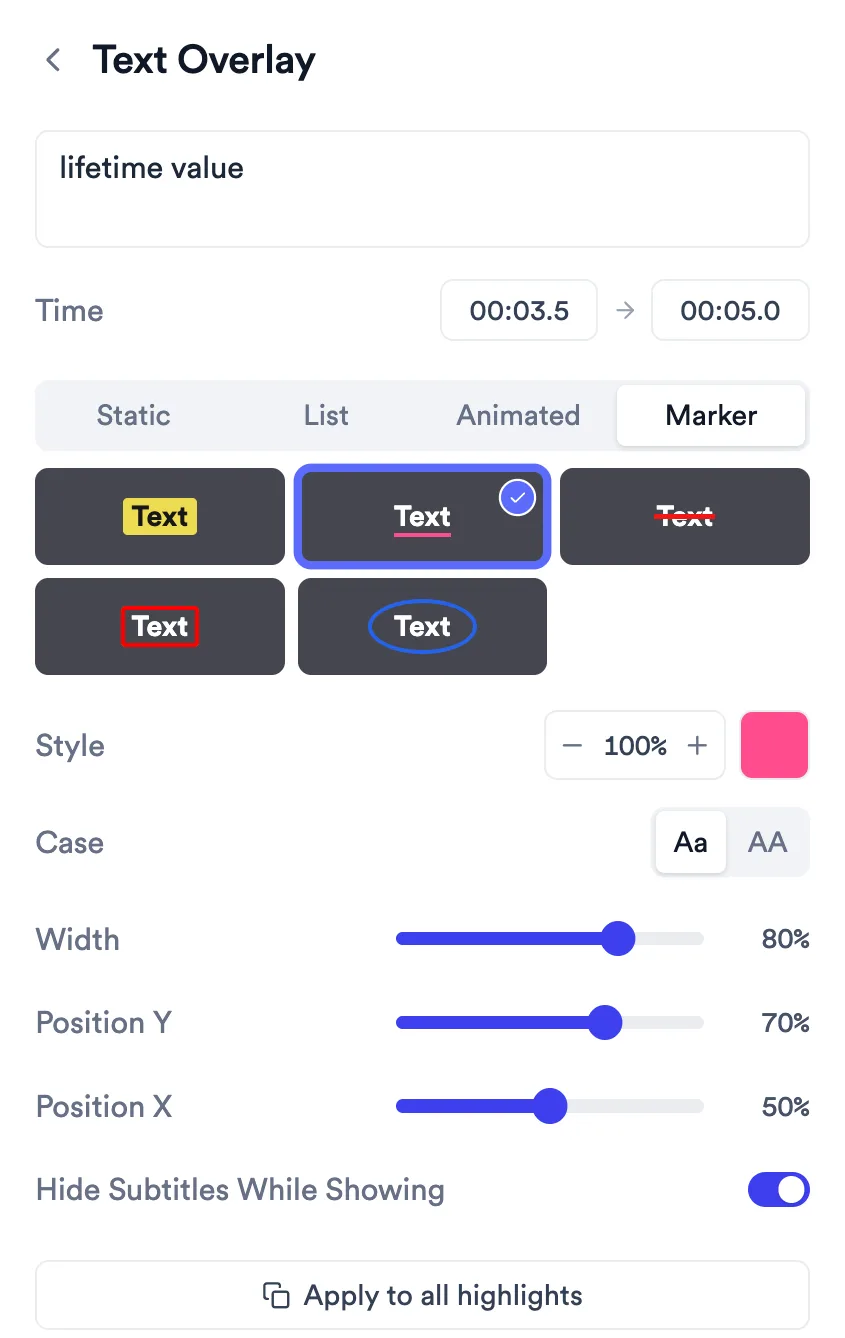
Customise it and export
Choose a style, adjust the timing and how it looks, and place it on screen. Apply the look to your other overlays, then export.
What Jupitrr does, and what you decide
The first edit picks the words. Every overlay stays editable.
Automatic
- Short highlights of your exact words, with subtitles hidden while each one shows.
- At most one hand-drawn mark: an underline, a circle or a highlighter.
- A numbered list that grows point by point, when you go through several points.
- A title for a named idea or a number.
- Nothing during the hook, and nothing on Tier List or other formats that fill the screen.
You change
- The words, start and end of every overlay.
- The style: Static, List, Animated or Marker.
- Font, colours, size and position.
- Whether subtitles hide while it shows.
- Pop-up Animation and Blur Words on Static and List styles.
- Duplicate or delete any overlay, or copy its look with Apply to all.
With Levio
Ask Levio to add a title, label or call to action for a time range or the whole video, rewrite one, move it, recolour it, resize it or remove it. Pick List, Animated and Marker styles yourself in the Text tab.
Good to know
- Overlays keep their own text. Fixing a word in the subtitles doesn't change an overlay.
- Text size runs from 2% to 20% of the video height.
- Overlays are positioned with sliders, not by dragging on the preview.
- The hook at the start is separate and holds up to 50 characters.
How business creators use text overlays
Trusted by 200K+ coaches and consultants



Frequently asked questions
How do I add text to a video?
Does Jupitrr add text automatically?
What is the difference between text overlays and subtitles?
Which text styles are there?
Can Levio add text for me?
Can I drag text around on the video?
Put your key words on screen.
Upload a talking-head video, check the text Jupitrr picks and add your own. Try a sample video free.