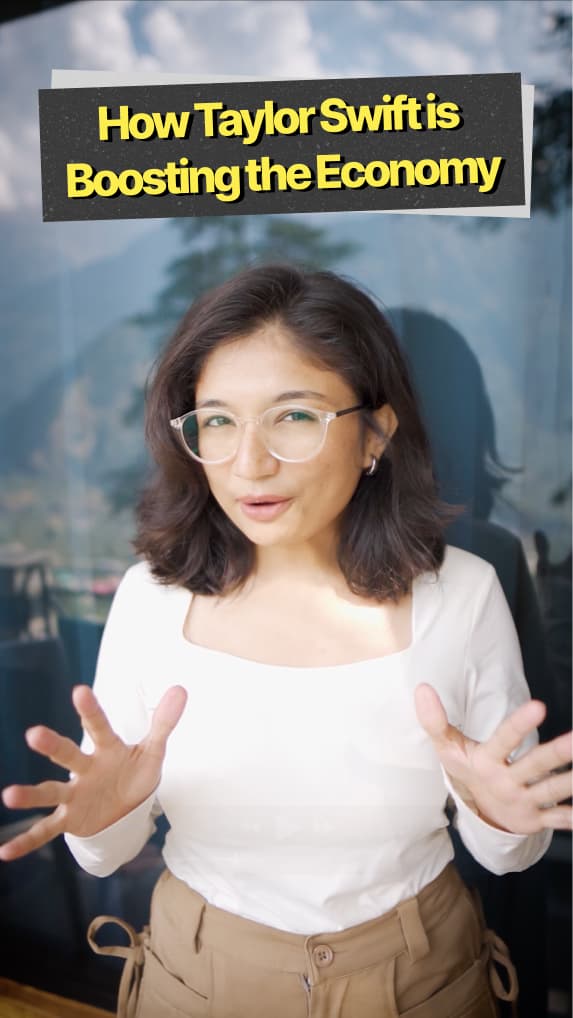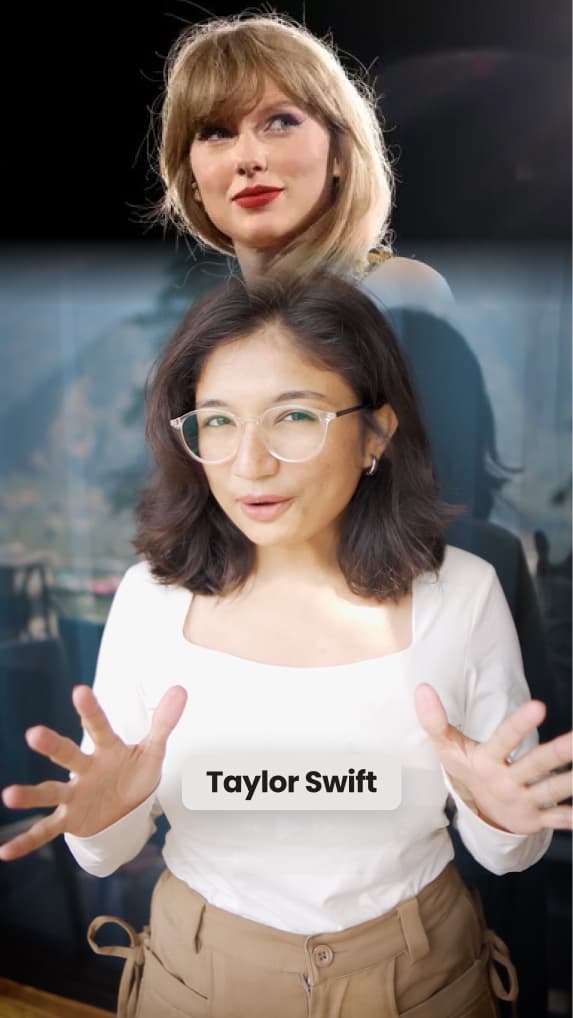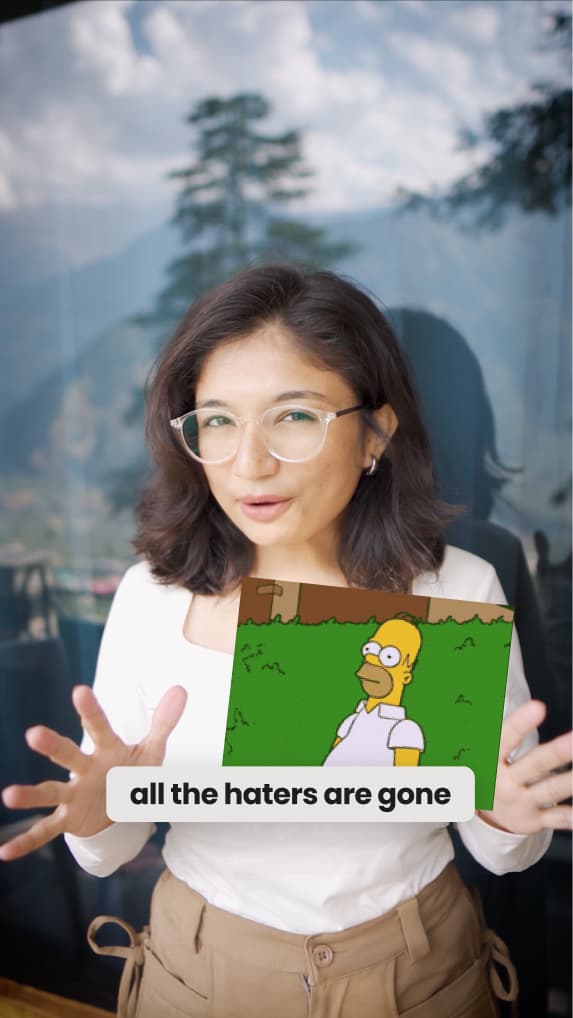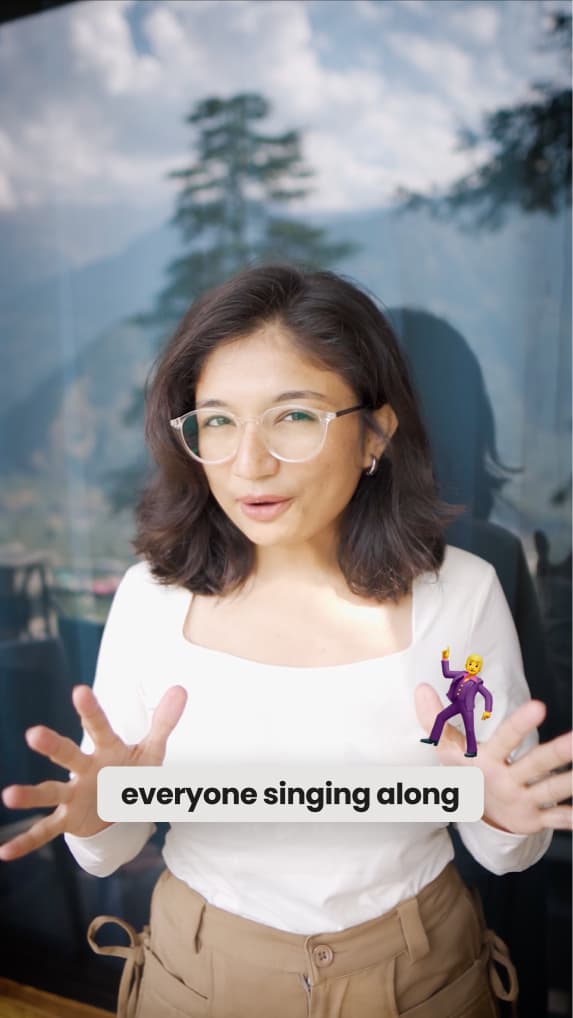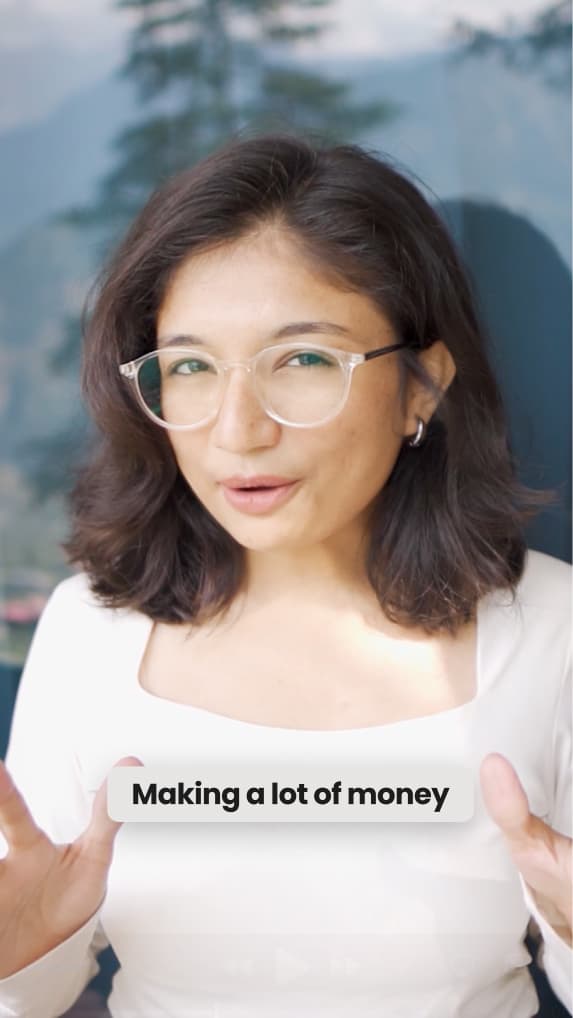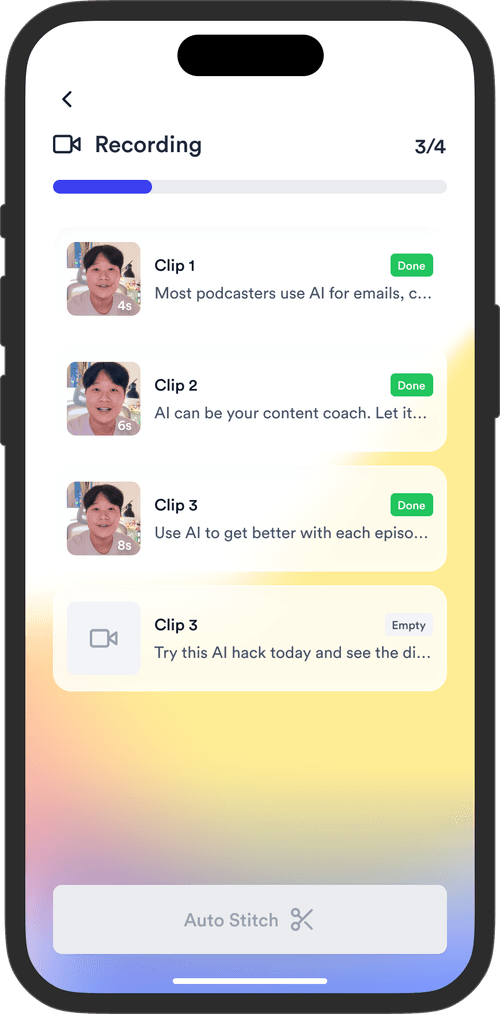

10x faster than CapCut

AI-edit your talking videos, built for coaches & consultants

Fastest way to turn your raw talking footage into scroll-stopping videos. Win more clients with content that gets seen.

Get Started for Free
Book a Demo
Loved byTrusted by 200K+ coaches and consultants

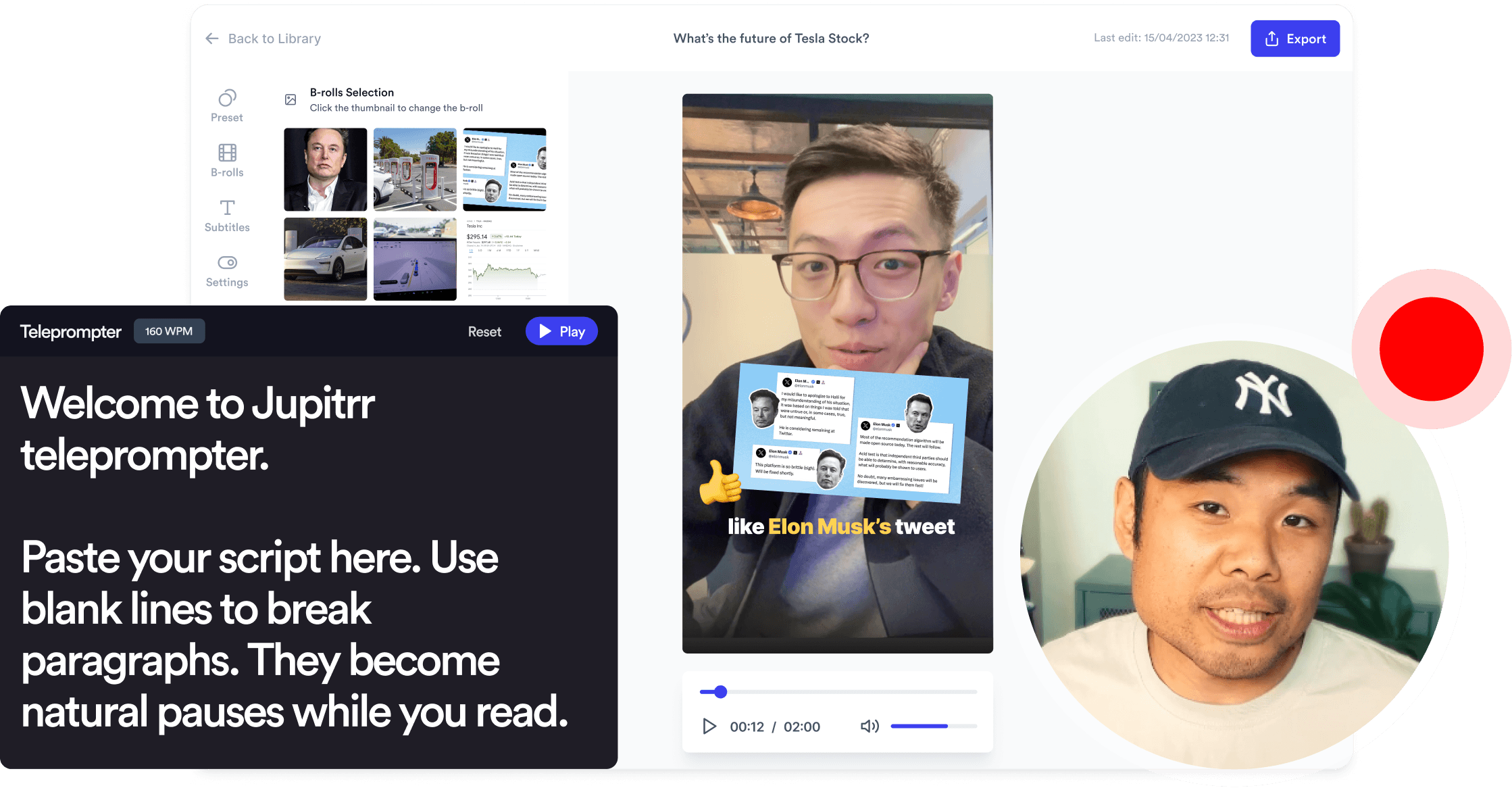
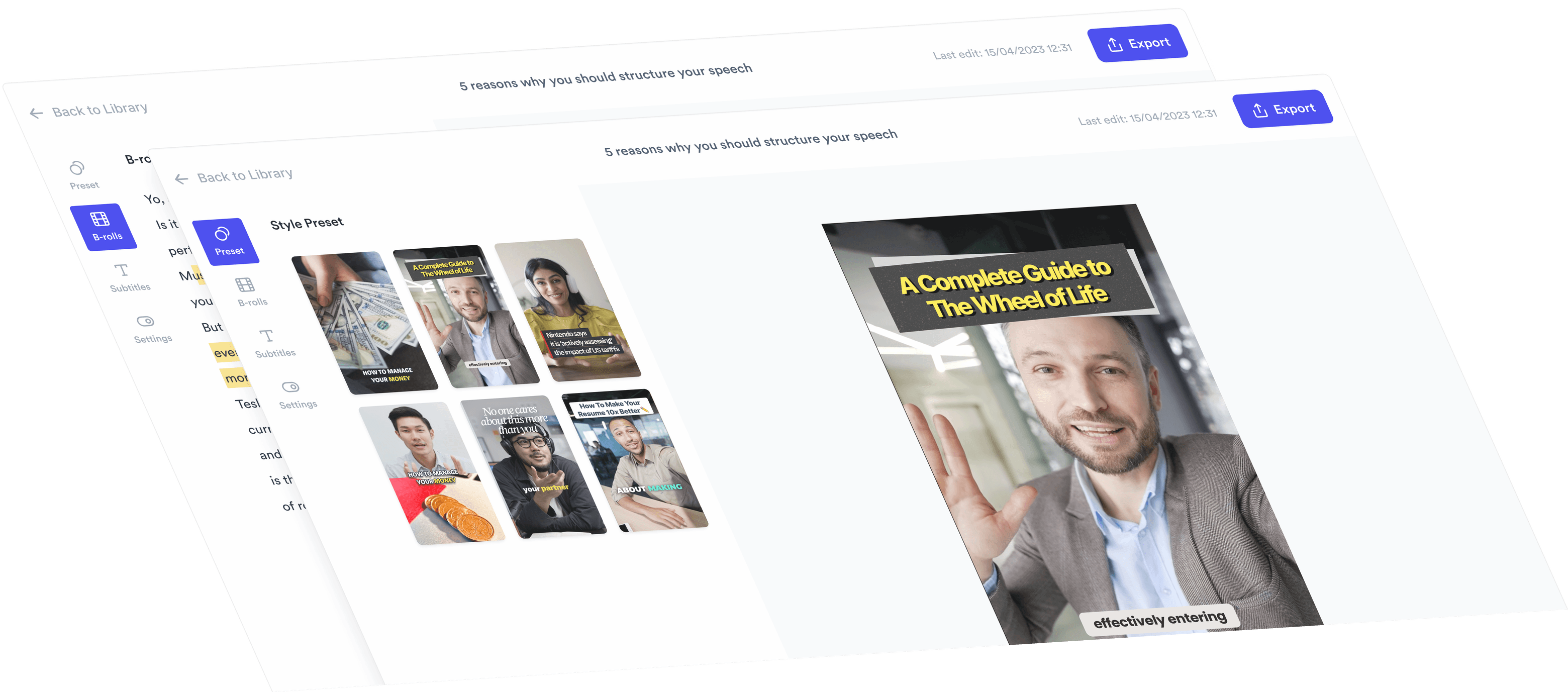
Jupitrr AI Video Editor interface
BuildMapper
GatherVoices
myHealthspan
YourPolicy
Goflow
ZipSea

The fastest, easiest way to edit a video

Upload your video and
it's edited instantly

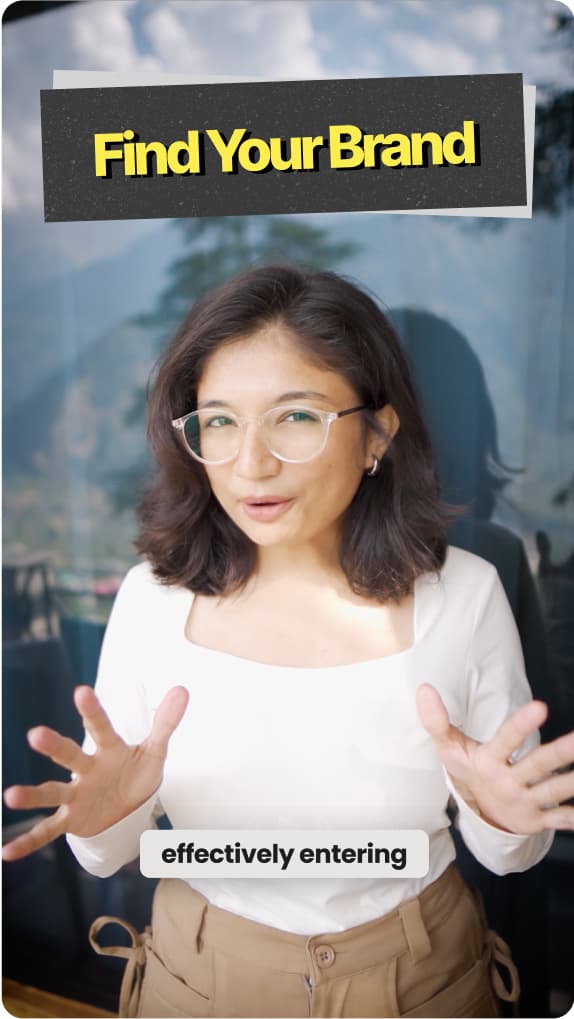
CapCut starts with a blank timeline. We start with your video already edited.

Preview
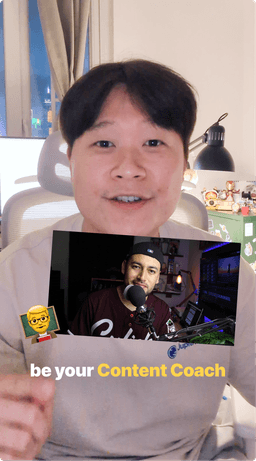
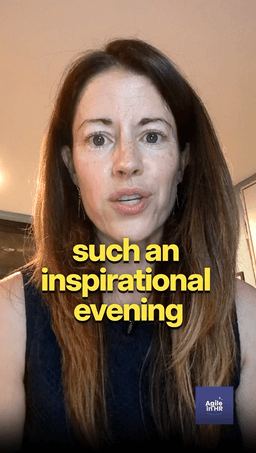
  • AI-crafted Hook
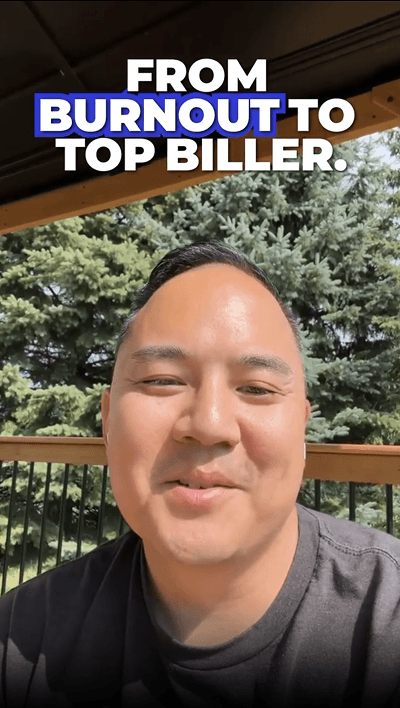
  • Animated Subtitles
  • B-rolls
  • GIFs
  • Emojis
  • Animation
  • Transitions
  • Brand Logo
  • Outro
  • AI Background Music

Unlimited Premium B-roll,
matched to your script

The right visual for every sentence, from unlimited Getty Images stock, Google Images and GIFs.

Getty Images stock assets, Google Images and GIFs as B-roll
iStock by Getty Images
Google Images
GIPHY

Publish to all your channels
in one click

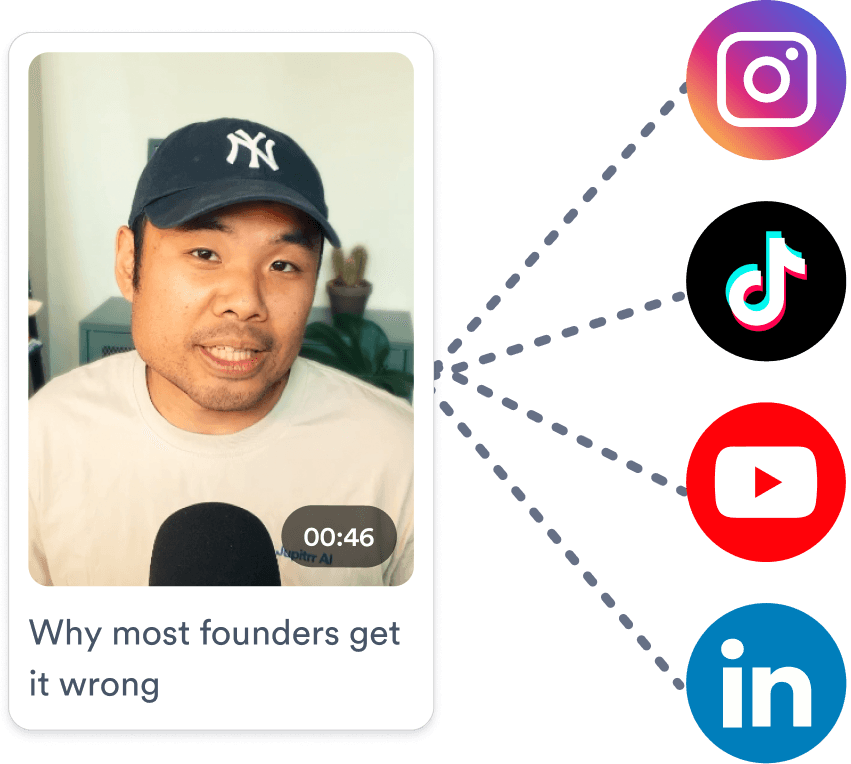
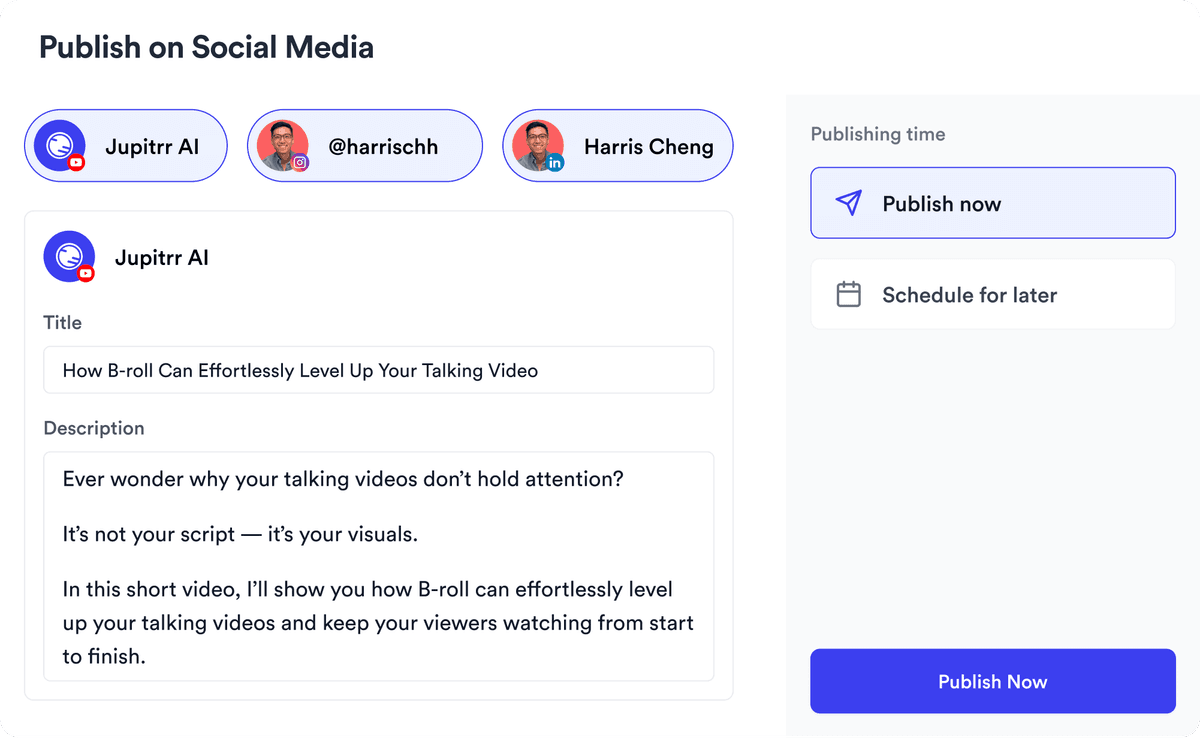
Schedule and post to YouTube, Instagram, LinkedIn and TikTok directly, with captions automatically written for each platform.

Scheduling videos across platforms from one calendar

Trusted by 200K+ coaches and consultants

Video became so easy that we can produce so much more, promote our services better, and reach a bigger audience.
Sanjeet Mahajan
Sanjeet Mahajan
Founder of Kizzy Consulting
Jupitrr turns video creation into an effortless workflow, the edit is actually quality. Now I can focus on strategy.
Sanket Mittal
Sanket Mittal
Founder of Althra
Be able to shoot this and then getting a deliverable so quickly is amazing, It literally took me 90 seconds to record so I see the value.
Sean Huynh
Sean Huynh
Founder of Solara Talent
The CEO of a half-billion-dollar business told me he loves my videos. People think I hired a marketing agency.
Buck Foley
Buck Foley
Partner at Crescent Edge

Every format that wins customers

From trend takes and talking-head tips to client stories and scroll-stopping hooks, create the videos that build authority and book more calls.

Try it for free
Industry Trends
Company Stories
Explainers
Podcasts/Webinars
Public Speaking

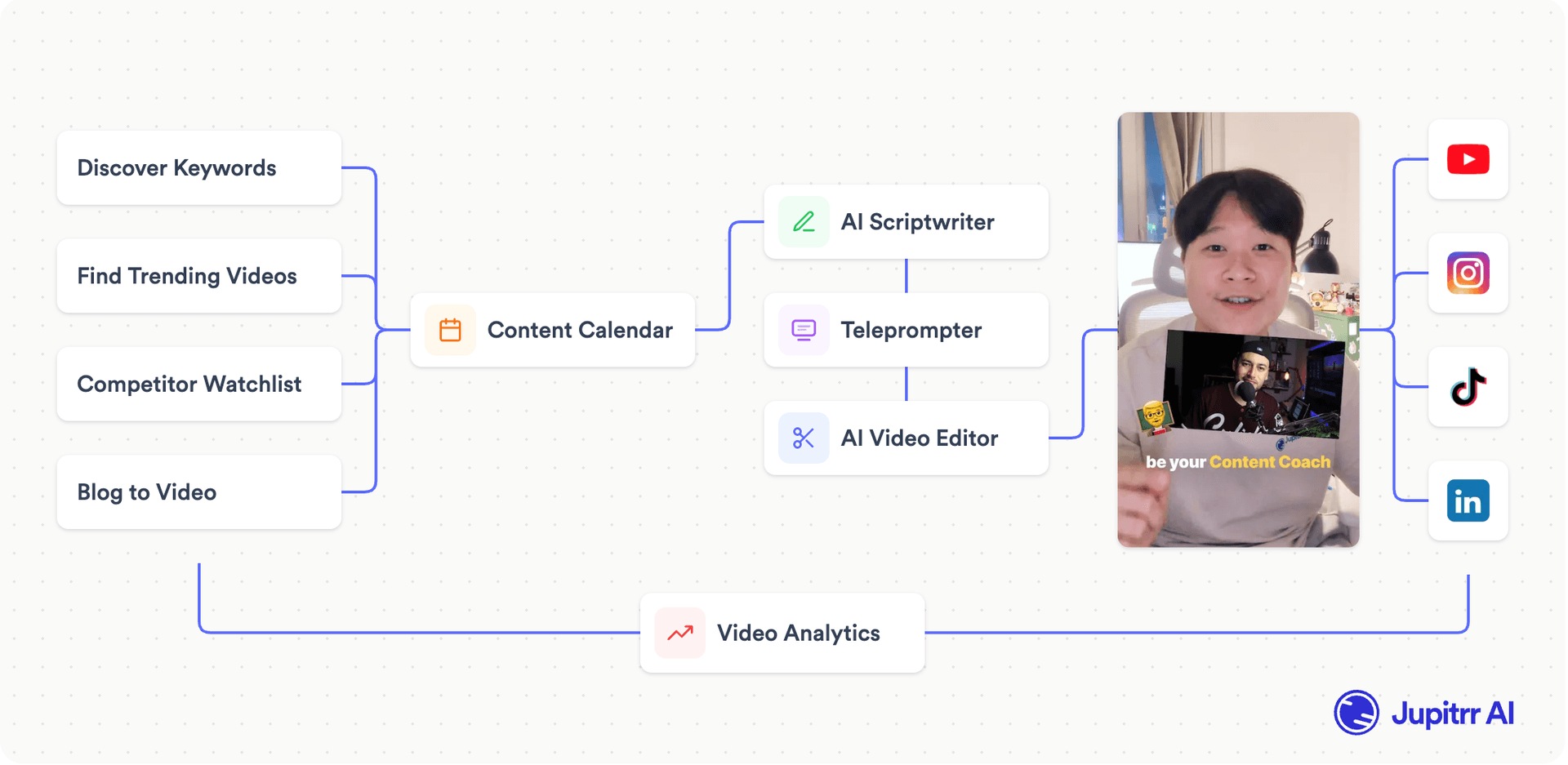
One tool, everything connected.

Stop switching between five apps just to post one video.

Tools replaced by Jupitrr
Jupitrr video workflow

See Jupitrr in action

Watch how Jupitrr helps you go from ideas to posts in minutes.

Frequently asked questions

What can Jupitrr actually do?
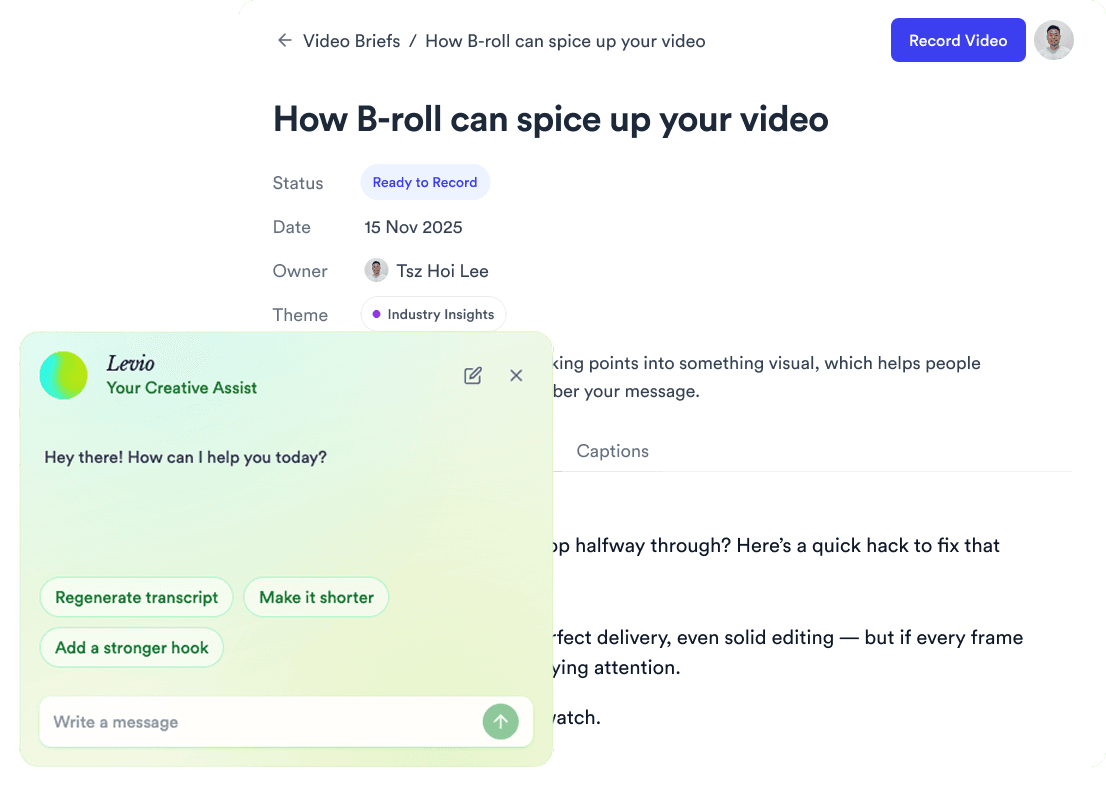
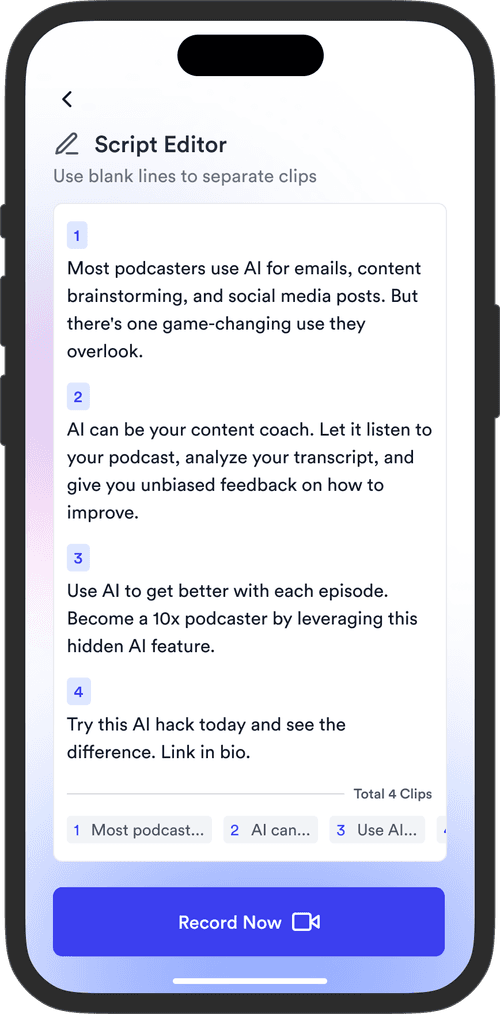
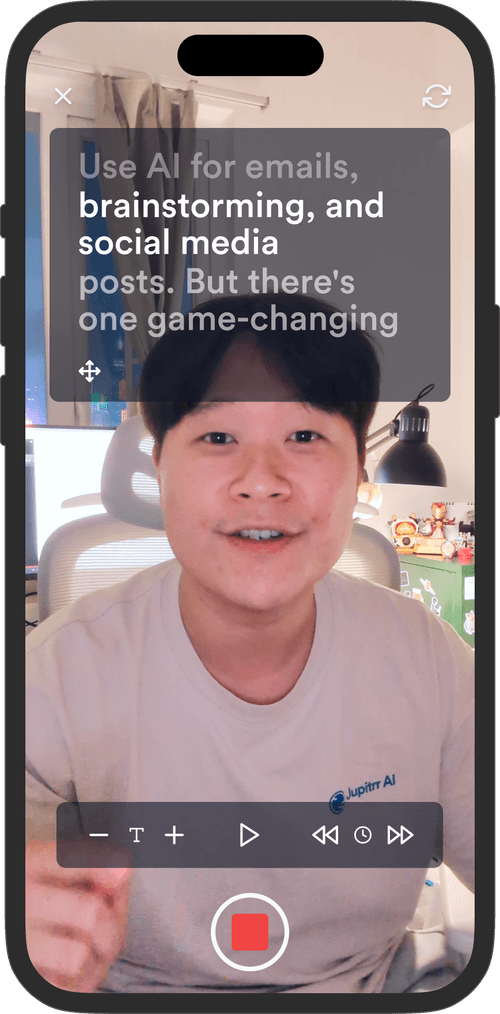
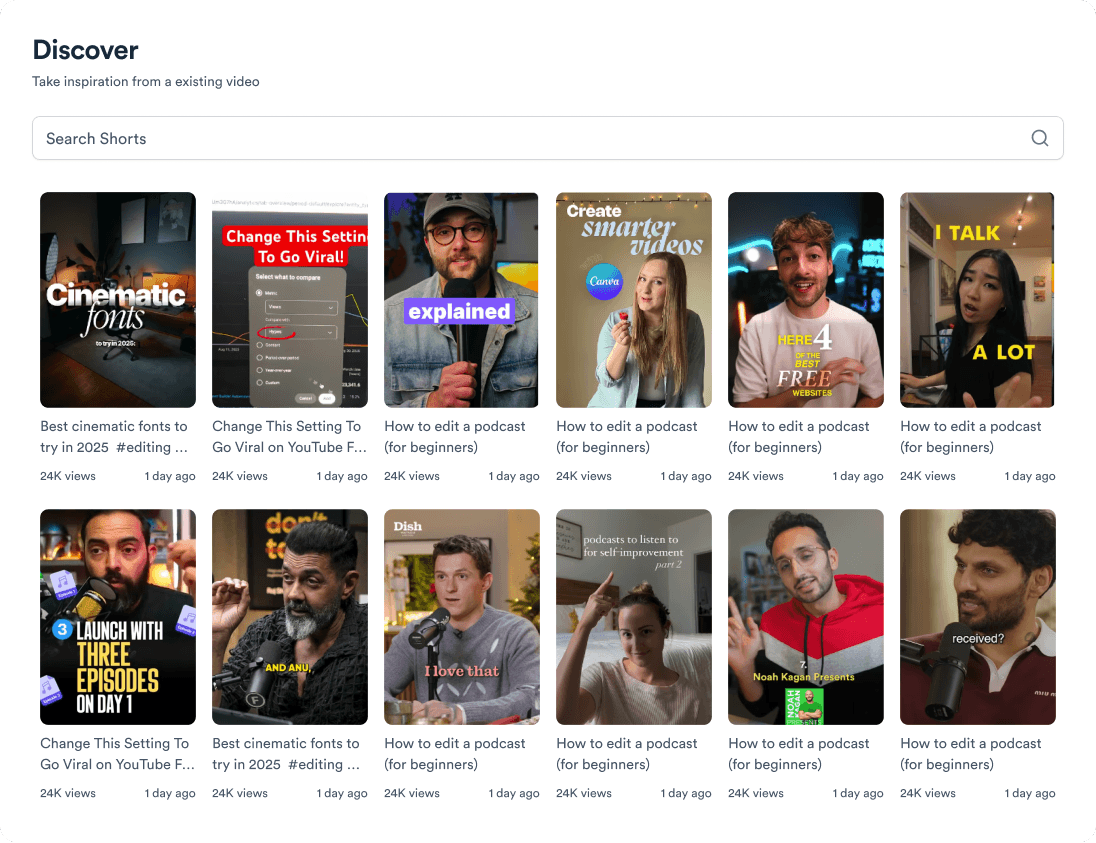
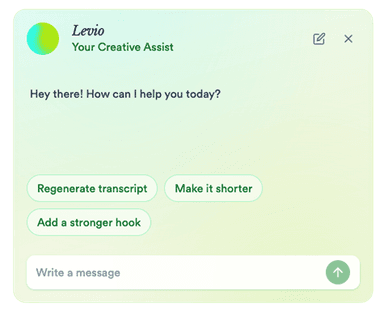
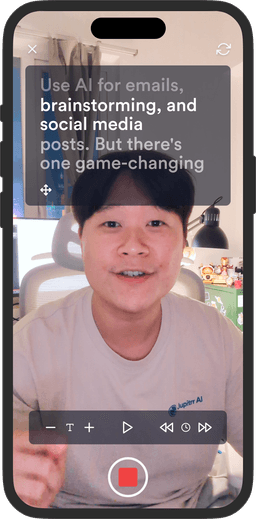
Jupitrr AI covers the whole video workflow in one app. It researches what is already working in your niche on YouTube, TikTok, and Instagram, writes a full script with a hook and a caption in your tone, shows that script on a teleprompter while you record, and then edits the footage for you the moment you upload it: B-roll, subtitles, hooks, background music, sound effects, transitions, and your logo, all placed automatically. From there you schedule and publish to YouTube, Instagram, TikTok, and LinkedIn and track how each video performed. It is not a timeline editor and it is not built for multi-cam or motion graphics work. It is built to get short talking-to-camera videos published fast.
Do I need video editing experience?
No. There is no timeline and nothing to learn before your first export. You upload a talking-to-camera video, it comes back edited, and you review what the AI placed. Anything you dislike is one click from being changed, or you can describe the change to Jupitrr Agent in plain language and it applies the edit for you. Most people publish their first video the same day they sign up.
Can I replace the AI-generated edit?
Yes, any part of it. Every B-roll clip can be swapped for a different stock clip, a web image, a GIF, or your own upload, and you can change how it appears (full screen, split screen, card, contained, or blended) and how it animates in. Subtitles are editable line by line, including the wording, the styling, and the language. Music, sound effects, hooks, and the watermark can each be changed or removed. Changing one clip leaves the rest of the video exactly as it was.
Where does the B-roll come from?
Four libraries, all searchable in the editor, plus your own files. Getty Images and iStock for licensed stock video and stills on paid plans, Pexels free stock on every plan including Free, Google Images for real product shots and reference visuals under Creative Commons licences, and GIFs. Getty Images, iStock, and Pexels assets are cleared for commercial use, so what you export is safe for client work and paid ads.
How long does one video take?
The AI edit itself takes minutes, not hours. Most coaches and consultants go from an idea to a published video in under 15 minutes, including recording. The editing pass runs on upload, so the time you spend is on recording and on reviewing what the AI placed, not on assembling a timeline.
What if I only make one or two videos a month?
Starter is built for that: $18 a month billed annually ($22 monthly), with 10 exports a month, premium Getty Images and iStock B-roll, uploads up to 20 minutes, and no watermark. There is no per-video charge and no minimum commitment, so a quiet month costs the same as a busy one. If you are not ready to pay, the Free plan lets you make and edit 3 videos a month with a watermark on the export.
What is included in each plan?
Free ($0): 3 video briefs and 3 uploads a month, 1 seat, Pexels B-roll, 2-minute uploads, watermarked exports. Starter ($18/month billed annually): 10 exports a month, unlimited premium Getty Images and iStock B-roll, 20-minute uploads, no watermark. Pro ($39/month billed annually): everything in Starter plus the AI scriptwriter, viral video search, content calendar, social publishing, analytics, 30 briefs, 30 exports, and 2 seats. Team ($89/month billed annually): everything in Pro plus team collaboration, a custom brand kit, and multi-account publishing, with 50 briefs, 50 exports, and 5 seats.
Can I cancel?
Yes, at any time, from your account settings under Manage Plan. No email to support and no cancellation fee. Your plan stays active until the end of the billing period you have already paid for, and your videos and briefs stay in your account afterwards. There is also a 3-day money-back guarantee: cancel within 3 days of paying and you get a full refund.
Your all-in-one video workflow
Start creating videos consistently.
footer card