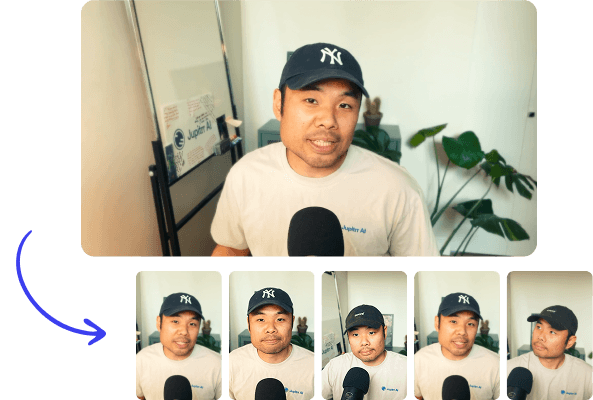
Long to Short clips in minutes

Turn one long-form video into a batch of ready-to-post short clips. Jupitrr finds the best moments, adds captions and B-roll, and reframes to vertical for every platform.

Try it for free
Book a Demo
Loved byTrusted by 200K+ businesses
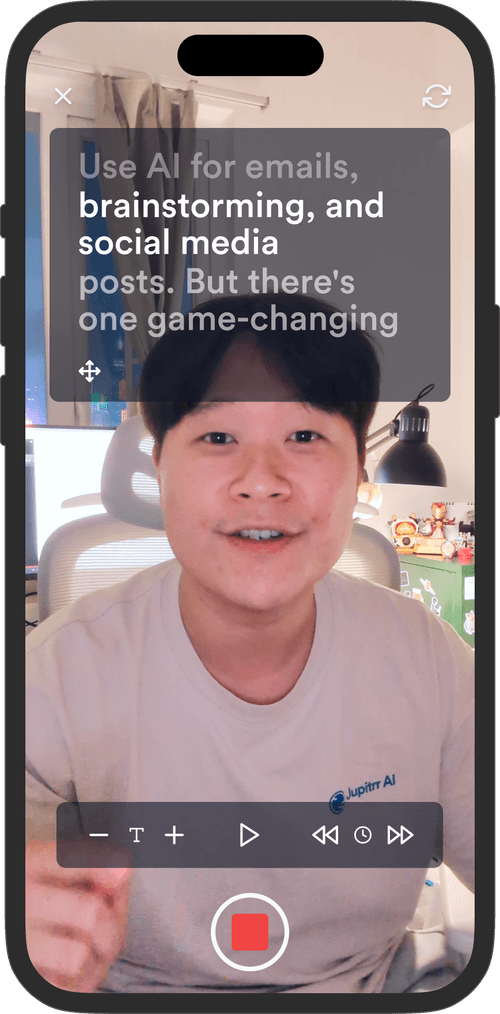
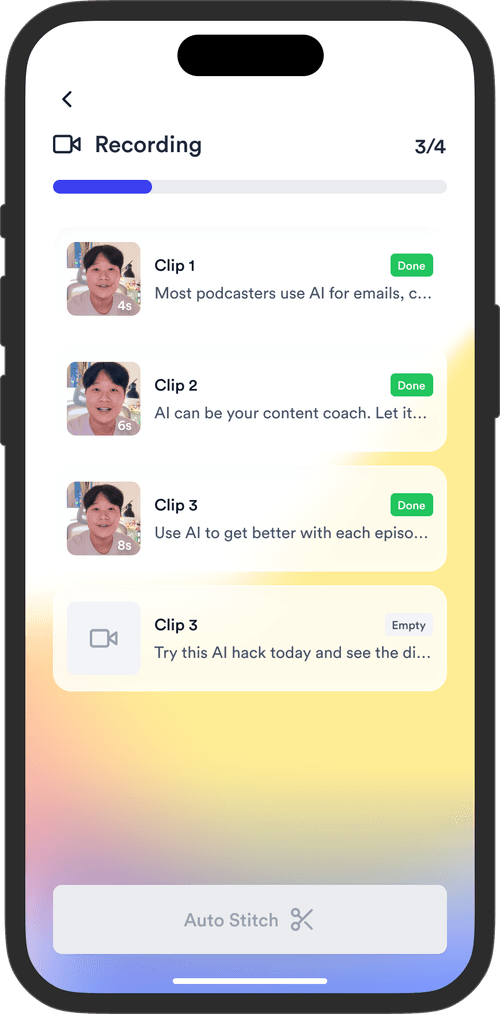
Jupitrr Long to Short - a long video split into multiple captioned vertical clips.
eXp Realty
BuildMapper
GatherVoices
myHealthspan
YourPolicy
Goflow
ZipSea
Watch the walkthrough

See Long to Short in action

A quick walkthrough of how to turn one long video into a week of captioned, reframed clips.

One long video, a week of clips

Upload once, let Jupitrr find the moments, then caption, reframe, and publish.

Drop in one long video

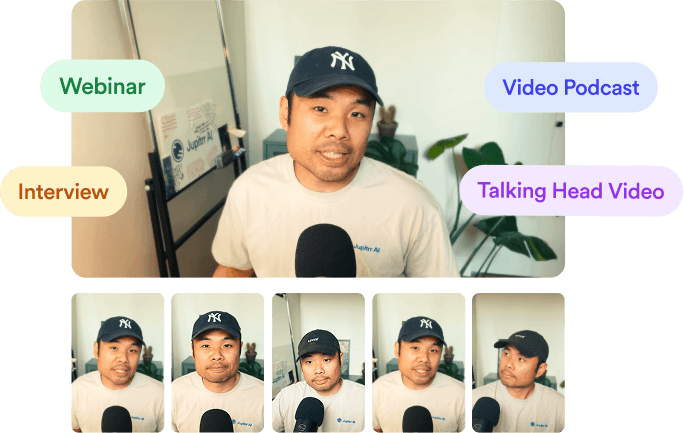
Upload a podcast, webinar, interview, or talking-head recording. Jupitrr transcribes it and reads the whole thing so you do not have to scrub for the good parts.
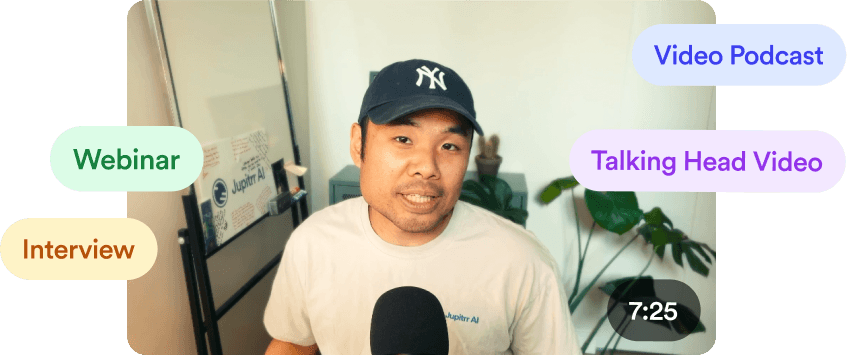
Jupitrr Long to Short - uploading a long-form video to find clips.

AI picks the moments worth clipping

Get a shortlist of self-contained clips with a hook, a payoff, and a score for why each one will travel. Keep what you like and skip the rest.
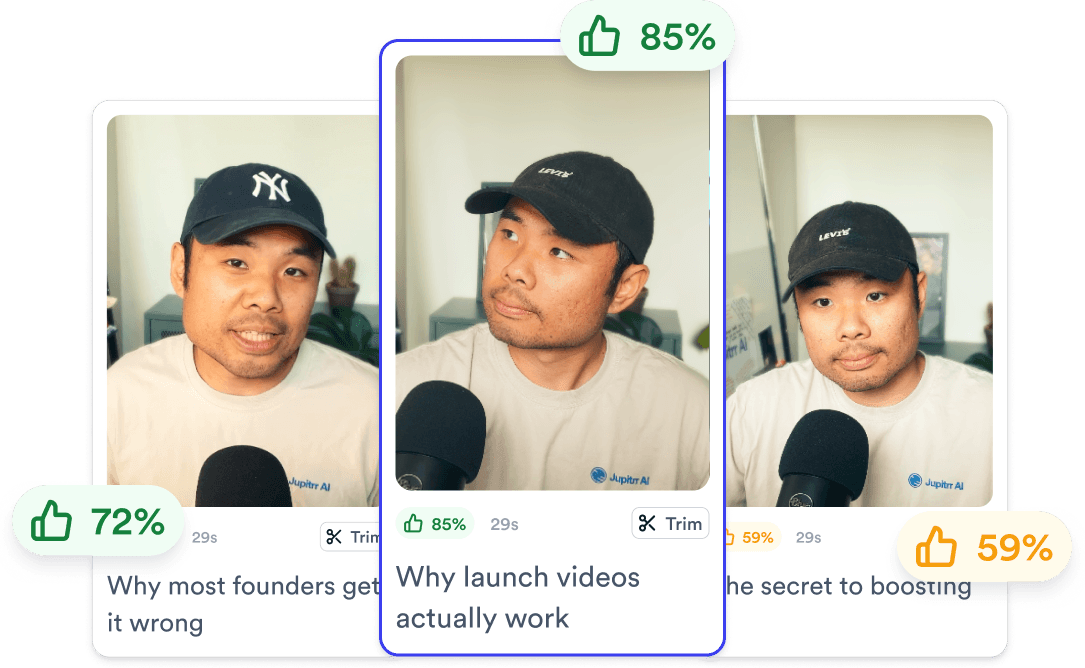
Jupitrr Long to Short - AI-selected clips with hooks and a virality score.

Caption, reframe, and publish

Each clip is reframed to vertical with animated captions and B-roll on. Polish the design, then schedule to TikTok, Reels, Shorts, and LinkedIn from the same view.
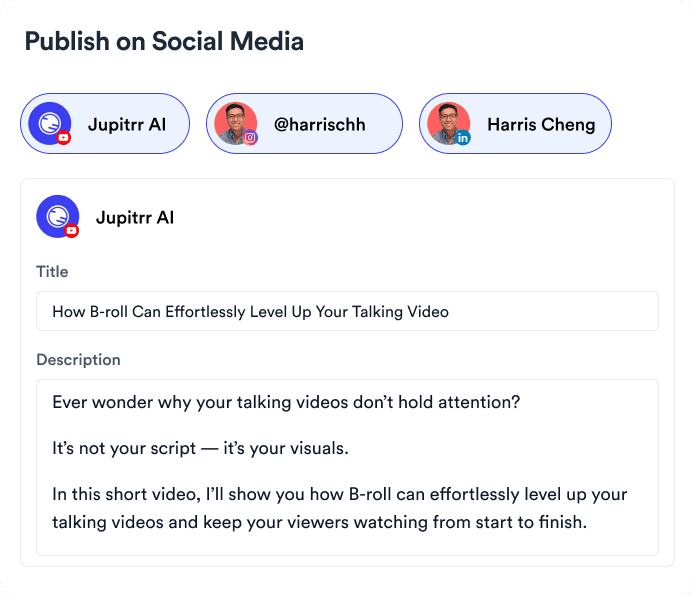
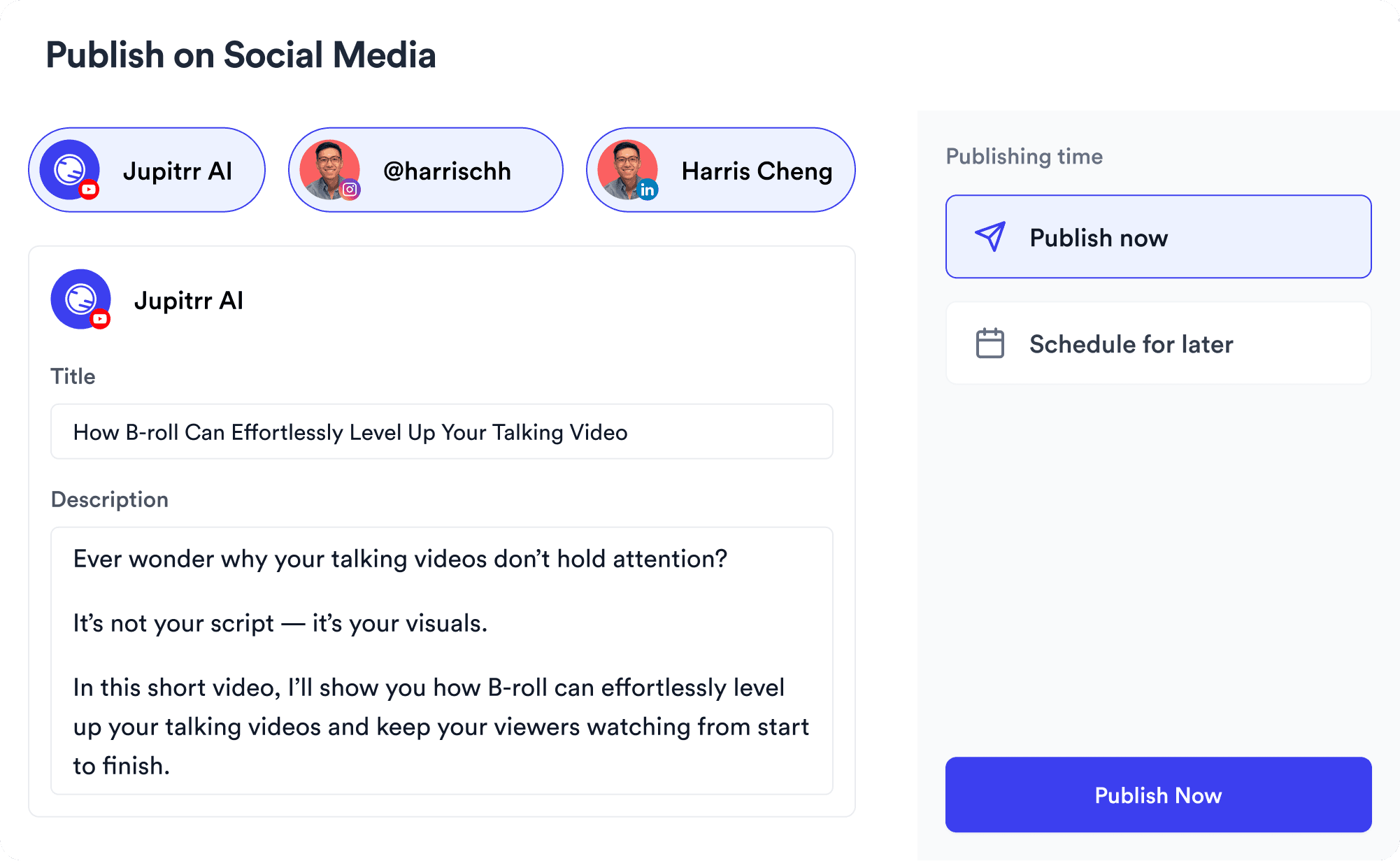
Jupitrr Long to Short - clips captioned, reframed to vertical, and scheduled across platforms.
Try it for free

Features to superpower your clipping

AI detecting the strongest moments inside a long video.

Moment Detection

AI reads the full transcript and surfaces the clips worth posting.

Clips ranked by a virality score.

Virality Score

Each clip gets a score so you post the strongest cuts first.
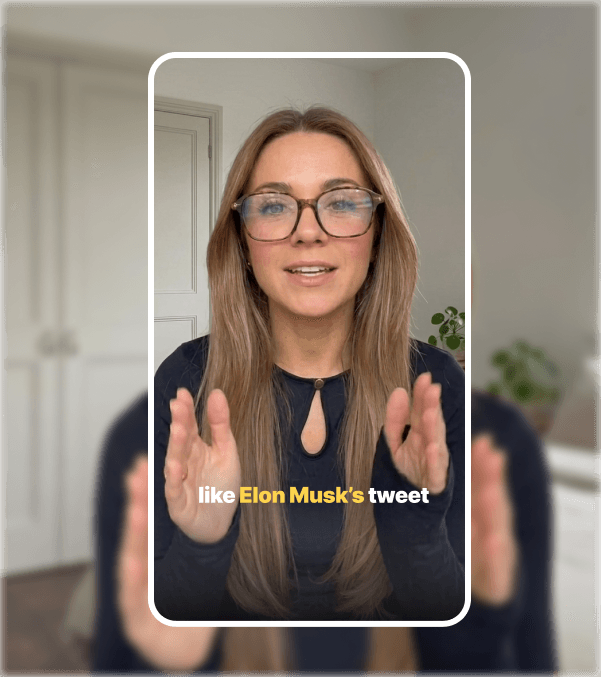
A landscape clip reframed to vertical for Shorts and Reels.

Auto Vertical Reframe

Reframes 16:9 to 9:16 and keeps the speaker centered.
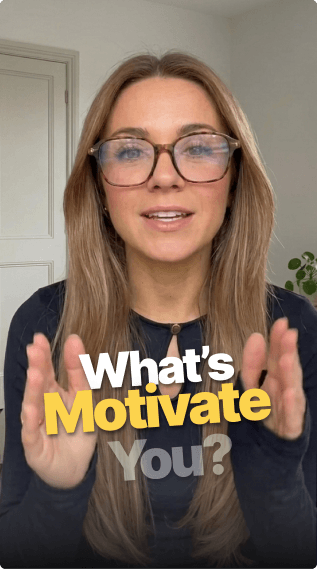
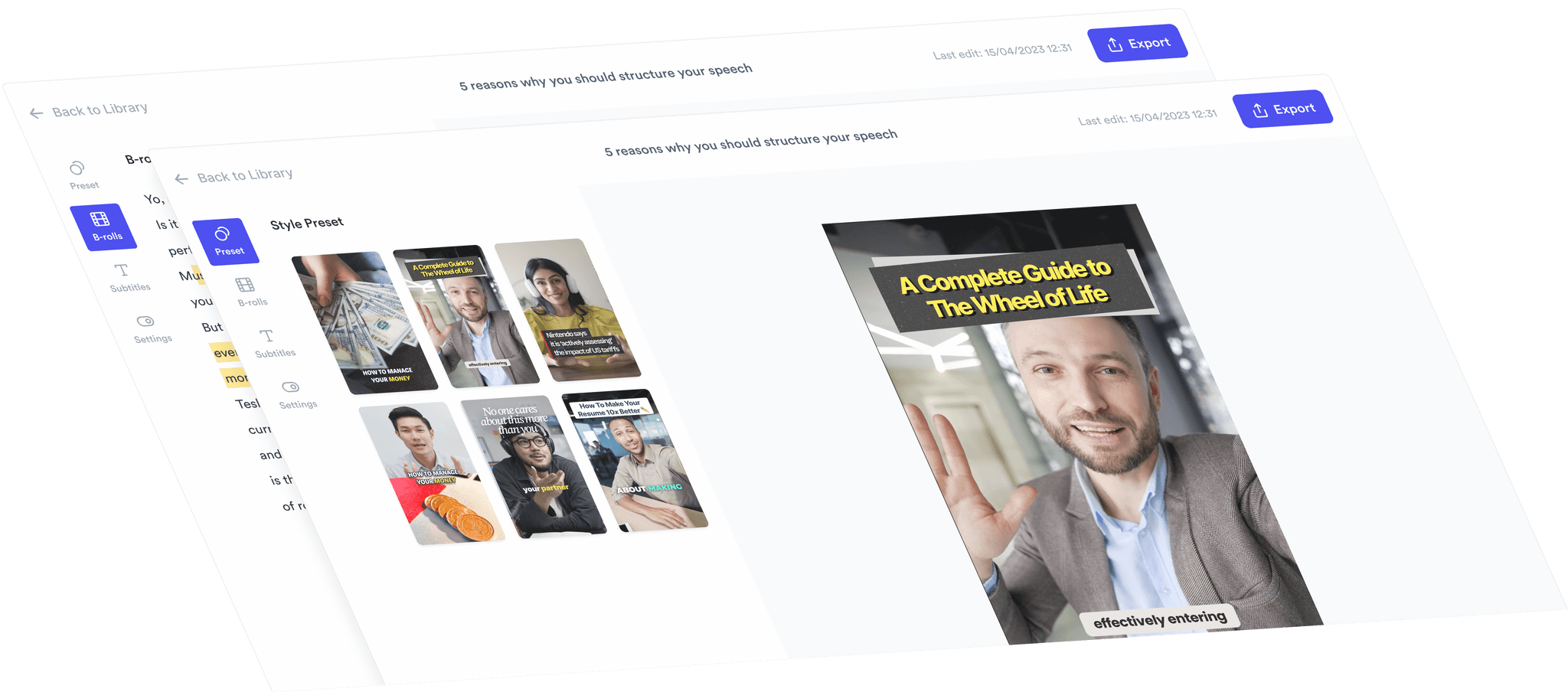
Animated captions added to a short clip.

Animated Captions

Word-by-word captions burned in, styled to your brand.
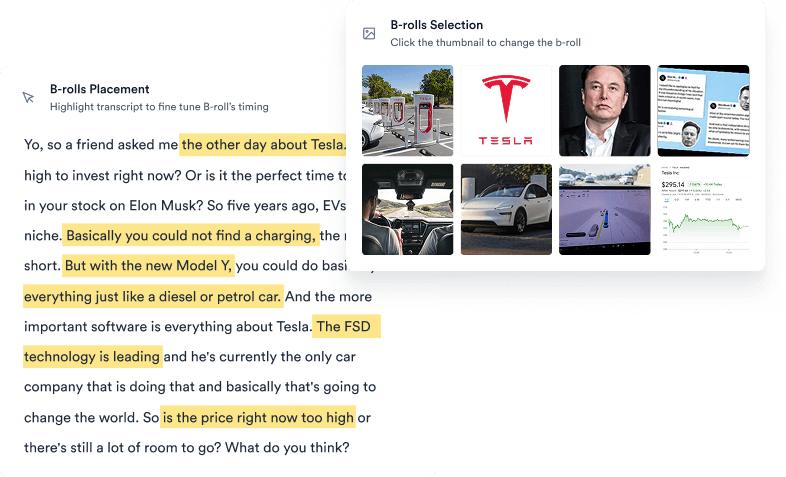
B-roll added automatically over a short clip.

Auto B-roll

Relevant B-roll dropped in on the keywords that need it.
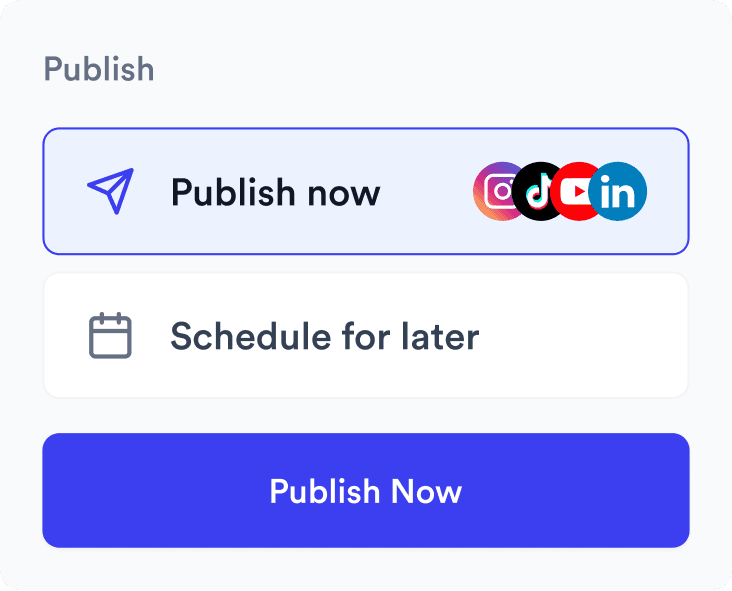
Short clips scheduled across multiple platforms.

Multi-Platform Publishing

Schedule every clip to TikTok, Reels, Shorts, and LinkedIn.

Trusted by 200k+ coaches and consultants

Video became so easy that we can produce so much more, promote our services better, and reach a bigger audience.
Sanjeet Mahajan
Sanjeet Mahajan
Founder of Kizzy Consulting
Jupitrr turns video creation into an effortless workflow, the edit is actually quality. Now I can focus on strategy.
Sanket Mittal
Sanket Mittal
Founder of Althra
Be able to shoot this and then getting a deliverable so quickly is amazing, It literally took me 90 seconds to record so I see the value.
Sean Huynh
Sean Huynh
Founder of Solara Talent
The CEO of a half-billion-dollar business told me he loves my videos. People think I hired a marketing agency.
Buck Foley
Buck Foley
Partner at Crescent Edge

Frequently asked questions

What does Long to Short do?
It takes one long-form video - a podcast, webinar, interview, or talking-head recording - and turns it into multiple short, vertical clips that are ready to post. Jupitrr transcribes the video, finds the self-contained moments worth clipping, then captions, reframes, and adds B-roll so each clip is publish-ready.
How is this different from Opus Clip?
Opus Clip stops at the clip. Jupitrr keeps going - the same workspace plans your calendar, scripts new videos, schedules the clips across TikTok, Reels, Shorts, and LinkedIn, and tracks how they perform. You get the long-to-short clipping and the rest of the workflow in one tool instead of stitching four together.
Does it reframe horizontal video to vertical?
Yes. Each clip is reframed from 16:9 to 9:16 with the speaker kept centered, so it fits Shorts, Reels, and TikTok without manual cropping. You can adjust the framing on any clip before exporting.
Can I edit the clips before posting?
Yes. Every clip opens in the Jupitrr editor where you can trim the in and out points, restyle captions, swap or remove B-roll, and match your brand presets. The AI gets you a strong first cut, not a locked export.
What kinds of long videos work best?
Anything with talking - podcasts, interviews, webinars, course lessons, livestreams, and talking-head uploads all work well because Jupitrr clips around what is said. The clearer the audio and the more distinct the moments, the better the shortlist.
Can I publish the clips straight from Jupitrr?
Yes. Once a clip is ready, schedule it to TikTok, Instagram Reels, YouTube Shorts, and LinkedIn from the same view, at the date and time you choose - no exporting and re-uploading across separate apps.
Is it free to try?
You can start on the free plan and clip a long video without a credit card. Upgrade when you need more exports, scheduled posts, or team seats.

Turn one long video into a week of clips.

Find the moments, caption, reframe, and publish - all in one place. Free to start.
Try it for free
Jupitrr AI dashboard