jupitrr logo
Features
Use Cases
Resources
Pricing
Log in
Try it for Free

Stitch & Trim Editor

Cuts unwanted sections out of clips and combine them into a single video.
Stitch & Trim Editor
Loading stitch & trim editor…

How it works

1

Drop in your clips

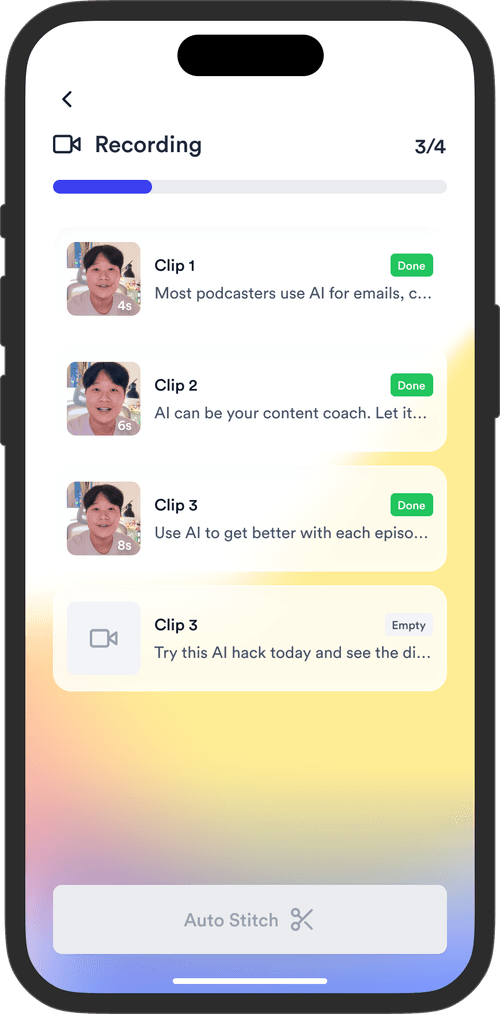
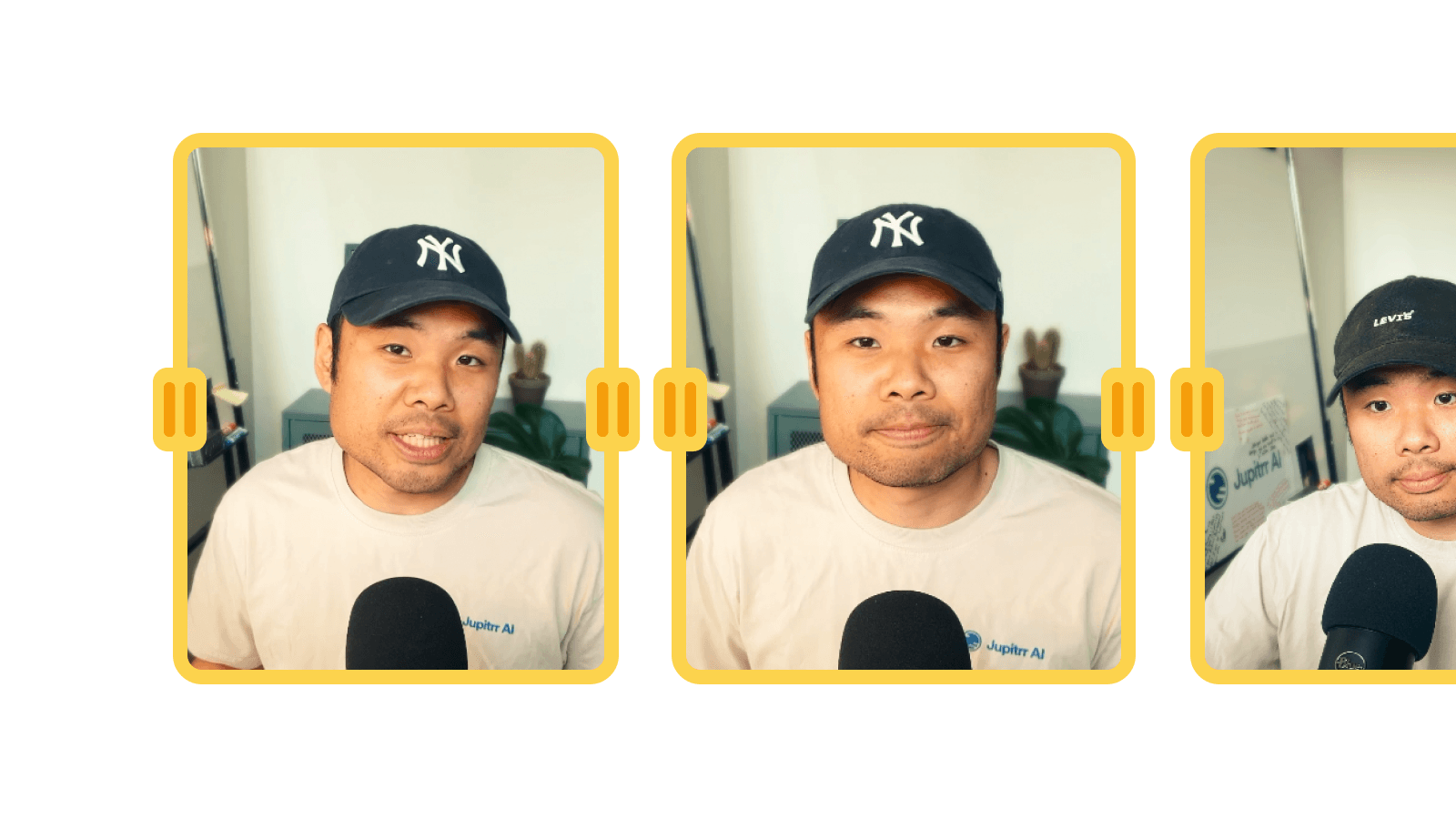
Add any number of MP4, MOV, or WebM files. Each clip shows its thumbnail, duration, and gets added to the timeline.

2

Trim and reorder

Drag the in/out handles to trim each clip. Use the arrow buttons to rearrange the order. Preview the stitched result live.

3

Export and download

Click Export and your browser renders the stitched video to a single MP4. Download it instantly — no upload, no wait queue.

Frequently asked questions

What is the Stitch & Trim Editor?
A browser tool that lets you import multiple video clips, trim the start and end of each one, reorder them, and export the result as a single MP4. Think of it as a fast lane for joining together a handful of takes without launching a full editor like Premiere or Final Cut.
Why do I need a Stitch & Trim Editor?
Most social videos are 2 to 5 clips joined together. Loading up a full editor for that is overkill. Stitch & Trim is built for the common case: you have a few takes, you want to cut the dead air at the start and end, glue them together, and post. Great for B-roll compilations, recorded interviews, multi-camera takes, and quick demo edits.
Is it free to use Stitch & Trim?
Yes, 100% free. The Stitch & Trim Editor is part of the Jupitrr Free Video Toolkit. We want to build quick and easy video tools that help you every step in creating content for your business.
Do I need to download or install anything?
No. The Stitch & Trim Editor runs entirely in your browser, so there is nothing to download, install, or sign up for. It works on macOS, Windows, ChromeOS, and Linux as long as you can open the page. No desktop app, no extension, no plugin.
What video formats can I import?
Most modern formats: MP4 (H.264, H.265), MOV, WebM, and MKV. If your browser can play the file, the tool can import it. If a clip fails to load, re-encode it as MP4 (H.264) first and try again.
Can I reorder clips after I add them?
Yes. Drag the clips on the timeline to change the order. Each clip also has in and out handles you can drag to trim the start and end without re-importing the file.
Will it re-encode my video?
Yes. When you export, the tool stitches the trimmed clips into a single MP4 file. Re-encoding is what lets the output play smoothly across players, but it does take a few seconds per minute of video, so longer projects take longer to finish.
Is there a watermark or time limit?
No watermark, no signup, no time limit. The only practical limit is your machine: very long projects (over 30 minutes of stitched footage) can use a lot of browser memory.
Does this replace a full video editor?
No, this is built for fast cuts and joins. When you need subtitles, B-roll, filler-word removal, animated text, or one-click publishing, open the full Jupitrr AI Video Editor.
What video file, resolution, and quality do I get?
You get an MP4 file in Full HD (1080p, 16:9) at 30 frames per second. The quality is high enough for YouTube, LinkedIn, and most client work, while still being small enough to download in seconds. MP4 plays everywhere and imports cleanly into Jupitrr or any other video editor.
What is Jupitrr AI?
Jupitrr is an all-in-one video operating system for businesses. Plan, script, record, edit, and publish your videos in one place, powered by the Jupitrr AI Video Editor and the Jupitrr Cut Teleprompter app. This free toolkit is a small slice of what the full product can do. When you are ready for subtitles, B-roll, filler-word removal, and one-click publishing across YouTube, LinkedIn, and TikTok, jump into the full editor.

Unlock the full video workflow with Jupitrr AI

Jupitrr brings planning, scripting, recording, editing, and publishing into a single tool. Built for businesses shipping video consistently.

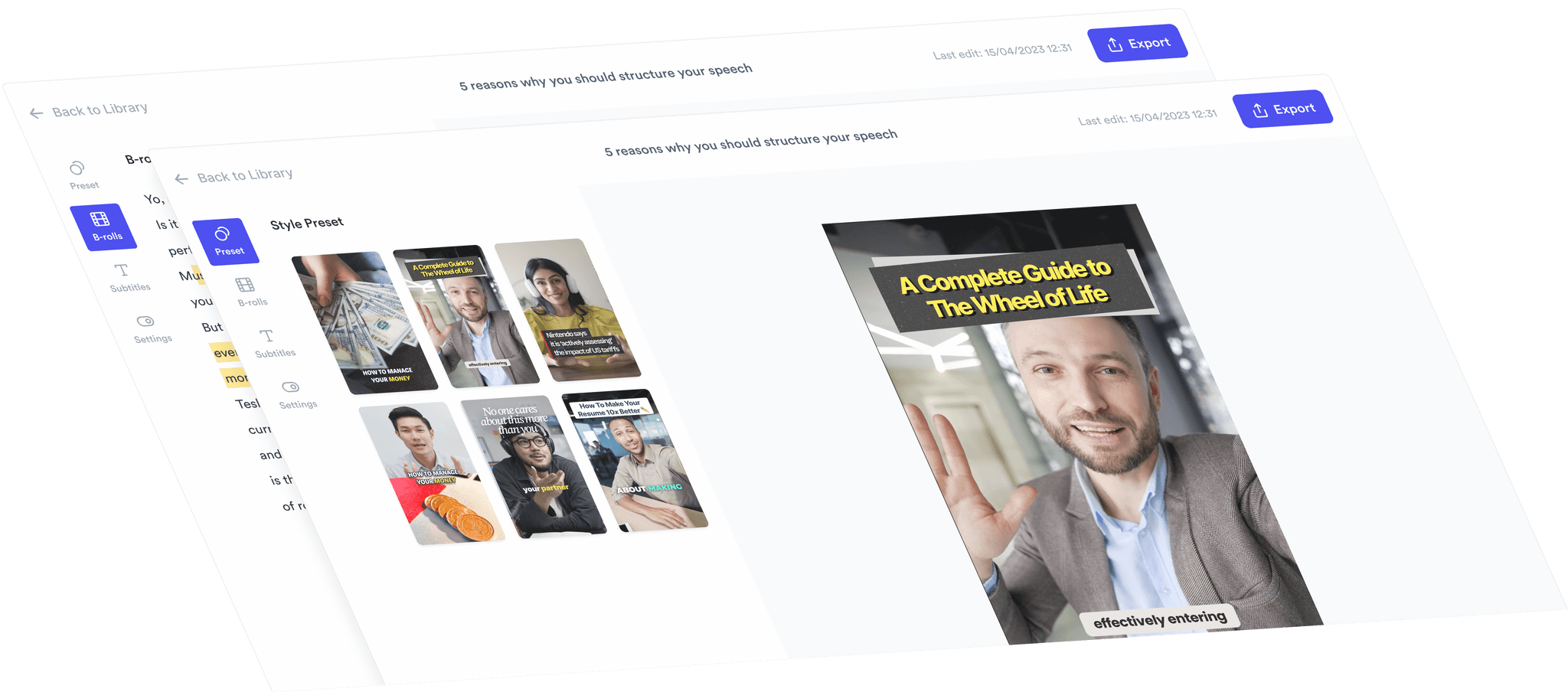
AI Talking Head Video Editor

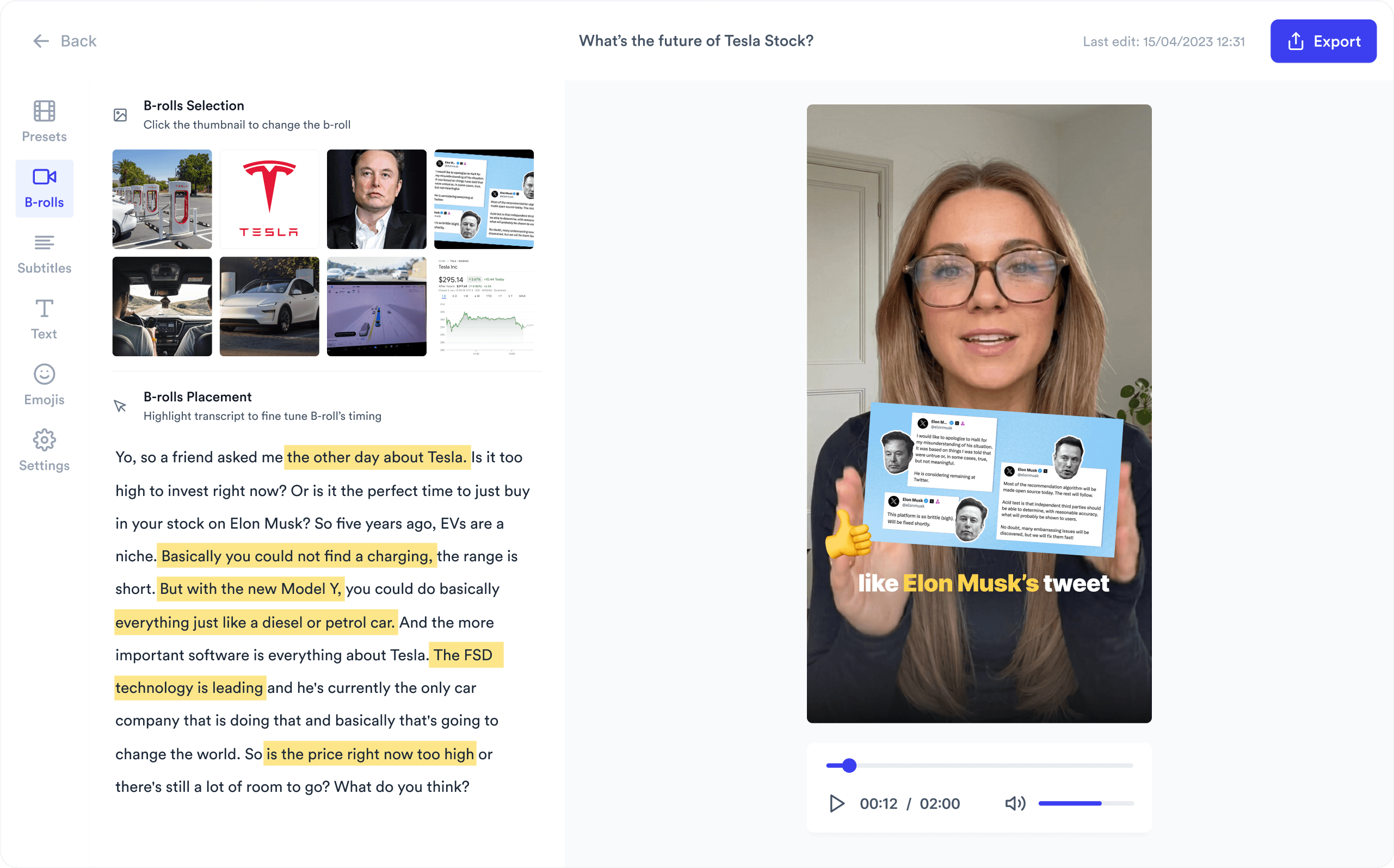
Automatically add B-roll & Subtitles

  • Unlimited Getty Images Stock Assets
  • Unlimited Google Images & GIFs
  • AI Generated Subtitles & Text Overlay
  • Support 54+ Languages
iStock by Getty ImagesGIPHYGoogle Images
AI Video Editor interface
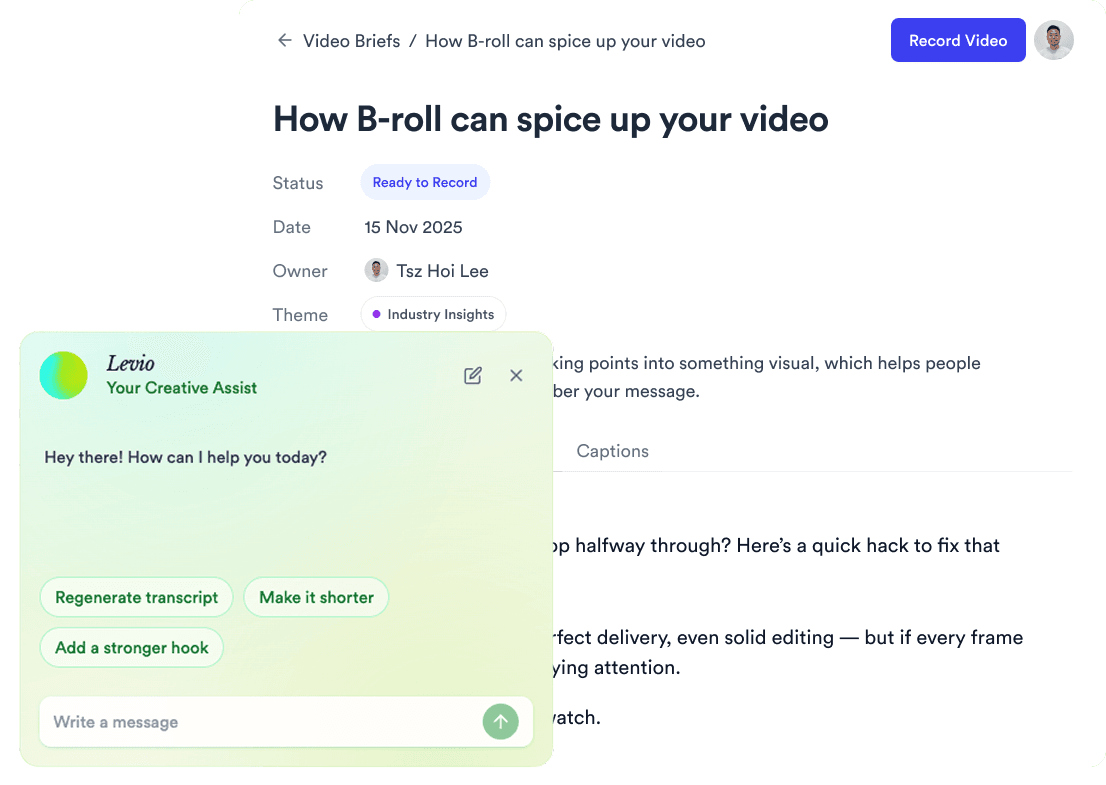
Personalised AI Scriptwriter

Writes scripts in your tone

Trained on your scripts & viral scripting framework
AI script writer interface
Teleprompter App

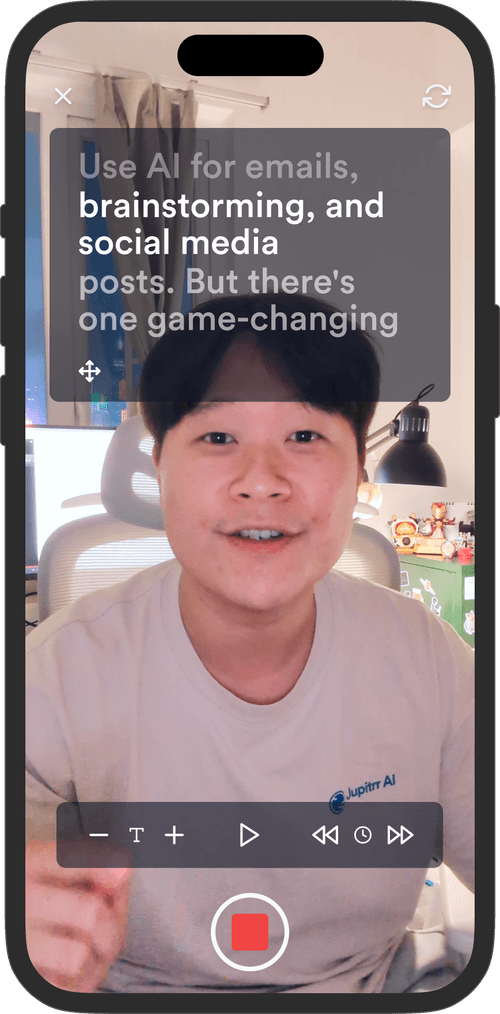
Record without bad takes

Auto Jump-Cut & Silence Removal

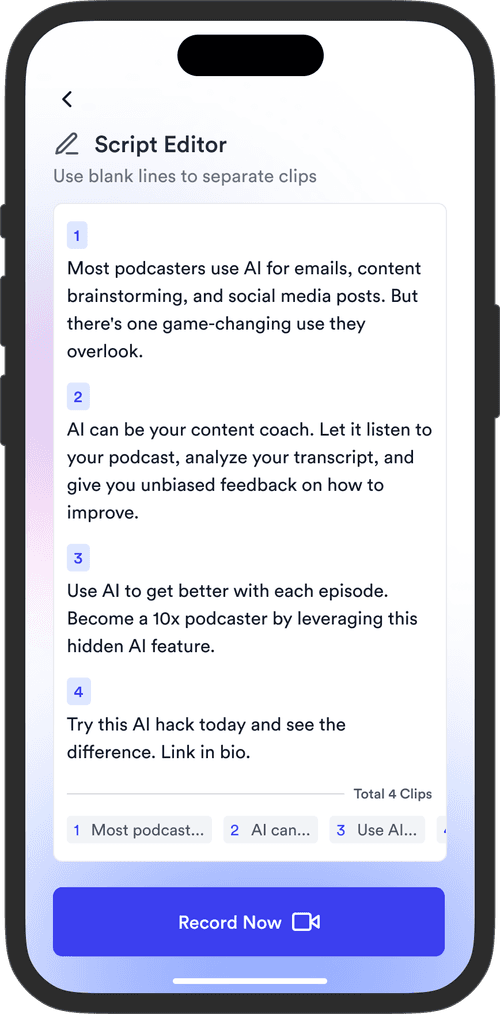
Teleprompter step 1Teleprompter step 2Teleprompter step 3
Social Media Publishing

Post to all your channels

YouTube, Instagram, LinkedIn, TikTok, all at once.
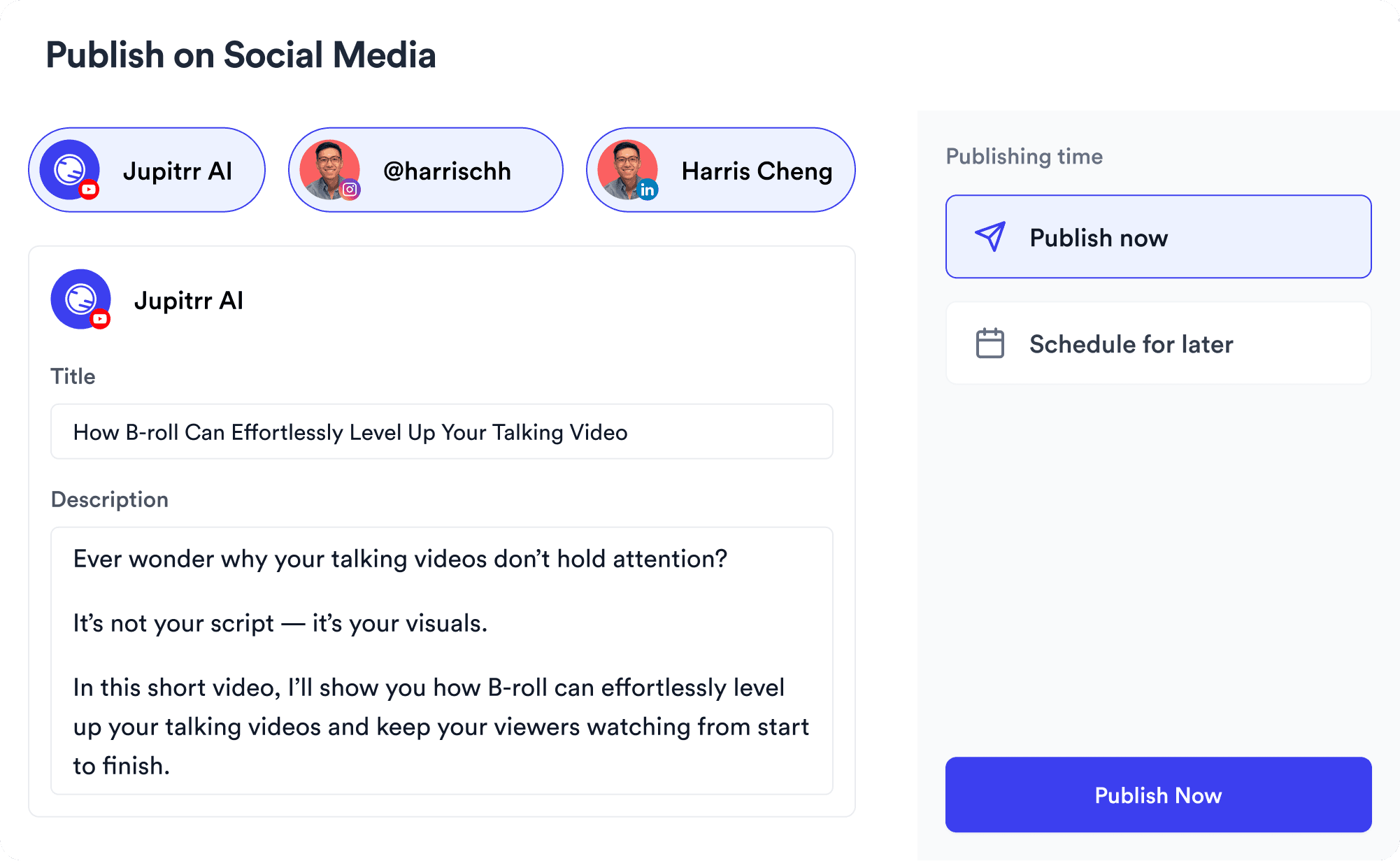
Social publishing scheduler
YouTube
Instagram
TikTok
LinkedIn
Viral Video Search

Find what's trending

Get inspired for your next videos
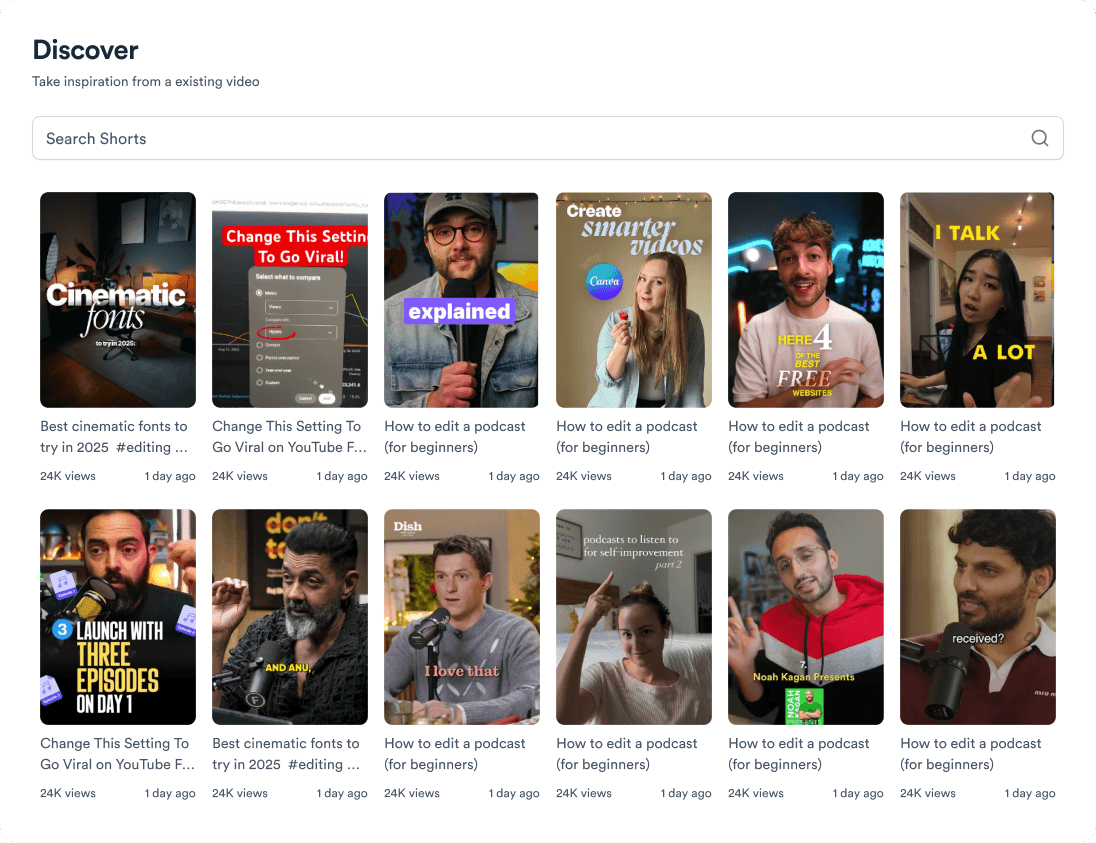
Trending topic search

and for the video team

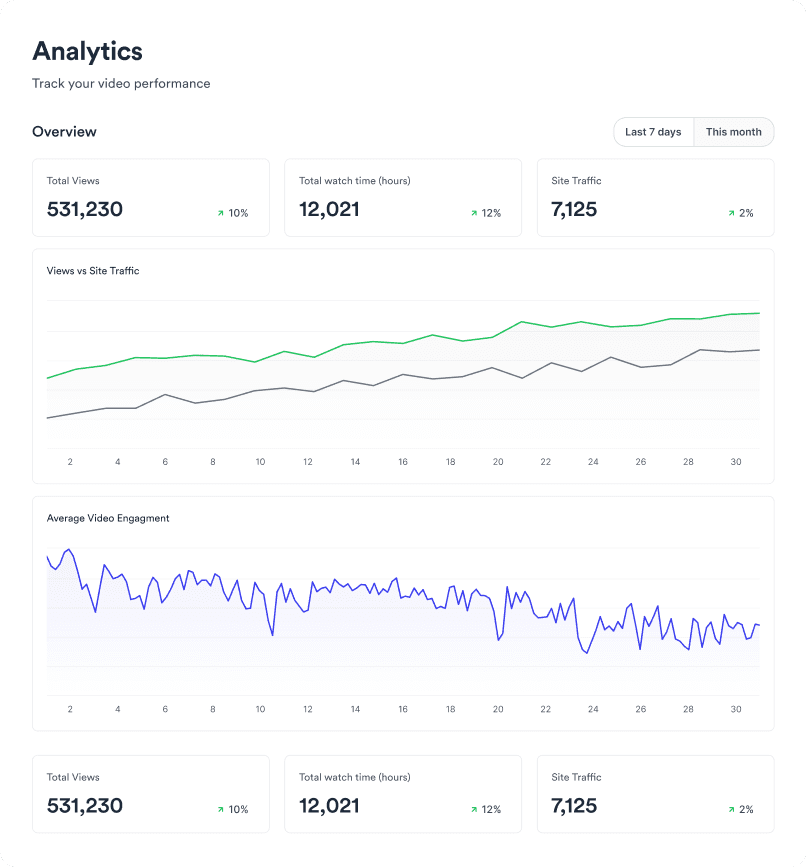
Analytics dashboard
Video AnalyticsSee how your videos perform
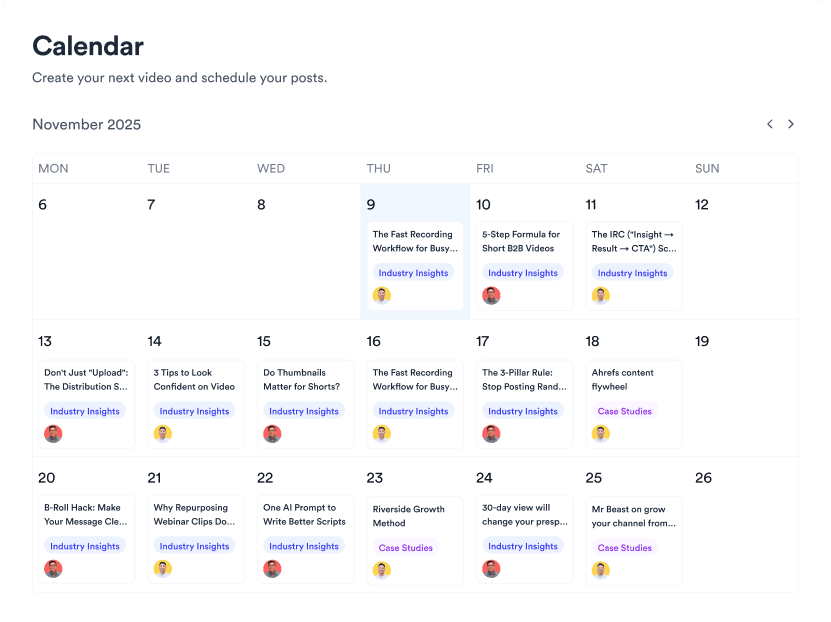
Content calendar view
Content CalendarPlan your video ahead
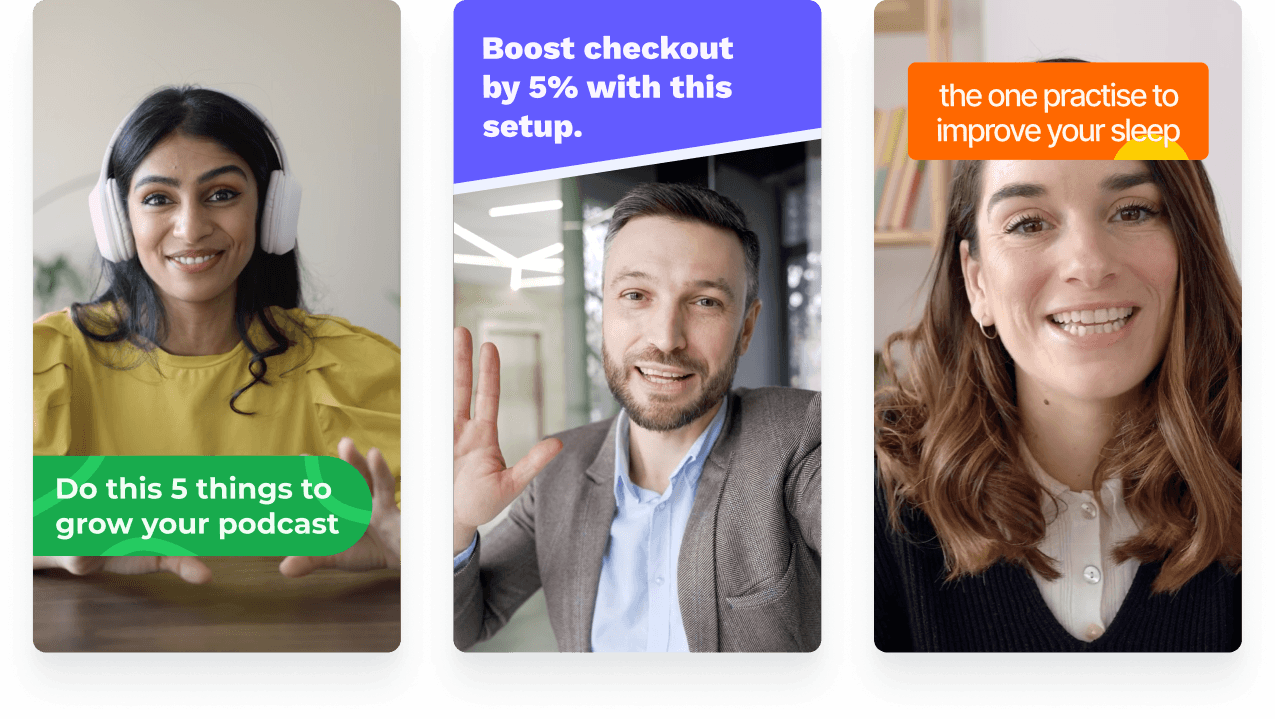
Brand kit presets
Brand KitMake every video on brand
Team collaboration workspace
CollaborateManage videos with your team
Your all-in-one video workflow
Start creating videos consistently.
footer card