

Screen & Camera Recorder
Records your screen with your face overlaid in a circle.
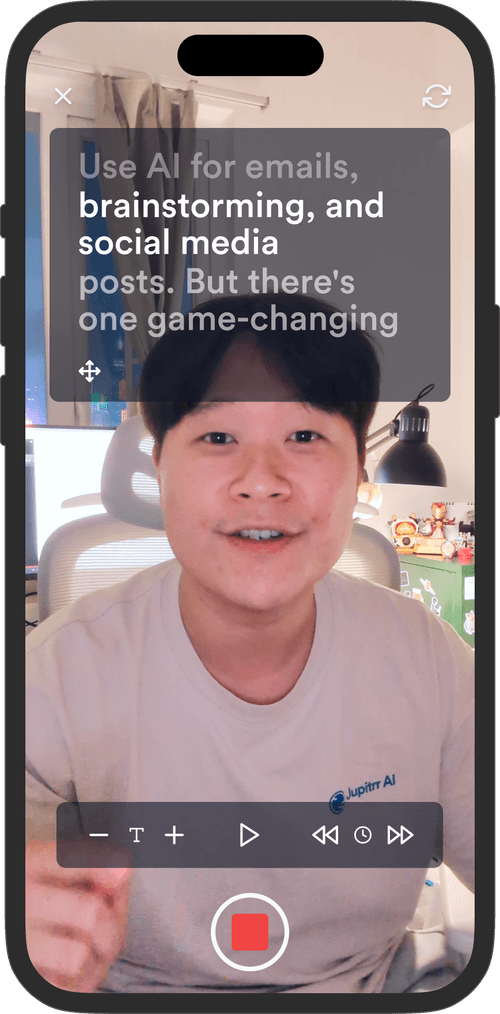
Scrolls your script on screen so you can read it while looking at the camera. Free in your browser, no signup, no install.
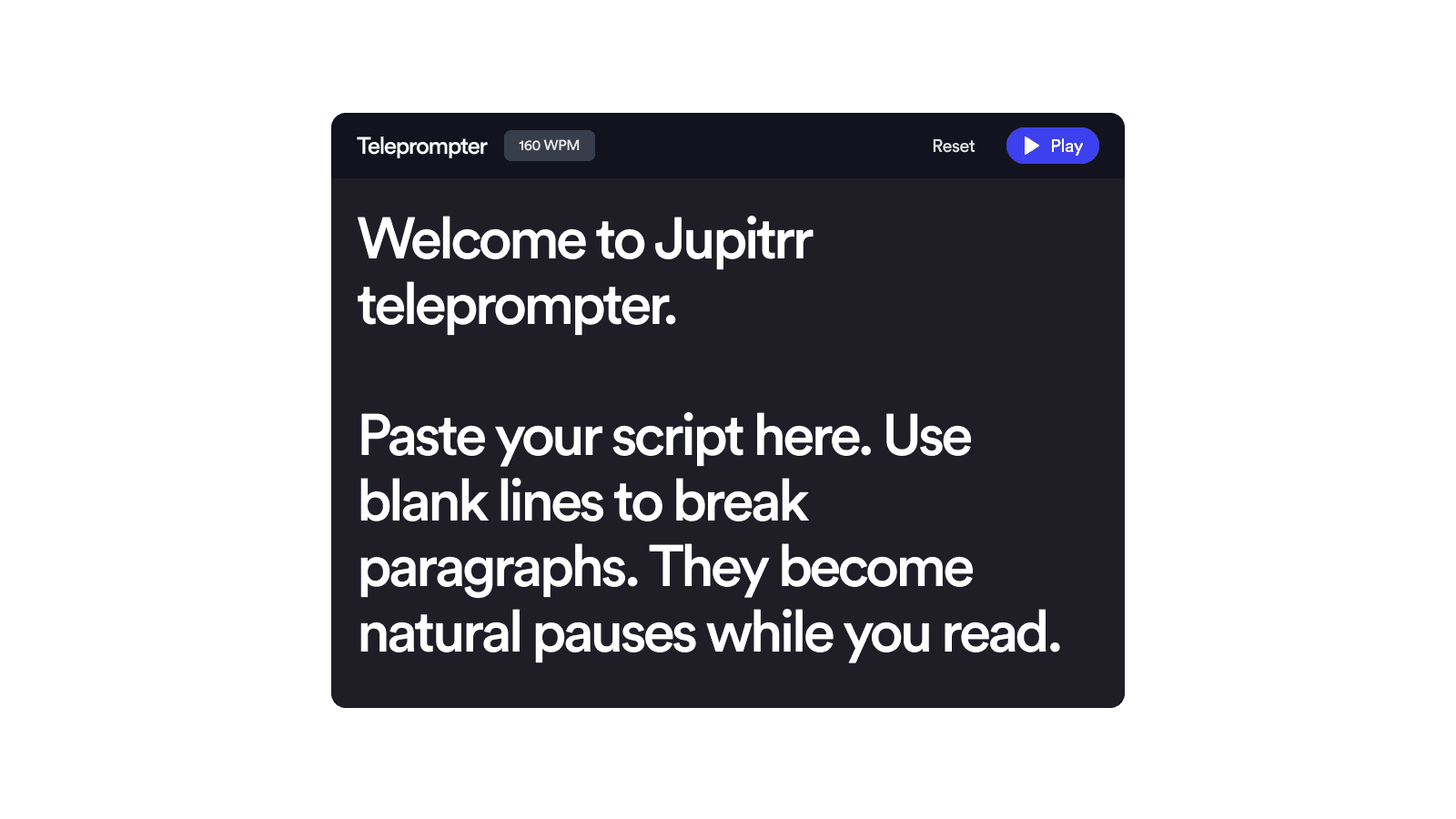
Drop in any text. Line breaks become natural pauses and paragraphs scroll with breathing room.
Set your pace in WPM — most people read aloud around 140–170. Tweak font size and column width to match your setup.
Position the teleprompter near your camera lens, drag it to size, and start reading. Pause any time to take a breath or restart from the top.
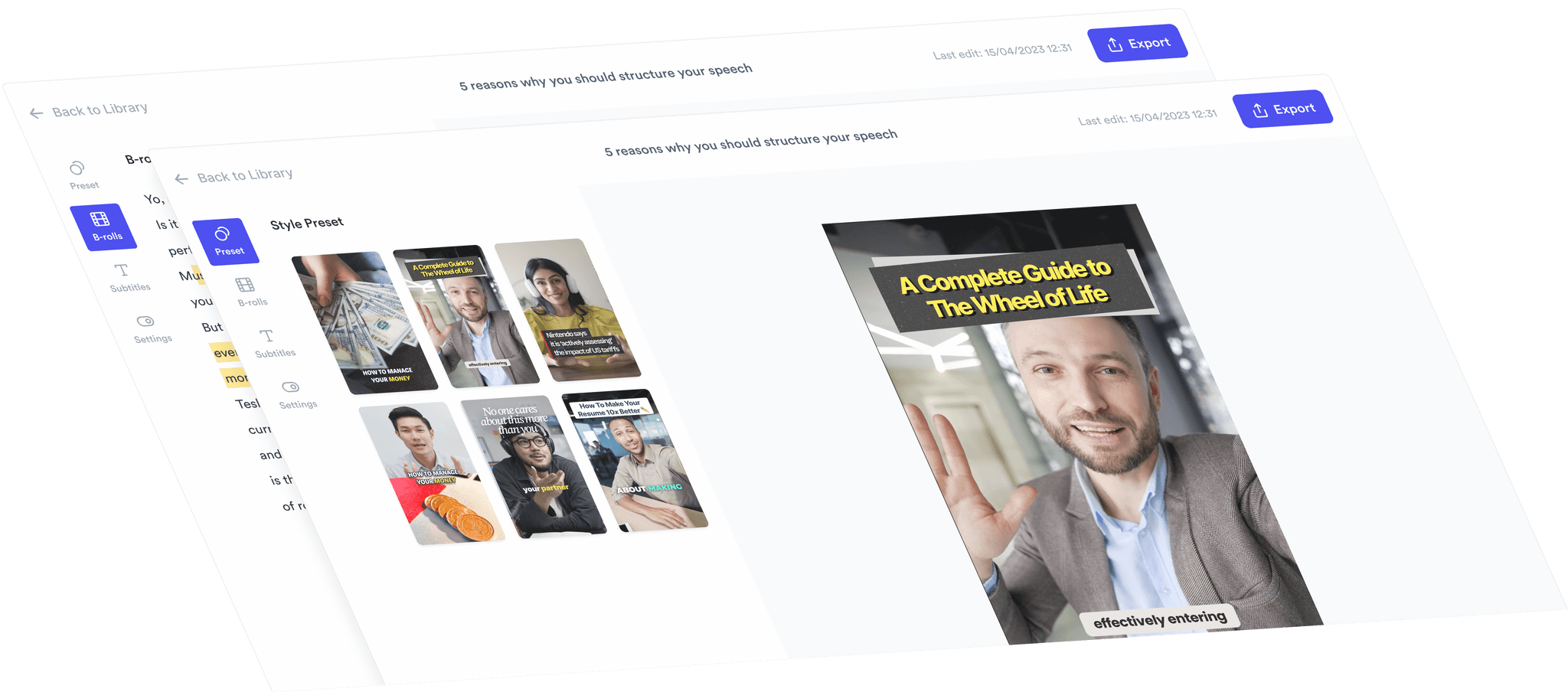
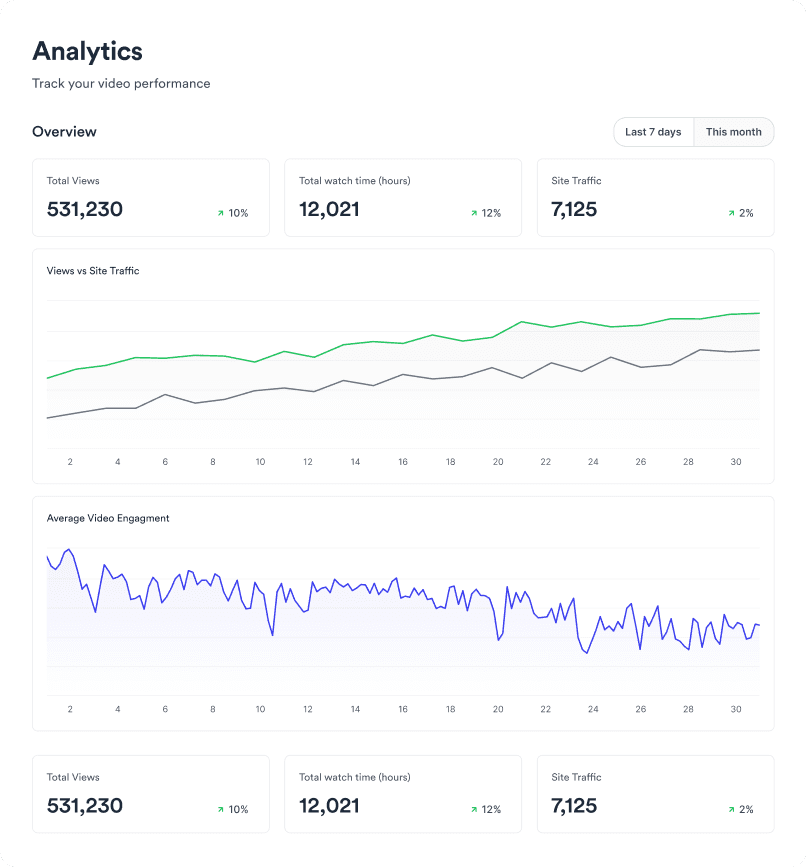
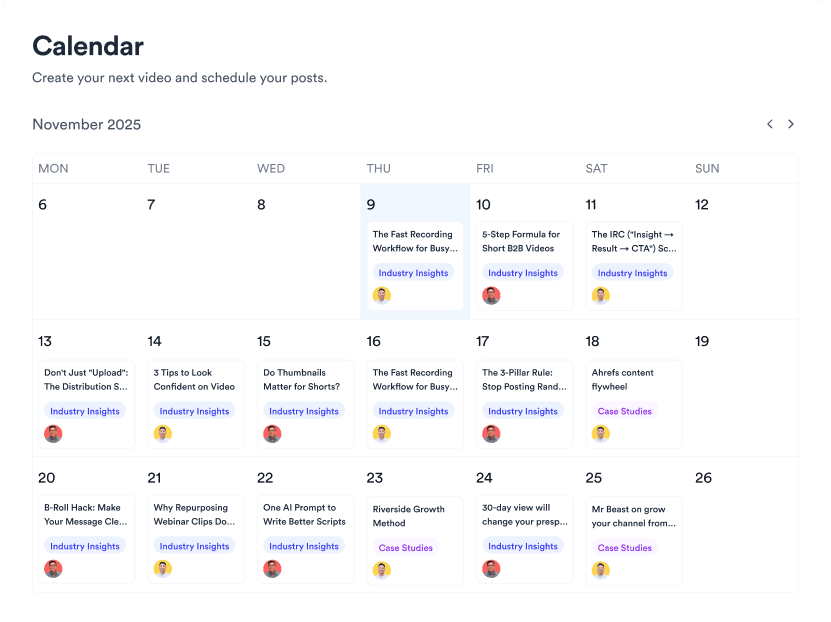
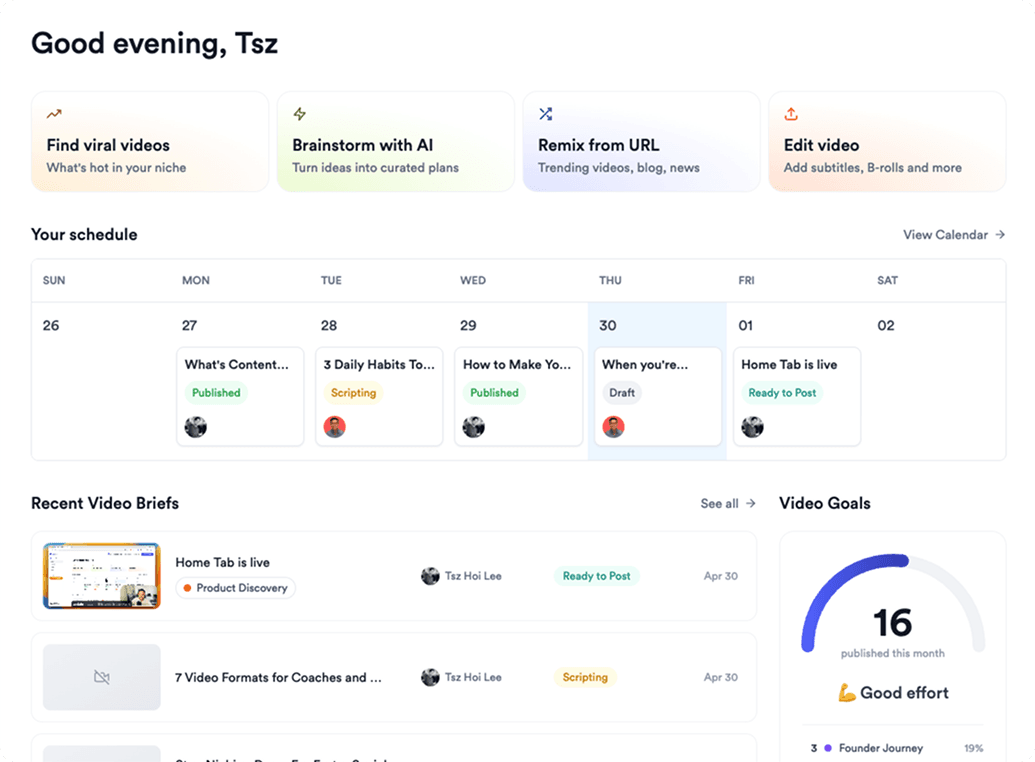
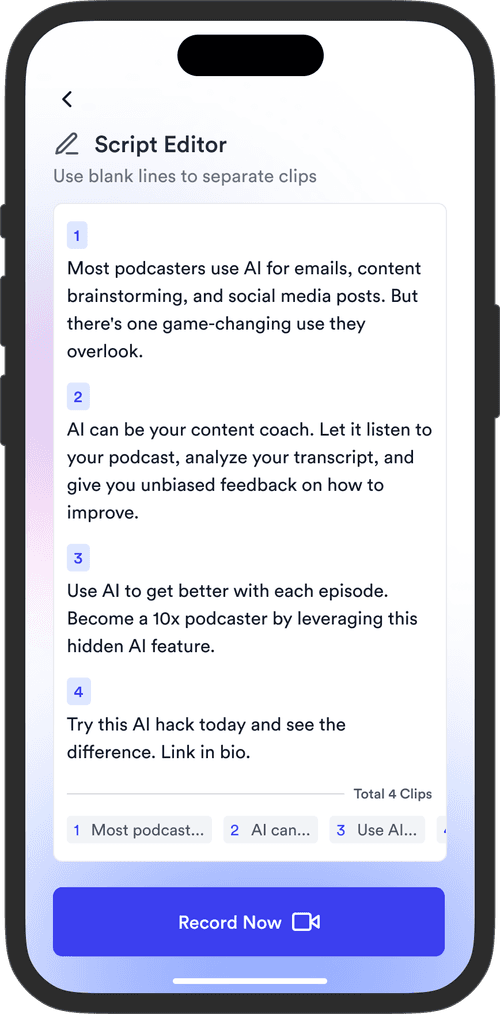
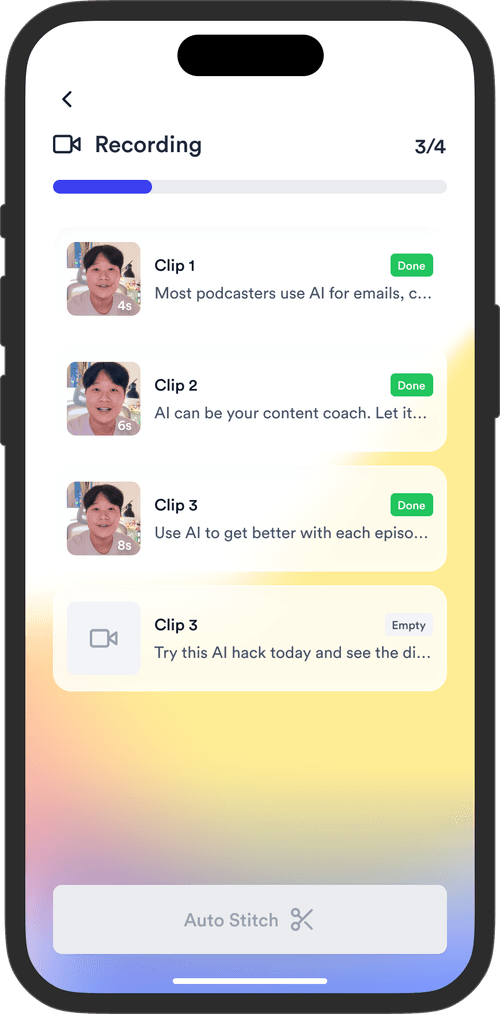
Jupitrr brings planning, scripting, recording, editing, and publishing into a single tool. Built for businesses shipping video consistently.

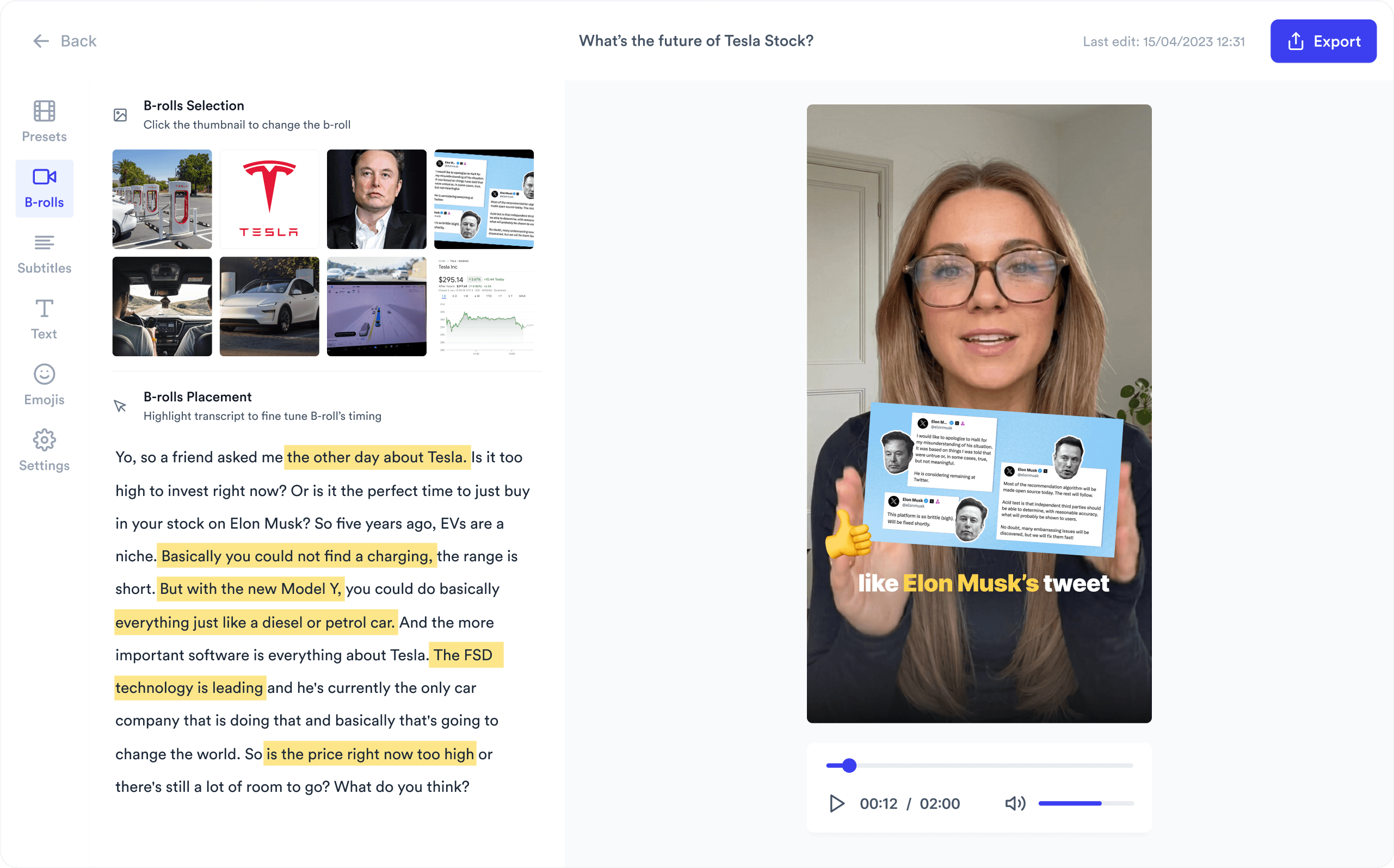
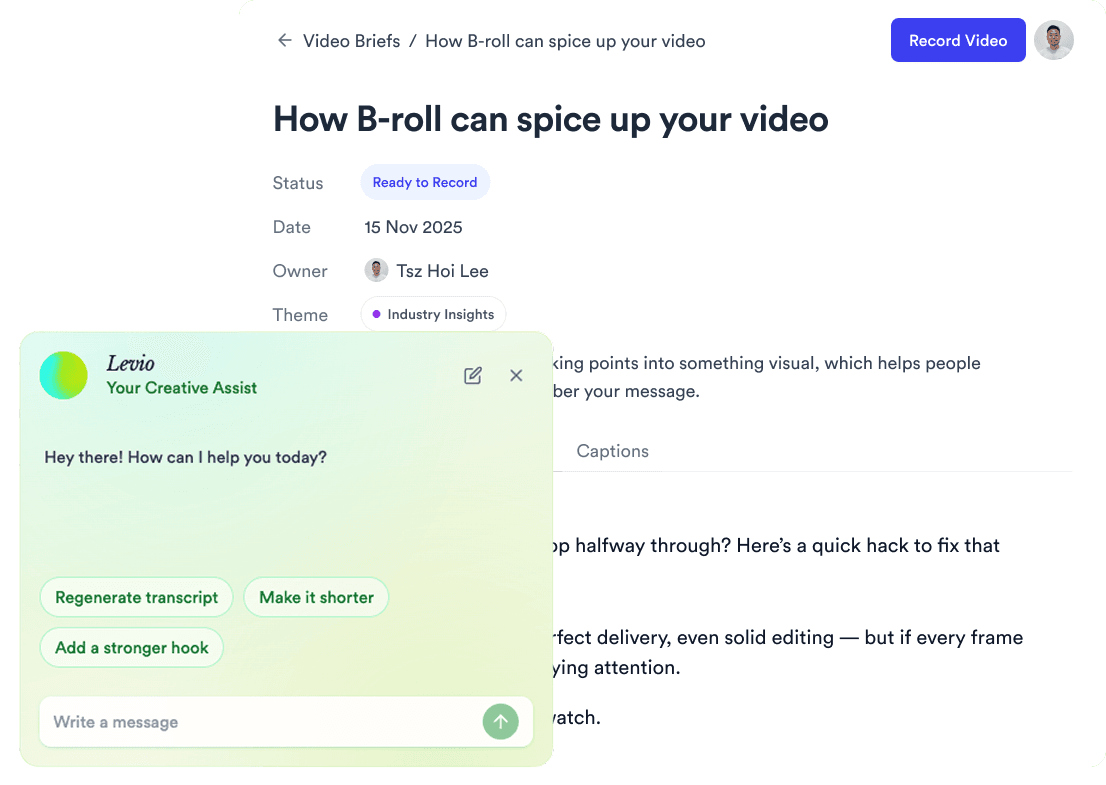
Trained on your scripts & viral scripting framework
Auto Jump-Cut & Silence Removal
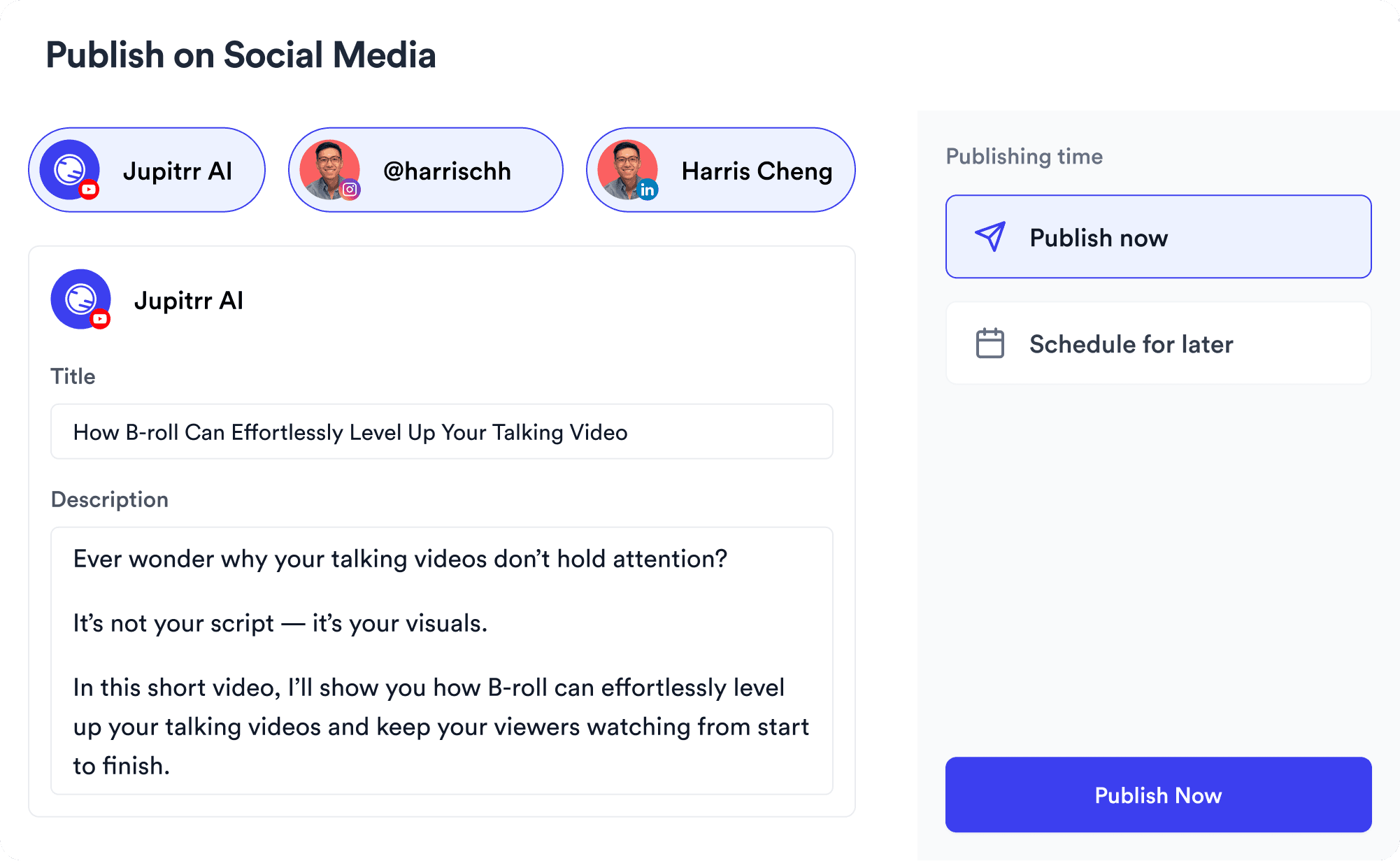
YouTube, Instagram, LinkedIn, TikTok, all at once.


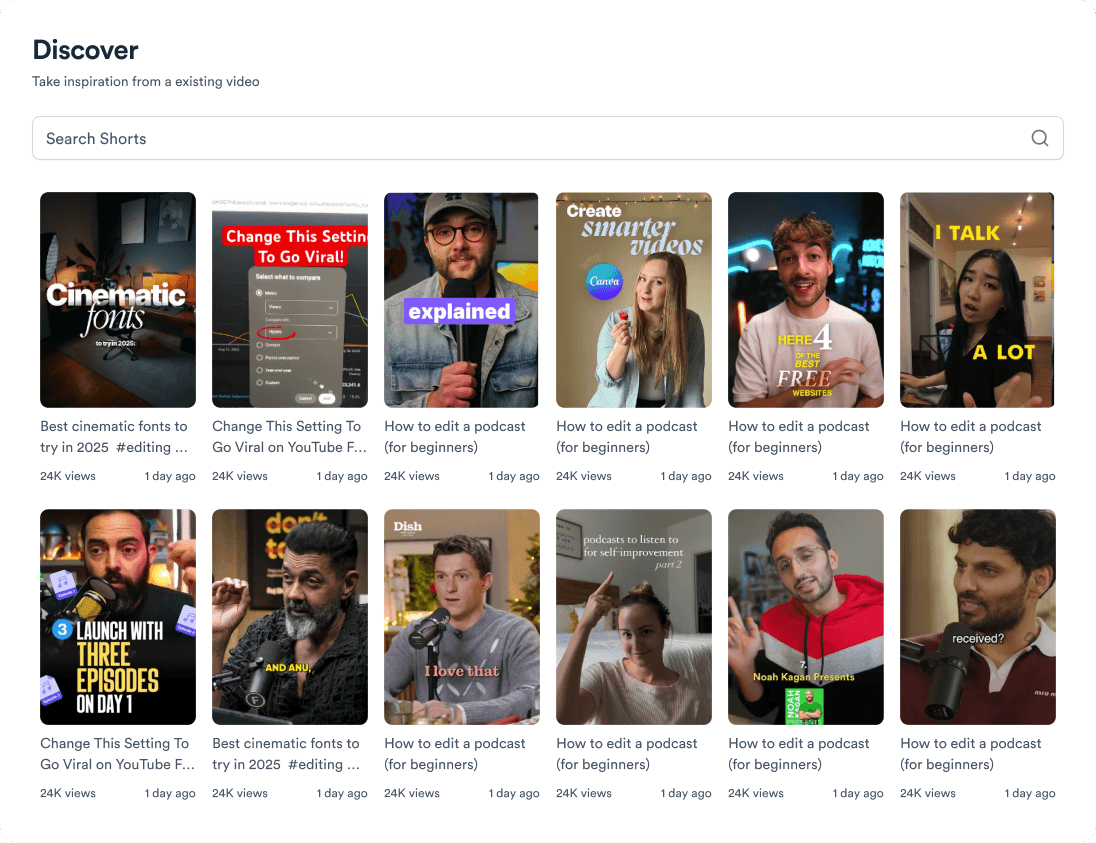
Get inspired for your next videos
Records your screen with your face overlaid in a circle.
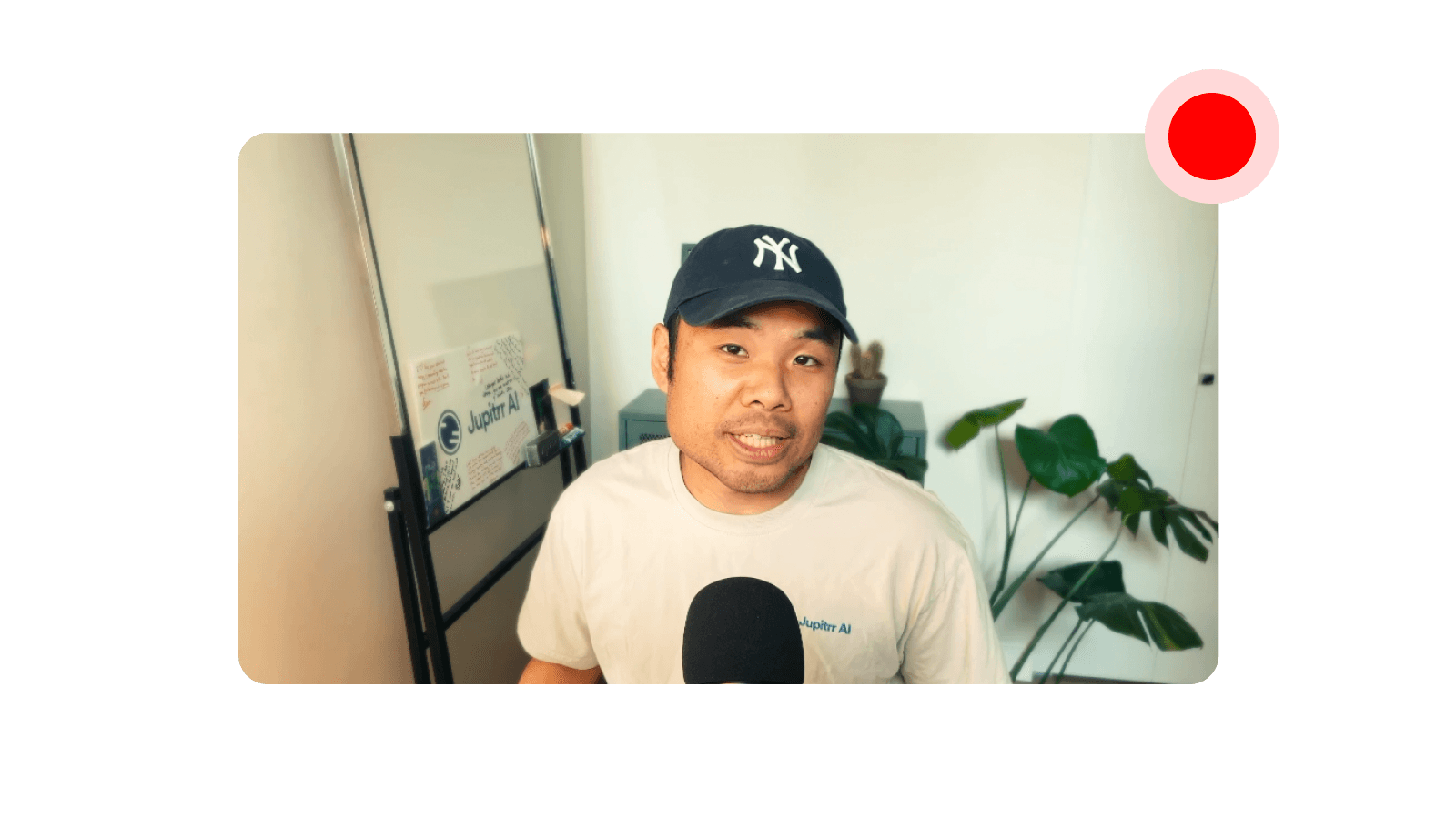
Records video and audio from your computer's camera and microphone.

Records you in vertical 9:16, ready for Reels, TikTok, and Shorts.
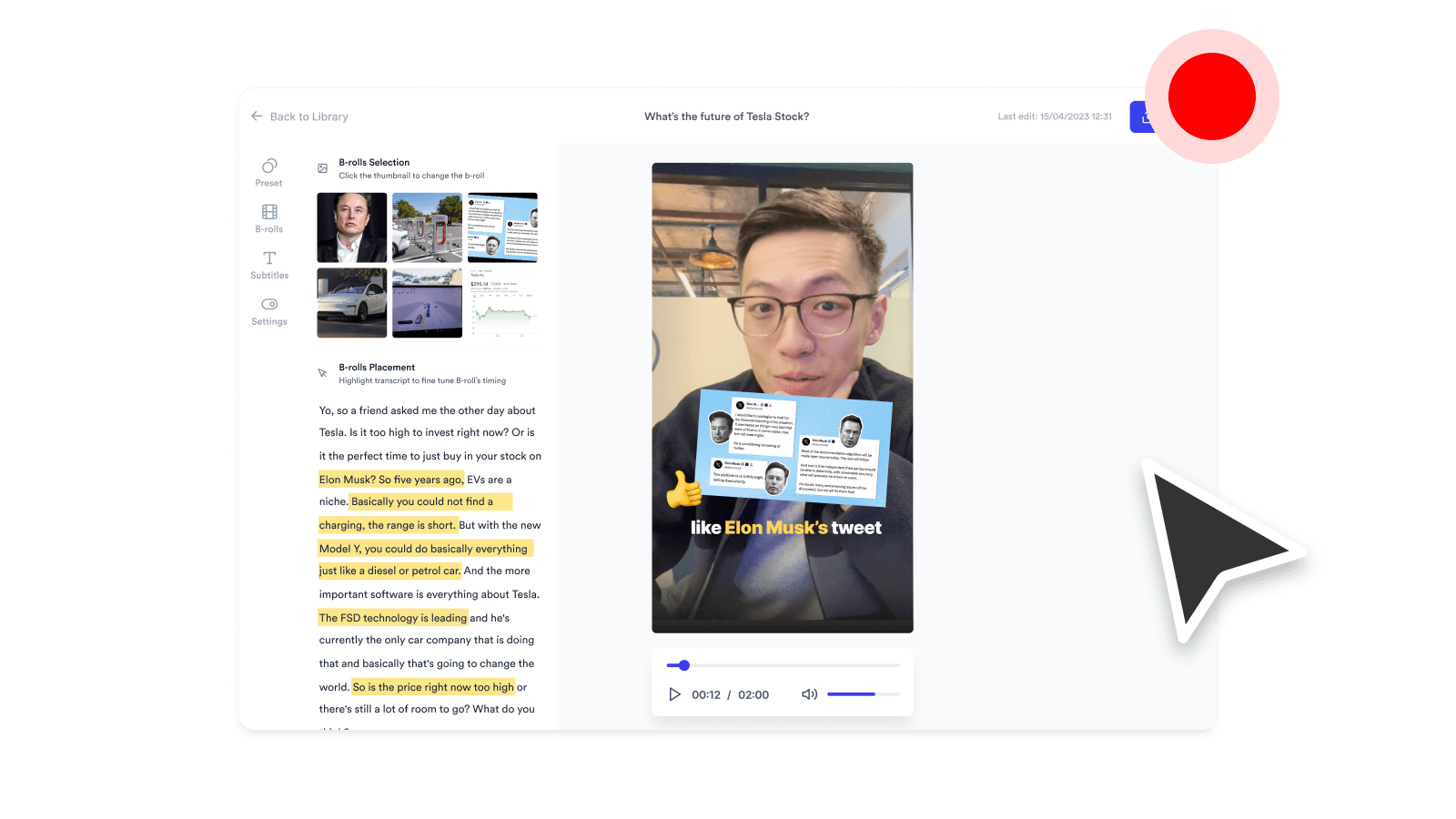
Captures a tab, window, or your whole screen as a video file, with mic audio.