jupitrr logo
Features
Use Cases
Resources
Pricing
Log in
Try it for Free

Video templates & reel templates generated in one click

100+ AI video templates for testimonials, talking heads, interviews, and podcast clips. Subtitle style, B-roll vibe, hook, and motion bundled - across Shorts, Reels, TikTok, and YouTube.

Try it for free
See how it works
Loved byTrusted by 200K+ businesses
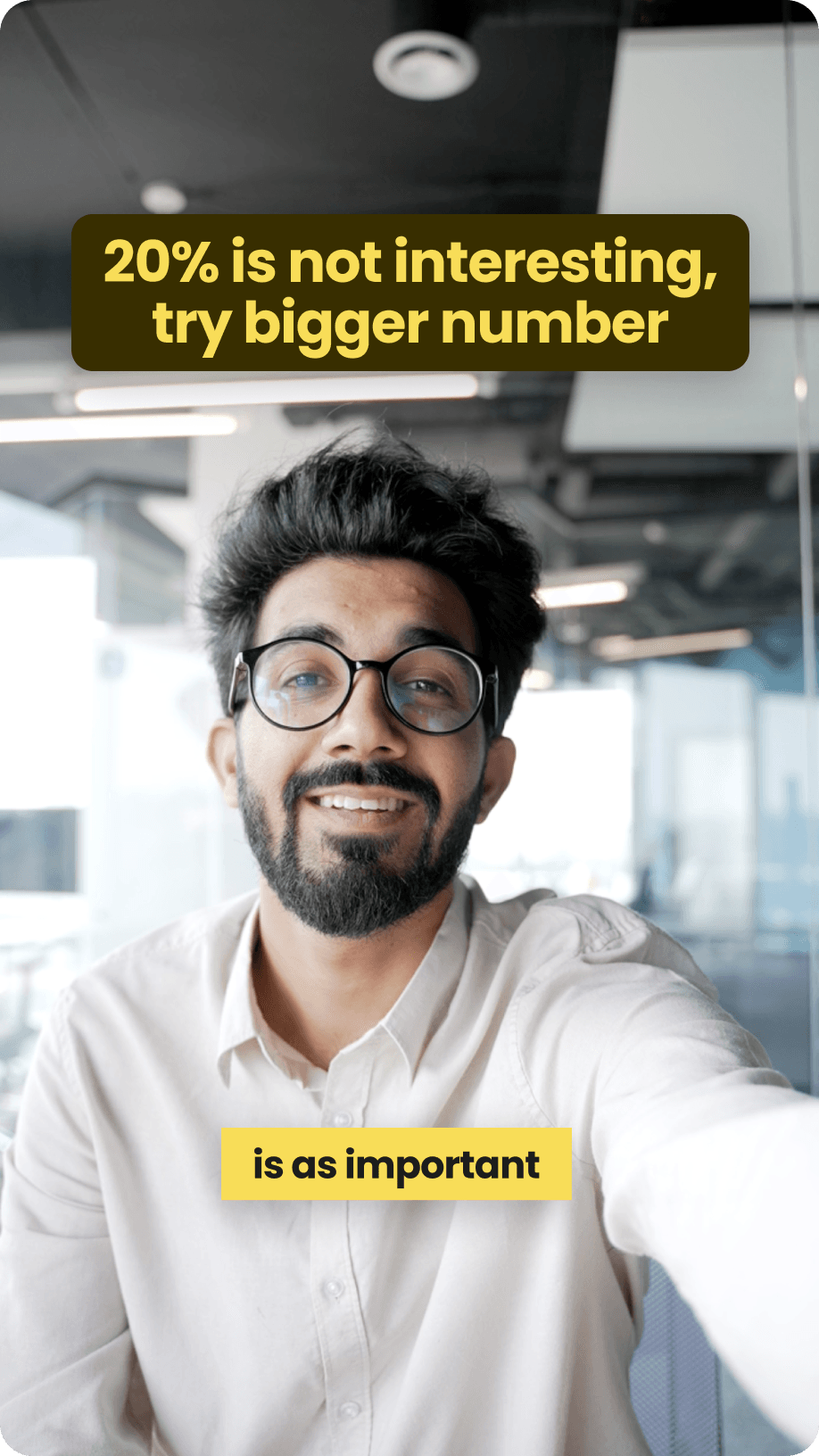
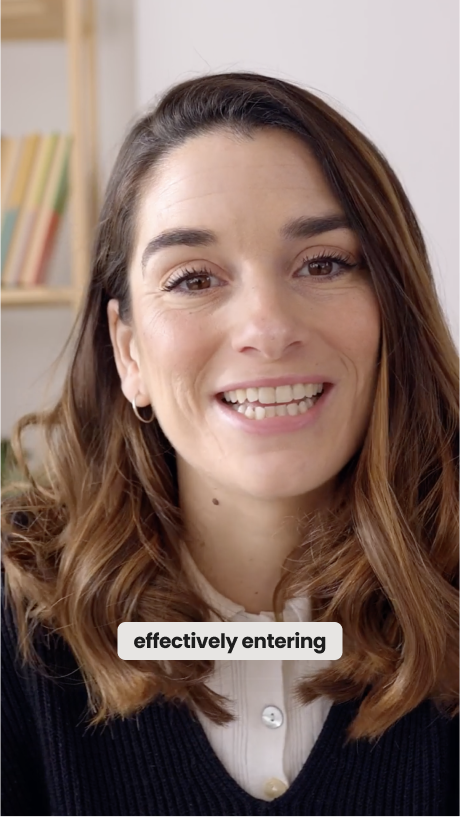
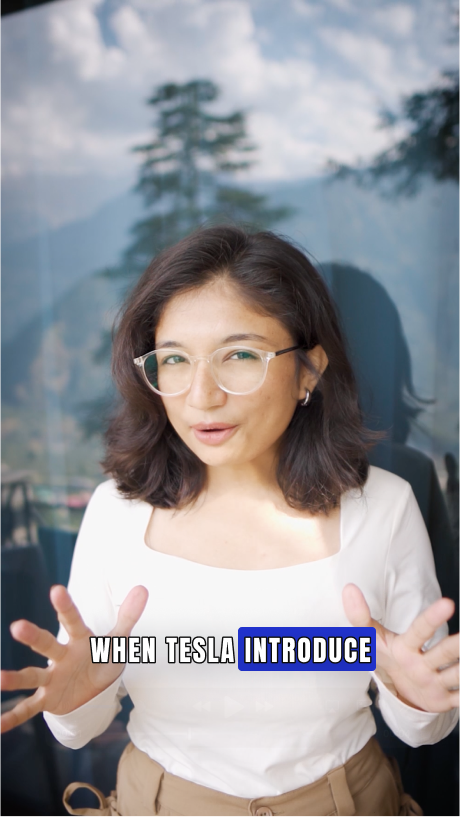
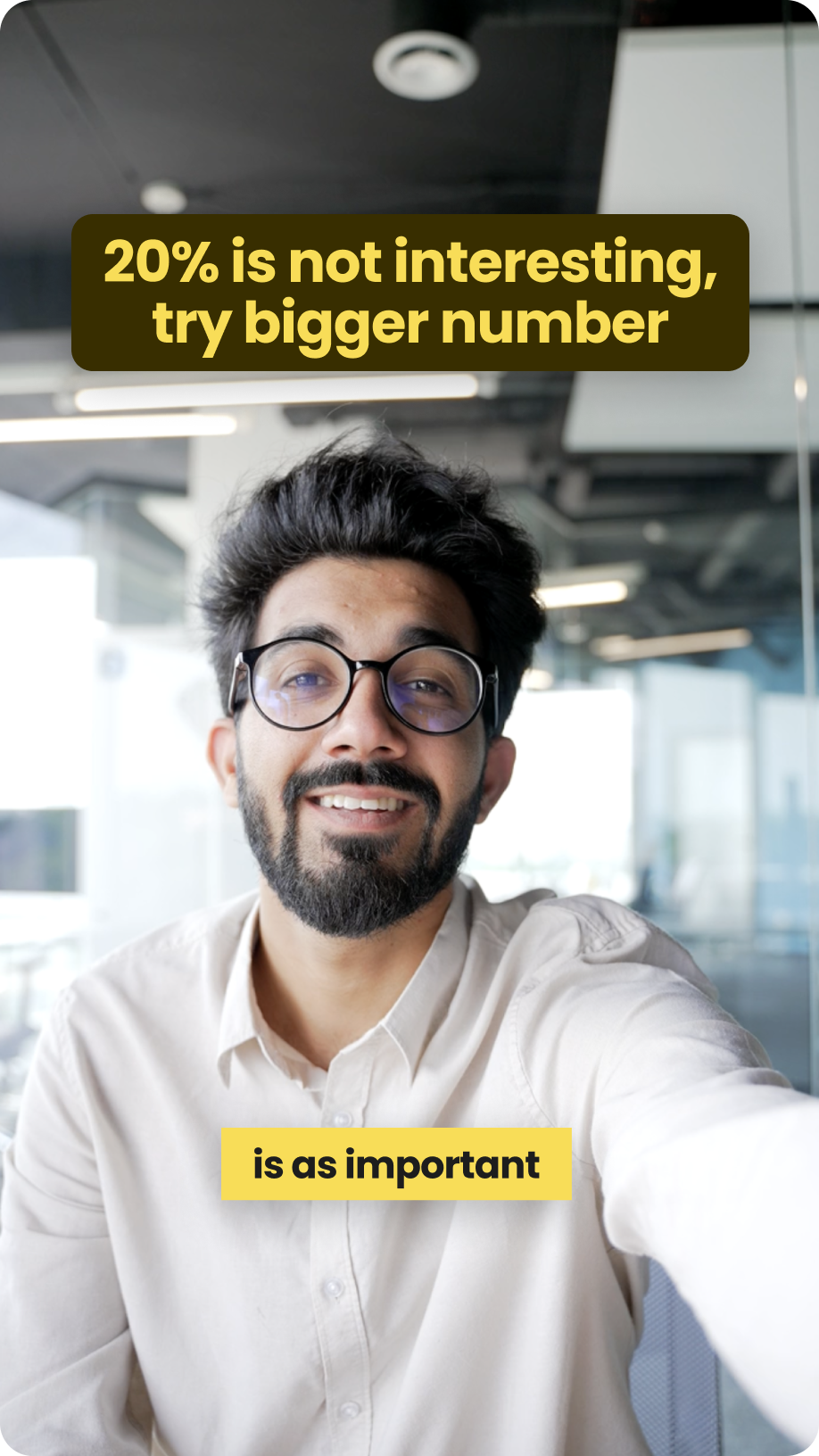
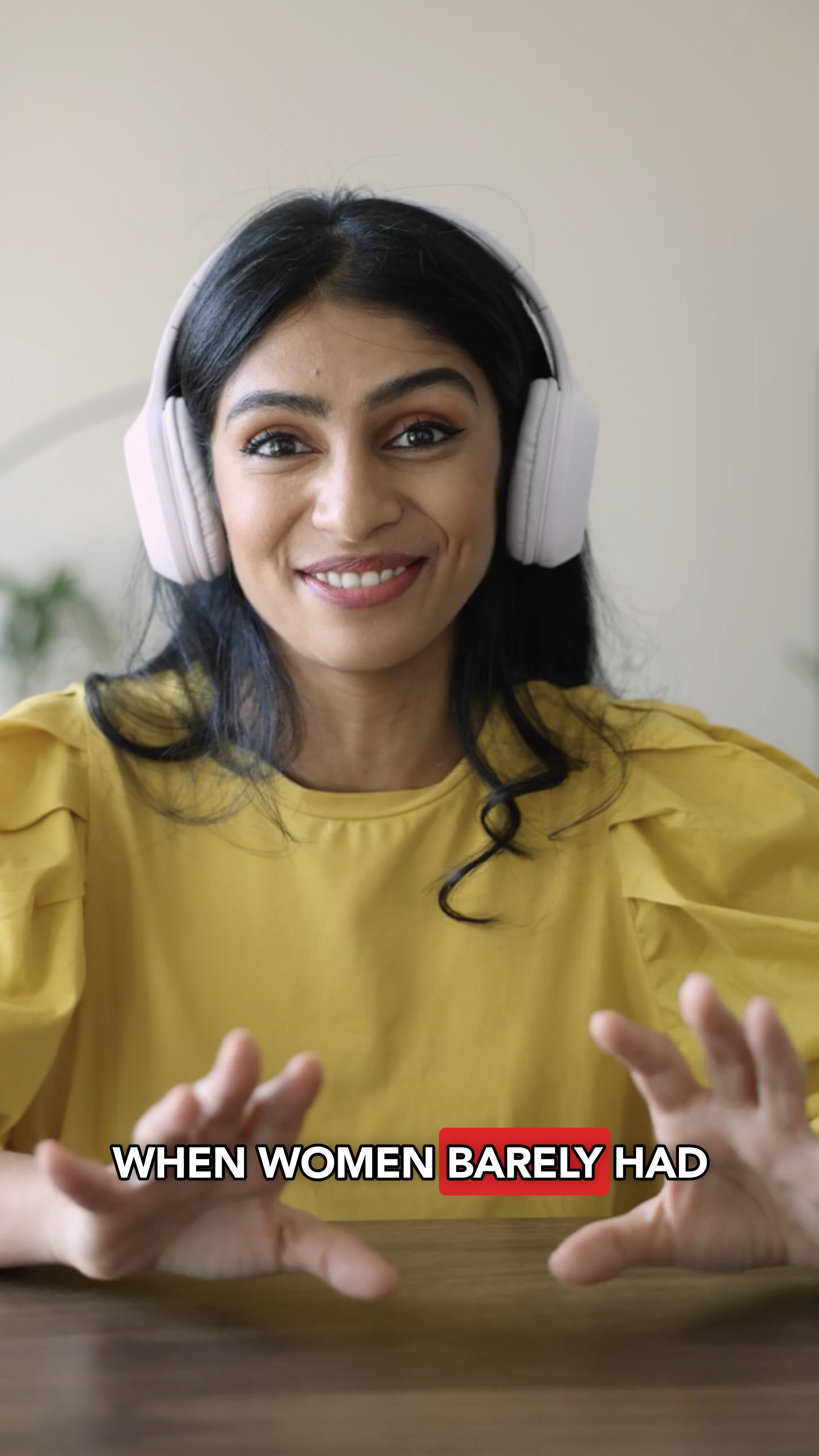
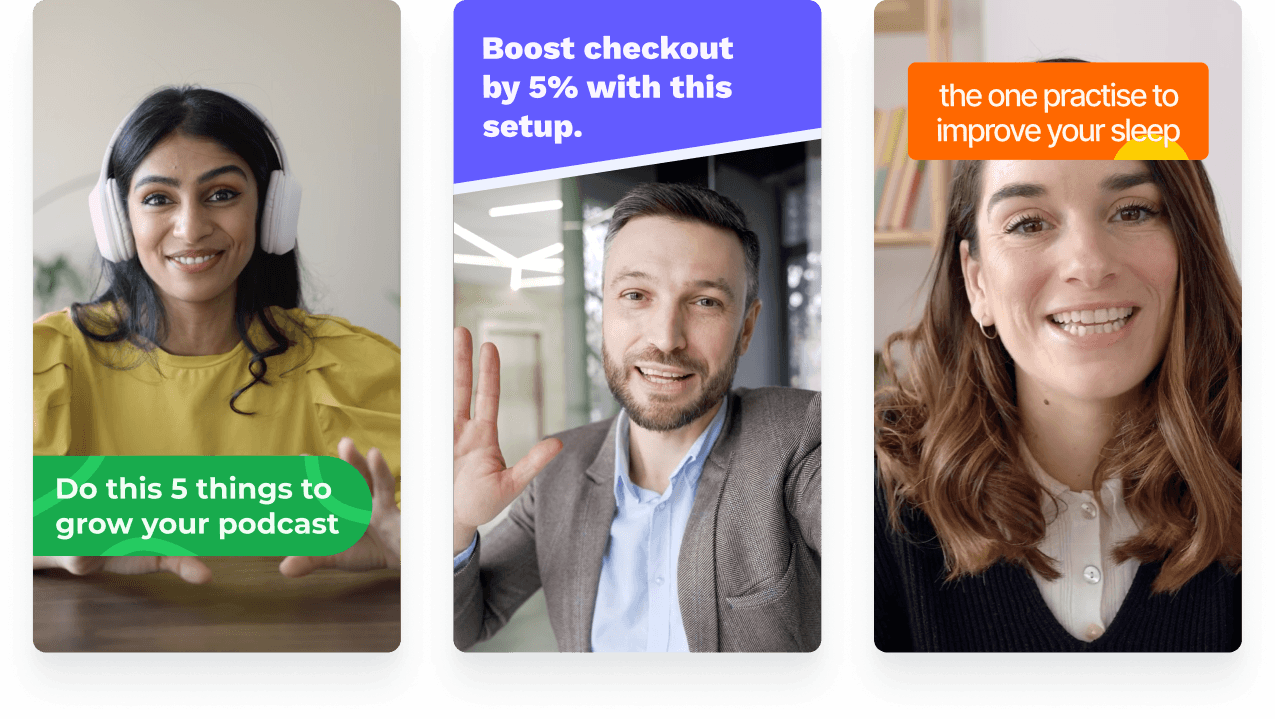
Jupitrr video template - vertical reel preview in the Power look.
eXp Realty
BuildMapper
GatherVoices
myHealthspan
YourPolicy
Goflow
ZipSea

Pick, swap, export

Pick a template, drop in your script, export vertical and landscape from one source.

Pick a video template

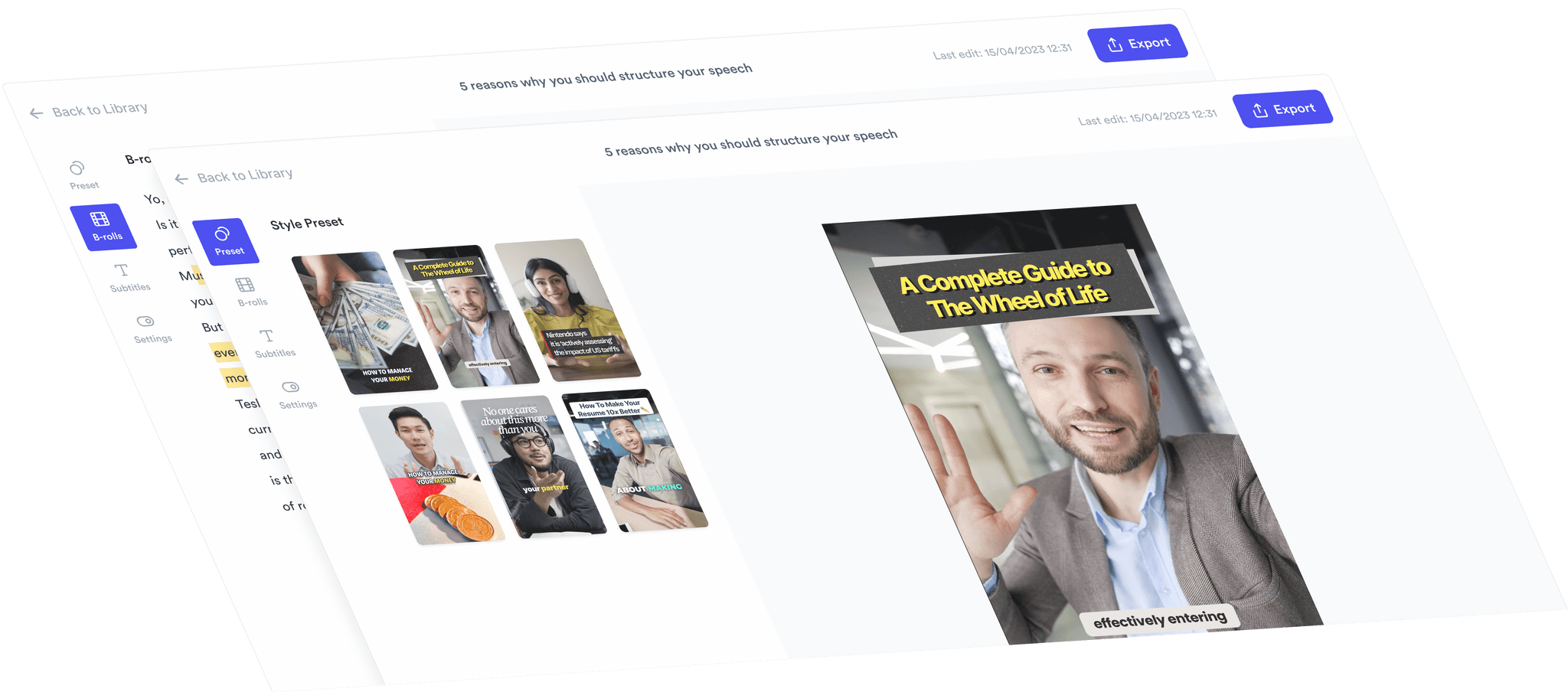
Ready-made templates - Clean, Aesthetic, Bold, Power, Storytelling, News, Subtle, Bounce, Pop. Each bundles subtitle style, B-roll vibe, hook, and motion together so the whole video lands in the same key.
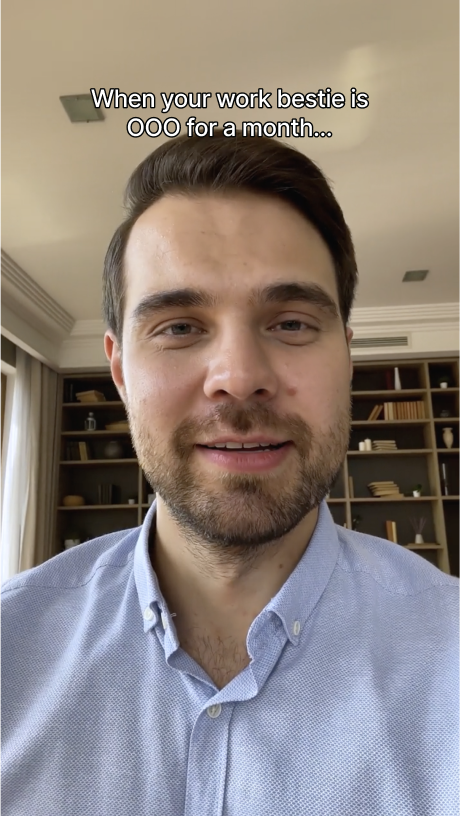
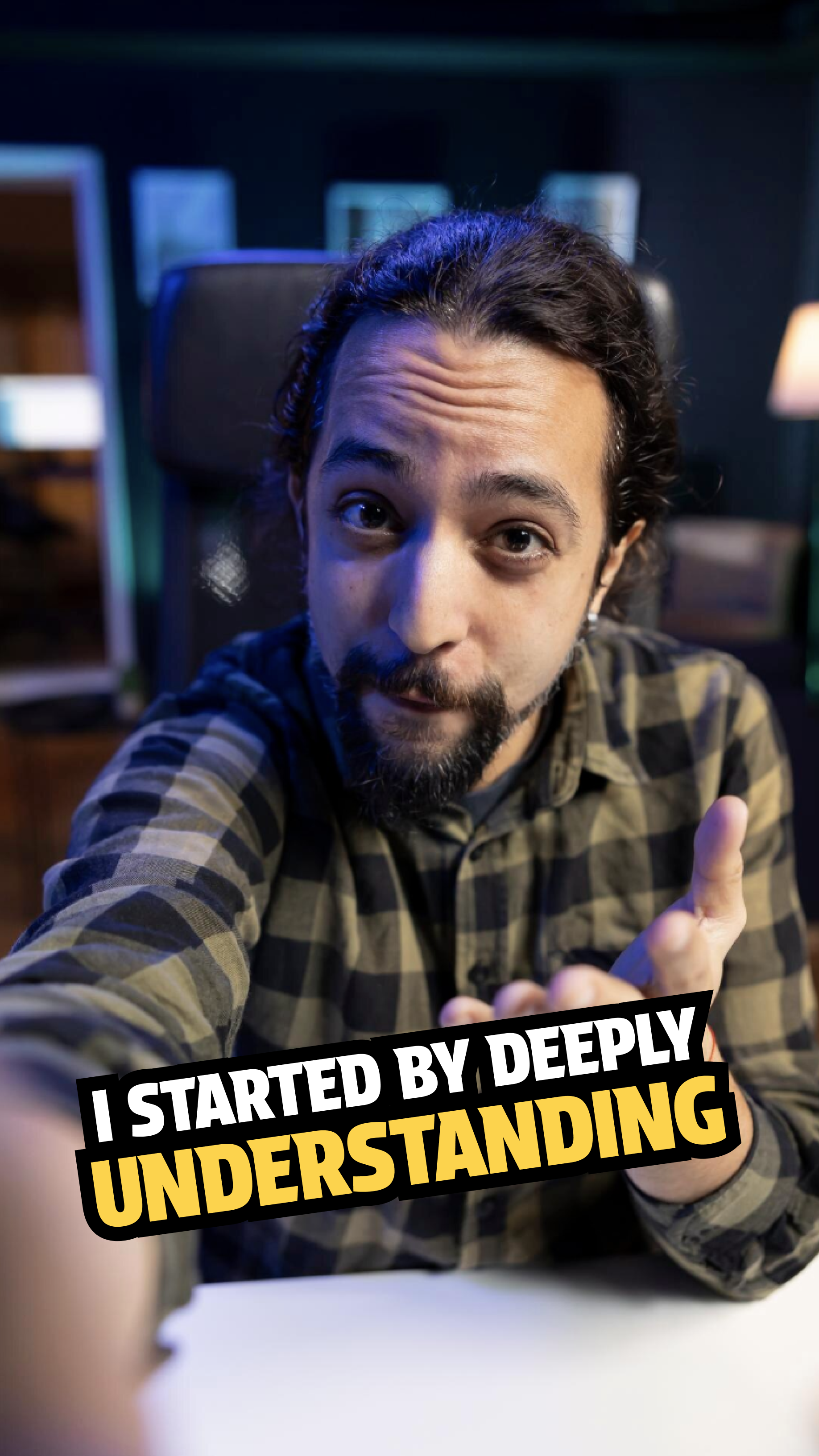
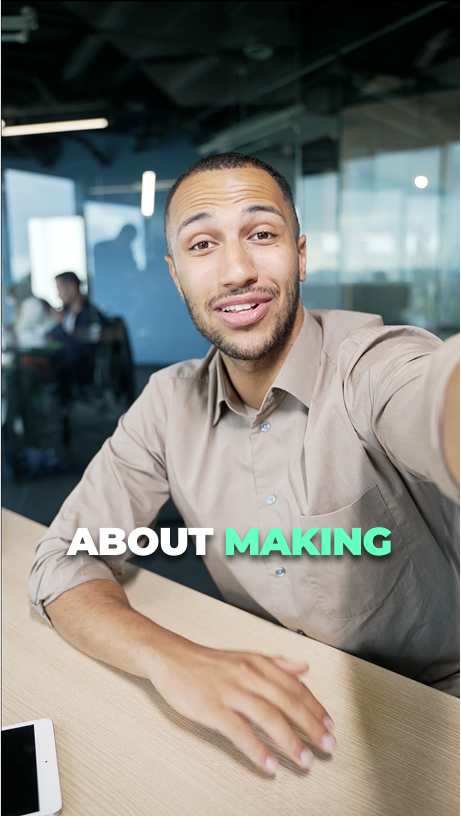
Jupitrr video template gallery - ready-made looks for vertical, square, and landscape.

Swap your content

Drop in your audio or video. Jupitrr auto-generates subtitles, places B-roll on the right beats, applies the hook, and renders a draft - your script and footage in the template you picked.
Jupitrr Magic Preview - script in the picked template, B-roll auto-placed on beats.

Customize and export

Tweak font, color, position, B-roll vibe - or save your tweaks as your own brand template. Export burned-in for TikTok, Reels, Shorts, LinkedIn, or a 16:9 cut for YouTube, in one project.
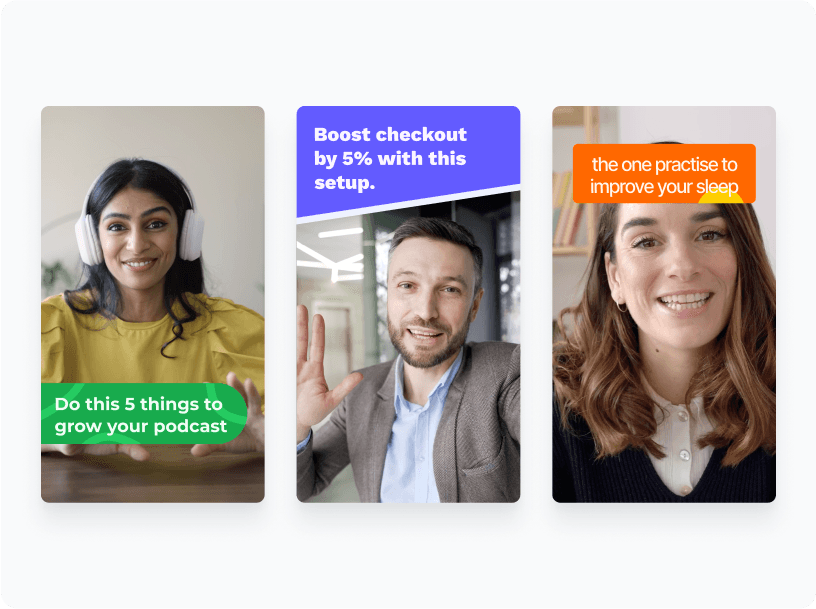
Jupitrr brand kit - saved template locked across exports and team members.
Try it for free

The fastest first cut on earth

Jupitrr video template gallery bundles subtitle, B-roll, hook, and motion.

Bundled Look

Subtitle, B-roll, hook, and motion in one click - no four-decision rabbit hole.
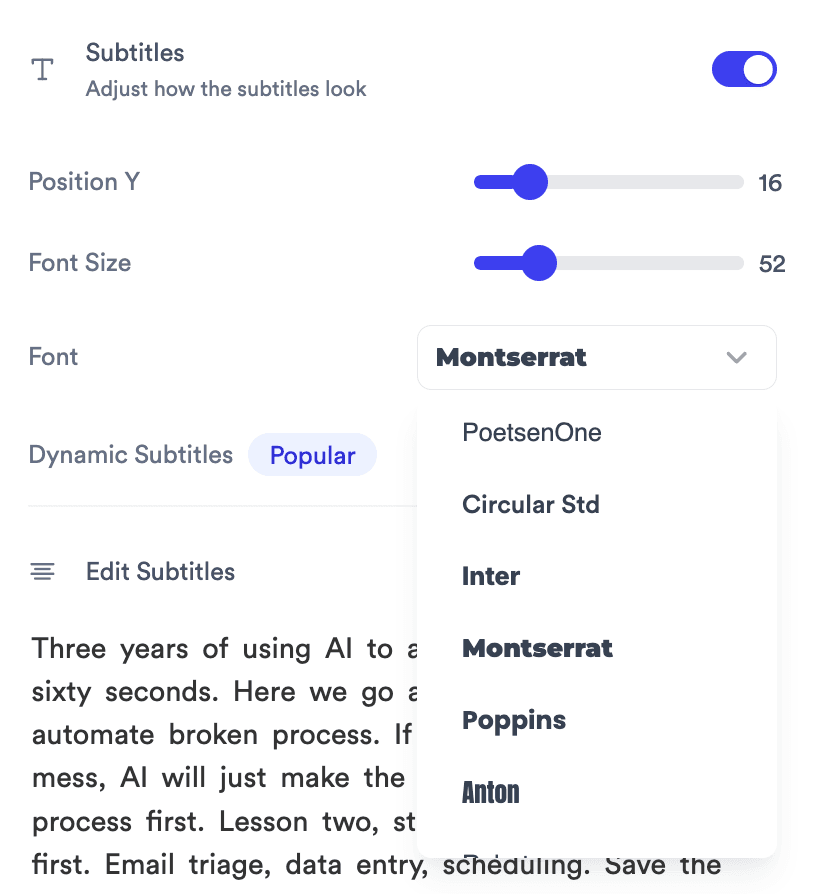
Subtitles inspector with Position Y, Font Size, Font dropdown.

Live Customize

Tweak font, color, position - the preview re-renders as you go.

Brand kit panel locking font, color, and position across exports.

Brand Templates

Save your tuned look once, lock it across every team export.
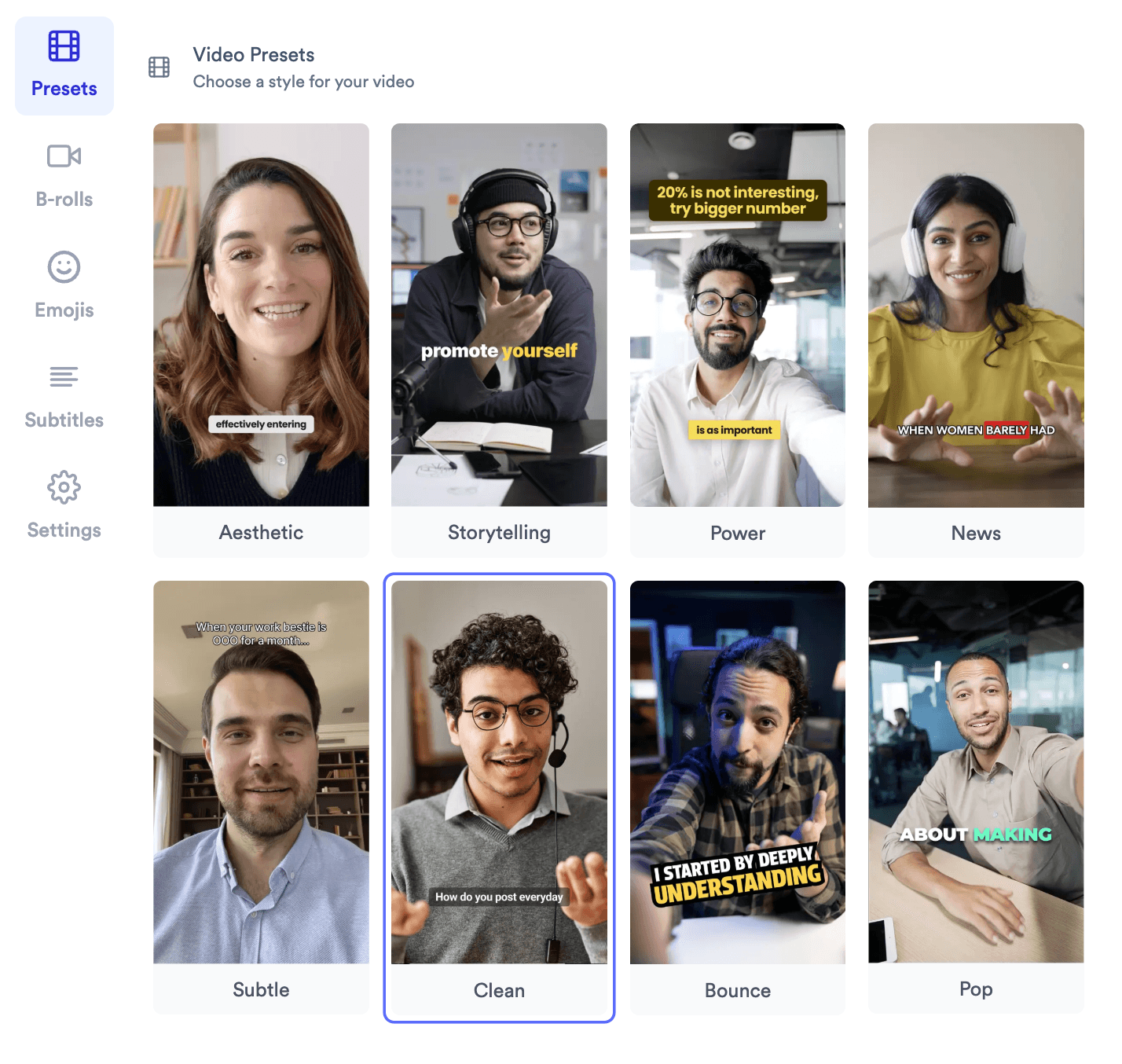
Video templates tuned for vertical, square, and landscape aspect ratios.

Tuned Per Aspect

Vertical, square, landscape - safe zones picked per format.
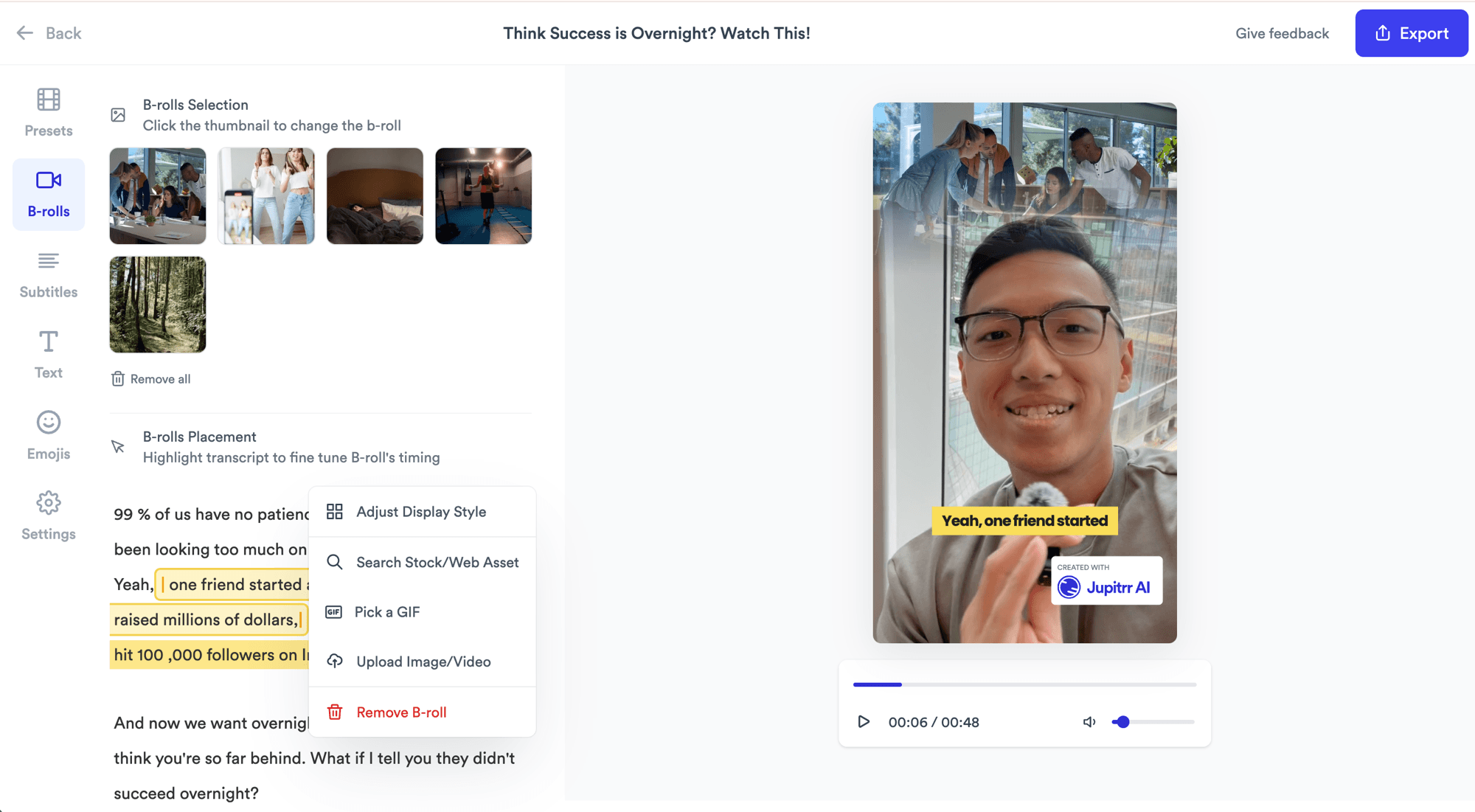
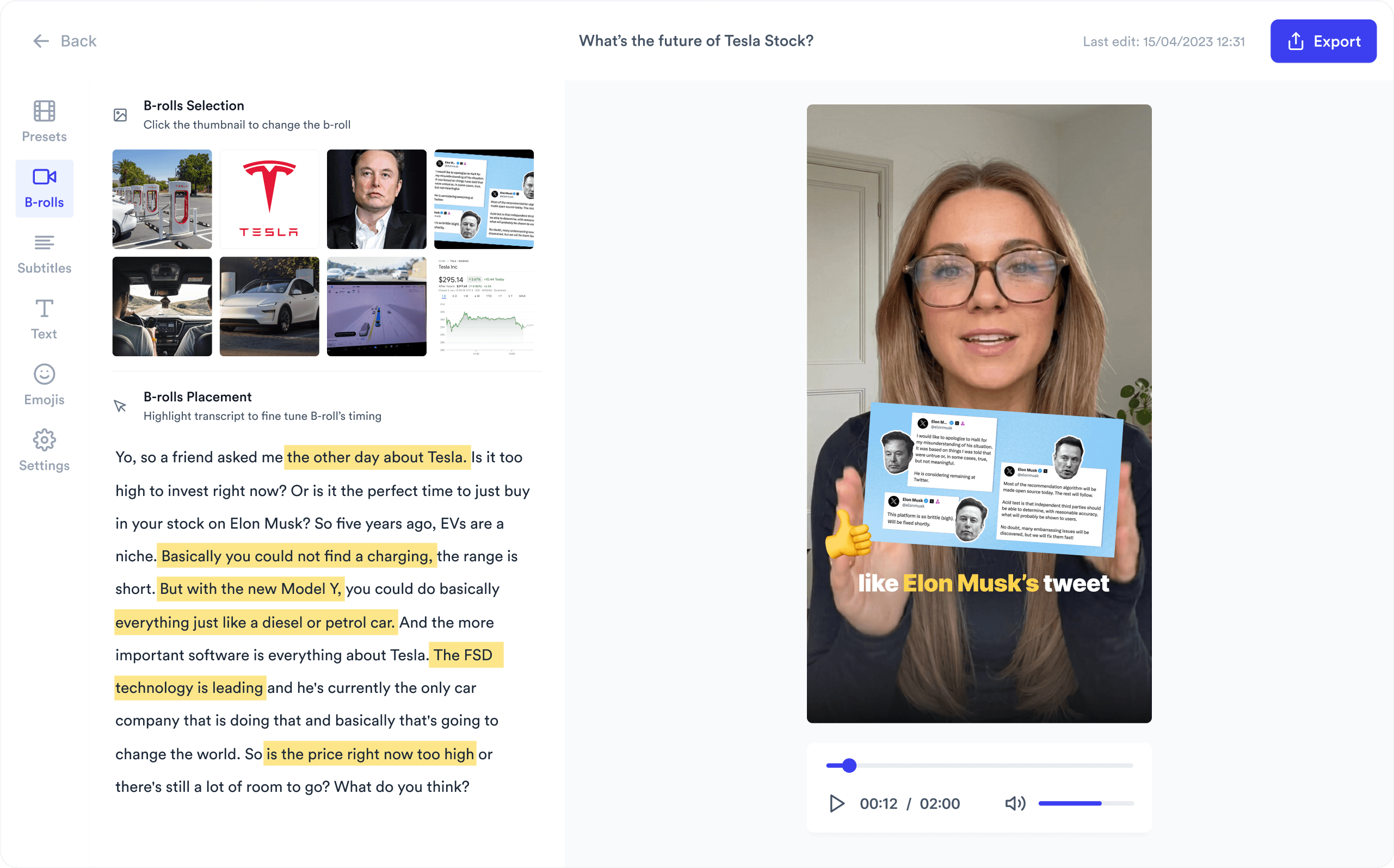
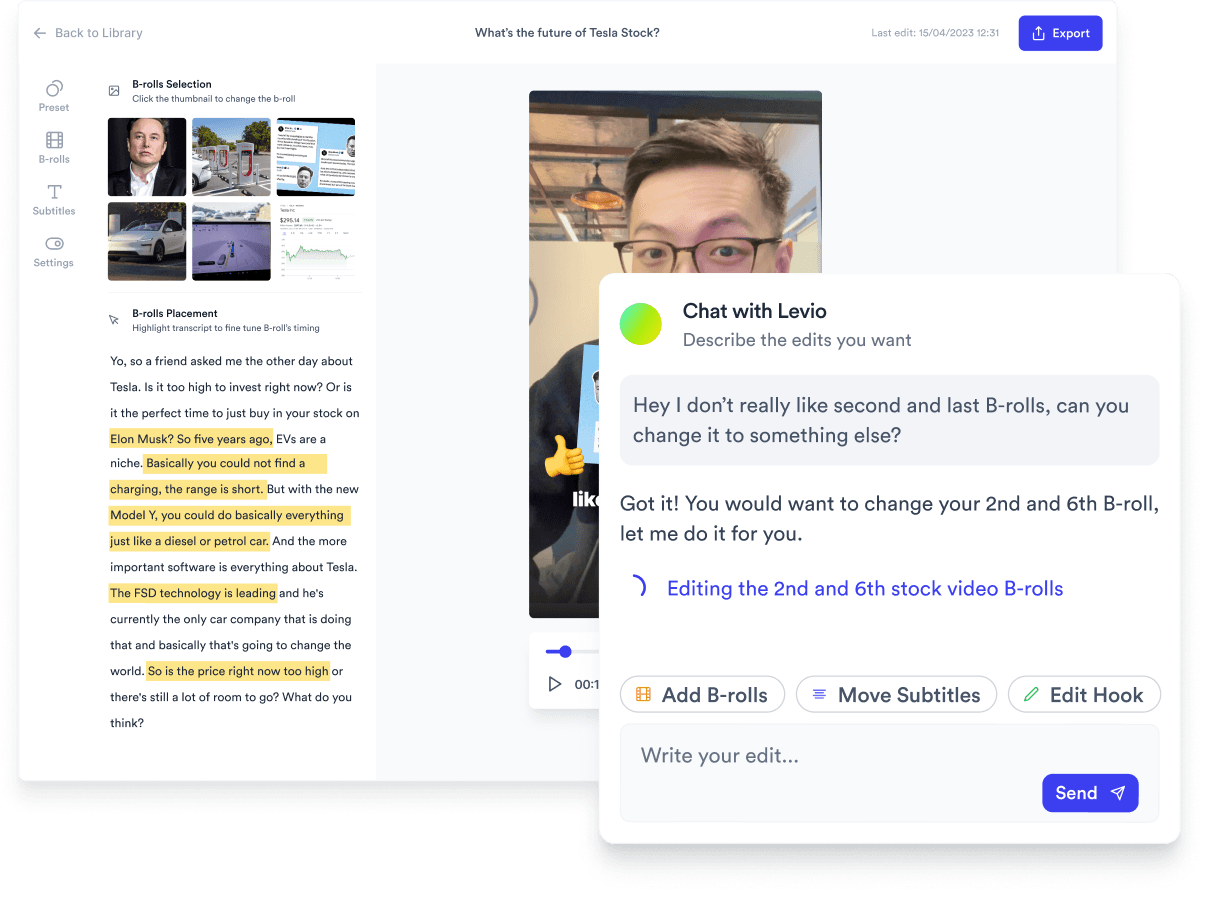
Jupitrr B-roll Placement panel - highlight transcript phrases, popover shows Adjust Display Style, Search Stock/Web Asset, Pick a GIF, Upload Image/Video, Remove B-roll.

Edit By Transcript

Highlight a phrase to swap B-roll, GIF, or stock - caption and cut update together.
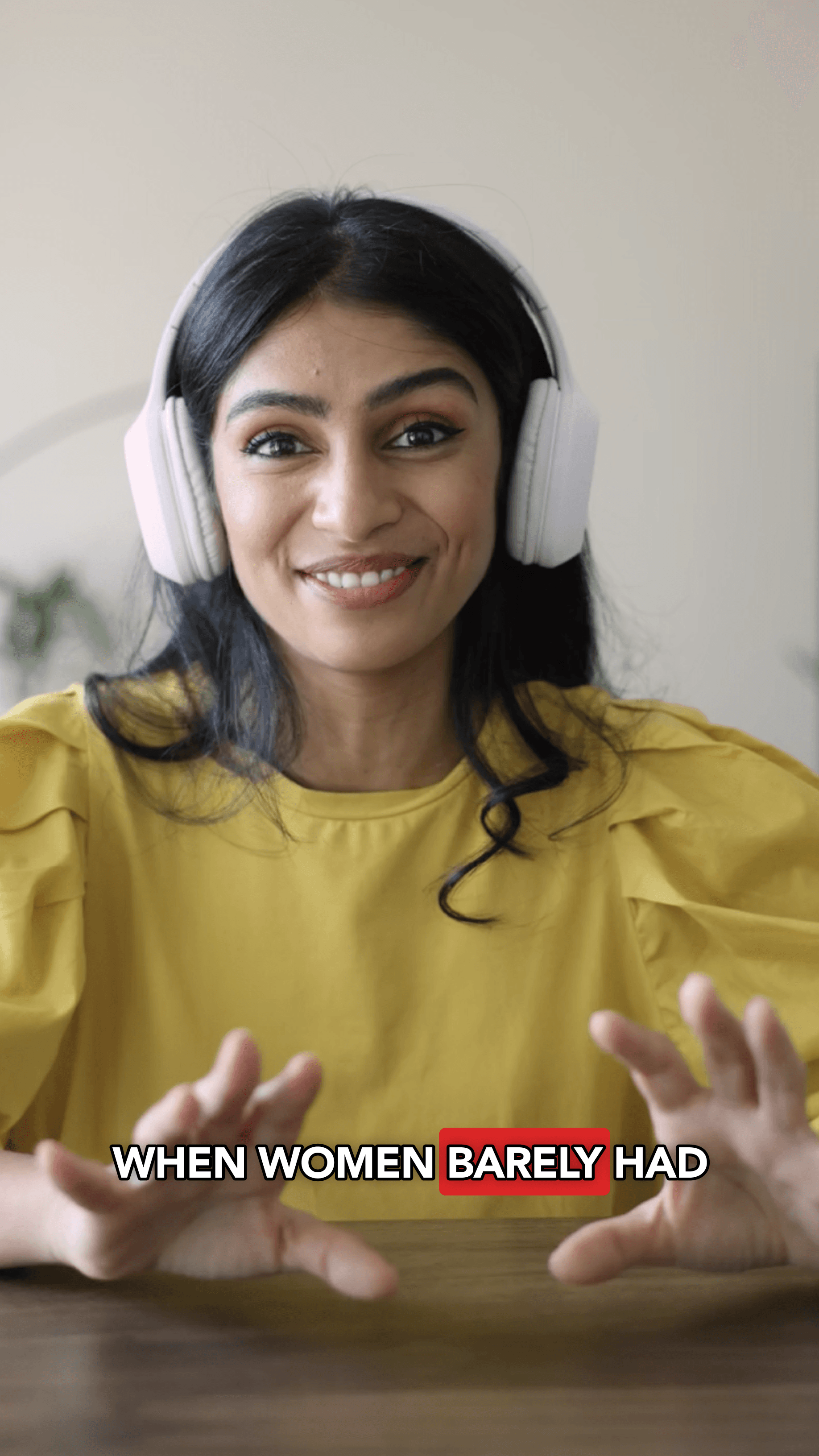
Hook style options shipped with each template.

Hook Styles

Five hook looks - Storytelling, Retro, News, TikTok, Health - bundled per template.

Ready-made looks, generated in one click

Each template bundles subtitle style, B-roll vibe, hook, and motion. Tap to apply, tweak in Magic Preview, save as a brand template.

Clean template previewCleanMinimalist and professional
Aesthetic template previewAestheticStylish and trendy
Bold template previewBoldStrong and impactful
Power template previewPowerDynamic and energetic
Storytelling template previewStorytellingNarrative-led longer-form
News template previewNewsBroadcast and explainer
Subtle template previewSubtleElegant and refined
Bounce template previewBouncePlayful pop animation
Pop template previewPopHigh-contrast vertical

Trusted by 200k+ founders and marketers.

Video became so easy that we can produce so much more, promote our services better, and reach a bigger audience.
Sanjeet Mahajan
Sanjeet Mahajan
Founder of Kizzy Consulting
Jupitrr turns video creation into an effortless workflow, the edit is actually quality. Now I can focus on strategy.
Sanket Mittal
Sanket Mittal
Founder of Althra
Be able to shoot this and then getting a deliverable so quickly is amazing, It literally took me 90 seconds to record so I see the value.
Sean Huynh
Sean Huynh
Founder of Solara Talent
The CEO of a half-billion-dollar business told me he loves my videos. People think I hired a marketing agency.
Buck Foley
Buck Foley
Partner at Crescent Edge

Frequently asked questions

What is a Jupitrr video template, and which should I use first?
A Jupitrr video template is a complete look - the subtitle style, B-roll vibe, hook line, and motion bundled together so the whole video lands in the same key. It is not a fixed timeline like a CapCut template; the AI generates the cuts and B-roll for your specific script. Pick Clean if you’re explaining something, Bold or Power if you’re hooking on Shorts and Reels, Aesthetic if you’re telling a personal story. You can always swap to another video template after seeing the first draft.
What’s the best testimonial video template for a customer story?
For a customer testimonial video template, Clean is the strongest default in B2B - Inter font, lower-third captions, brand-yellow keyword highlight, soft B-roll fades. Subtle works for enterprise references; Aesthetic works for personal-brand reviews. Drop the recording in, pick the template, and Jupitrr generates burned-in captions and cuts to B-roll on the strongest quotes.
How do I make a talking head video from a template?
Pick a talking head video template that matches the format: Power or Bold for founder-led Shorts and Reels, Clean for educational explainers, Storytelling for long-form YouTube. Drop in your camera recording, Jupitrr auto-generates word-by-word captions, applies the hook, and places B-roll on the right beats.
What’s the best interview video template for a two-speaker recording?
For a two-speaker interview, Storytelling handles long-form narrative interviews and News handles tight Q&A recaps. Both auto-handle speaker labels and caption switching. The same Jupitrr project exports a 16:9 long-form cut and a 9:16 vertical clip from one source.
How do I turn a podcast episode into video clips using a template?
Use Storytelling for the 60-minute video podcast (16:9), Power or Bold for the 60-second pulls (9:16), and Pop for high-energy Shorts. Drop the episode in once, mark the moments worth pulling, and each clip renders in the matching template - all from the same project.
Can I use the same video template for TikTok, Reels, and YouTube Shorts?
Yes - the vertical-first templates (Power, Pop, Bold, Aesthetic) are tuned for 9:16, the format TikTok, Reels, and Shorts all share. The brand kit (font, accent color, hook style) carries across so the vertical clip and the 16:9 cut still look like the same brand.
Are there free video templates on Jupitrr?
You can try every Jupitrr video template - every ready-made template plus the customizable settings - on the free plan. Free plan exports carry a small watermark; paid plans remove it and unlock unlimited brand templates and longer render quotas.
Can I save my own edits as a reusable video template?
Yes. Tweak any video template - font, color, position, hook line, B-roll vibe - then save it as a brand template on your workspace. Every project from then on can start from your template in one click, and every team member on the workspace gets the same starting point.
How are Jupitrr video templates different from CapCut or InShot templates?
CapCut and InShot templates are timeline copies - someone else’s edit with placeholder slots. Jupitrr video templates are AI-driven recipes - the template describes the look and the AI generates the cuts, B-roll, and caption timing for your specific script. Two scripts in the same Jupitrr template produce two different edits.

Plugs into the rest of Jupitrr AI

AI Talking Head Video Editor

Automatically add B-roll & Subtitles

  • Unlimited Getty Images Stock Assets
  • Unlimited Google Images & GIFs
  • AI Generated Subtitles & Text Overlay
  • Support 54+ Languages
iStock by Getty ImagesGIPHYGoogle Images
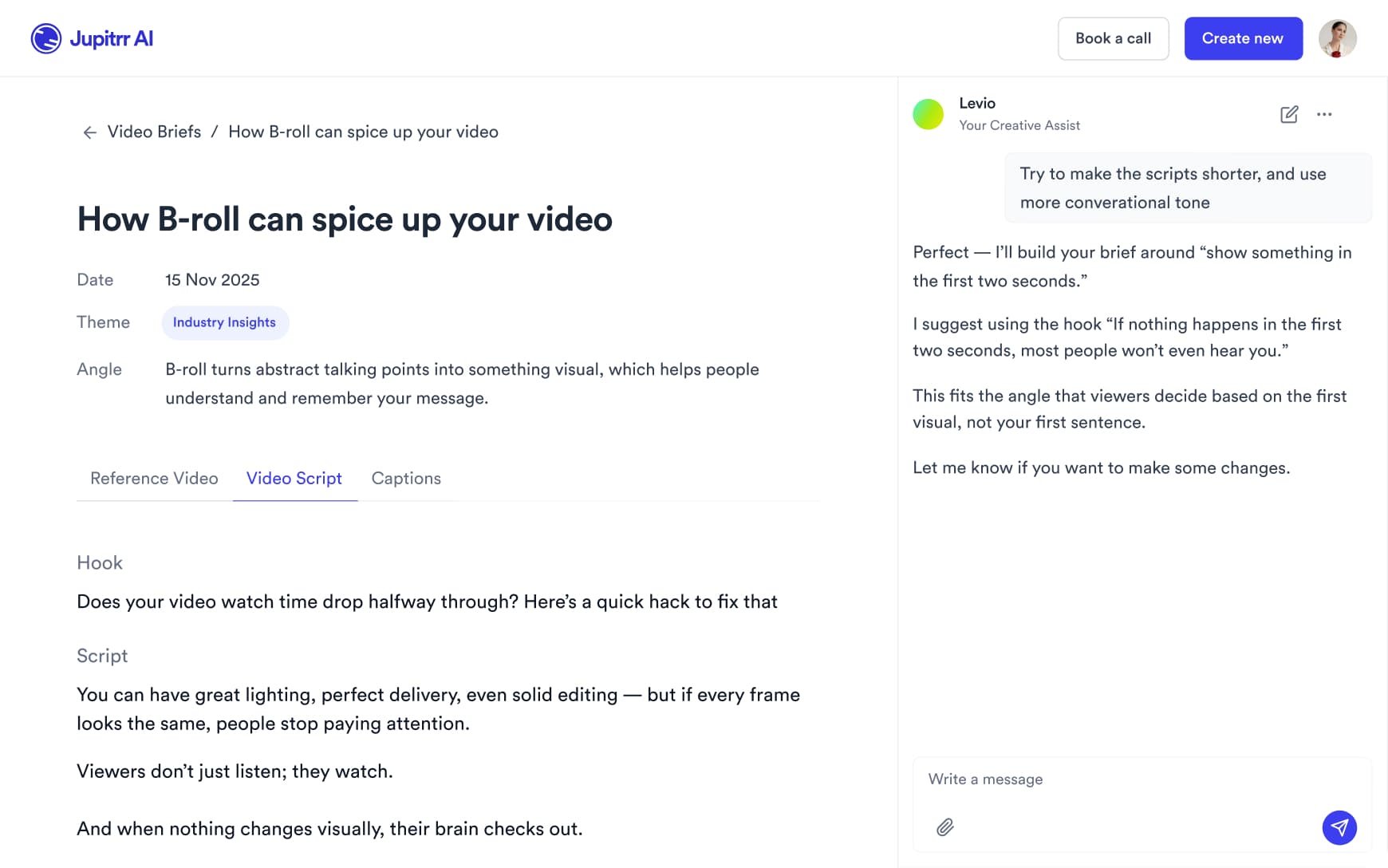
AI Video Editor interface
Personalised AI Scriptwriter

Writes scripts in your tone

Trained on your scripts & viral scripting framework
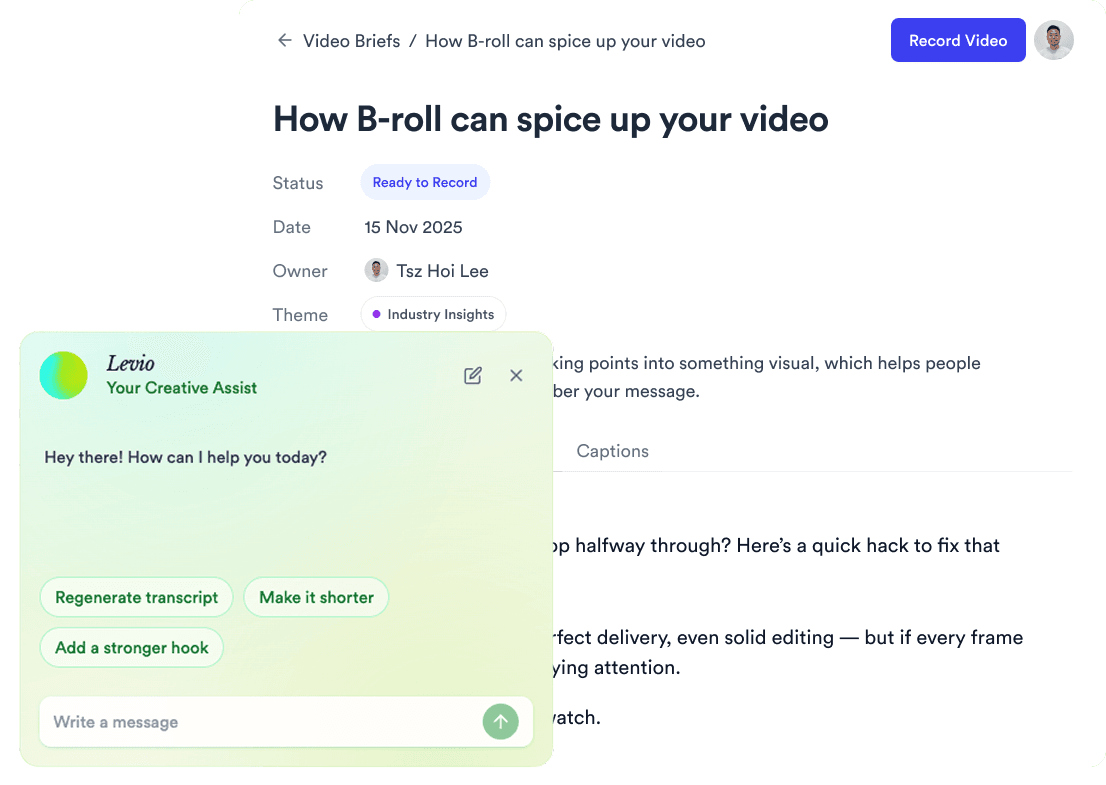
AI script writer interface
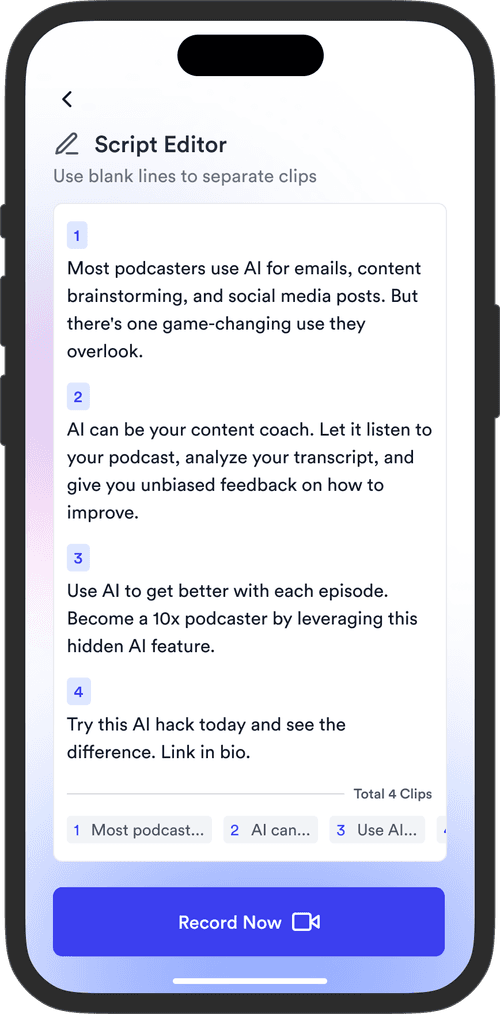
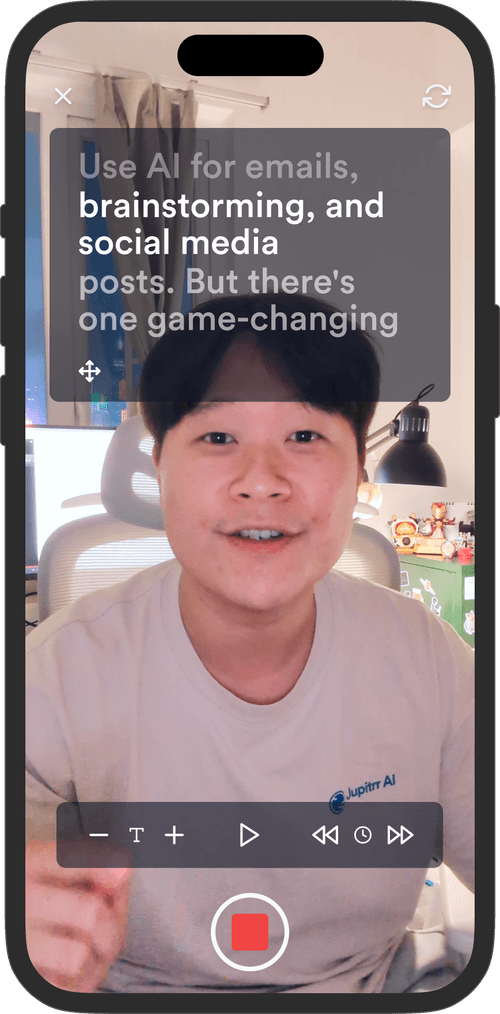
Teleprompter App

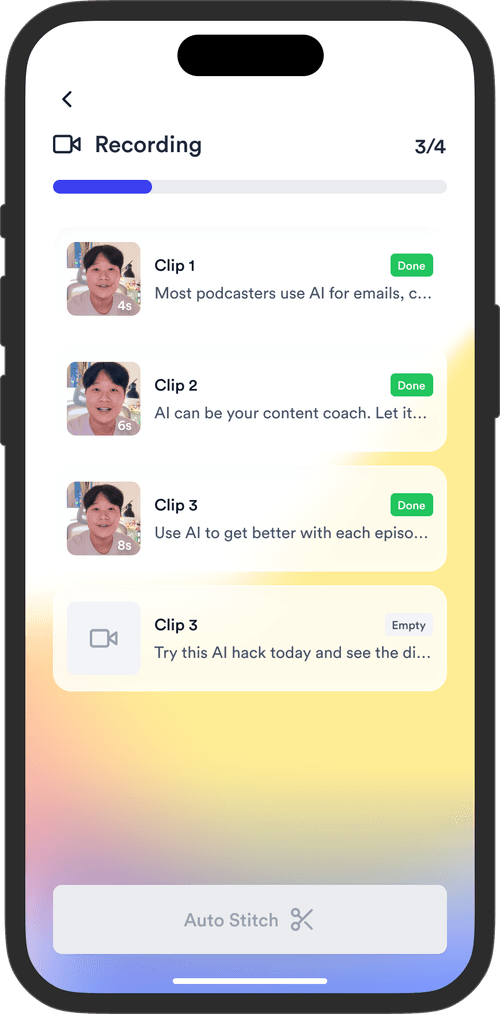
Record without bad takes

Auto Jump-Cut & Silence Removal

Teleprompter step 1Teleprompter step 2Teleprompter step 3
Social Media Publishing

Post to all your channels

YouTube, Instagram, LinkedIn, TikTok, all at once.
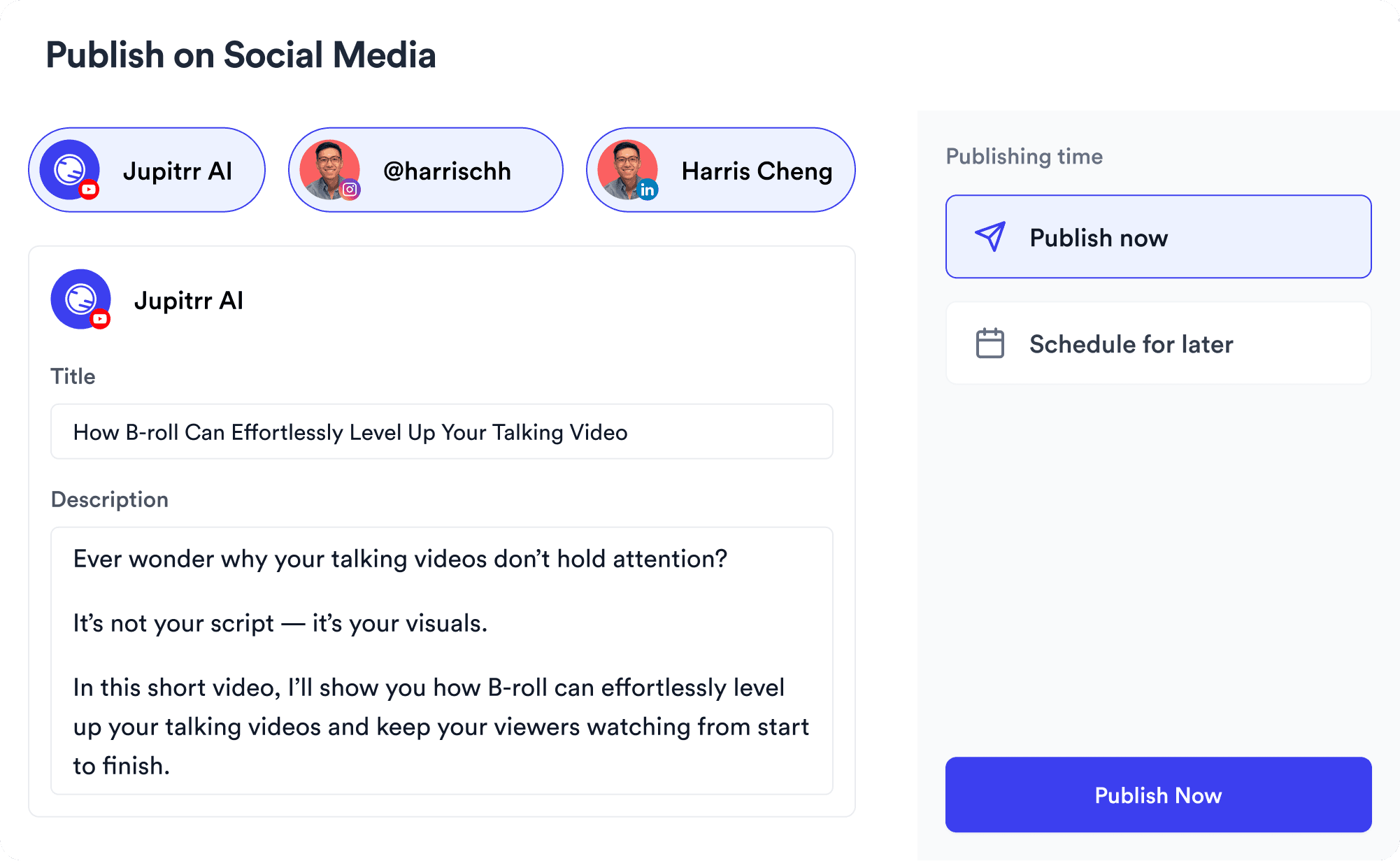
Social publishing scheduler
YouTube
Instagram
TikTok
LinkedIn
Viral Video Search

Find what's trending

Get inspired for your next videos
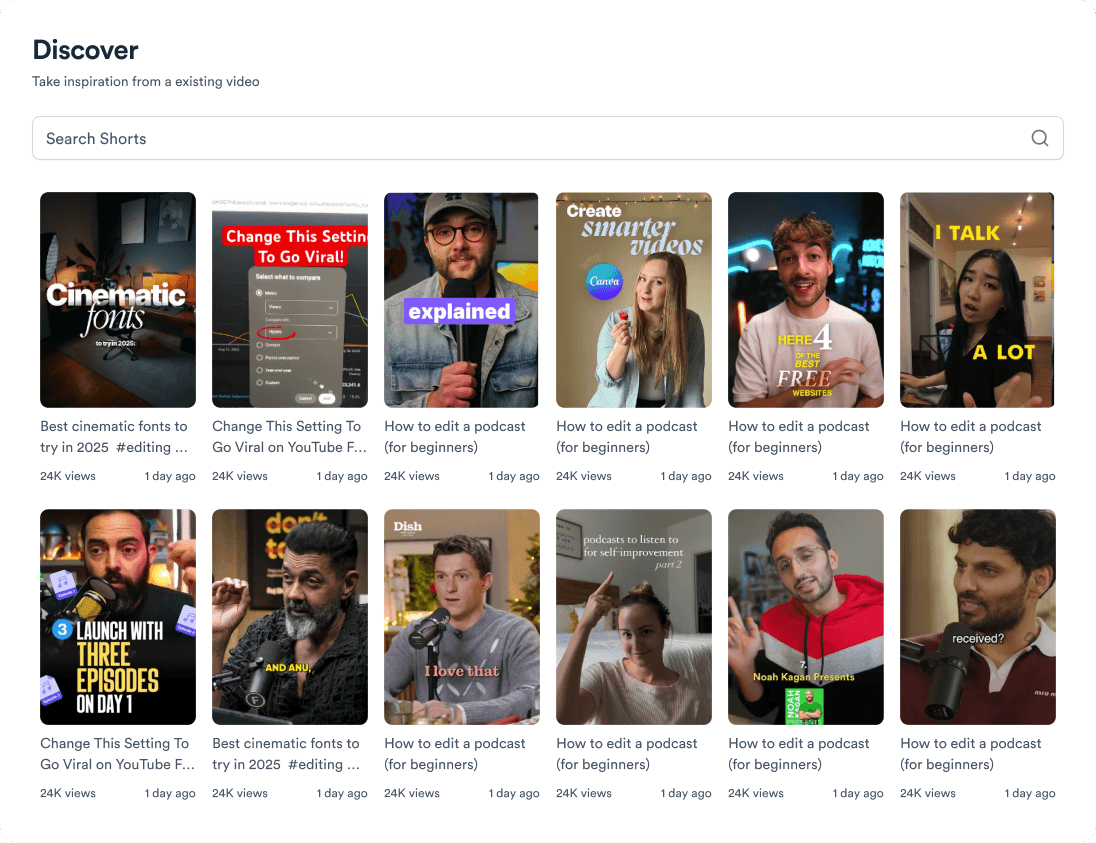
Trending topic search

and for the video team

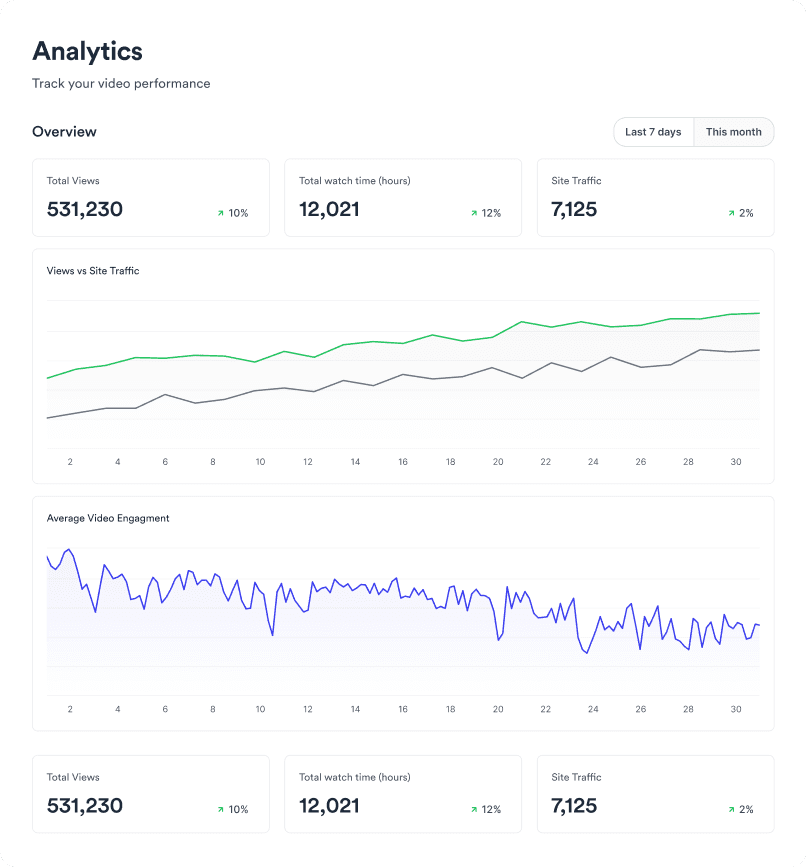
Analytics dashboard
Video AnalyticsSee how your videos perform
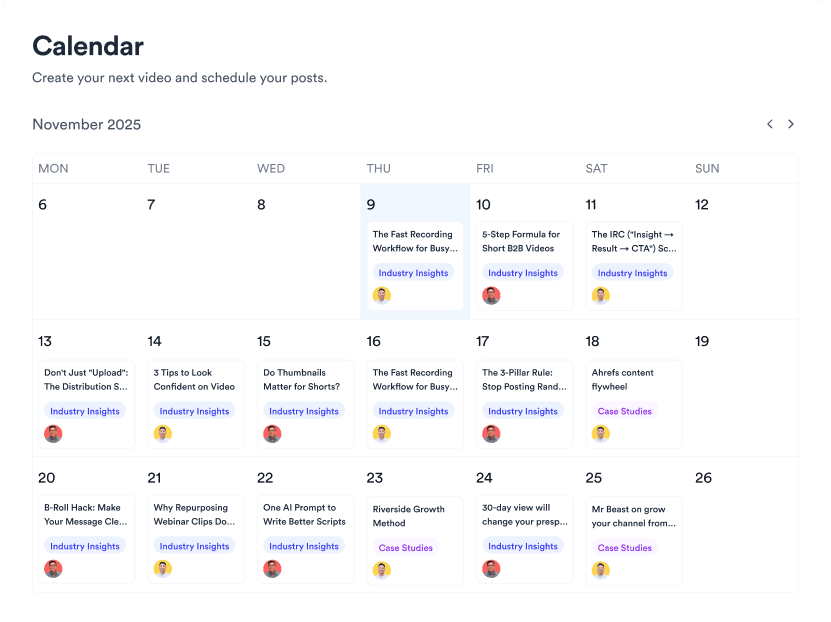
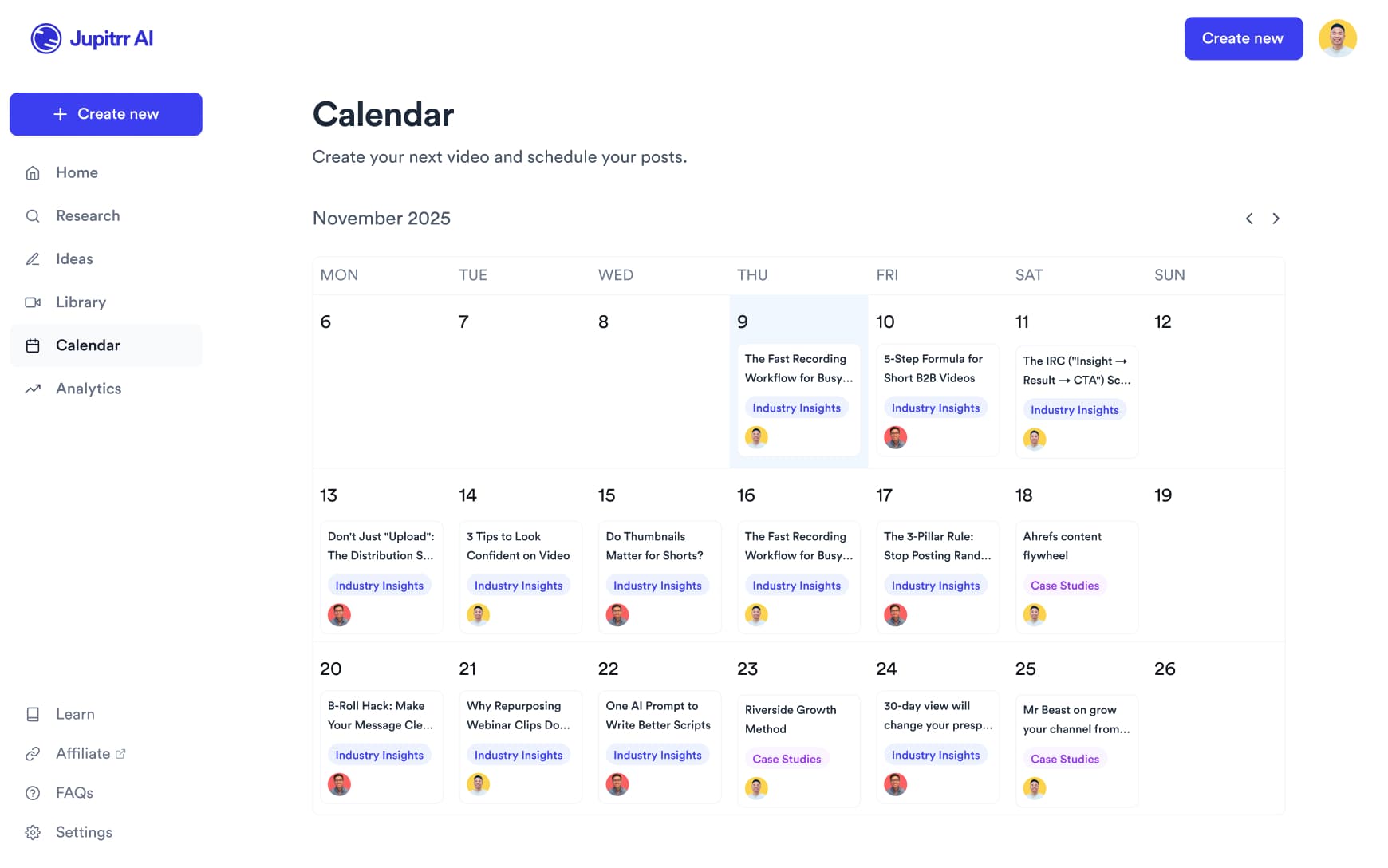
Content calendar view
Content CalendarPlan your video ahead
Brand kit presets
Brand KitMake every video on brand
Team collaboration workspace
CollaborateManage videos with your team

Pick a video template, ship a video.

Ready-made templates. Three aspect ratios. Save your own as a brand template - free to start.
Try it for free
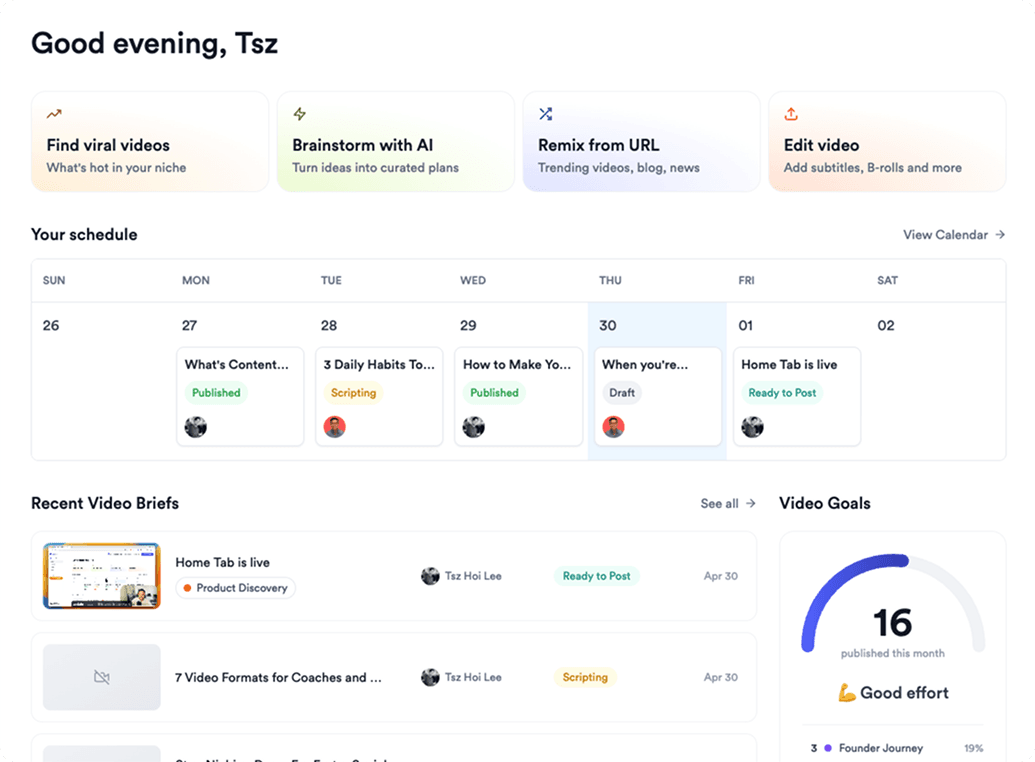
Jupitrr AI dashboard