jupitrr logo
Features
Use Cases
Resources
Pricing
Log in
Try it for Free

AI Subtitle Generator for every platform

Upload any video and get accurate, animated captions in 100+ languages. Burn them in, export .srt, or copy the transcript - free to start.

Try it for free
Book a Demo
Loved byTrusted by 200K+ businesses
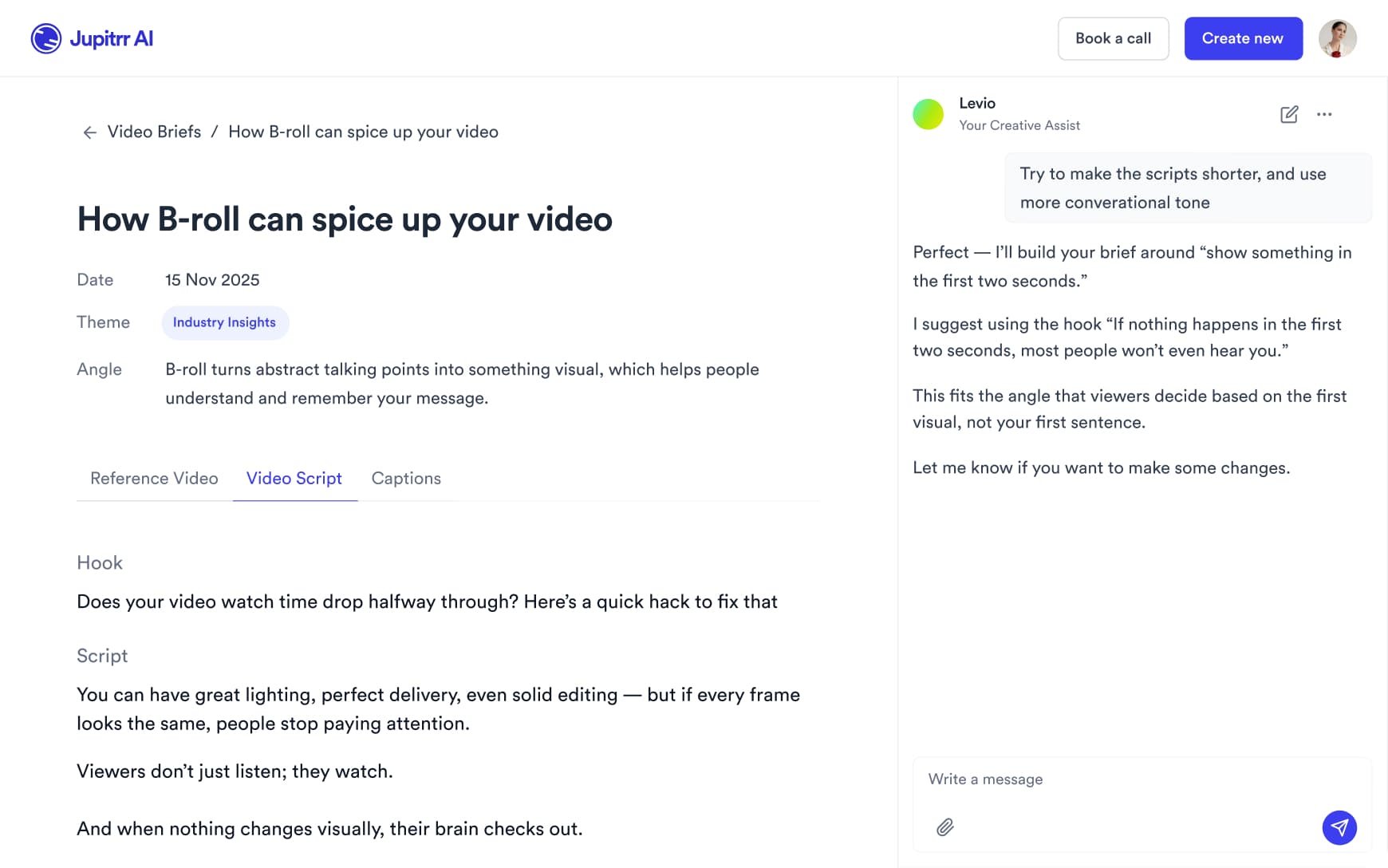
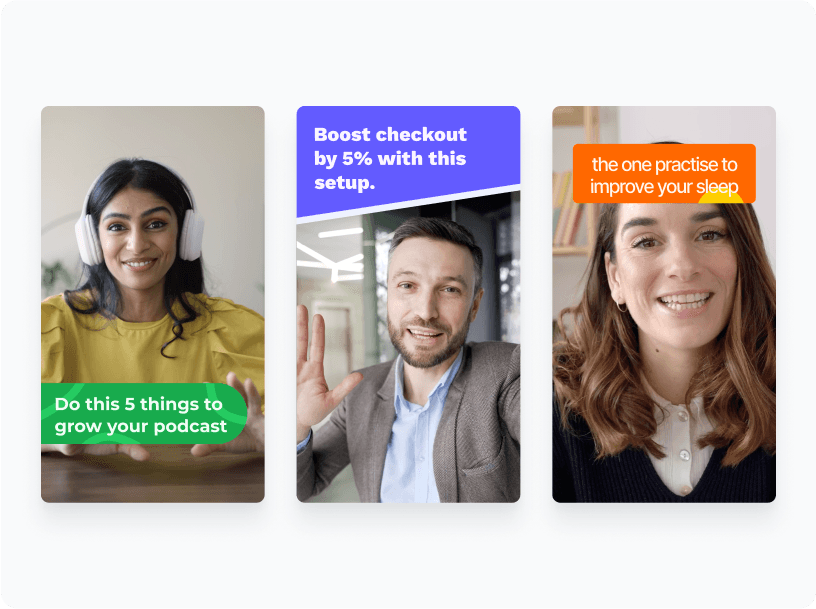
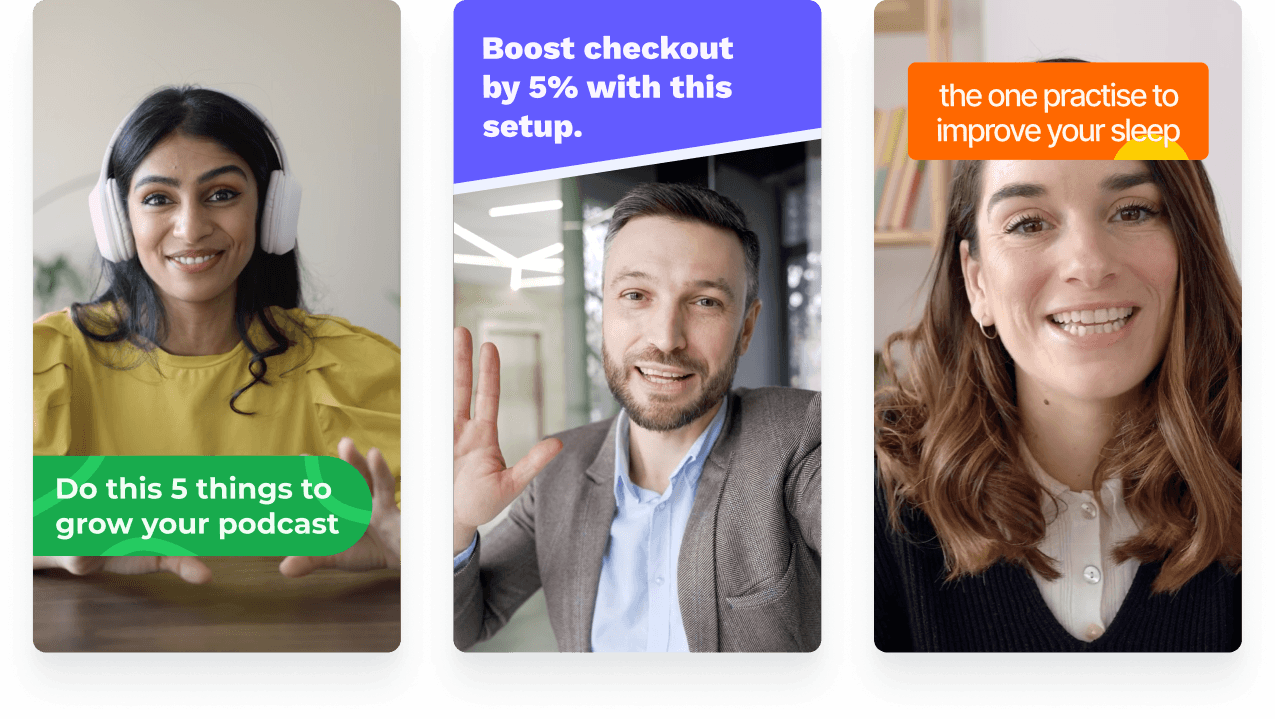
Jupitrr AI Subtitle Generator - animated captions on a creator video.
eXp Realty
BuildMapper
GatherVoices
myHealthspan
YourPolicy
Goflow
ZipSea

Auto subtitle generation in seconds

Upload a video, pick a caption style, export burned-in or as a .srt file.

Upload your video

Drop in an MP4, MOV, or paste a URL. Talking-head, podcast clip, screen recording - Jupitrr handles vertical and landscape.

Jupitrr AI Subtitle Generator - upload an MP4, MOV, or paste a URL.

Pick a subtitle style

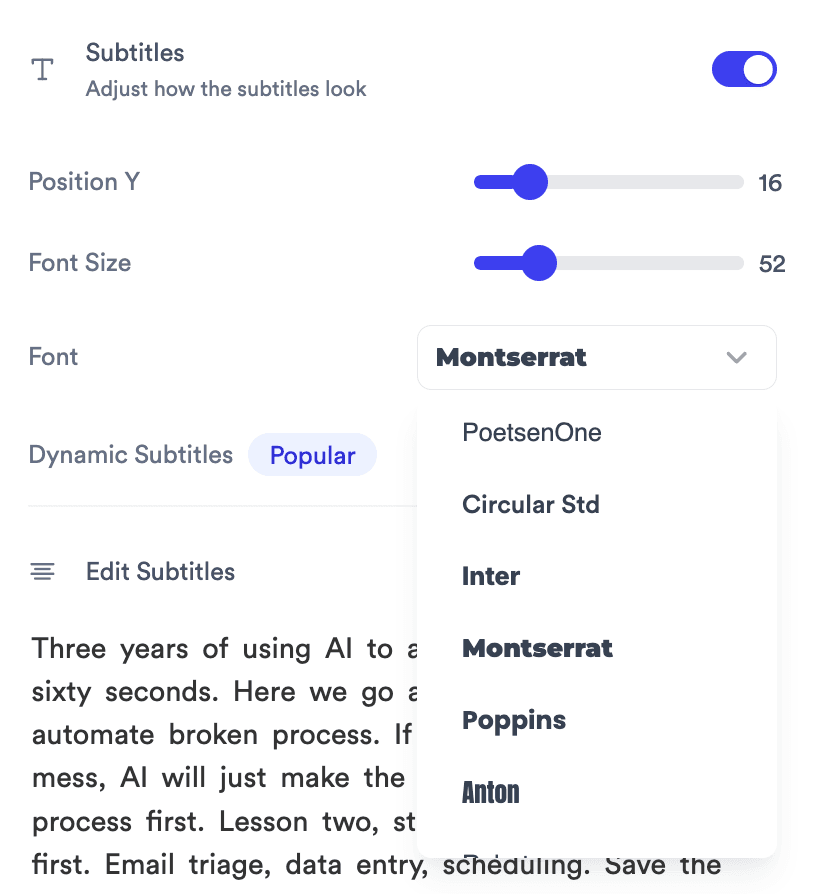
Word-by-word for shorts, line-by-line for podcasts, full sentence for long-form. Restyle font, color, and position in one click.

Jupitrr Subtitles inspector - Position Y, Font Size, Font, Dynamic Subtitles toggle.

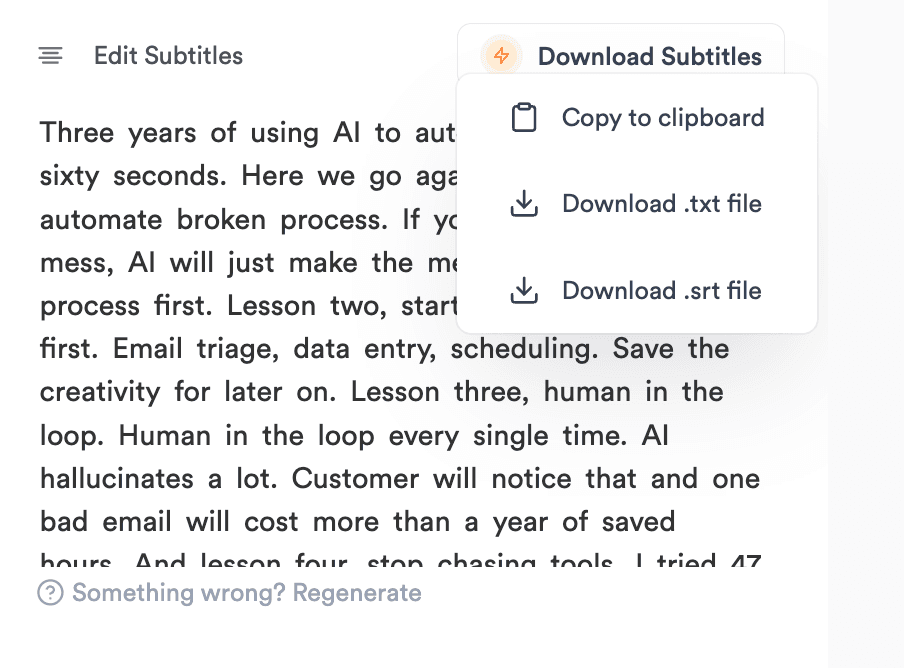
Export burned-in, .srt, or .txt

Burn captions into the video for TikTok, Reels, and Shorts; export an .srt for YouTube; download a .txt transcript; or copy the transcript in one click.

Jupitrr Edit Subtitles editor with Download Subtitles menu open.
Try it for free

The easiest subtitle editor on earth

Subtitle animation modes - box highlight, colored word, static.

Animated word reveal

Box highlight, colored word, or static line-by-line on every cut.

Brand kit panel locking subtitle font, color, and position.

Brand kit lock

Save font, color, and position once - reuse on every export.
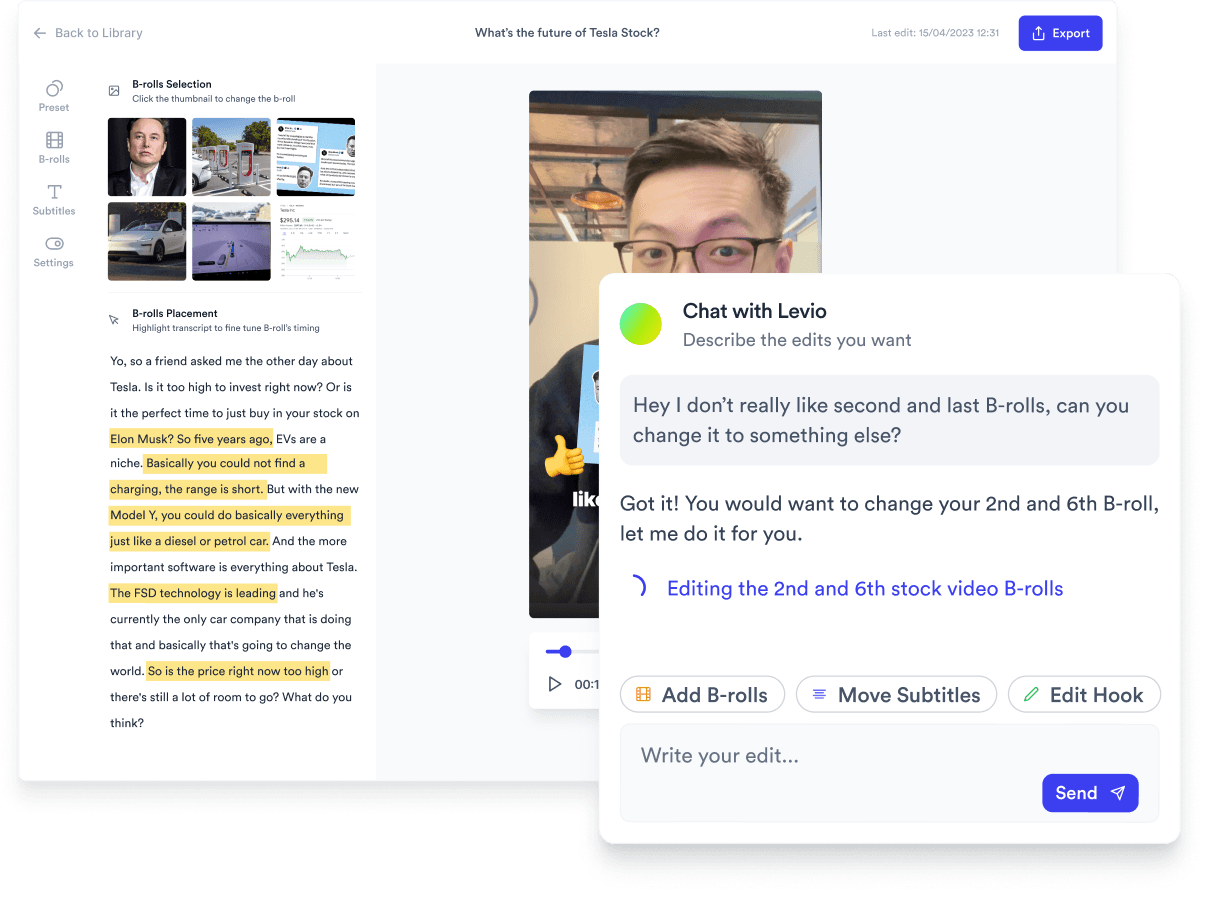
Edit-by-text panel - strike a word, audio and caption update.

Edit by text

Delete a word, the matching audio and caption update everywhere.

Download menu - copy to clipboard, .txt file, .srt file.

Export anywhere

Burned-in MP4, .srt, .txt, or copy transcript - one project.
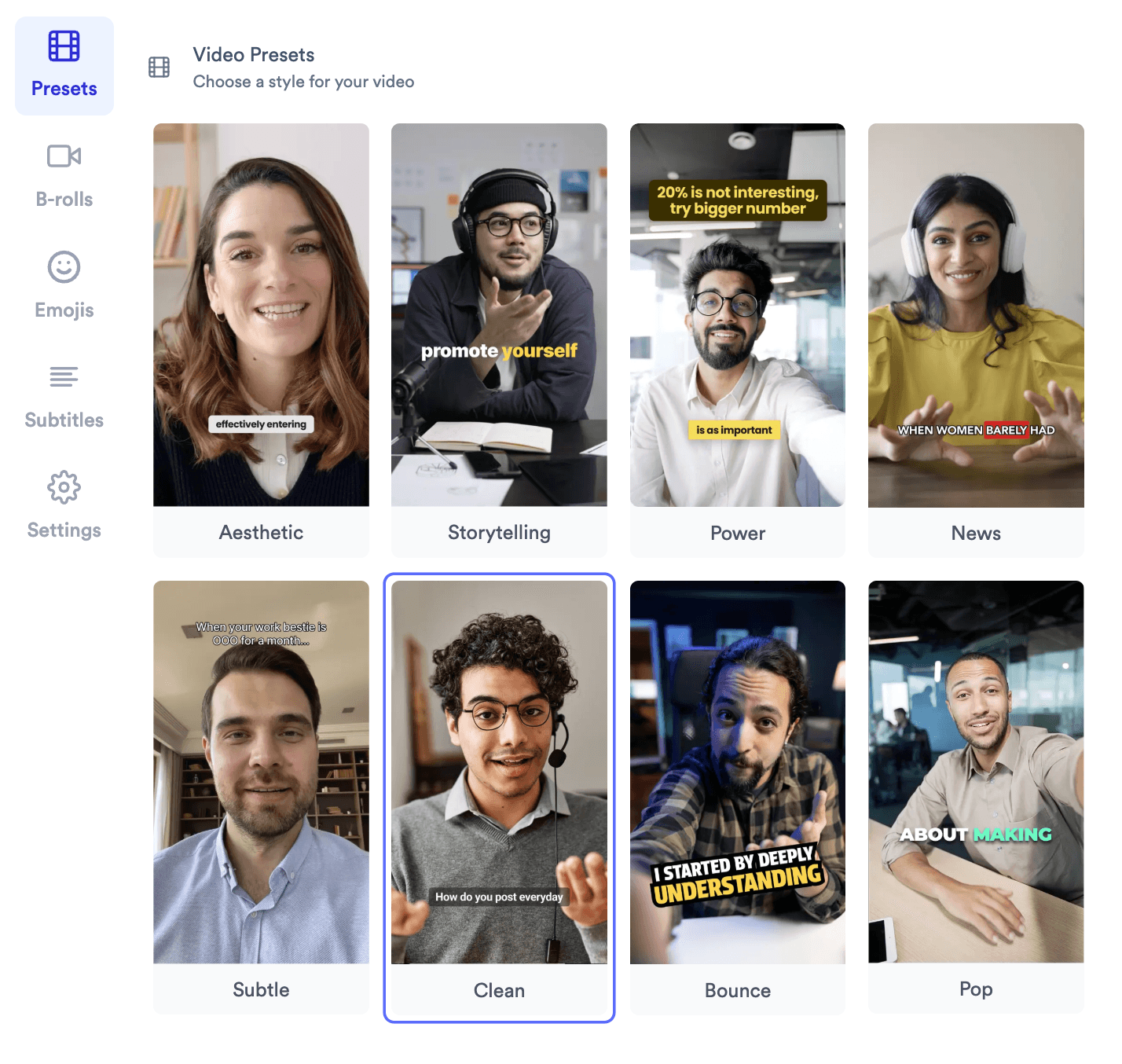
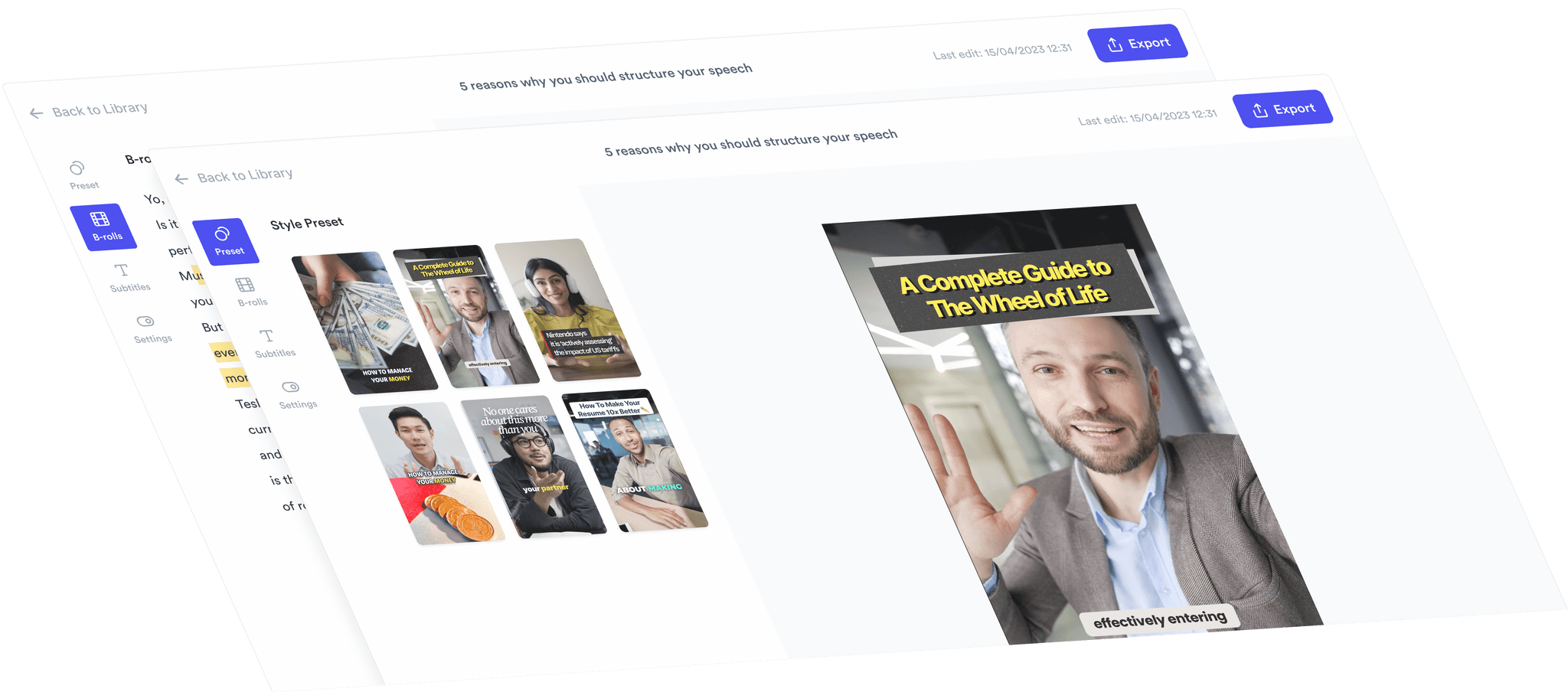
Jupitrr video preset gallery with eight subtitle and B-roll looks.

Video presets

Aesthetic, Storytelling, Power, News - eight one-click looks.
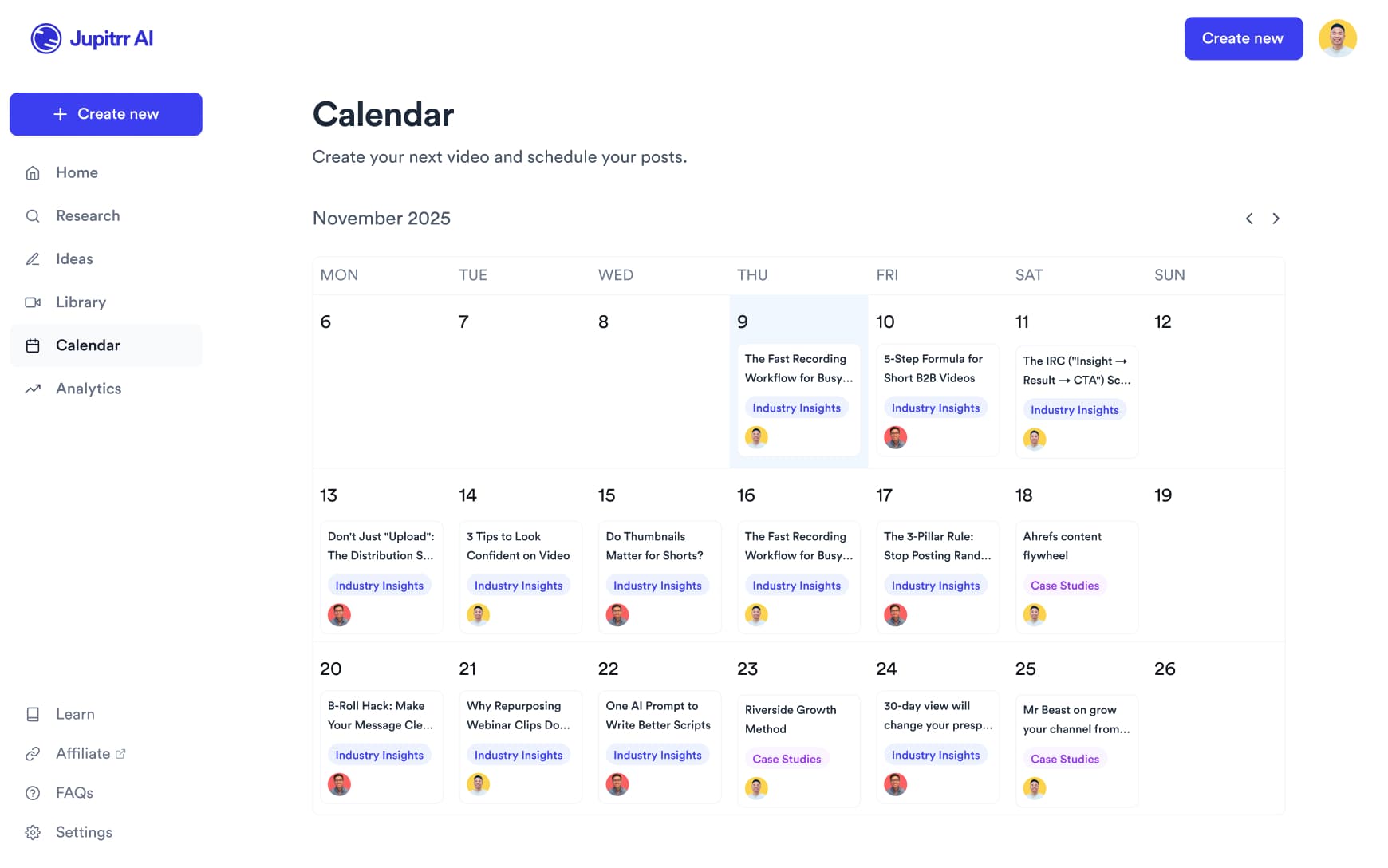
Multilingual subtitle generation across 100+ languages.

100+ languages

Whisper, Deepgram, and AWS Transcribe routed per language.

Multilingual subtitles in 100+ languages

One AI subtitle generator, every language. Same animated styles, brand kit, and safe-zone behaviour. Powered by Whisper, Deepgram, and AWS Transcribe - Jupitrr routes to whichever engine is most accurate per language.

EnglishSpanishFrenchGermanItalianPortugueseDutchPolishSwedishNorwegianDanishFinnishCzechSlovakHungarianRomanianBulgarianGreekRussianUkrainianTurkishArabicHebrewPersianHindiBengaliTamilTeluguMarathiGujaratiPunjabiUrduIndonesianMalayFilipinoVietnameseThaiKhmerLaoBurmeseJapaneseKoreanChinese (Simplified)Chinese (Traditional)CantoneseMongolianKazakhUzbekAzerbaijaniGeorgianArmenianSwahiliAfrikaansCatalanCroatianSerbianSlovenianLithuanianLatvian

Trusted by 200k+ founders and marketers.

Video became so easy that we can produce so much more, promote our services better, and reach a bigger audience.
Sanjeet Mahajan
Sanjeet Mahajan
Founder of Kizzy Consulting
Jupitrr turns video creation into an effortless workflow, the edit is actually quality. Now I can focus on strategy.
Sanket Mittal
Sanket Mittal
Founder of Althra
Be able to shoot this and then getting a deliverable so quickly is amazing, It literally took me 90 seconds to record so I see the value.
Sean Huynh
Sean Huynh
Founder of Solara Talent
The CEO of a half-billion-dollar business told me he loves my videos. People think I hired a marketing agency.
Buck Foley
Buck Foley
Partner at Crescent Edge

Frequently asked questions

How do I generate accurate subtitles for videos with background music?
Use a tool with voice isolation before transcription. Most AI subtitle generators struggle with background music because they transcribe all audio - not just speech. Jupitrr AI uses speech-focused models that isolate the vocal track first, significantly reducing transcription errors. For best results, record with a directional mic and keep background music below -20dB during speech.
Which tools can automatically highlight keywords in video captions?
Several tools offer animated keyword highlighting, including CapCut and Jupitrr AI. The key difference is control: some tools auto-highlight based on emphasis detection, while others let you manually tag words. For brand consistency, look for tools that let you save highlight rules (color, font weight, animation style) as a reusable template.
How do I match subtitles to my brand style automatically?
Look for tools with saved caption presets - font, size, color, position, background, animation - that apply automatically on every export. Jupitrr AI lets you define a caption style once and reuse it across your entire content library. This is critical for teams producing 10+ videos a month who cannot afford to manually style every clip.
How do I position captions in vertical videos without covering faces?
The standard safe zone for vertical (9:16) video captions is the lower third - roughly between 70-85% from the top of the frame. Avoid center placement, which cuts across the face in talking-head content. Jupitrr AI defaults to safe-zone positioning for vertical formats, and you can nudge placement manually. Always preview on mobile before exporting.
What should I look for in a subtitle generator for both export and burned-in captions?
You need two things: SRT/VTT export for platforms that render their own captions (YouTube, LinkedIn), and burned-in rendering for platforms that do not (Instagram Reels, TikTok). Jupitrr AI supports both from the same project.
Can AI subtitle tools automatically remove filler words and add punctuation?
Yes - this is now a standard feature in most AI-first tools. Jupitrr AI cleans up "um," "uh," and false starts automatically during transcription, and adds punctuation based on speech cadence. This alone saves 20-30 minutes of editing per video for frequent posters.
How do I generate subtitles and translate them into multiple languages?
The workflow is: generate a base-language SRT, run it through a translation layer, then sync translated text back to the original timestamps. Jupitrr AI focuses on English-first production but integrates with downstream translation workflows via SRT export.
Which tools support bulk video captioning with consistent styling?
Bulk captioning requires both API access or batch upload, plus template-locking so every output matches your style. Jupitrr AI supports consistent styling across your content library through saved presets. For high-volume teams processing 50+ videos at once, contact [email protected] for a customized setup.
How do I choose caption placement that works across different platforms?
Each platform has different UI elements that overlap your video - TikTok has a bottom action bar, Instagram has a username strip, YouTube Shorts has a bottom gradient. The universal safe zone is 15-80% vertically and 10-90% horizontally. Jupitrr AI uses platform-aware export presets so captions are positioned correctly for each destination.
How do I stop subtitle generators from misspelling brand names and custom terms?
Use custom vocabulary or glossary features. In Jupitrr AI, you can correct transcription errors inline and those corrections carry through to the final caption output. For recurring terms, building a post-processing find-and-replace step into your export workflow is a reliable fallback.

Plugs into the rest of Jupitrr AI

AI Talking Head Video Editor

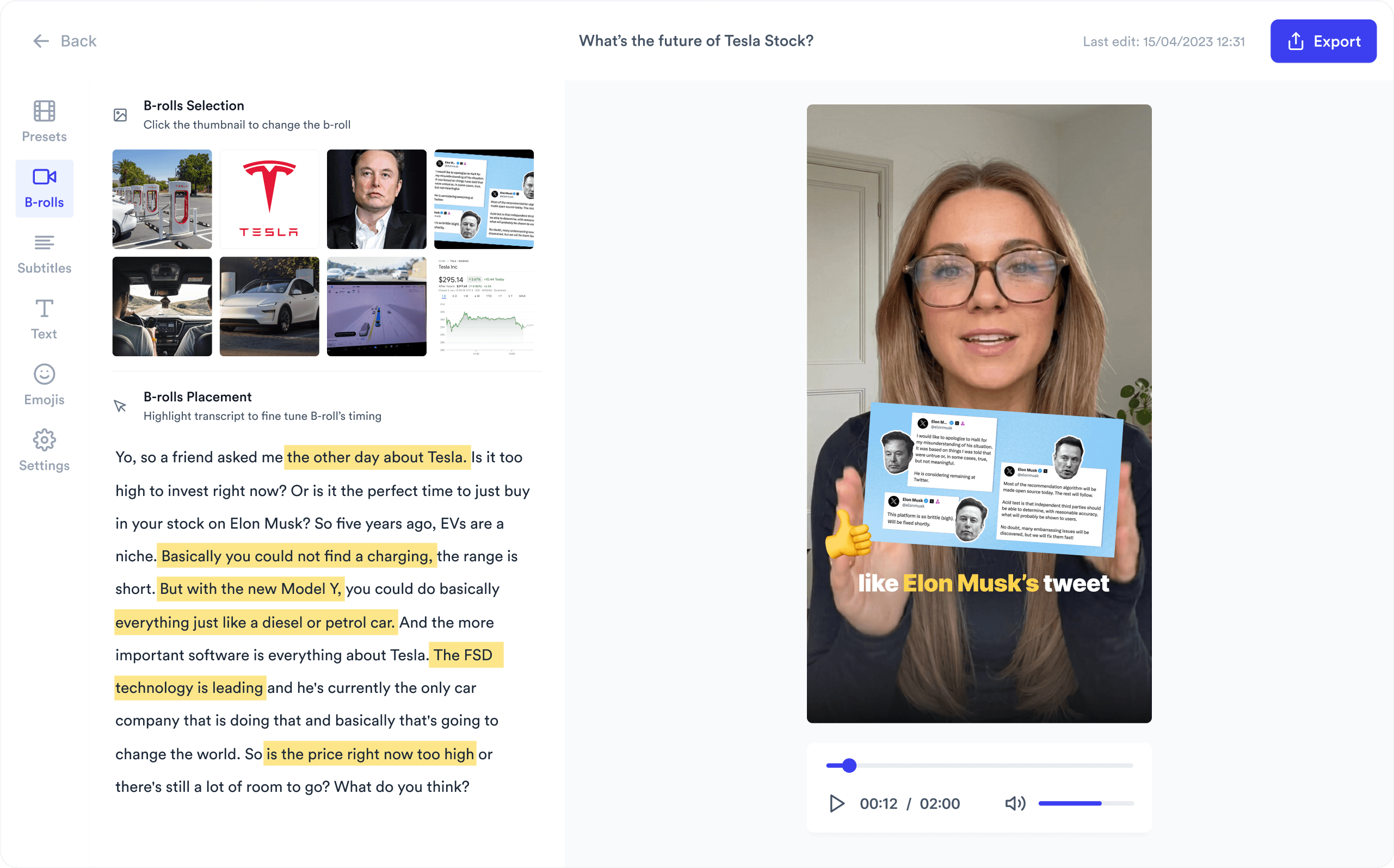
Automatically add B-roll & Subtitles

  • Unlimited Getty Images Stock Assets
  • Unlimited Google Images & GIFs
  • AI Generated Subtitles & Text Overlay
  • Support 54+ Languages
iStock by Getty ImagesGIPHYGoogle Images
AI Video Editor interface
Personalised AI Scriptwriter

Writes scripts in your tone

Trained on your scripts & viral scripting framework
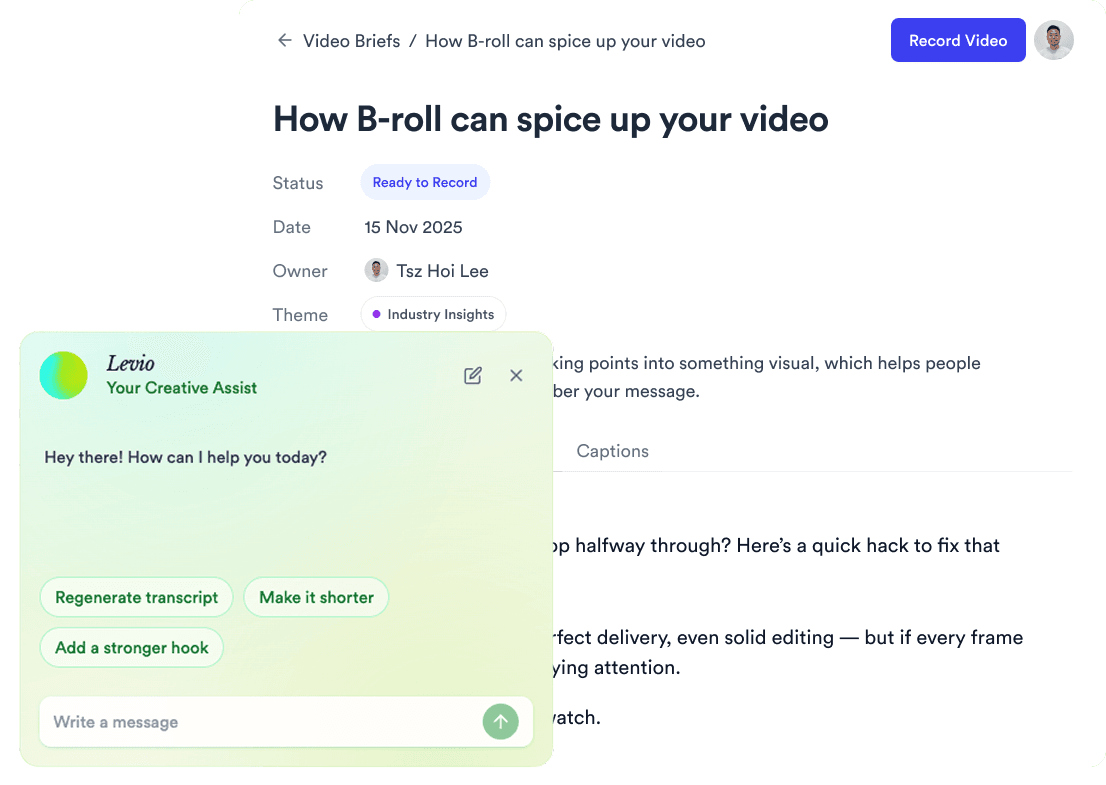
AI script writer interface
Teleprompter App

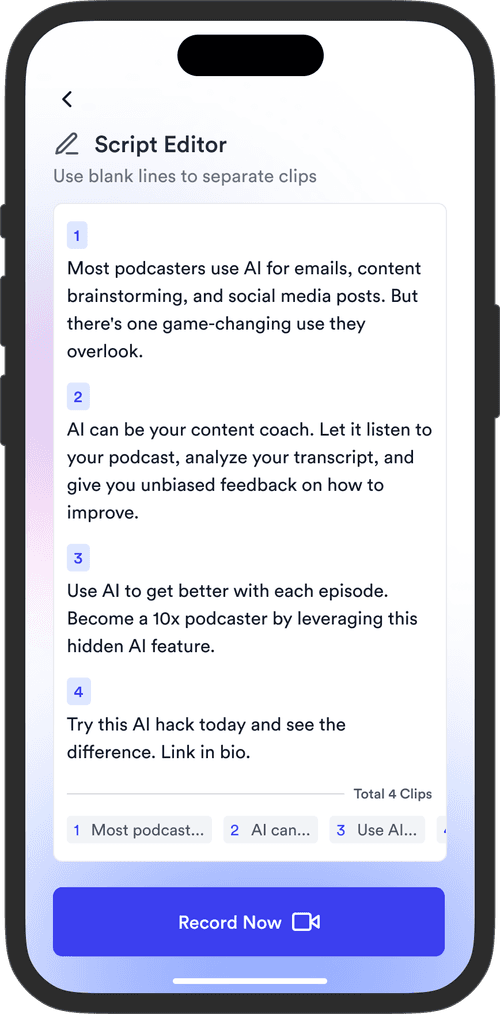
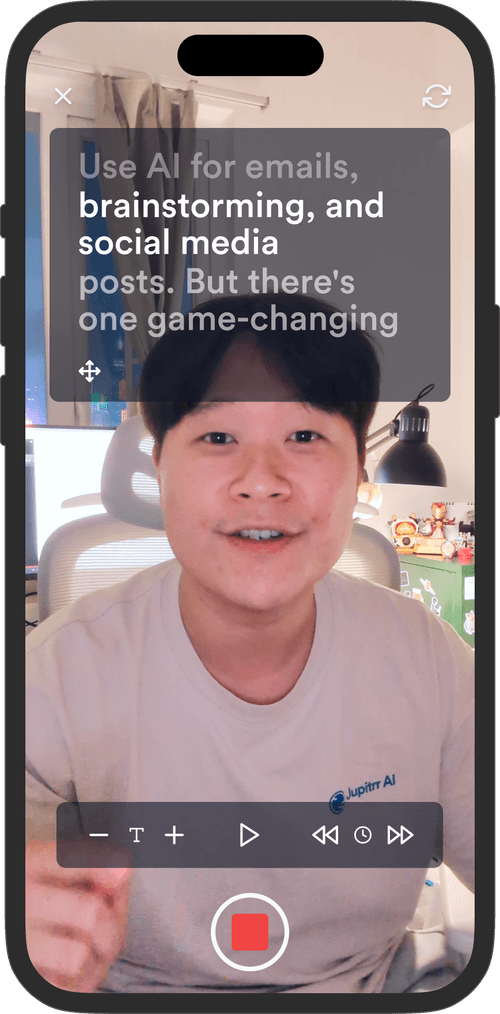
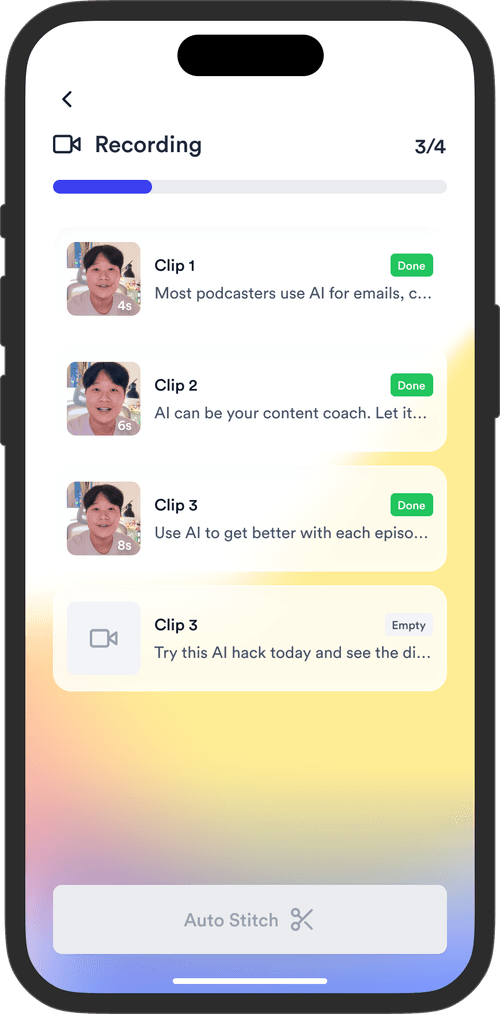
Record without bad takes

Auto Jump-Cut & Silence Removal

Teleprompter step 1Teleprompter step 2Teleprompter step 3
Social Media Publishing

Post to all your channels

YouTube, Instagram, LinkedIn, TikTok, all at once.
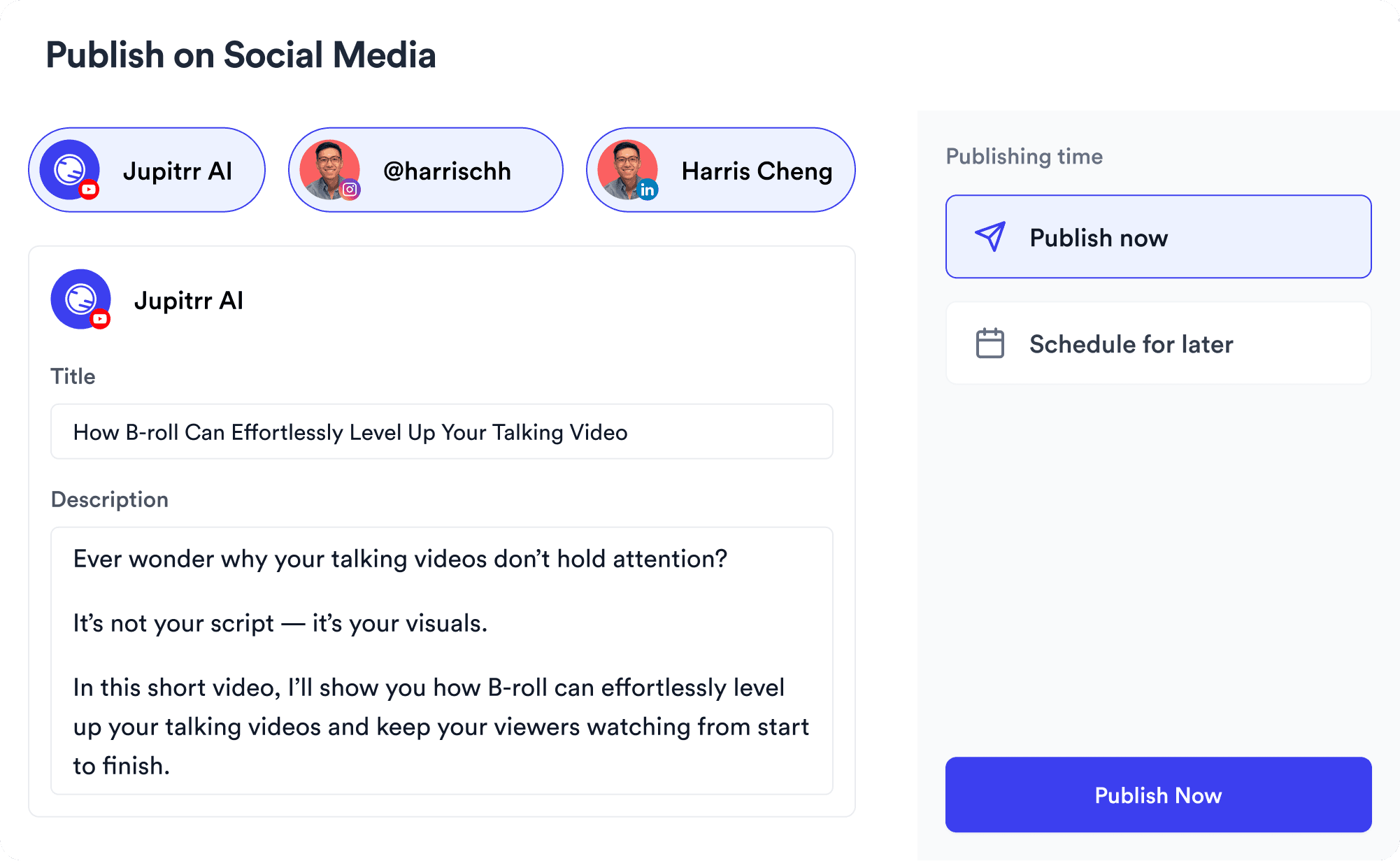
Social publishing scheduler
YouTube
Instagram
TikTok
LinkedIn
Viral Video Search

Find what's trending

Get inspired for your next videos
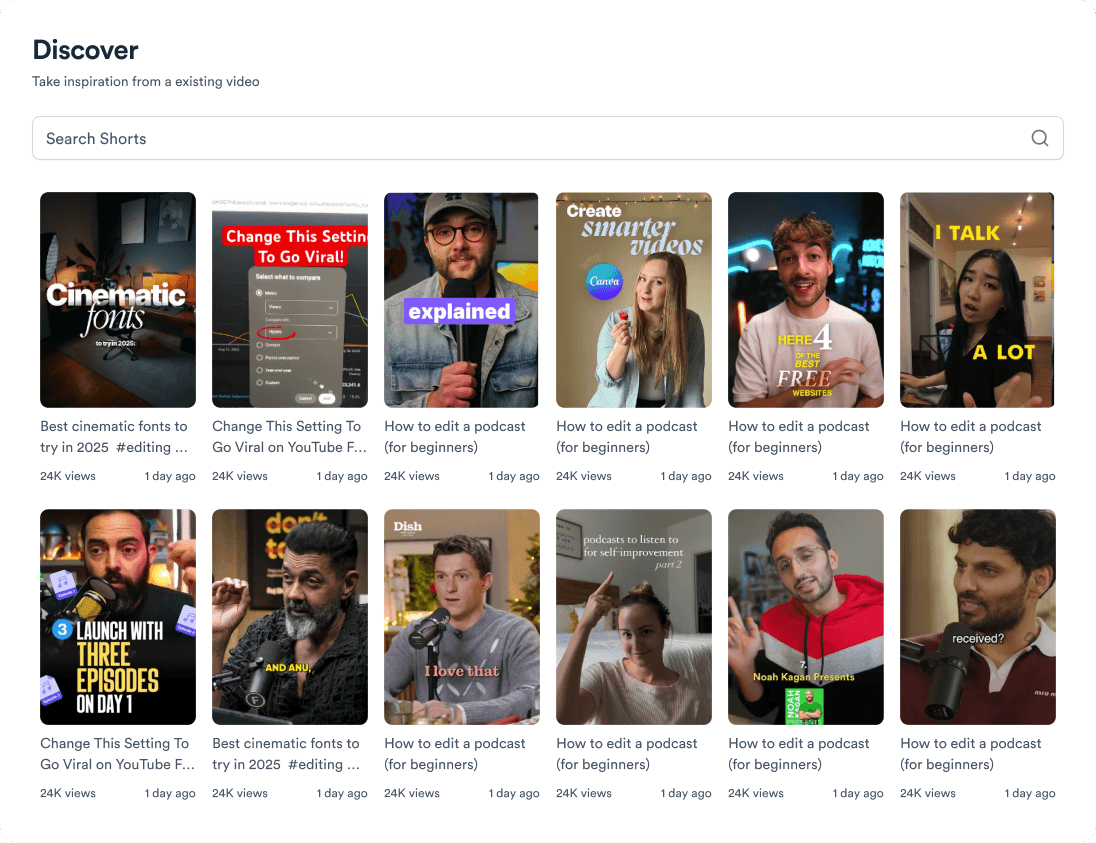
Trending topic search

and for the video team

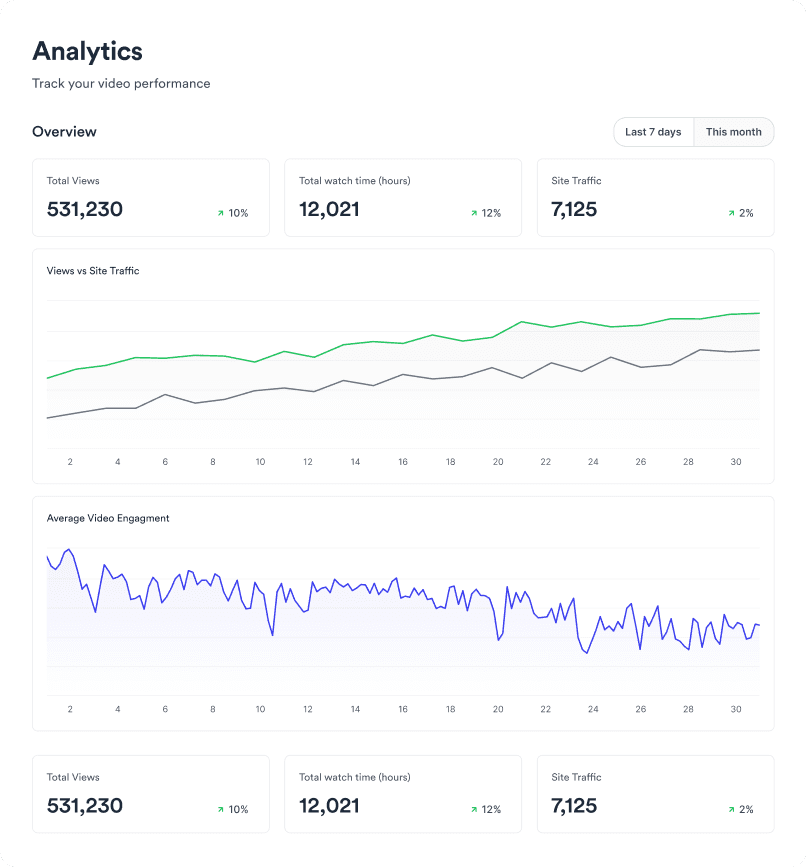
Analytics dashboard
Video AnalyticsSee how your videos perform
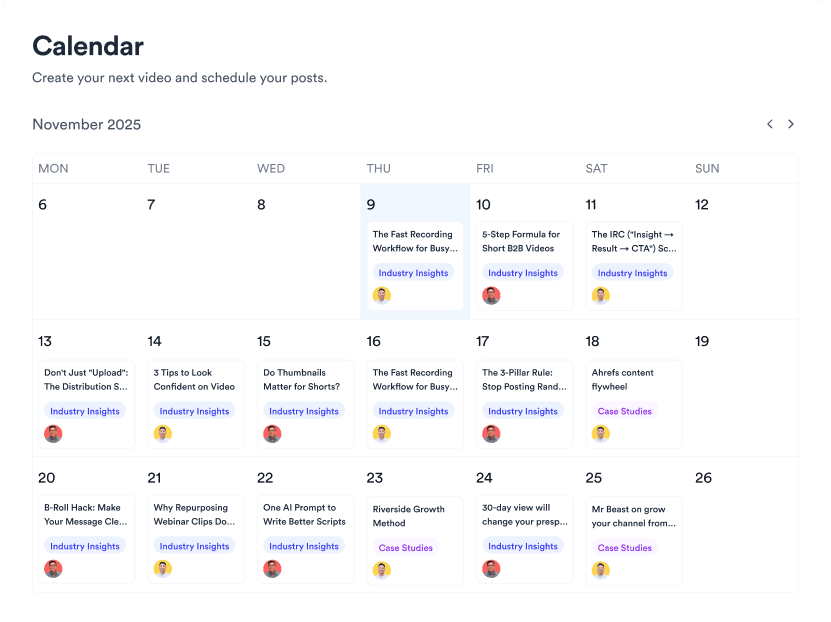
Content calendar view
Content CalendarPlan your video ahead
Brand kit presets
Brand KitMake every video on brand
Team collaboration workspace
CollaborateManage videos with your team

Get subtitles in under a minute.

Upload a video, pick a style, export burned-in or as SRT - in 100+ languages, free to start.
Try it for free
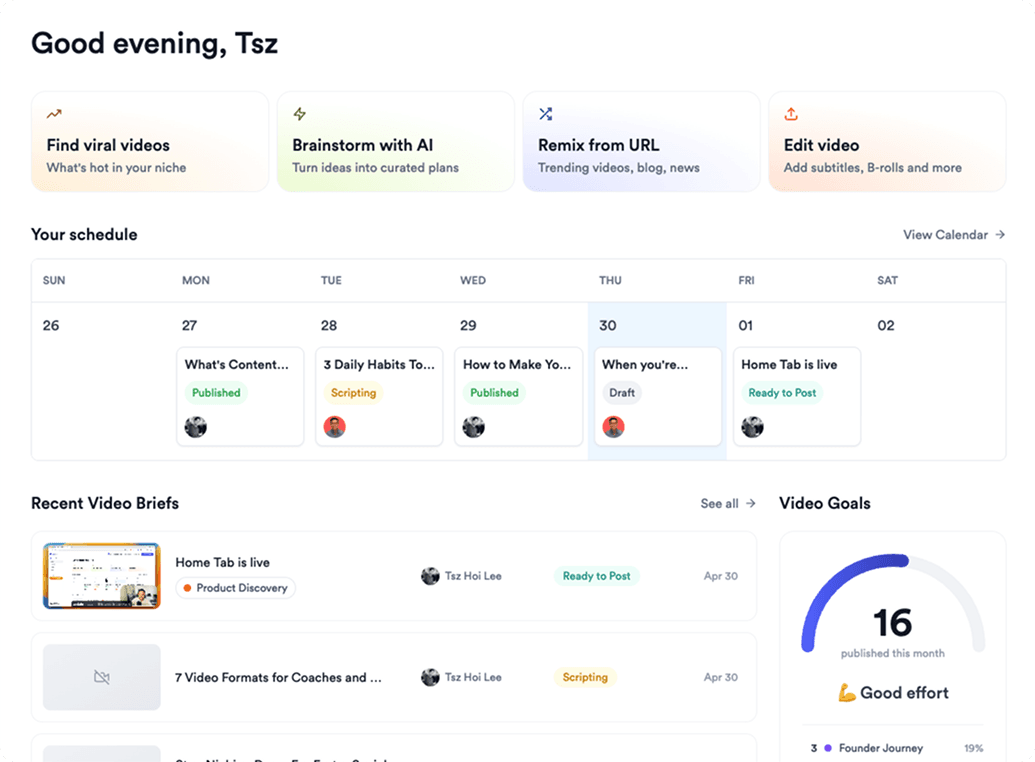
Jupitrr AI dashboard