Upload your audio. Watch it become a video

Jupitrr turns a podcast, interview, or voice memo into a finished video with Getty Images B-roll, subtitles, hooks, and music added automatically. No editing skills needed, and you never have to be on camera.

Try it for free
Book a Demo
Loved byTrusted by 200K+ coaches and consultants


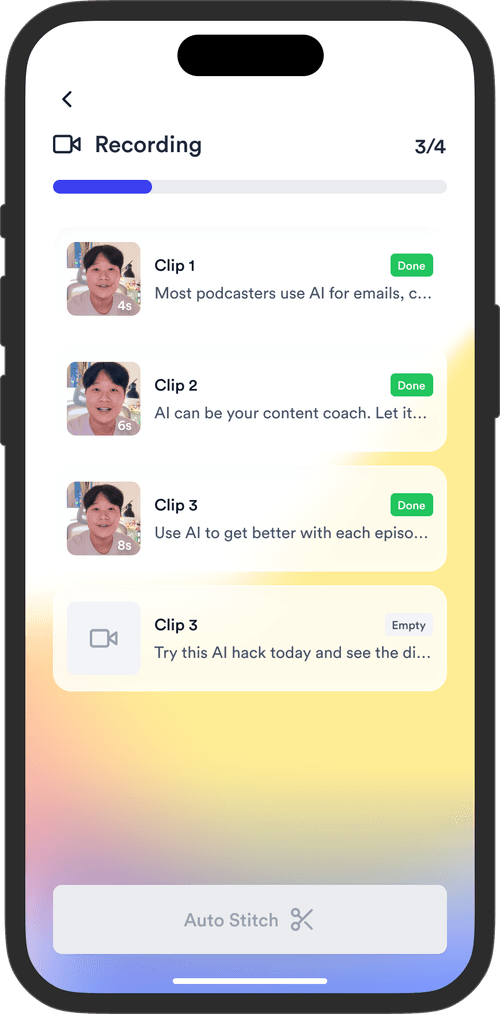
Jupitrr turning an audio recording into a video with B-roll and subtitles.
BuildMapper
GatherVoices
myHealthspan
YourPolicy
Goflow
ZipSea

Audio in, video out

Three steps, and only the last one needs you.

Upload your audio

Drop in an MP3 from a podcast episode, a client interview, or a voice memo. Jupitrr transcribes it automatically, so there is nothing to type out first.

Uploading an audio file to Jupitrr to convert it into a video.

Watch it become a video

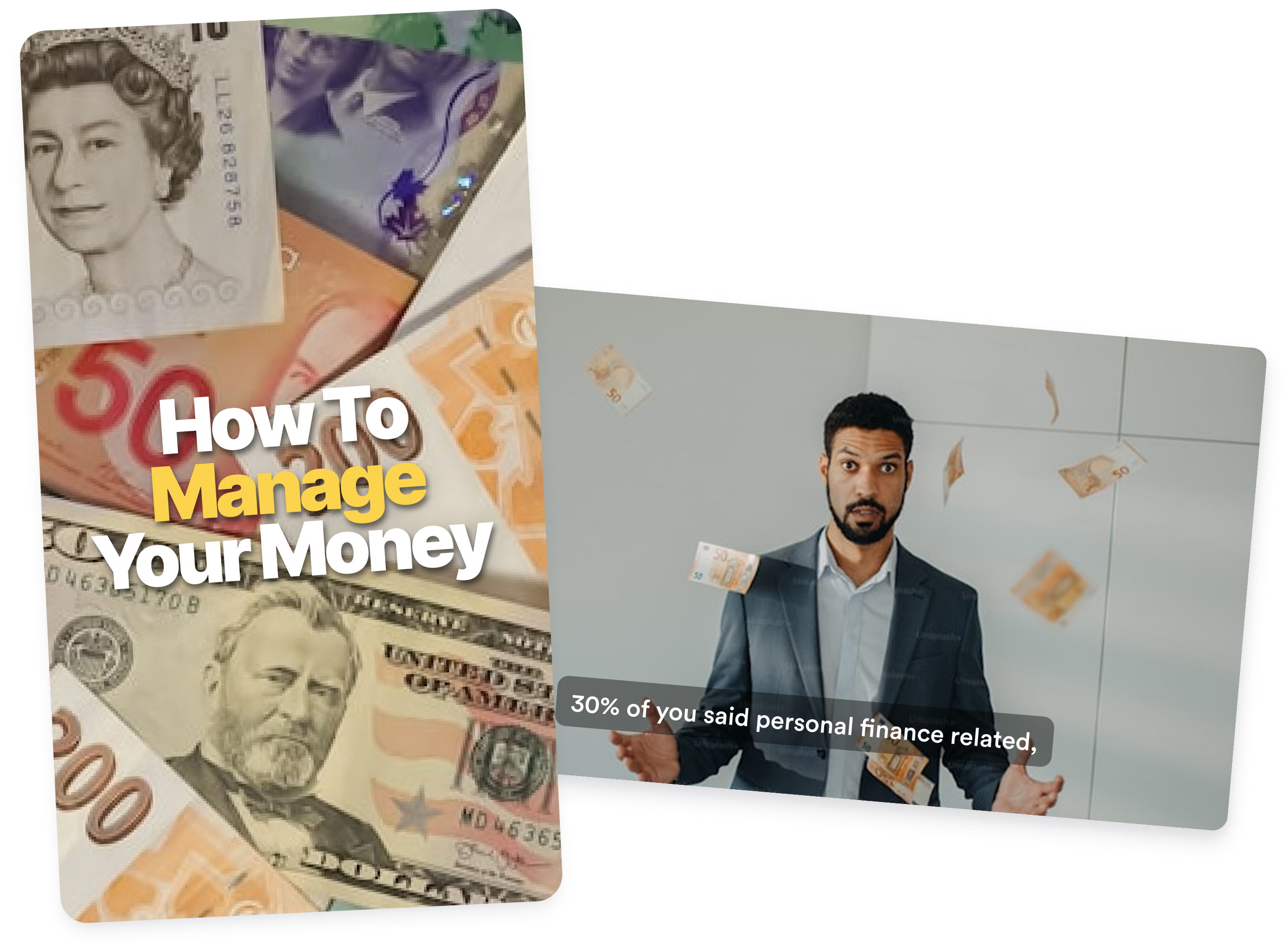
B-roll, subtitles, an opening hook, and background music are added for you, matched to what you actually say line by line. The video is finished when the editor opens.

Jupitrr adding B-roll and subtitles to an audio recording automatically.

Adjust the style and publish

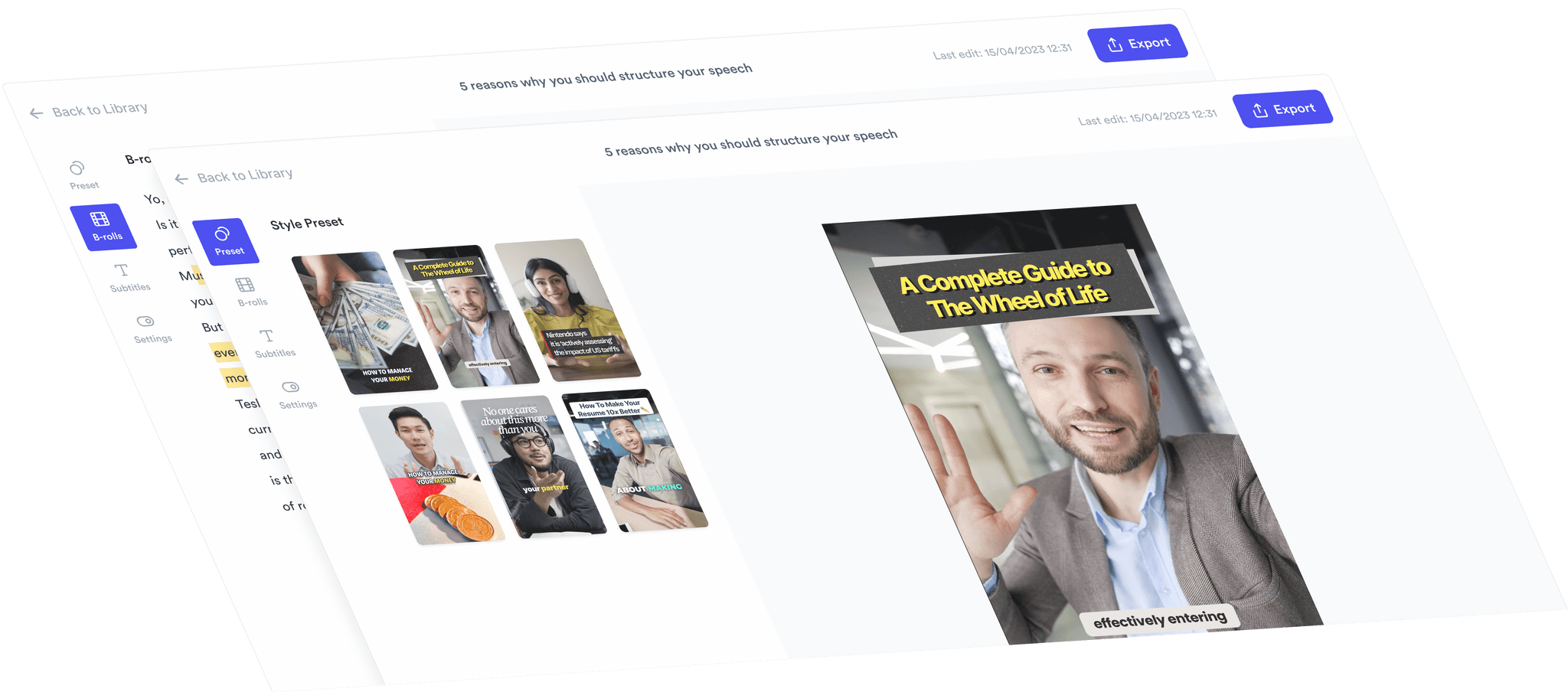
Swap any clip, change the subtitle style, or switch the whole preset in a click. Then export in portrait, landscape, or square for the platform you are posting to.

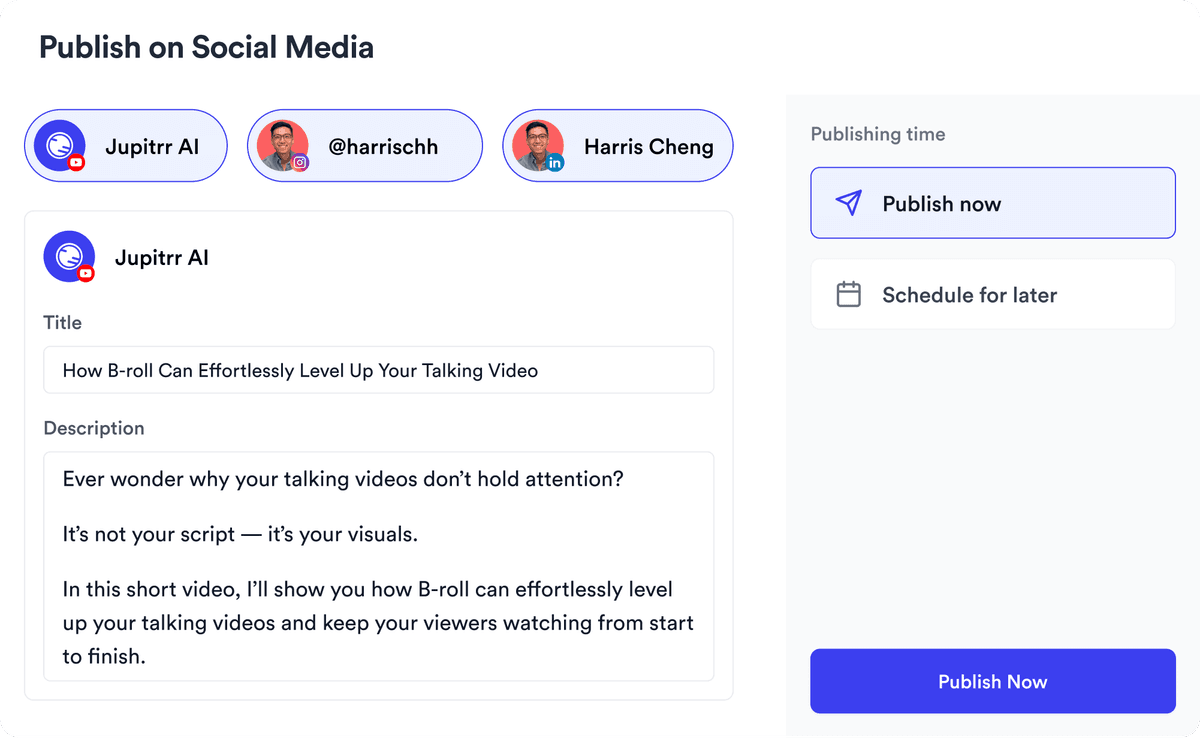
Adjusting subtitle style and exporting a video made from audio in Jupitrr.
Try it for free

Everything you need, added for you

Getty Images premium stock video used as B-roll in Jupitrr.

Premium stock video

Over 13.8 million HD clips from Getty Images, licensed for commercial use.

Web images sourced as B-roll for an audio-to-video project.

Web images

Visuals for any topic — news, culture, or your next big idea — when stock is not the right beat.

Auto-generated hook, subtitles, and emojis on a Jupitrr video.

Hook, subtitles and emojis

An auto-generated hook, styled subtitles, and emoji emphasis to hold attention past the first three seconds.

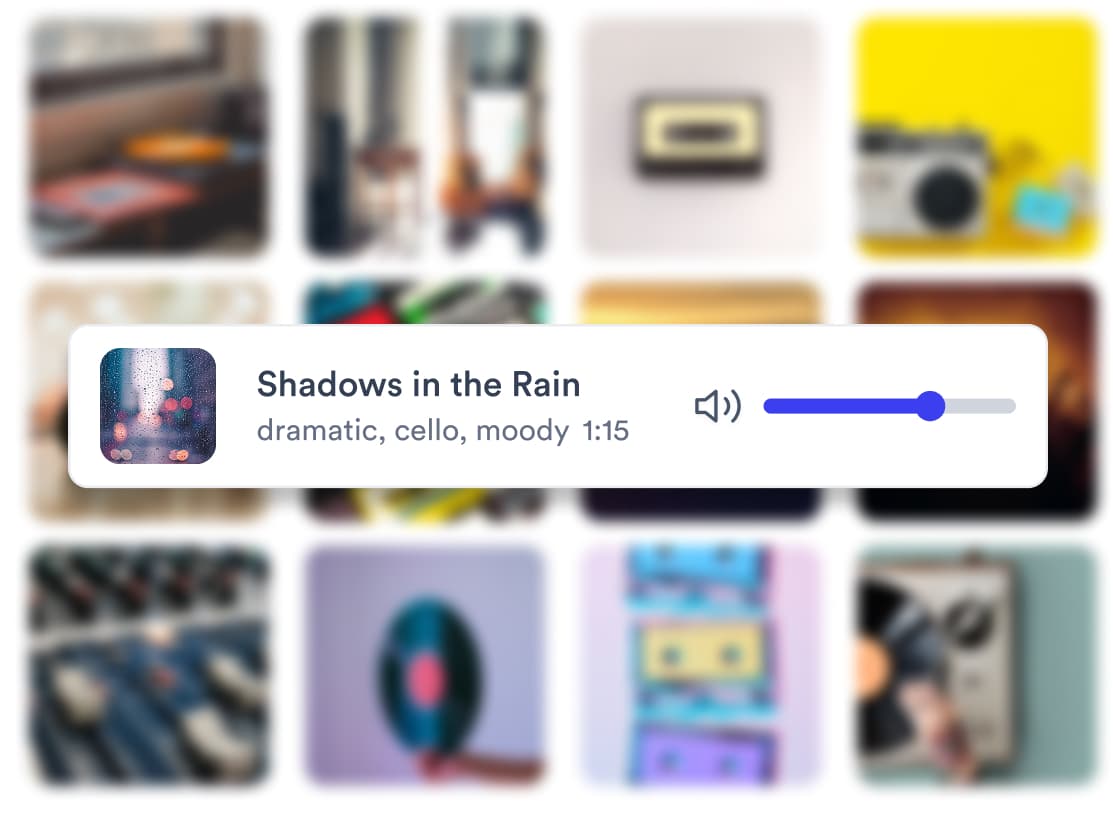
AI-selected background music matched to the tone of a recording.

AI background music

Emotion-driven music matched to your tone, so the track supports your voice instead of fighting it.

From Audio to Video in Minutes

Video Preview 1
50+ Languages

50+ Languages

Reaching worldwide audience

Social Media Dimensions

Social Media Dimensions

Posting on every platform

Full HD Export

Full HD Export

Keep your quality footage

Get Started

Trusted by 200K+ coaches and consultants

Video became so easy that we can produce so much more, promote our services better, and reach a bigger audience.
Sanjeet Mahajan
Sanjeet Mahajan
Founder of Kizzy Consulting
Jupitrr turns video creation into an effortless workflow, the edit is actually quality. Now I can focus on strategy.
Sanket Mittal
Sanket Mittal
Founder of Althra
Be able to shoot this and then getting a deliverable so quickly is amazing, It literally took me 90 seconds to record so I see the value.
Sean Huynh
Sean Huynh
Founder of Solara Talent
The CEO of a half-billion-dollar business told me he loves my videos. People think I hired a marketing agency.
Buck Foley
Buck Foley
Partner at Crescent Edge

Frequently asked questions

How do I turn an audio recording into a video?
Upload an MP3 to Jupitrr and it transcribes the audio, then adds B-roll, subtitles, a hook, and background music automatically. You review the result, swap anything you disagree with, and export. There is no timeline to learn and no separate editing step.
What audio formats can I upload?
Jupitrr accepts MP3 audio files, plus MP4 and MOV if your recording is already in a video container. The free plan takes files up to 2 minutes 50 seconds and 50 MB; paid plans go up to 20 minutes and 1.5 GB.
Can I turn a podcast episode into a video?
Yes, and it is one of the most common uses. Upload the episode audio and Jupitrr builds a video around it with matched B-roll and subtitles, which is what video-first platforms like YouTube, LinkedIn, and TikTok need. Longer episodes work best split into clips first.
Do I need to appear on camera?
No. Audio to Video exists precisely so you do not have to. The finished video is built from B-roll, subtitles, and motion rather than footage of you, so a voice memo is enough to publish.
Is the B-roll copyright-free?
Yes. Getty Images and iStock footage is included on paid plans and licensed for commercial use, Pexels free stock is on every plan, and web images come from Creative Commons sources. Everything you export is cleared for client work.
What languages are supported for subtitles?
Over 54 languages, including English, Spanish, French, German, Portuguese, Chinese, Japanese, Korean, Hindi, and Arabic. Jupitrr detects the language of your audio automatically rather than asking you to set it.
Can I use my own images or footage instead?
Yes. Upload your own clips, product shots, or photos and mix them with the AI-selected footage. Consultants often drop in slides or case-study screenshots alongside the stock B-roll.
Is it free to try?
Yes. The free plan includes three uploads with Pexels stock B-roll and no credit card. Paid plans start at $18 a month billed annually and add premium Getty Images footage and watermark-free exports.

You already recorded it. Publish it as video.

Upload an audio file and get back a video with B-roll, subtitles, and music. Free to start.

Try it for free
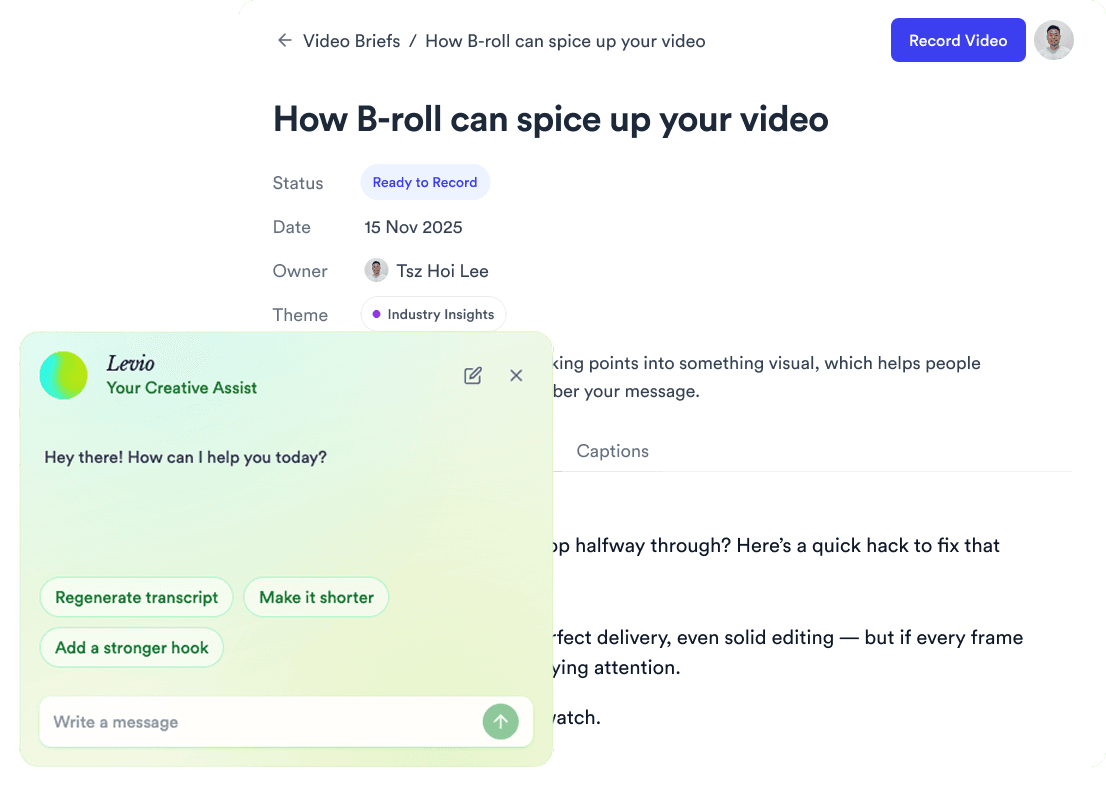
Jupitrr AI dashboard